 AngBury
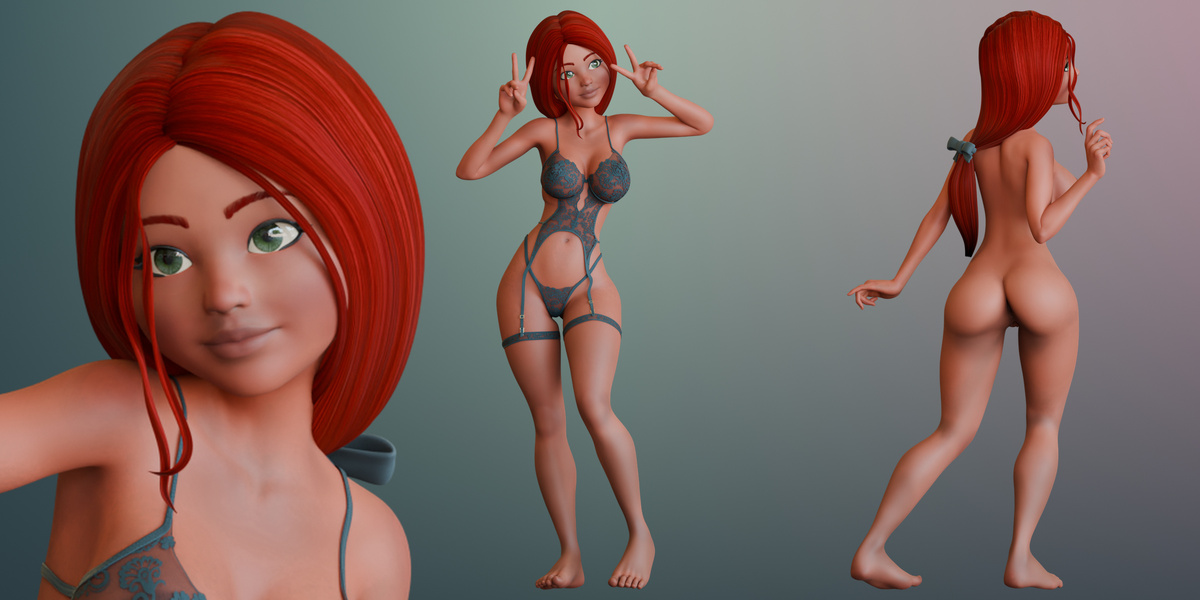
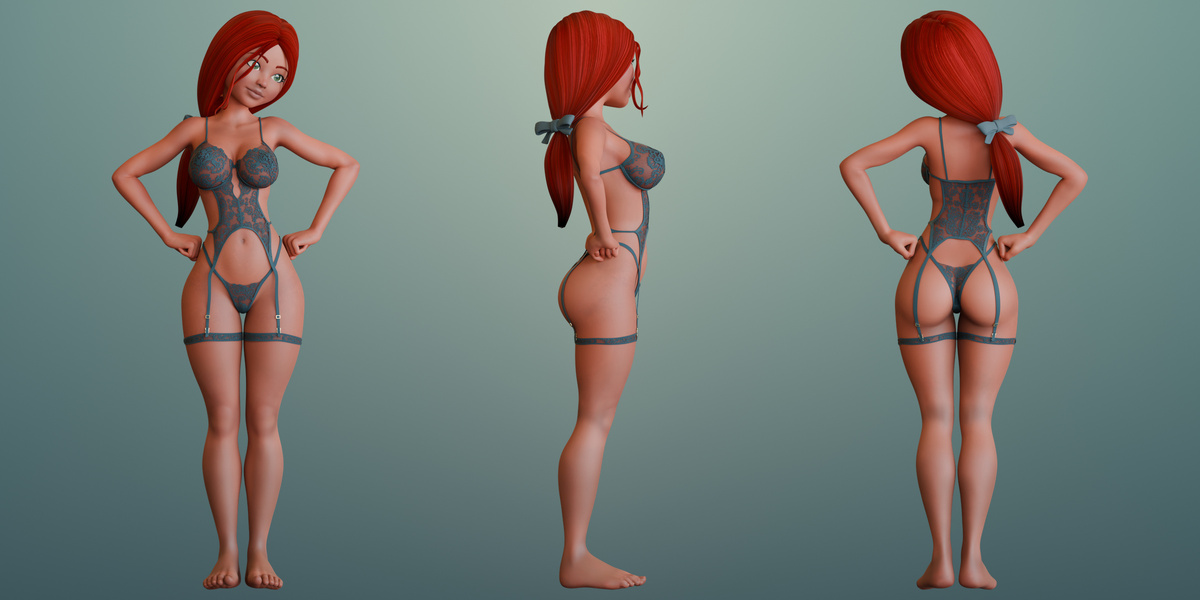
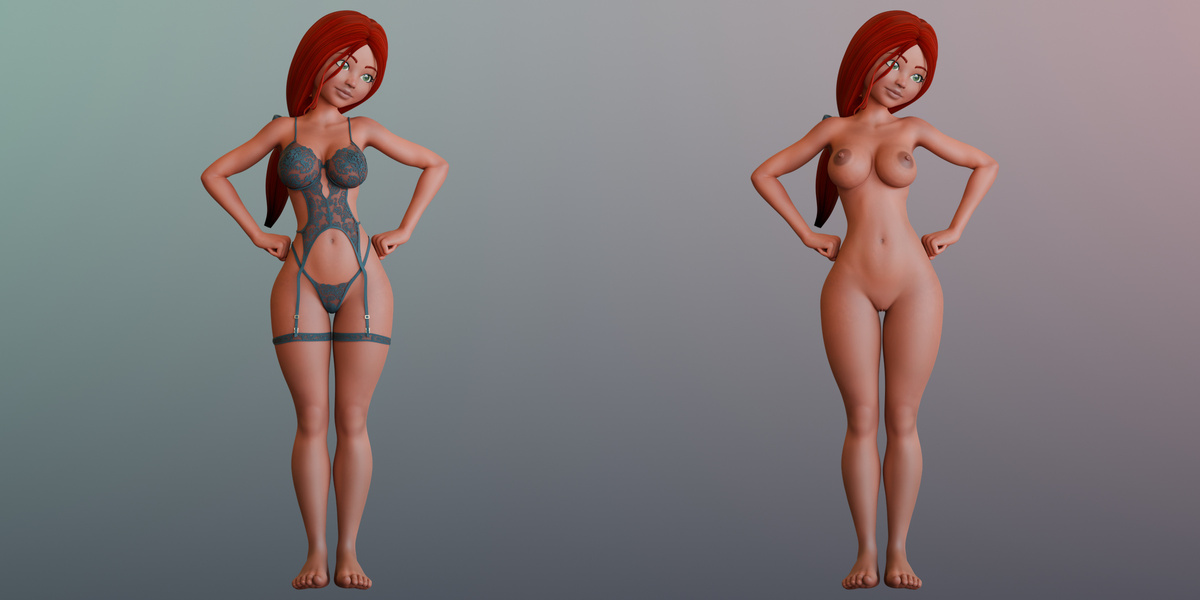
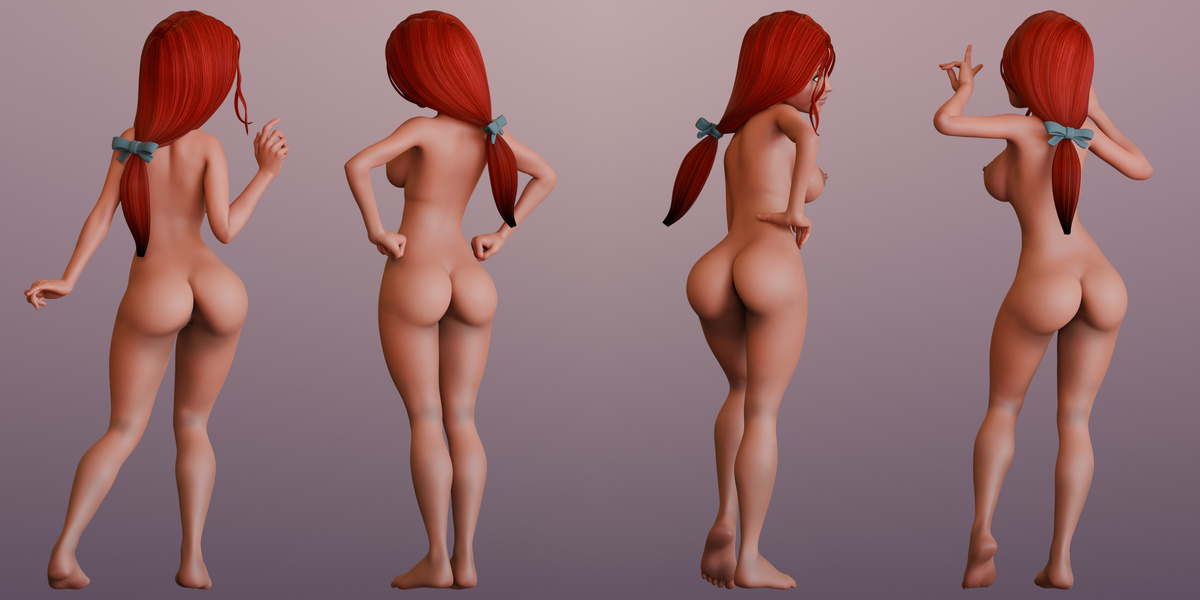
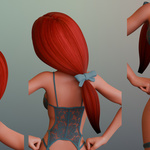
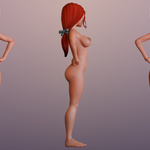
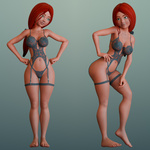
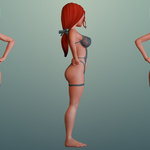
Getting started
Extract the archive and open
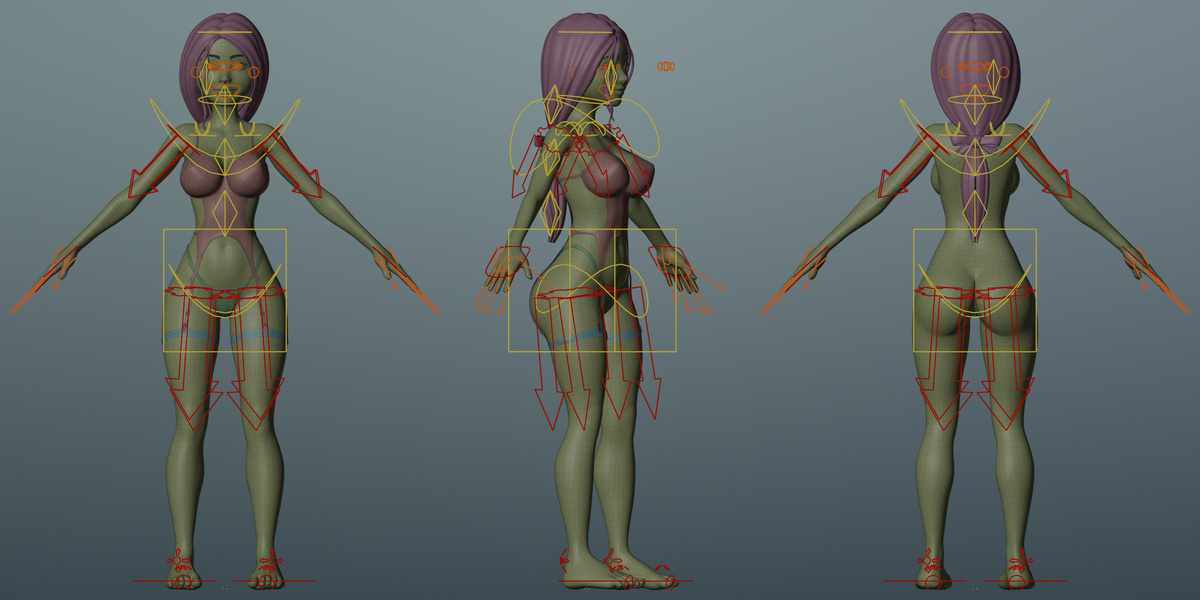
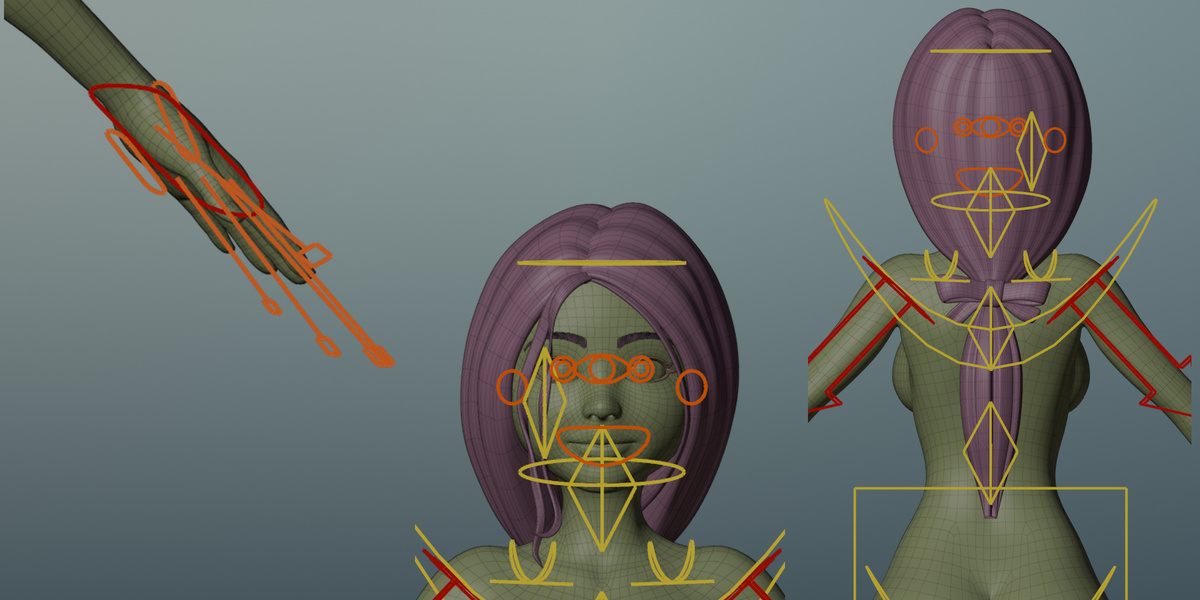
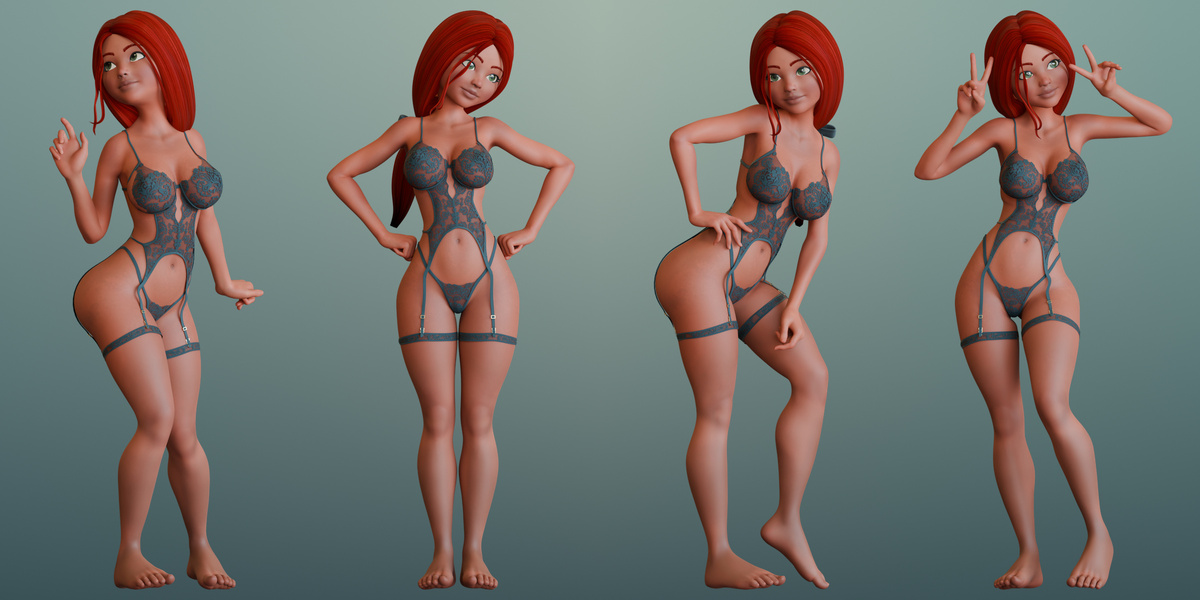
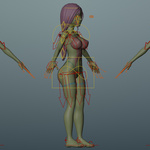
Abbey.blendin Blender 5.2. TheAbbeycollection contains the base A-pose.To work with a saved pose, use the Outliner’s View Layer checkboxes to enable one of
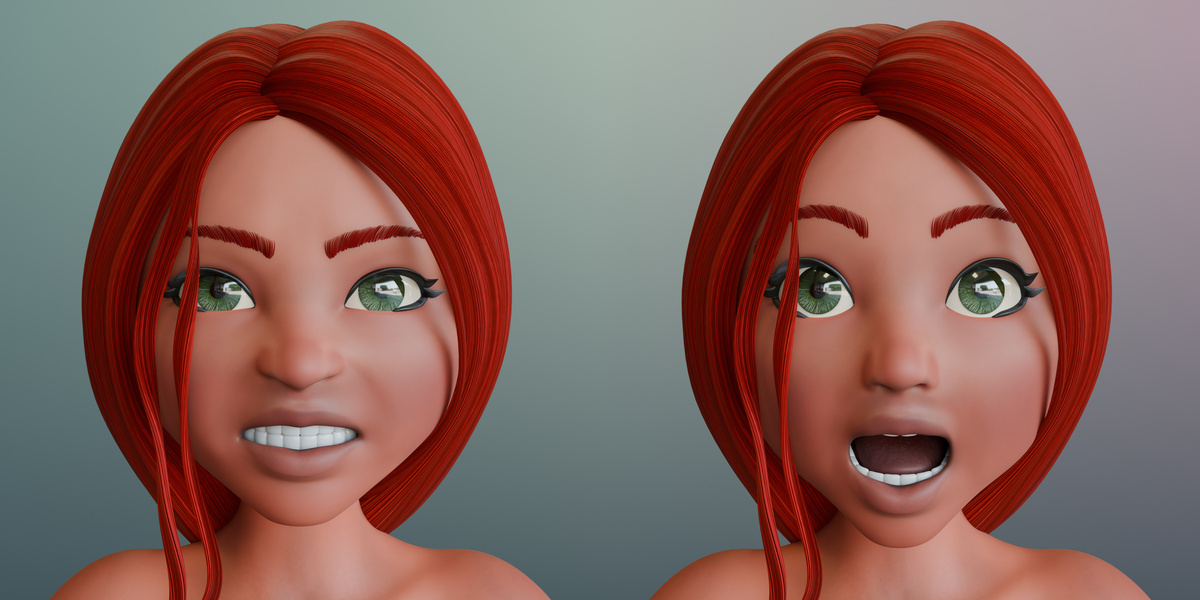
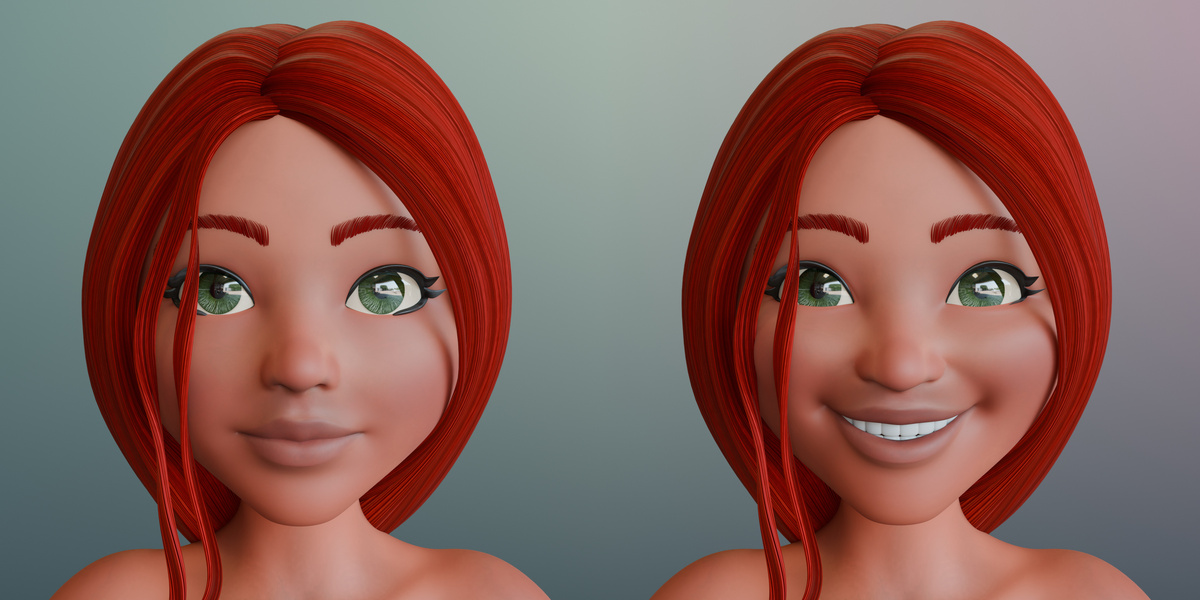
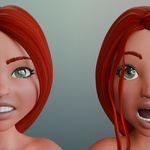
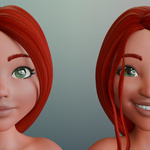
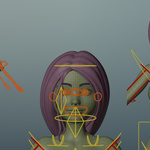
Pose1throughPose4and disable the other character collections. Select the active collection’s rig and enter Pose Mode to adjust the pose.To change the expression, select the rig object and open Object Properties → Custom Properties. Use
eCTRLSmileFullFace,eCTRLAngry, oreCTRLSurprised. Set all three to0for the neutral expression.To switch looks for rendering, show the Disable in Renders column in the Outliner. Enable the camera icons for
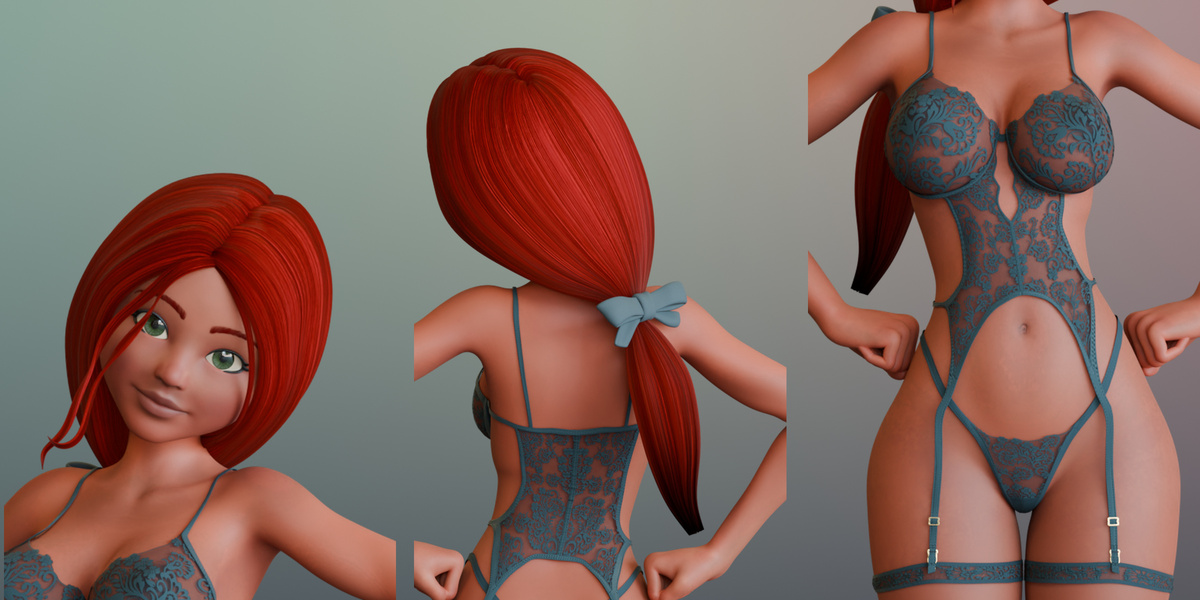
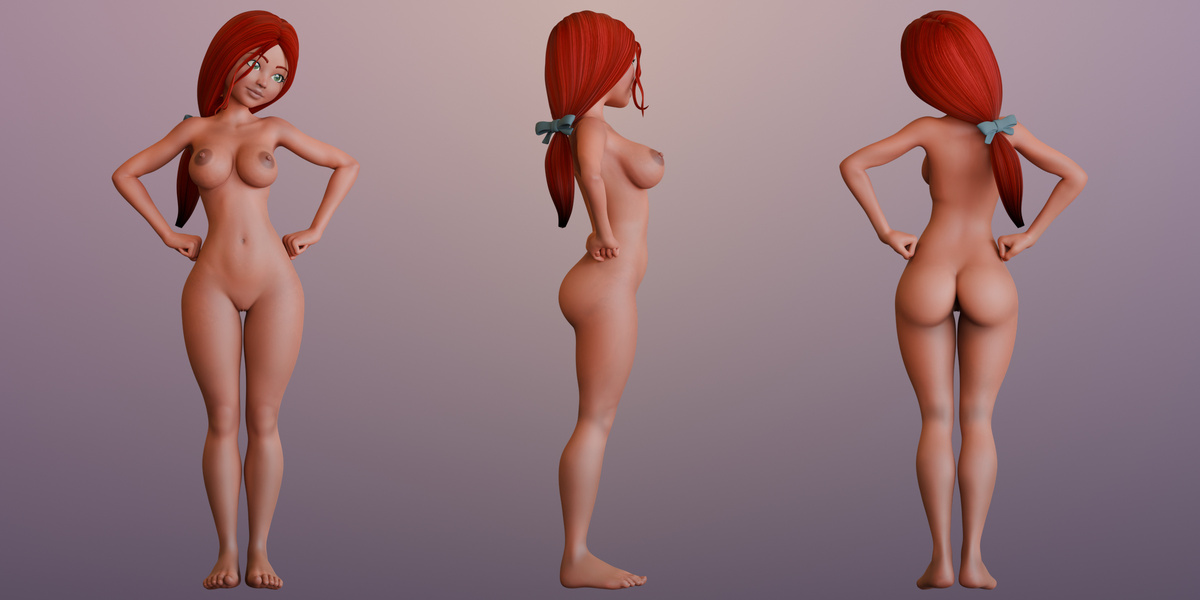
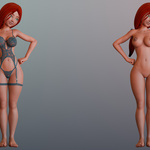
Bodysuit Mesh,Bottom Mesh, andLegGarters Meshin the active collection for Pinup. Disable those icons for Nude. Use the eye icons to match the viewport to the chosen look.
Lighting credit
Hangar Interior HDRI by Dimitrios Savva and Jarod Guest, via Poly Haven (CC0).
Have questions about this product?
Login to message
| Published | about 2 hours ago |
| Blender Version | 4.5 - 5.2 |
| Render Engine Used | Cycles, Eevee |
| Misc Data | Uvs-Unwrapped, Normal-Mapped, Textured |
| License | Royalty Free |

Discover more products like this
stylized-character red hair facial-expressions female character Rigged character rigify pinup Cycles