 AngBury
Which Blender version and render engine should I use?
Abbey was verified in Blender 5.2. The materials are configured for Cycles, and the textures are packed into the .blend file.
Which facial expressions are included?
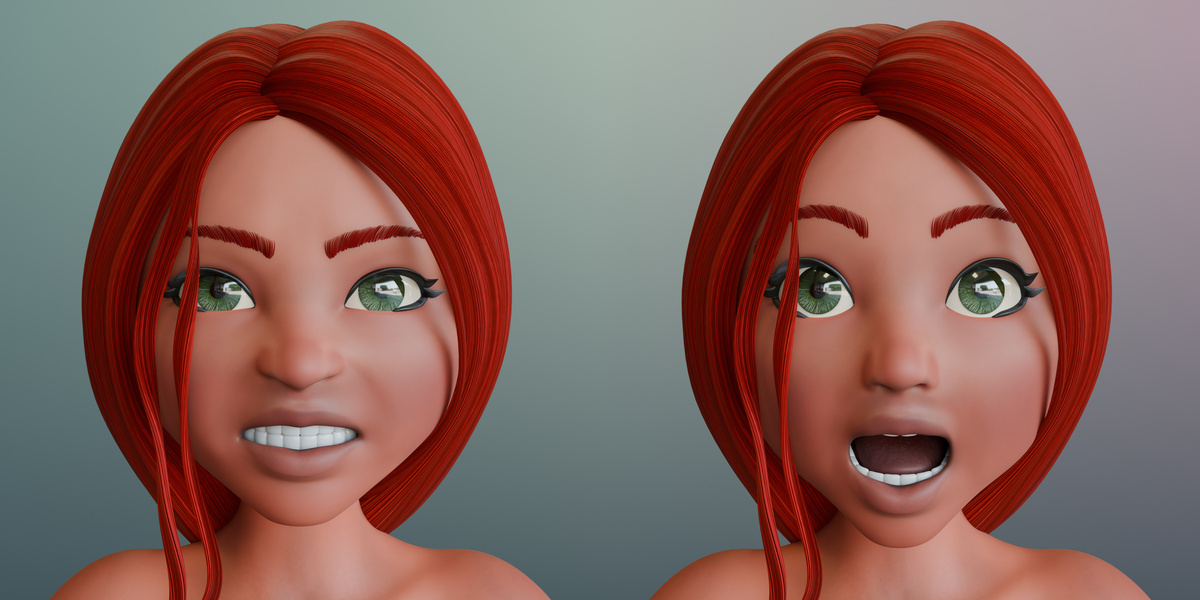
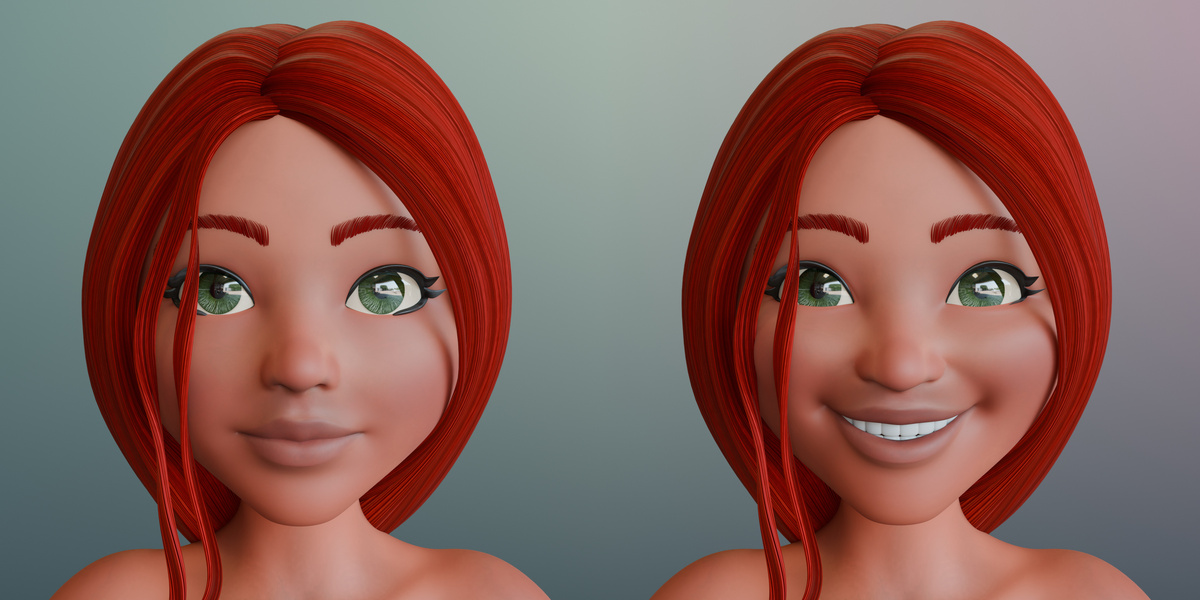
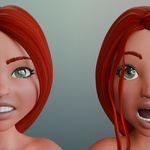
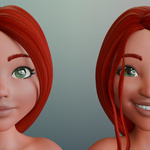
Abbey has eight adjustable facial expressions: Afraid, Angry, Flirting, Frown, Shock, Smile Full Face, Smile Open Full Face, and Surprised. Select the rig and look for the expression controls under Object Properties → Custom Properties. Set all eight values to 0 to return to the neutral expression.
How many poses are included, and can I edit them?
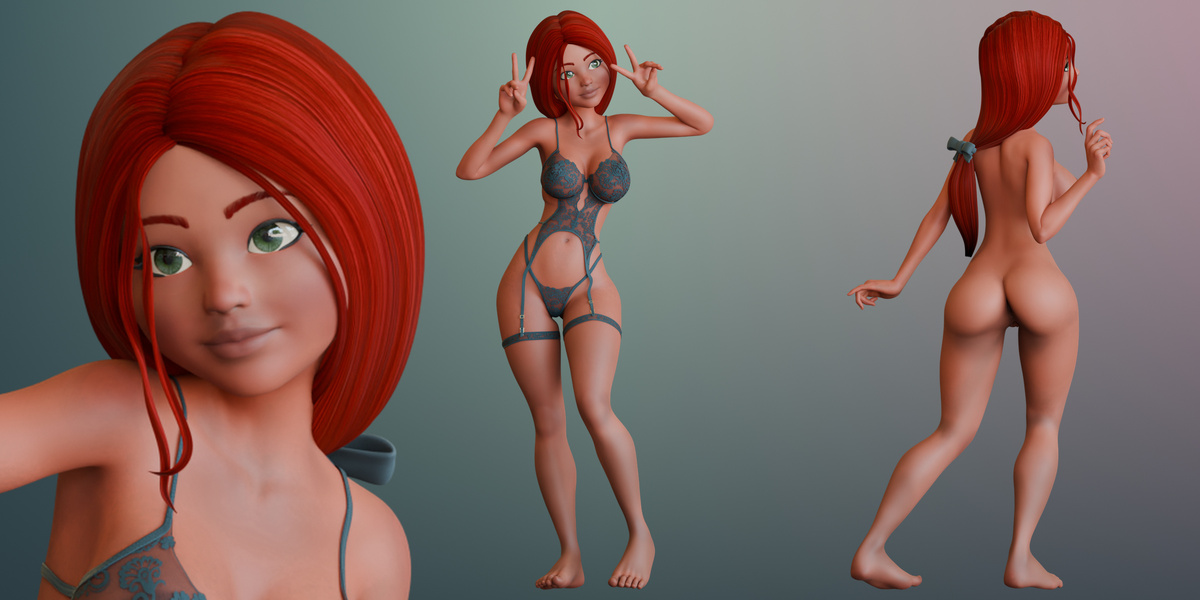
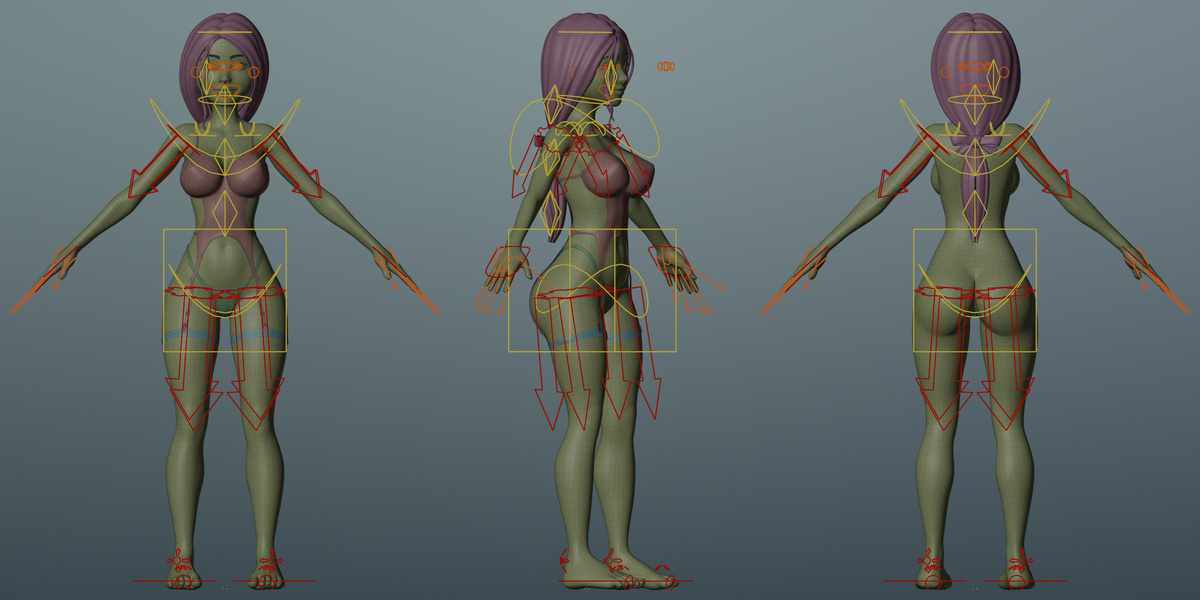
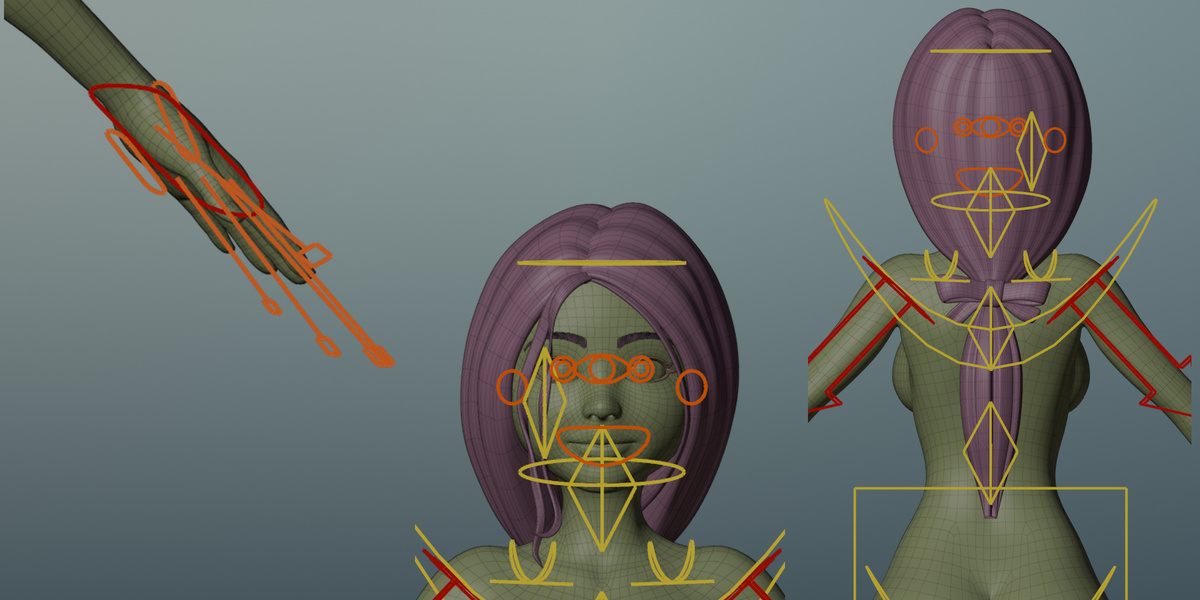
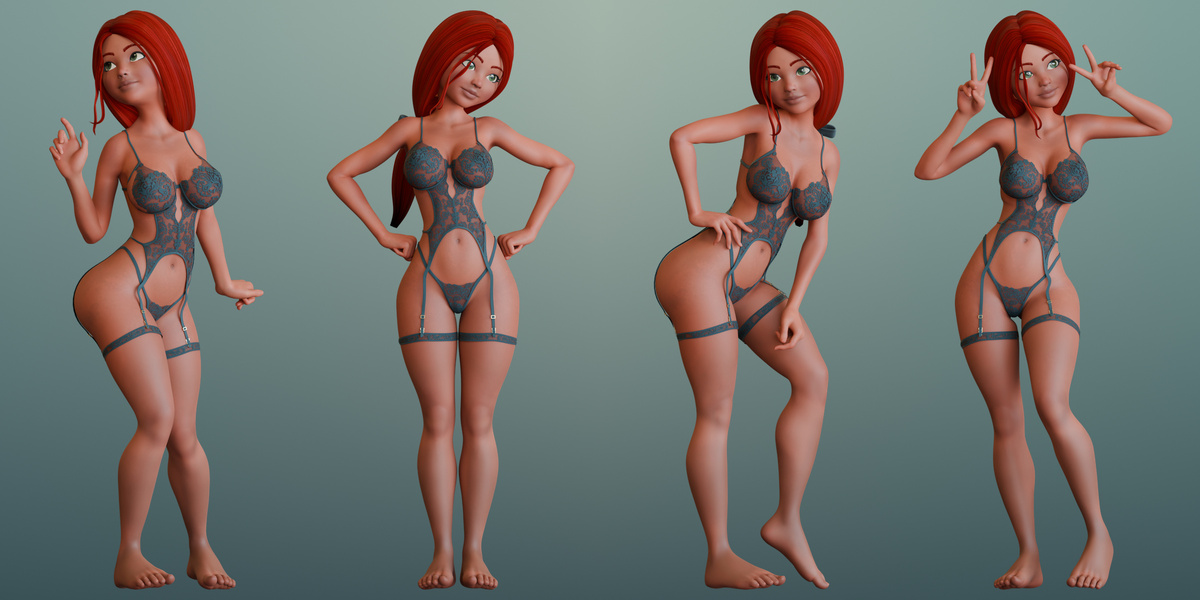
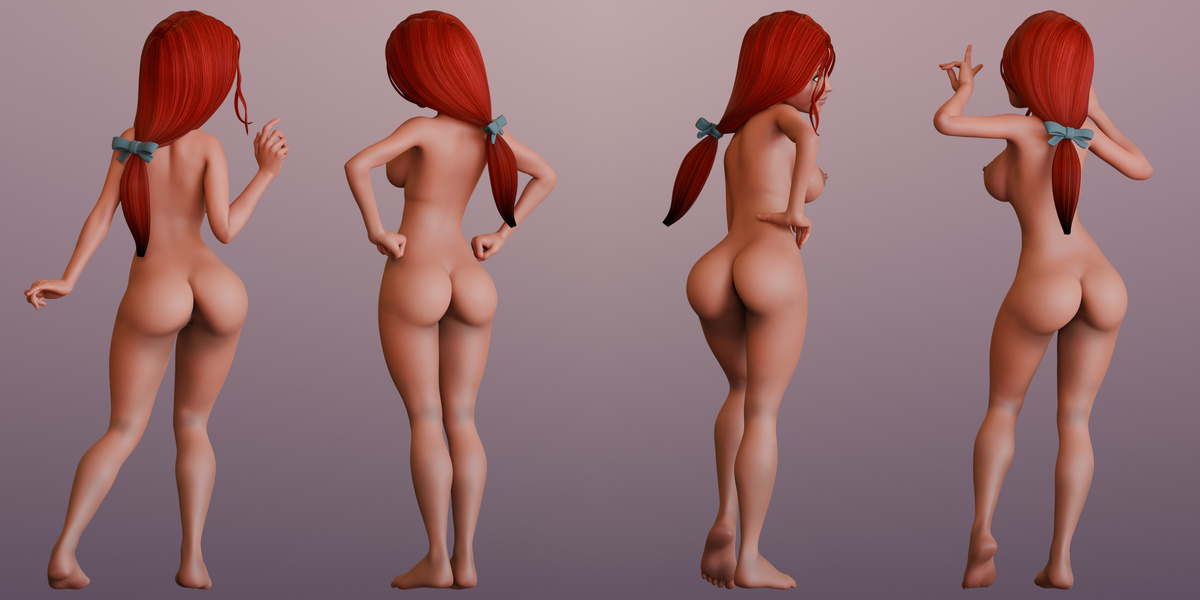
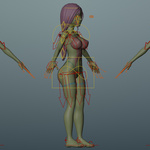
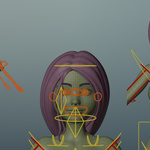
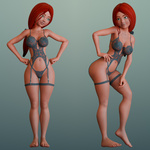
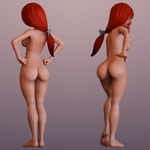
Abbey comes with a base A-pose and four editable showcase poses. Each pose has its own collection and Rigify rig. You can adjust the body, fingers, gaze, and hair for each pose.
How do I switch between the two looks?
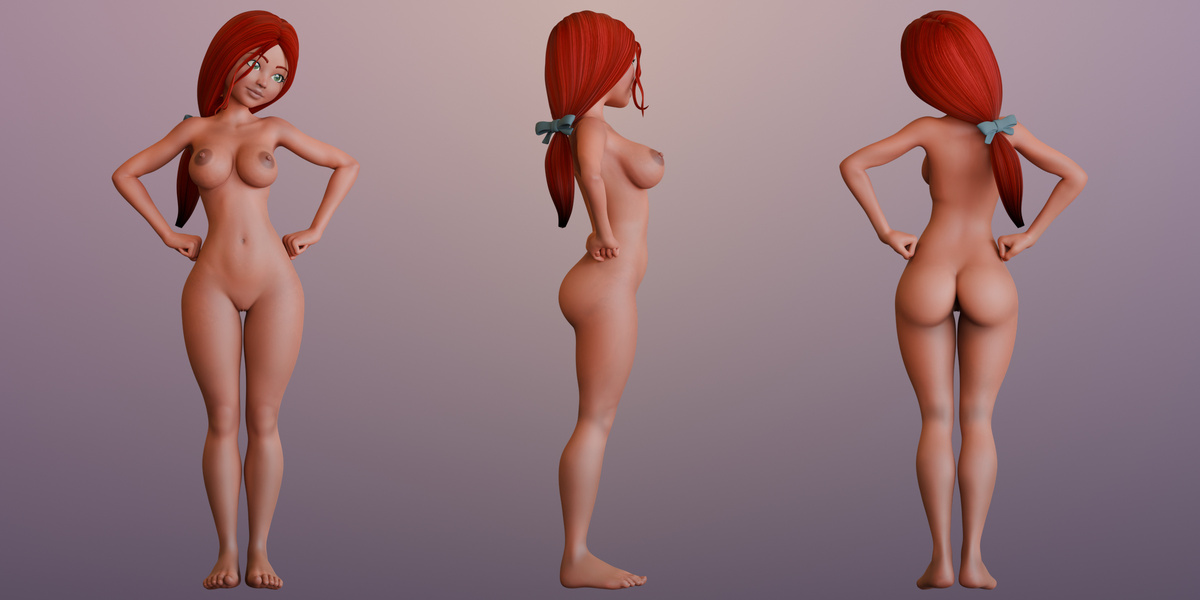
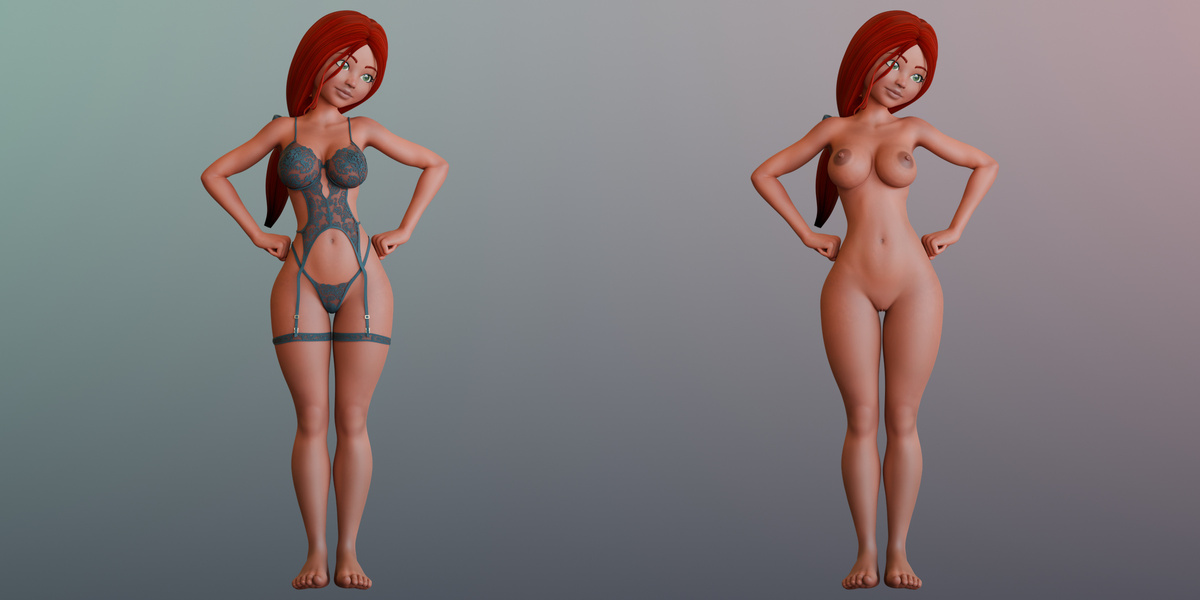
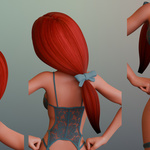
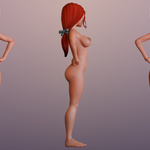
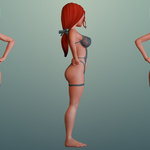
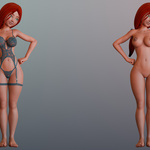
In the Outliner, find the three garment meshes in the active pose collection. Enable their camera icons to render the Pinup look, or disable them to render the Nude look. Use the eye icons to match what you see in the viewport.
Are the Pinup and Nude looks included in one purchase?
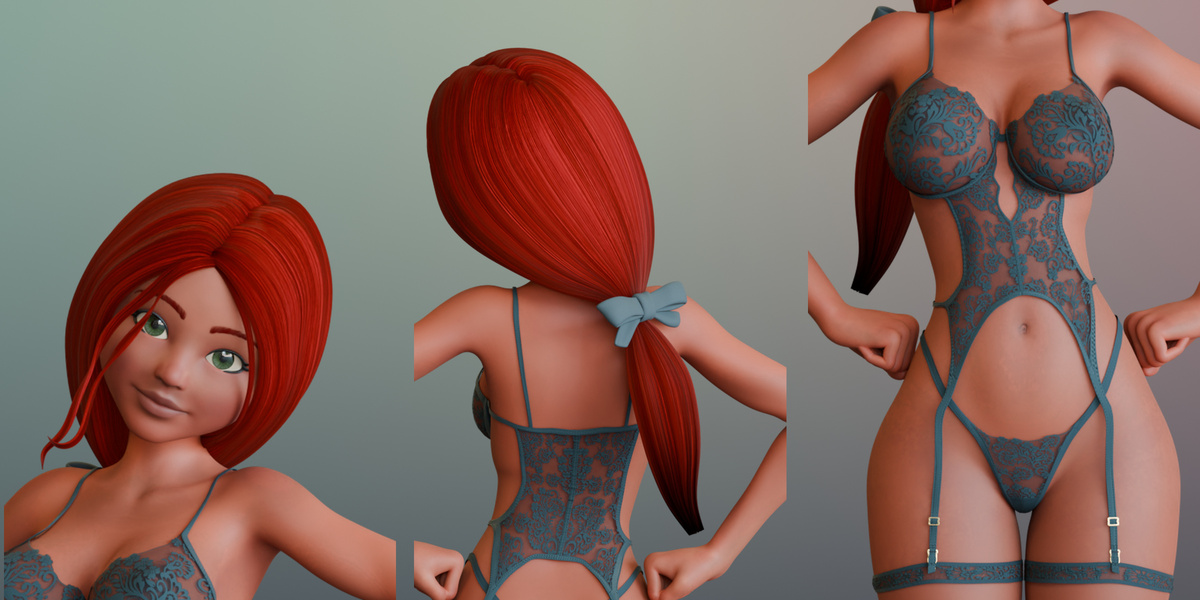
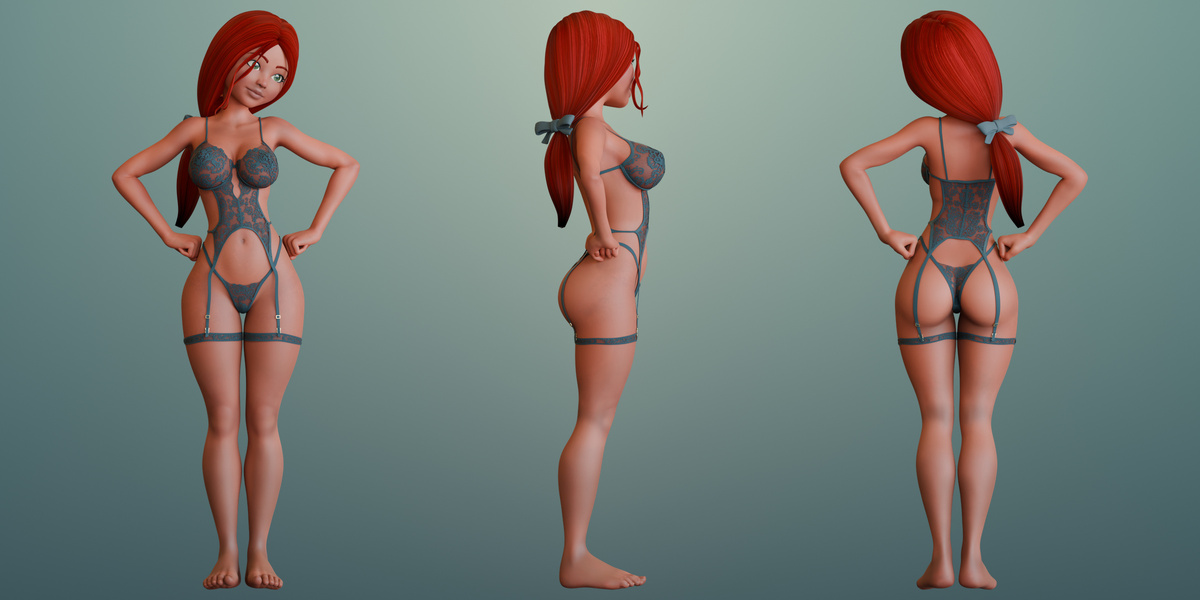
Yes. Both looks are included in the same Blender file. The Pinup look uses the green lace bodysuit, bottoms, and leg garters. The Nude look uses the same character with those garments hidden.
Have questions about this product?
Login to message
| Published | about 2 hours ago |
| Blender Version | 4.5 - 5.2 |
| Render Engine Used | Cycles, Eevee |
| Misc Data | Uvs-Unwrapped, Normal-Mapped, Textured |
| License | Royalty Free |

Discover more products like this
facial-expressions female character Rigged character pinup stylized-character red hair Cycles rigify