Accent Pro 2
 Minimalist Soft



INSTALLATION
(Accent Pro for Blender valid on Windows and Apple)
- Download Accent Pro and save to the hard drive
- Start Blender and select: Edit > Preferences > Add-ons \ Install from Disk (Top right dropdown box)
- Locate the download location on Accent Pro 2 and press "Install from Disk"
- Go to the 3D Viewport and open the "Accent Pro" tab to the right side of the window
- Now you’re ready to start using modeling layers in edit mode.
WORKFLOW
Start a new modeling session.
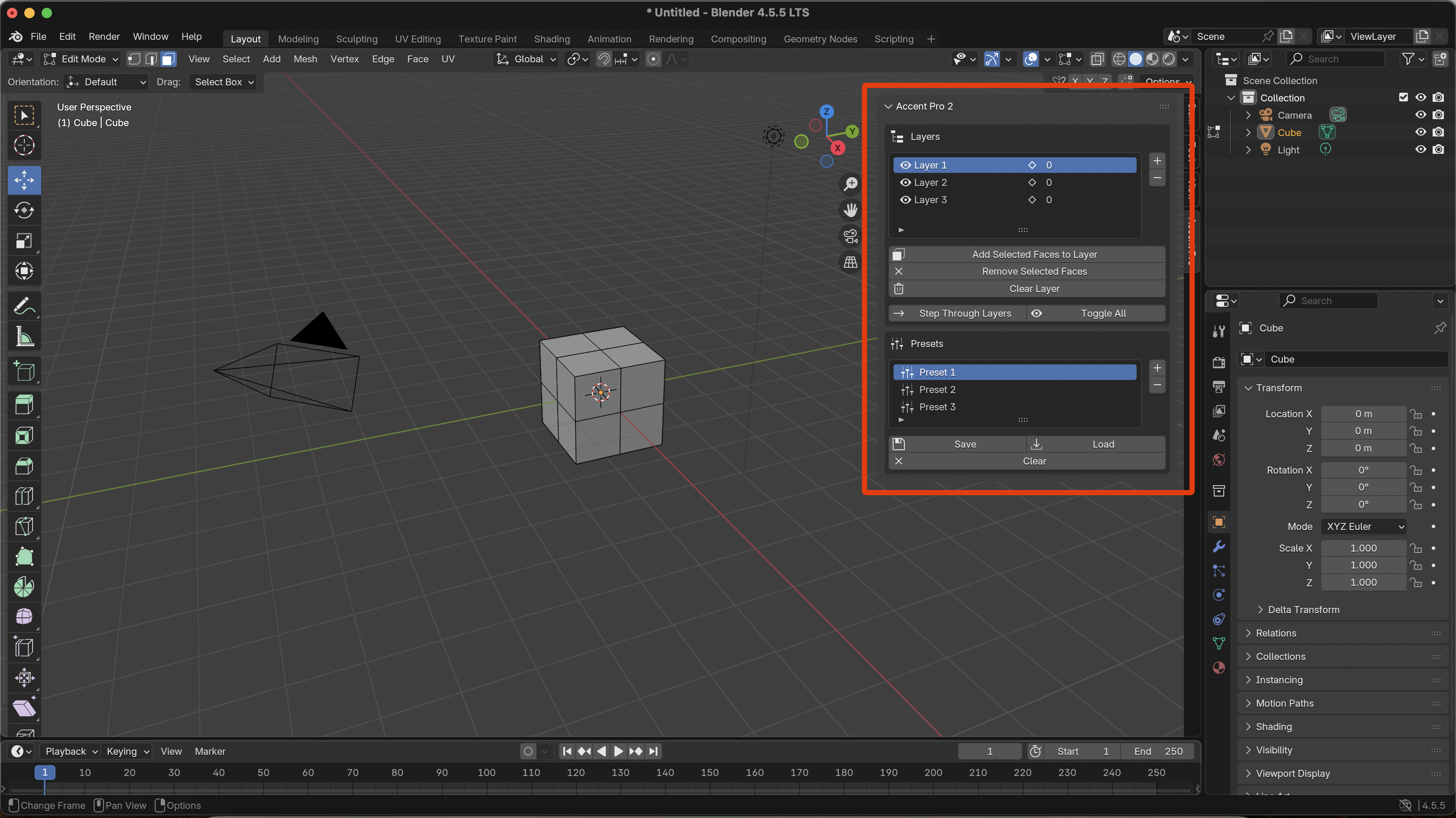
To save faces to a layer, press the "Add Selected Faces to Layer" button. Additional faces can be added to a layer by selecting the face and then pressing the "Add Selected Faces to Layer" button. Note that each layer will display how many faces the layer contains. Divide the model up into the appropriate layers. You have the option of naming each layer.
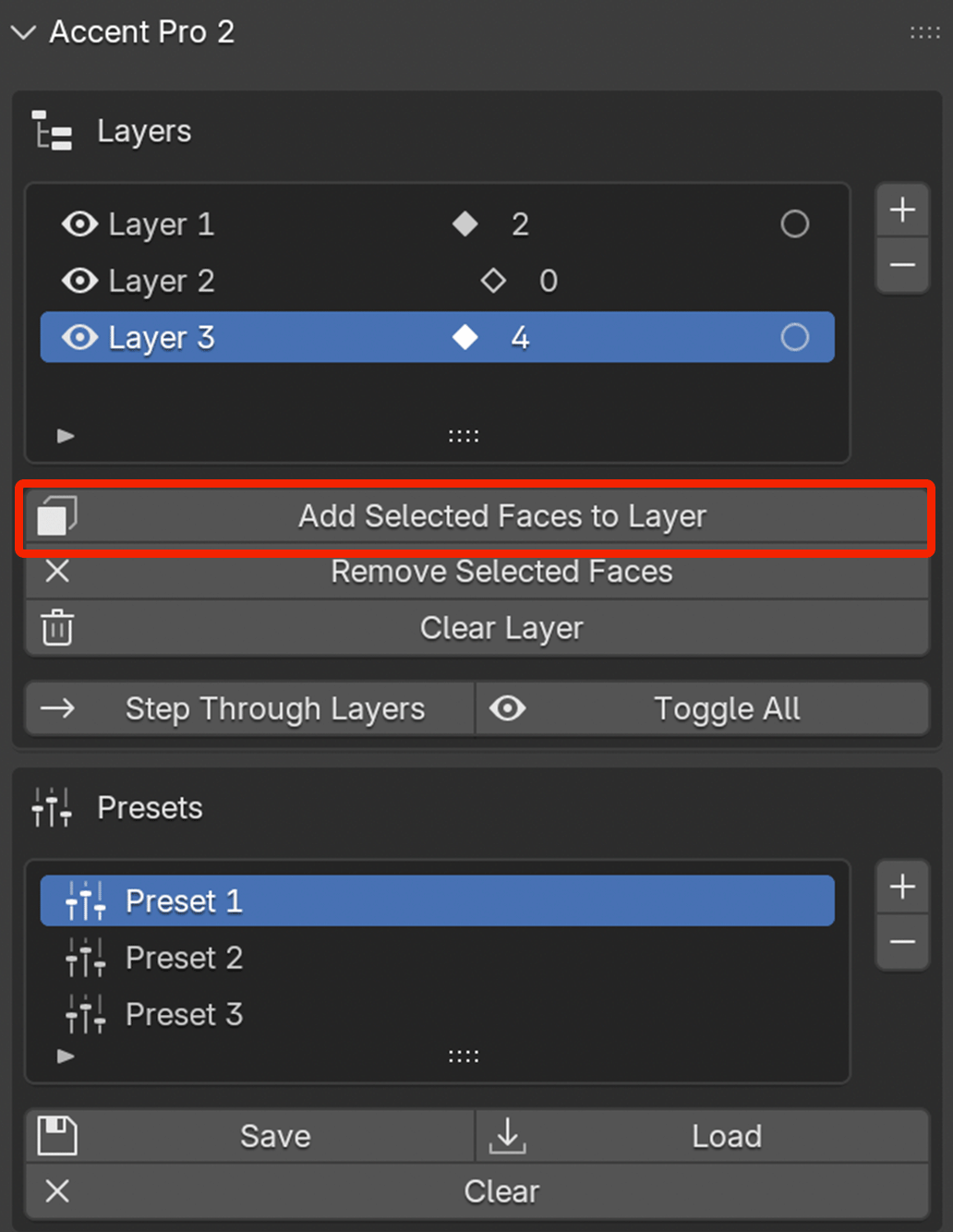
To remove faces from a layer, select the "Remove Selected Faces" button.
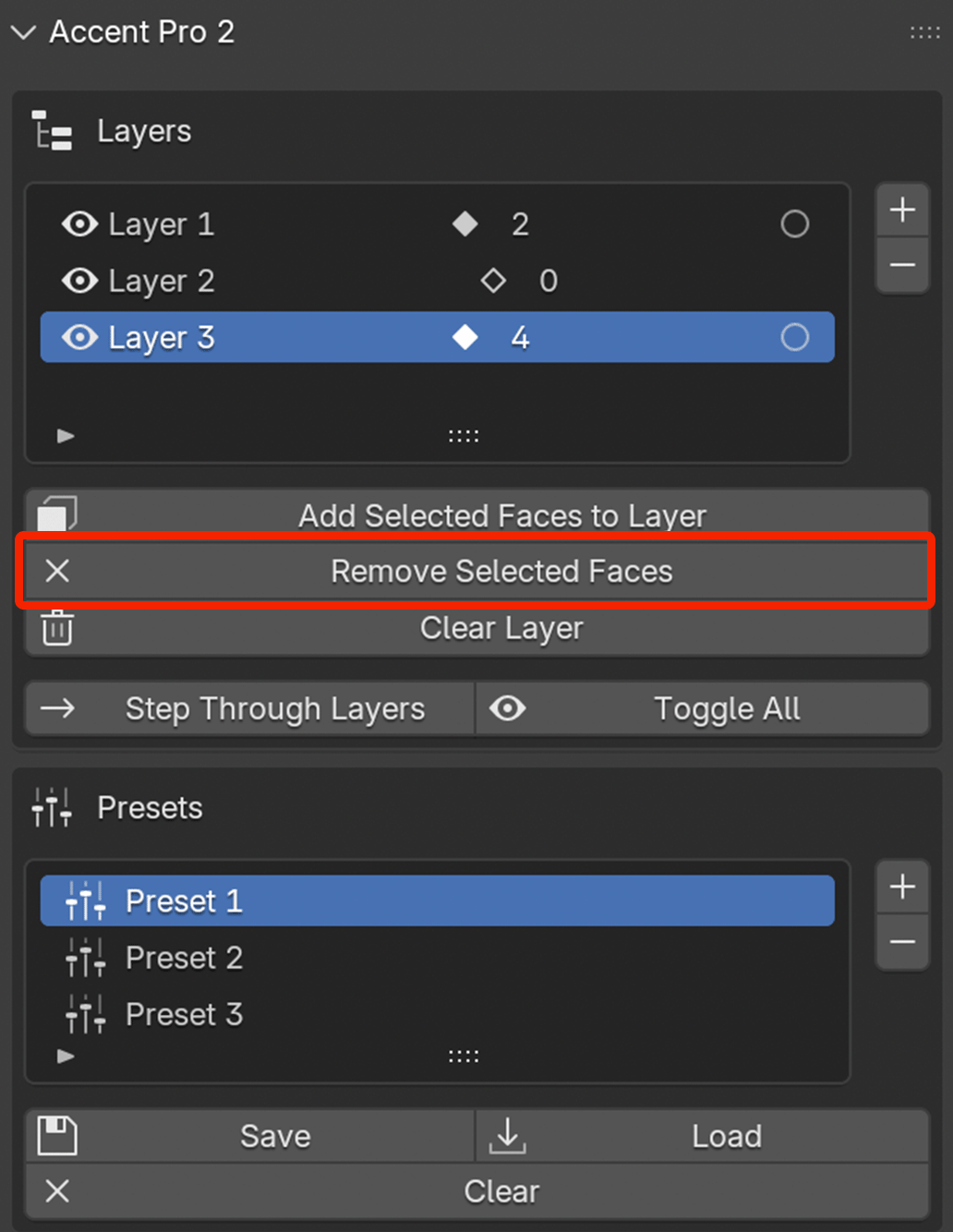
To clear a layer, press the clear button. Keep in mind that Accent Pro is designed for the precise, fast modeler, so the clear button clears the entire layer at once.
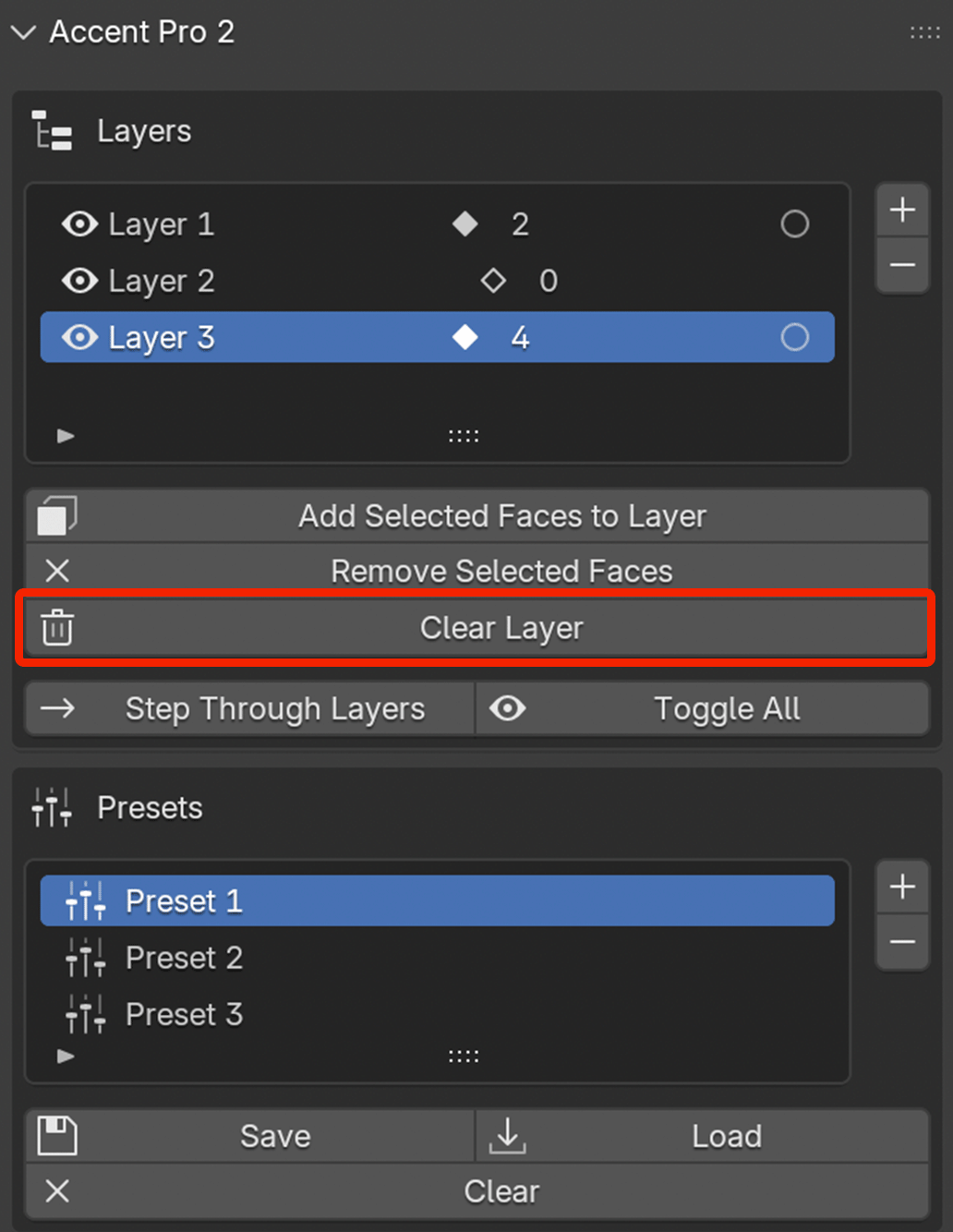
To view or hide a layer, press the layer visibility toggle button.
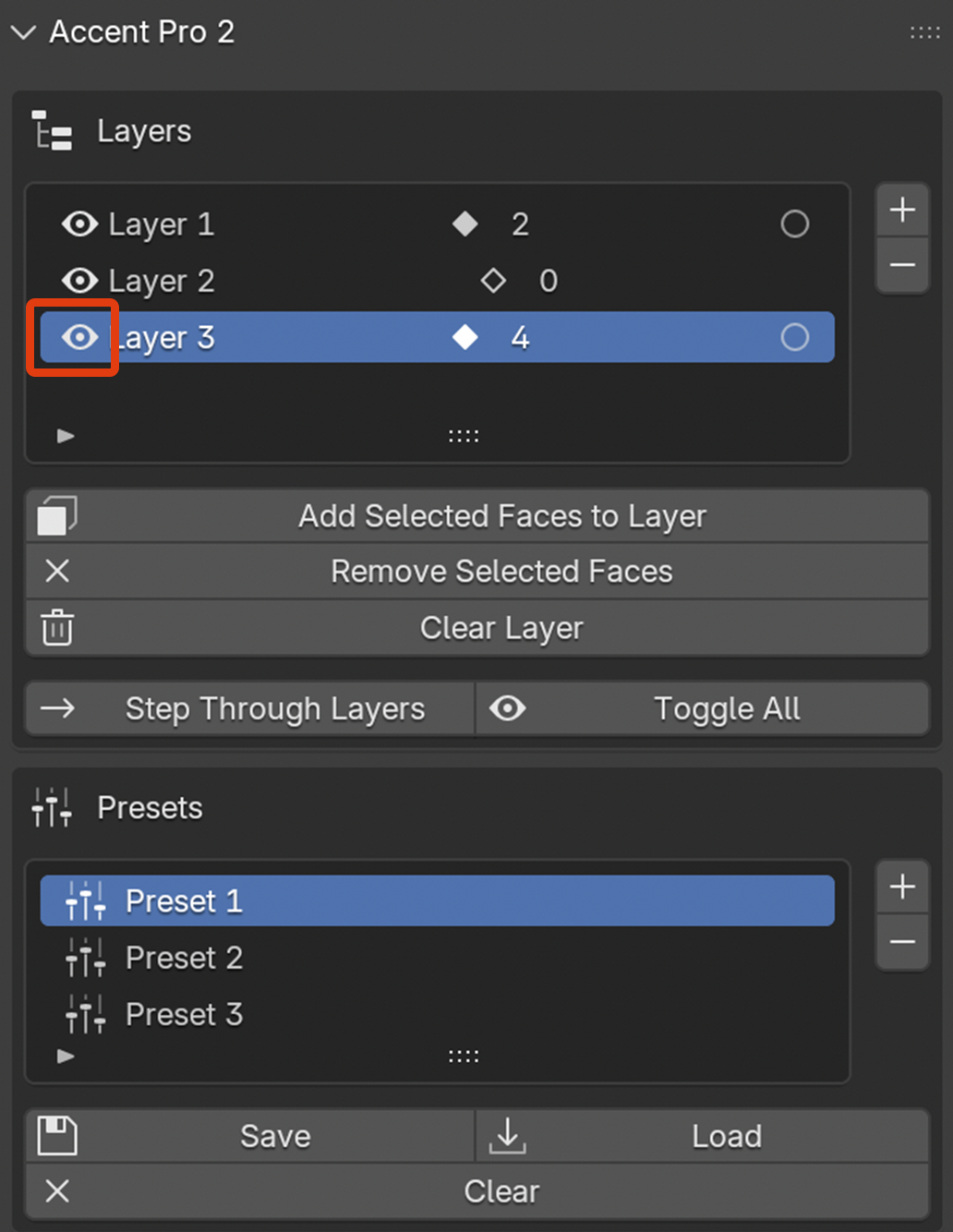
To select or deselect the faces of a layer, press the Layer Select button.
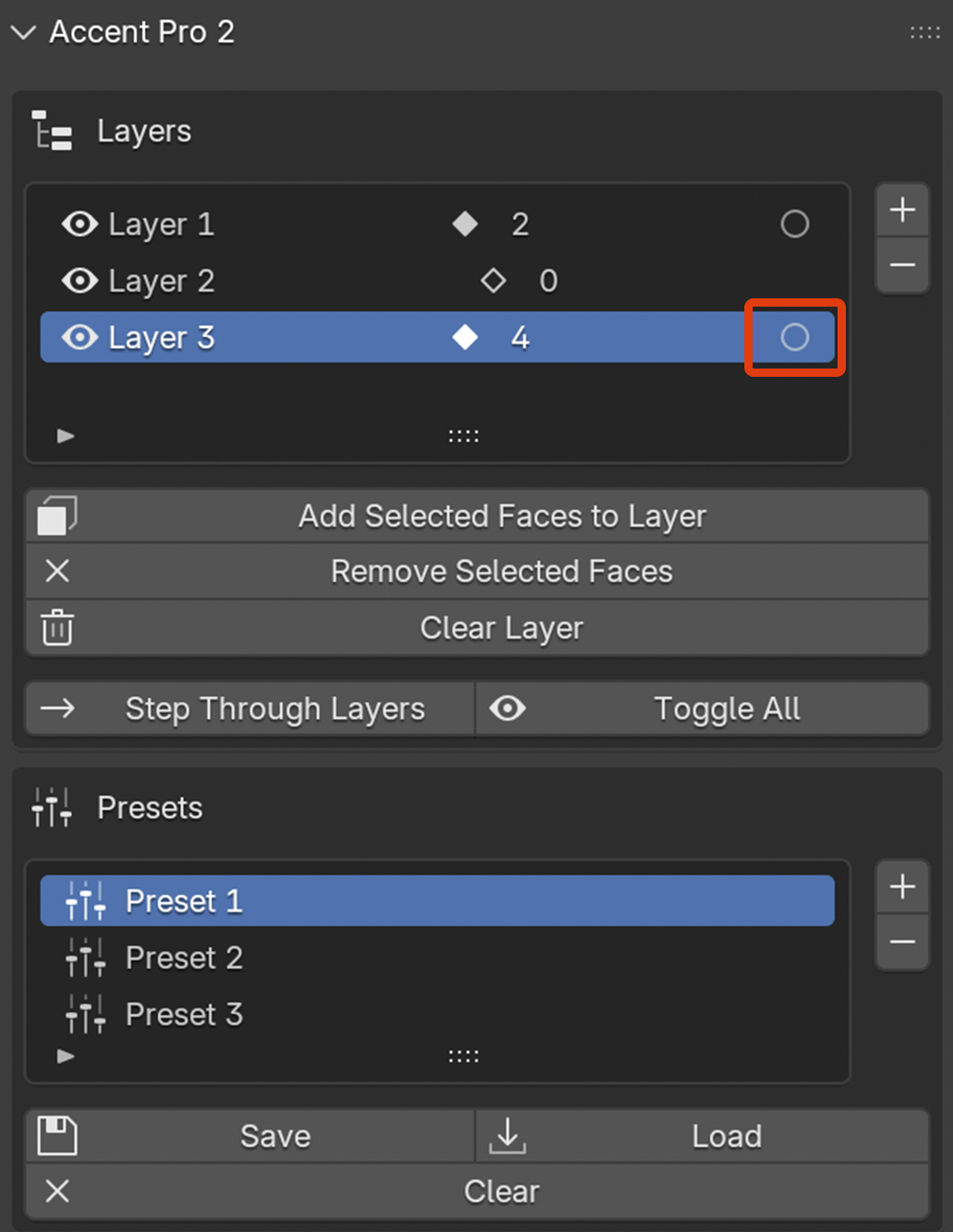
Thats it! Simply model as you would normally and Accent Pro does the rest.
MAIN BUTTONS
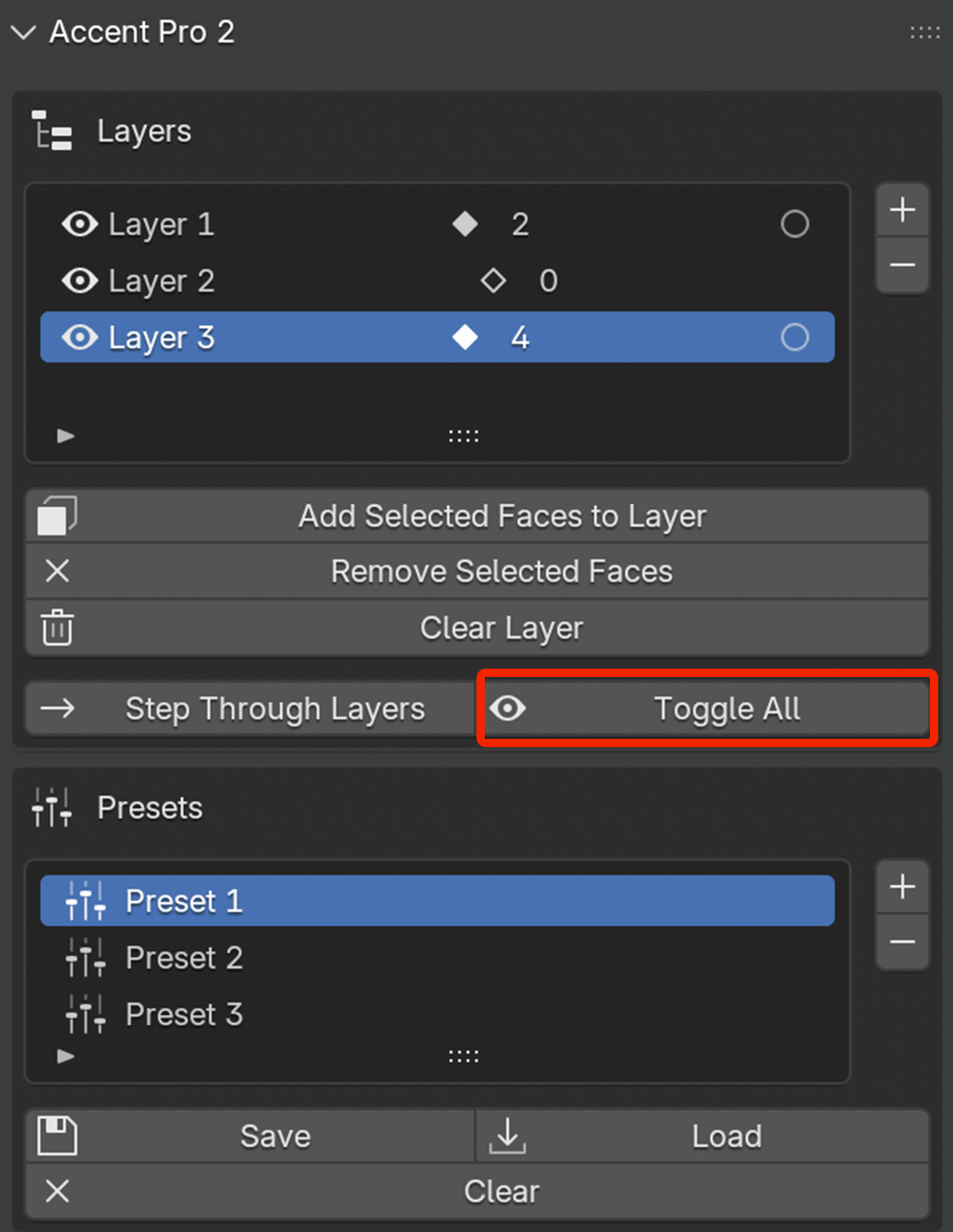
Toggle All: This button displays or hides all layers at once. If you accidentally hit the shortcut ALT + h to unhide all faces, reset Accent Pro by pressing the "Toggle All" button.
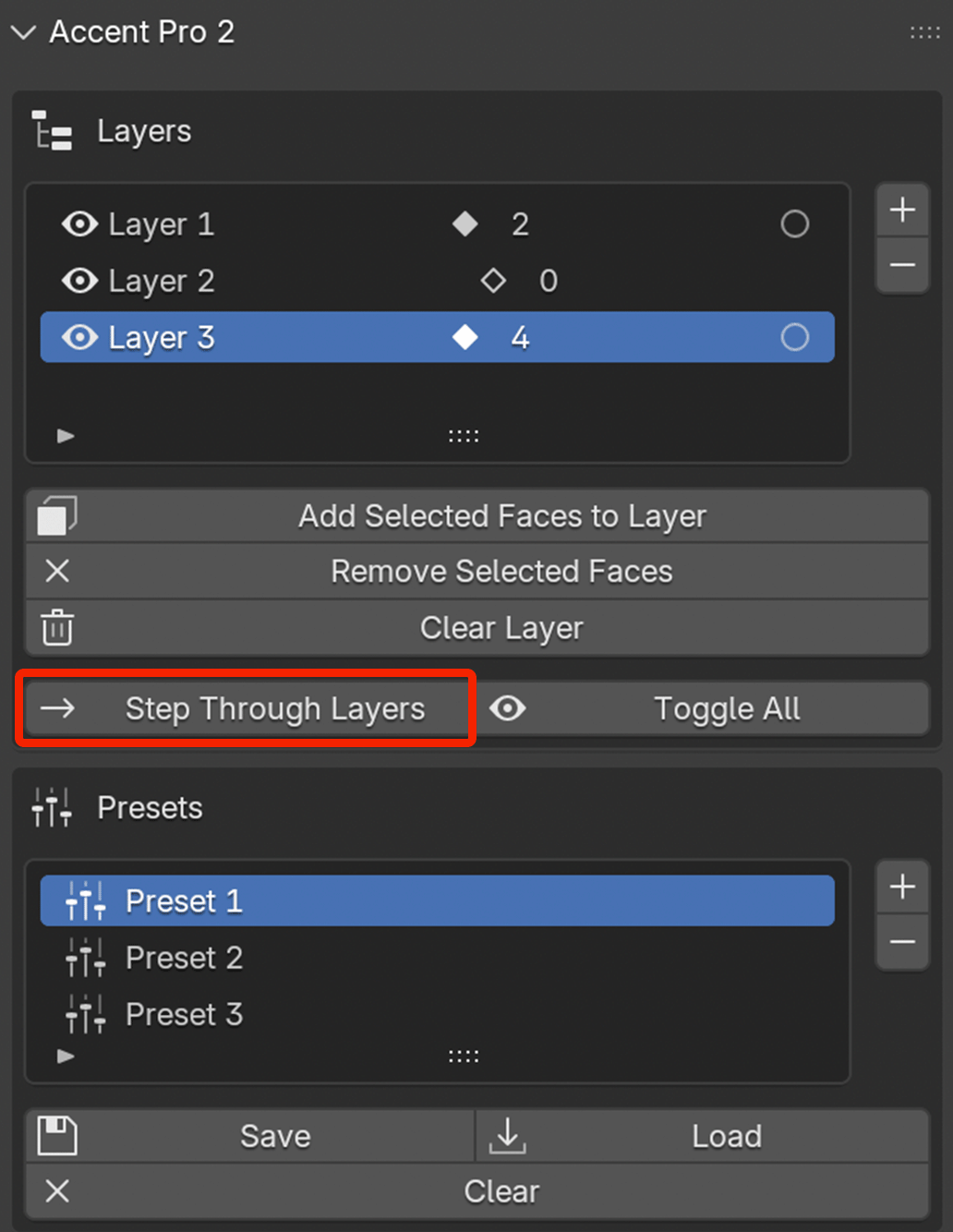
Step Through Layers: Step Through Layers will set each layer to solo view as it scrolls through each layer.
PRESET BUTTONS
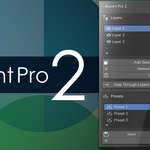
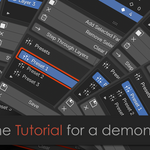
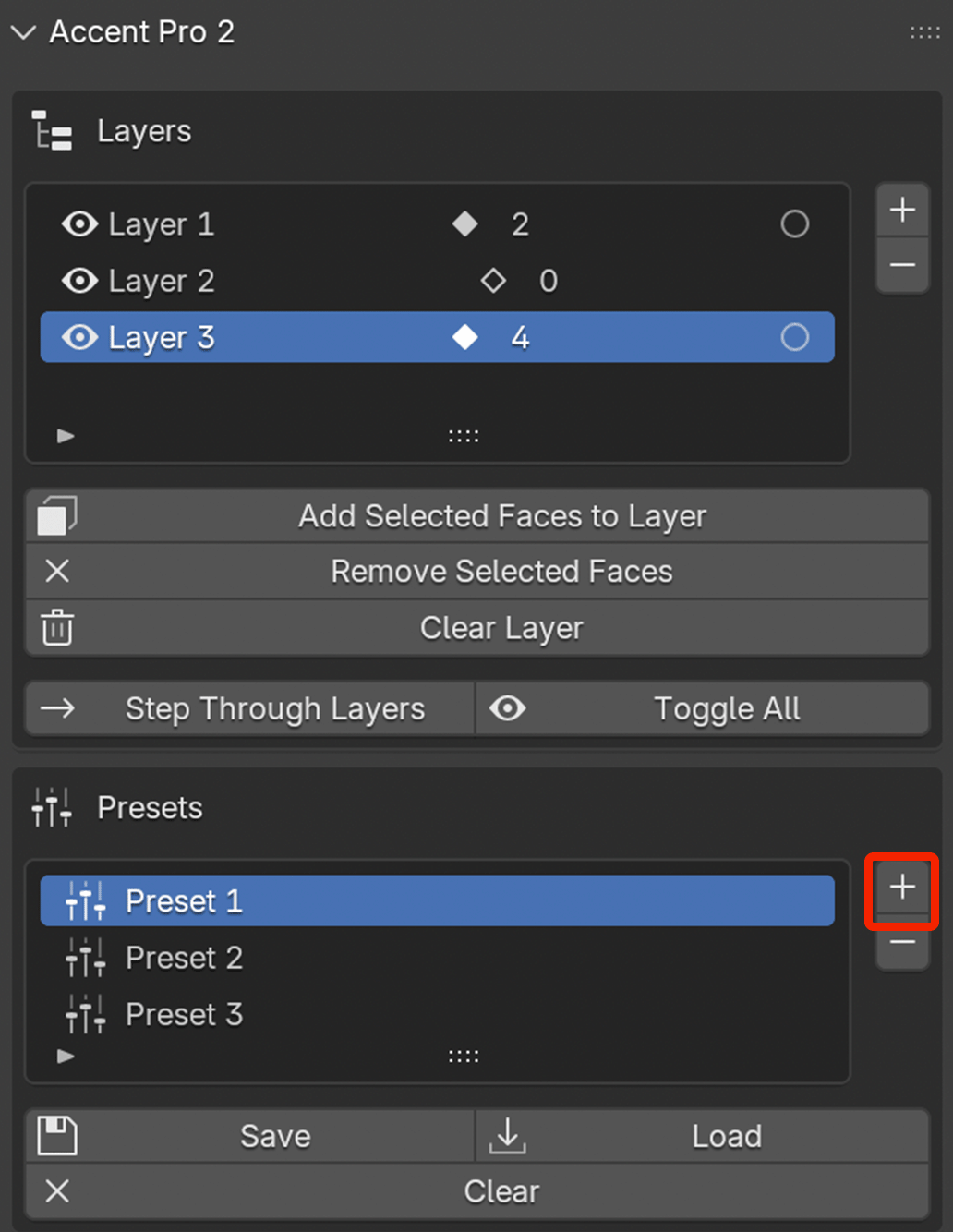
To access presets, create a preset layer.
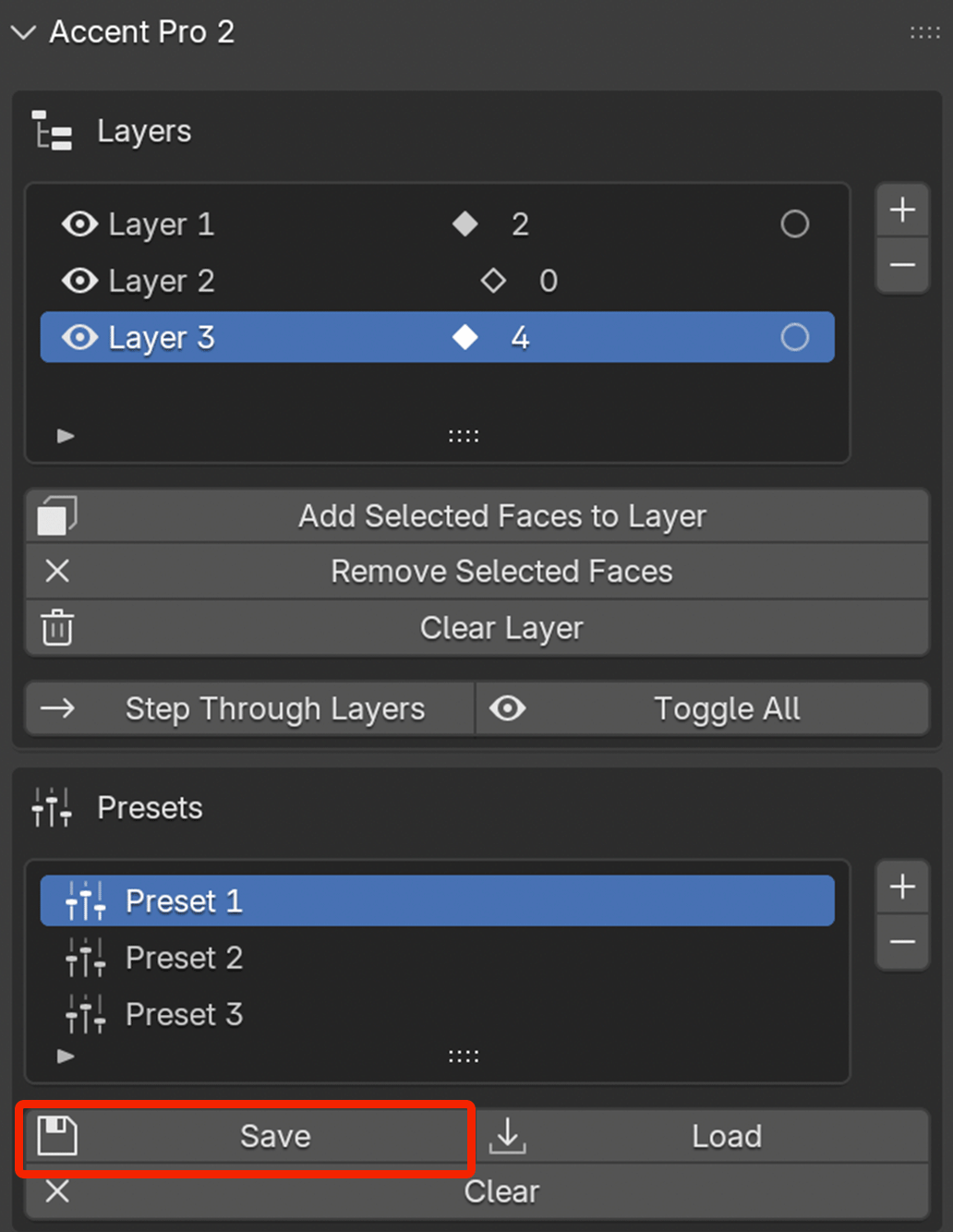
Save: Pressing the "Save" button will save the configuration to a given layer.
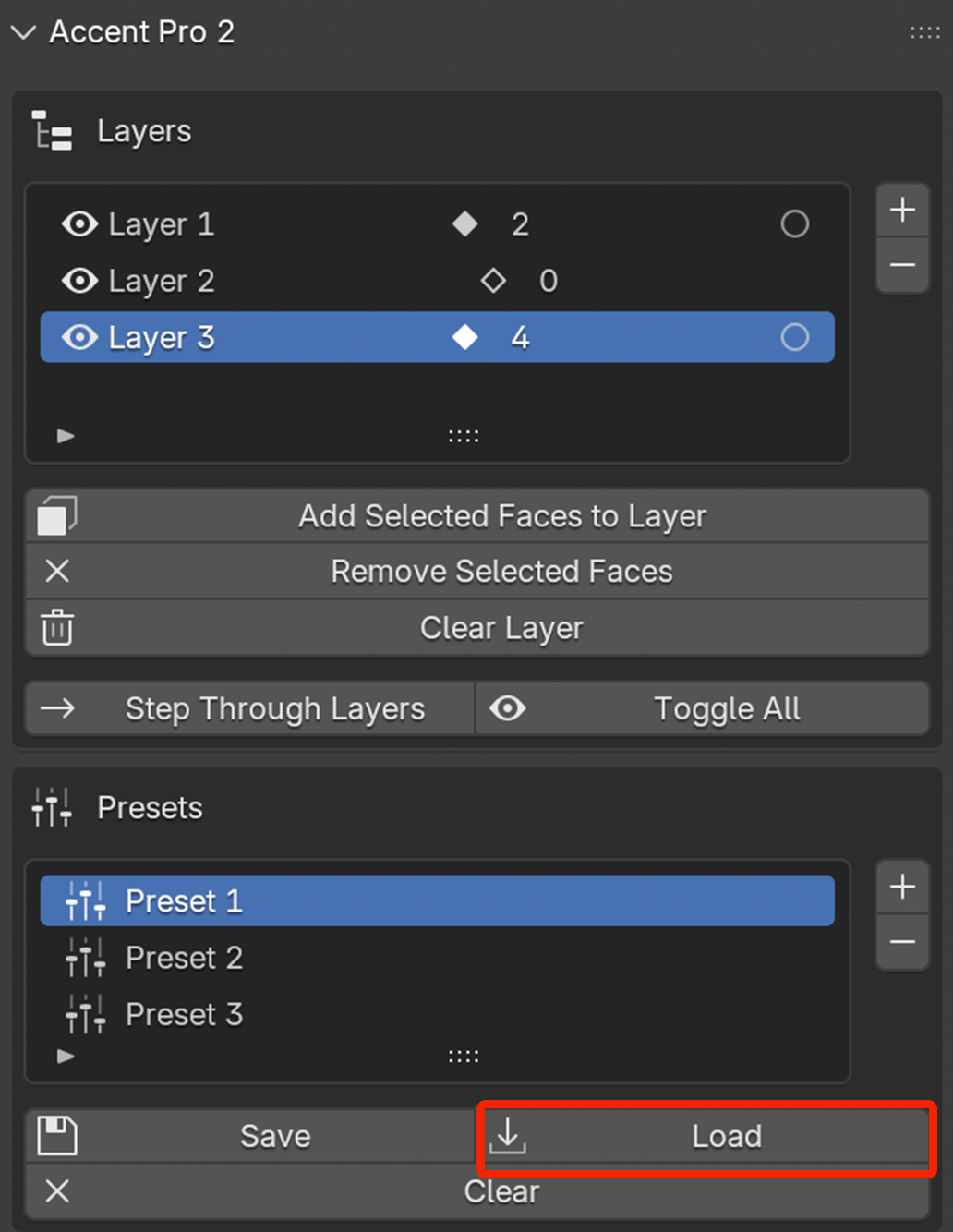
Load: The Load button loads a saved preset.
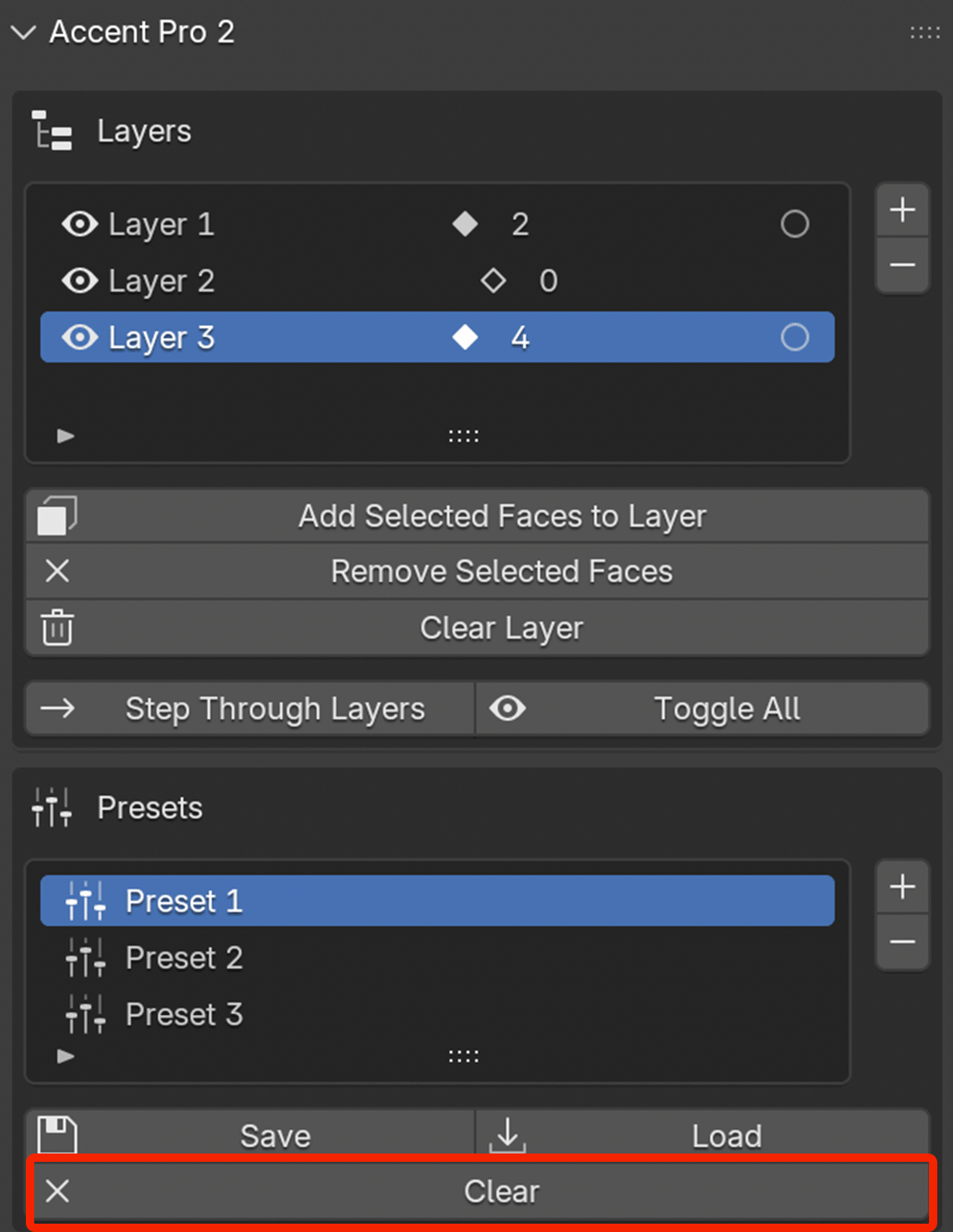
Clear: The Clear button clears the preset on a Preset layer.
Have questions about this product?
Login to message
| Sales | 10+ |
| Published | 8 months ago |
| Blender Version | 4.5 - 5.0 |
| Extension Type | N/A |
| Render Engine Used | Arnold, Blender-Internal, Blender-Game-Engine, Cycles, Eevee, Freestyle, Luxrender, Mental-Ray, Octane, Vray, Yafaray |
| License | Mit |