|
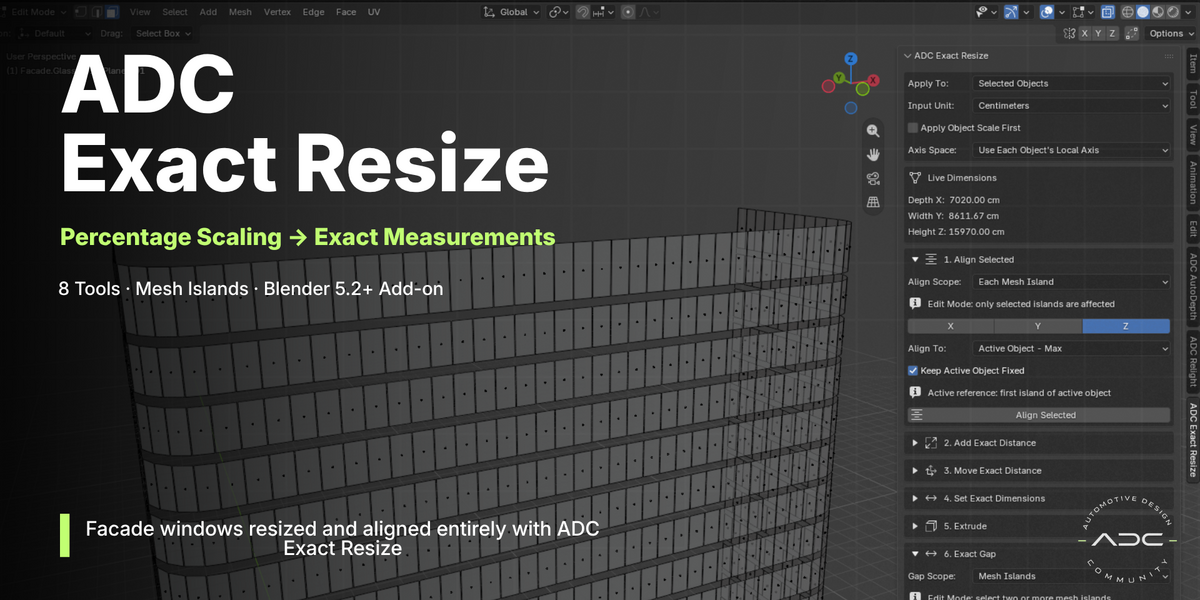
ADC Exact Resize
Documentation
Everything the panel does, section by section.
|
|
|
|
▸ Blender 5.2.0 or newer
▸ Mesh objects — the tools operate on mesh data
▸ Windows, macOS or Linux
▸ No external dependencies, no internet connection required
|
|
|
|
|
Drag the downloaded .zip directly into the Blender window, or go to
Edit > Preferences > Get Extensions > Install from Disk
and select the file. Once installed, open the sidebar in the 3D Viewport with
N and look for the
ADC Exact Resize tab.
|
|
|
|
|
All operations use each object's own local orientation, so rotated objects still behave
predictably:
| Axis |
Directions |
| X |
Back / Front |
| Y |
Left / Right |
| Z |
Bottom / Top |
|
|
|
Scope: Whole Object vs Each Mesh Island
|
|
|
Every tool can run on the whole object or on each disconnected mesh island independently.
A single mesh holding five separate windows can therefore be treated as five individual
pieces — this is the core of the addon.
|
|
|
|
|
Always visible at the top of the panel: the active object's current Depth X /
Width Y / Height Z, in the unit you have selected. Read-only, updates as you
select different objects — no need to open Blender's own Item tab to check a size
before deciding how much to add.
|
|
|
|
|
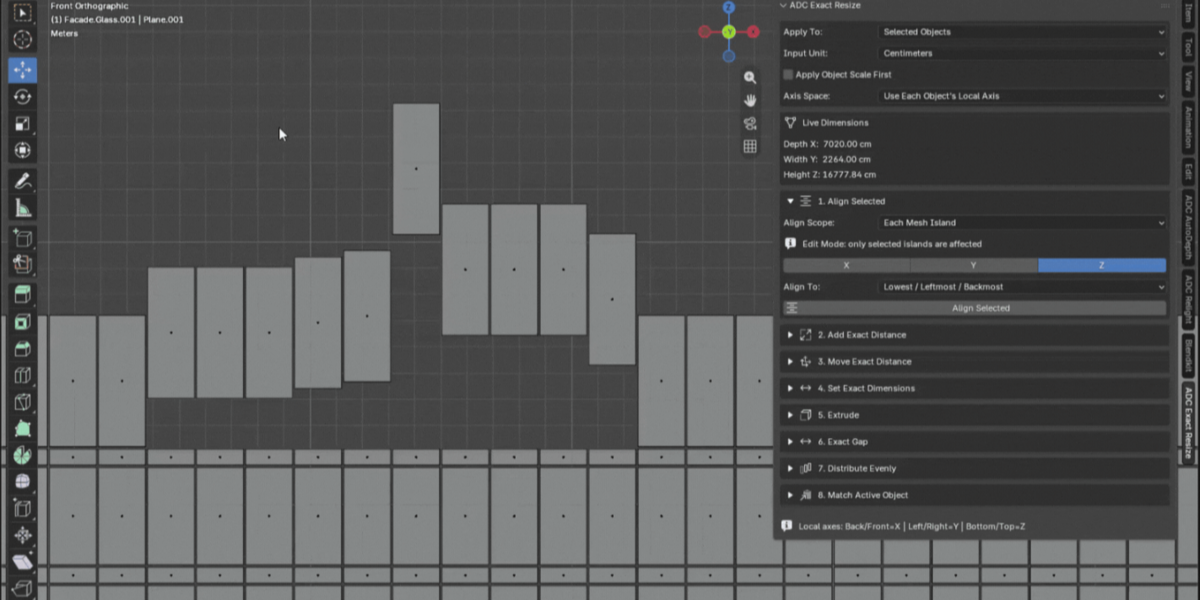
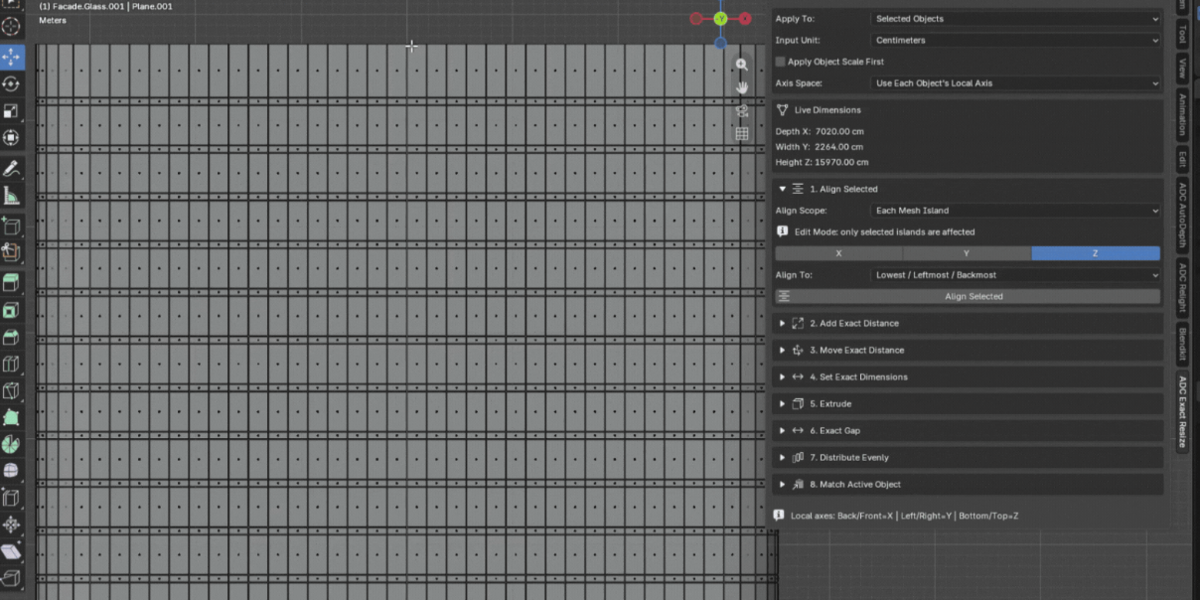
01 · Align Selected
Aligns objects or disconnected mesh islands along X, Y or Z.
Modes: Lowest / Leftmost / Backmost, Highest / Rightmost / Frontmost, Middle, and three
Active Object modes (Min, Max, Center).
Alignment is calculated in world space and converted back to local mesh coordinates, so
object rotation and offset from the origin do not matter. In island mode, the first
island of the active object is the reference.
|
|
|
02 · Add Exact Distance
Adds or removes a real distance in each direction independently: Left, Right, Bottom,
Top, Back, Front.
Two methods:
▸ Move Boundary — only the boundary vertices move
▸ Scale Geometry — inner geometry scales proportionally
|
|
|
03 · Move Exact Distance
Moves the object (or each mesh island) an exact distance in a given direction, without
resizing anything. Same Left/Right/Bottom/Top/Back/Front fields as Add Exact Distance,
but for position instead of size — respects each object's own rotation.
|
|
|
04 · Set Exact Dimensions
Sets a final dimension per axis (Depth X, Width Y, Height Z). Leave an axis at 0 to
skip it.
The Anchor controls where the
geometry grows from: Min, Center or Max.
|
|
|
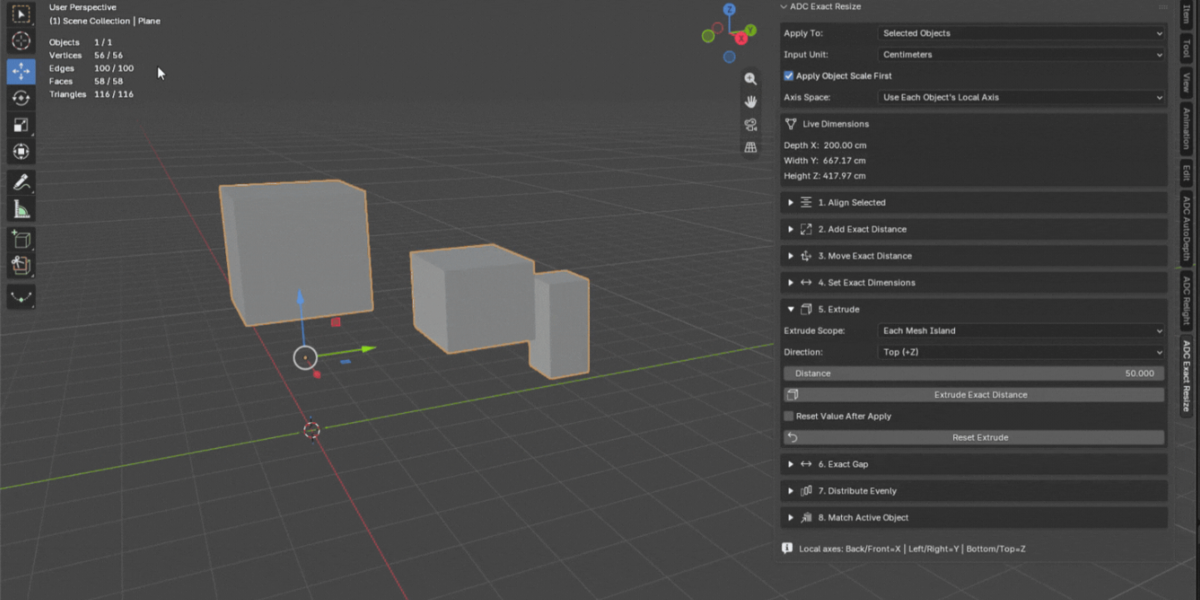
05 · Extrude
Extrudes the boundary faces of the chosen direction by an exact distance. In island
mode, each disconnected island gets its own boundary extrusion.
|
|
|
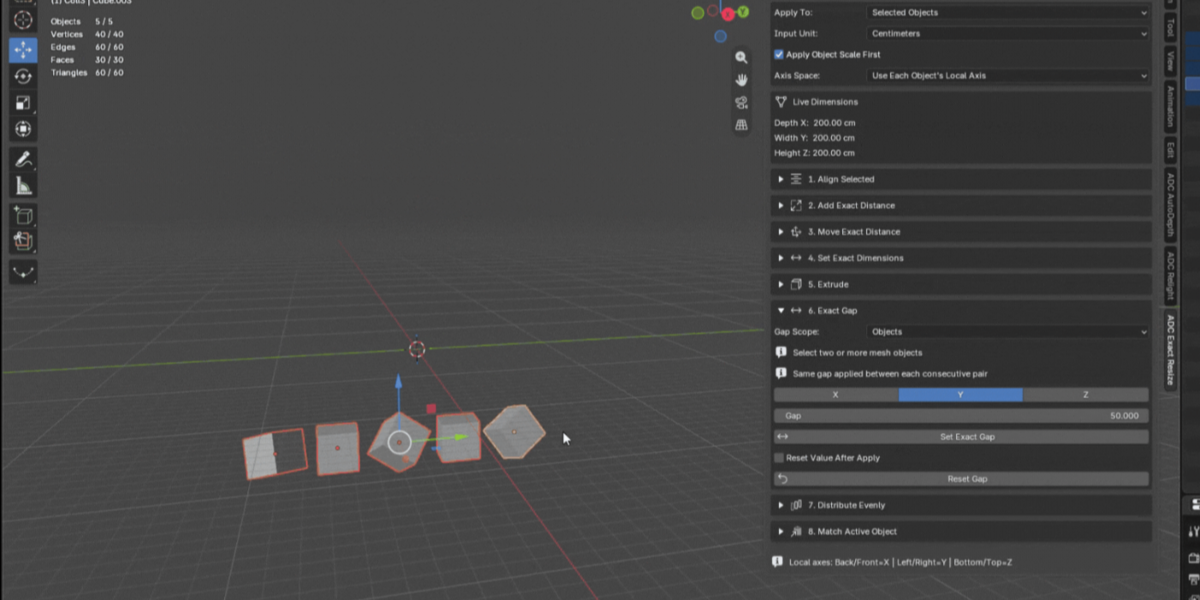
06 · Exact Gap Between Objects
Select exactly two mesh objects (the active one plus one more) and type the exact gap
you want between them along an axis. The other object moves to close or open that gap
— the active object stays put. Works regardless of which object is positioned
first along the axis.
|
|
|
07 · Distribute Evenly
Distributes three or more objects, or the mesh islands of the active object, along an
axis with either an exact gap or an exact center-to-center pitch between each
consecutive item. The first item (lowest along the axis) stays fixed; everything else
is repositioned relative to it.
|
|
|
08 · Match Active Object
Makes the selected objects take the dimensions of the active object, per axis. Uses the
anchors set in Set Exact Dimensions.
|
|
|
|
|
|
Apply To — Selected Objects or Active Object
Input Unit — Centimeters, Millimeters or Meters
Apply Object Scale First — applies object scale before the operation, keeping real-world measurements consistent on scaled objects
Reset Values After Apply — clears the fields after each apply, for fast repeated operations
|
|
|
|
|
All tools force Object Mode while they run, then restore whichever mode (and object) you
were in. This is intentional: every operation writes directly to the mesh datablock, which
is not the same data Edit Mode shows you live — running on the raw edit-mode BMesh
could silently miss the viewport or get overwritten the moment you exit Edit Mode.
Selection-aware Islands. While in Edit
Mode, "Each Mesh Island" scope only affects the islands that have at least one selected
vertex. Select the islands you want to change, run the tool — the untouched islands
are left exactly as they are. This applies to Align Selected, Add Exact Distance, Move
Exact Distance, Set Exact Dimensions, Extrude and Distribute Evenly. Match Active Object is
the one exception, since it compares dimensions between different objects rather than
islands inside one mesh. Outside Edit Mode, "Each Mesh Island" affects every island in the
object, as before.
|
|
|
ADC · Automotive Design Community
Precision tools for automotive and architectural visualization
|
|
 ADC - Automotive Design Community