Adc Exact Resize
 ADC - Automotive Design Community
Does it depend on a specific render engine?
No. It only reads and modifies mesh data, so it works the same regardless of whether you're using EEVEE, Cycles or any other render engine.
Does it work in Edit Mode?
Yes. Every tool runs correctly from Edit Mode: it briefly switches to Object Mode to apply the change safely, then restores your original mode and active object automatically. You won't notice a mode switch happening.
If I select only some vertices in Edit Mode, does it affect the whole mesh?
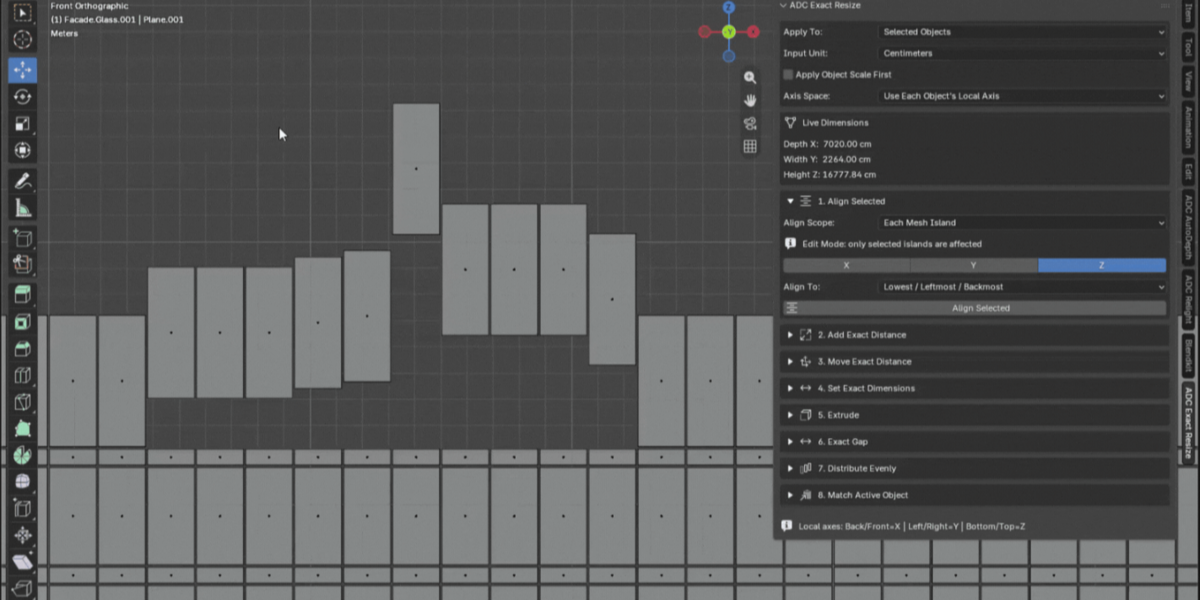
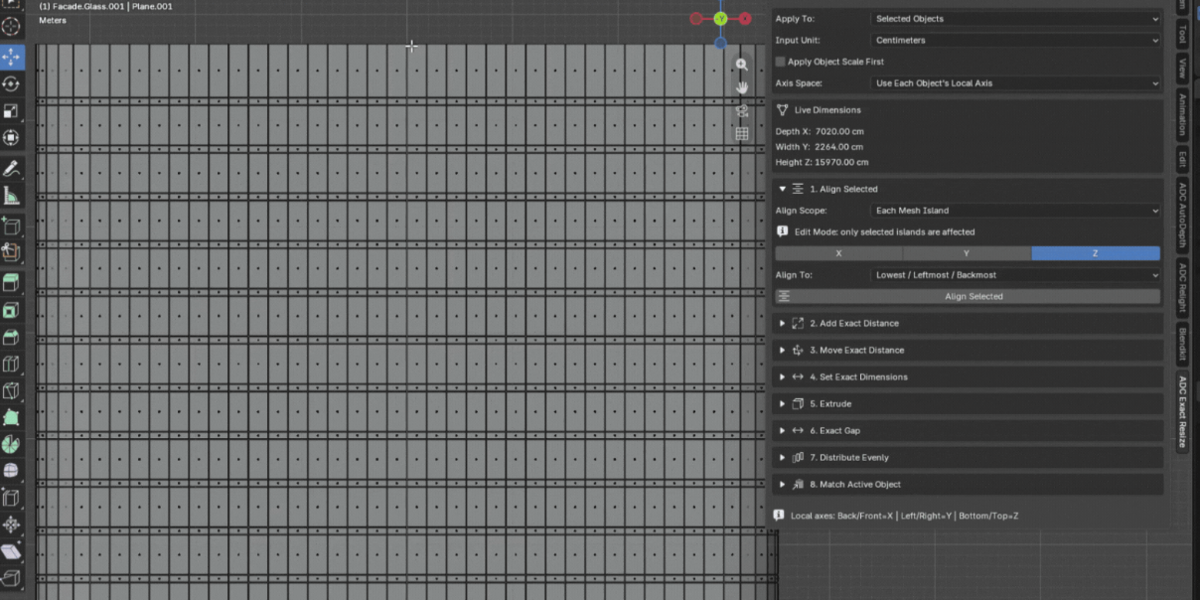
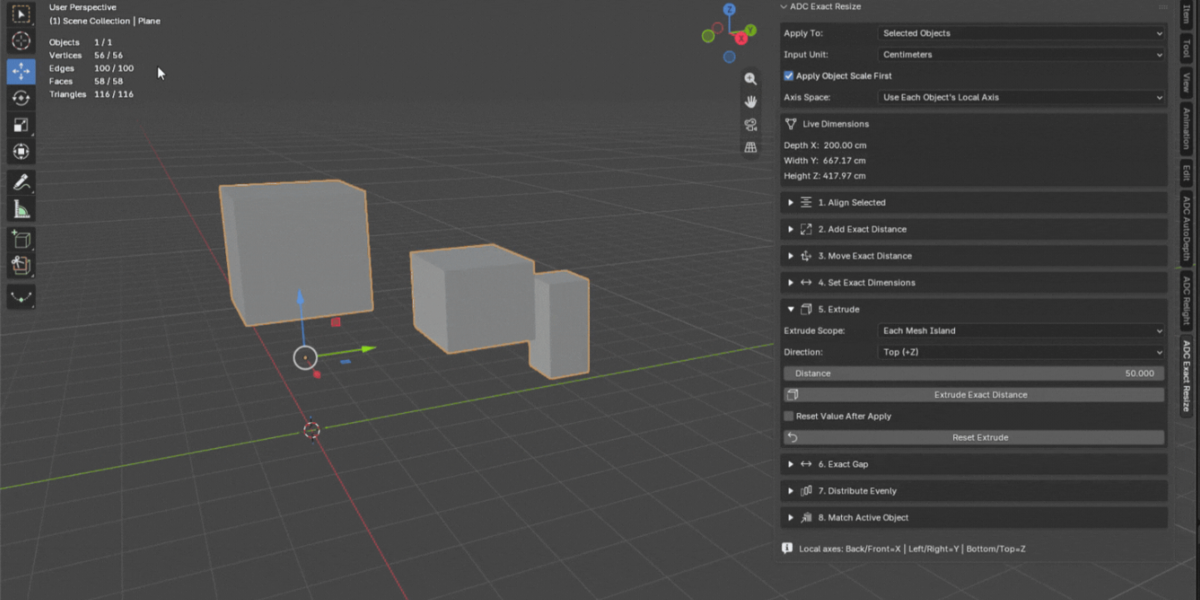
Only if you're using the "Whole Object" scope. With "Each Mesh Island" scope, the tools only affect the islands that contain at least one selected vertex — unselected islands are left untouched. This works for Align Selected, Add Exact Distance, Move Exact Distance, Set Exact Dimensions, Extrude and Distribute Evenly. Match Active Object is the one exception, since it compares whole objects rather than islands.
What is a "mesh island"?
A disconnected piece of geometry inside a single mesh object — for example, five separate window frames joined into one object but not connected to each other. The addon can detect and treat each one independently, without you needing to separate them into different objects first.
What's the difference between Add Exact Distance and Move Exact Distance?
Add Exact Distance changes size: it grows or shrinks the object in a chosen direction. Move Exact Distance changes position only: the object's size stays exactly the same, it just relocates by the amount you enter.
Does it work correctly on scaled or rotated objects?
Yes. Alignment and movement are computed in world space using each object's own local orientation, so rotation is respected. For scaled objects, turn on "Apply Object Scale First" so that the real-world distances you enter stay accurate rather than being distorted by the object's scale.
Which units can I use?
Centimeters, millimeters or meters, chosen from the Input Unit dropdown. Values are converted using your scene's own unit scale, so results stay accurate regardless of your project's unit settings.
How does Exact Gap Between Objects decide which object moves?
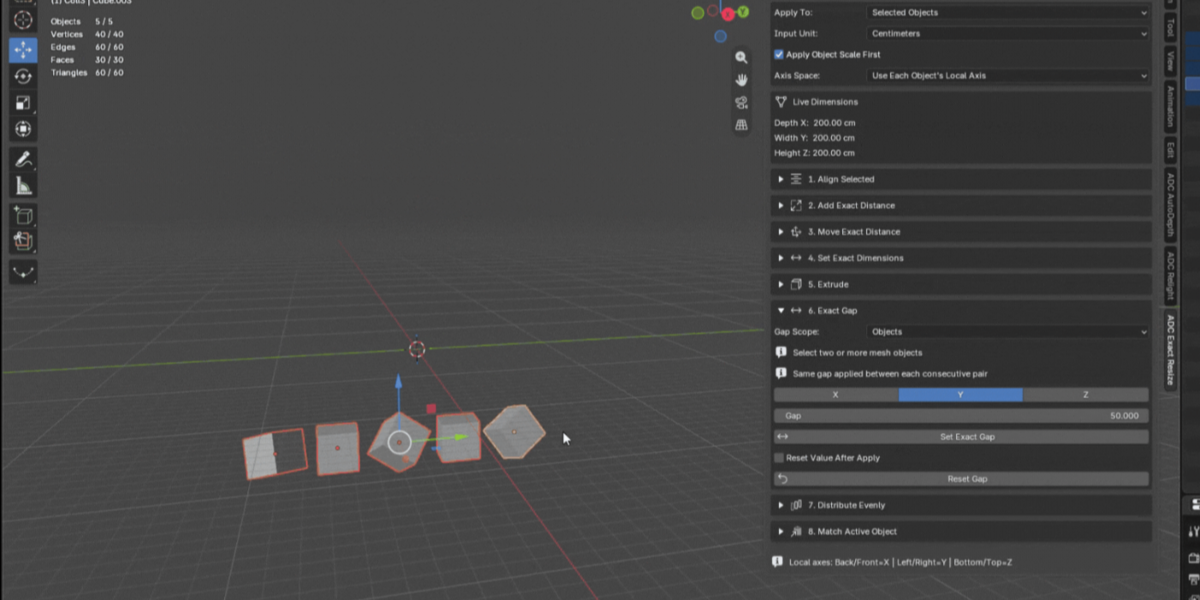
The active object always stays fixed; the other selected object moves to create the exact gap you entered. This works whichever of the two objects is positioned first along the chosen axis.
Can Distribute Evenly use gap instead of pitch?
Yes, you choose the mode: an exact gap between each pair of neighbors, or an exact center-to-center pitch. The first item along the axis stays fixed and every other item is repositioned relative to it.
Does it work on curves, text or other non-mesh objects?
No. The tools operate on mesh data specifically. Convert other object types to mesh first (Object > Convert To > Mesh) if you need to use the addon on them.
What does "Reset Values After Apply" do?
When enabled, the input fields for that tool clear themselves back to zero right after you apply, so you can immediately type the next distance without manually clearing the previous one first.
Does the Live Dimensions readout update automatically?
Yes. It reflects the currently active object's Depth X / Width Y / Height Z at all times, in your chosen unit, with no button to press. It's read-only.
Is it compatible with Windows, macOS and Linux?
Yes, it's pure Python running on Blender's own API, with no platform-specific code and no external dependencies.
I have a question that isn't answered here. Where do I ask?
Reach out through the ADC creator page on Superhive, linked below, or leave a comment on the product page.
$19.97$4.99
Have questions about this product?
Login to message
| Blender Extension Compatible | Yes |
| Published | about 17 hours ago |
| Blender Version | 5.2 |
| Extension Type | Add-on |
| Render Engine Used | Cycles, Eevee |
| License | GPL |
Discover more products like this
precision modeling distribute cad modeling real-world-scale architecture exact dimensions align objects measurement extrude mesh islands hard surface resize