 ADC - Automotive Design Community


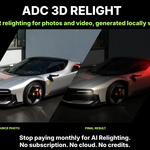
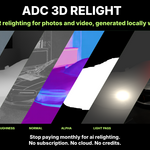
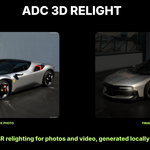
| Real 3D PBR relighting, not a filter | 100% Local & private | GPU Accelerated (DirectML) | Buy Once No subscription, ever |
WHY ADC 3D RELIGHT?
A real 3D scene, not a 2D lighting filter
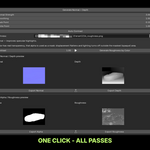
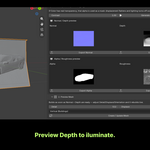
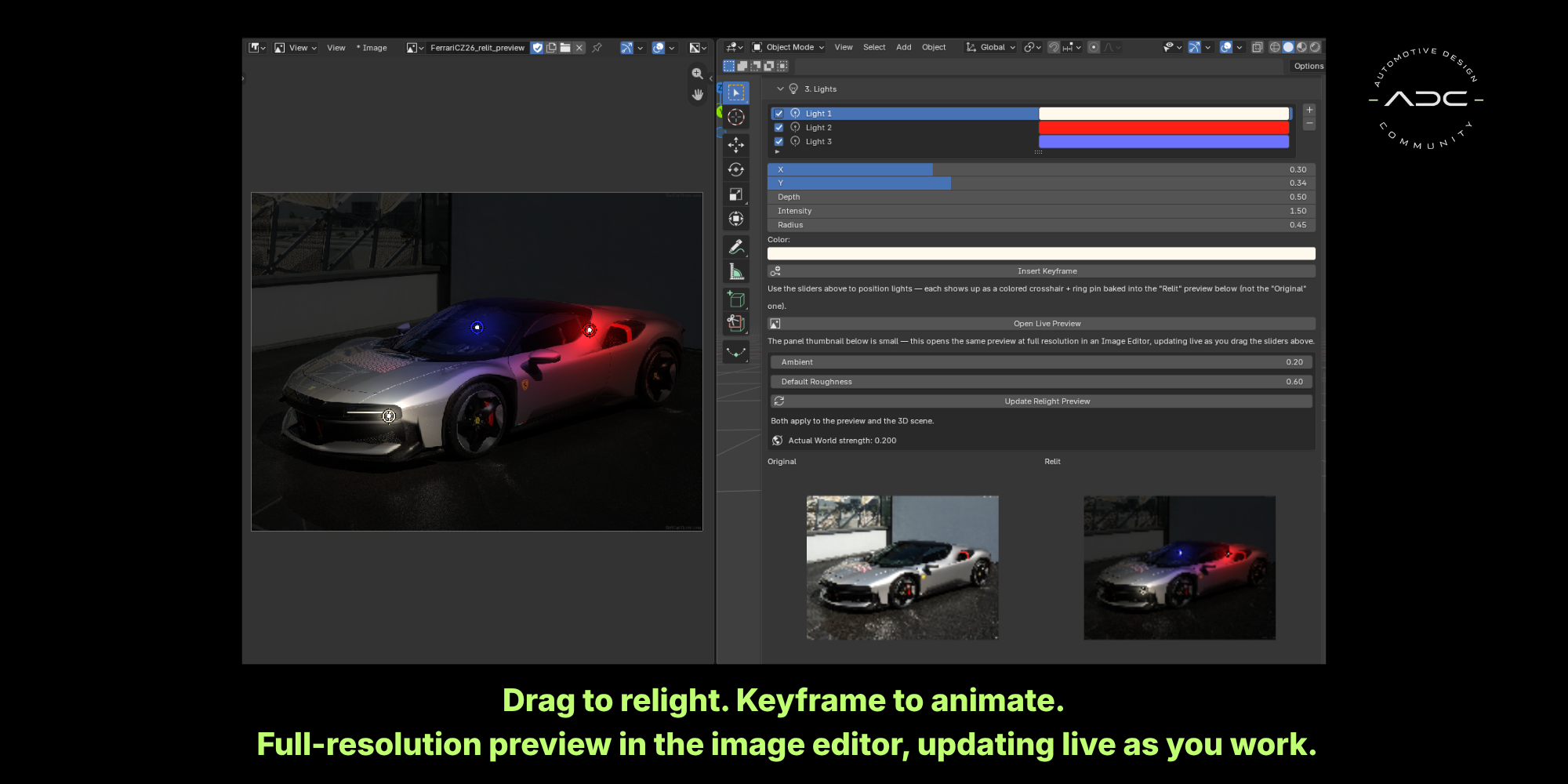
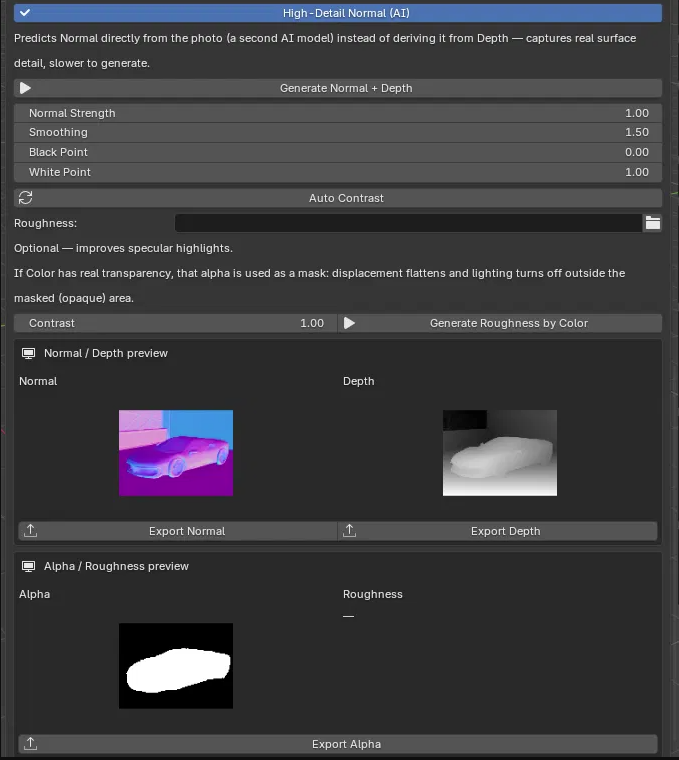
Most "AI relighting" tools paint new light onto your footage the way a filter would — a 2D approximation of what light might look like. ADC Relight reconstructs the actual PBR materials behind your photo — Normal, Depth, and Roughness — so when you add a light, it casts real direction, real falloff, and real reflections, because it's lighting an actual surface, not guessing at one. And unlike the subscription tools everyone's using, it's a one-time purchase that runs 100% on your own machine.
MAIN FEATURES
Everything you need to relight a photo like it's a 3D scene
| 🧠 100% Local AI Generate unlimited relit renders directly on your computer. No subscriptions. No cloud processing. No credits. | ⚡ GPU Accelerated Runs the AI model locally via DirectML — accelerated on NVIDIA, AMD, or Intel GPUs, with automatic CPU fallback if none is available. |
| 🔐 Your Data. Your Machine. Your images never leave your computer. No uploads, no cloud, no subscriptions — just a fast, private, fully local relighting workflow inside Blender. | 💡 Real Materials, Real Light Normal + Depth + Roughness are generated from your actual photo, so lights respond the way they would on the real surface — not a flat 2D approximation. |
💰 NO SUBSCRIPTION Own it once. Use it forever.The relighting tools everyone's already using charge a monthly fee to keep generating. ADC Relight is a one-time purchase — no credits to track, no subscription to cancel, no per-render cost. Buy it once and relight as many photos as you want, for as long as you use Blender.
|
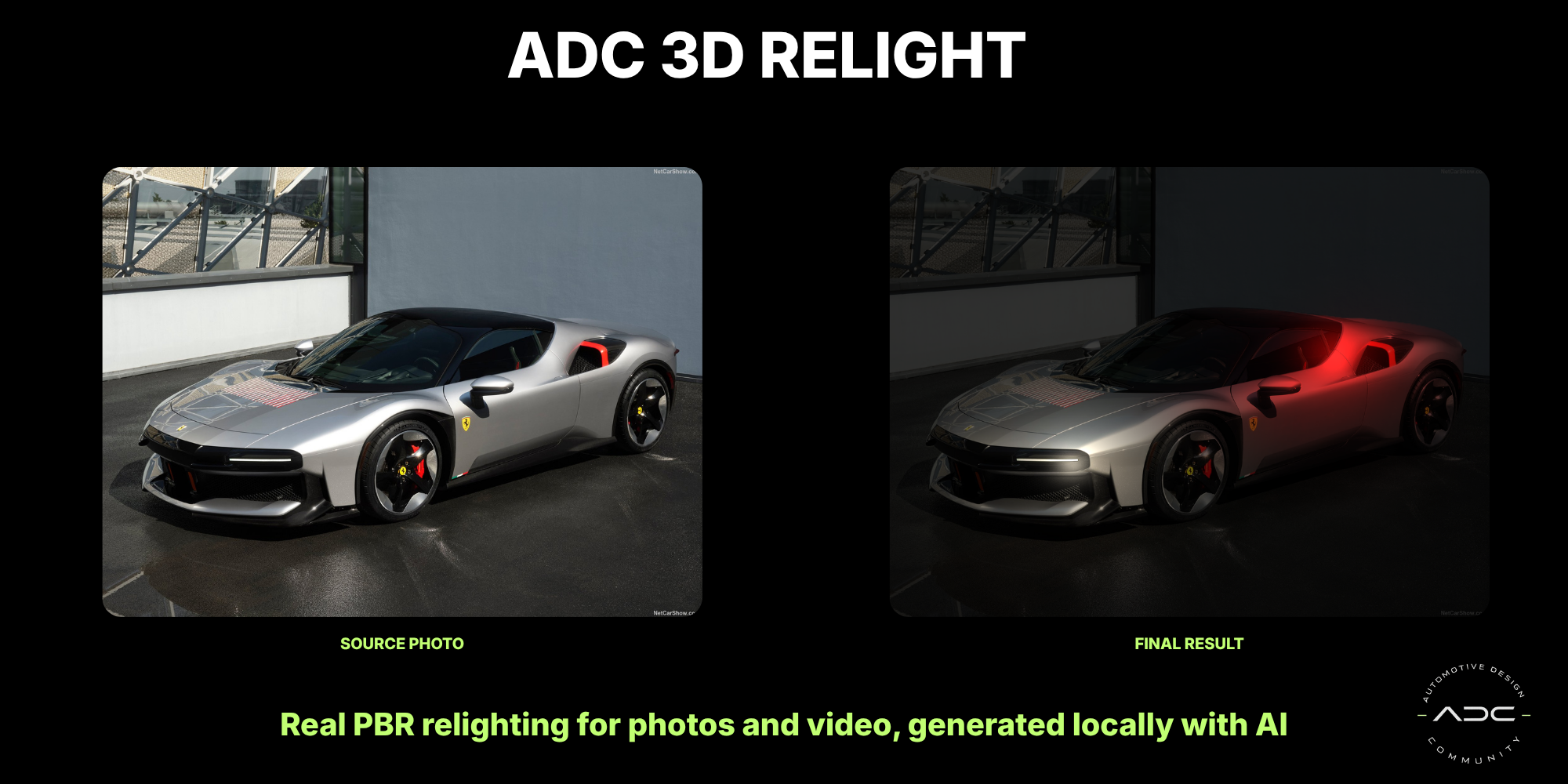
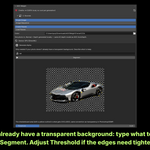
✂️ AI ALPHA MASKING Just describe what to keepType what you want to isolate — "the car," "the garage door," "the bottle" — and the built-in AI finds and masks it automatically. No manual cutting, no clicking points, no separate masking software.
BETA ON VIDEO Rock-solid on single photos. On video (re-segmenting fresh on every frame of a sequence), edges can still come out inconsistent frame to frame — being actively improved. Everything else in the addon, including video relighting itself, is unaffected. |
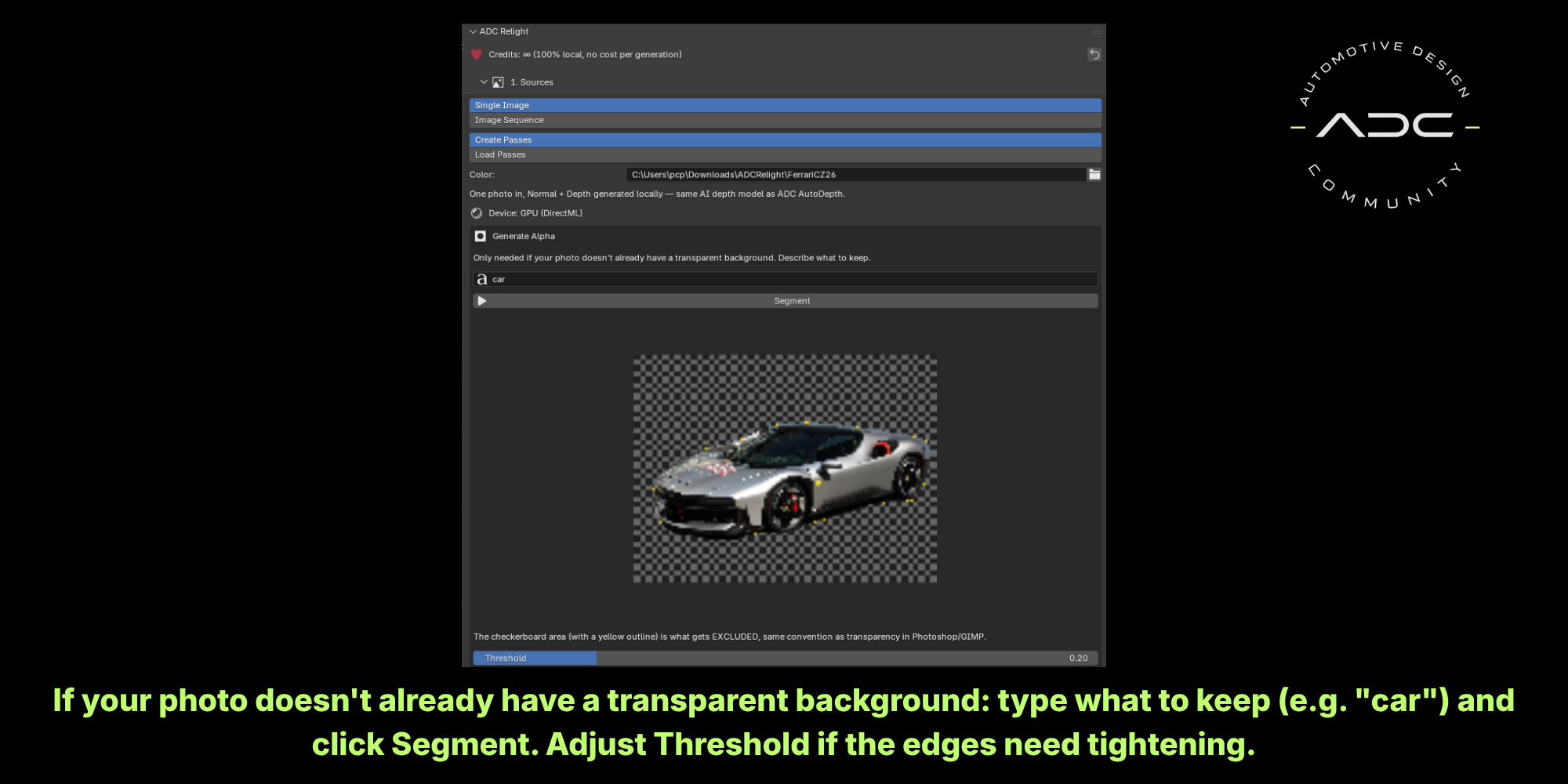
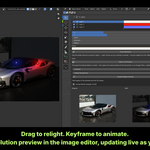
| 🔍 FULL-RES LIVE PREVIEW Open the relit result at full resolution in a real Image Editor — it keeps updating live as you drag light sliders, so you can actually judge your lighting, not squint at a thumbnail. | 🎚️ LIVE ADJUSTMENTS Move lights, change color and intensity, and see the relit result update in real time — no re-generating, no waiting.
|
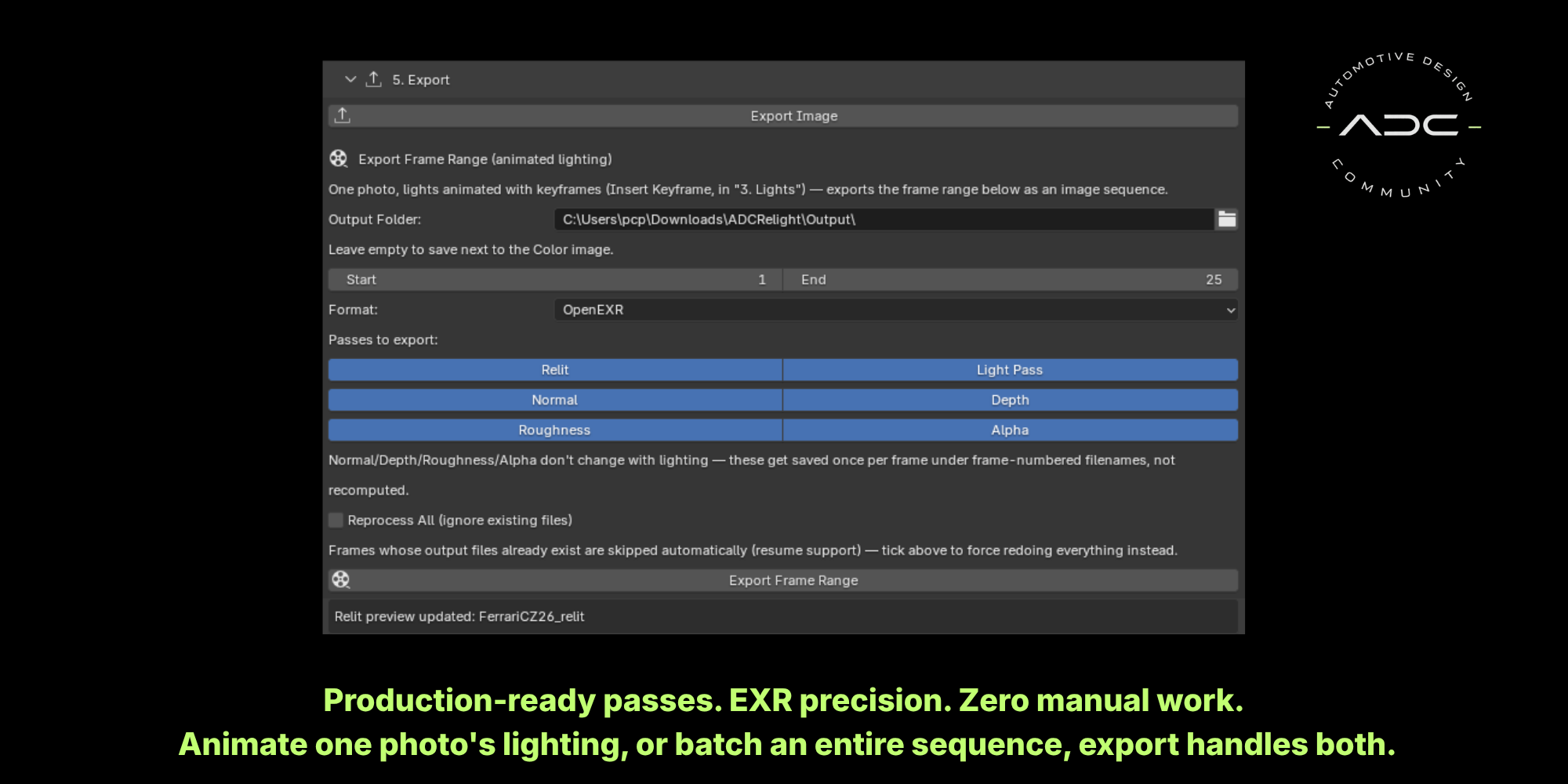
🎬 ANIMATE THE LIGHT One photo. A full lighting animation.Keyframe your lights — a day-to-night sweep, a light pass across a product shot — and export the whole animated sequence from a single source photo. Or point it at a folder of video frames and batch-process a full shot, with an adjustable frame range so you're never stuck processing more than you need.
|
BUILT FOR PRODUCTION
Architecture, product shots, and automotive work
From architectural facades to product photography to automotive visualization, ADC Relight is built for the same kind of real production work as ADC AutoDepth — turning a single reference photo into something you can actually light, animate, and render, instead of faking it in post.
Stop paying monthly to relight your shots.ADC Relight brings real PBR-based relighting directly inside Blender — buy it once, run it locally, forever. |
REQUIREMENTS
* No internet connection required — ever. Everything ships bundled and runs fully offline from the first launch. | ||||||
Works great on its own, and even better paired with ADC AutoDepth — same local AI engine, same zero-cost-per-generation philosophy.
