 Toni3DArt




Do I lose my presets when I update?
No. Presets are backed up automatically and restored after updates or reinstalls. You can also export them to a .json file.
I updated and it behaves like the old version.
Two copies are installed. Uninstall both, restart Blender and install the new zip.
Will it change my existing Bevel modifiers?
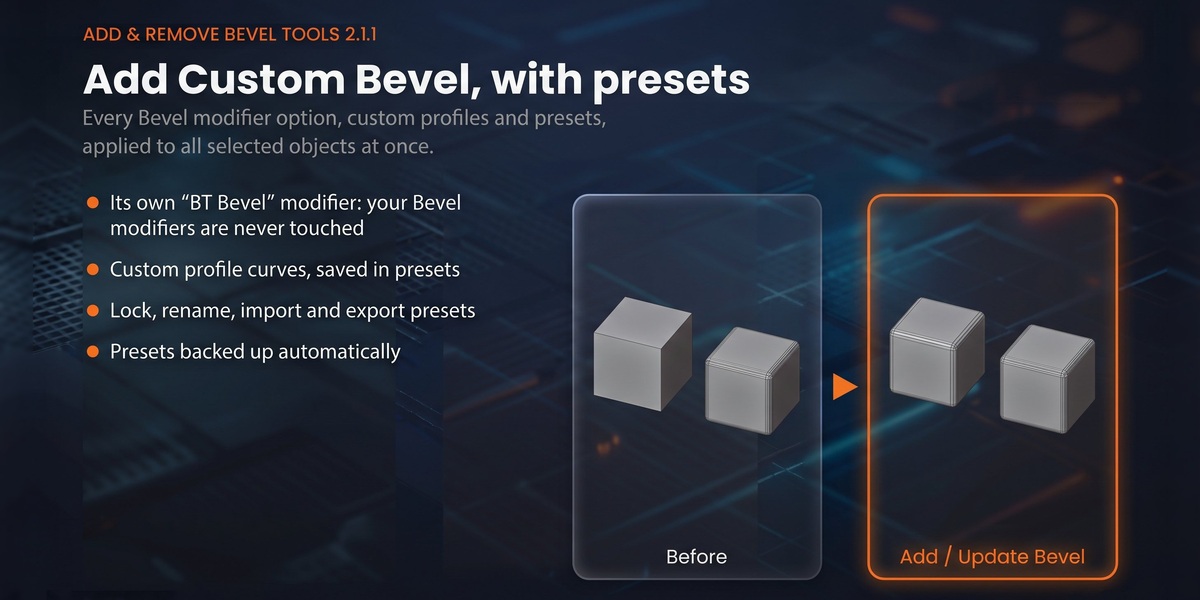
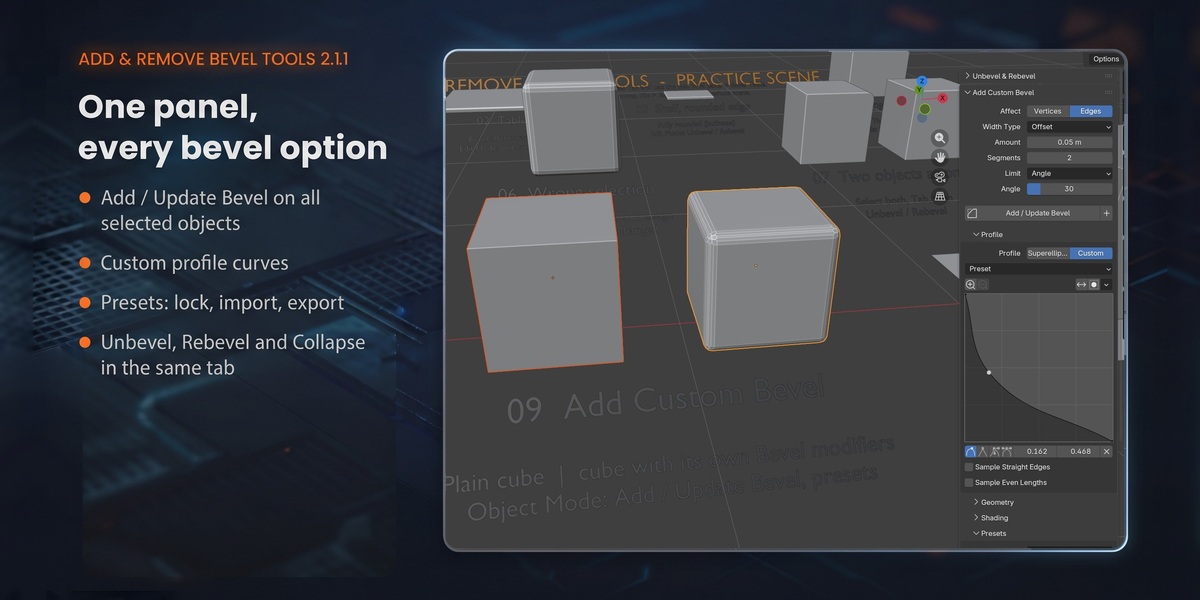
No. Add Custom Bevel only creates and updates its own "BT Bevel" modifier.
Which Blender versions are supported?
Blender 3.6 to 5.x. Tested on 3.6 LTS, 4.2 LTS, 4.4, 5.1 and 5.2 LTS. The practice scene needs 4.2 or later.
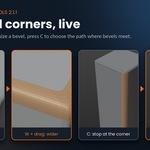
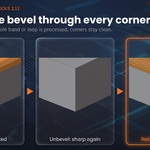
What happens at the corners of a box, where three bevels meet?
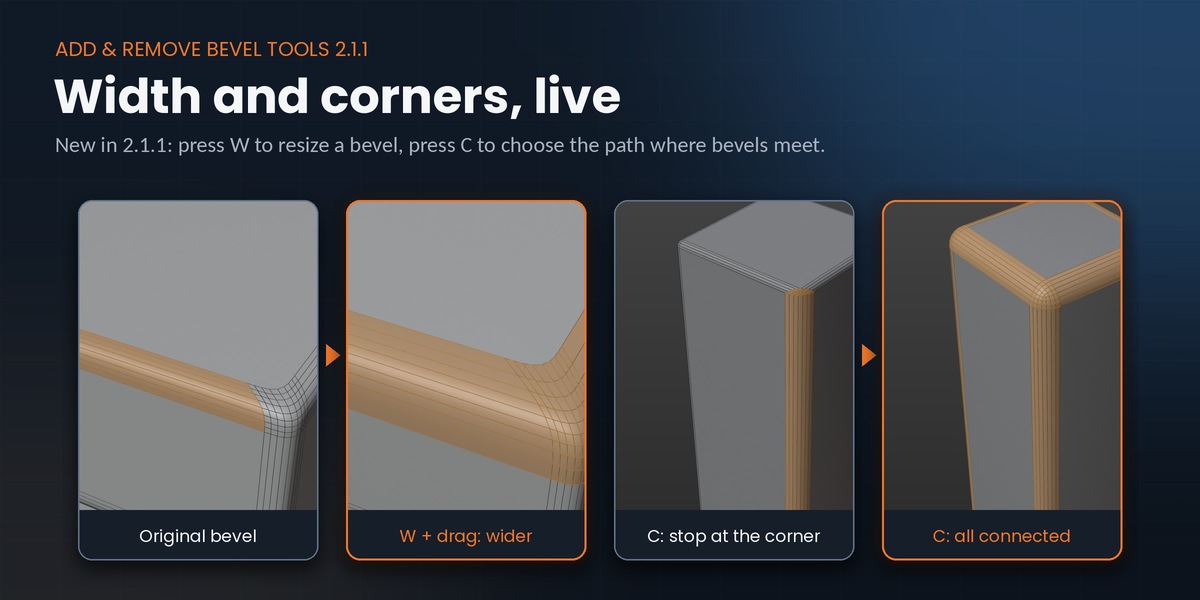
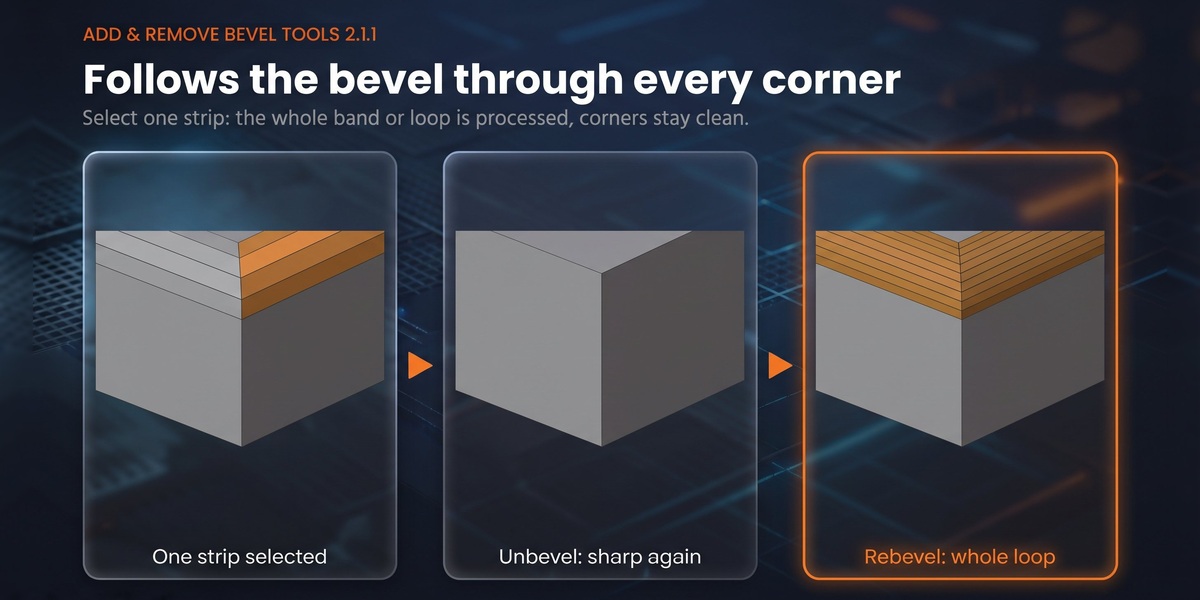
Both Rebevel and Unbevel handle them. Press C to stop at the corner, follow one side, or process every connected bevel.
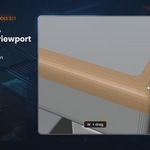
Can I change the width of an existing bevel, not only the segments?
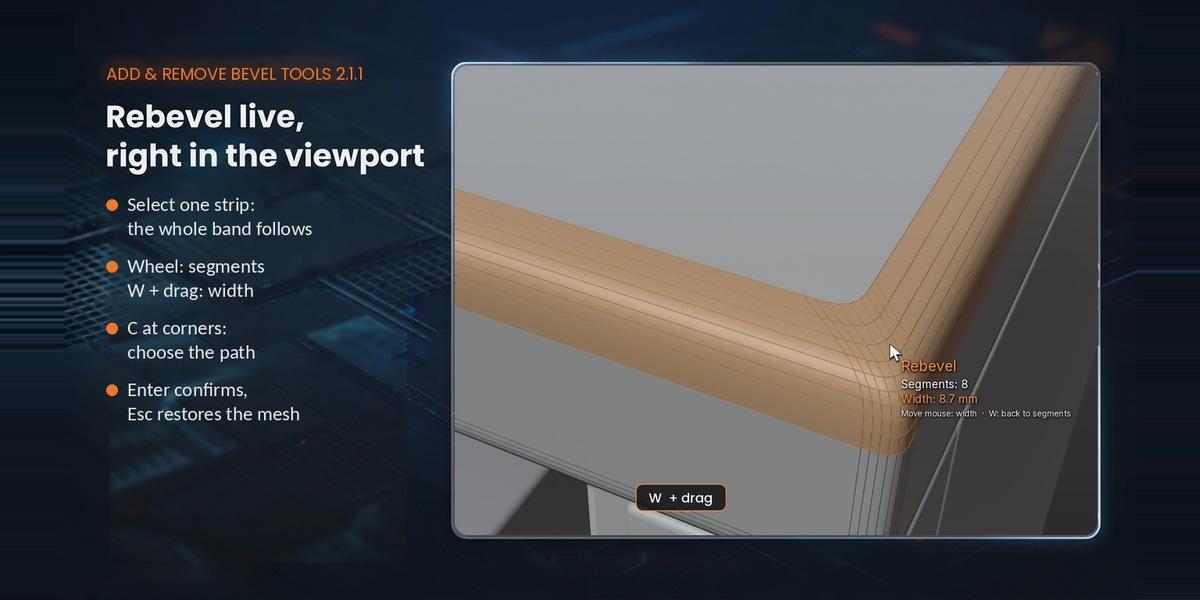
Yes. In Rebevel press W and drag the mouse, or set Width in the F9 panel.
Does it work on bevels I made with the Bevel modifier and then applied?
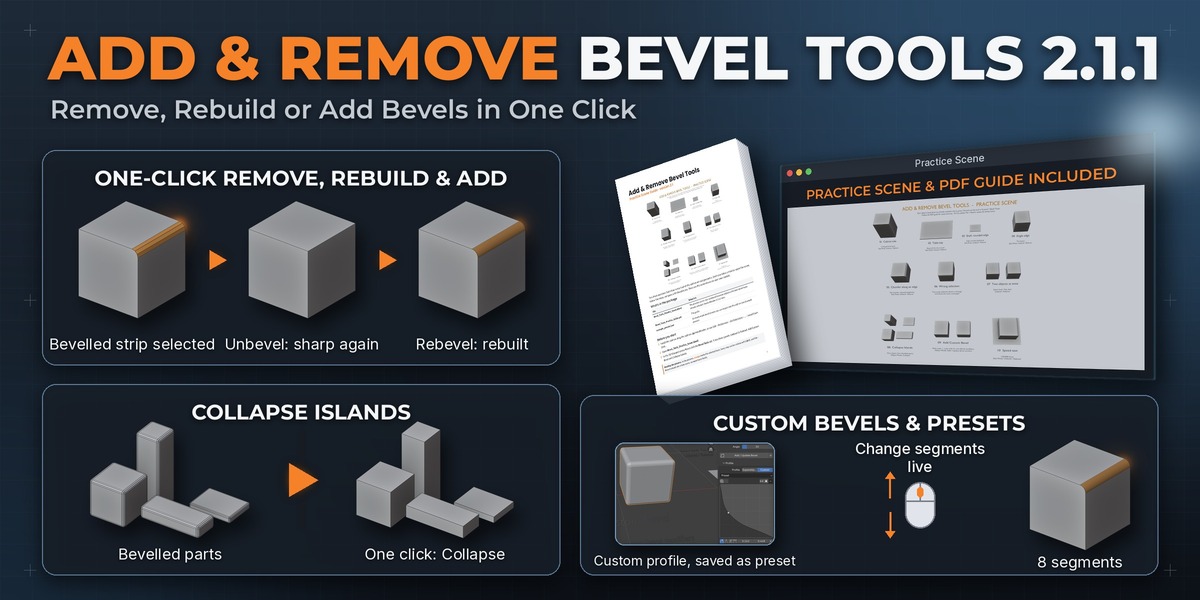
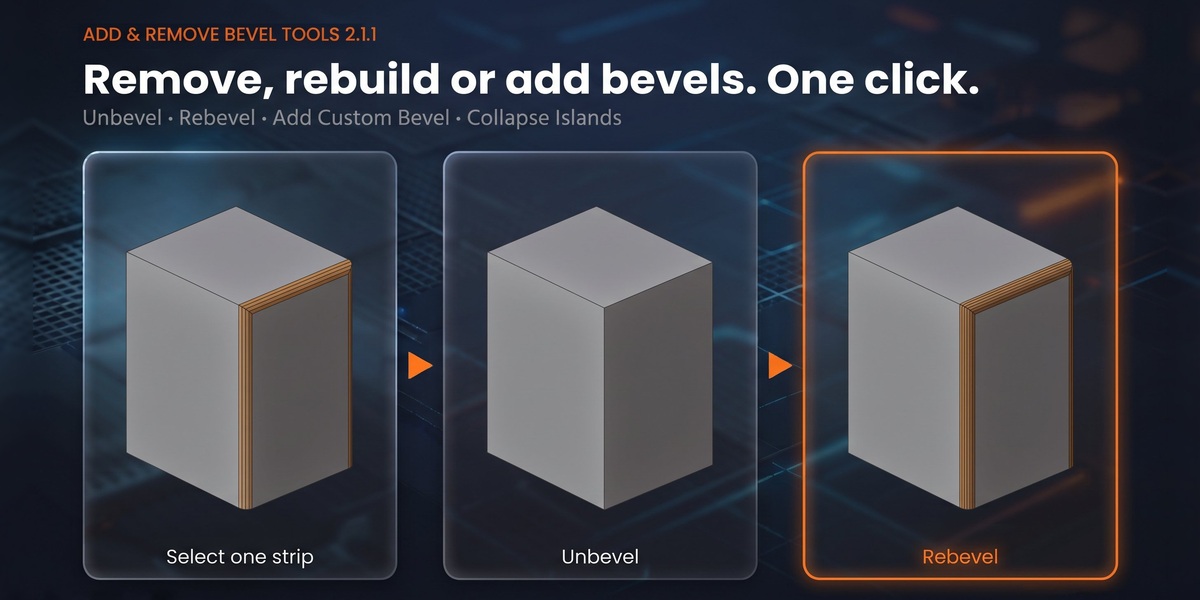
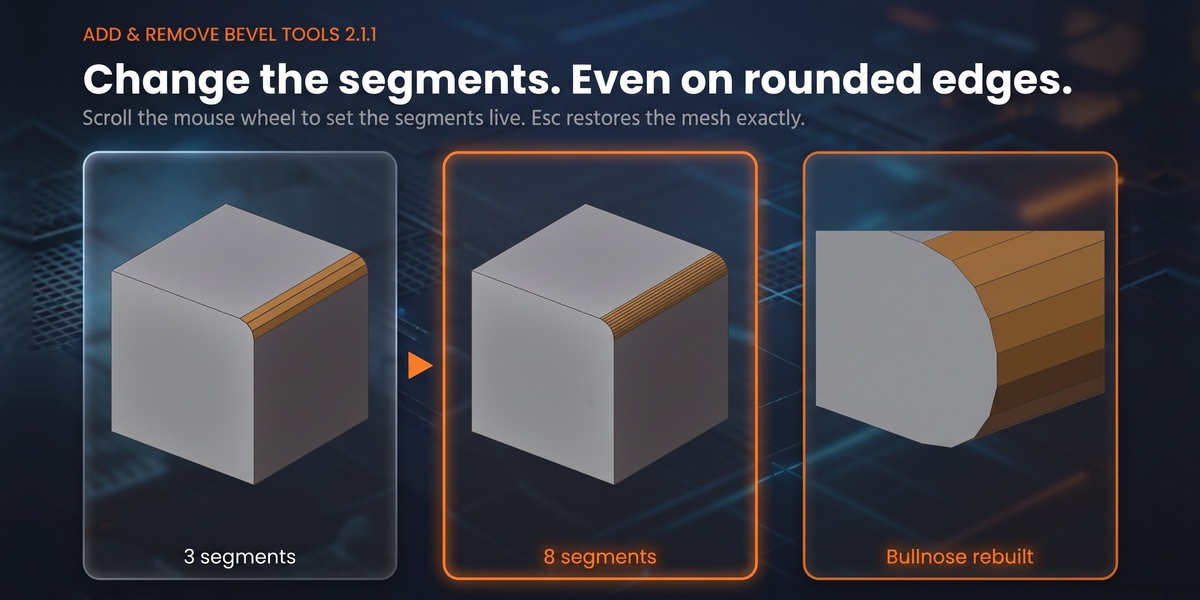
Yes, that's exactly what it's for. It also works on bevels in imported or client meshes, as long as the bevel is made of quads.
Have questions about this product?
Login to message
| Blender Extension Compatible | Yes |
| Published | about 1 hour ago |
| Blender Version | 3.6 - 5.2 |
| Extension Type | Add-on |
| Render Engine Used | Cycles, Eevee |
| License | Mit |
Discover more products like this
modeling mesh cleanup rebevel furniture remove bevel hard surface bevel chamfer cad unbevel presets bevel width