 Toni3DArt
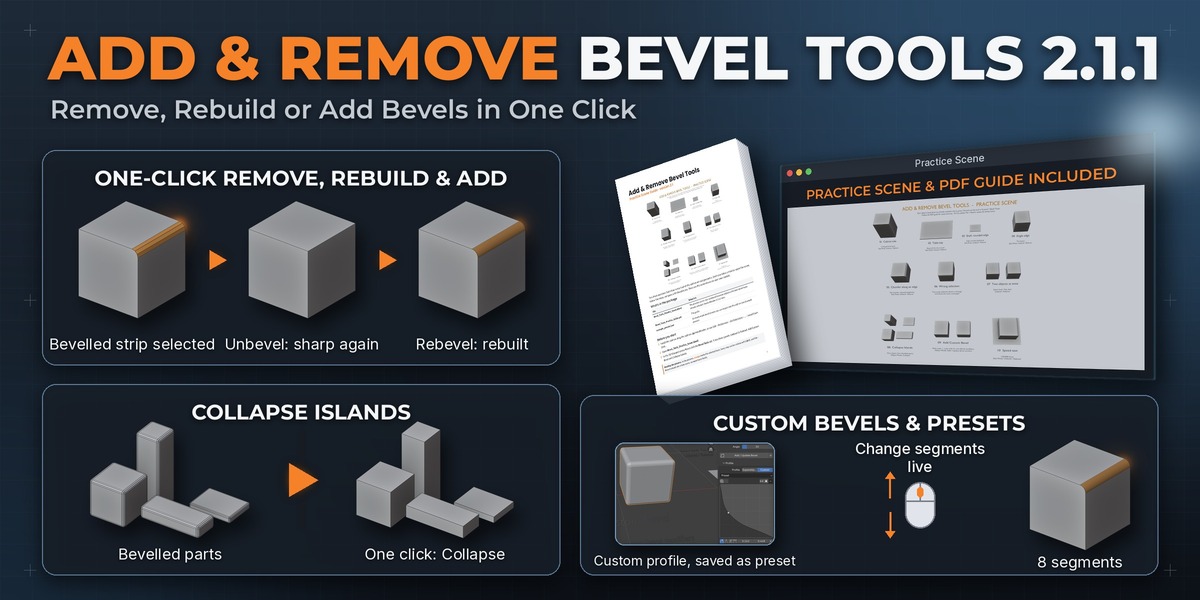
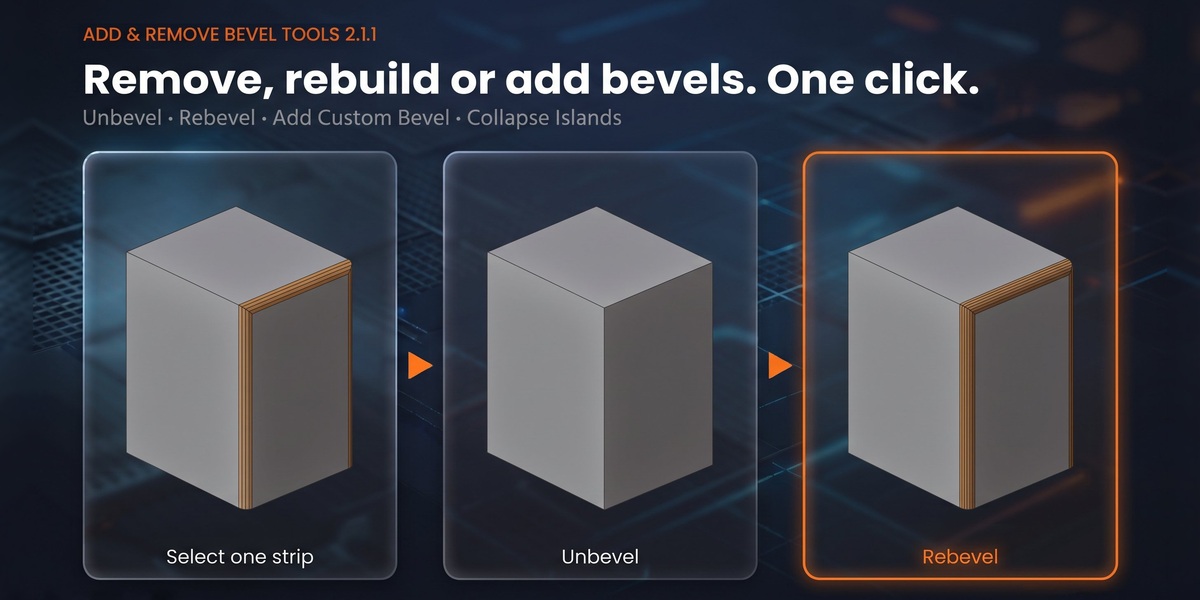


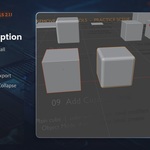

Bevels already applied to your mesh? Client files, CAD imports and downloaded models often come that way. Fixing them by hand means deleting faces and rebuilding edges. Add & Remove Bevel Tools does it in one click, right in Edit Mode.
Features
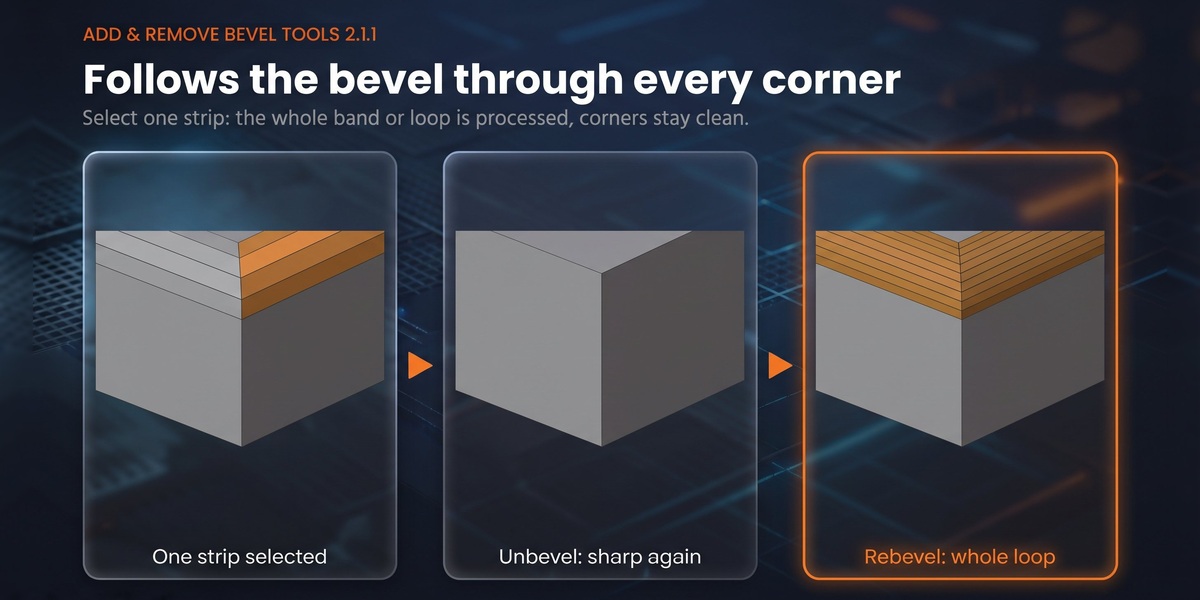
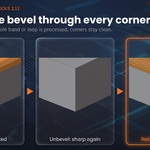
- Unbevel – turn a bevel back into the original sharp edge. Sharp edges and bevel weights next to it are kept.
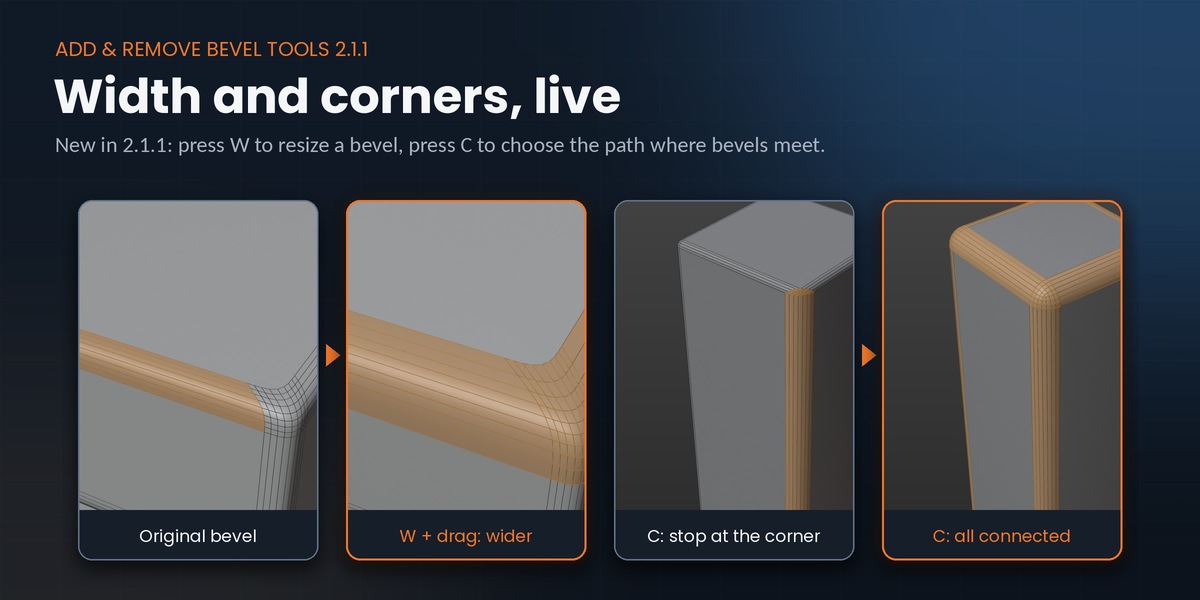
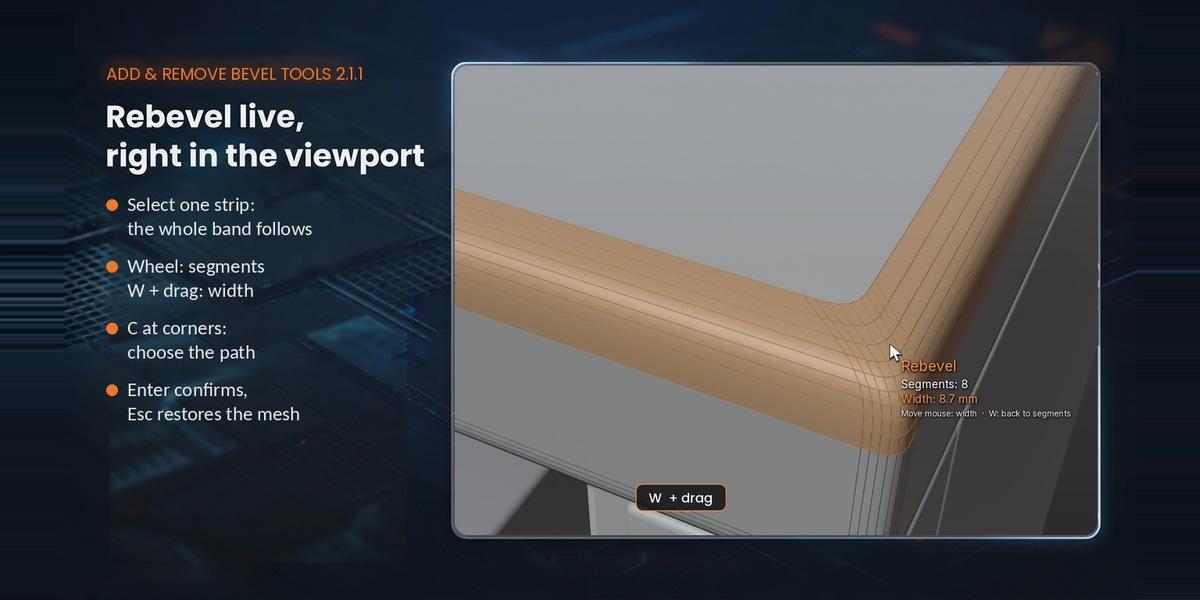
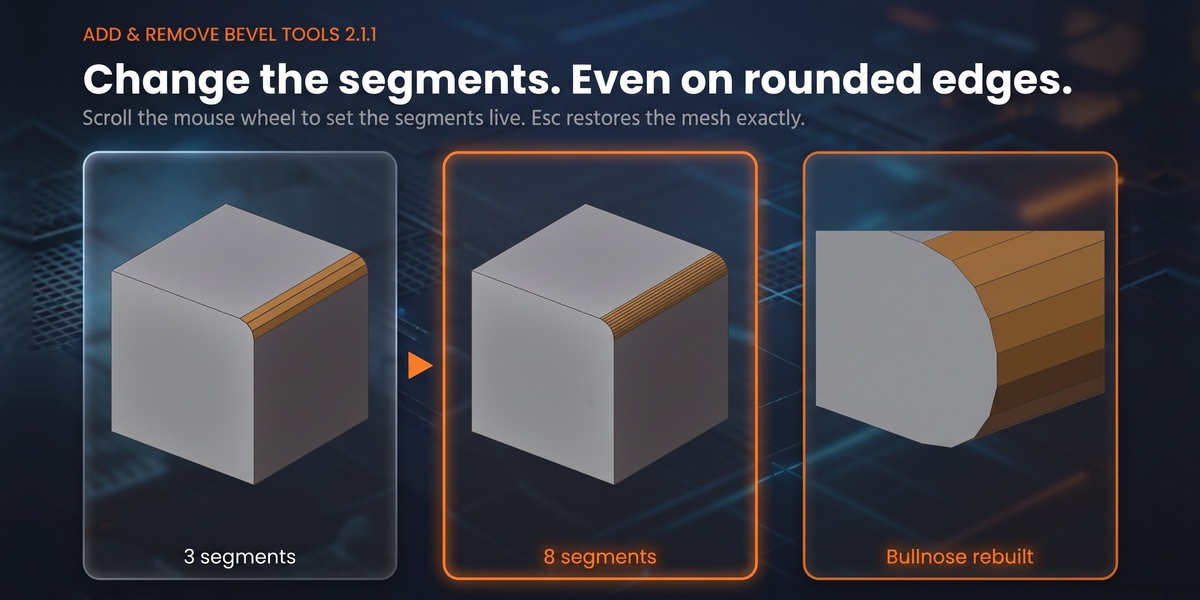
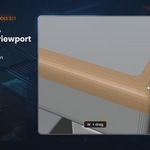
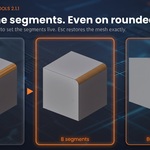
- Rebevel – rebuild a bevel. It starts with the segments, width and roundness of the original; scroll the mouse wheel for more or fewer segments, press W and drag for a wider or narrower bevel. Esc restores the mesh exactly.
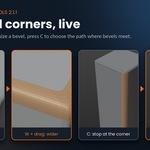
- Corners – select one strip and the whole band or loop is processed. Where three or more bevels meet, press C to stop at the corner, follow one side, or take every connected bevel. Works in Rebevel and Unbevel.
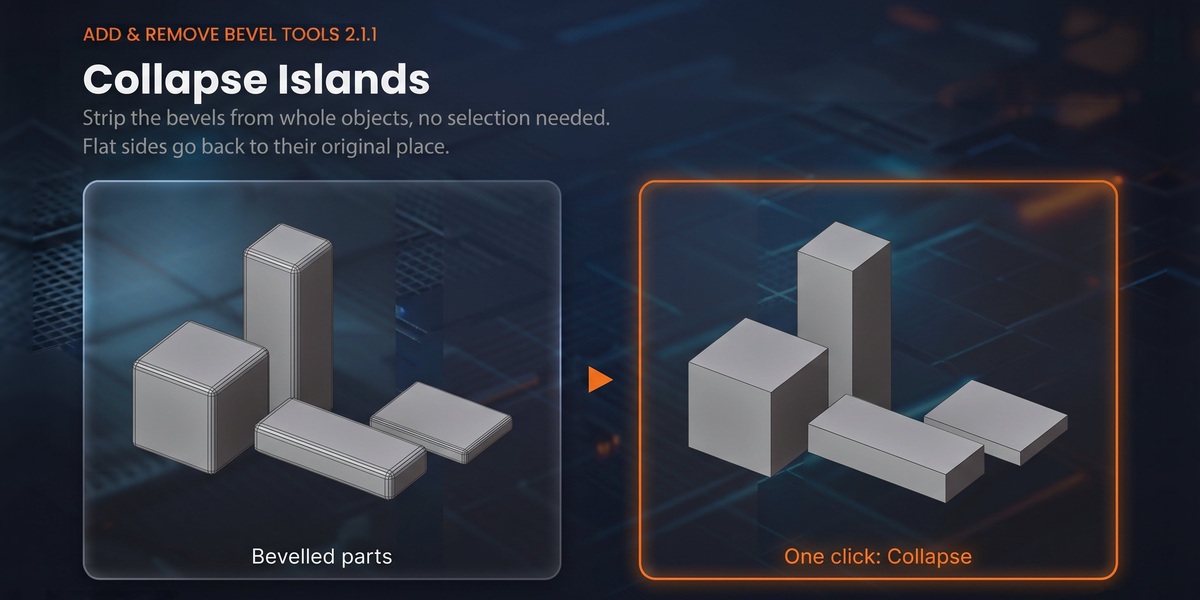
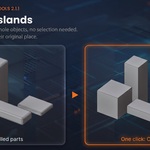
- Collapse Islands – remove the bevels of whole objects without selecting faces. The bevel width of each part is detected automatically and flat sides go back to their place.
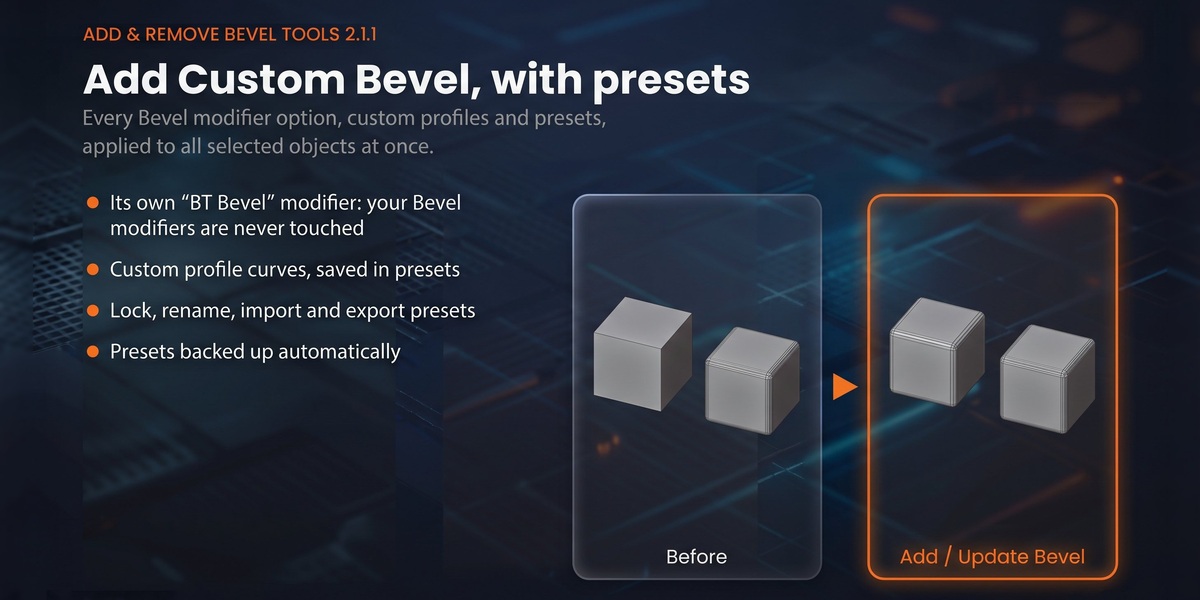
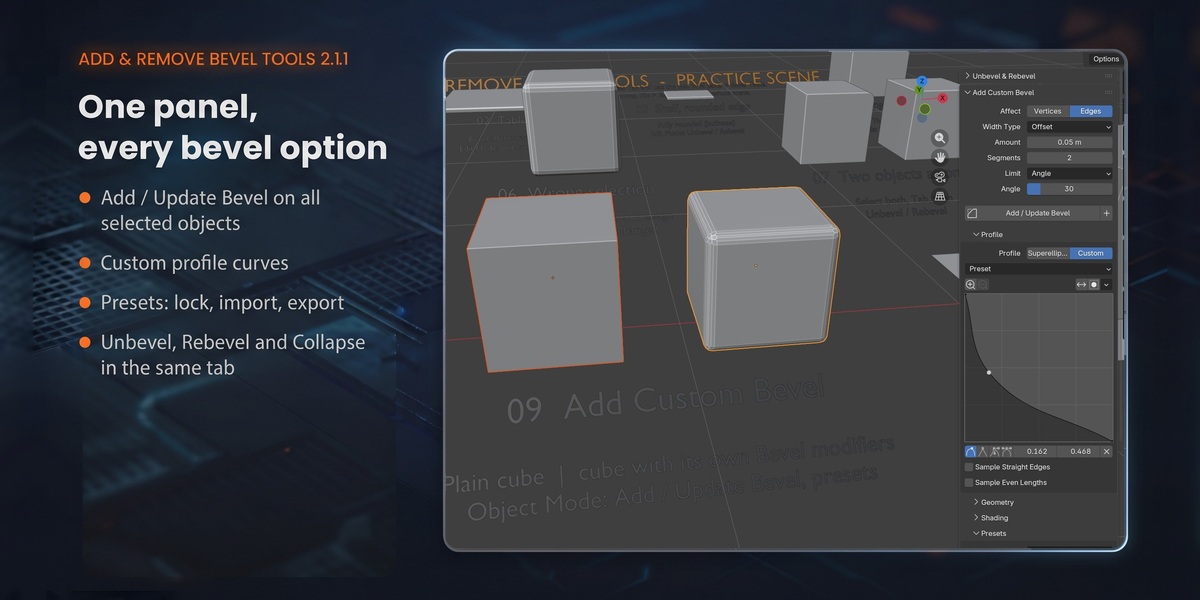
- Add Custom Bevel – every Bevel modifier option in one panel, applied to all selected objects: width, segments, limit method, superellipse or custom profile curve, miters, shading. The add-on manages its own "BT Bevel" modifier and never touches your other Bevel modifiers.
- Presets – save any bevel, custom profile included. Rename, lock, import / export, and an automatic backup that survives updates and reinstalls.
- Fully rounded edges (bullnose), bevels that end in triangles, several objects in Edit Mode at once, fast on objects with many parts.
What you get
- The add-on: one zip for Blender 3.6 – 5.x (installs as an extension on 4.2+, as a regular add-on on 3.6 – 4.1)
- Full PDF manual (English and Spanish)
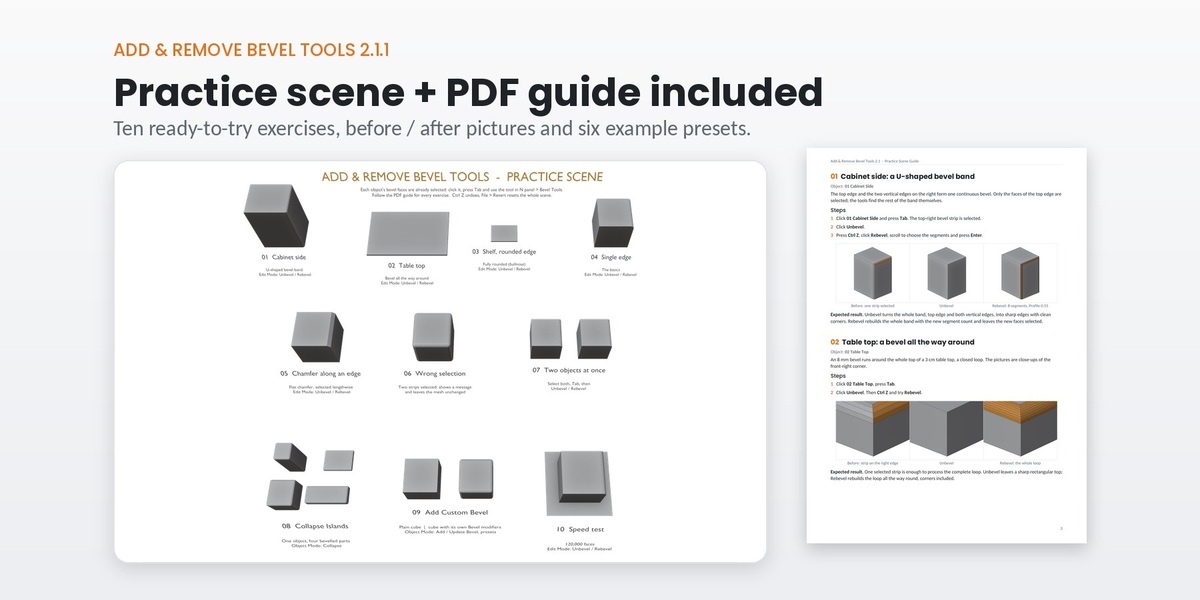
- Practice scene with 10 short exercises (Blender 4.2+), step-by-step PDF guide and 6 example presets
Compatibility
Blender 3.6 – 5.x. Tested on 3.6 LTS, 4.2 LTS, 4.4, 5.1 and 5.2 LTS. Pure Python, no compiled code. MIT license.