 gigirenders
GIGI RENDERS / BLENDER TOOLS
addondock
Your Blender add-ons.
One beautiful place.
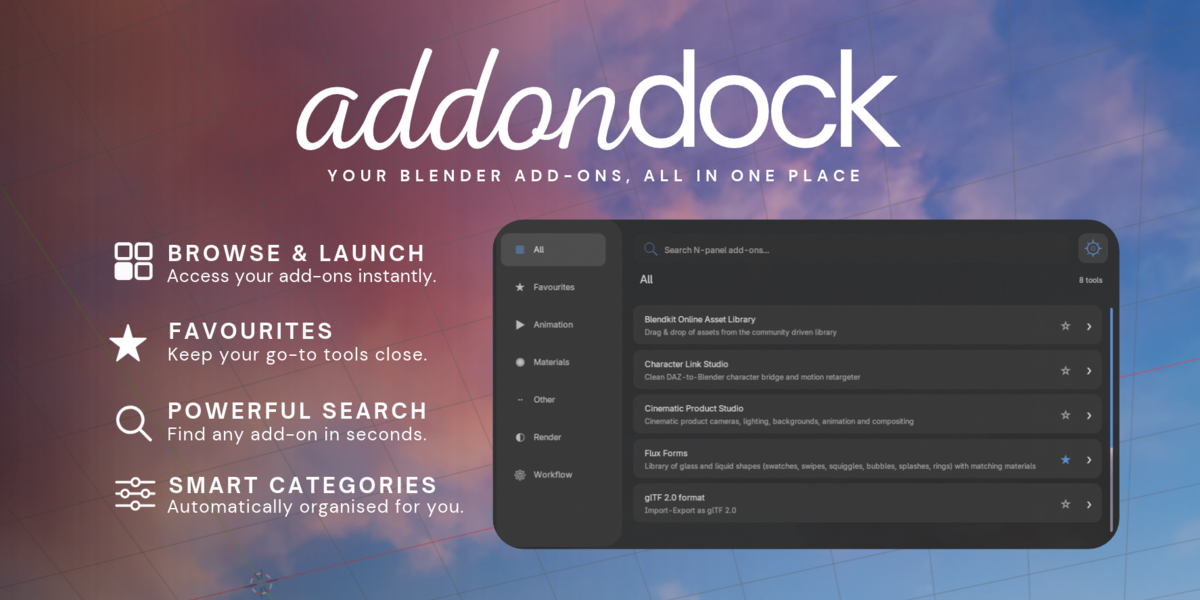
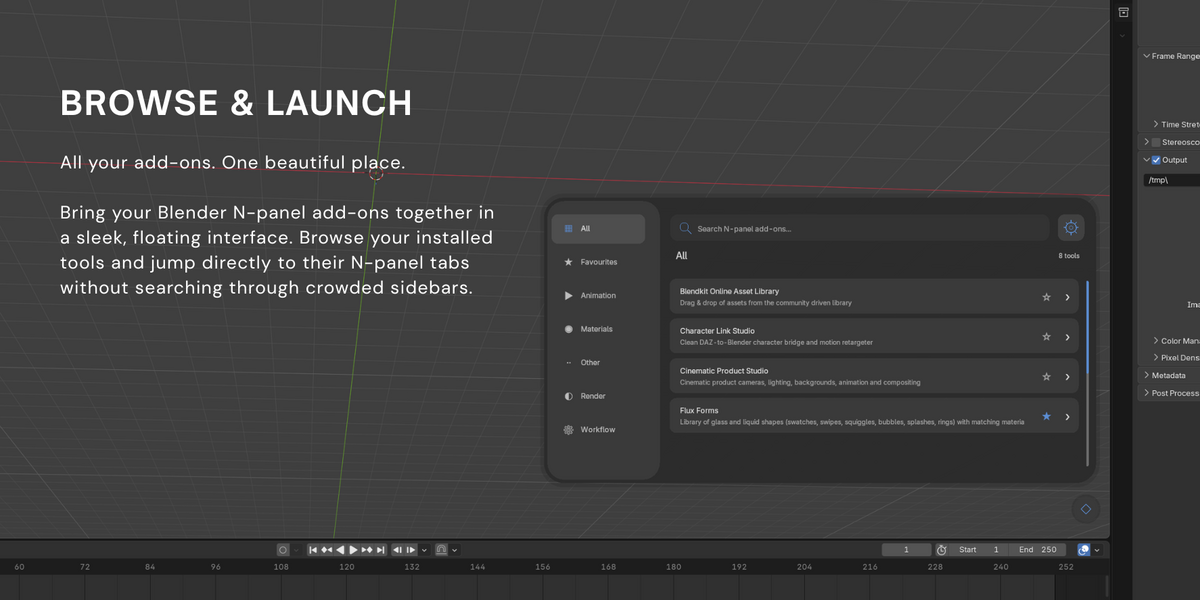
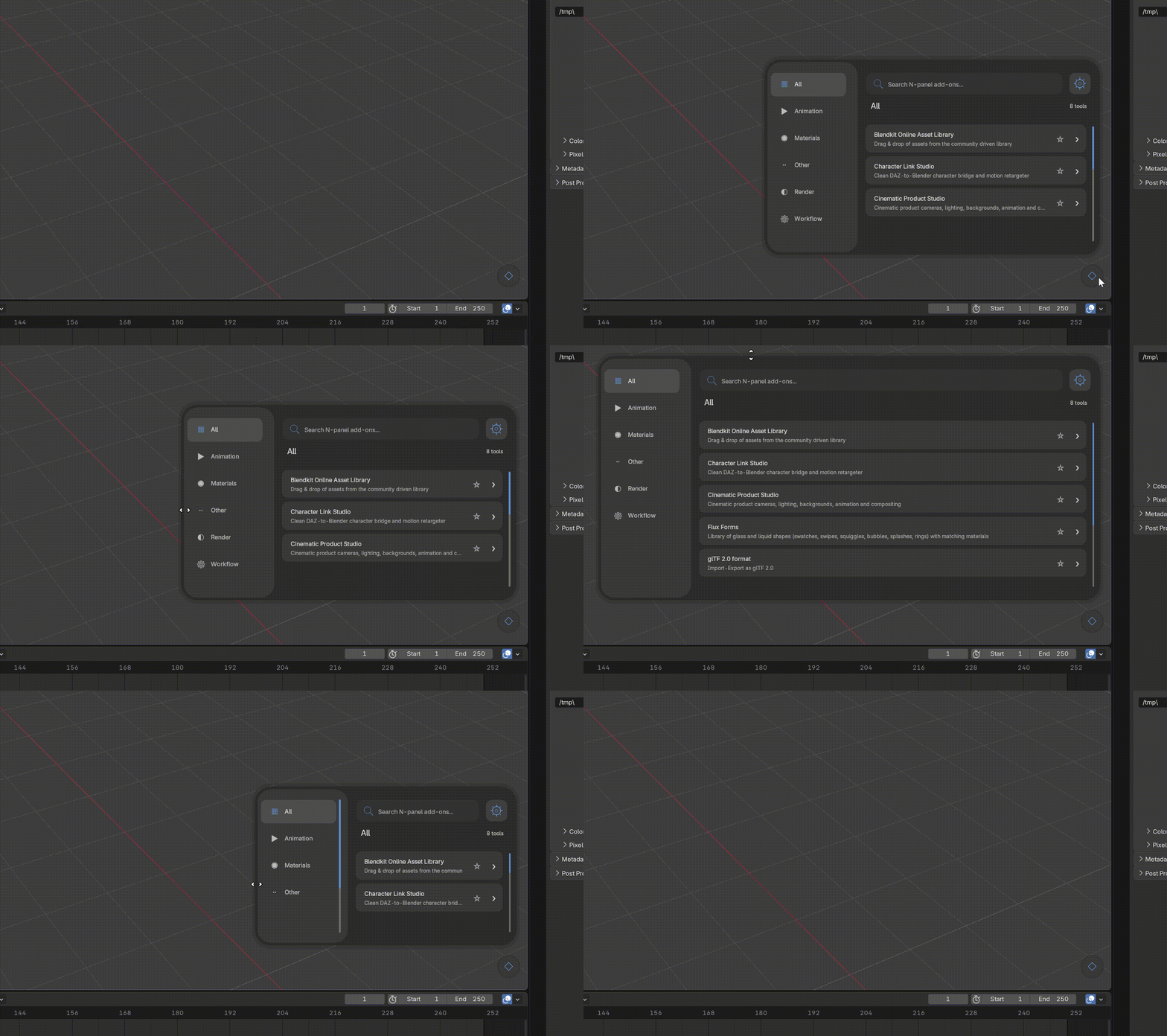
Stop searching through crowded sidebar tabs. Addon Dock brings your N-panel add-ons together in a compact, searchable floating launcher, directly inside Blender's 3D Viewport.
BLENDER 4.2+ | VERSION 1.0.1 | 3D VIEWPORT
A CLEANER CREATIVE WORKFLOW
Less hunting. More creating.
Whether you're working with modelling, animation, materials or rendering tools, Addon Dock helps organise your growing collection of N-panel add-ons and makes them easier to access.
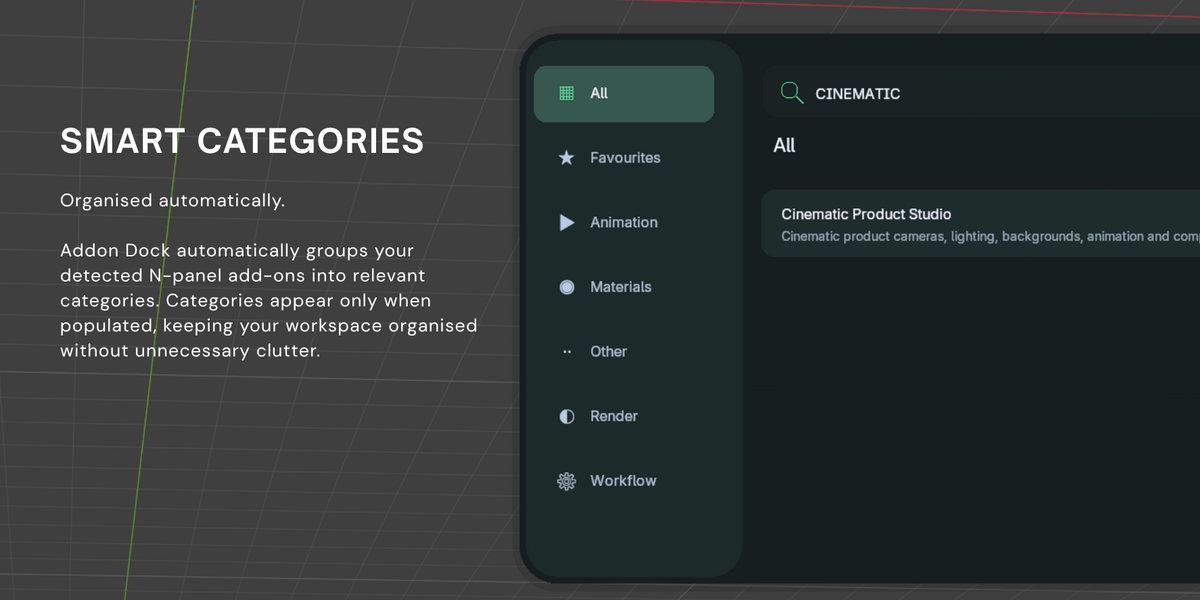
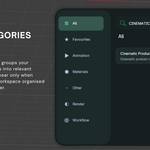
01 — Automatic Categories
Automatically organise detected N-panel add-ons into relevant categories. Only populated categories appear, keeping your launcher clutter-free.
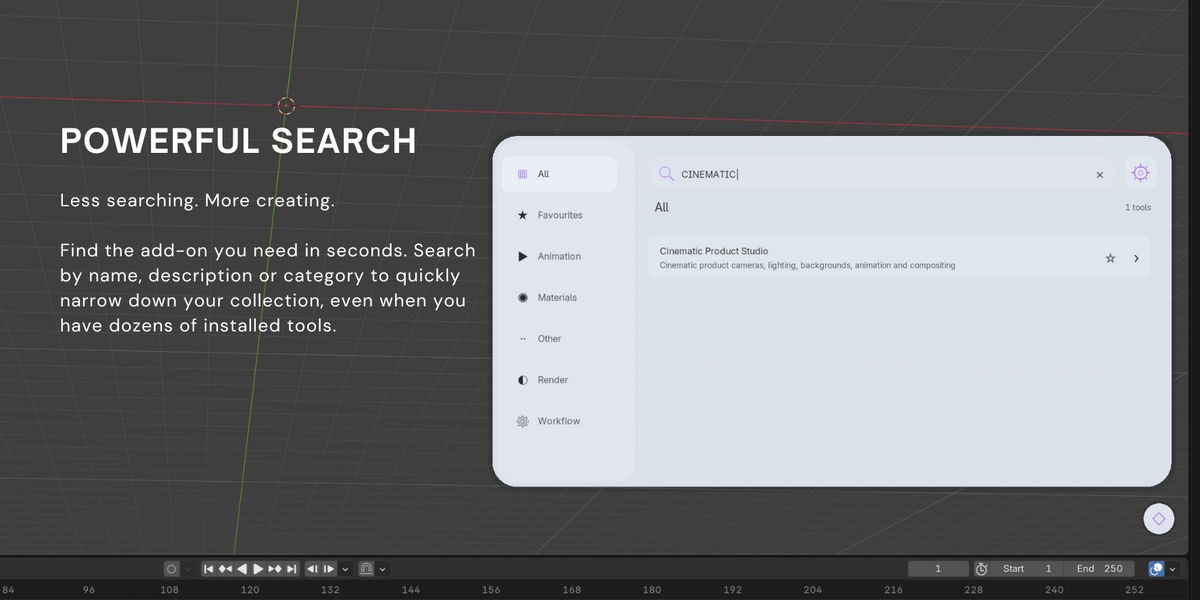
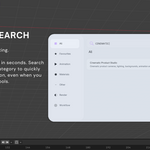
02 — Quick Search
Find your installed N-panel add-ons by name without scrolling through endless tabs.
03 — One-Click N-Panel Navigation
Select an add-on and jump directly to its associated N-panel tab in Blender's sidebar, where supported.
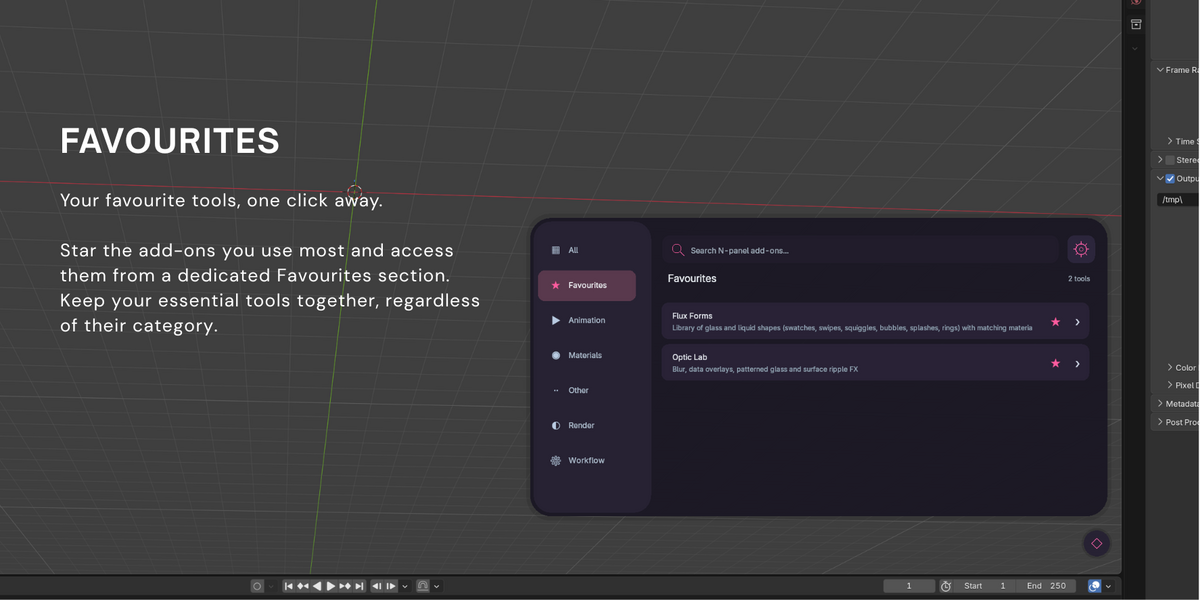
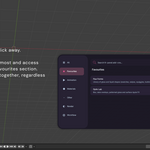
04 — Favourites
Star your most-used add-ons and keep your favourite creative tools together for quick access.
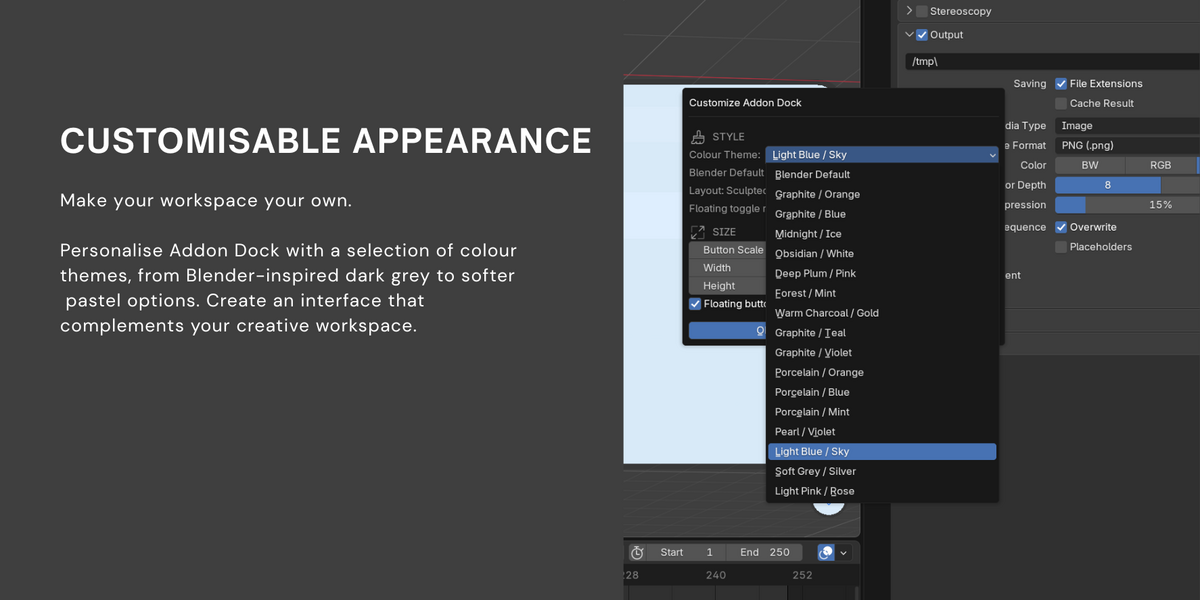
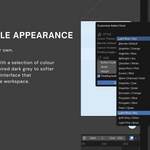
05 — Customisable Appearance
Choose from a collection of colour themes, including Blender-inspired dark grey, light blue, soft grey and light pink.
06 — Mouse Resizing & Scrollbars
Resize the floating launcher by dragging its edges and corners. Responsive content and automatic scrollbars help accommodate larger collections.
DESIGNED FOR BLENDER
There when you need it.
Out of your way when you don't.
A small circular button in the bottom-right of the 3D Viewport opens the sculpted launcher. Close it when you're finished and continue working in Blender.
Ctrl + Shift + A — Toggle launcher
Ctrl + Shift + D — Appearance settings
GET STARTED
Easy Installation
01. Open Blender and navigate to Edit → Preferences → Add-ons.
02. Select Install from Disk.
03. Choose the Addon Dock ZIP file.
04. Enable Addon Dock.
05. Click the circular launcher button in your viewport.
FREQUENTLY ASKED QUESTIONS
Good to know.
Which Blender versions are supported?
Blender 4.2 and newer, including Blender 5.x.
Does Addon Dock show every installed add-on?
Addon Dock focuses on add-ons that register supported panels in Blender's 3D Viewport N-panel.
Do I need to organise categories manually?
No. Categories are generated automatically based on your detected add-ons.
Can I customise the appearance?
Yes. Choose different colour themes and adjust the size of the launcher.
Will it open the correct N-panel tab?
Addon Dock attempts to open the associated tab. Some third-party add-ons use different panel registration methods and may require additional navigation.
ADDON DOCK V1.0.1
Created & Maintained by Gigi Renders
