AddOn Dock: Visual Launcher for N Panel Add-Ons
 gigirenders
GIGI RENDERS / DOCUMENTATION
addondock
Quick Start & User Guide
VERSION 1.0.1 | BLENDER 4.2+
01 — Overview
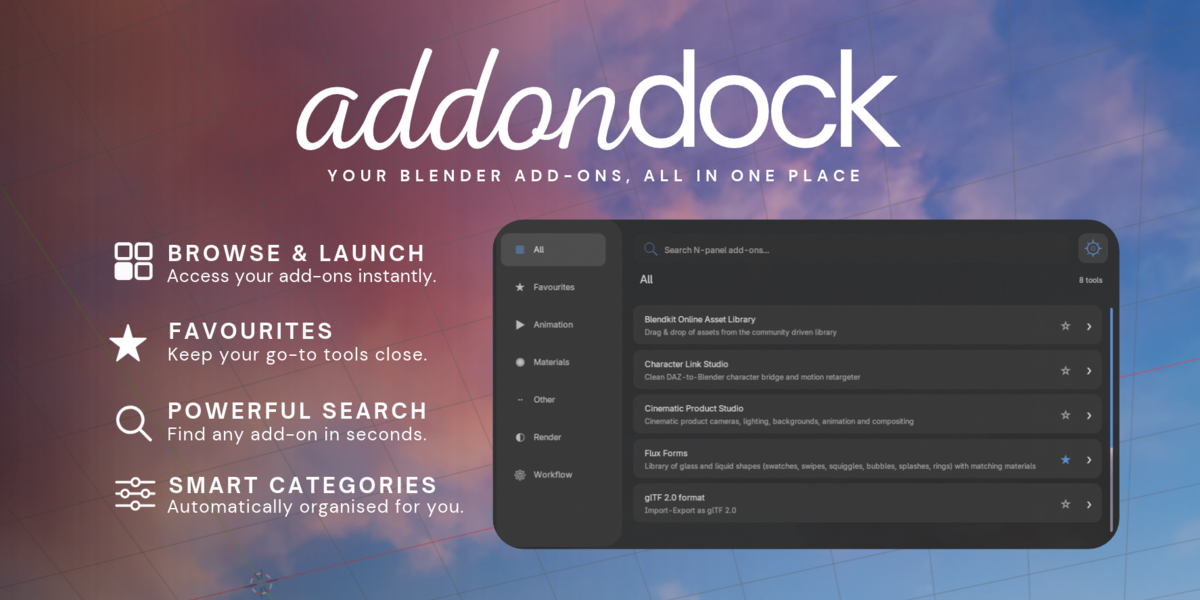
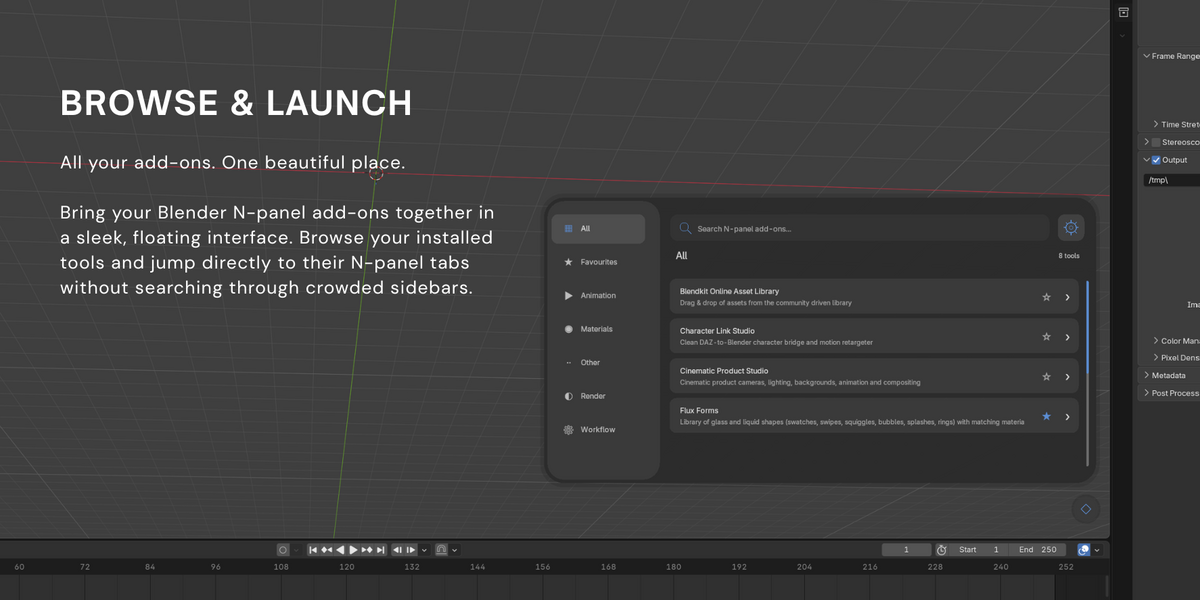
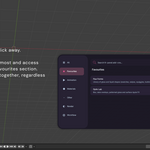
Addon Dock is a floating launcher for Blender's 3D Viewport N-panel add-ons. Browse, search, favourite and access your tools from one clean, organised interface.
Addon Dock detects supported add-ons with registered 3D Viewport N-panel entries. Add-ons that do not use the N-panel may not appear.
02 — Installation
Step 1. Download the Addon Dock ZIP file.
Step 2. Open Blender and go to Edit → Preferences → Add-ons.
Step 3. Choose Install from Disk and select the ZIP.
Step 4. Enable Addon Dock.
Step 5. Open the 3D Viewport and click the circular launcher button.
When upgrading, uninstall the previous version and restart Blender before installing the new one.
03 — Opening the Launcher
Click the circular floating button in the bottom-right area of the 3D Viewport to open or close Addon Dock.
Ctrl + Shift + A — Toggle launcher
Ctrl + Shift + D — Appearance settings
Esc — Close launcher
04 — Browse & Search
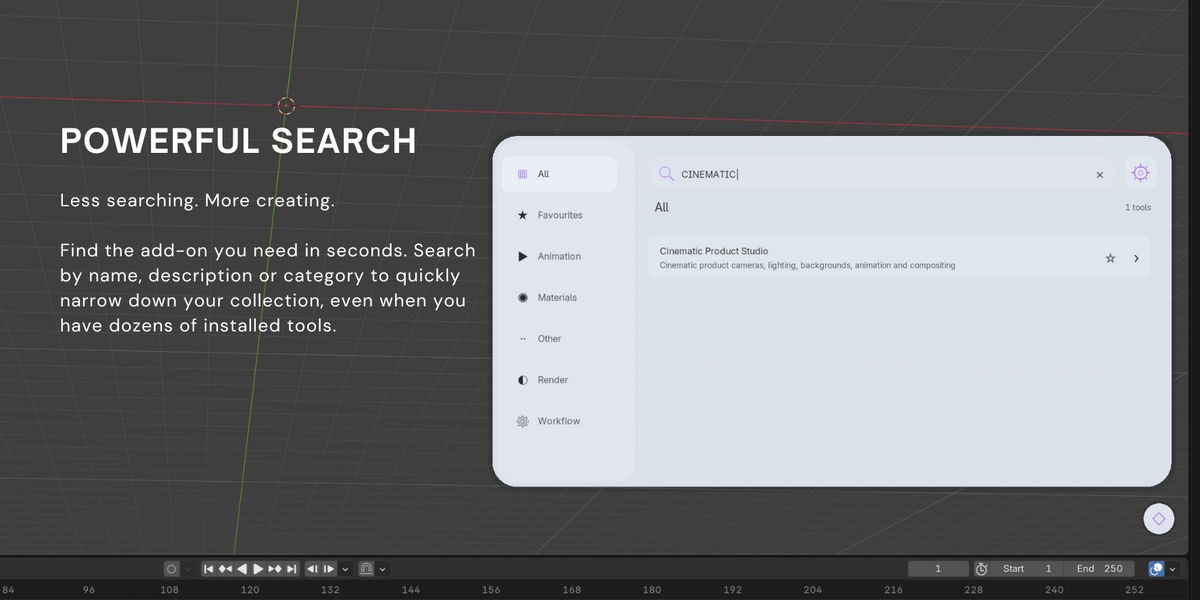
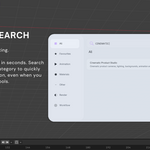
Select All to browse detected N-panel add-ons. Click the search field and type an add-on name, description or category to filter your collection.
Click an add-on to open its associated N-panel tab, where supported.
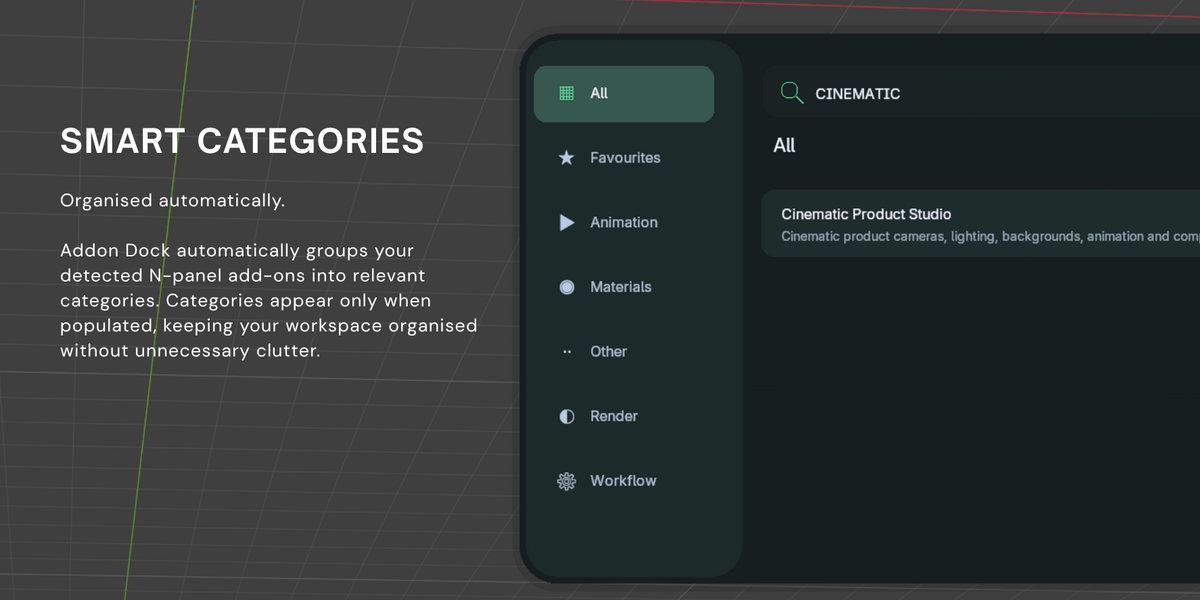
05 — Smart Categories
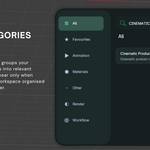
Addon Dock automatically organises compatible add-ons into categories. Only categories containing detected tools are displayed, keeping the interface clean and uncluttered.
06 — Favourites
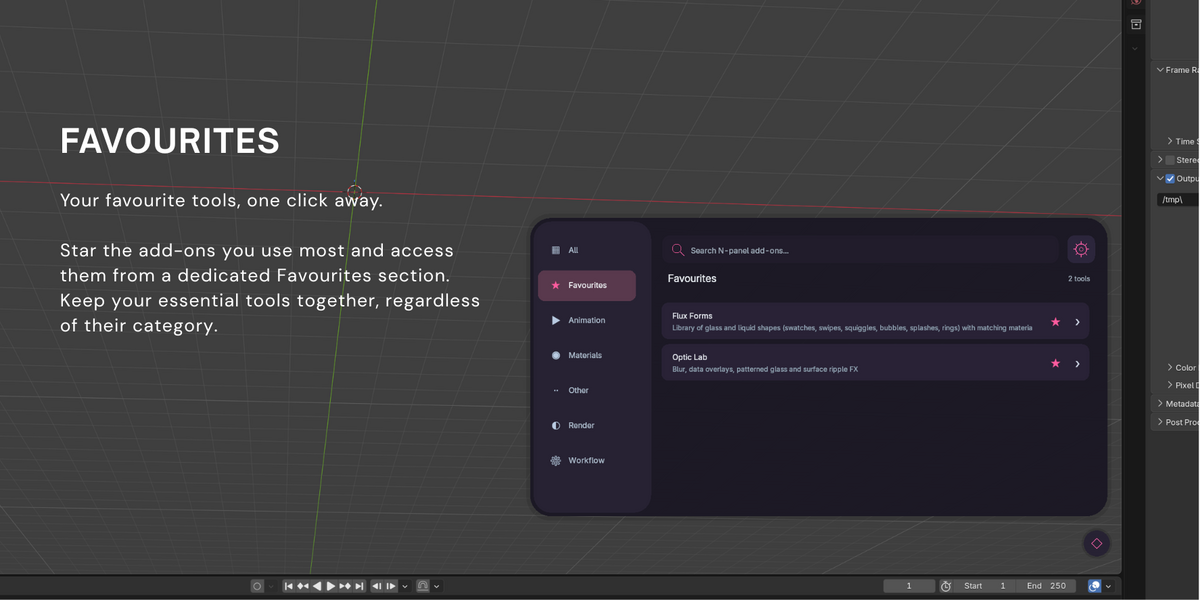
Click the star beside any add-on to add it to Favourites. Select the Favourites category to access your saved tools together. Click the star again to remove an add-on.
07 — Resizing & Appearance
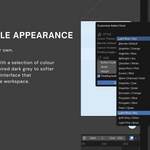
Resize the launcher by dragging its edges or corners. The interface adapts as you change its dimensions, with scrollbars appearing when required.
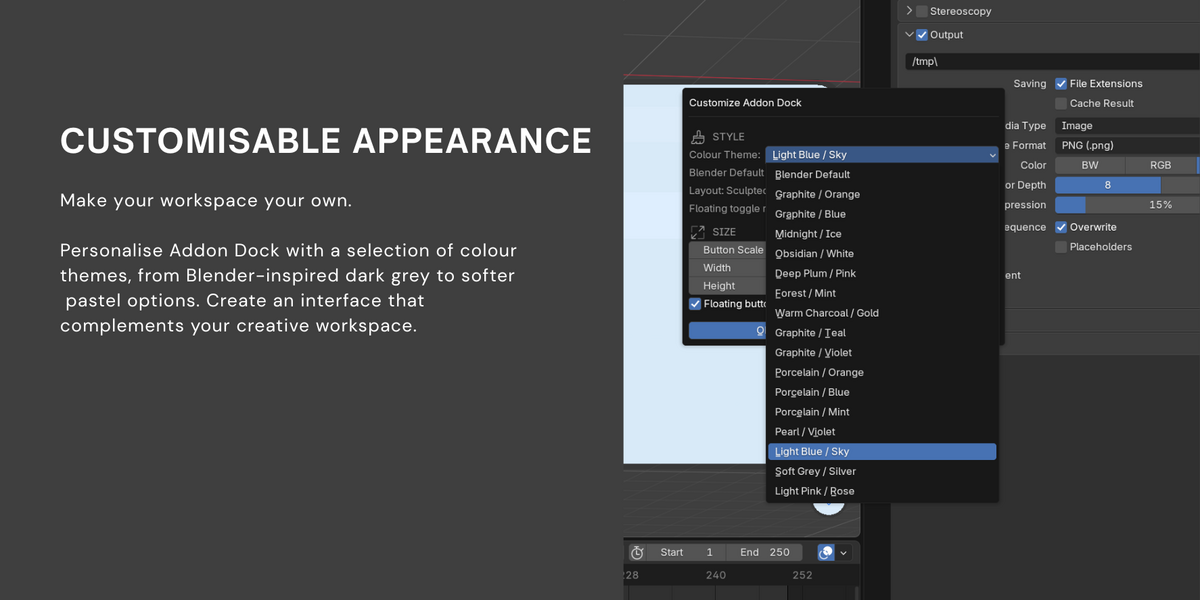
Open Appearance using the settings icon or Ctrl + Shift + D to choose colour themes, adjust dimensions and show or hide the floating button.
08 — Troubleshooting
My add-on is not appearing.
Ensure it is enabled and uses a supported 3D Viewport N-panel.
The correct N-panel tab does not open.
Some third-party add-ons use different panel registration methods. Their tabs may require manual navigation.
The shortcut is not working.
Move your cursor into the 3D Viewport and check Blender's Keymap for conflicting shortcuts.
The interface behaves unexpectedly after upgrading.
Uninstall older versions, restart Blender and reinstall the current release.
09 — Compatibility & Support
Minimum Blender Version: 4.2
Addon Dock Version: 1.0.1
Publisher & Maintainer: Gigi Renders
For support, include your Blender version, Addon Dock version, a description of the issue and any relevant screenshots or error messages.
ADDON DOCK V1.0.1 / GIGI RENDERS
Have questions about this product?
Login to message
| Published | 11 days ago |
| Blender Version | 4.2 - 5.2 |
| Extension Type | N/A |
| Render Engine Used | Cycles, Eevee |
| License | GPL |

Discover more products like this
n panel orgaziner clean panel Addon Organizer NPanel NPanel Manager tab Addon manager N Panel Manager organizer n-panel Clean Panels