Advanced Maze Generator Pro for Blender
 blenderVfxMaster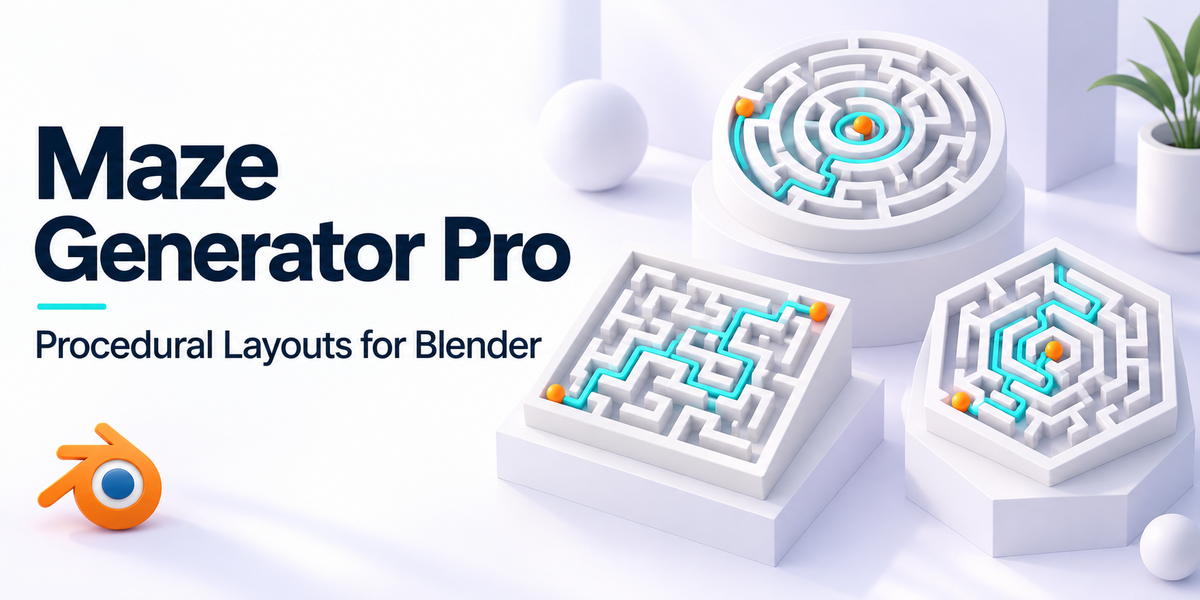
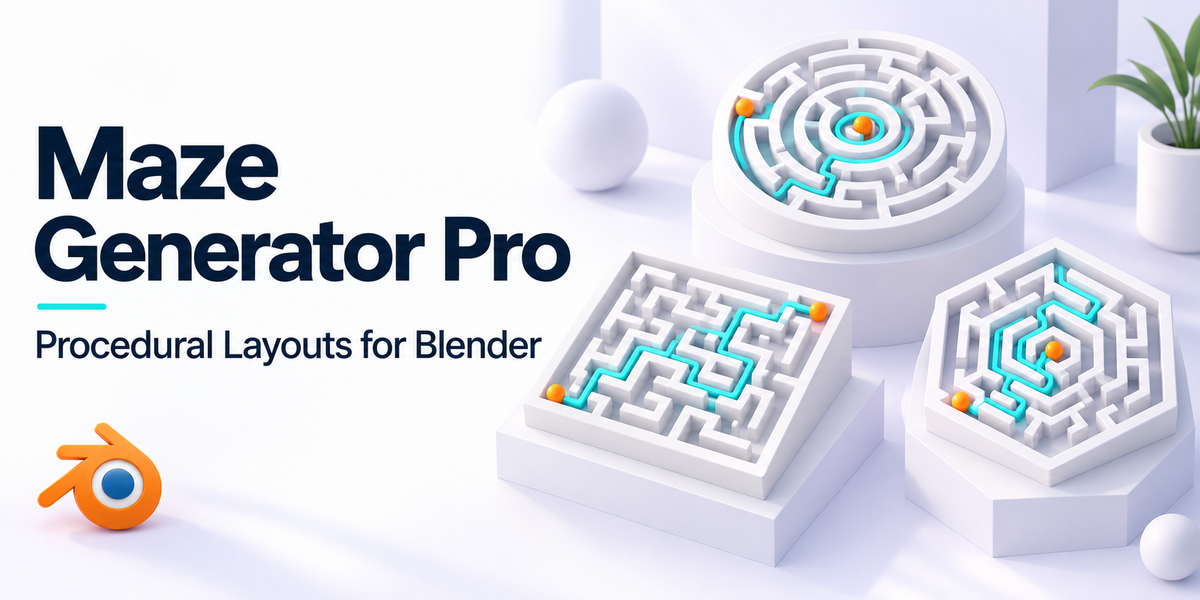


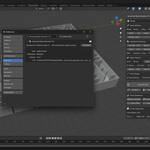
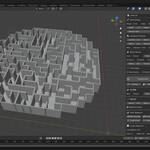
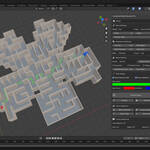
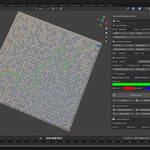
ADVANCED MAZE GENERATOR PRO – USER DOCUMENTATION
📑 Table of Contents
-
Installation
-
Getting Started
-
Basic Controls
-
Advanced Features
-
Algorithm Reference
-
Shape Options
-
Performance Settings
-
Troubleshooting
-
FAQ
-
Support
1. Installation
Requirements:
-
Blender 3.0 or newer
-
Minimum 4GB RAM (8GB recommended for large mazes)
-
Graphics card with OpenGL 3.3 support
Installation Steps:
-
Download the add-on ZIP file
-
Open Blender
-
Go to Edit > Preferences > Add-ons
-
Click Install… and select the ZIP file
-
Enable Advanced Maze Generator Pro in the add-ons list
-
The panel will appear in the 3D Viewport > N-Panel > Maze Generation
2. Getting Started
Quick Start Guide:
-
Open Blender and switch to the 3D Viewport
-
Press N to open the N-Panel
-
Find the Maze Generation tab
-
Set width/height (recommended: 20×20 for beginners)
-
Choose a shape (Rectangle is default)
-
Select an algorithm (Recursive Backtracking recommended for starters)
-
Click Generate Maze
👉 Your maze will be created with separate objects for walls and floors, ready for material assignment.
3. Basic Controls
Basic Settings:
-
Shape – Choose from 15+ predefined shapes
-
Algorithm – Select generation method
-
Width/Height – Maze dimensions (cells)
-
Random Seed – Same seed = reproducible maze
Appearance Settings:
-
Cell Size – Unit size of maze cells
-
Wall Height – Wall elevation
-
Wall Thickness – Control geometry thickness
-
Wall Angle – Tilt walls inward/outward
Maze Features:
-
Complexity – Overall difficulty
-
Dead End Ratio – Adjust number of dead ends
-
Symmetry – Generate mirrored layouts
-
Center Focus – Converge paths toward center
-
Merge Models – Optimize into single geometry
Path Display:
-
Show Solution Path – Visualize correct route
-
Show Start/End – Add markers
-
Custom Colors – Control path/marker colors
4. Advanced Features
-
Room Generation – Insert open spaces with configurable connections
-
Central Paths – Create wide or styled corridors
-
Edge Circuits – Add navigable perimeter paths
-
Loop Control – Enable or restrict loop formations
-
Weighted Generation – Use heat maps for controlled path bias
-
Performance Optimization – Quality levels, iteration controls, memory/time limits
5. Algorithm Reference
-
Recursive Backtracking – Depth-first, long corridors
-
Kruskal’s Algorithm – Tree-like organic structures
-
Prim’s Algorithm – Balanced complexity
-
Wilson’s Algorithm – Uniform spanning trees
-
Eller’s Algorithm – Row-by-row, memory efficient
-
Binary Tree – Simple, directional bias
-
Sidewinder – Horizontal corridors
-
Growing Tree – Customizable priority-based generation
6. Shape Options
-
Basic: Rectangle, Circle, Ellipse, Triangle
-
Geometric: Diamond, Pentagon, Hexagon, Octagon
-
Special: Star, Heart, Cross, Ring
-
Complex: L-shape, T-shape, Spiral, Fractal, Noise
7. Performance Settings
-
Quality Levels: Low / Medium / High / Ultra
-
Optimization Modes: Speed / Balanced / Quality
-
Memory Controls: Limit RAM, timeout protection, iteration caps
-
Batch Generation: Auto-generate multiple mazes with naming system
8. Troubleshooting
-
Slow Generation → Reduce size, lower quality, use simpler algorithms
-
High Memory Usage → Merge models, reduce dimensions, lower limits
-
Blender Crashes → Update Blender, reduce maze size, free up RAM
-
Maze Looks Wrong → Reset parameters, try new seed
-
Objects Not Selectable → Check Outliner, hidden objects, correct view layer
9. FAQ
Q: Can I edit generated mazes?
A: Yes, walls/floors are separate editable objects.
Q: How do I apply materials?
A: Select wall/floor → Apply in Material Properties.
Q: Can I export to other software?
A: Yes, via FBX/OBJ/etc. or JSON export.
Q: Max maze size?
A: Recommended under 200×200, depends on system memory.
Q: Can I create 3D mazes?
A: Currently 2D only. Stack multiple mazes for multi-level layouts.
Q: Is solvability guaranteed?
A: Yes, unless loops are explicitly enabled.
10. Support
-
📘 Check documentation updates
-
🐞 Report bugs via project repository
-
🛒 Contact support on BlenderMarket
-
💬 Join community forums for tips
Version: 3.2.0
Last Updated: 2025
Compatible with: Blender 3.0+
✅ Thank you for using Advanced Maze Generator Pro!
Have questions about this product?
Login to message
| Sales | 30+ |
| Published | about 1 year ago |
| Blender Version | 3.6 - 5.2 |
| Extension Type | N/A |
| License |
Discover more products like this
Pathfinding navigation design maze generator game development Level Design architecture puzzle creation blender addon 3d modeling algorithmic art Mesh Generation procedural modeling