 blueish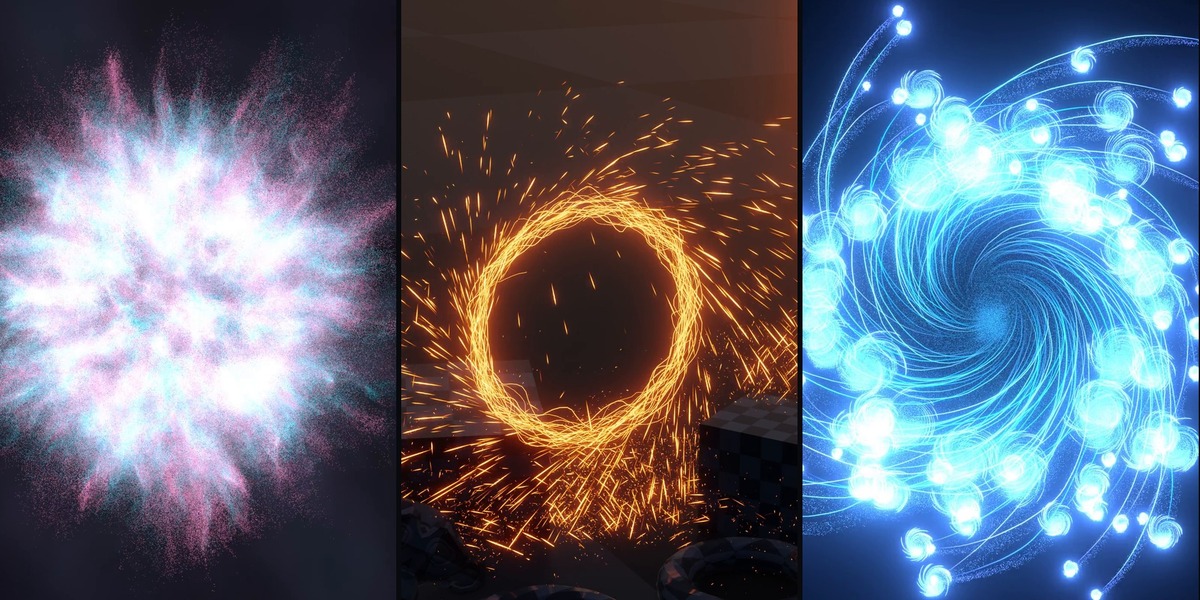
Full video tutorial: youtube.com/watch?v=aqBgVw6vKWE
A particle system you build with nodes
Everything Particle is a library of 30 Geometry Nodes assets that work together as a full particle pipeline: emit, simulate with forces and collisions, then render as instances, trails or ribbons. Drag the nodes in from the Asset Browser and wire them like any other node tree. No add-on, no Python, every node group open to edit.
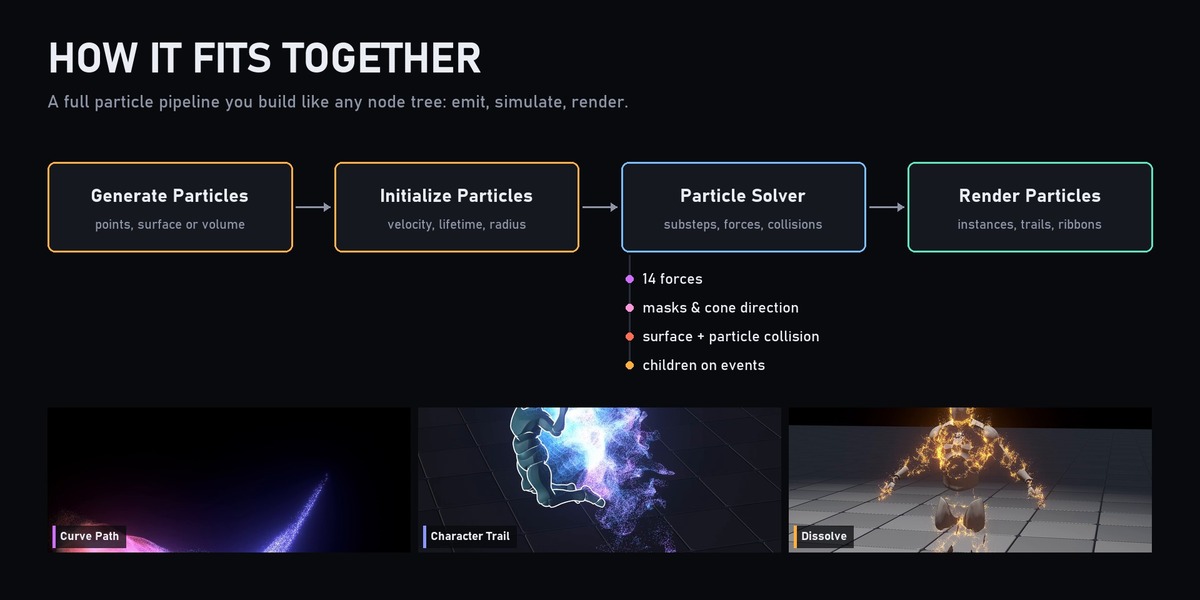
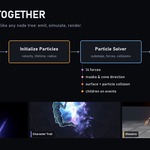
How it fits together
- Generate Particles: scatter from points, a surface or a volume, by count, density or grid.
- Initialize Particles: initial velocity, lifetime and radius, each with randomness, plus optional uniform mass.
- Particle Solver: steps the simulation with substeps, adds up your forces and runs the collision stages.
- Render Particles, Particle Trail or Curve Trail: turn the particles into instances, scattered trails or camera-facing ribbons.
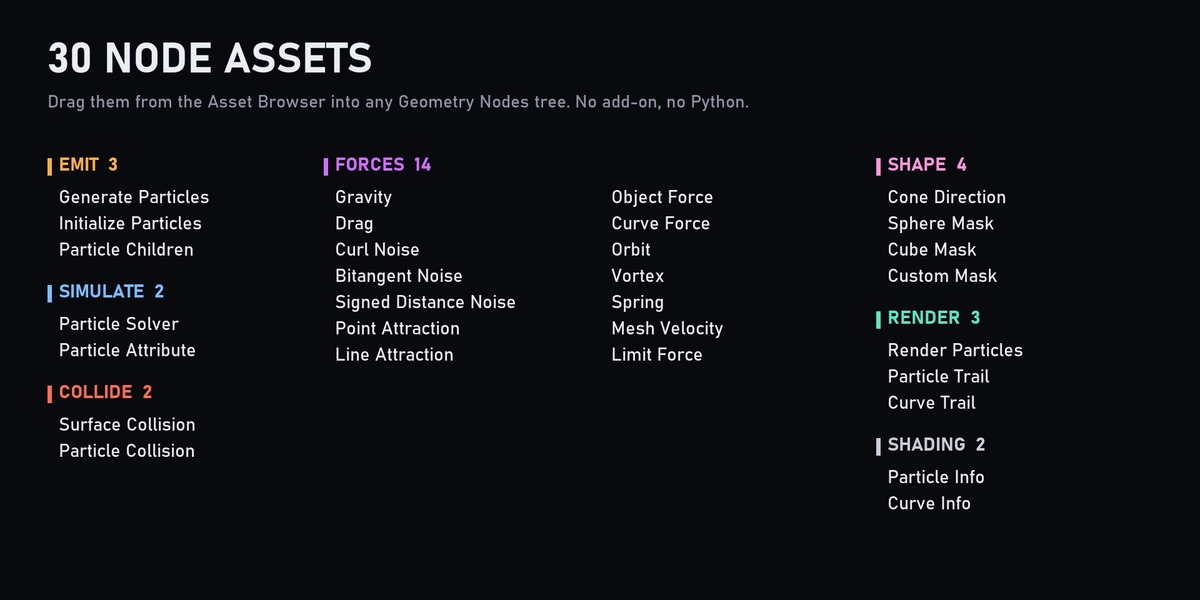
30 node assets
- Emit (3): Generate Particles, Initialize Particles, Particle Children (spawn new particles on hits, death or speed events).
- Simulate (2): Particle Solver, Particle Attribute (age, velocity, hit data and more, for use inside your own logic).
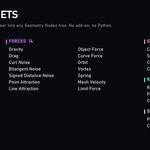
- Forces (14): Gravity, Drag, Curl Noise (2D/3D), Bitangent Noise, Signed Distance Noise, Point Attraction, Line Attraction, Object Force, Curve Force (suction, tangential, orbit), Orbit, Vortex, Spring, Mesh Velocity, Limit Force.
- Shape (4): Cone Direction, Sphere Mask, Cube Mask, Custom Mask, to aim emission or limit a force to a region.
- Collide (2): Surface Collision (friction, restitution, optional kill on hit) and Particle Collision (particle to particle).
- Render (3): Render Particles (pick instances, align to velocity, scale by speed), Particle Trail, Curve Trail (ribbons with fading by age and speed).
- Shading (2): Particle Info and Curve Info shader nodes, to drive materials from age, speed, hits and ribbon UVs.
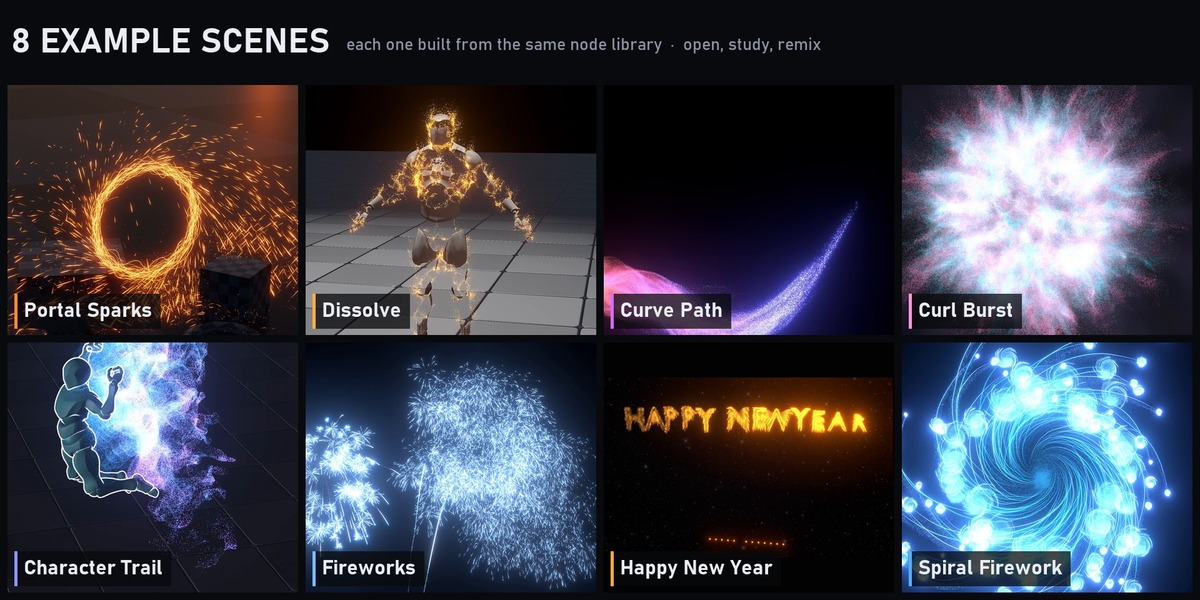
8 example scenes
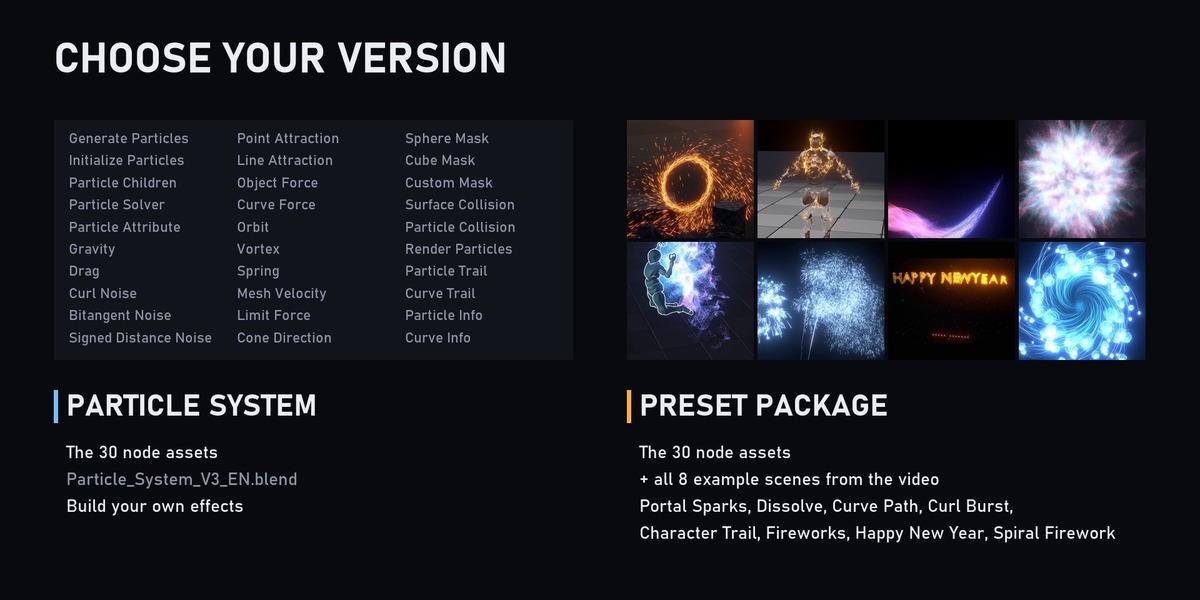
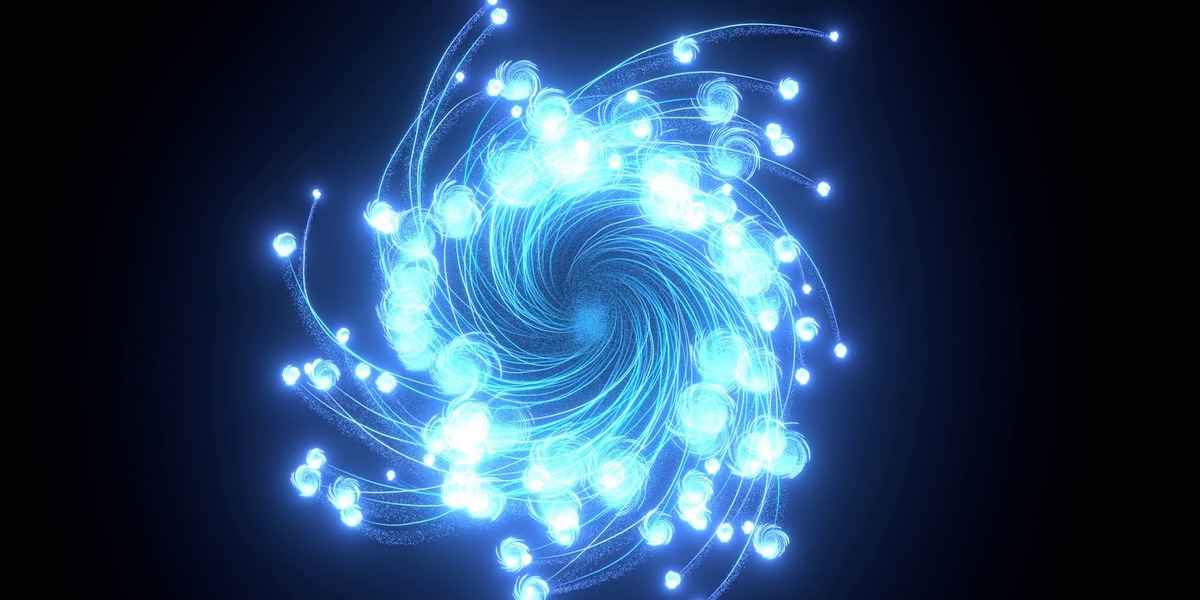
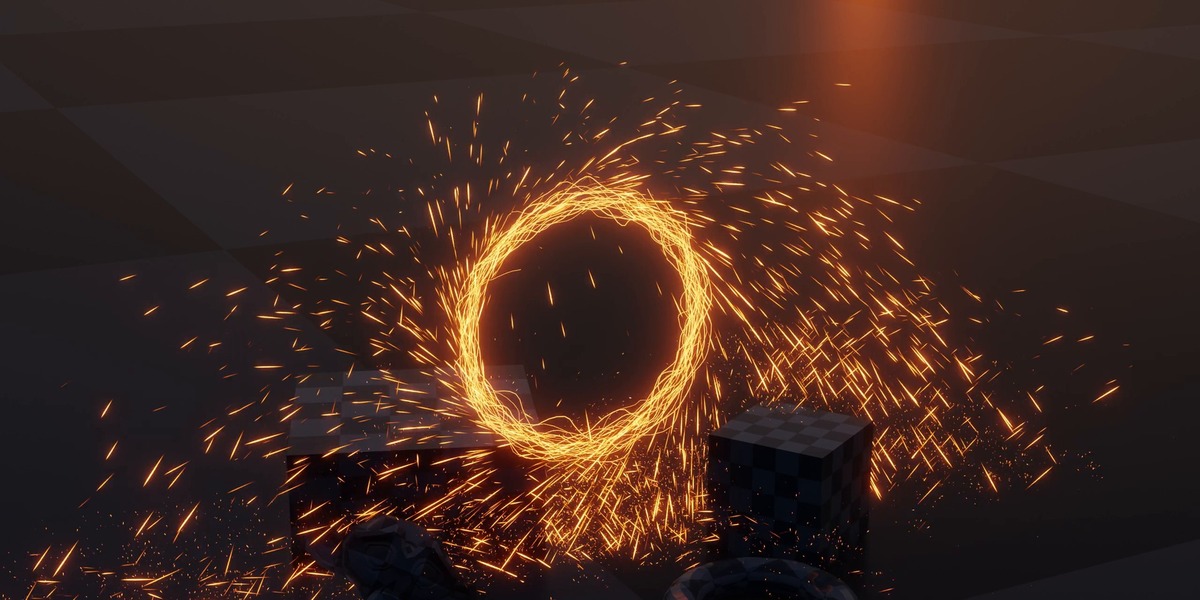
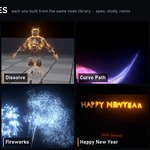
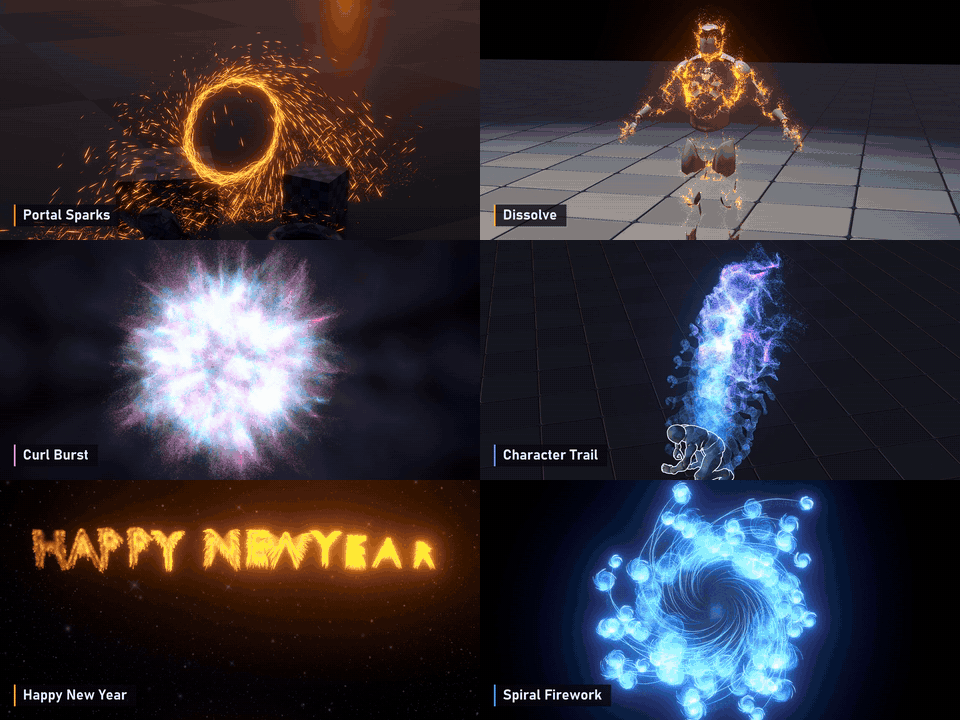
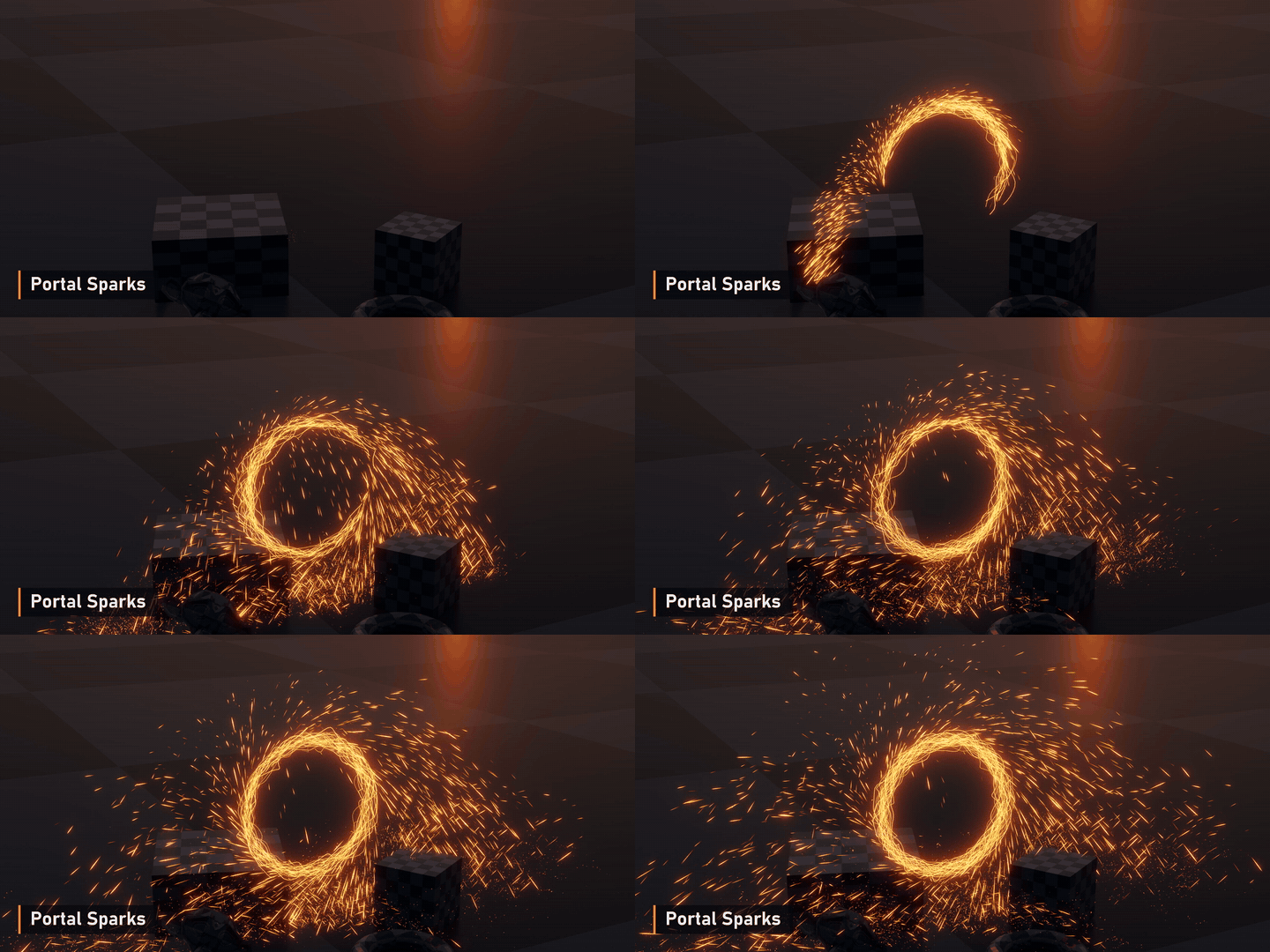
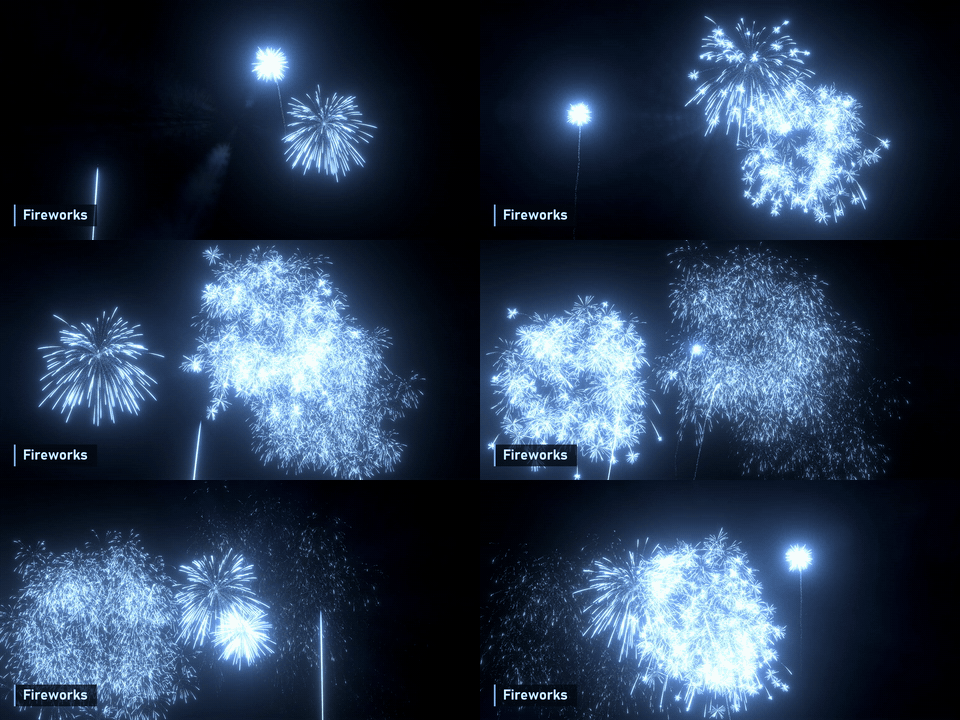
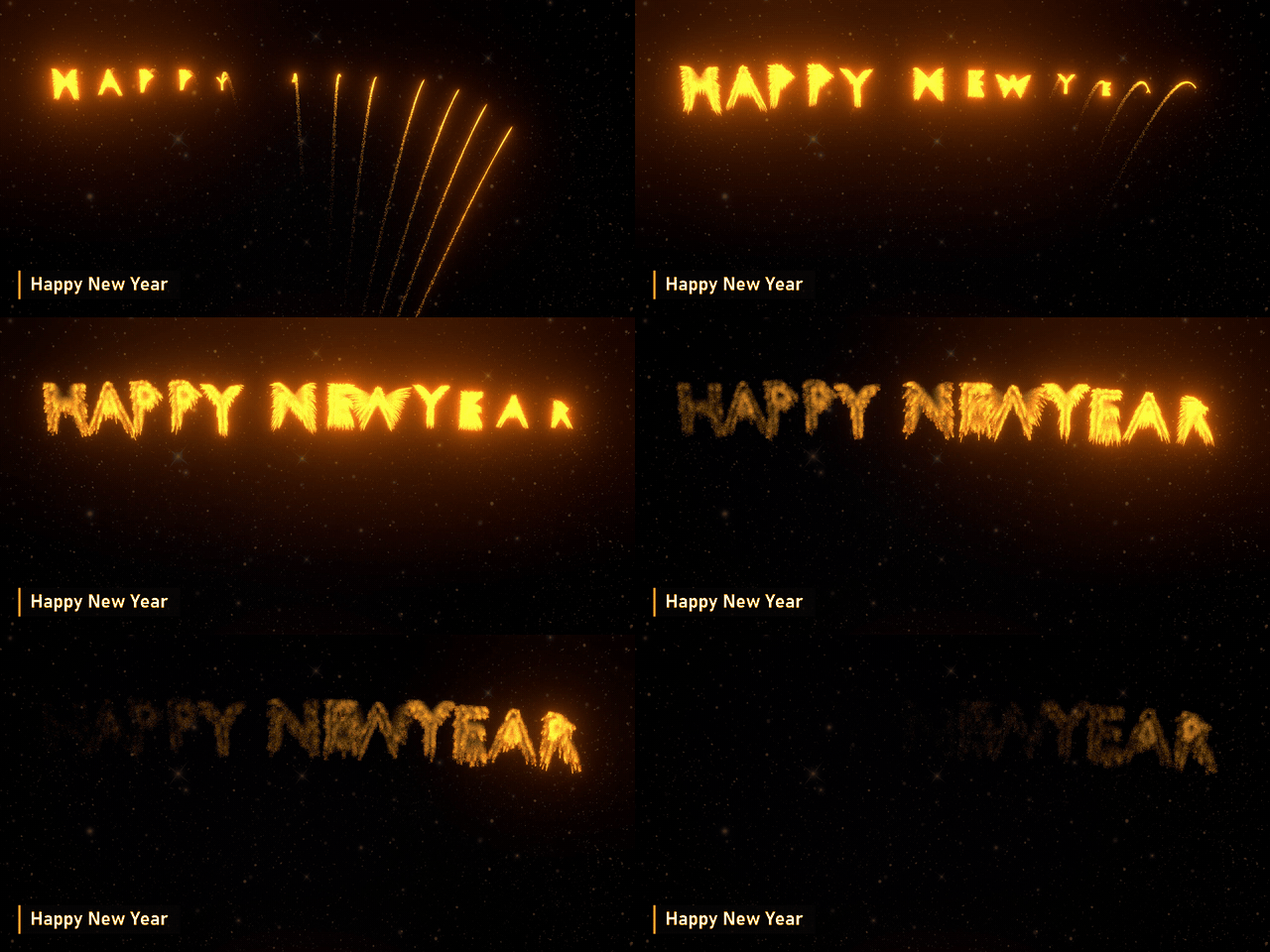
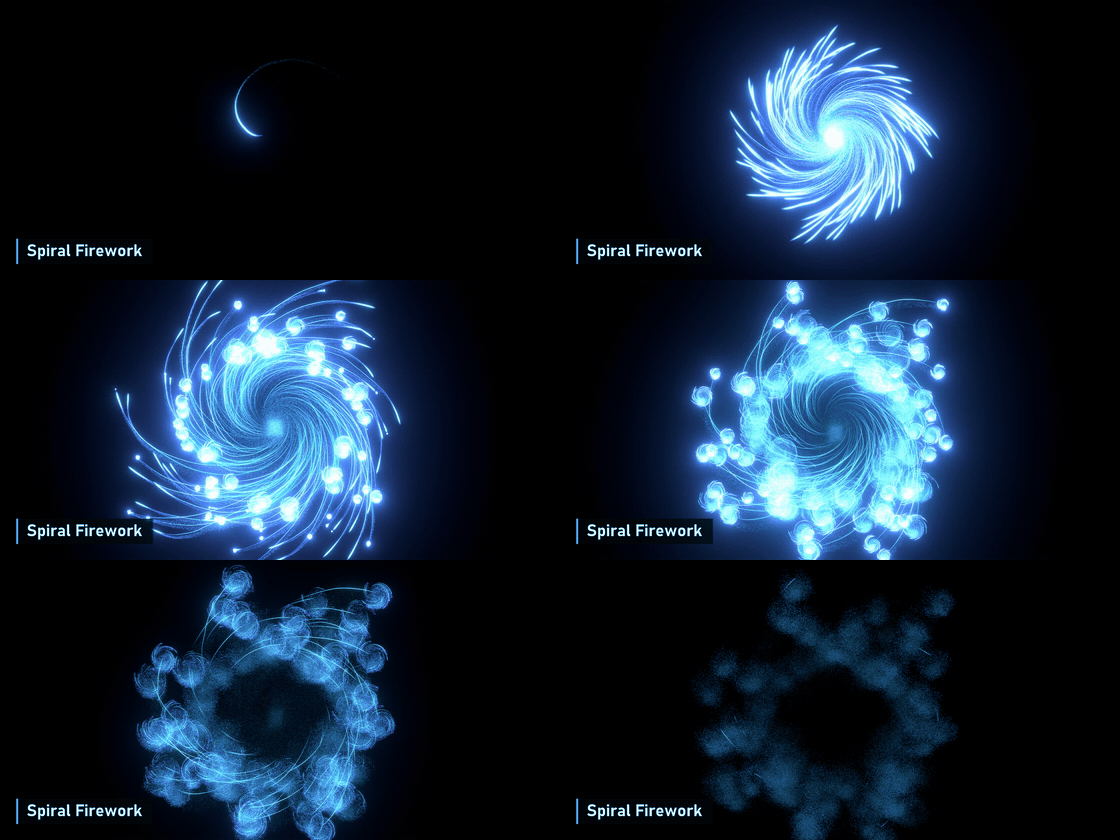
The Preset Package includes every effect shown on this page as a ready-to-open .blend: Portal Sparks, Dissolve, Curve Path, Curl Burst, Character Trail, Fireworks, Happy New Year and Spiral Firework. Open one, see how it is wired, and change it.
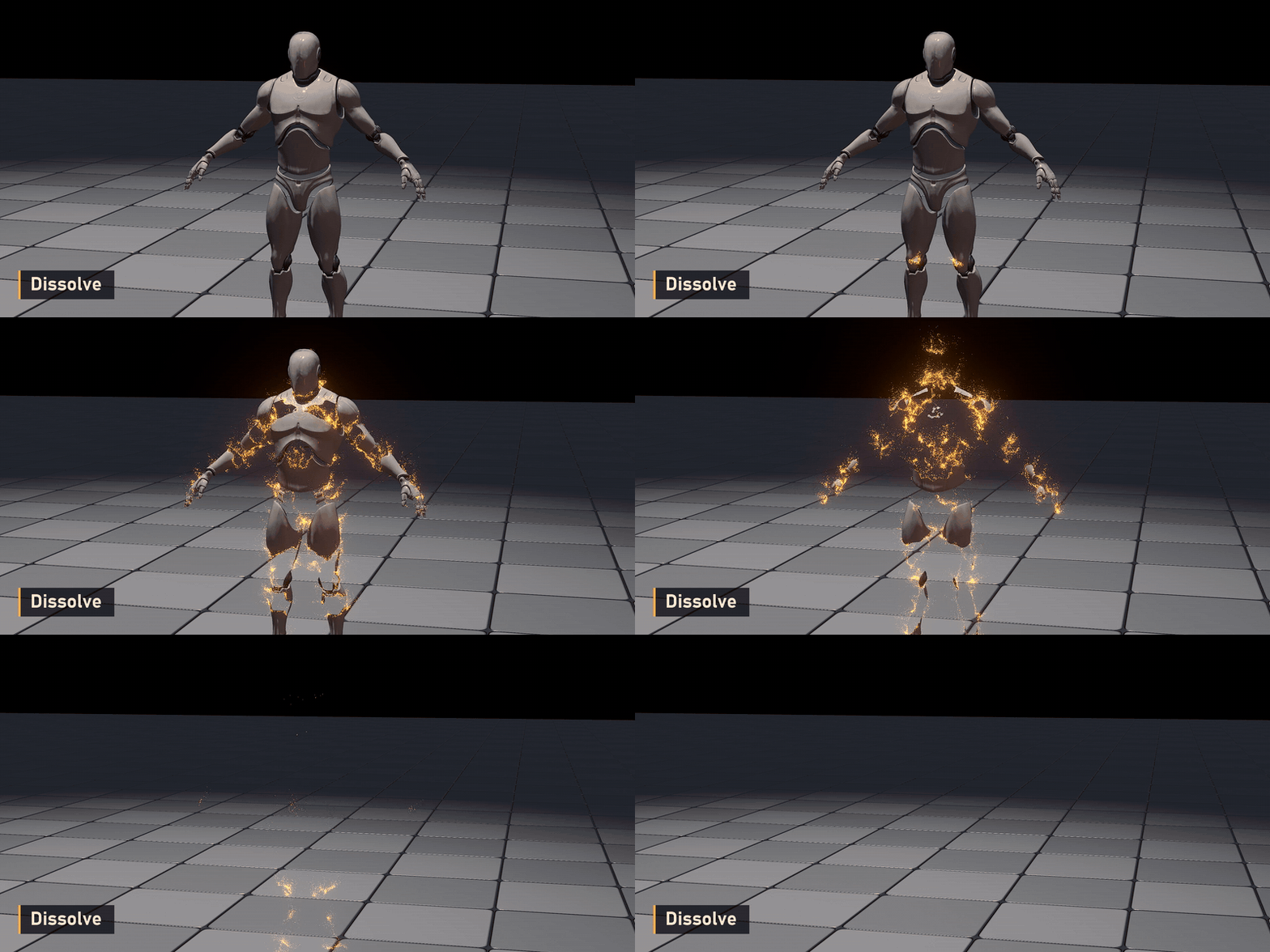
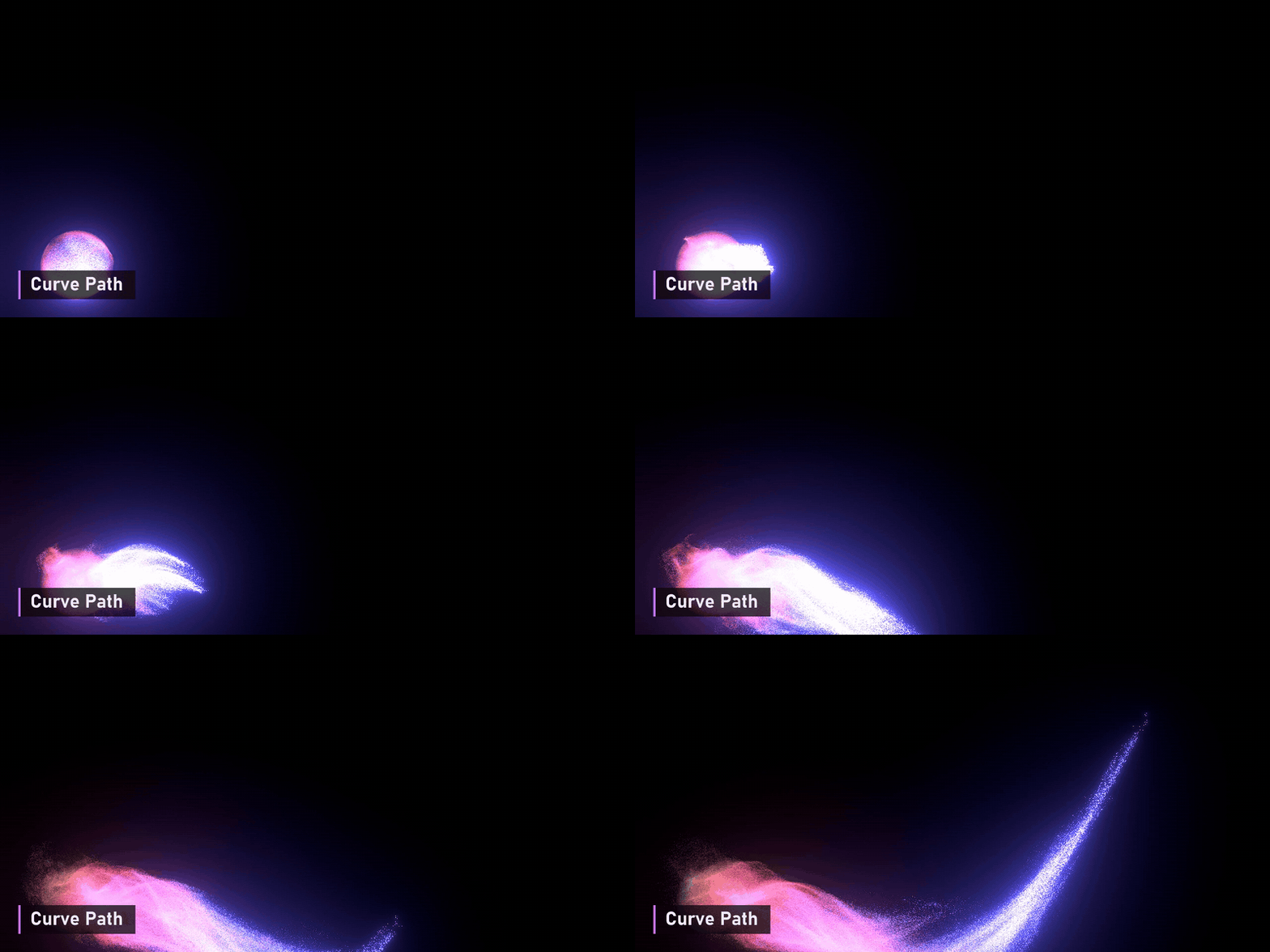
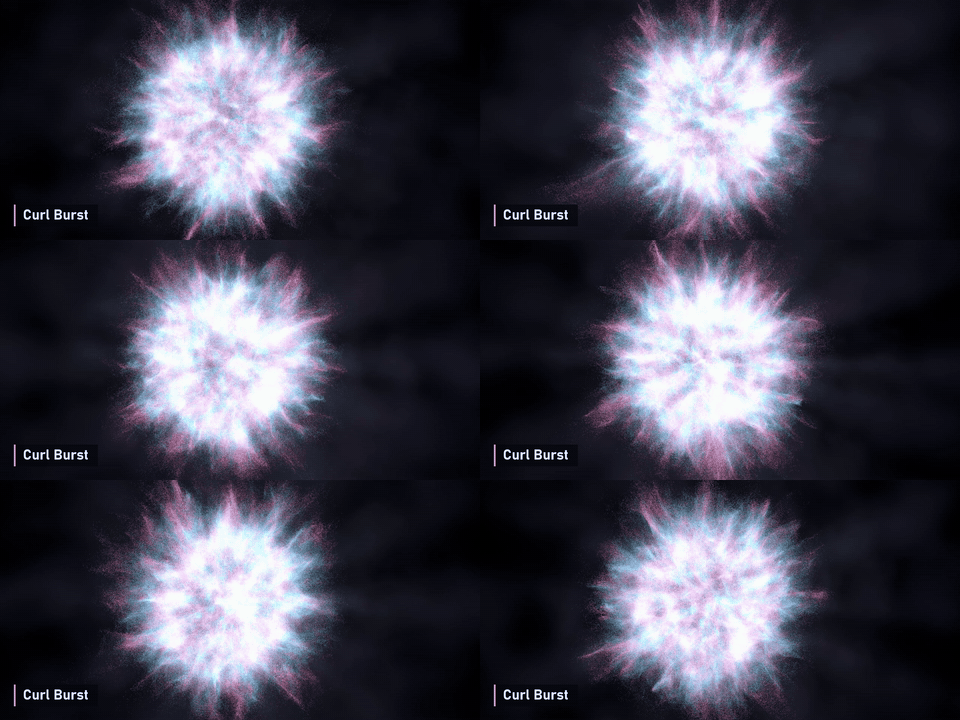
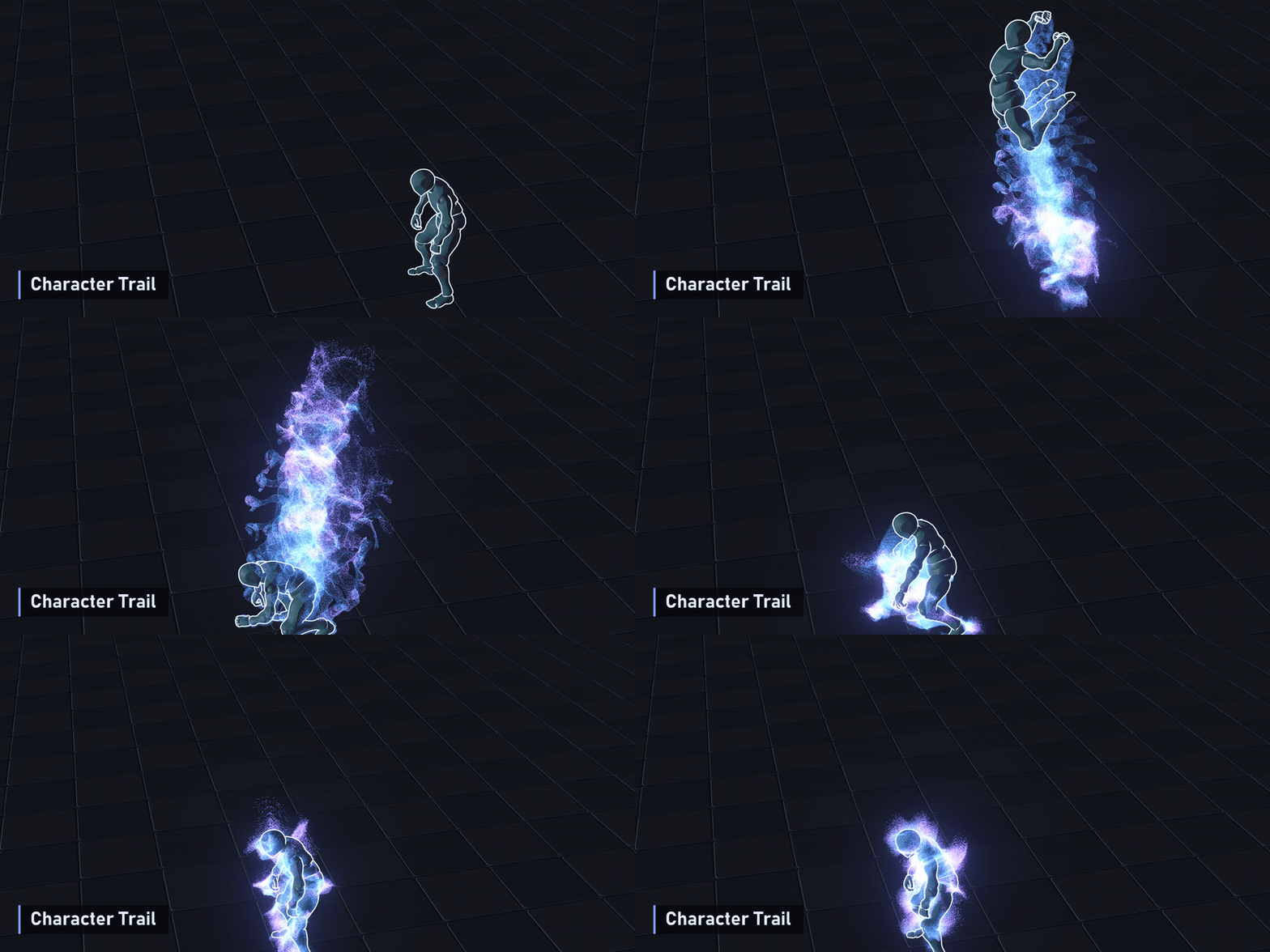
Choose your version
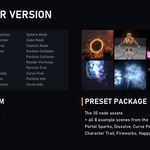
- Only Particle System: the 30 node assets (Particle_System_V3_EN.blend).
- Preset Package: the 30 node assets plus all 8 example scenes.
How to use
- Put Particle_System_V3_EN.blend in an asset library folder (Preferences > File Paths > Asset Libraries), or open it directly.
- In a Geometry Nodes tree, drag in Generate Particles, Initialize Particles and Particle Solver from the Asset Browser. The solver contains its own simulation zone, so there is nothing else to set up.
- Add your forces inside a Closure and plug it into the solver's External Force input; combine Surface Collision and Particle Collision in a Combine Bundle node for its Collision input. The "Asset" object in the file shows every node wired up this way.
- Finish with Render Particles or a trail node, and give it a material. Use Particle Info in the shader for colour by age or speed.
- Before a final render, bake the simulation: Physics properties > Simulation Nodes > Bake All. For a preview, just play from frame 1.
Requirements
- Blender 5.2 or newer (the nodes use closures and bundles)
- Eevee or Cycles (the examples are set up for Eevee)