Advanced Ripple Modifier
 All Angles Ltd
Does Advanced Ripple require a GPU?
Waveform generation can use GPU compute where supported and falls back to the CPU when needed. The modifier also uses the CPU for parts of the calculation. Viewport performance depends on mesh density, source types, reflections and the number of layers.
Can I use more than one ripple pattern on the same mesh?
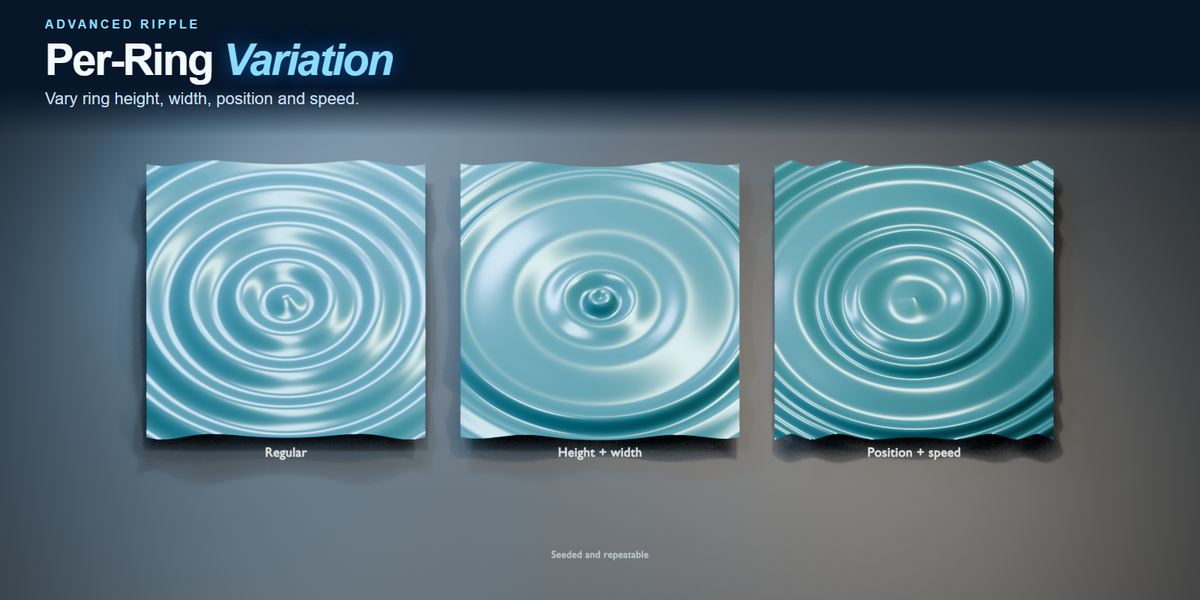
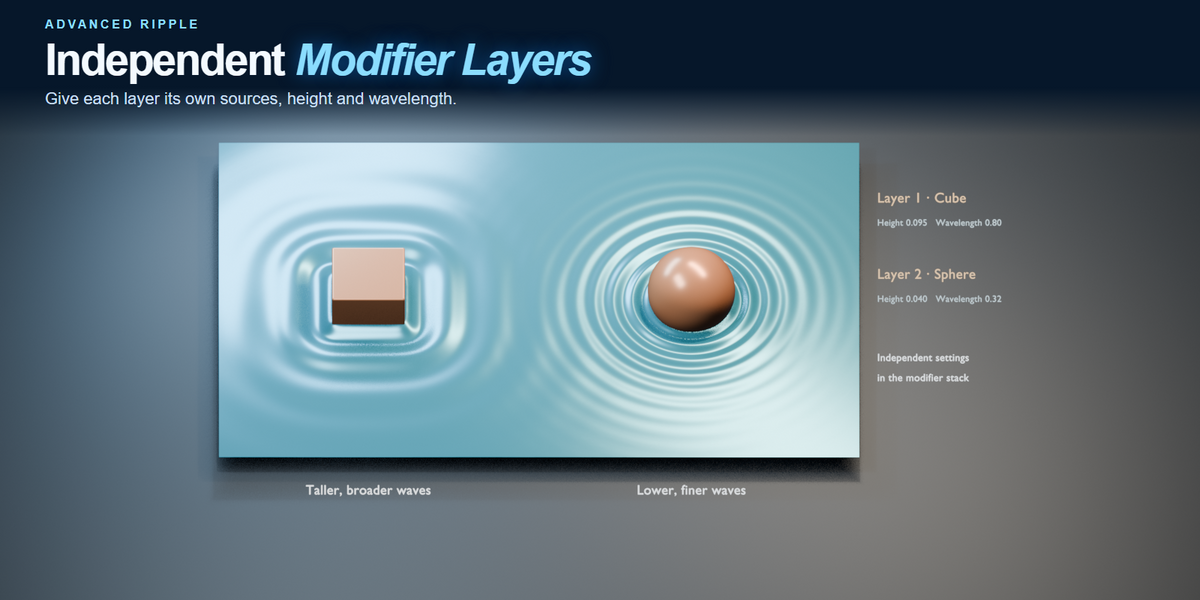
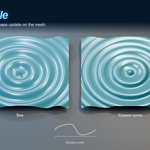
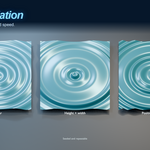
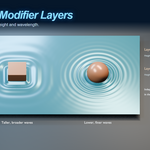
Yes. Add another Advanced Ripple modifier and use the Layer dropdown to switch between them. Each layer has its own sources, wavelength, height and timing.
Why don’t I see any ripples?
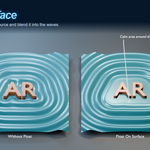
Check that the receiving mesh has enough vertices. A plane with four corners can’t show the wave shape, so try a subdivided grid or place a Subdivision Surface modifier above Advanced Ripple. If you’re using Mesh Contact, make sure the source intersects the receiving surface. If Frame Emission is on, check the start and stop frames and use a positive Speed.
Can I emit a single ripple or a series of pulses?
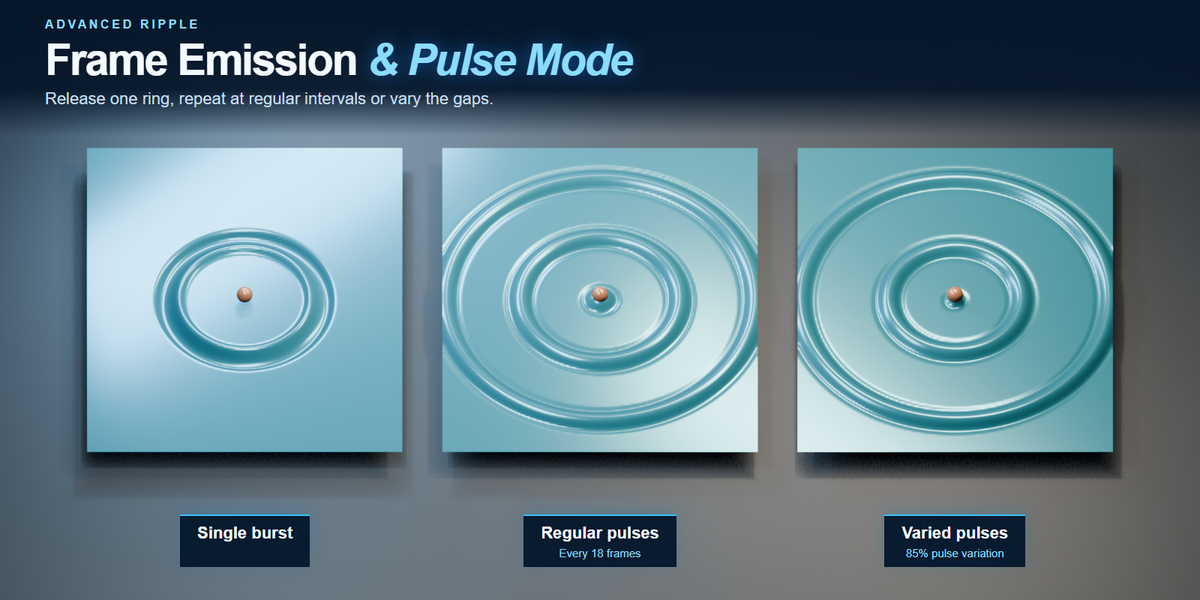
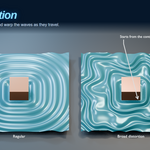
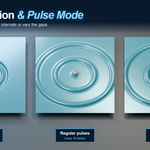
Yes. Set Start Frame and Stop Frame for a short burst, or enable Pulse Mode to repeat bursts at an interval you choose. Pulse Variation changes the gaps using a repeatable seed. Waves already emitted keep travelling after the stop frame.
Can waves bounce off objects?
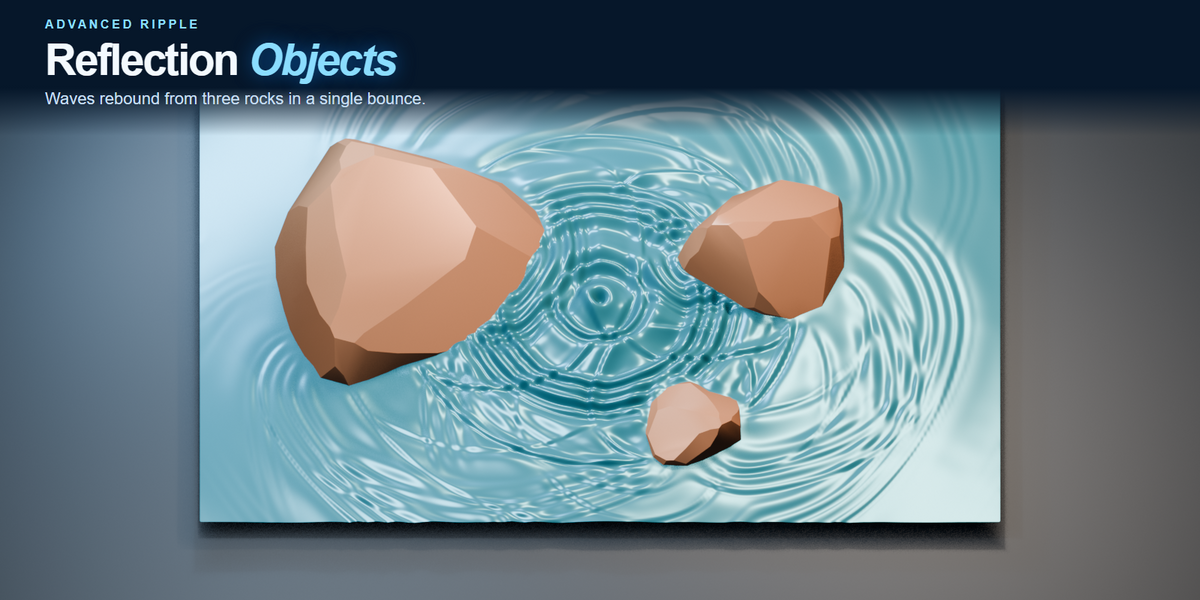
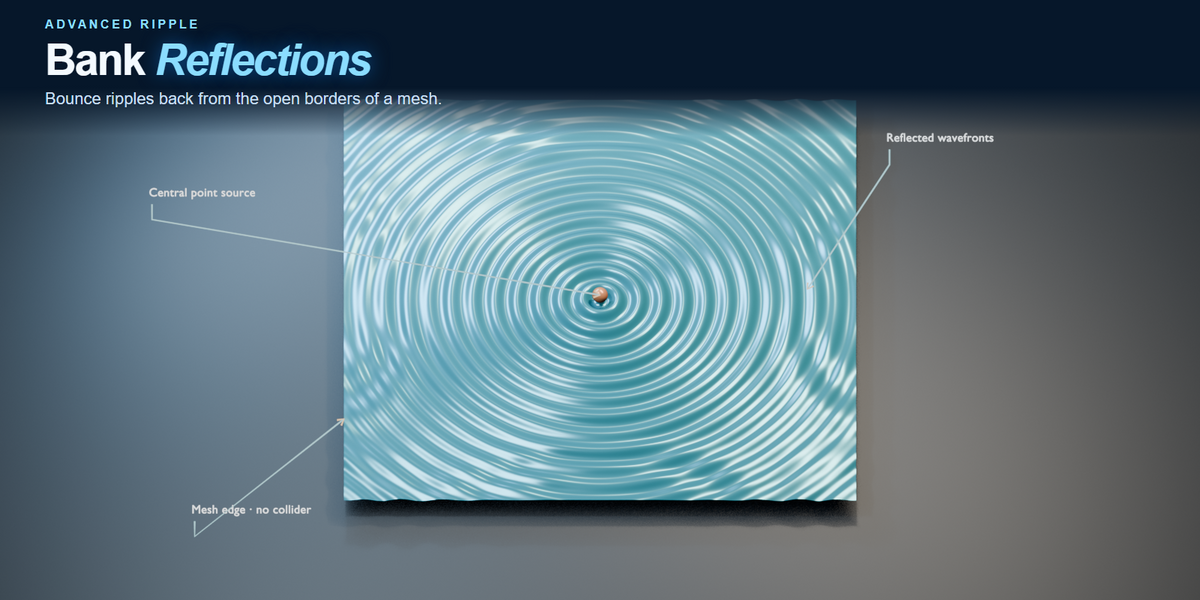
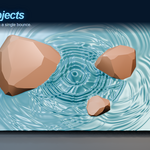
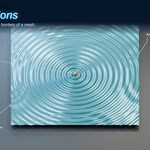
Yes. Ripples can reflect once from open mesh borders or selected mesh objects. You can use several reflection objects and adjust how much of the wave wraps into the area behind them.
Can ripples follow curved surfaces?
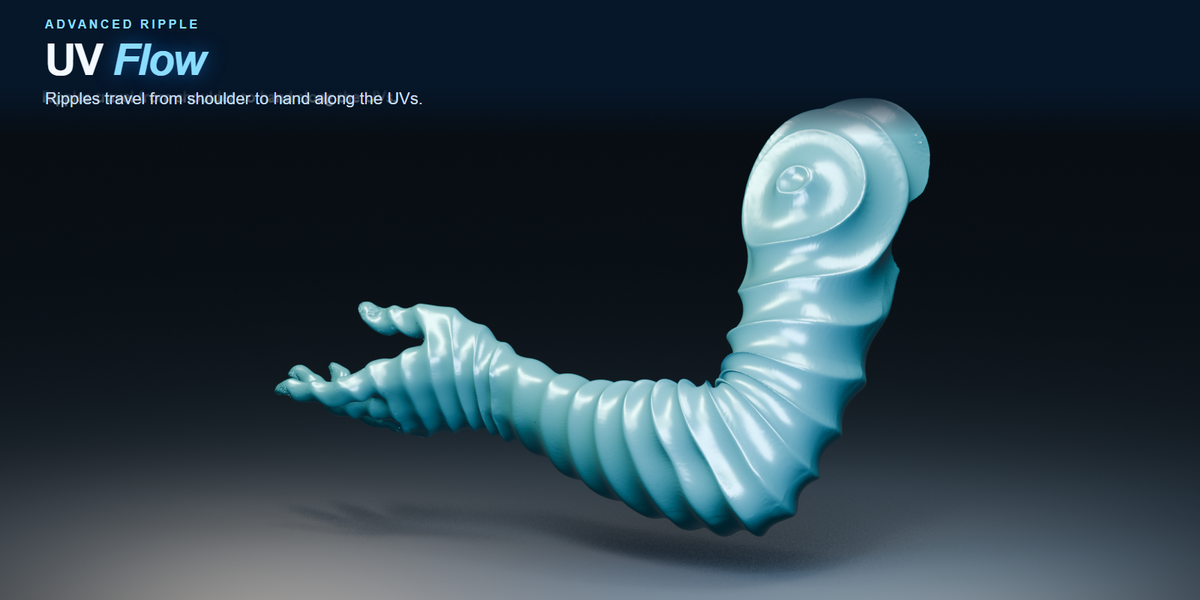
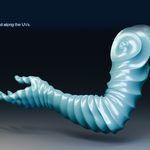
Yes. Surface travel follows connected geometry, including spheres and terrain. UV Flow uses the active UV map to guide the pattern. Use UV Scale to adjust spacing and UV Seam Blend to soften transitions at UV seams.
What can I use as a ripple source?
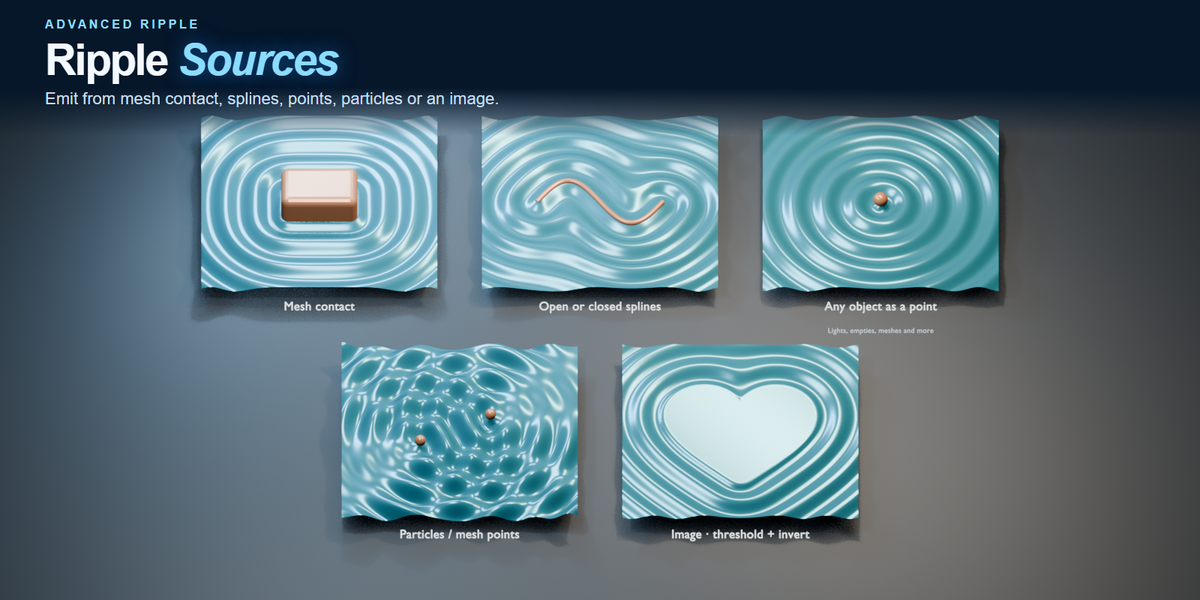
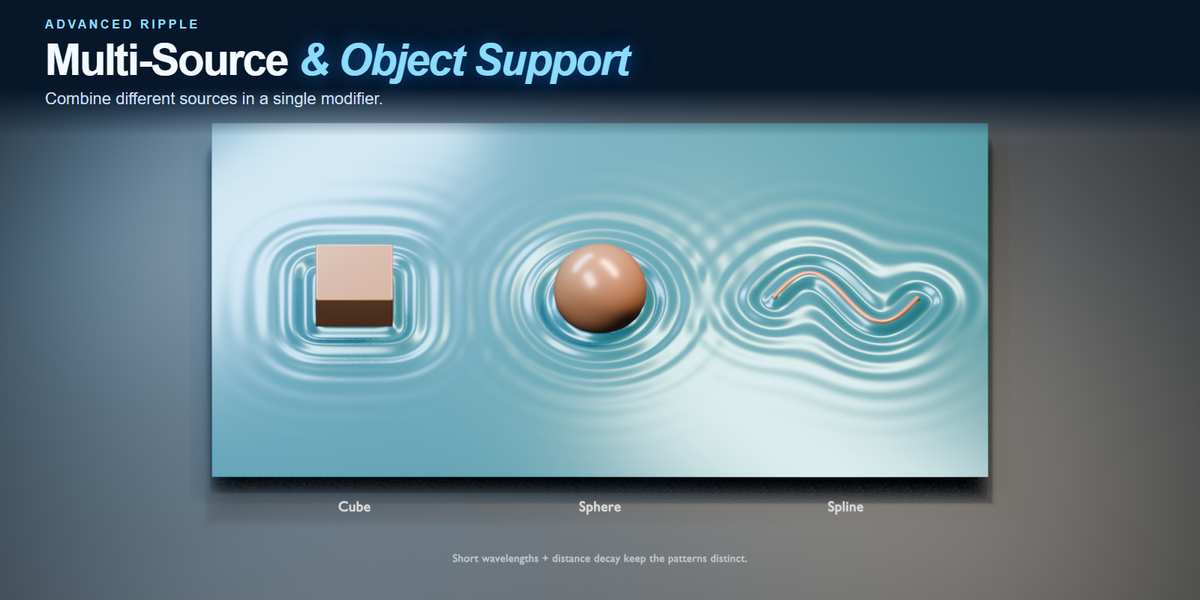
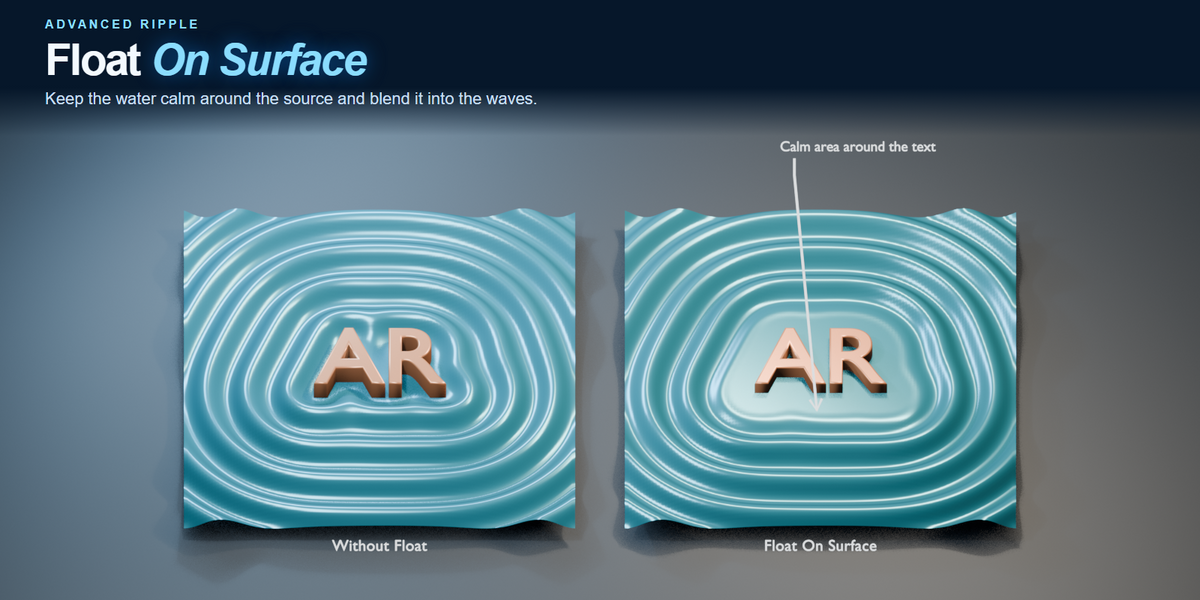
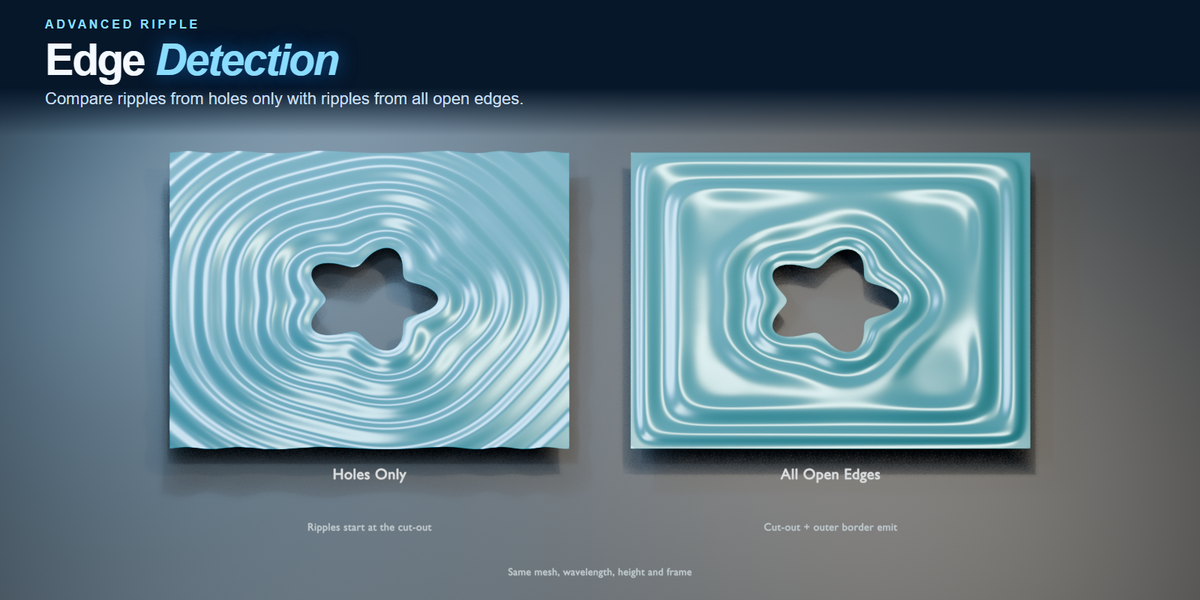
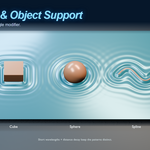
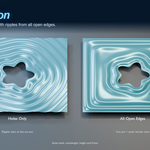
Use an object’s origin, a mesh or text object that intersects the receiving surface, an open or closed curve, particles or mesh points, a black-and-white image, or the receiving mesh’s own edges and holes. You can combine different source types in one modifier.
Do I need to bake a simulation?
You can play, scrub or jump straight to a frame. Advanced Ripple calculates the pattern from the current frame, sources and settings, so you can keep editing as you work.
How do I install Advanced Ripple?
Extract the main download, then install the ZIP for your operating system from Blender’s Preferences → Add-ons. Use Install from Disk in Blender 4.2 and newer, or Install in older versions. Enable Advanced Ripple, select a mesh, and choose Add Modifier → Advanced Ripple. In Blender 3.6, press F3 and search for Add Advanced Ripple.
Which versions of Blender does Advanced Ripple support?
The Windows x64 build has been tested on Blender 3.6, 4.0–4.5 and 5.0–5.3. The macOS preview targets Blender 3.6–5.3 on Apple Silicon and 3.6–4.5 on Intel Macs.
Have questions about this product?
Login to message
| Published | 28 minutes ago |
| Blender Version | 3.6 - 5.3 |
| Extension Type | N/A |
| Render Engine Used | Cycles, Eevee |
| License | GPL |