 All Angles Ltd

Procedural ripples in Blender’s modifier stack.
Advanced Ripple adds animated ripples to surfaces, lettering and motion graphics directly in Blender’s modifier stack. Choose what emits the ripples, shape the waves and control when they’re released from a single panel. Use UVs to guide ripples around curved surfaces, and make waves bounce off mesh borders or objects in the scene.

Sources & live text
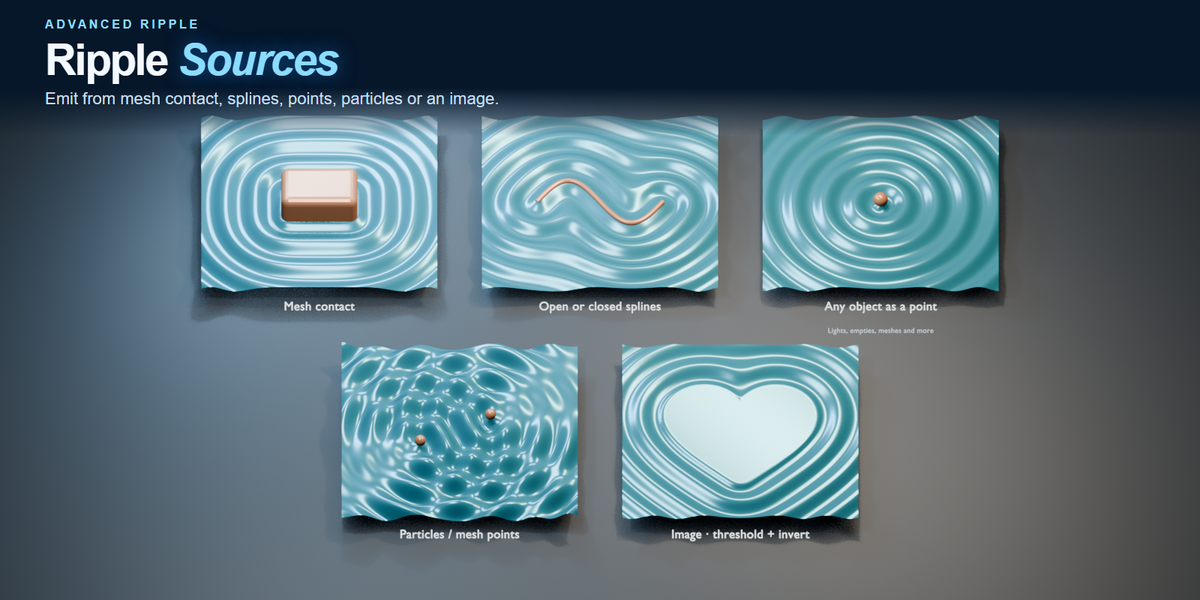
Drive waves with your own sources
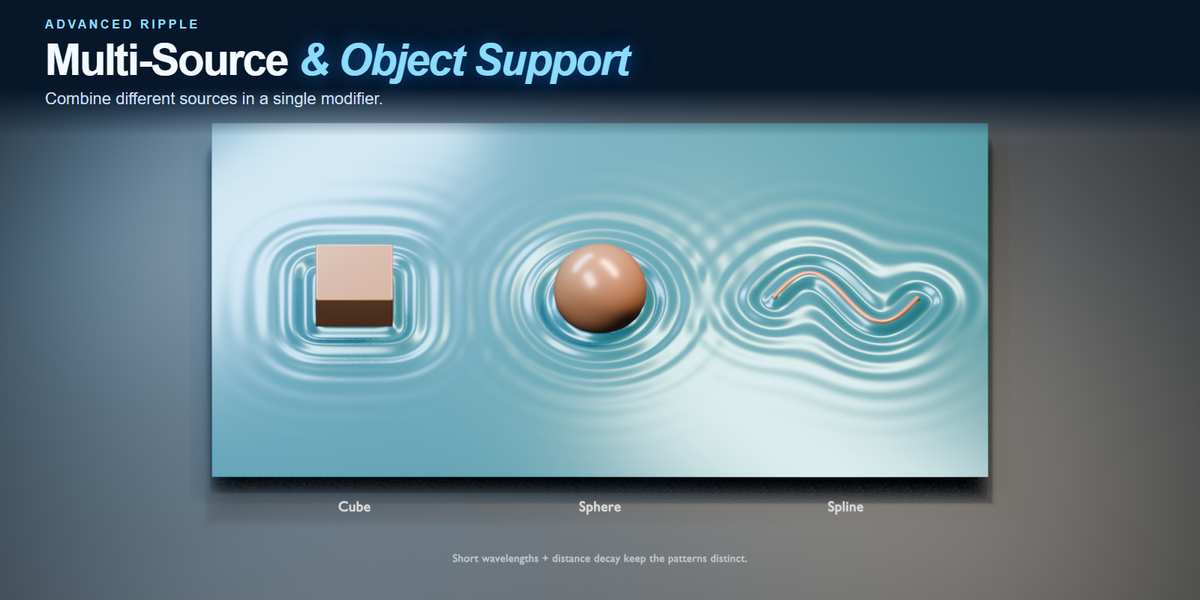
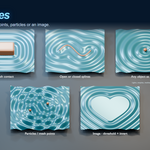
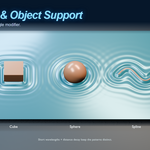
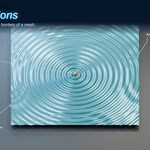
Use object origins, mesh contact, open or closed splines, particles or points, and black-and-white images. Mix source types in one modifier. Mesh Contact follows the outline where the object intersects the surface, and ripples update as you edit Blender text.


Surface & UV Flow
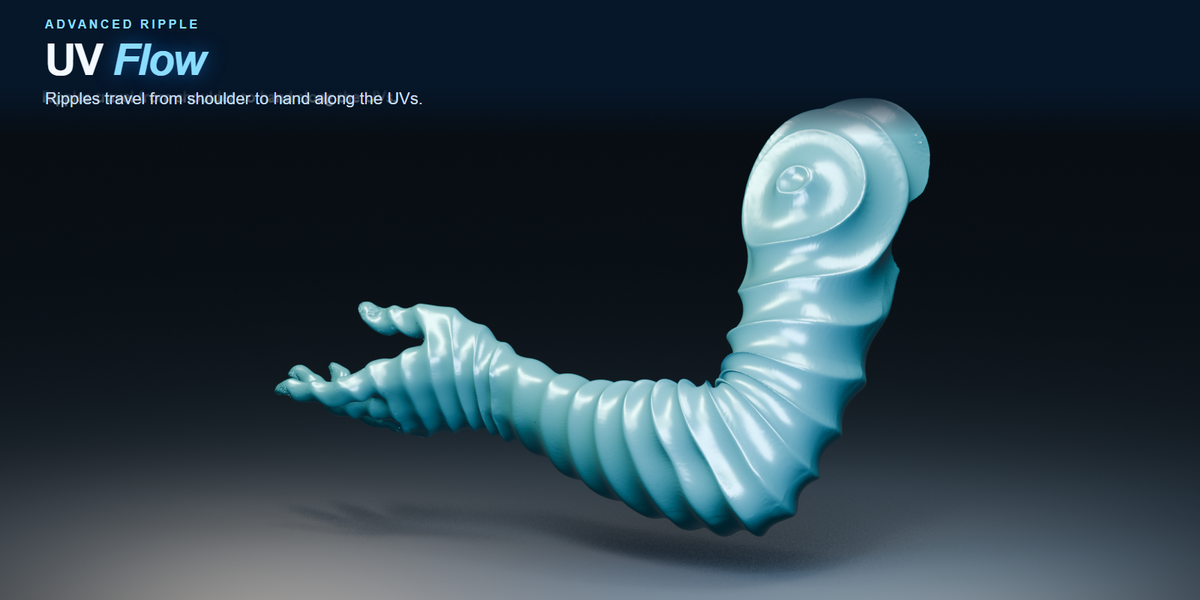
Follow the surface or its UVs
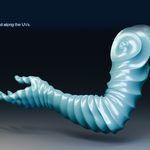
Use Surface travel to send ripples across connected geometry, including spheres and terrain. Switch to UV Flow to direct travel along the active UV layout. UV Scale adjusts spacing, and UV Seam Blend softens chart joins.

Custom Profile & variation
Shape the wave and vary each ring
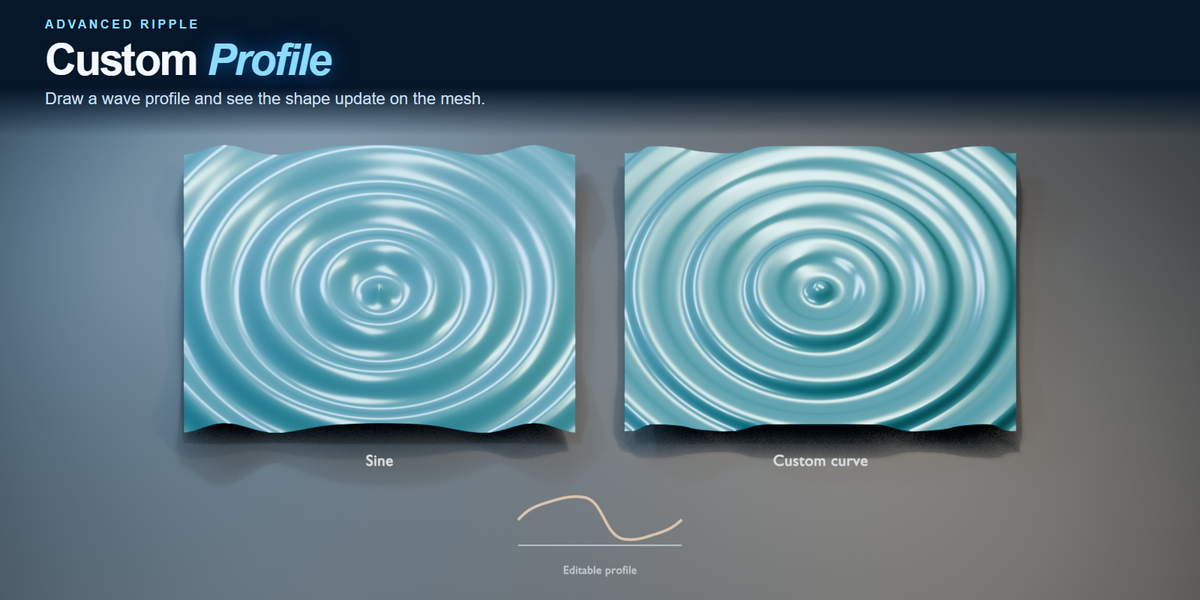
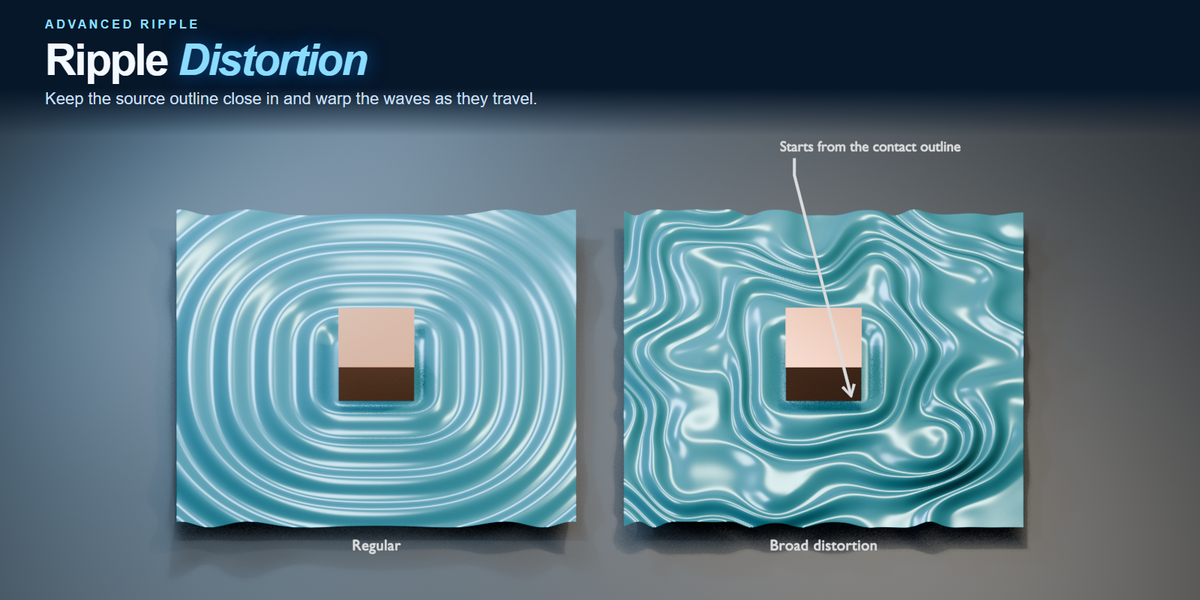
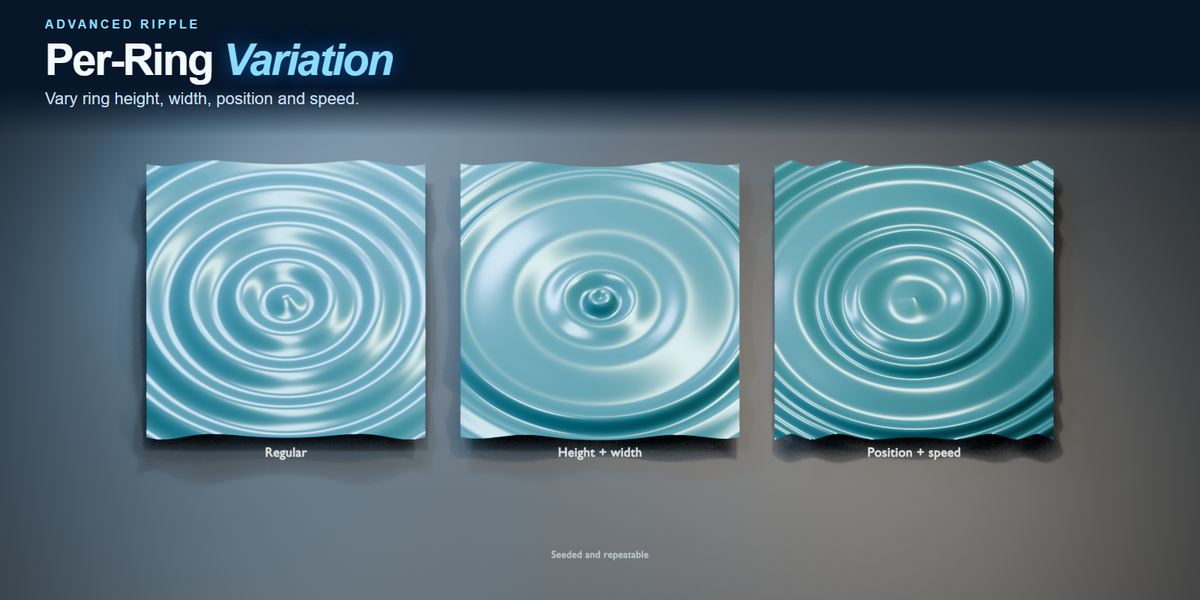
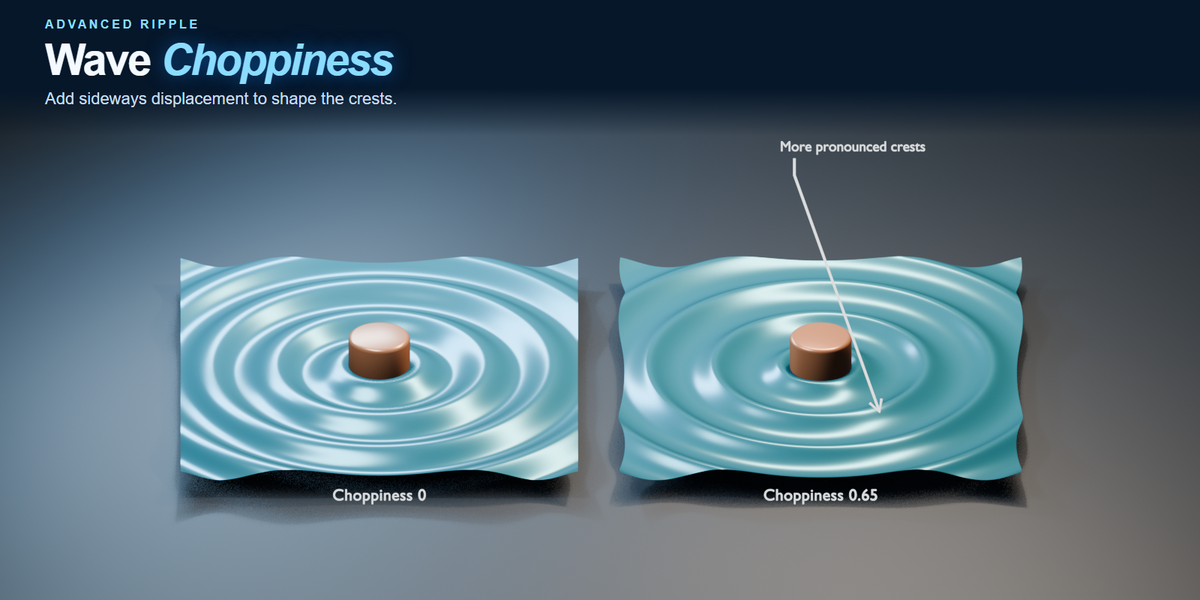
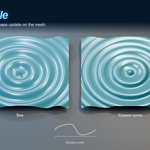
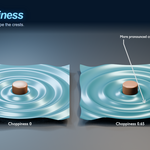
Start with Sine, Gerstner, Trochoidal, Square or Saw, or draw a Custom Profile. Adjust height, wavelength, speed, decay and choppiness. Seeded variation changes ring height, width, position and speed. Distortion can build farther from the source, with optional FBM detail.

Float On Surface
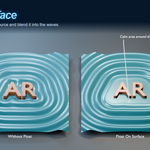
Float On Surface
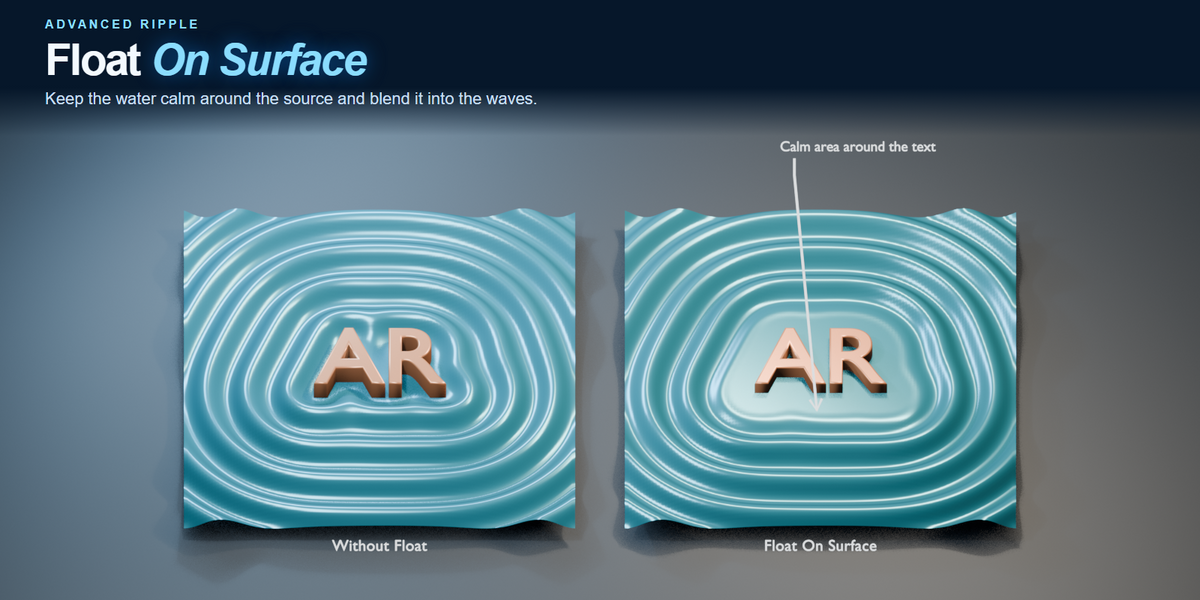
Keep the area around a source calm. Expand the flat area and smooth the transition into the surrounding waves.

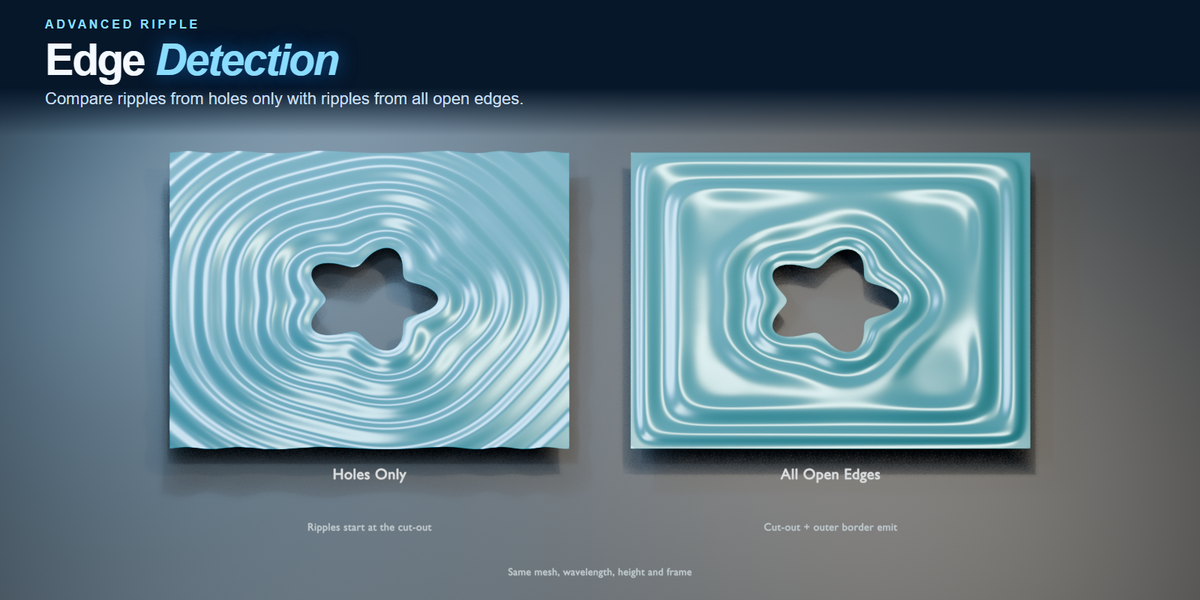
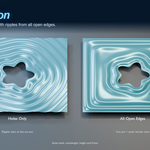
Edge Detection
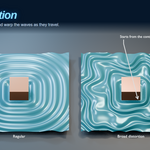
Edge Detection
Emit ripples from cut-out holes or all open mesh edges. Freeze the emitting edges to hold their outlines in place.

Single-bounce reflections
Reflect waves off banks or objects
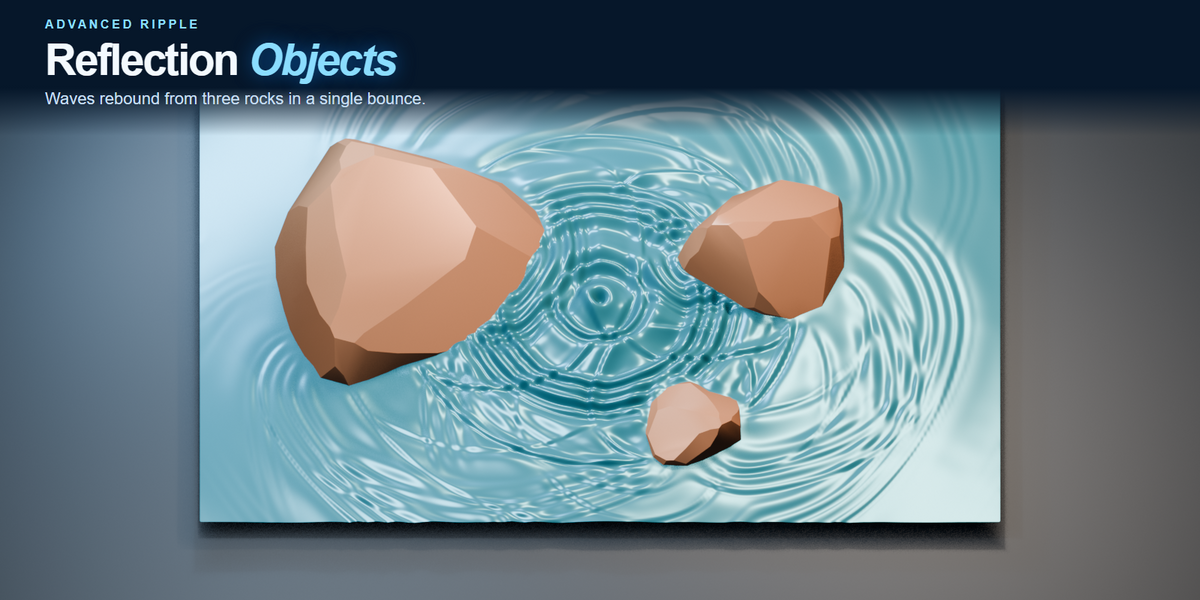
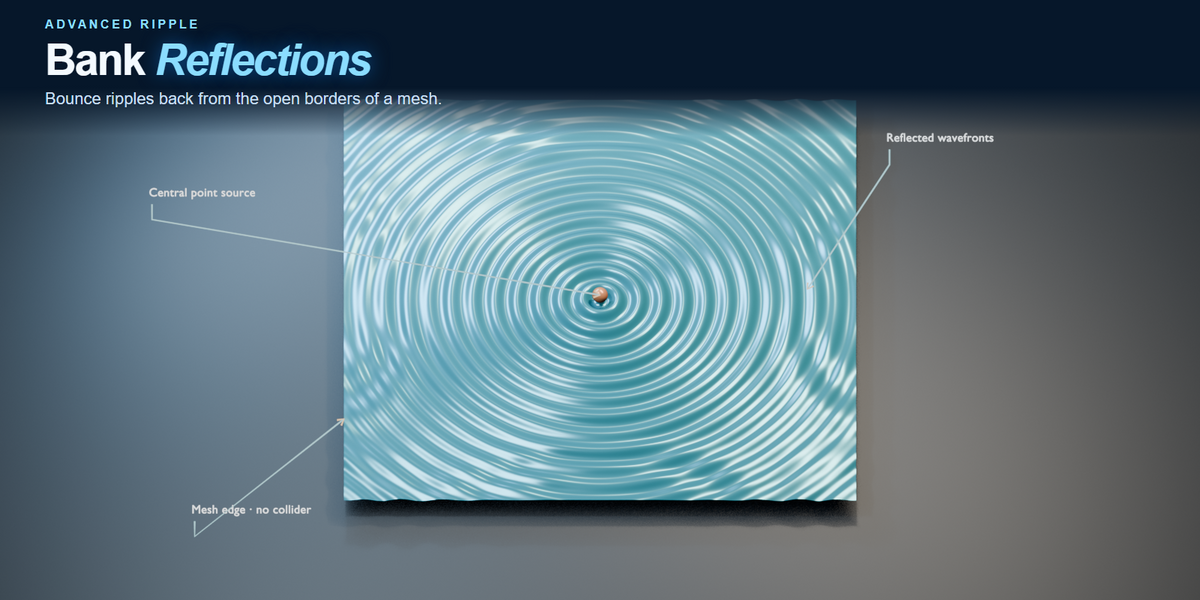
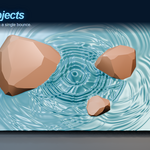
Send a single bounce back from the receiver’s borders or selected mesh objects. Shape how the waves fade and wrap into the area behind an obstacle.

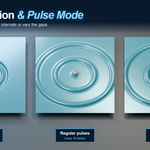
Frame Emission & Pulse Mode
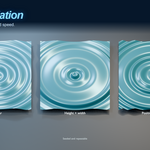
Time the emission
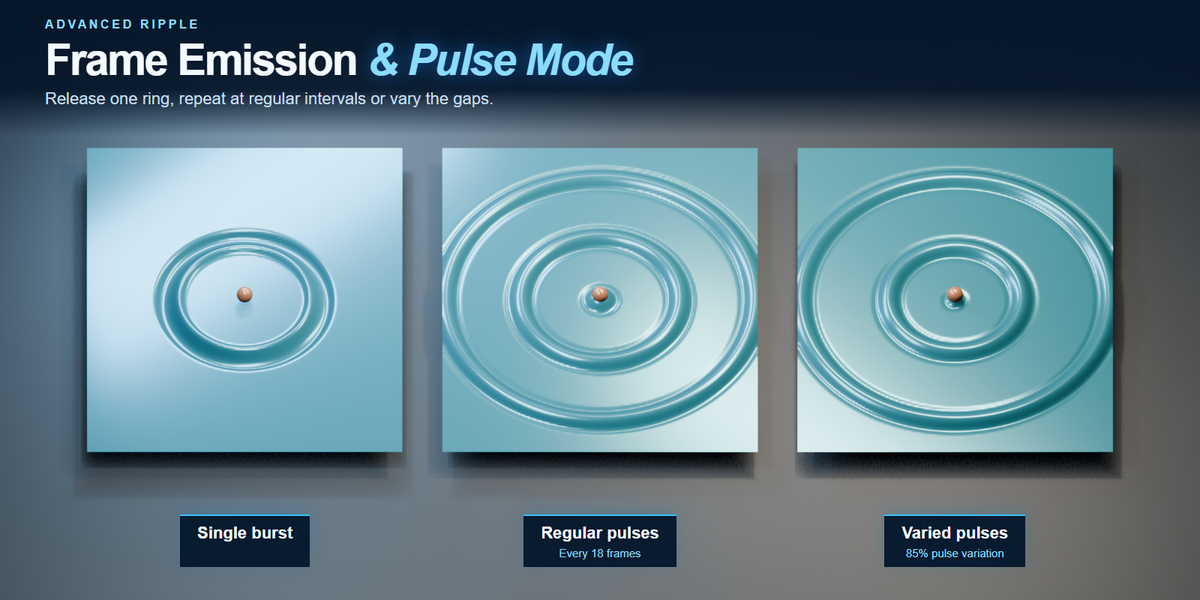
Set start and stop frames for a single burst or use Pulse Mode to repeat it every few frames. Set the burst duration to leave space between rings. Pulse Variation uses the layer seed to vary the gaps, with the same result whenever you scrub back. Rings already emitted keep travelling after the stop frame.

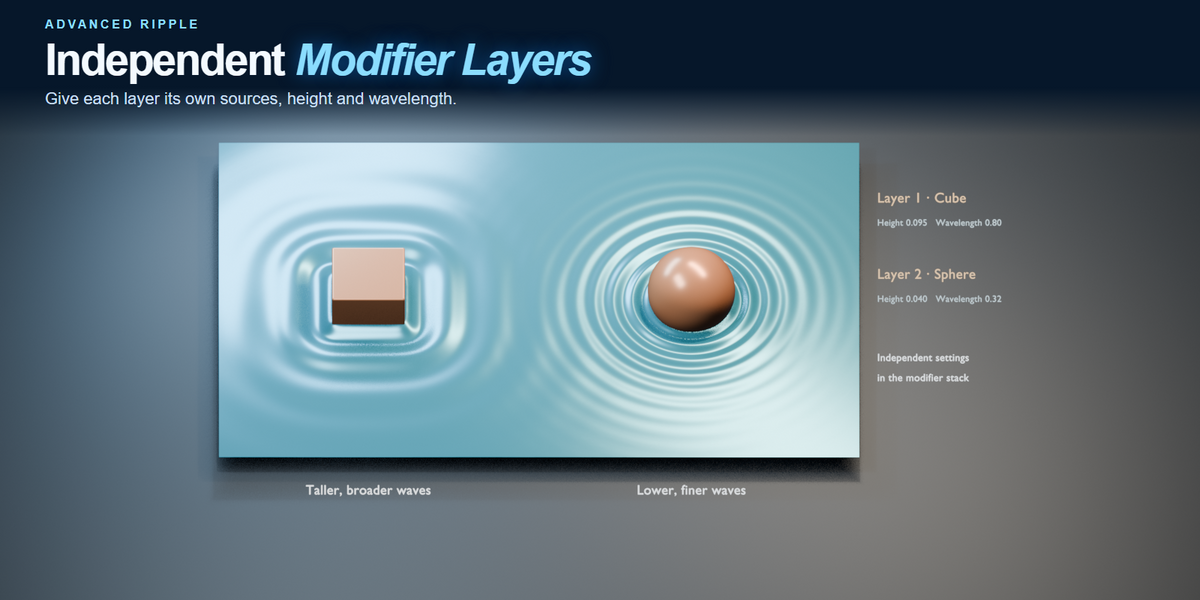
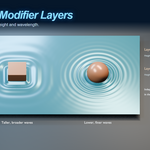
Independent modifier layers
Stack independent wave patterns
Stack Advanced Ripple modifiers with their own sources, heights, wavelengths and timing. Keep subdivision and the rest of the modifier stack editable.

Blender compatibility
Windows x64 tested on Blender 3.6, 4.0–4.5 and 5.0–5.3. The macOS build targets Blender 3.6–5.3 on Apple Silicon and 3.6–4.5 on Intel. Compatible systems can use GPU compute for waveform generation, with a CPU fallback.
Included in the download
Blender add-on, installation instructions and a user guide. Developed by All Angles Ltd.