Advanced Stylized Rock Generator
 Yoan Agostini


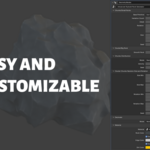

Step 1: Add the .blend file to your asset library folder.
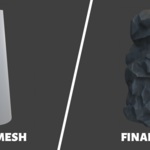
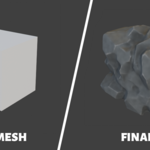
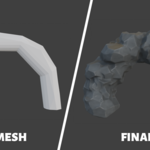
Step 2: Add any mesh you want to use for the rock base to your scene
Step 3: Drag the Geometry Node (Advanced Stylized Rock Generator) to your mesh.
Step 4: Play with the parameters on the modifier panel.
Note: This only works on version 4.5 or higher of Blender.
Have questions about this product?
Login to message
| Sales | 40+ |
| Rating | 3 ratings |
| Published | 12 months ago |
| Blender Version | 4.5 |
| Render Engine Used | Cycles, Eevee |
| License | Creative Commons |

Discover more products like this
spring25 winter25 Geonodes Blender geometry nodes stylized 3d rock rock-generator