 Patrik Capka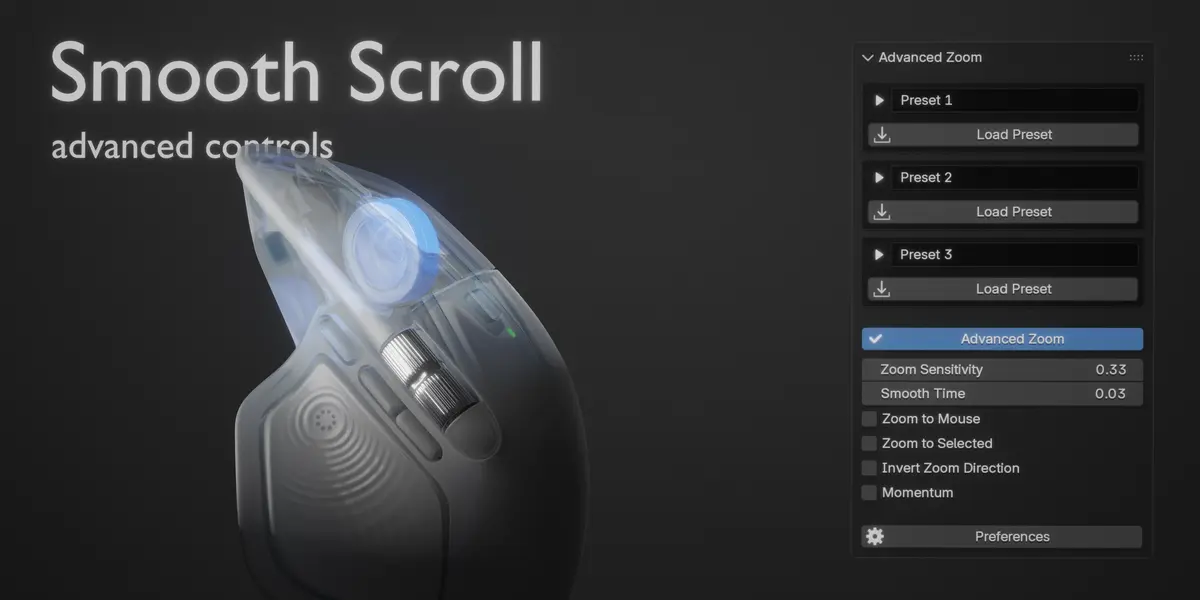
Advanced Zoom
Make Blender viewport navigation feel effortlessly smooth.
Blender's default viewport zoom works, but if you've ever wished you could make it smoother, faster, slower, or simply behave differently, Advanced Zoom gives you control over how zooming works.
Designed for artists, modelers, and anyone who spends long hours navigating Blender, Advanced Zoom replaces the standard mouse-wheel zoom experience with a customizable system that can be tuned to your workflow.
Smooth, precise zooming
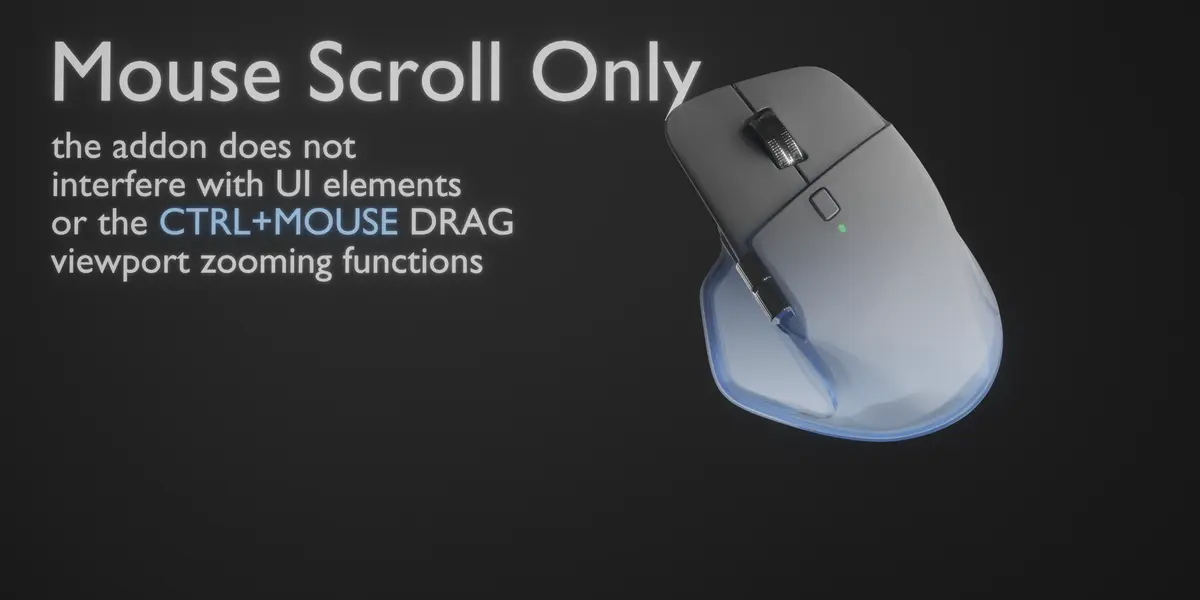
Scroll through your viewport naturally with smooth mouse-wheel zooming instead of relying on Blender's fixed ratcheted zoom behavior. Adjust the sensitivity to find the exact amount of movement that feels right for you.
Whether you prefer fast navigation across large scenes or slower, more precise movement when working close to your model, the zoom behavior is yours to configure.
Configure it your way
Advanced Zoom gives you control over the parts of viewport zoom that normally aren't configurable:
- Adjustable sensitivity — Set how much the viewport zooms with each scroll movement.
- Smooth mouse scrolling — Get a more fluid zooming experience.
- Invert scrolling — Reverse the zoom direction to match your preferred navigation style.
- Custom zoom pivots — Choose where the viewport zoom is centered.
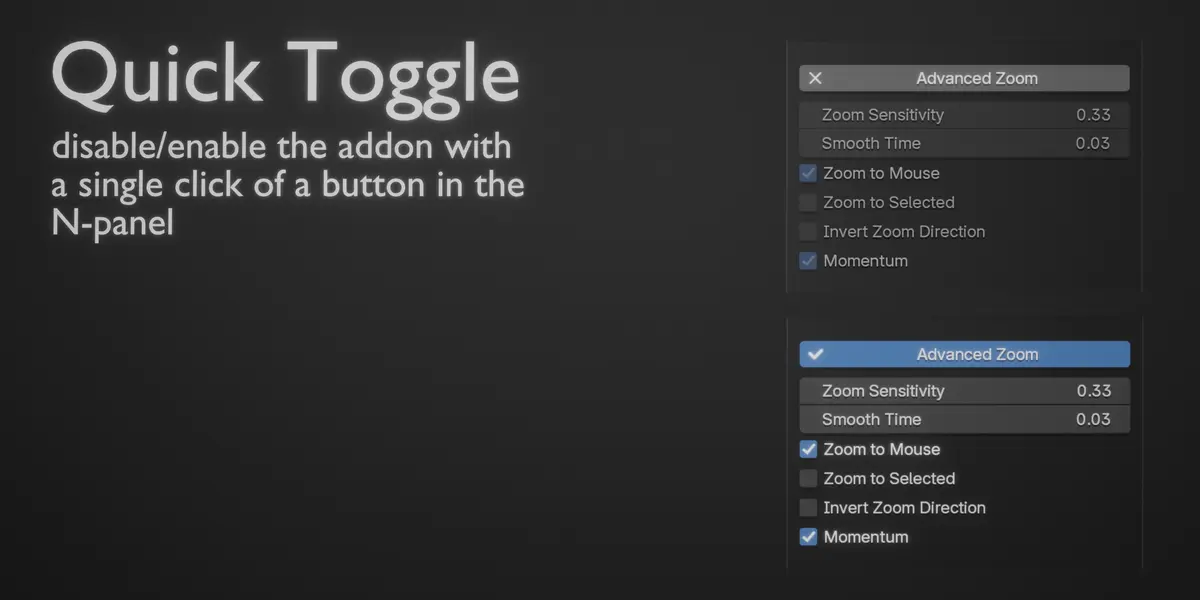
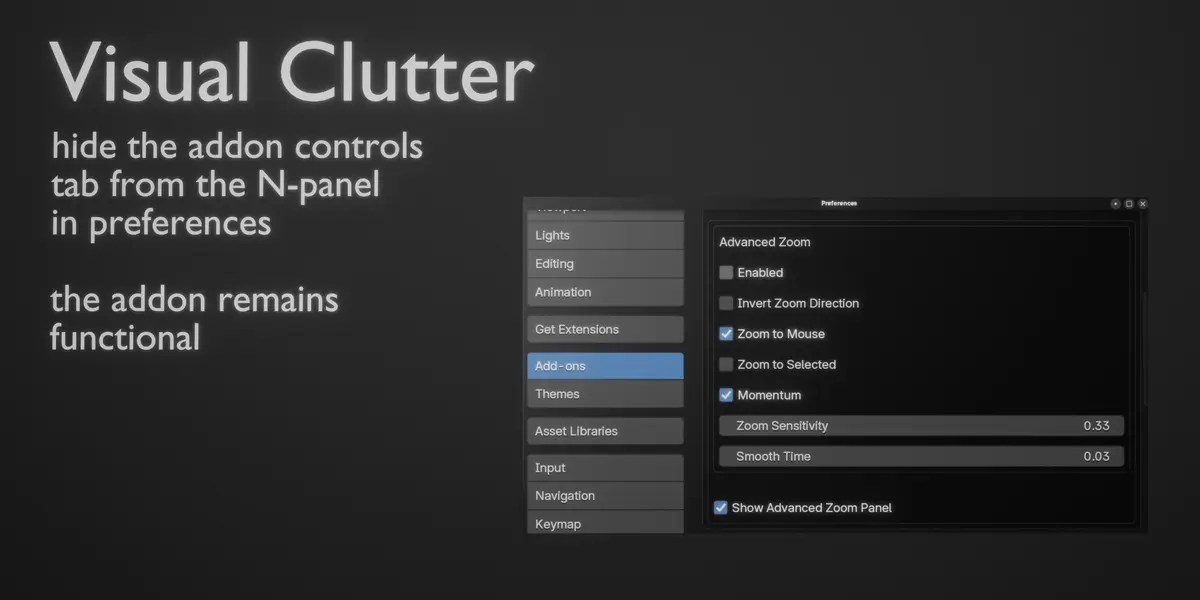
- On-the-fly adjustments — Change settings while working without digging through Blender's preferences.
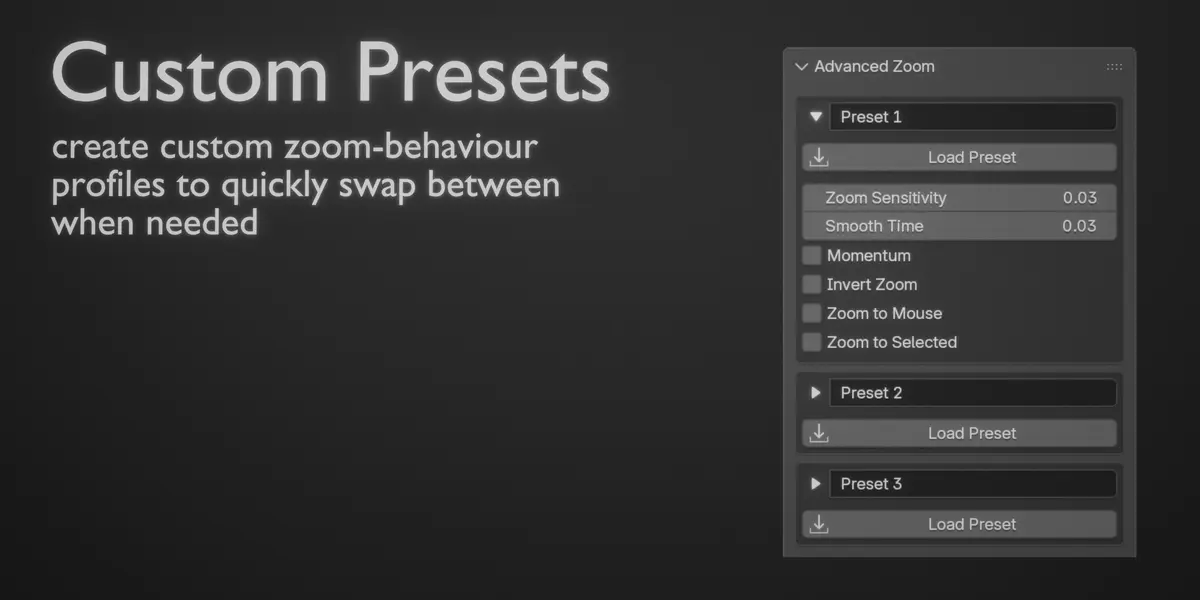
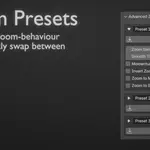
- Customizable presets — Save different zoom configurations and switch between them with a single click of a button.

