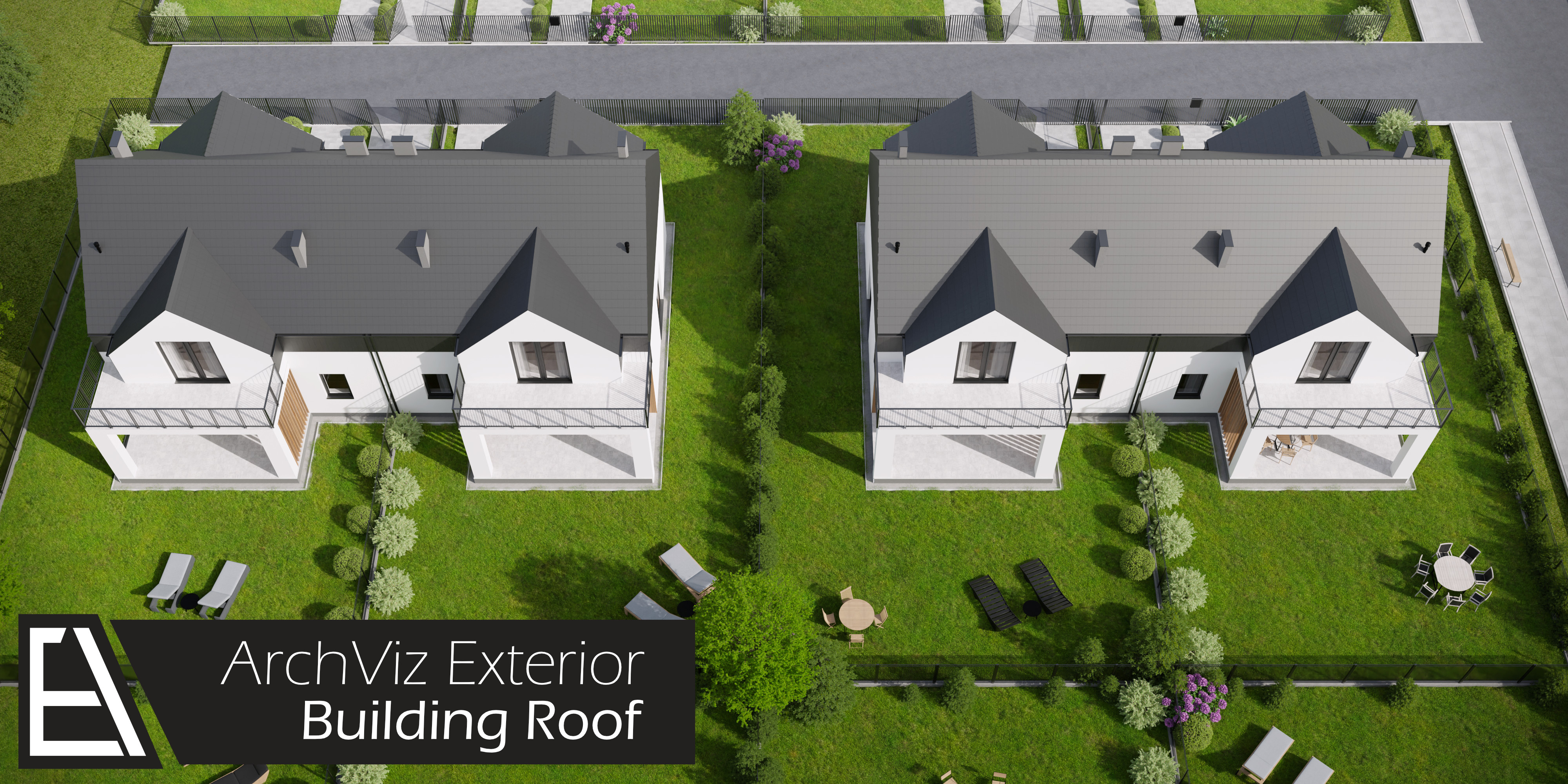
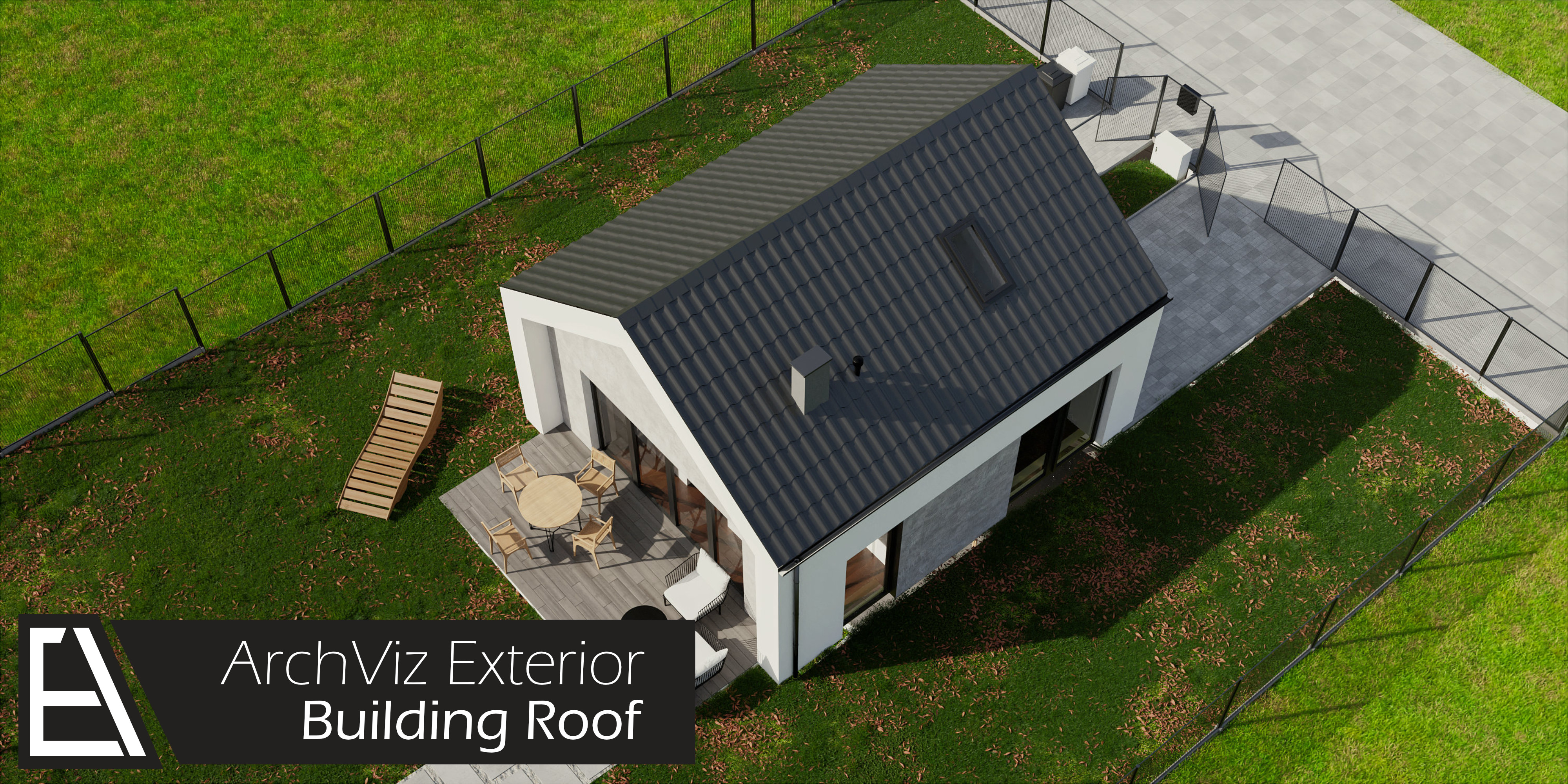
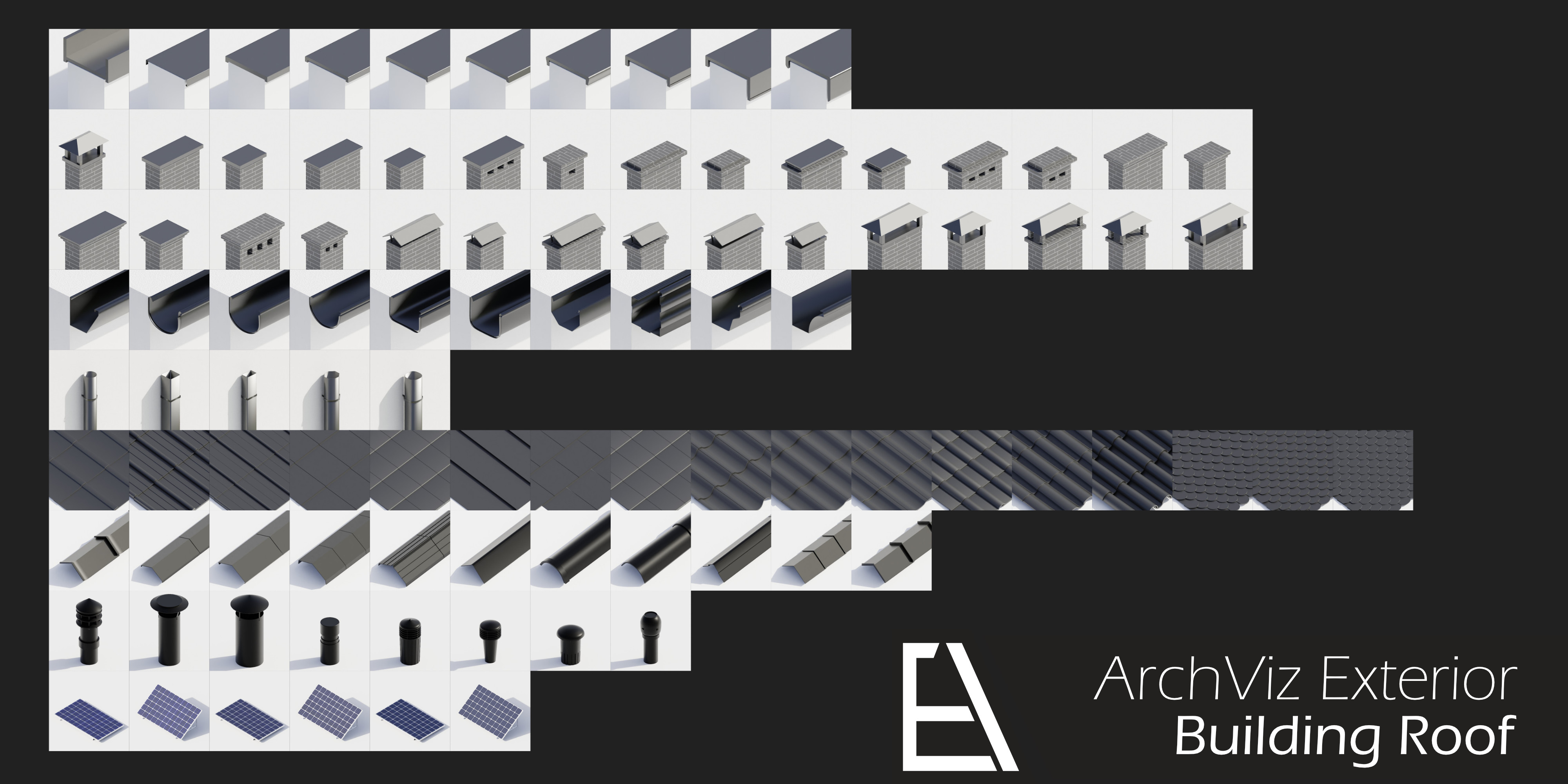
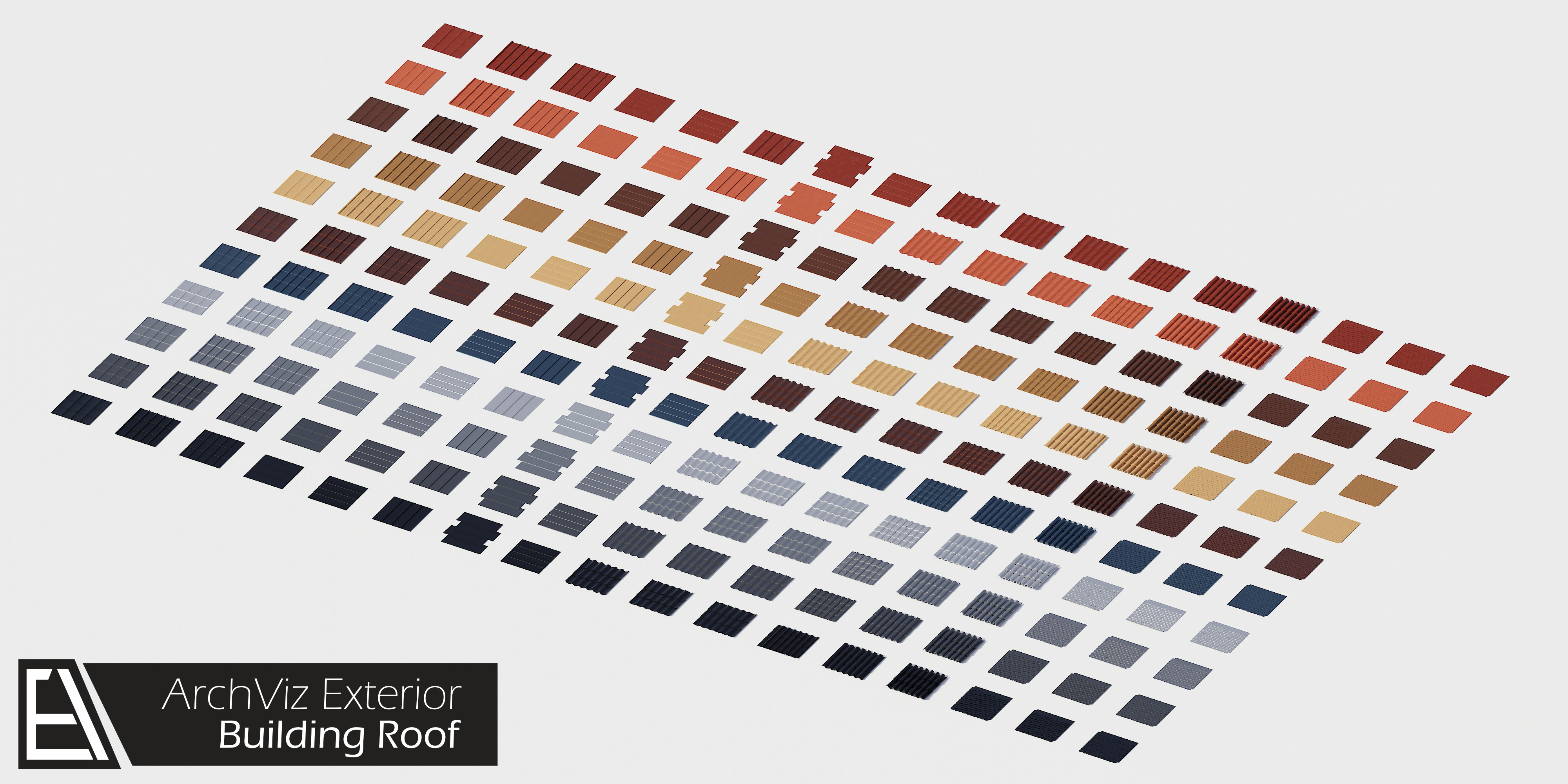
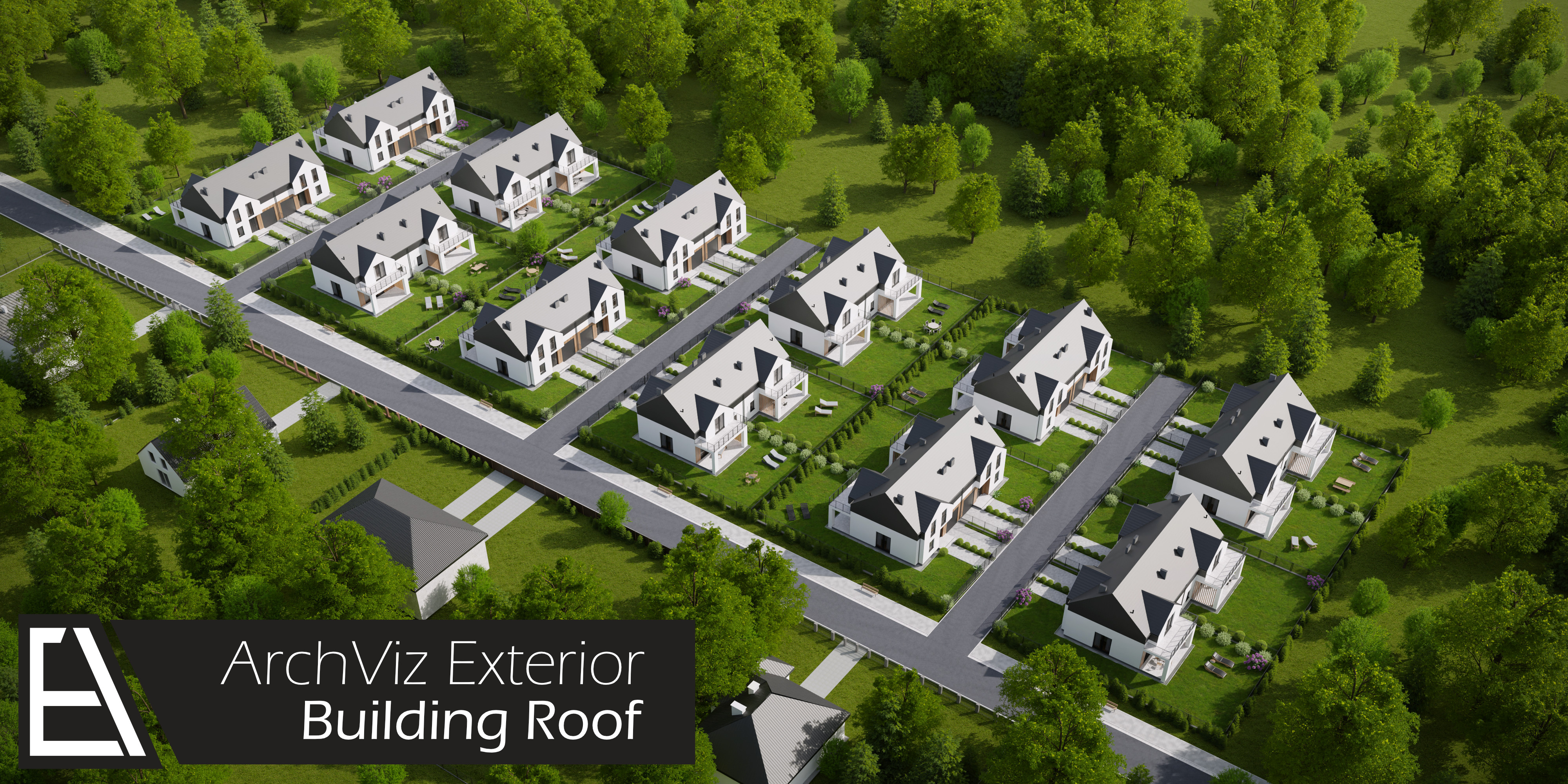
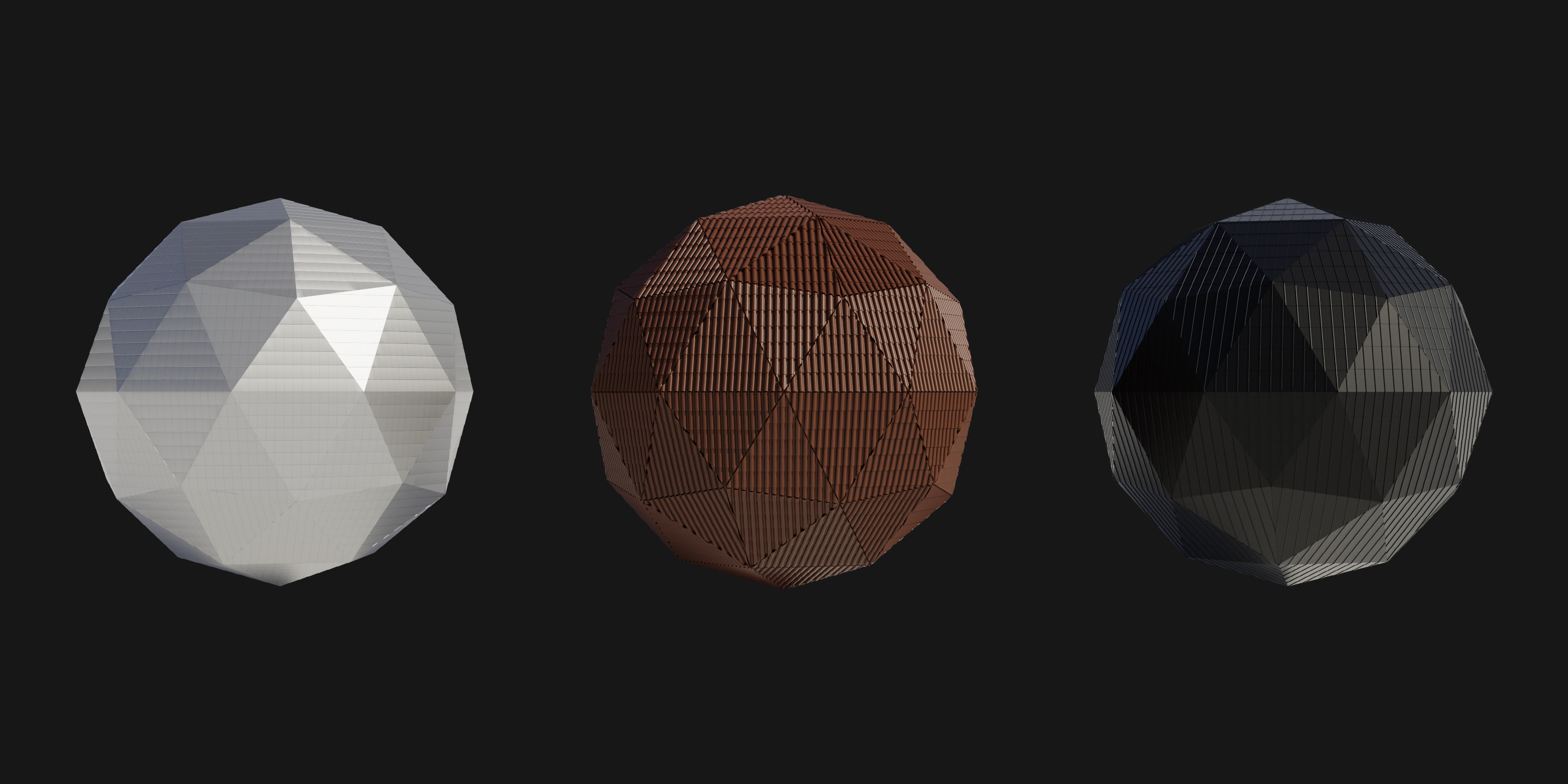
Building Roof + ArchViz Exterior 2.0
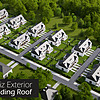
 ArchViz Exterior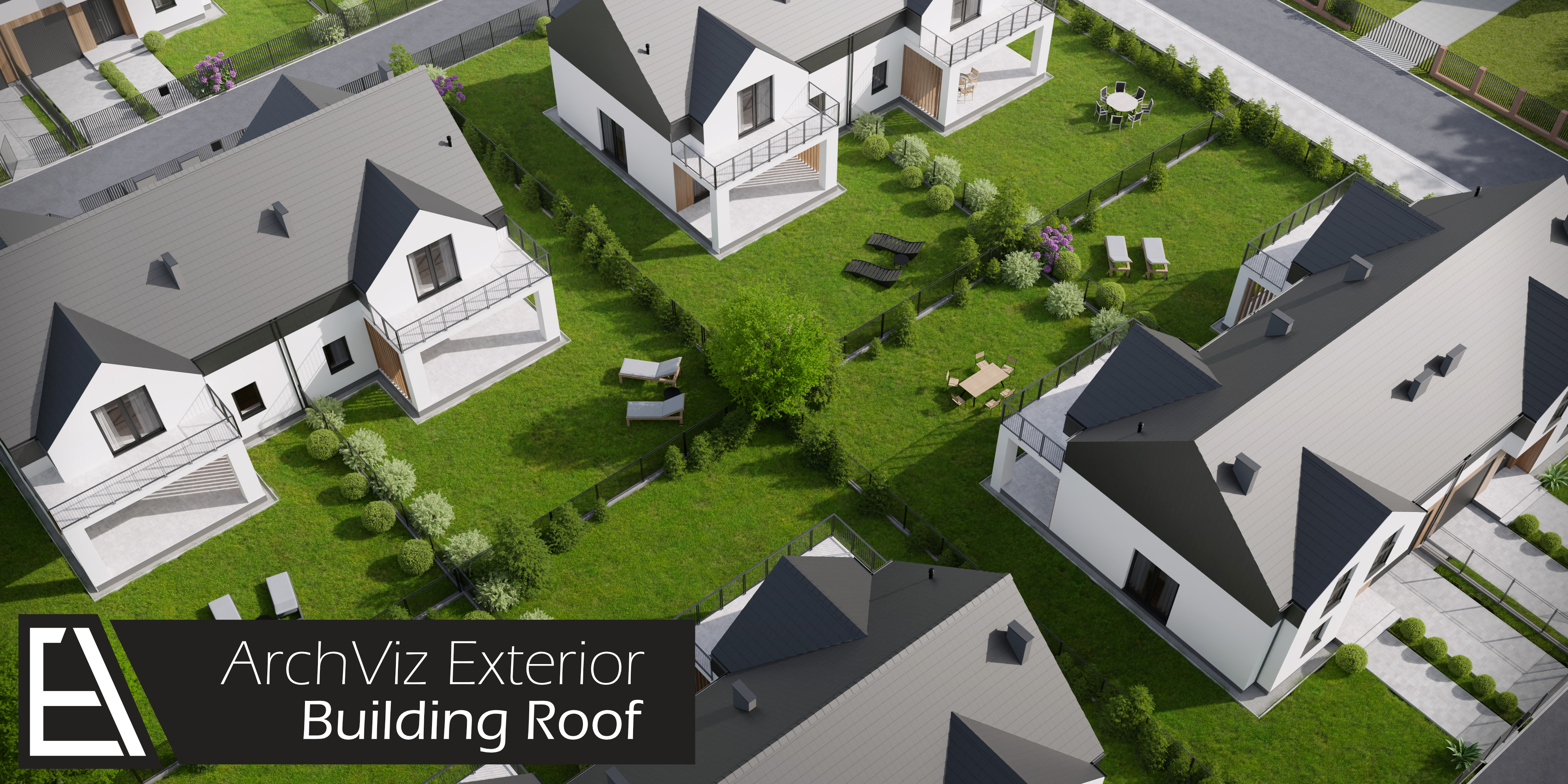
Instalation process:
1. Unzip folder and move ArchViz Exterior folder structure to choosen directory
If you bought any other asset pack, move only Models folder.
2. Open Blender
3. Go to Preferences -> Add-ons
4. Click Install button and choose AE Addon zip folder
5. Enable AE ArchViz Exterior Addon
6. Choose AE library path
Have questions about this product?
Login to message
| Sales | 90+ |
| Rating | 2 ratings |
| Published | over 5 years ago |
| Blender Version | 4.0, 3.6, 3.5, 3.4, 3.3, 3.2, 3.1, 3.0, 2.93, 2.92 |
| Render Engine Used | Cycles |
| License | Royalty Free |
Discover more products like this
roof-tiles winter24 spring24 Tiles Render arch solar panel window architecture bfcm24 roof House gutter architectural visualisation Cycles summer24 ArchViz