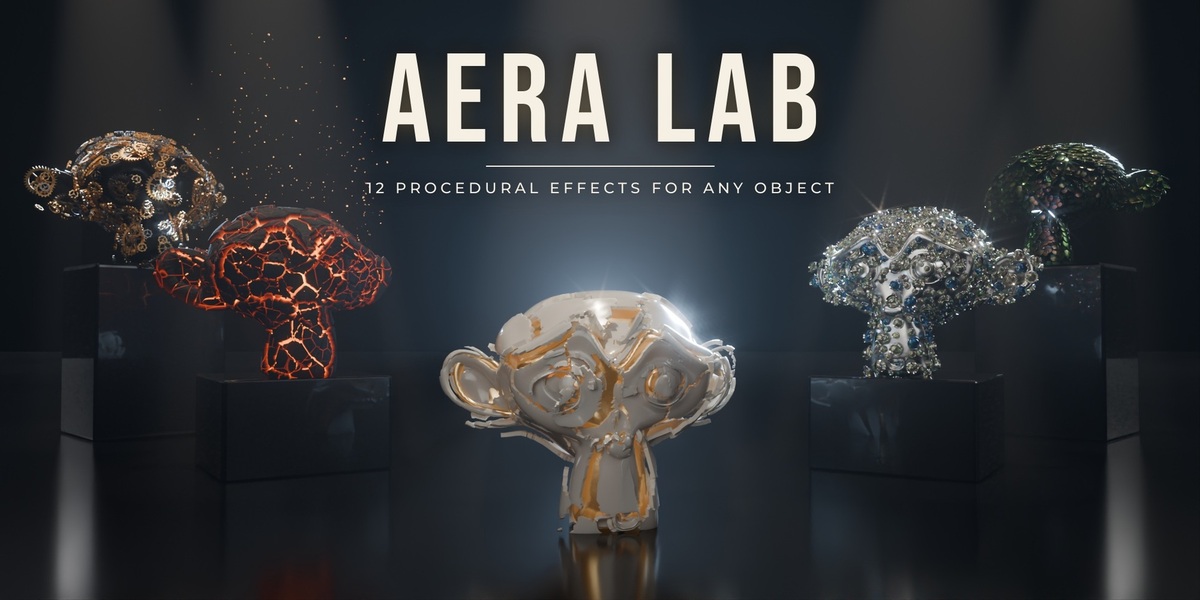
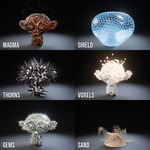
Aera Lab - 12 Procedural Effects That Rebuild Any Object
 Voyde Procedural
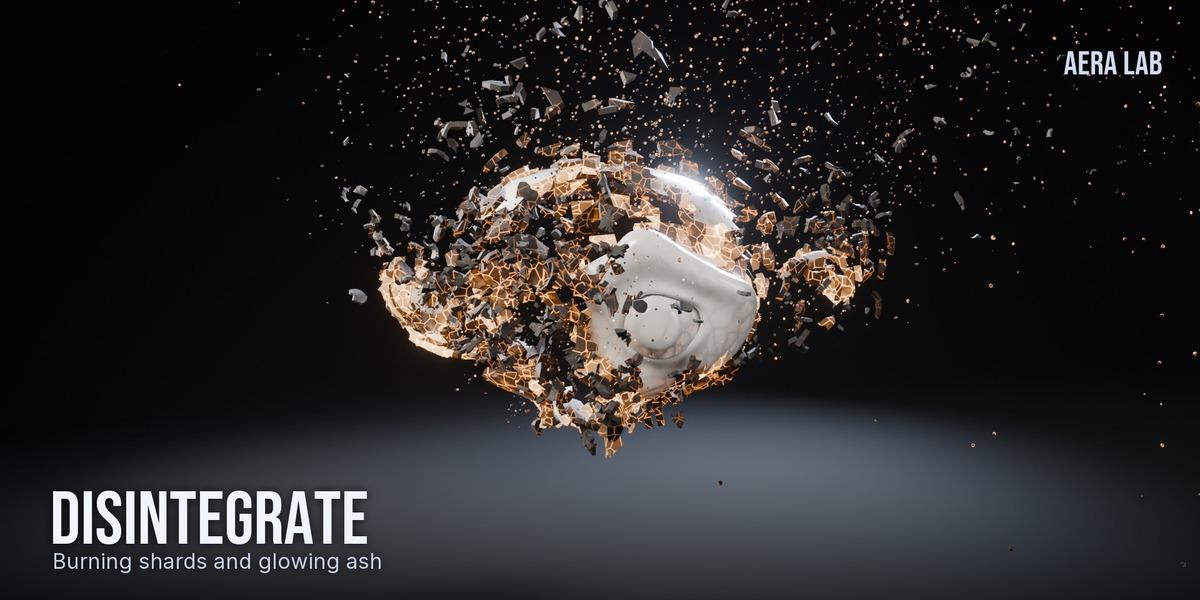
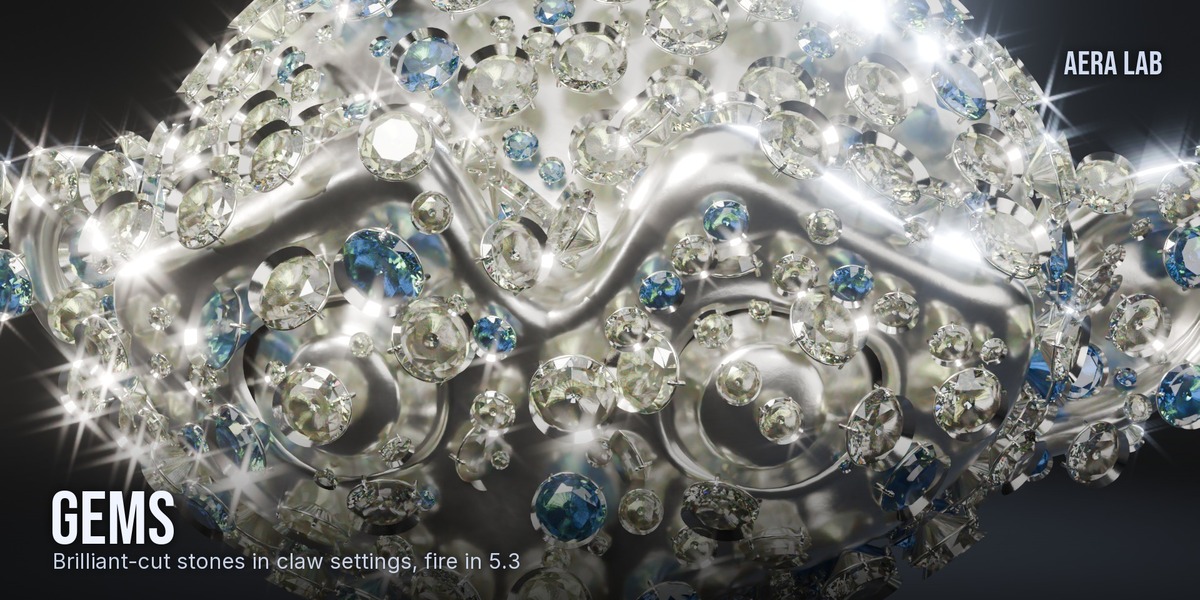
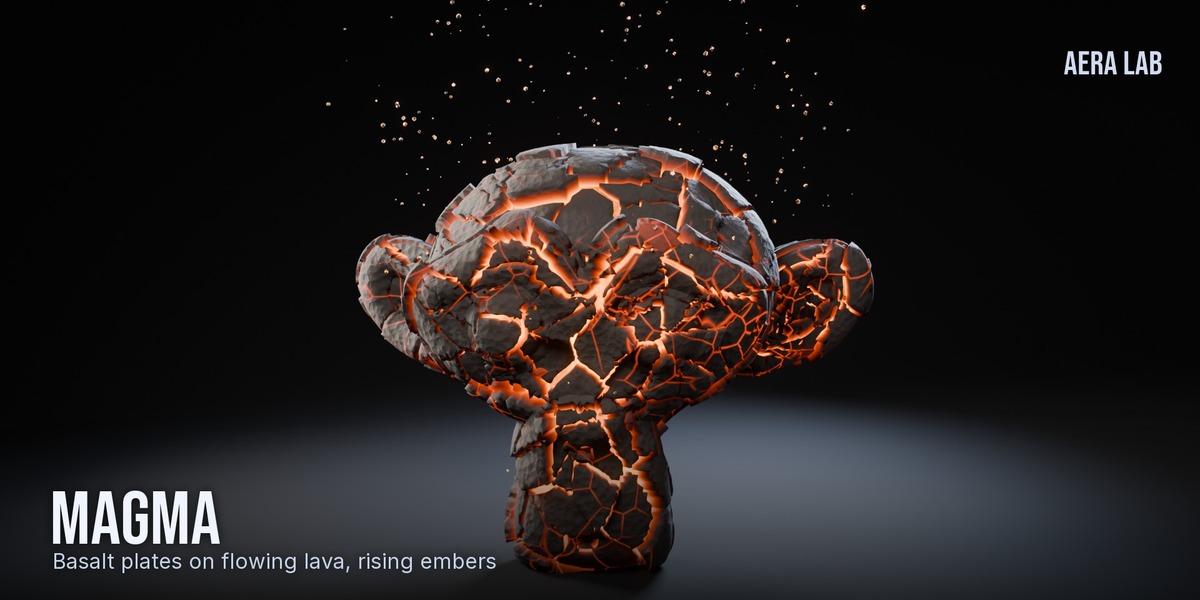
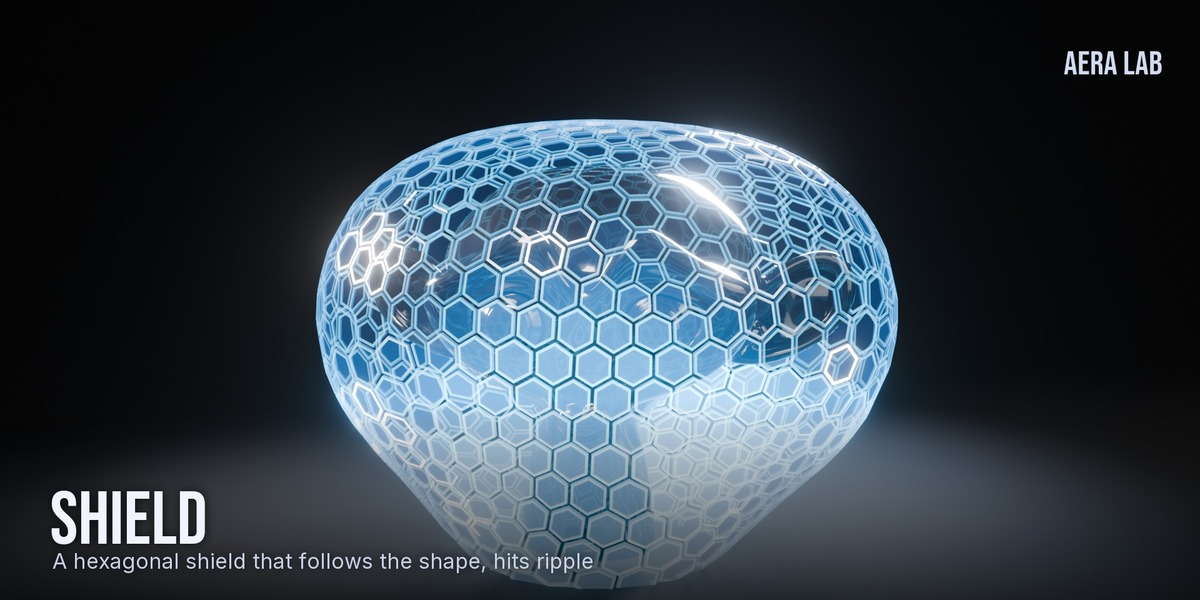
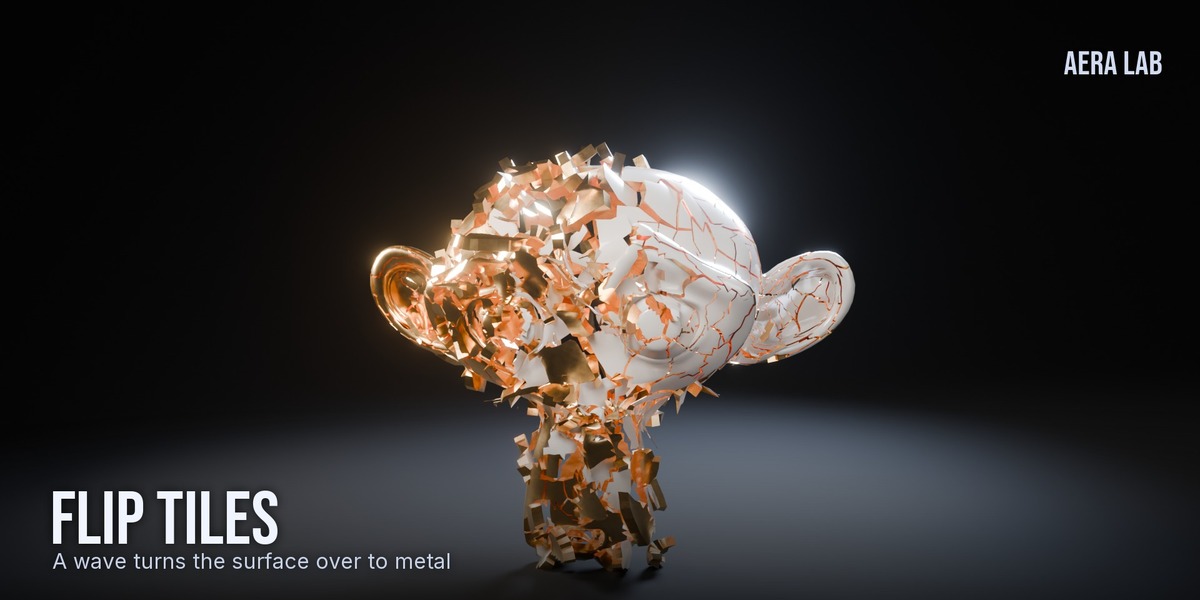
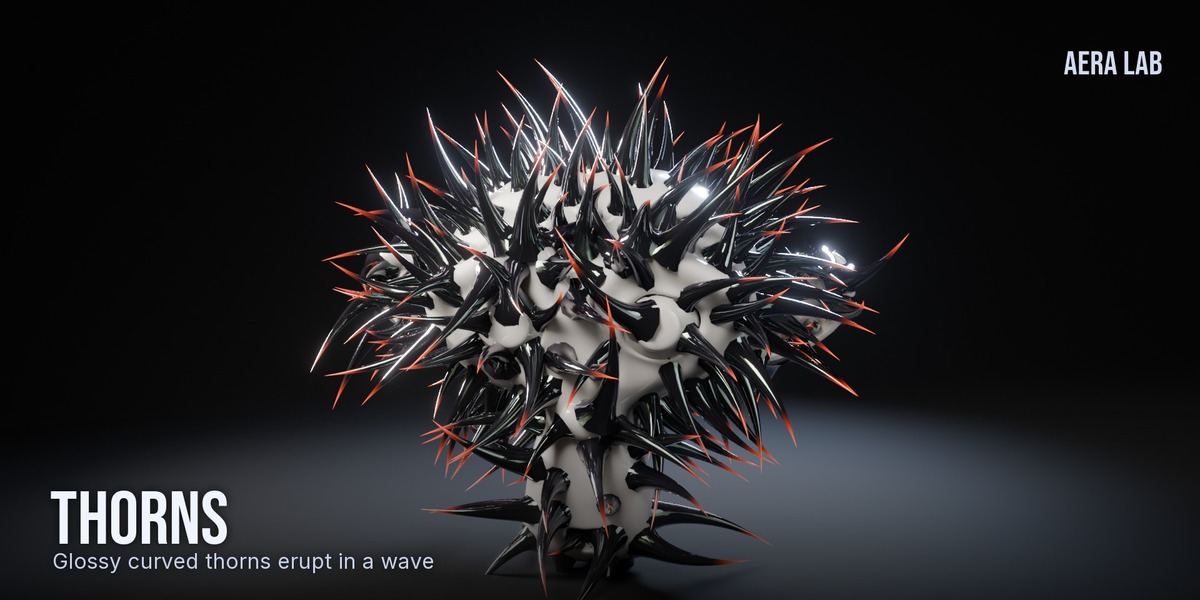
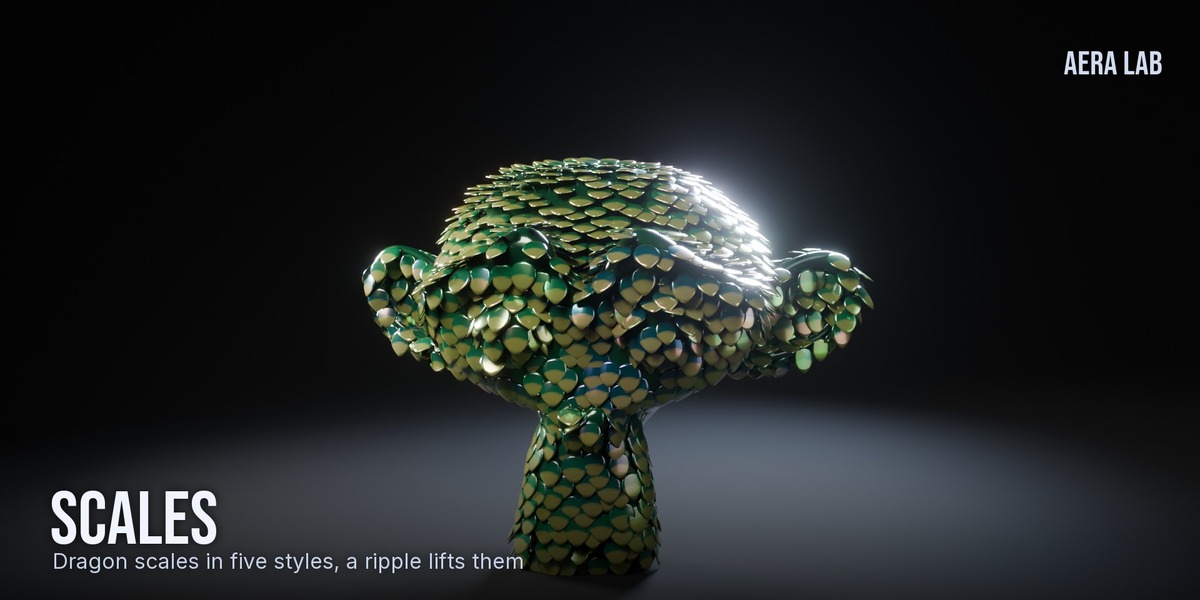
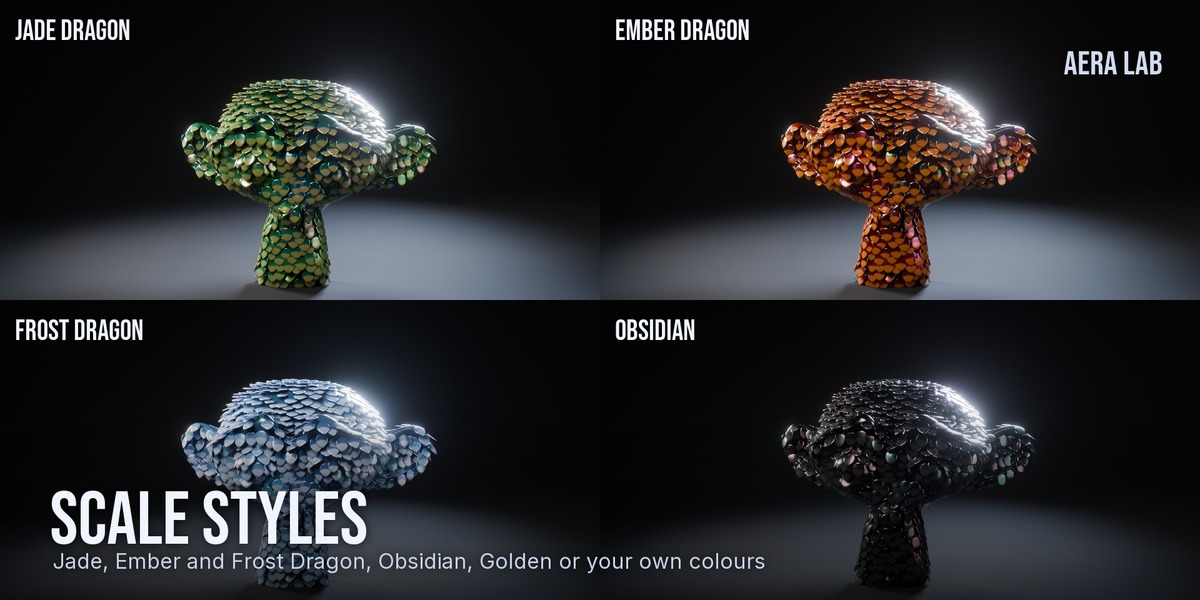
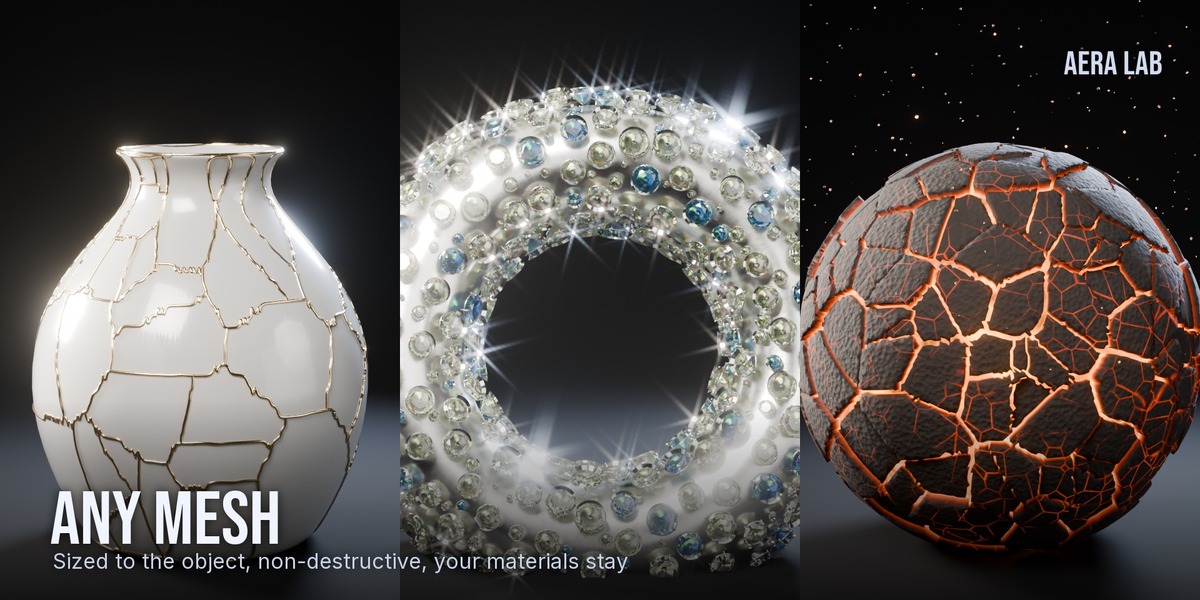
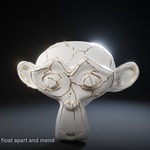
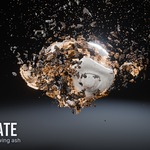
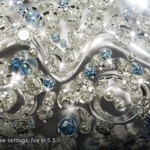
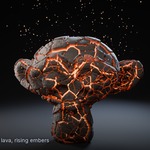
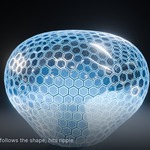
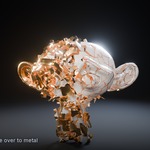
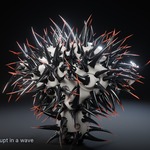
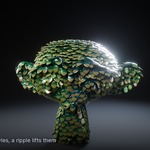
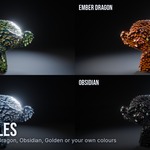
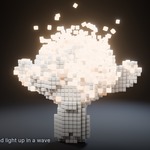
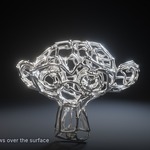

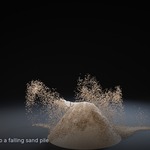
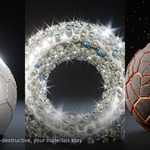
Install
- In Blender, open Edit > Preferences > Get Extensions.
- Open the menu at the top right (the small arrow) and choose Install from Disk....
- Pick
aera-1.0.0.zip. The add-on is enabled at once.
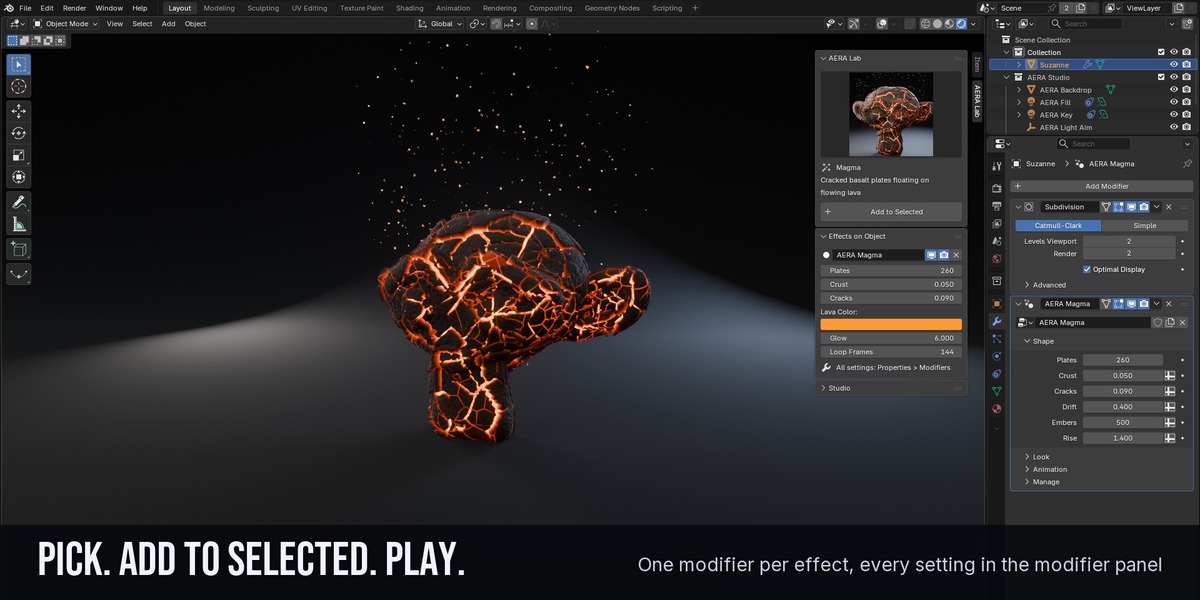
The panel is in the 3D View sidebar (press N), tab AERA Lab.
Quick start
- Select one or more mesh objects (Object Mode).
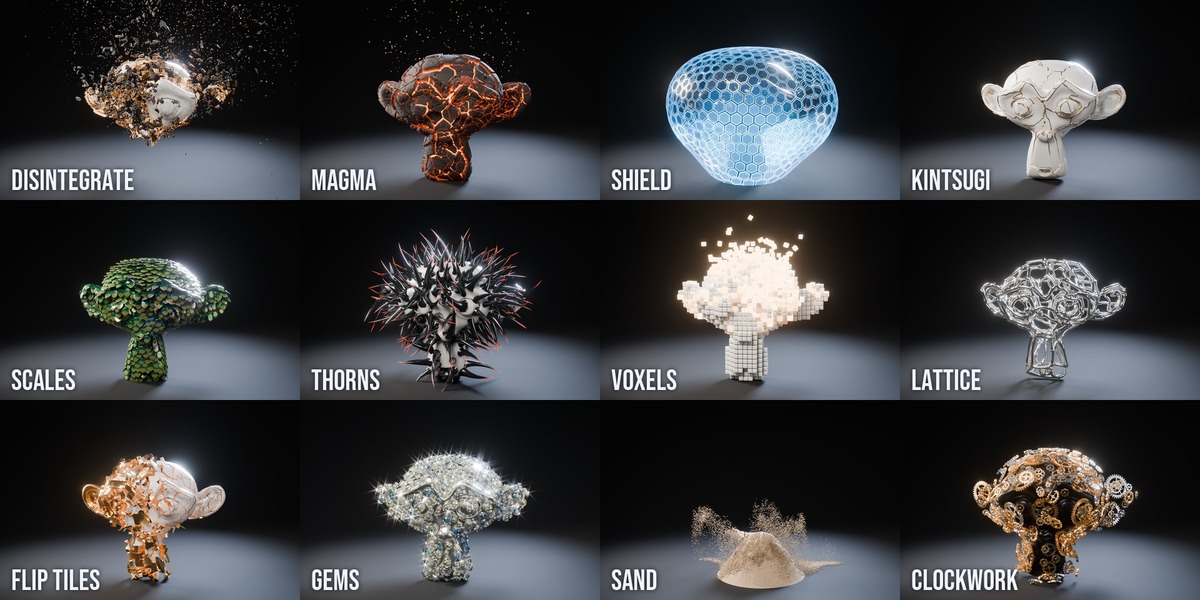
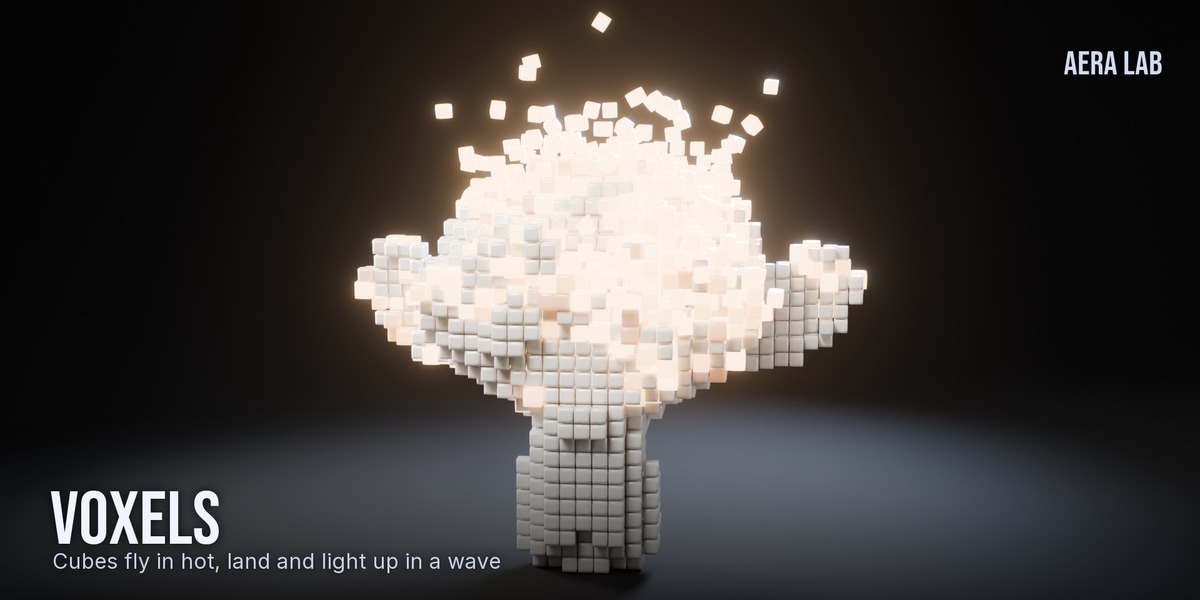
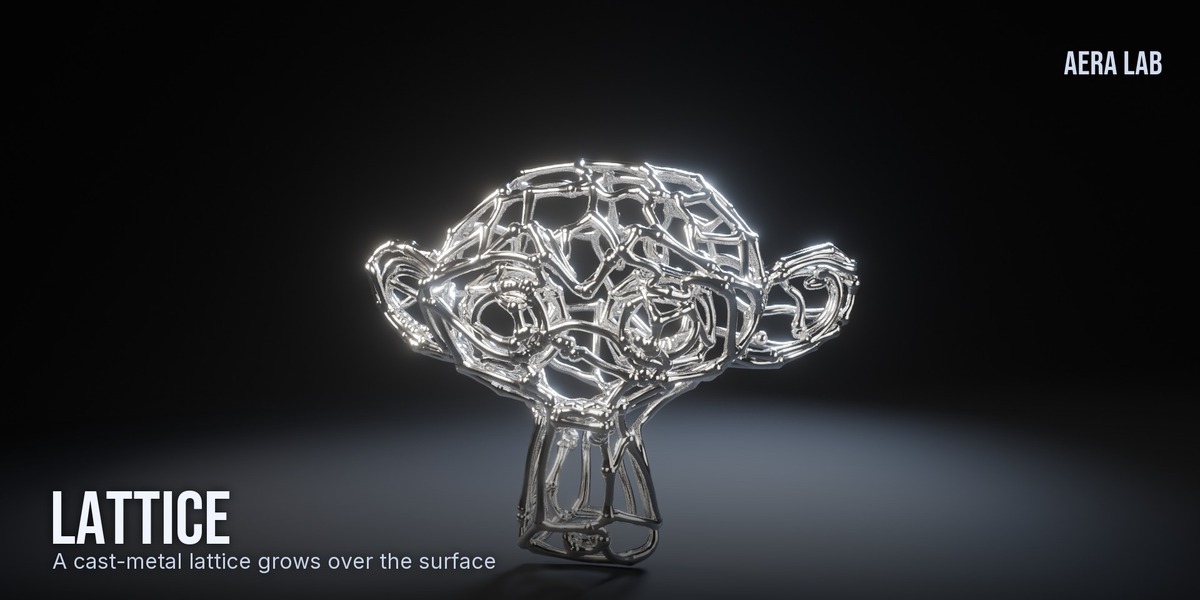
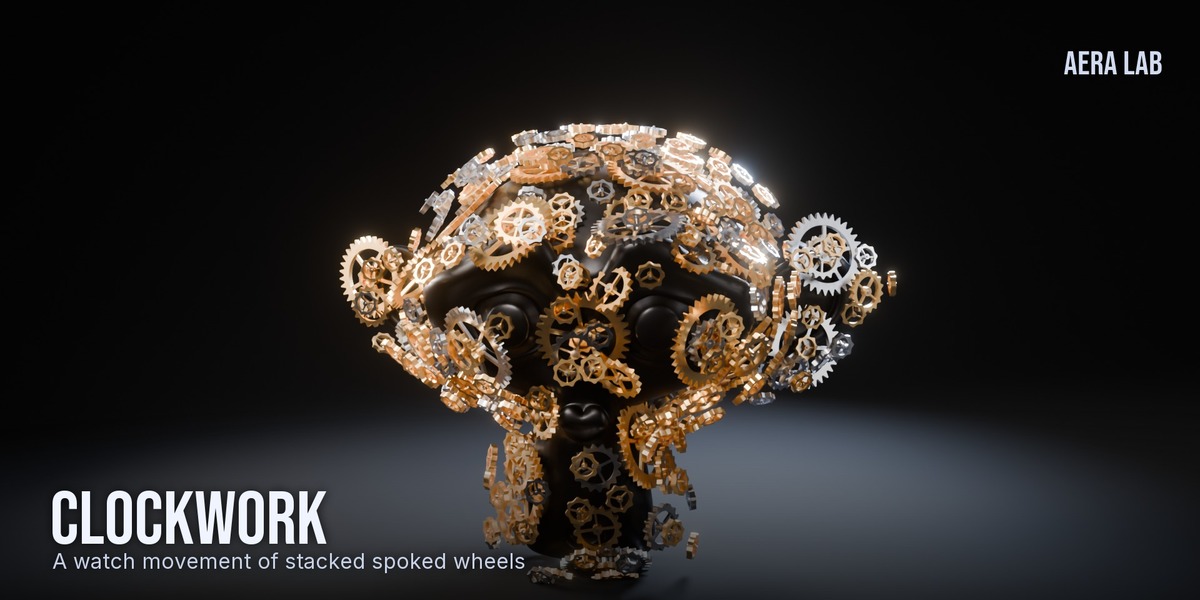
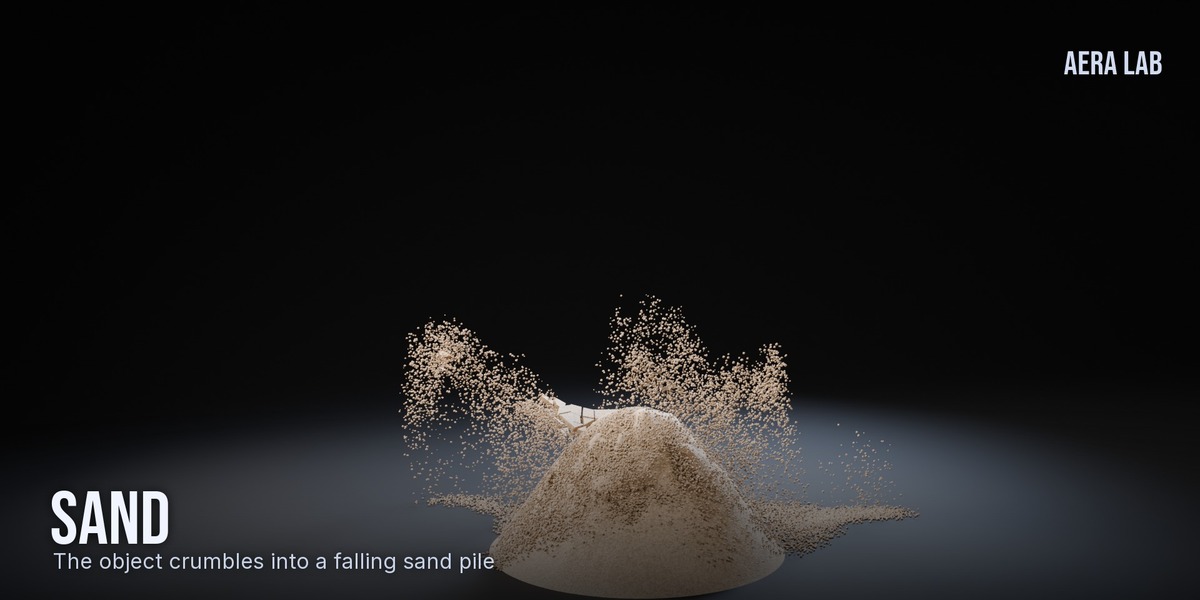
- In the sidebar, open the AERA Lab tab and click the large preview: a grid of all twelve effects opens. Pick one.
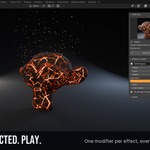
- Click Add to Selected.
- Press Play (Spacebar) and switch the viewport to Rendered shading.
- Optional: Studio > Set Up Studio builds a dark product stage around the selected objects (a curved backdrop, four soft lights aimed at them, a dark world with strip lights and an overhead softbox for reflections, bloom and colour settings). Remove Studio deletes it and puts every setting back.
Open AERA_Lab_Demo.blend to see every effect in its own scene, ready to render.
The full documentation, the reference of every setting and the known limitations come with the download (AERA_Lab_Manual.pdf and AERA_Lab_Documentation.md).
Have questions about this product?
Login to message
| Blender Extension Compatible | Yes |
| Sales | 30+ |
| Dev Fund Contributor | |
| Published | about 3 hours ago |
| Blender Version | 5.0 - 5.3 |
| Extension Type | Add-on |
| Render Engine Used | Cycles, Eevee |
| License | GPL |
Discover more products like this
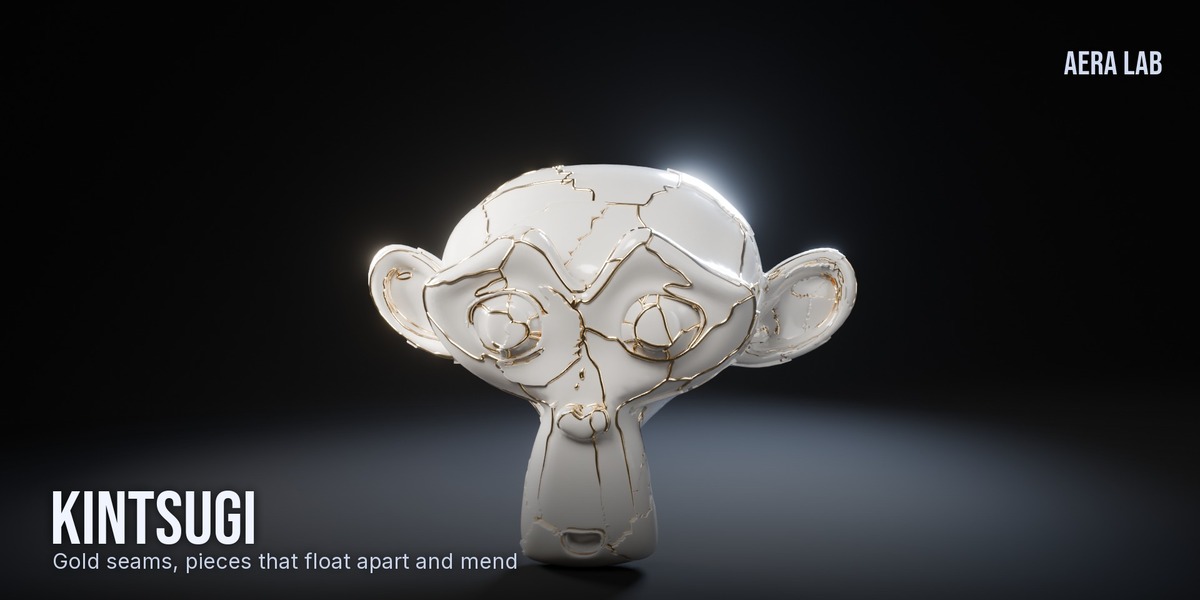
shatter product-visualization motion graphics VFX Disintegrate gems procedural kintsugi lava geometry nodes voxels seamless loop