Aera Lab - 12 Procedural Effects That Rebuild Any Object
 Voyde Procedural
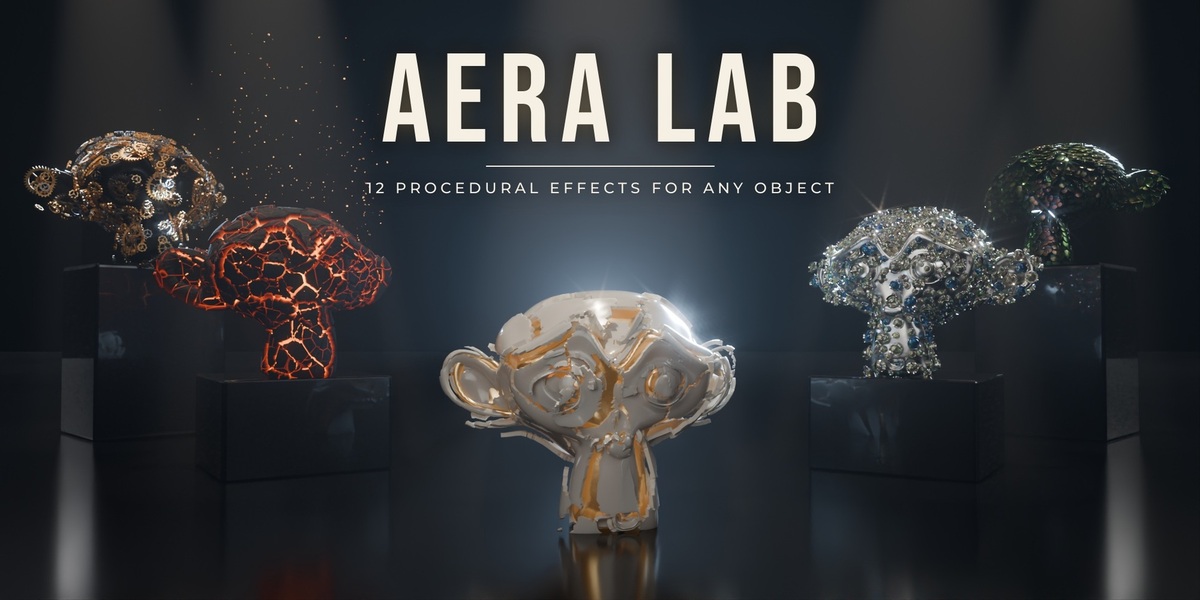
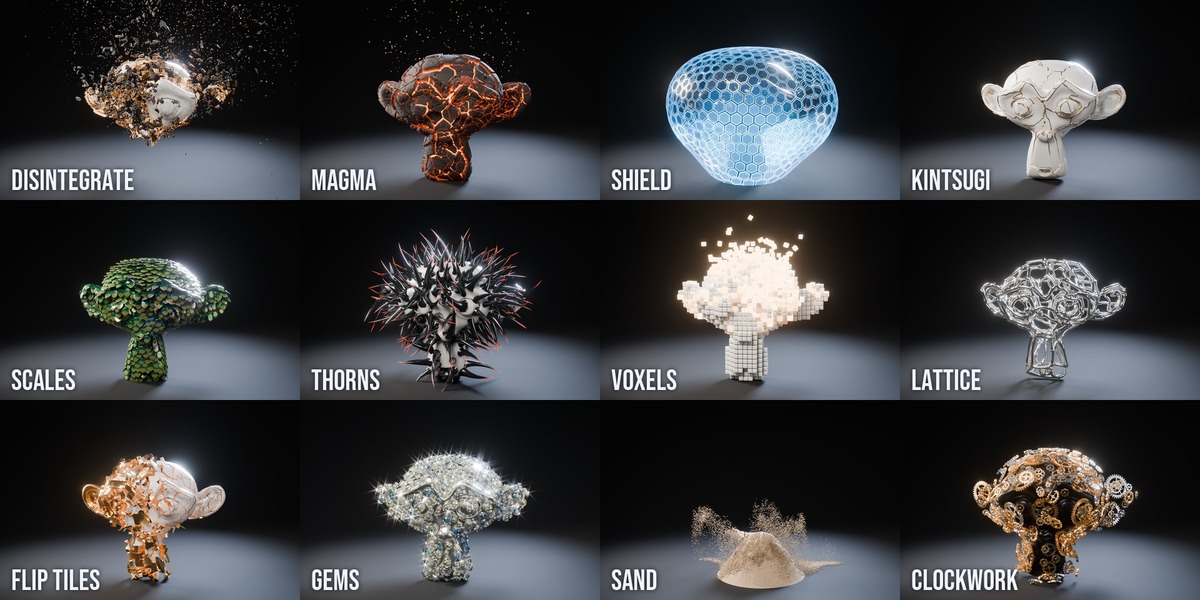
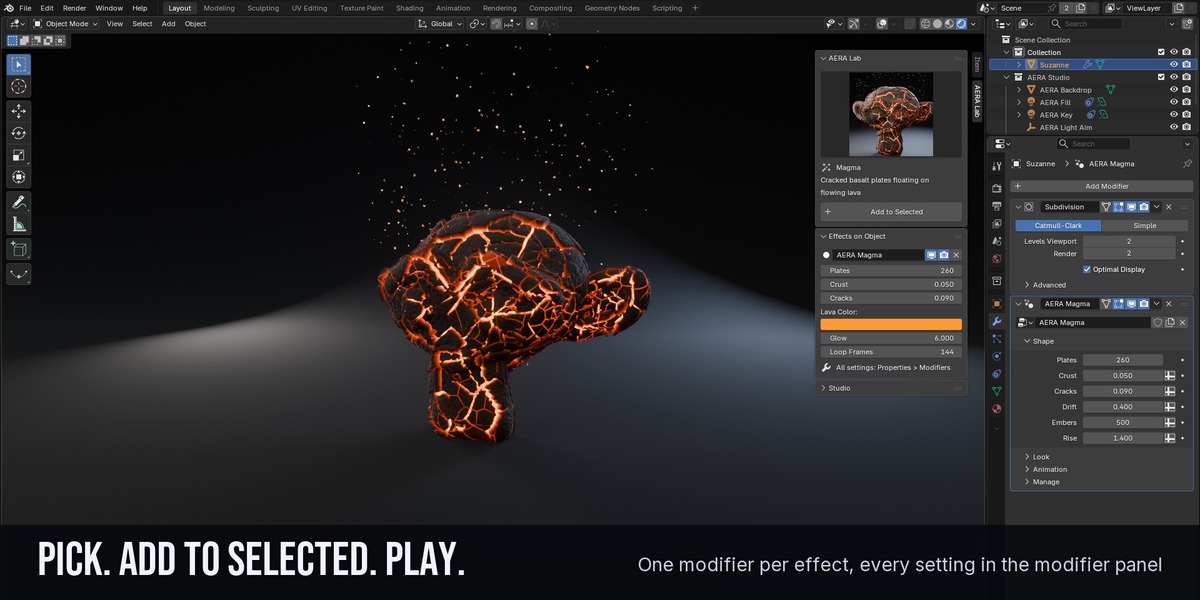
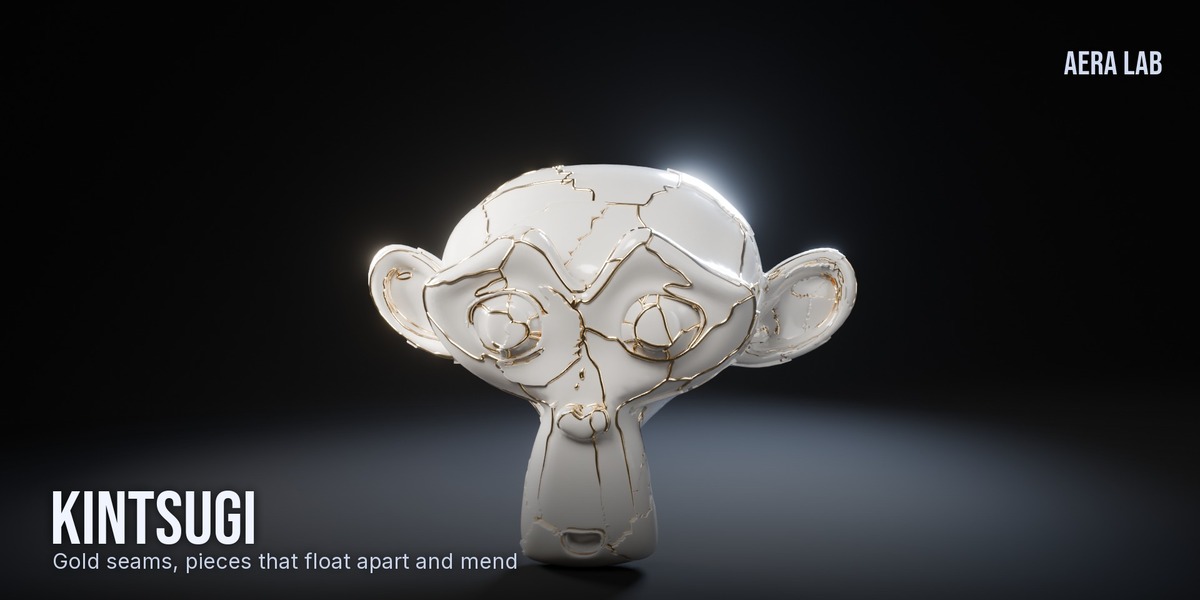
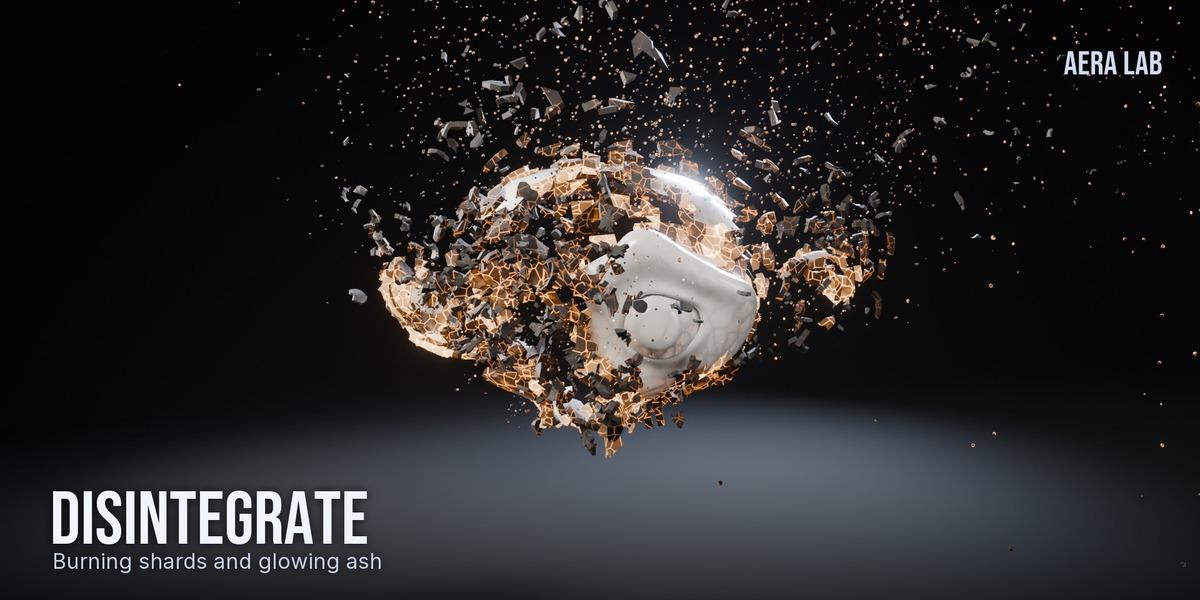
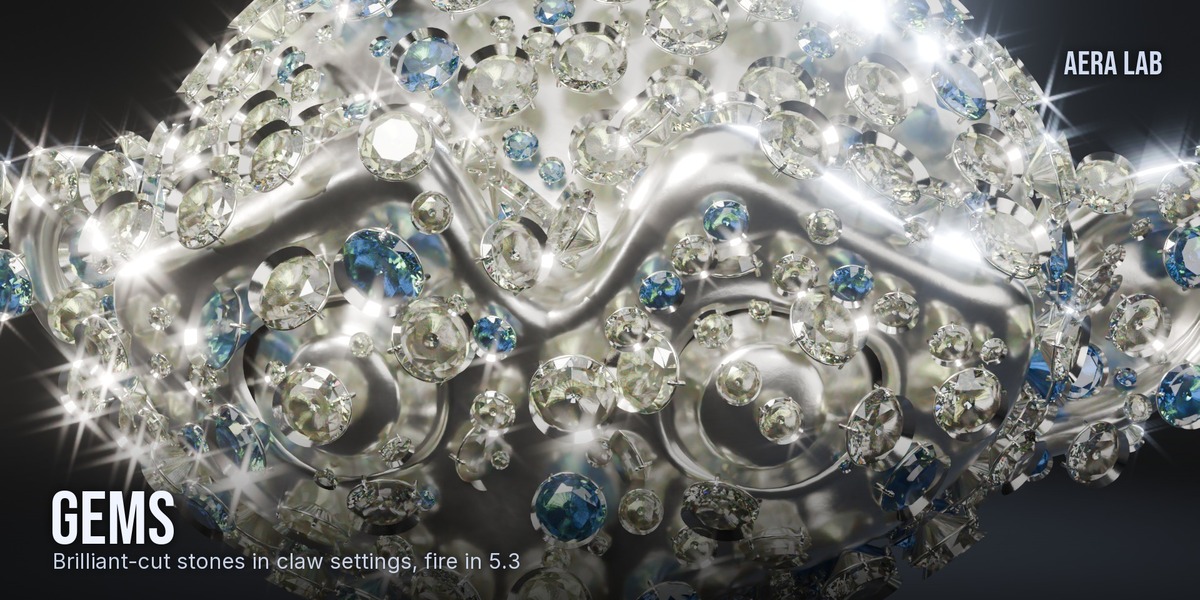
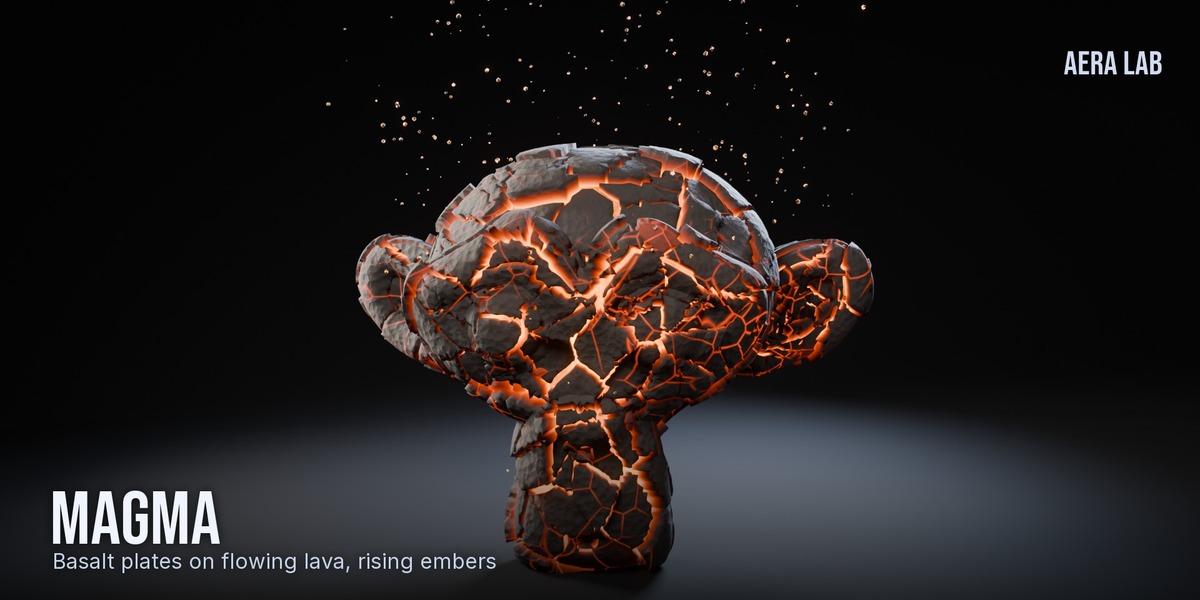
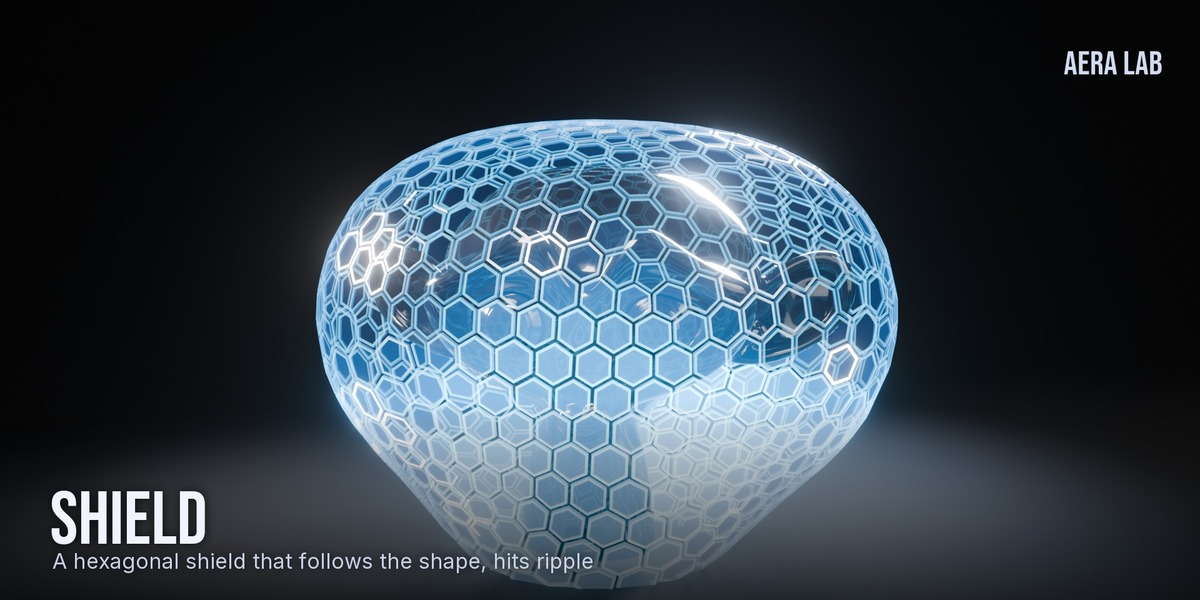
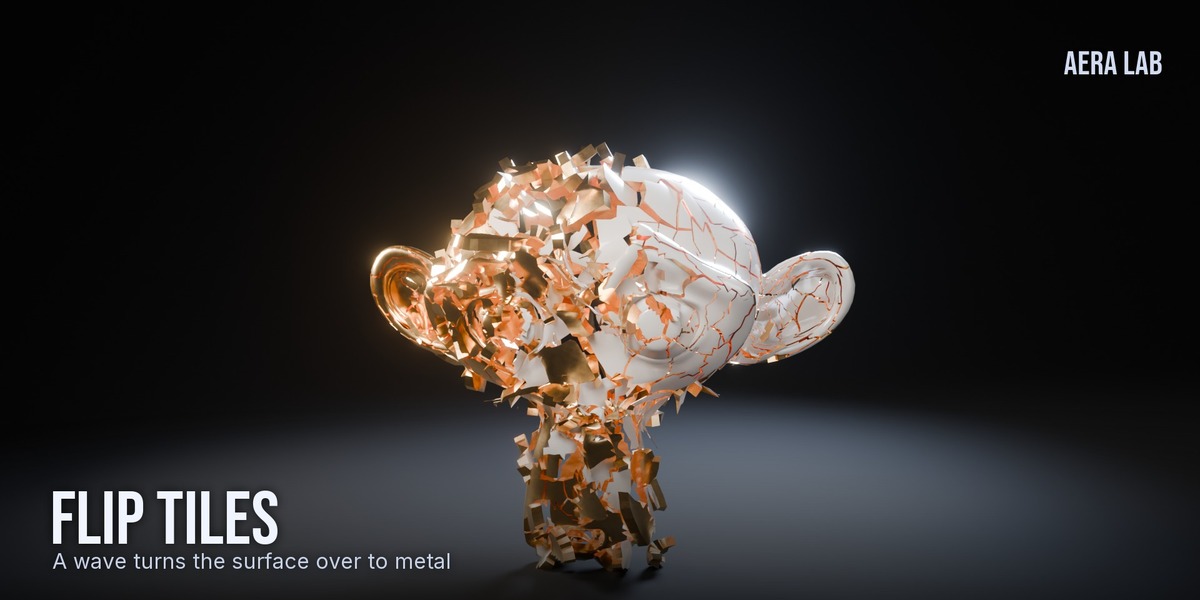
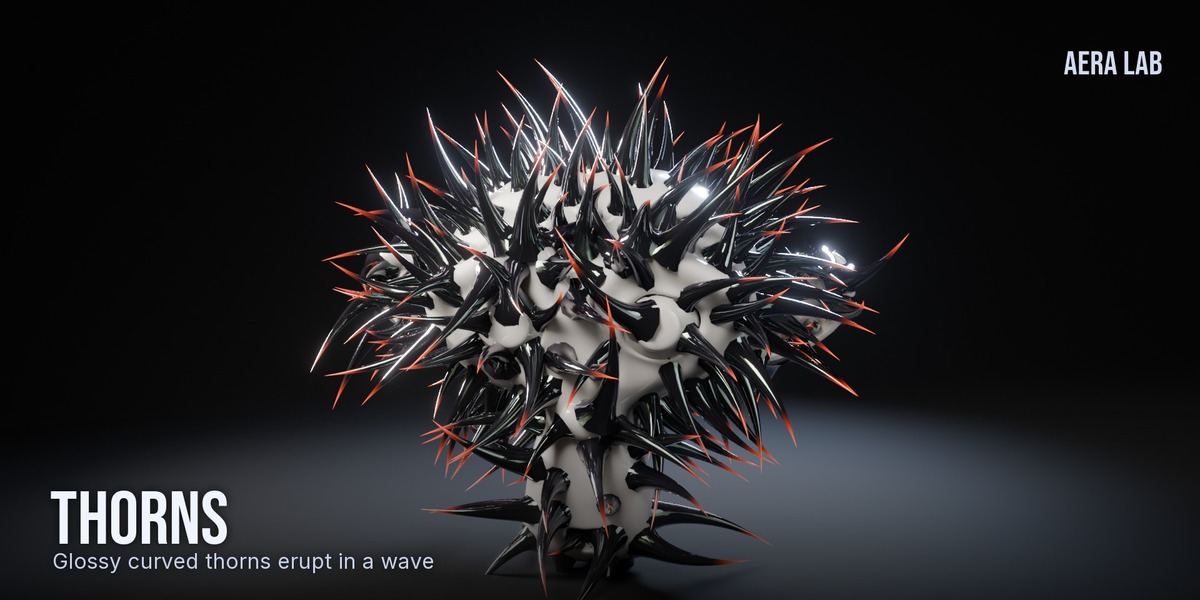
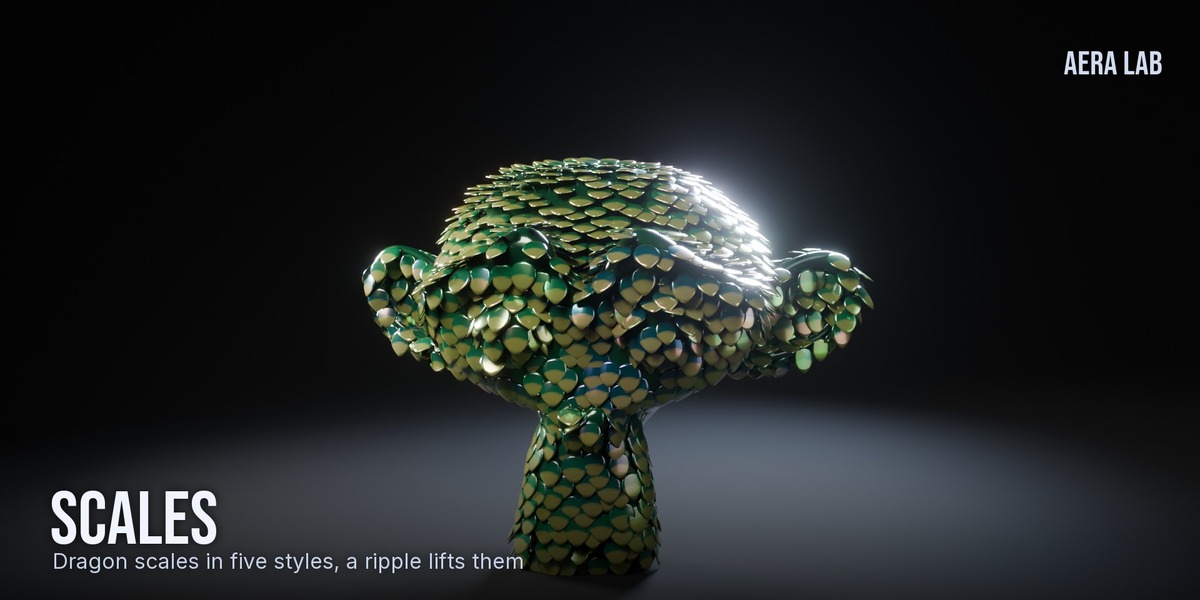
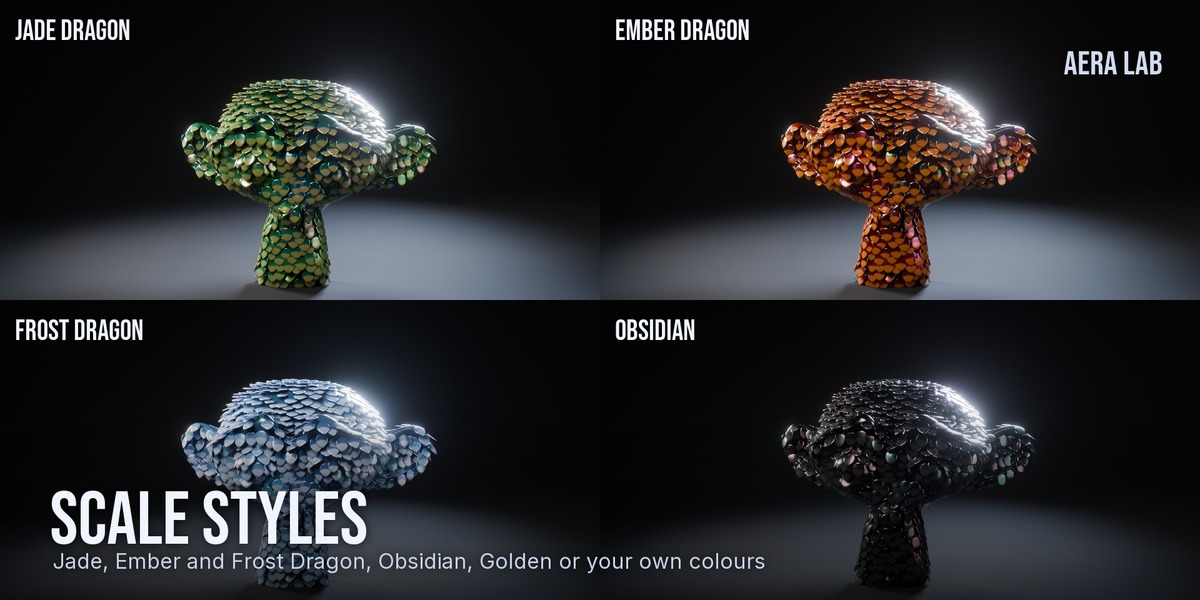
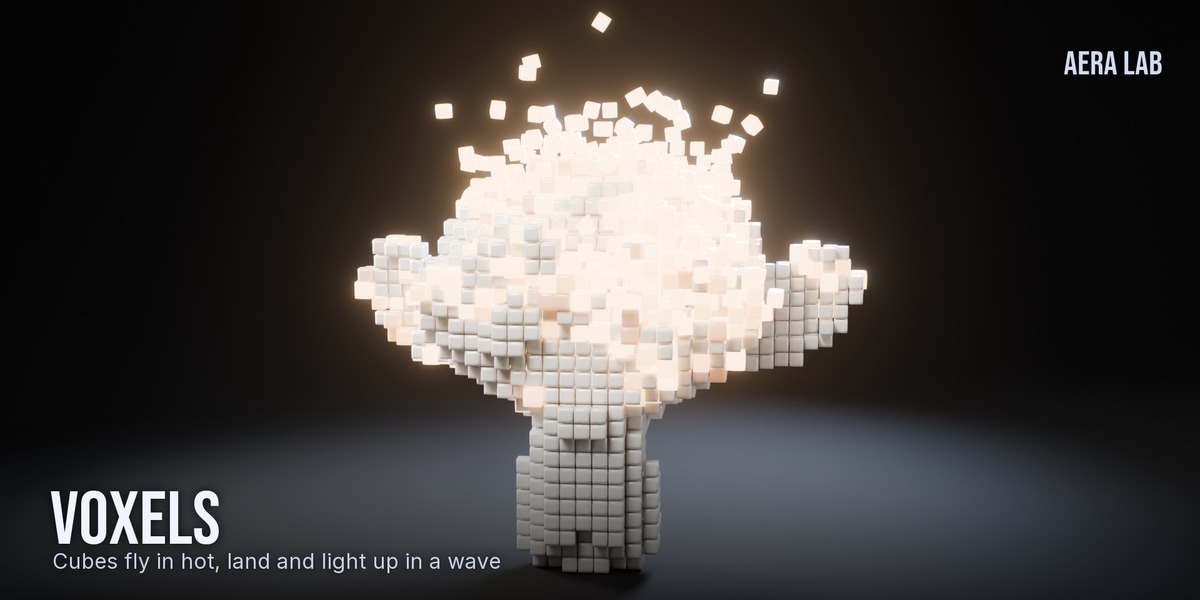
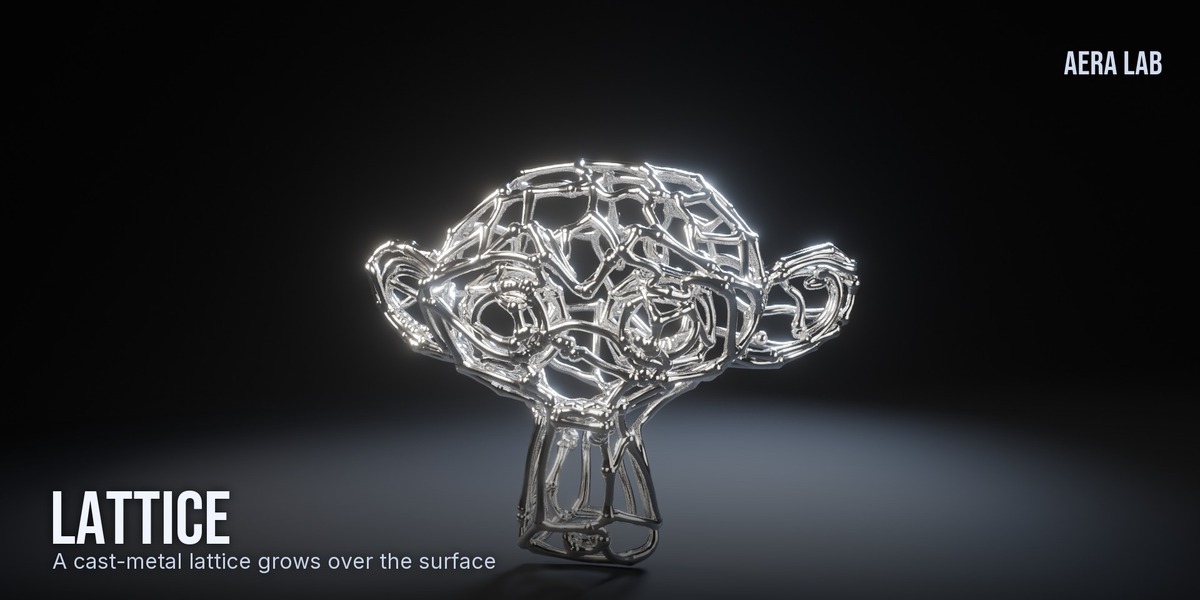
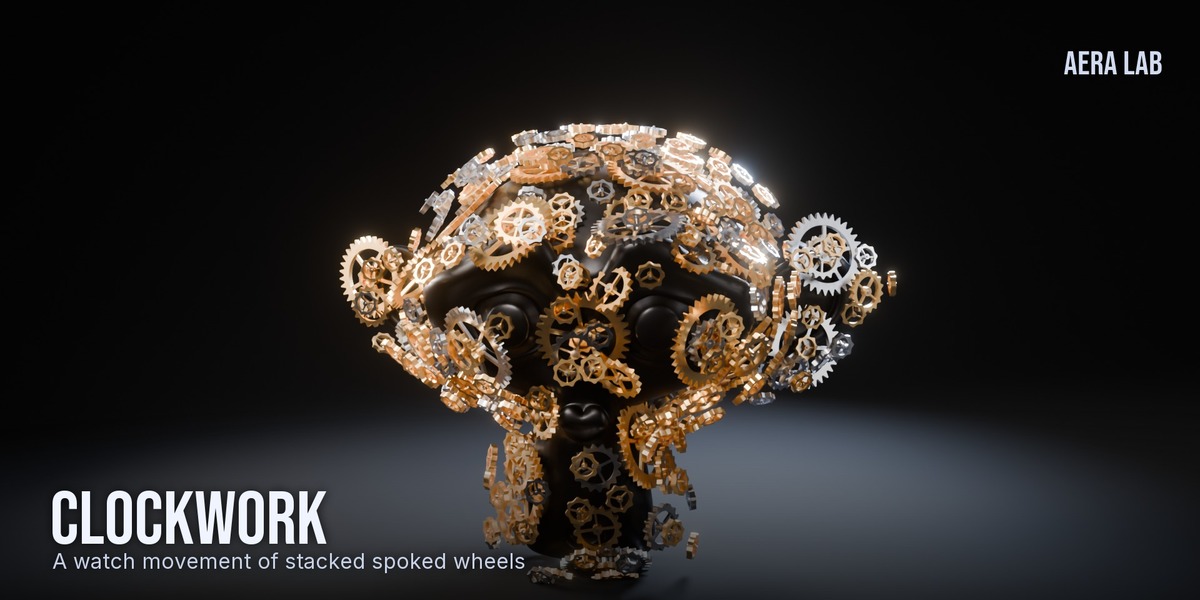
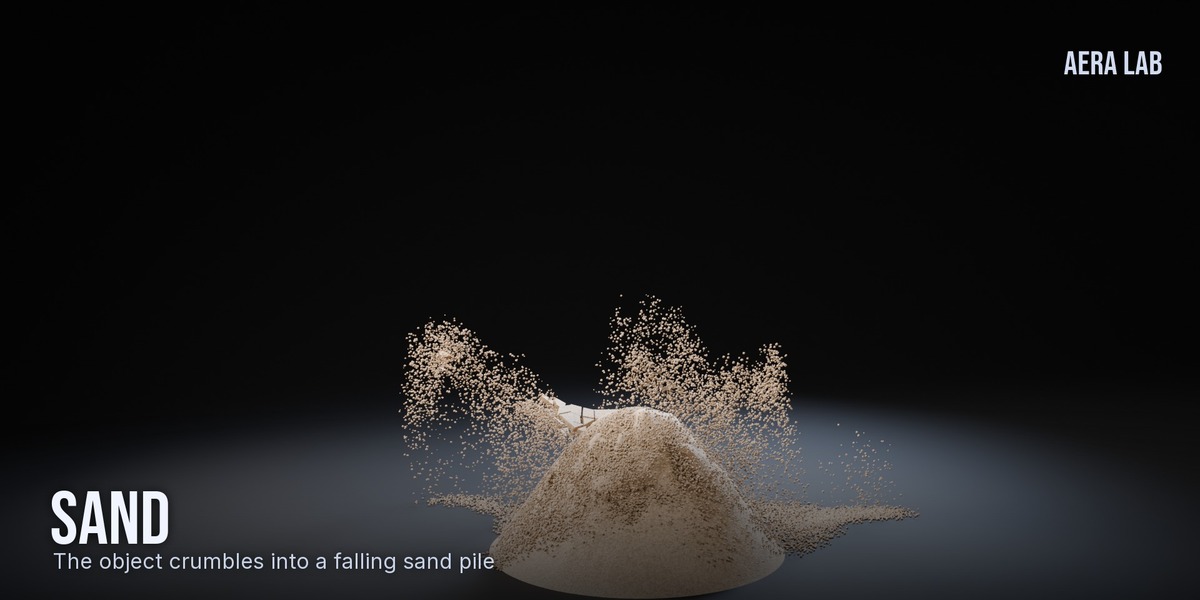
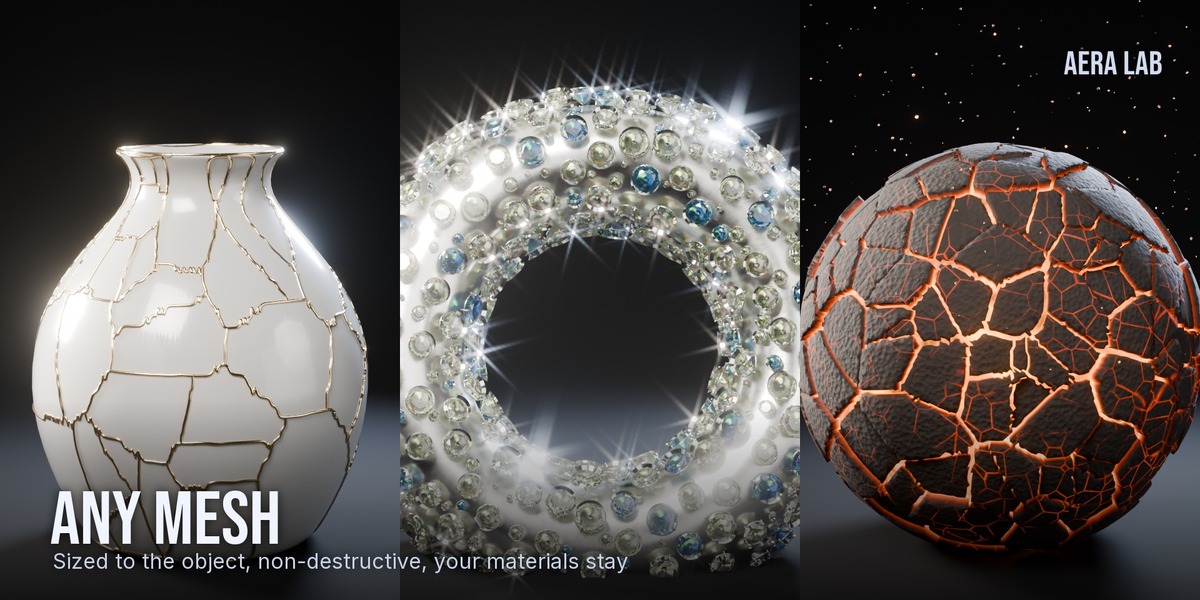
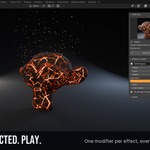
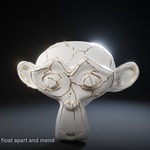
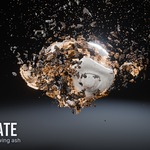
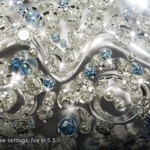
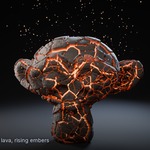
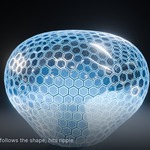
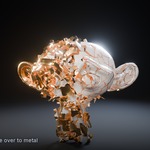
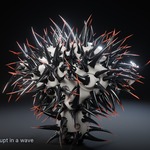
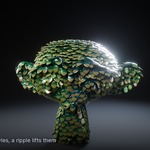
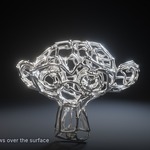

No. Each effect is a modifier; your mesh data stays as it was. Remove the modifier and nothing is left behind.
Any mesh object. Curves, text and other object types can be converted to a mesh first.
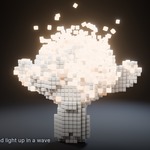
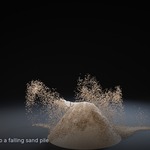
No. Shards, sand and flying cubes follow procedural paths computed for each frame from the loop position. There is nothing to bake or cache, and nothing collides.
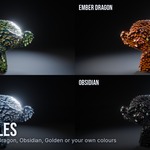
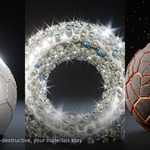
Both. Cycles shows the gems' refraction (and, in Blender 5.3, their rainbow fire) and the glow of lava and embers at their best. In EEVEE turn on Ray Tracing (the studio does it for you); the gems look darker there than in Cycles.
The effects that cut the surface subdivide it first, so very dense meshes cost more. Lower the counts while you work, or put the effect on a simpler copy.
Blender 5.0 to 5.3. Tested on Blender 5.0, 5.1, 5.2 and 5.3 on Windows. The rainbow fire of the gems uses a Blender 5.3 feature; older versions render the same gems without it.
Yes. Your renders and animations are yours to use in any project.
Have questions about this product?
Login to message
| Blender Extension Compatible | Yes |
| Sales | 30+ |
| Dev Fund Contributor | |
| Published | about 3 hours ago |
| Blender Version | 5.0 - 5.3 |
| Extension Type | Add-on |
| Render Engine Used | Cycles, Eevee |
| License | GPL |
Discover more products like this
shatter Disintegrate VFX kintsugi geometry nodes product-visualization seamless loop lava gems procedural voxels motion graphics