◆ VOYDE PROCEDURAL / ADD-ON / BLENDER 5.0–5.3
AERA Lab
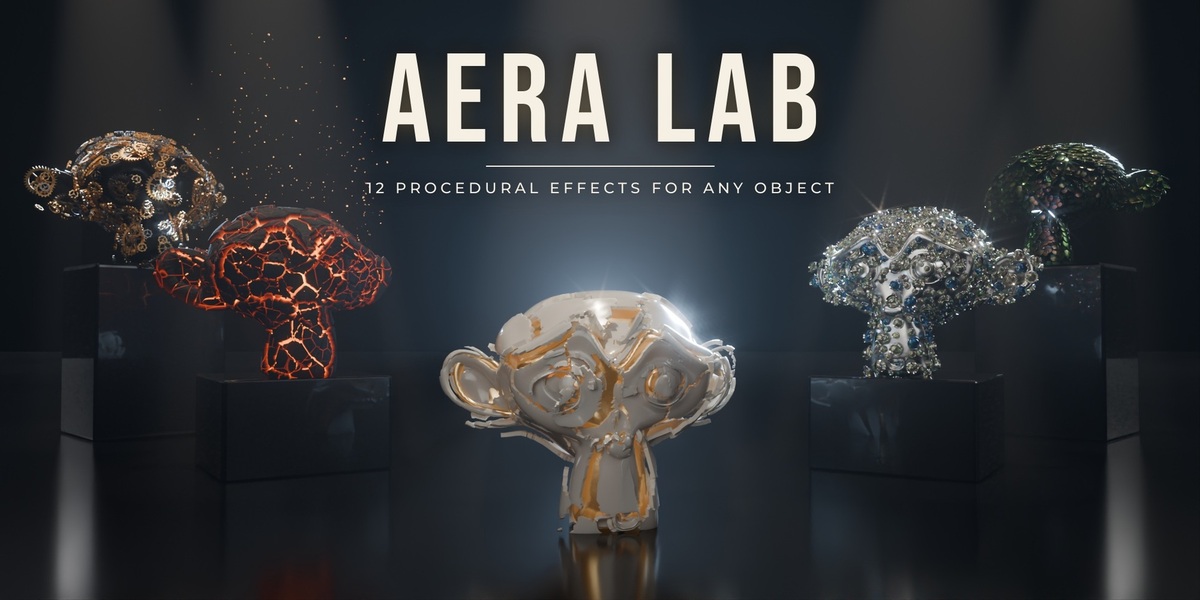
12 Procedural Effects for Any Object
Turn any model into gold-mended porcelain, burning ash, a lava crust or a gem-set jewel. One click, real geometry, seamless loops.
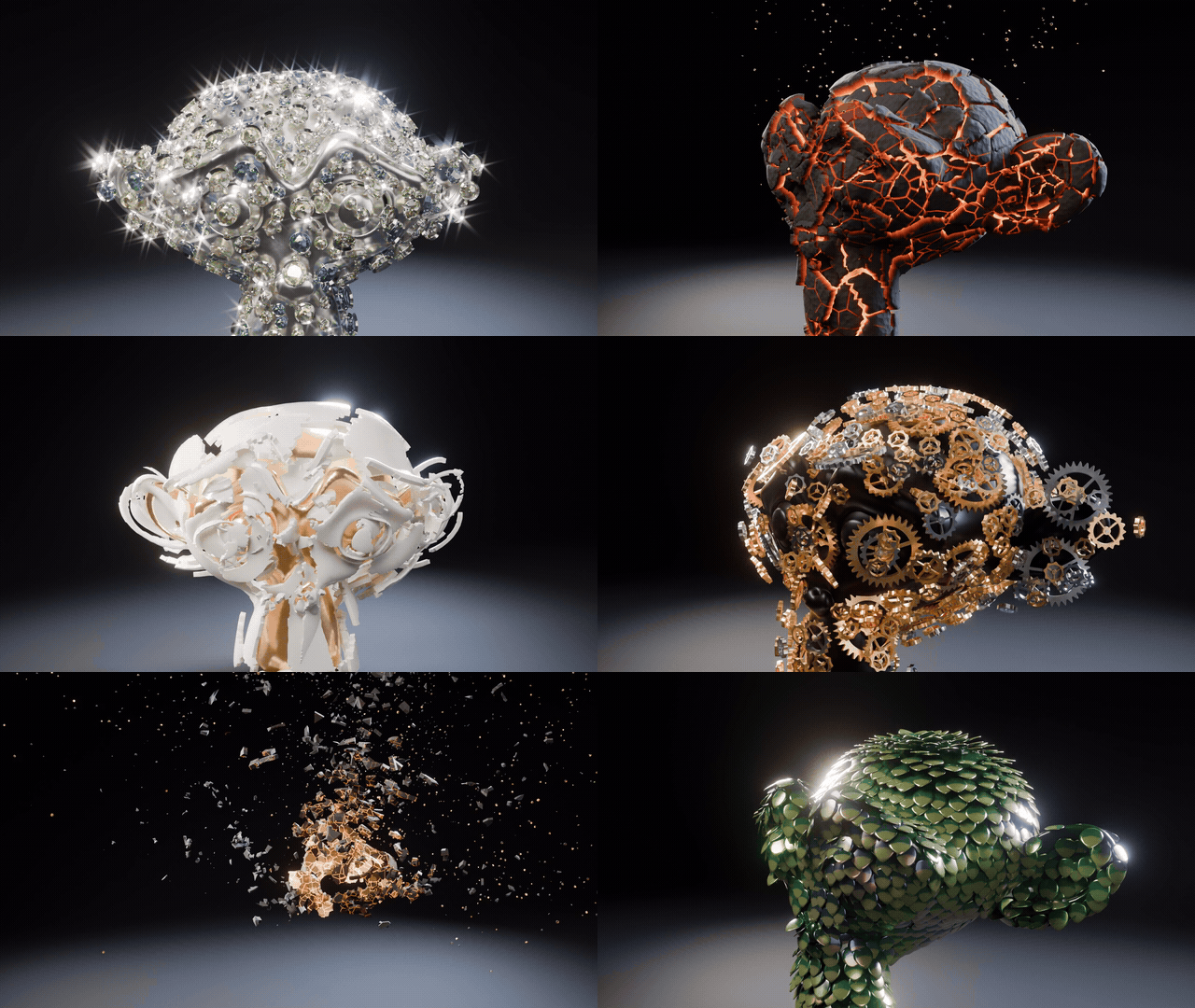
AERA Lab rebuilds your own models. Break a statue into pieces held by gold seams and let them float apart over a glowing core, burn a logo away into charred shards and ash, crack a hero prop into basalt plates over flowing lava, set a trophy with cut gems, or cover a creature in iridescent scales that ripple.
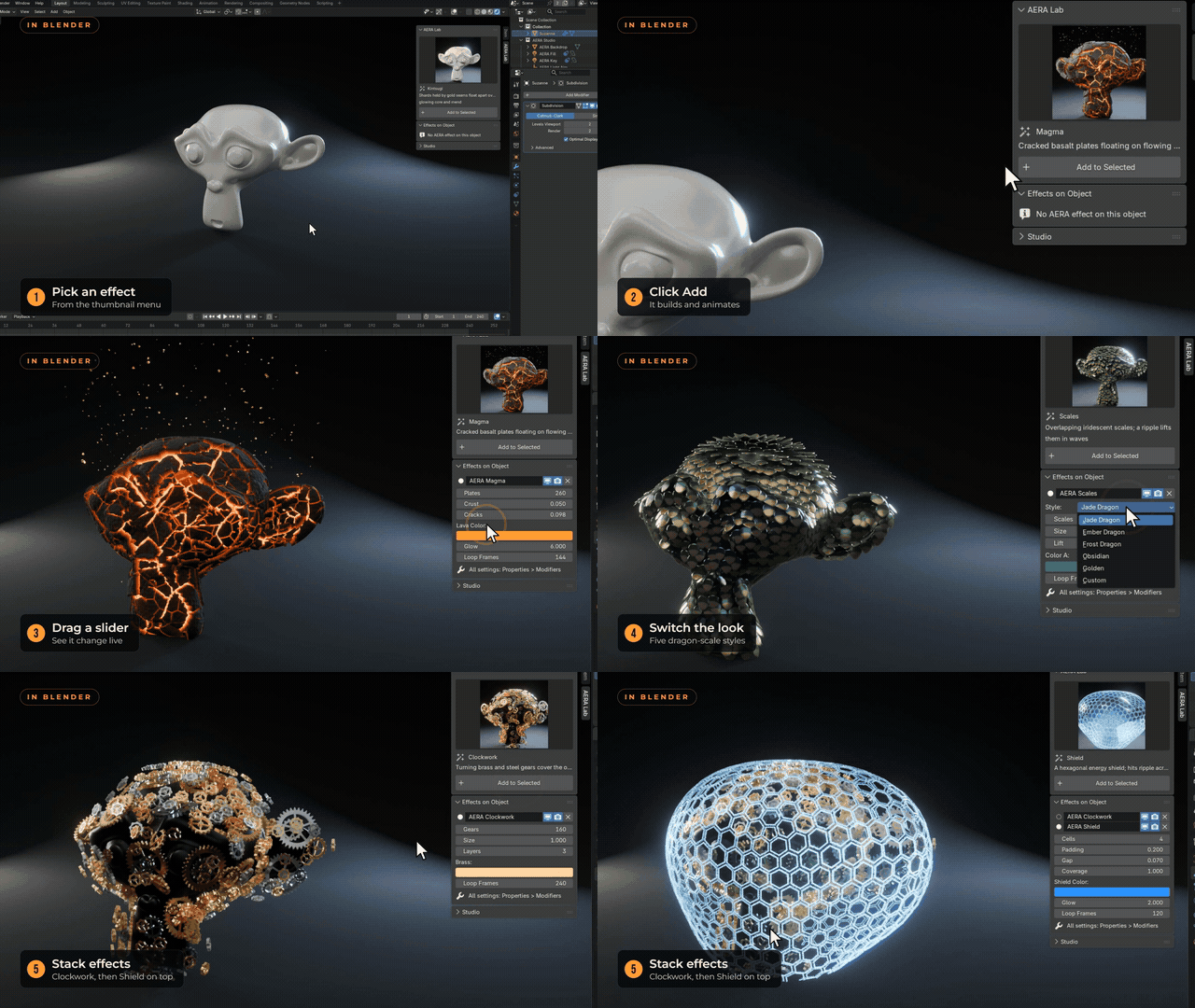
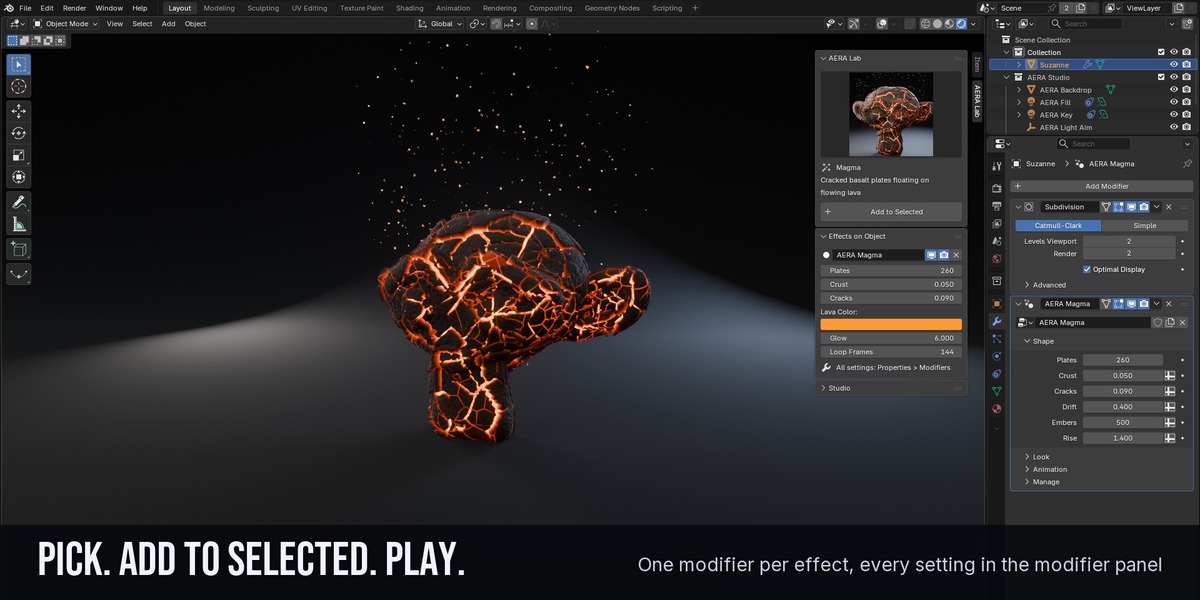
Select one or more mesh objects, pick an effect from the preview gallery and click Add to Selected. Each effect is a single Geometry Nodes modifier on your object: non-destructive, sized to it, and every setting is in the modifier panel. Press Play: the motion loops, and the last frame leads straight back into the first.
12 EFFECTSREAL GEOMETRYANY MESH OBJECTONE MODIFIER EACHSEAMLESS LOOPS
01 — THE EFFECTS
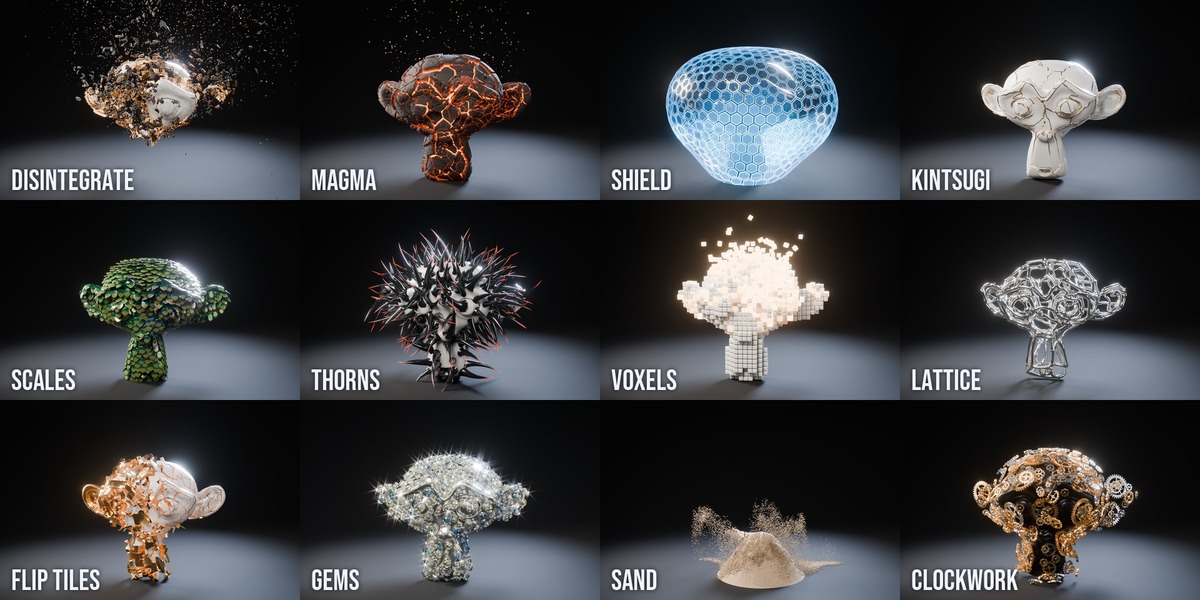
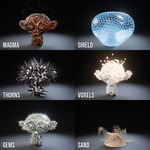
Twelve ways to rebuild a model
Every effect is made of real geometry with its own materials, not lines of light. The outside of every piece keeps your model's own material; only the new parts (broken edges, gold, metal, gems, sand) get AERA materials.
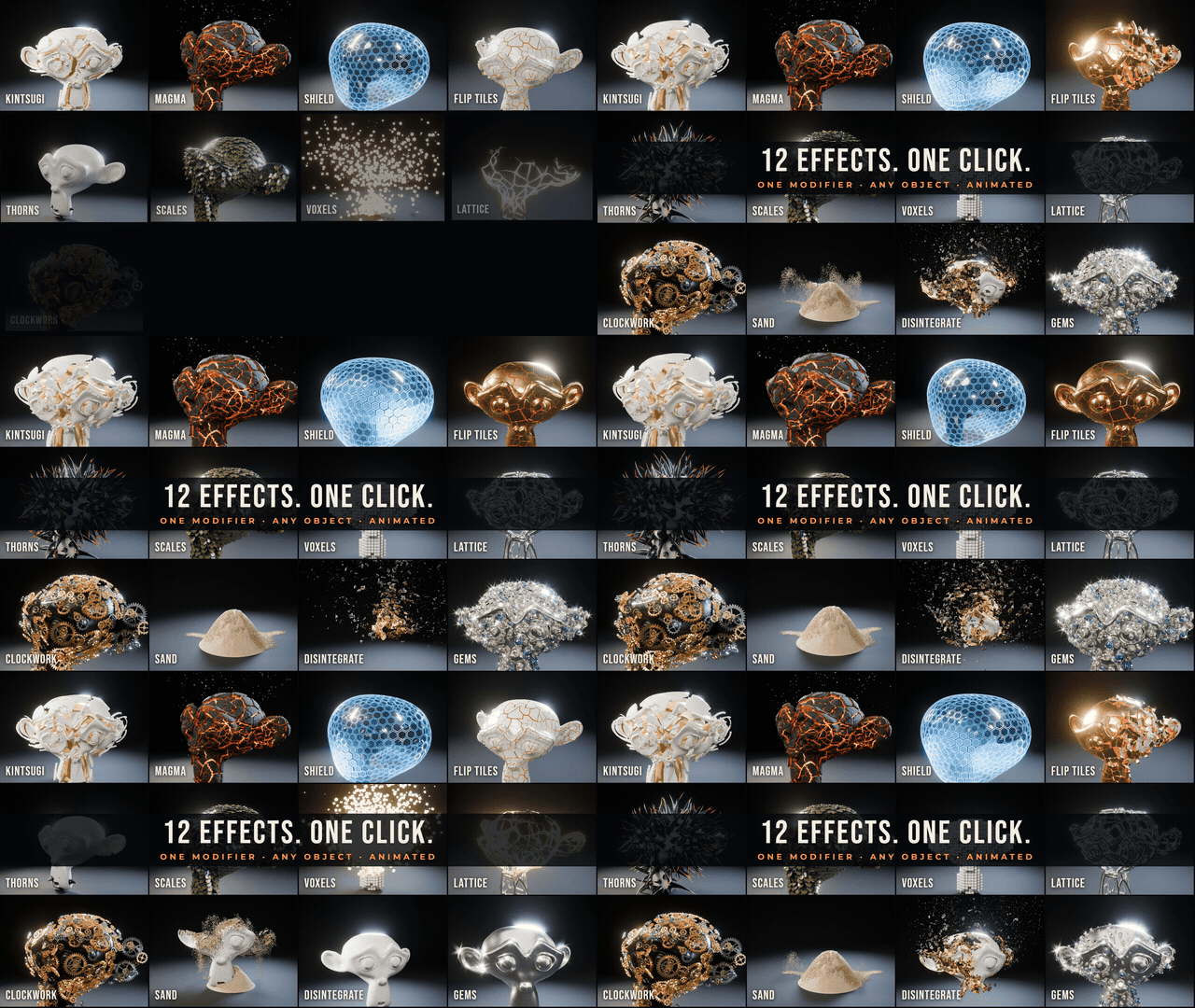
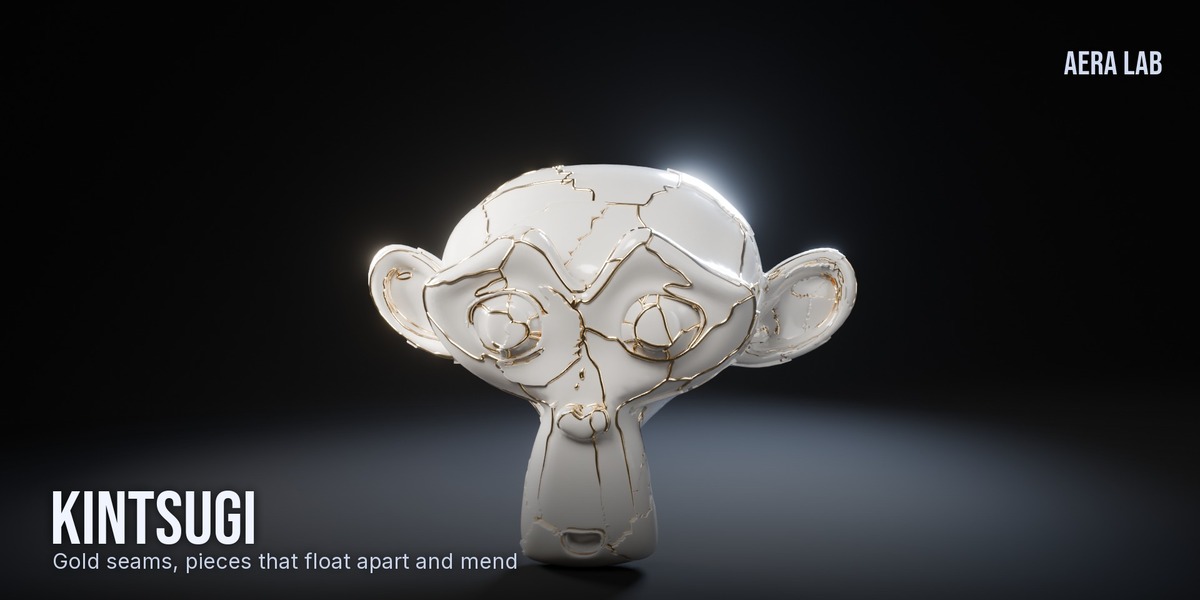
Kintsugi
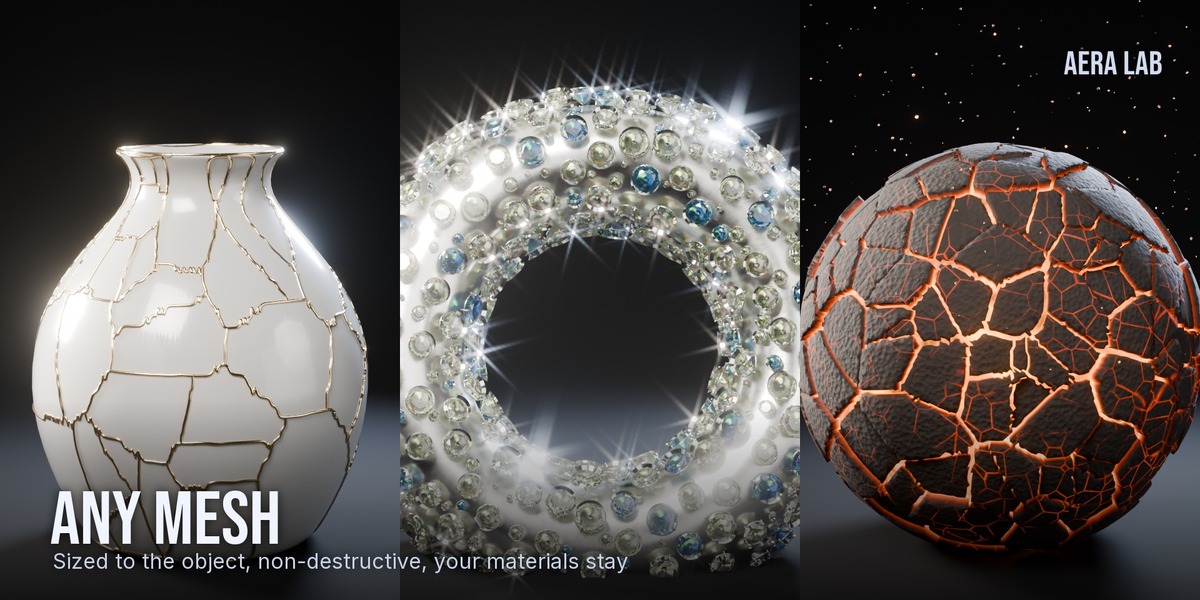
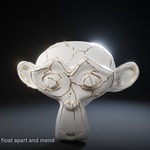
Your model broken into large pieces held by gold seams, like mended pottery. The pieces float apart over a glowing gold core and close again.
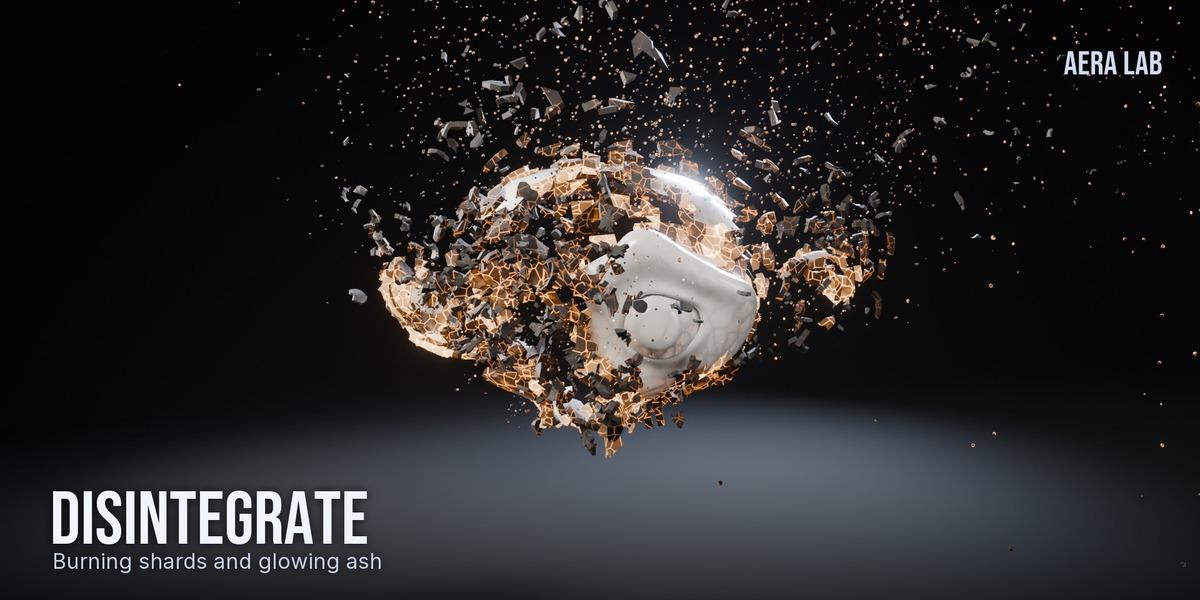
Disintegrate
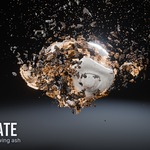
A burning front cracks the model into charred shards that glow at the edges and blow away with fine ash, then fly back together.
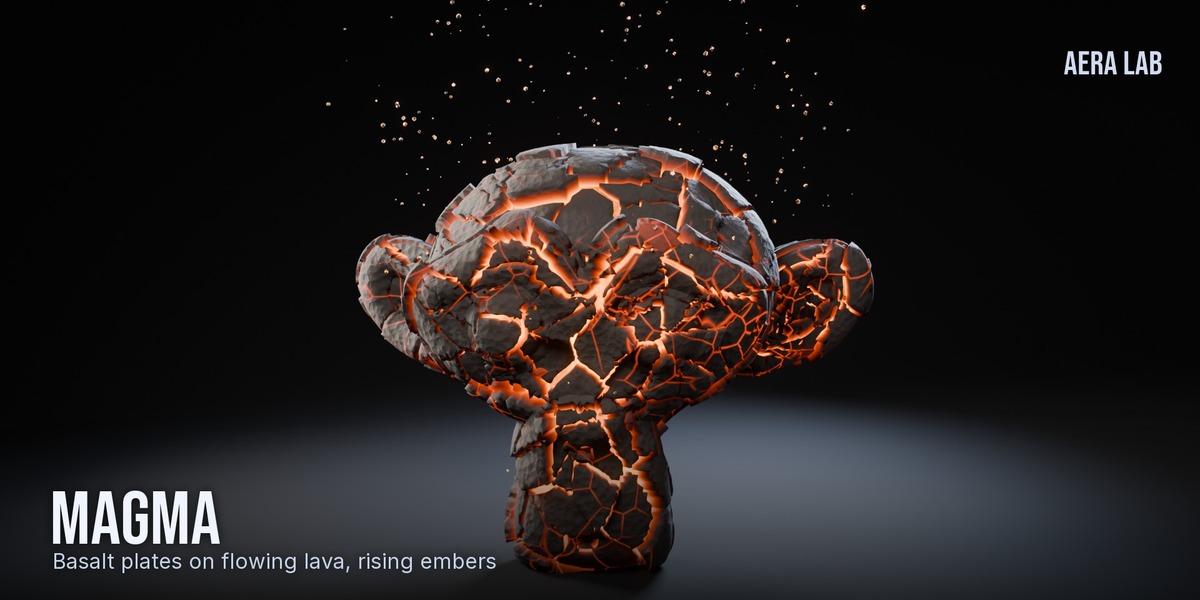
Magma
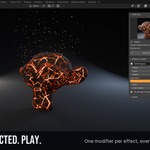
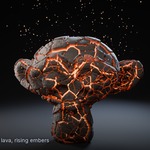
The surface becomes dark basalt plates floating on flowing lava, with light pulsing through the cracks and embers rising.
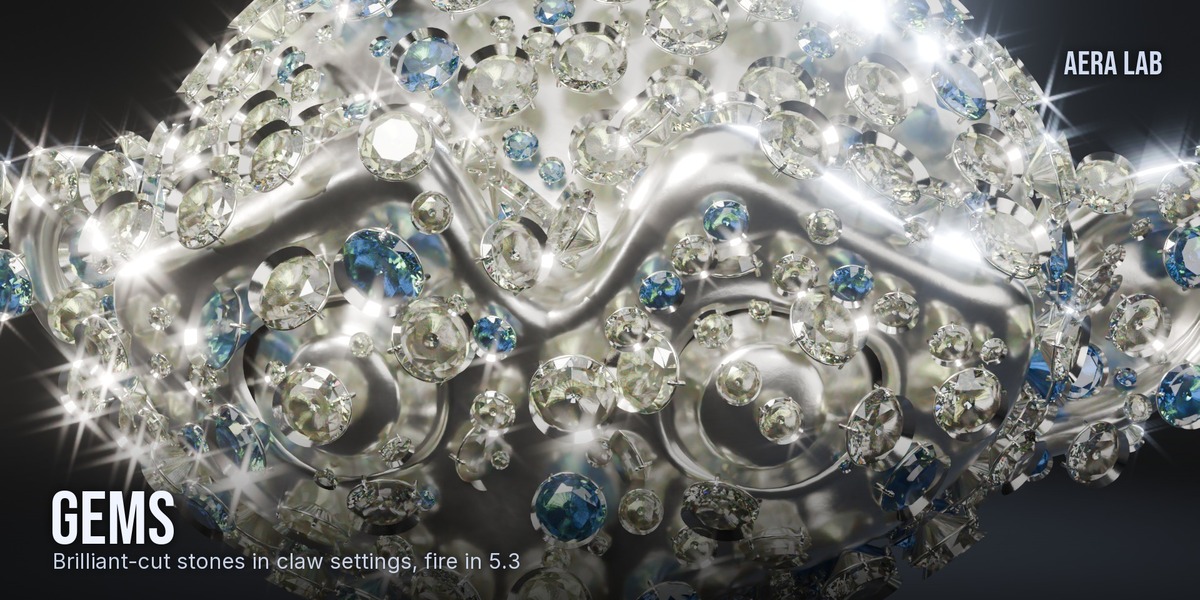
Gems
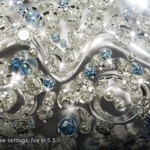
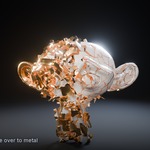
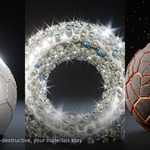
Round brilliant-cut stones (57 facets, diamond proportions) in polished four-claw baskets cover the model, small ones filling the gaps. They are set in a wave and turn slowly so the facets flash; in Blender 5.3 Cycles the light splits into rainbow fire.
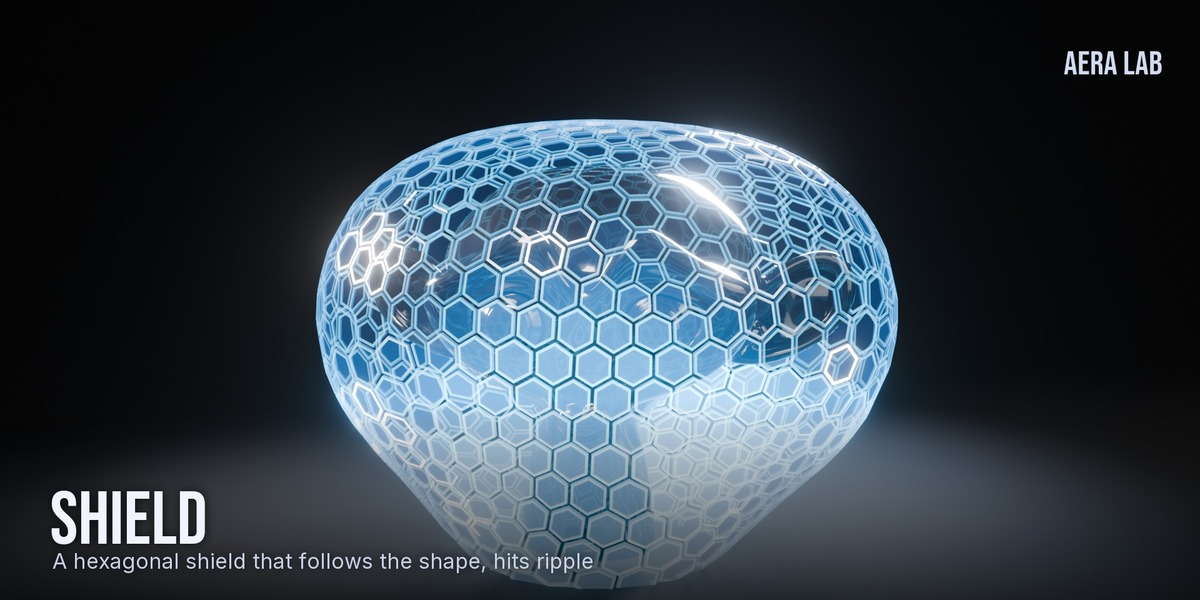
Shield
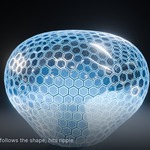
A shell of hexagonal cells that follows your model's outline, close but never touching it. Hits land on it and send rings of light and ripples across the cells.
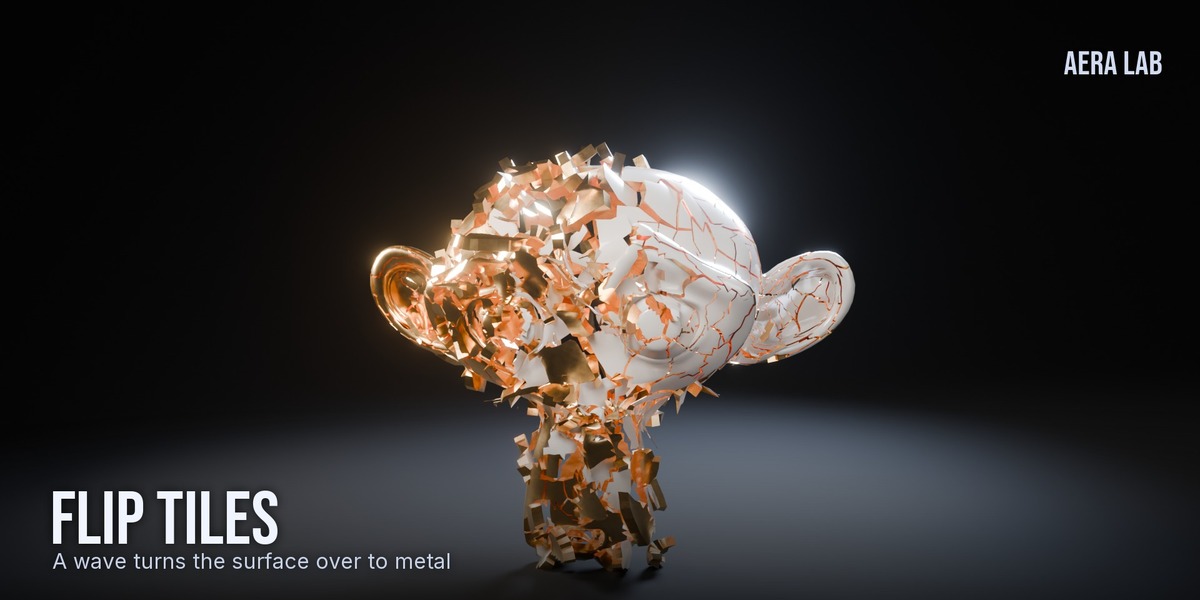
Flip Tiles
The surface is cut into tiles that turn over in a wave and land on their metal side, then turn back.
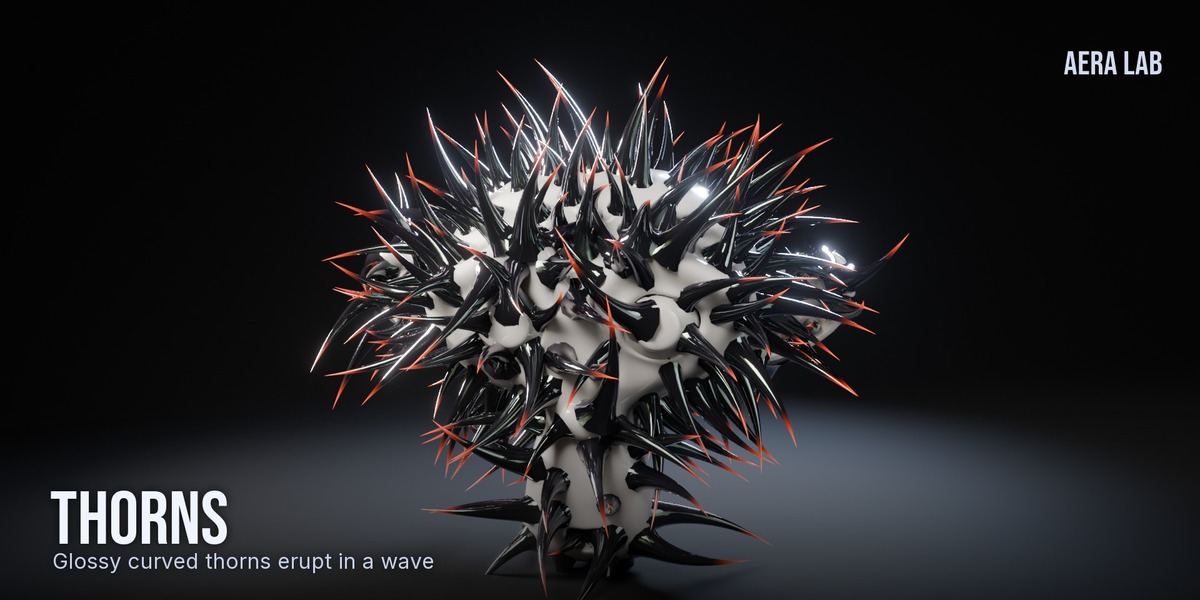
Thorns
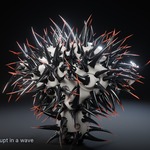
Curved, glossy thorns erupt from the surface in a wave, bend and sway, with glowing tips, then sink back.
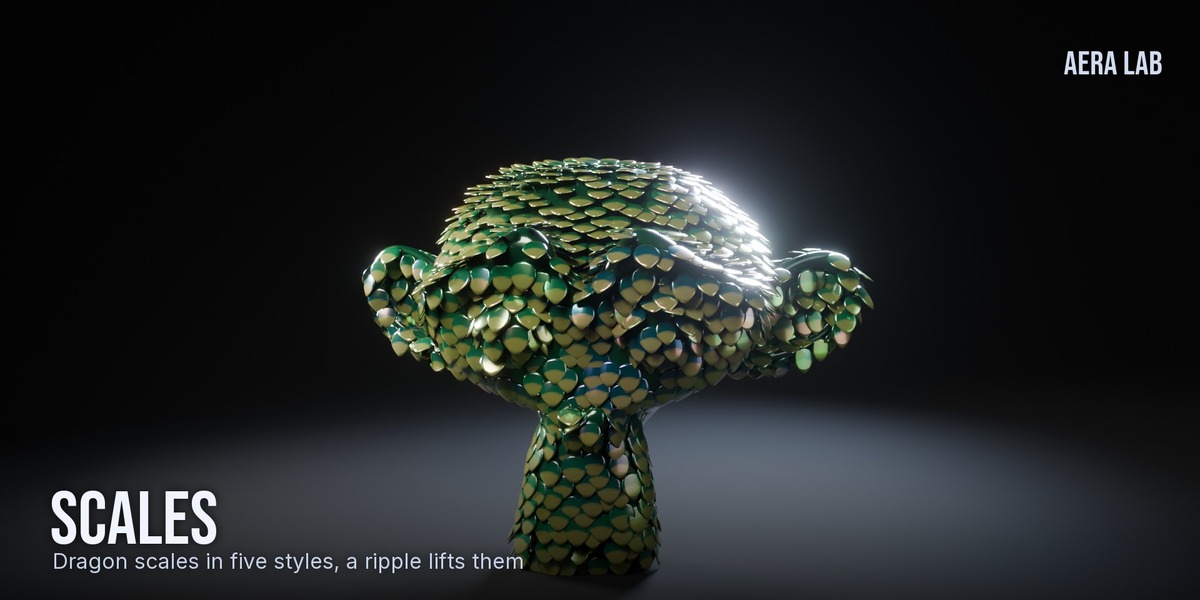
Scales
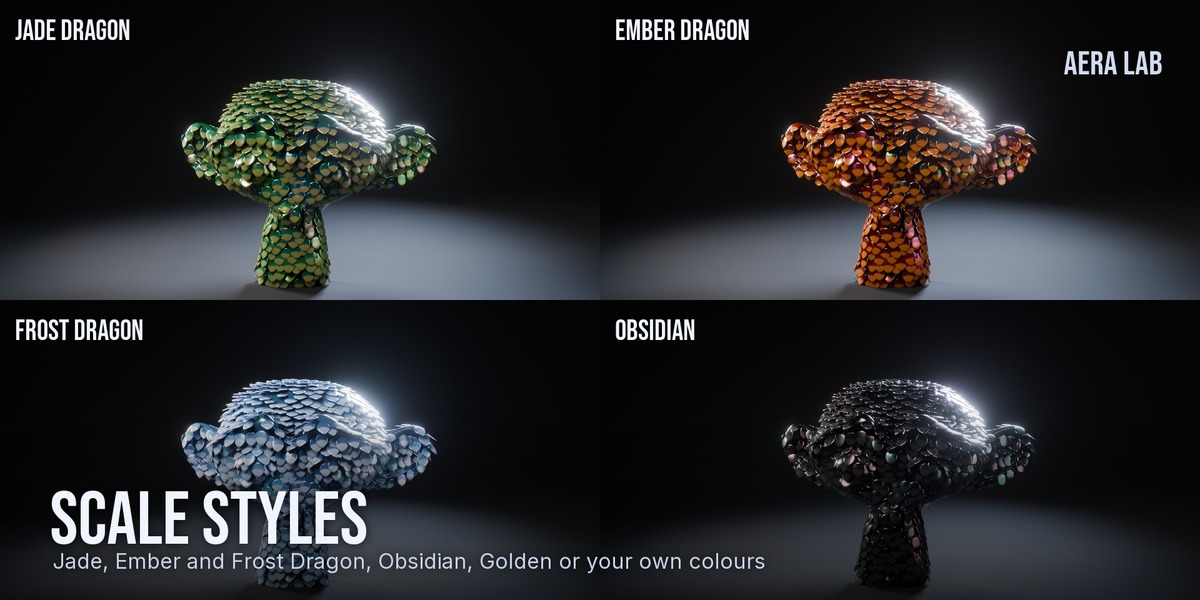
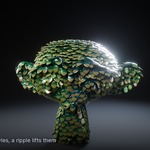
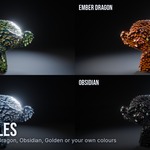
Overlapping dragon scales in five dragon-skin styles (Jade, Ember and Frost Dragon, Obsidian, Golden) or your own colours: the colour turns at grazing angles and an oil-film sheen plays over them; a ripple lifts them in waves.
Voxels
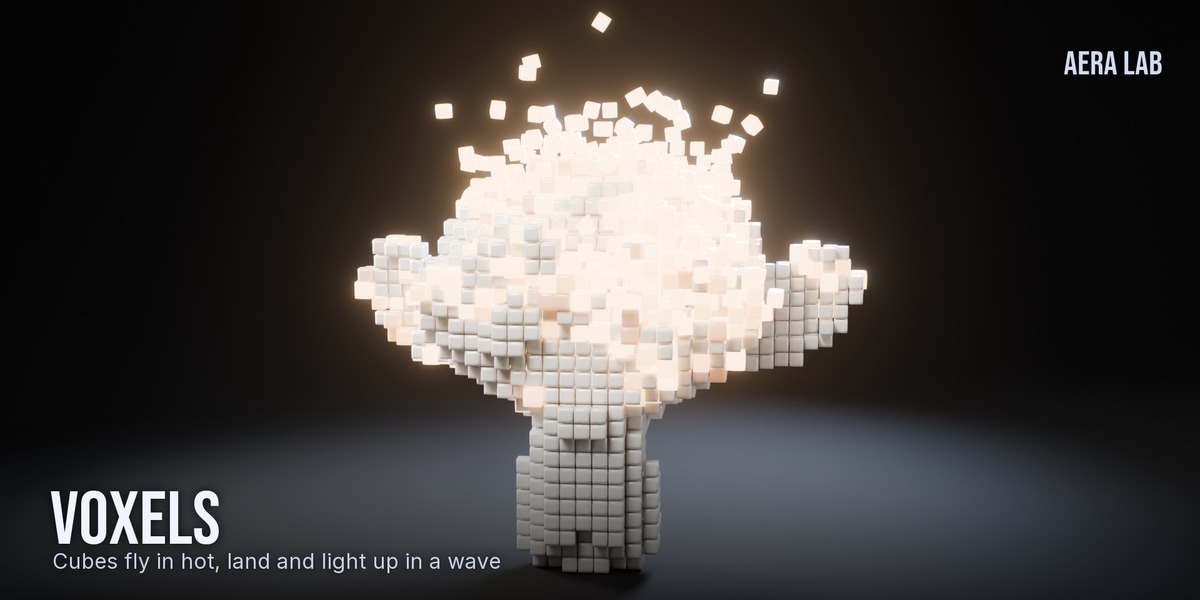
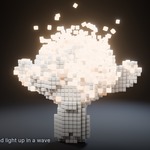
The model builds itself from rounded cubes that fly in glowing hot and land with a bounce; a wave of energy runs across the finished model, then the cubes burst apart.
Lattice
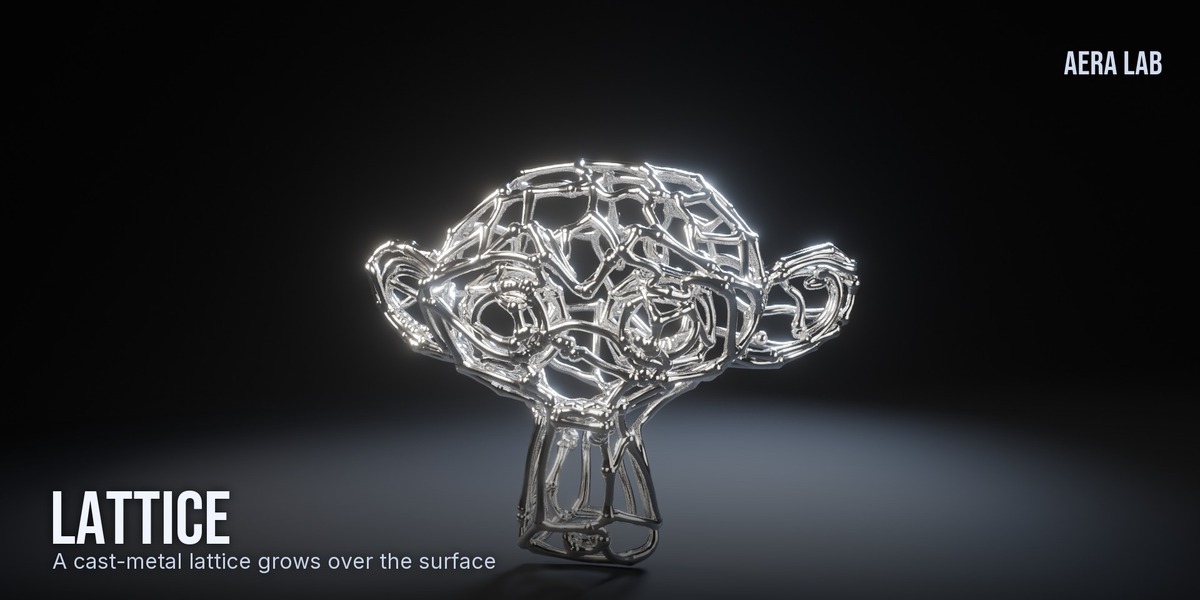
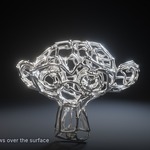
An even, cast-metal lattice grows over the surface like a weld, its struts swelling into smooth joints, glowing where it is new.
Clockwork
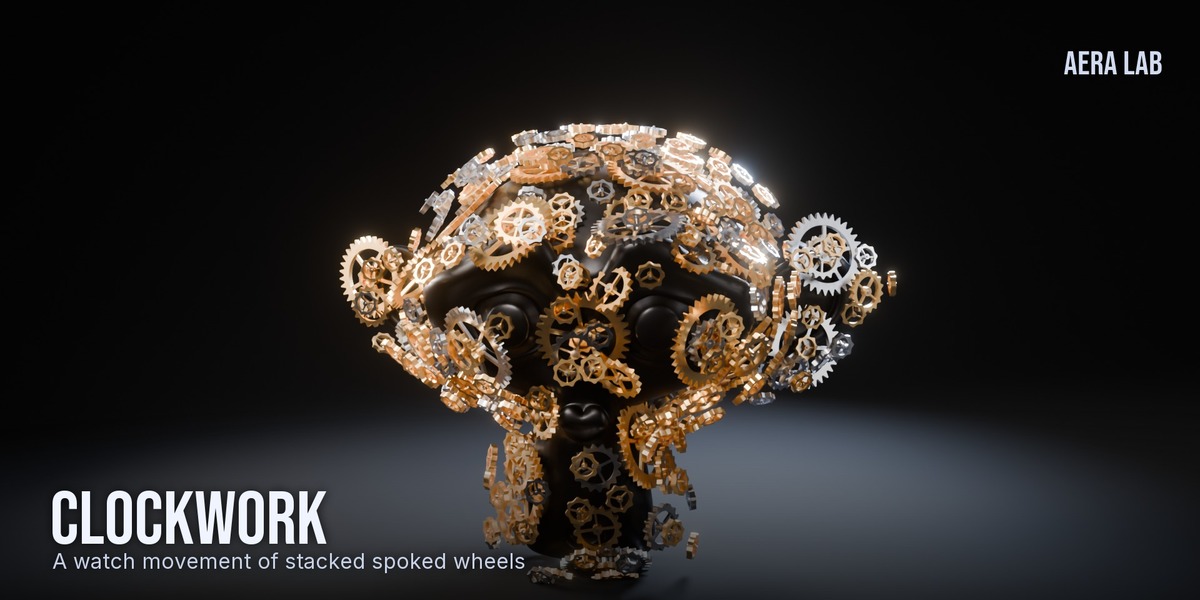
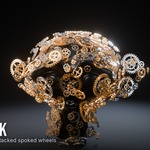
A watch movement covers the model: spoked brass and steel clock wheels in stacked layers with pinions, each resting on the wheel below; no two wheels run into each other.
Sand
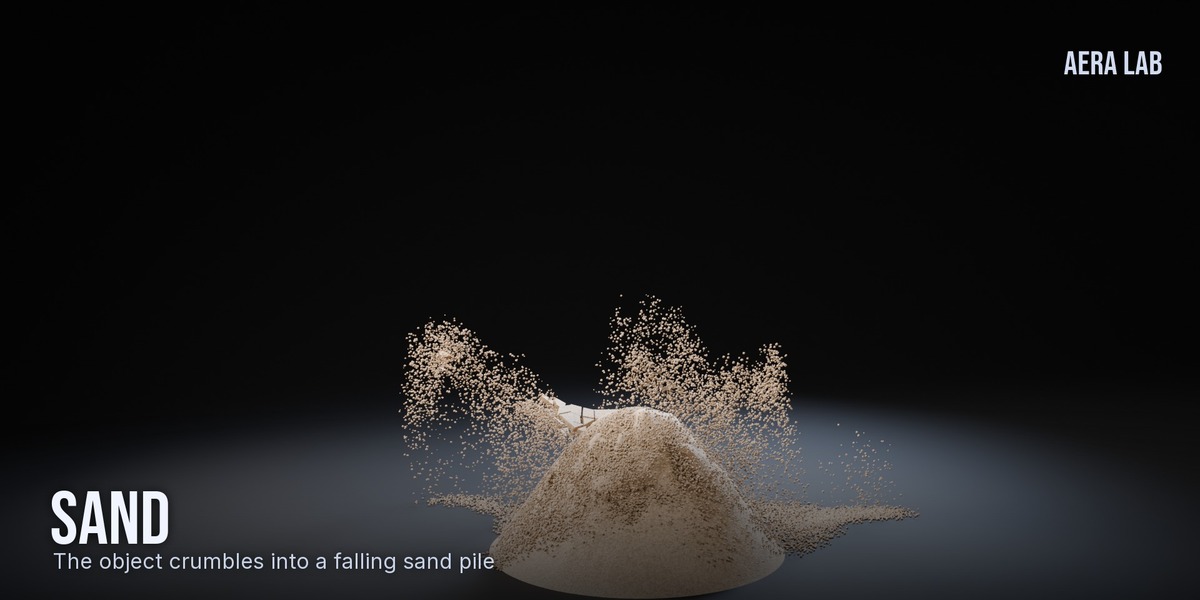
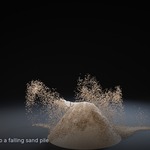
The model crumbles from the top into sand that falls, drifts with the wind and builds a pile below, then rises back.
02 — IN MOTION
Every effect is animated
Press Play and the effect builds, moves and loops. These are straight Cycles renders, every frame at real speed.
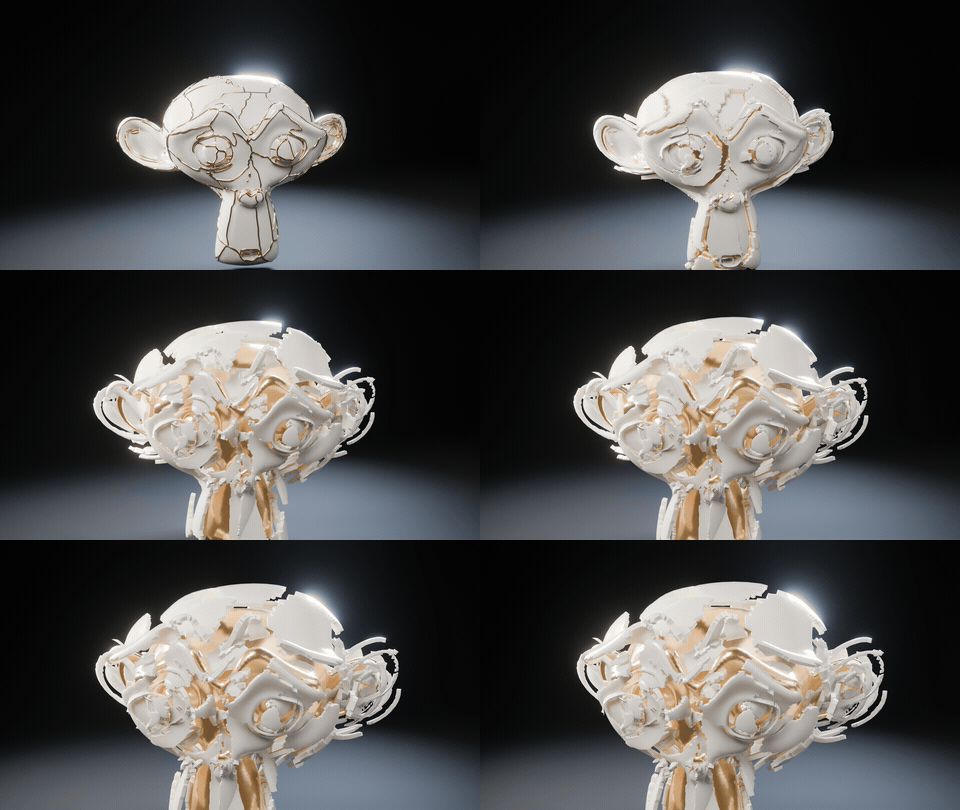
Kintsugi: breaks apart, mends in gold
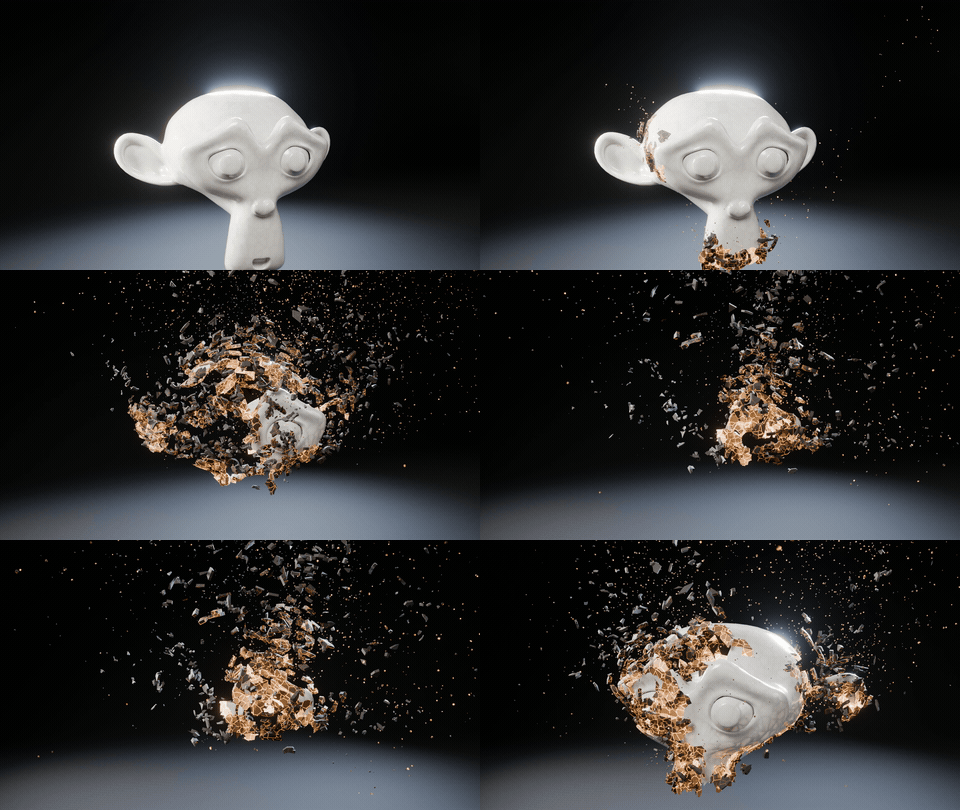
Disintegrate: burns away into shards and ash
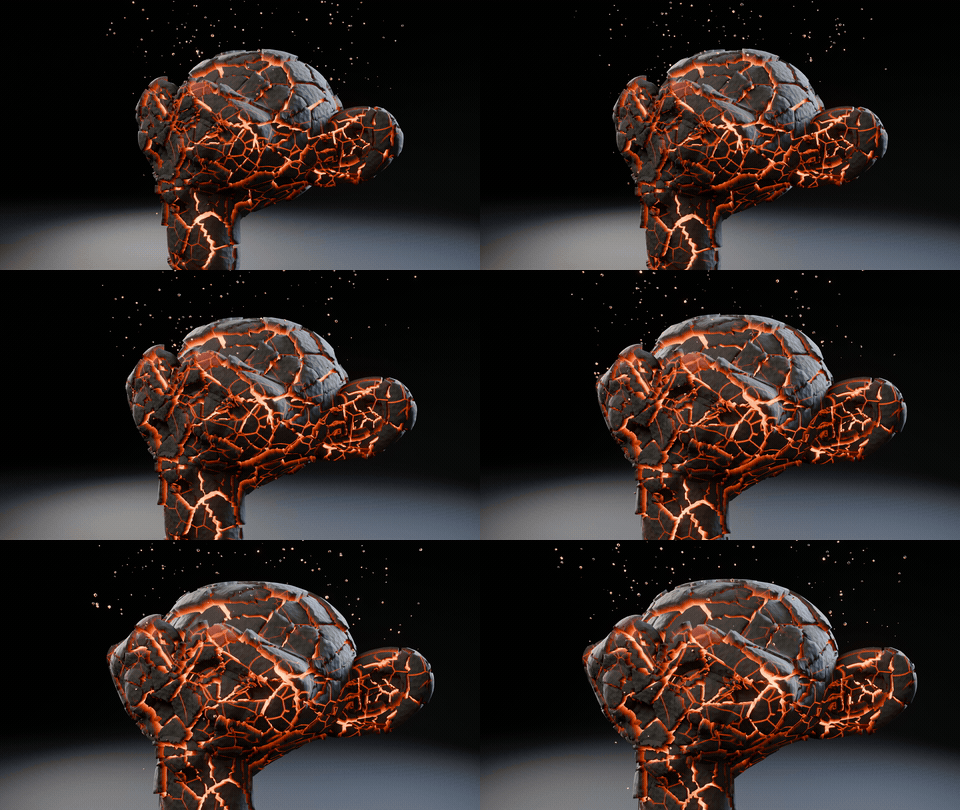
Magma: cracked crust over glowing lava
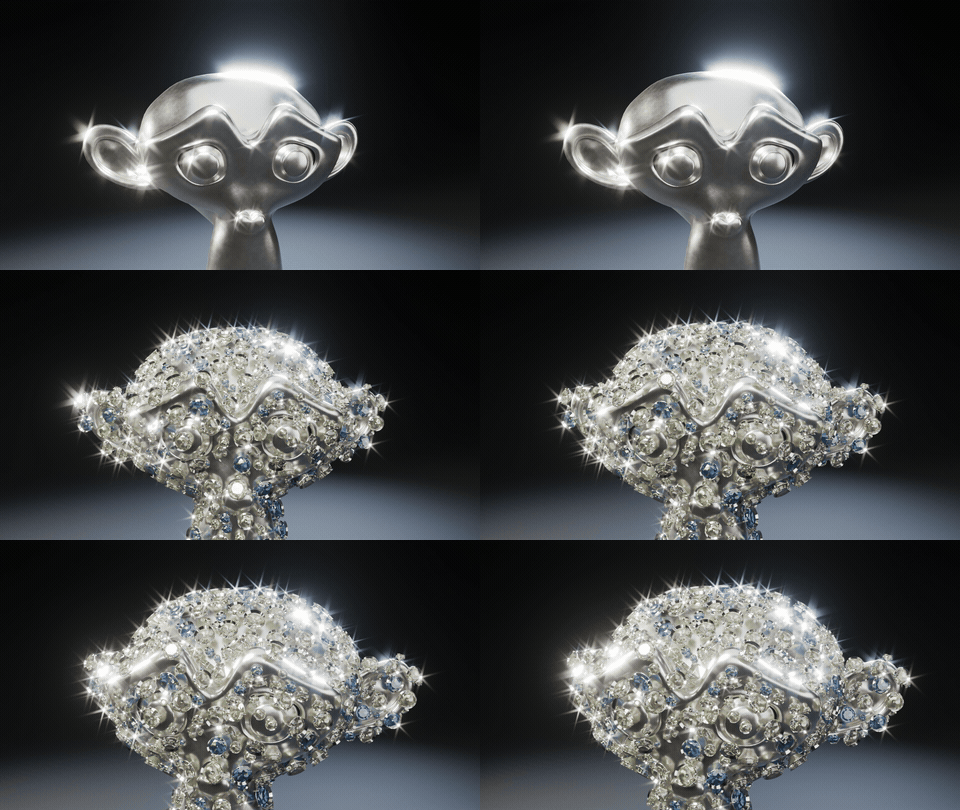
Gems: real brilliant-cut stones
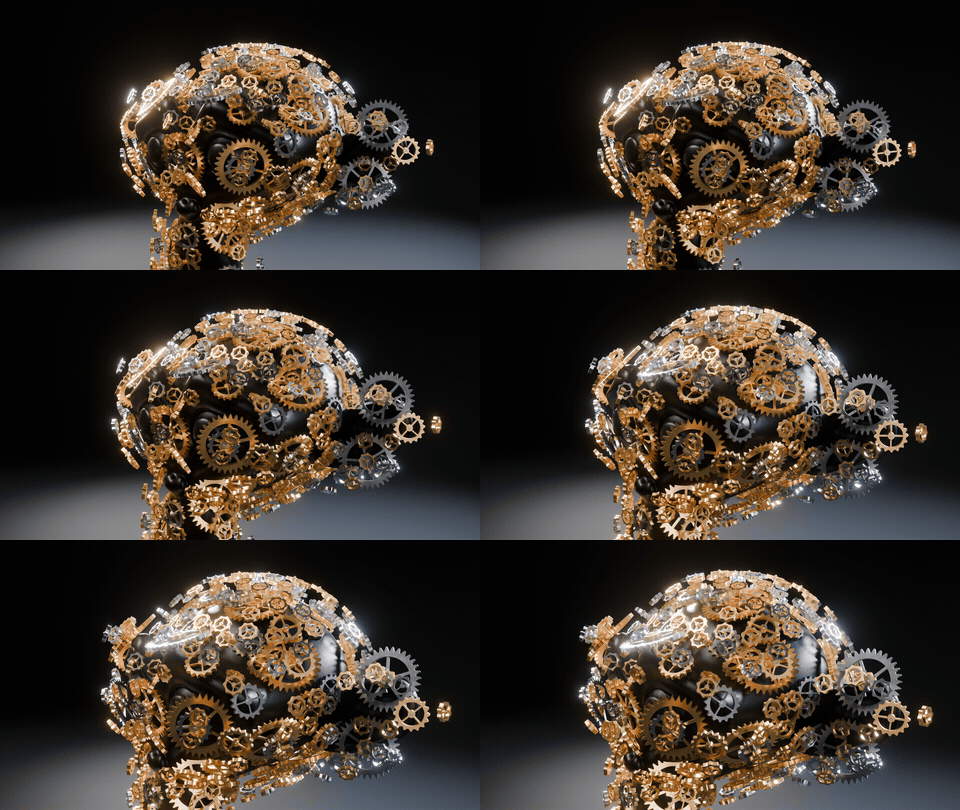
Clockwork: a watch movement that really turns
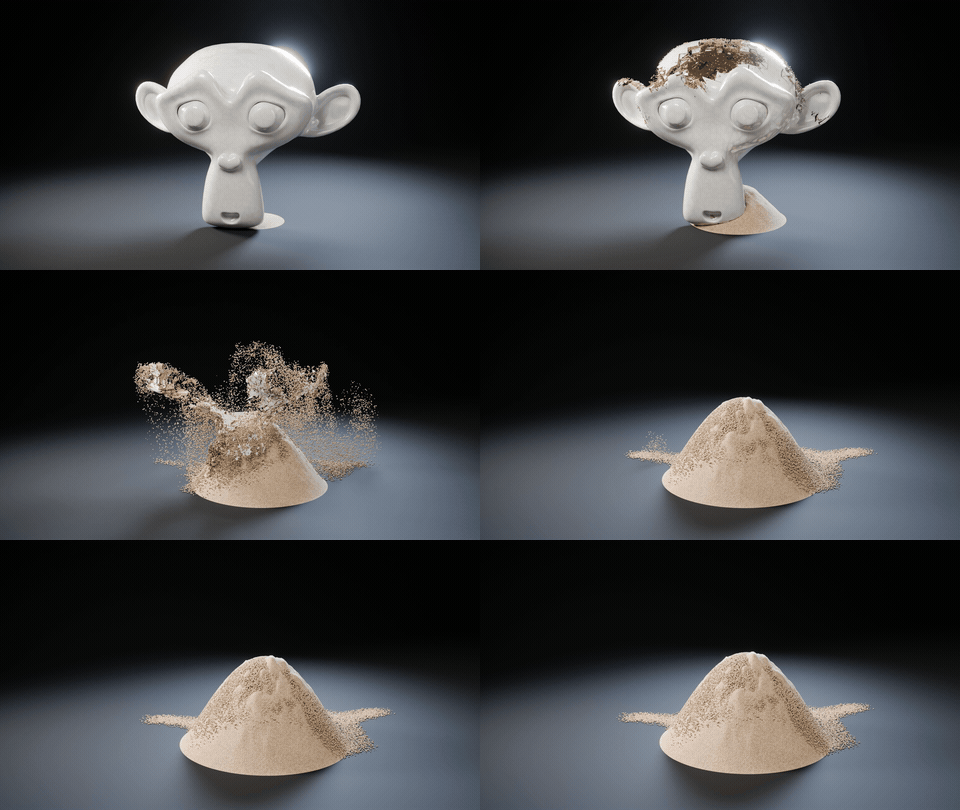
Sand: crumbles into a pile of sand
03 — KEY FEATURES
Built like a modifier, made to loop
◆One click
Pick an effect in the sidebar gallery and add it to every selected mesh object at once.
◆Non-destructive
Each effect is one Geometry Nodes modifier. Toggle it, reorder it, keyframe any setting, or apply it to freeze a frame into real geometry.
◆Your materials stay
Pieces, tiles and shards keep the model's own material on the outside. Kintsugi on your marble, Flip Tiles on your paint.
◆Play it or drive it
Effects that build up and break down play one cycle per loop, or turn Auto off and keyframe Progress to break, set or grow at your own timing.
◆Seamless loops
Time is used only in whole repeats of the loop, so frame 1 + Loop Frames is identical to frame 1. Fit Timeline to Loop sets the frame range for you.
◆Sized to the model
Every distance is measured from the object, so the same settings fit a ring, a statue or a building.
◆Studio in one click
A dark curved backdrop, four soft lights aimed at your selection, strip lights for reflections and bloom; with Gems on stage it adds a jeweller's spot lights and star glints so the stones sparkle. Remove Studio puts everything back.
◆Fully procedural
Geometry Nodes and shader nodes only, no textures, no simulation caches. Files render on other machines without the add-on.
04 — YOUR OWN MODELS
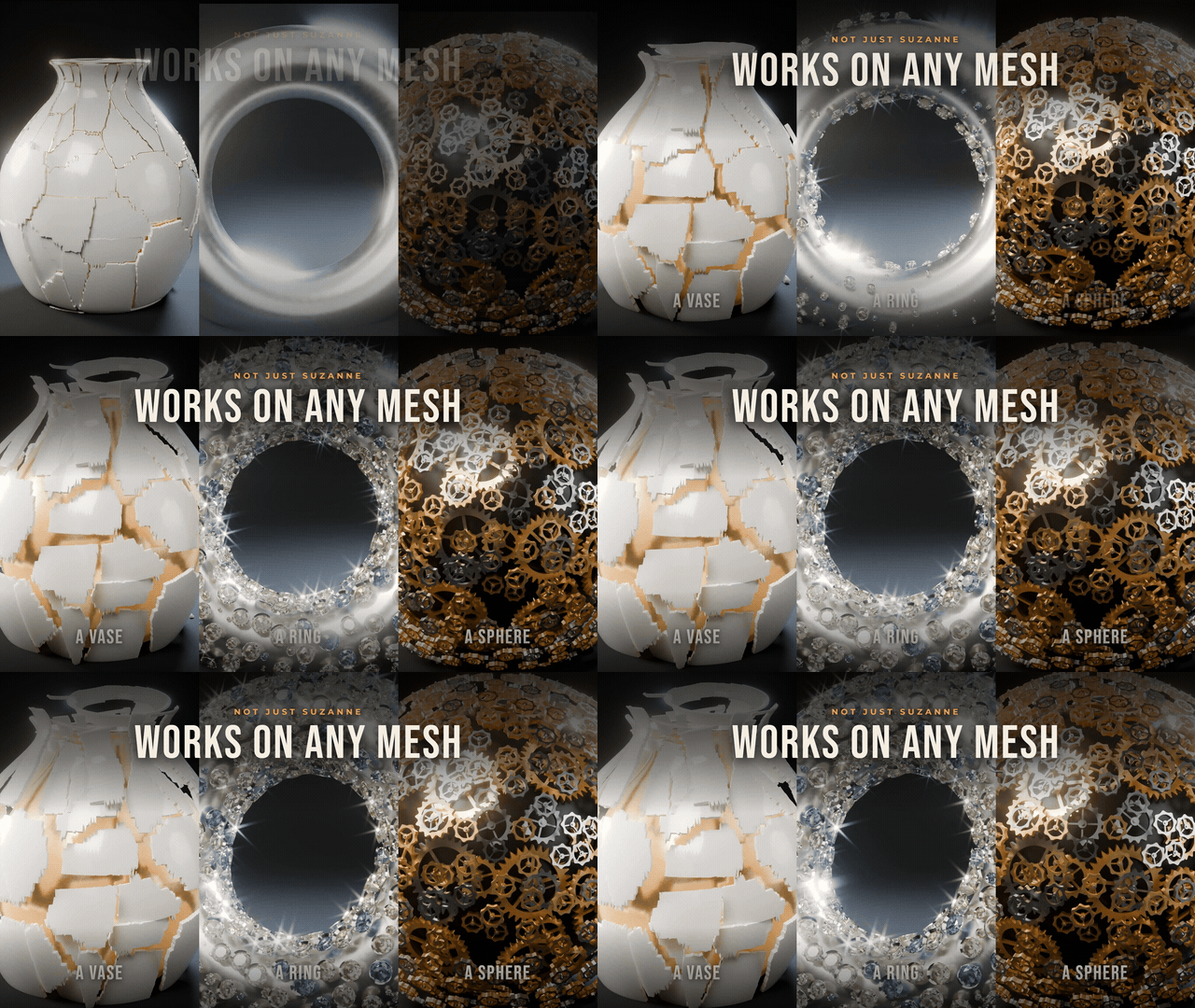
Works on any mesh
Every distance is measured from the object, so the same effect fits a vase, a ring or a sphere as well as a character or a logo. Put one effect on several objects at once, or stack two on the same model: Clockwork under a Shield, gems on a gold ring.
05 — PERFECT FOR
Where it fits
◆Product shots◆Logo reveals◆Title sequences◆Trophies and awards◆Fantasy and sci-fi props◆Music visuals◆Social media loops
06 — INSTALLATION
Up and running in a minute
1Download aera-1.0.0.zip from your Superhive library. Do not unzip it.
2Drag the zip into Blender, or go to Edit ▸ Preferences ▸ Get Extensions, open the ⌄ menu at the top right and choose Install from Disk.
3Press N in the 3D Viewport and open the AERA Lab tab.
4Select a mesh object, click the preview to pick an effect and click Add to Selected.
5Optional: open Studio and click Set Up Studio, then press Play.
07 — FAQ
Good to know
Does it change my model?
No. Each effect is a modifier; your mesh data stays as it was. Remove the modifier and nothing is left behind.
Which objects can I use?
Any mesh object. Curves, text and other object types can be converted to a mesh first.
Is it a physics simulation?
No. Shards, sand and flying cubes follow procedural paths computed for each frame from the loop position. There is nothing to bake or cache, and nothing collides.
EEVEE or Cycles?
Both. Cycles shows the gems' refraction (and, in Blender 5.3, their rainbow fire) and the glow of lava and embers at their best. In EEVEE turn on Ray Tracing (the studio does it for you); the gems look darker there than in Cycles.
Is it heavy on detailed models?
The effects that cut the surface subdivide it first, so very dense meshes cost more. Lower the counts while you work, or put the effect on a simpler copy.
Which Blender versions?
Blender 5.0 to 5.3. Tested on Blender 5.0, 5.1, 5.2 and 5.3 on Windows. The rainbow fire of the gems uses a Blender 5.3 feature; older versions render the same gems without it.
Can I use it in commercial work?
Yes. Your renders and animations are yours to use in any project.
08 — DETAILS
What you get
Included
◆AERA Lab add-on (Blender extension zip)
◆Demo file: a Showcase scene and one ready-to-render scene for each of the twelve effects
◆Documentation and known limitations
Compatibility
◆Blender 5.0 to 5.3
◆Tested on Blender 5.0, 5.1, 5.2 and 5.3 (Windows)
◆EEVEE and Cycles
◆No internet connection or external service
◆The add-on code is licensed under GPL-3.0-or-later.
 Voyde Procedural
 VOYDE.PROCEDURAL
VOYDEPROCEDURAL.COM / ALL PRODUCTS / X / INSTAGRAM