AeroShot Studio — Cinematic Flight
 AS Formworks
Can I use my own aircraft?
Yes. Select the model root or top-level parts, set forward/up axes and Attach Selected Aircraft. Reposition the editable light, engine and flare sockets to fit the model.
What Blender version is required?
Blender 5.2 or newer is required. Version 0.6.0 was tested in Blender 5.2.1 LTS on Windows. Blender 5.0/5.1 are not supported by this compositor backend.
Which aircraft and cloud assets are included?
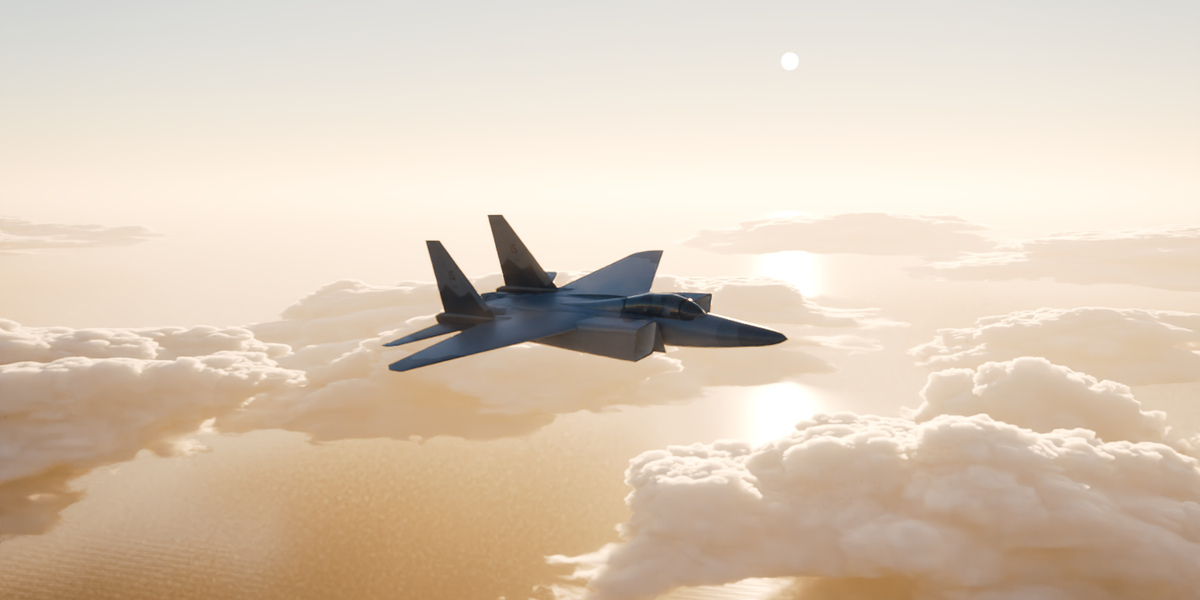
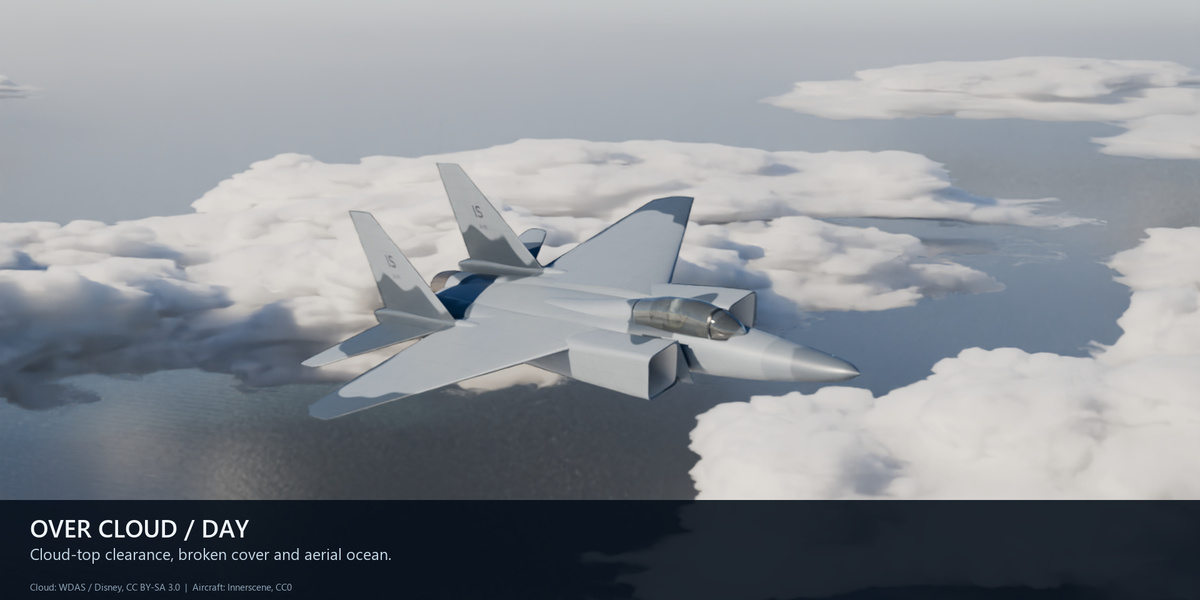
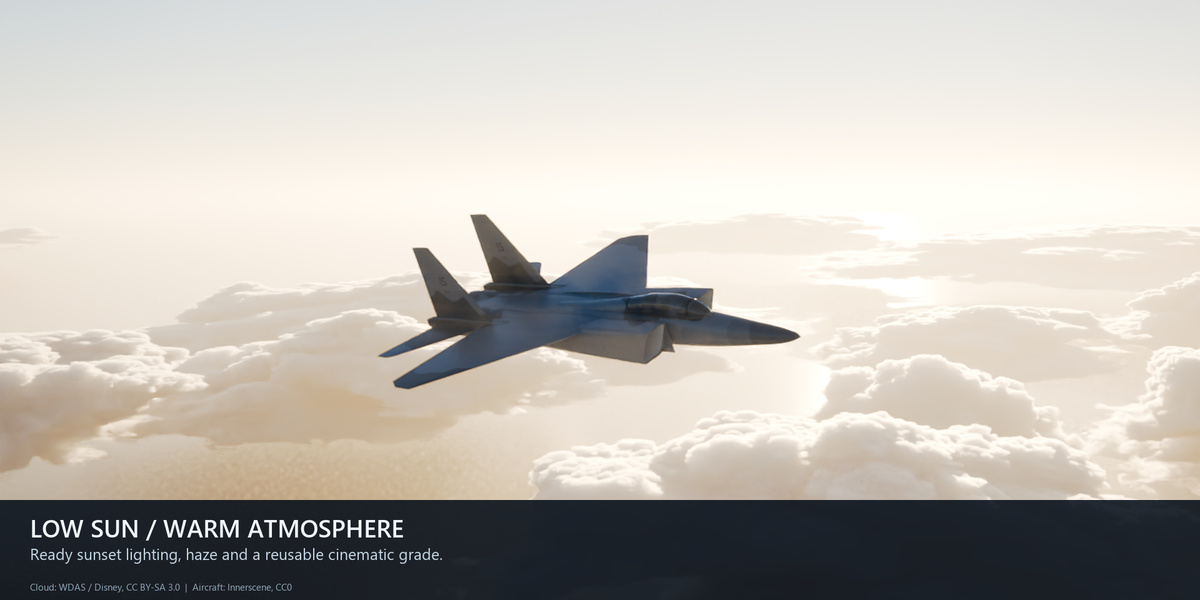
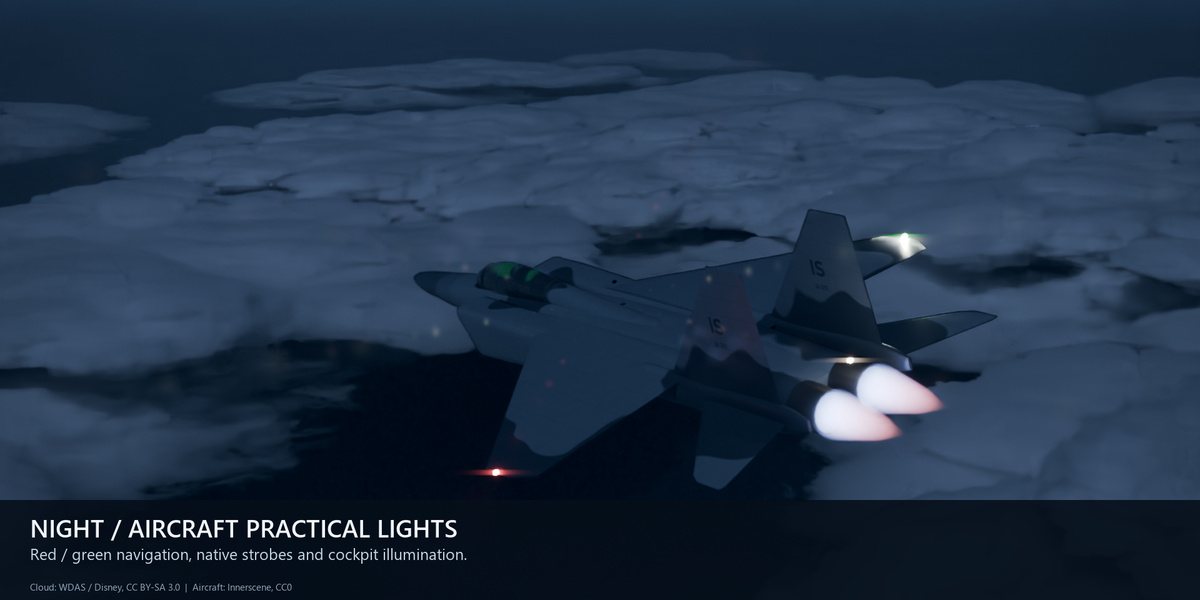
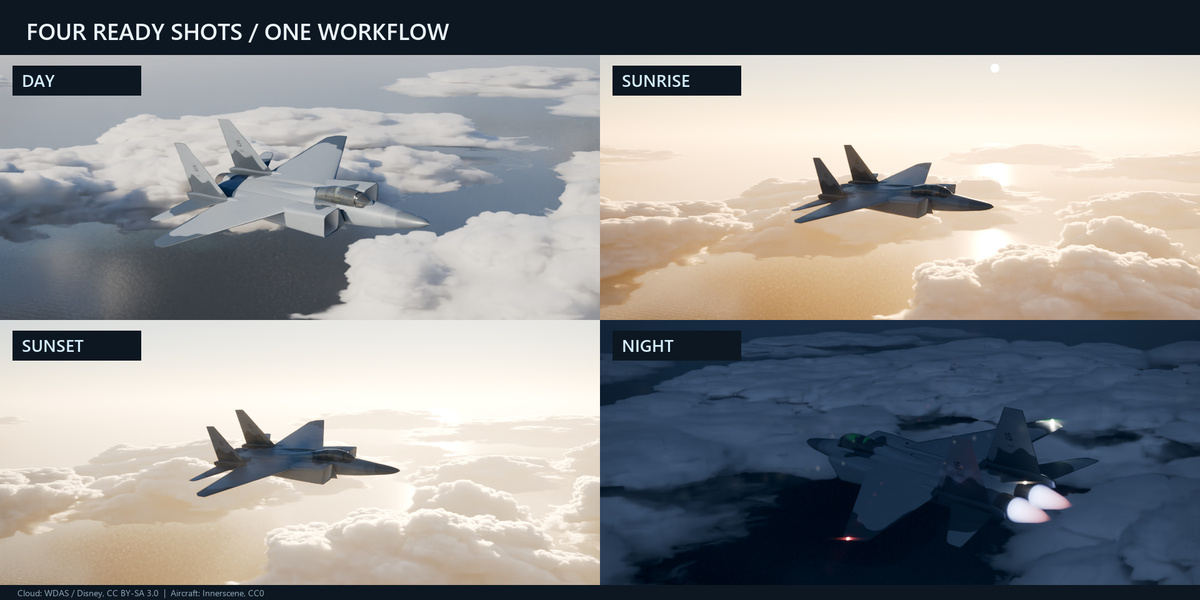
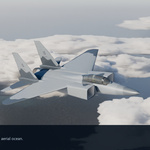
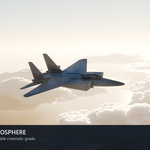
An offline CC0 F-15-style medium-shot example aircraft is included. No carrier ship is included. Reference Cu/Congestus uses one WDAS density volume with affine variations; other cloud types are procedural. Component licenses and credits are included.
Must I render the clouds again to change the grade?
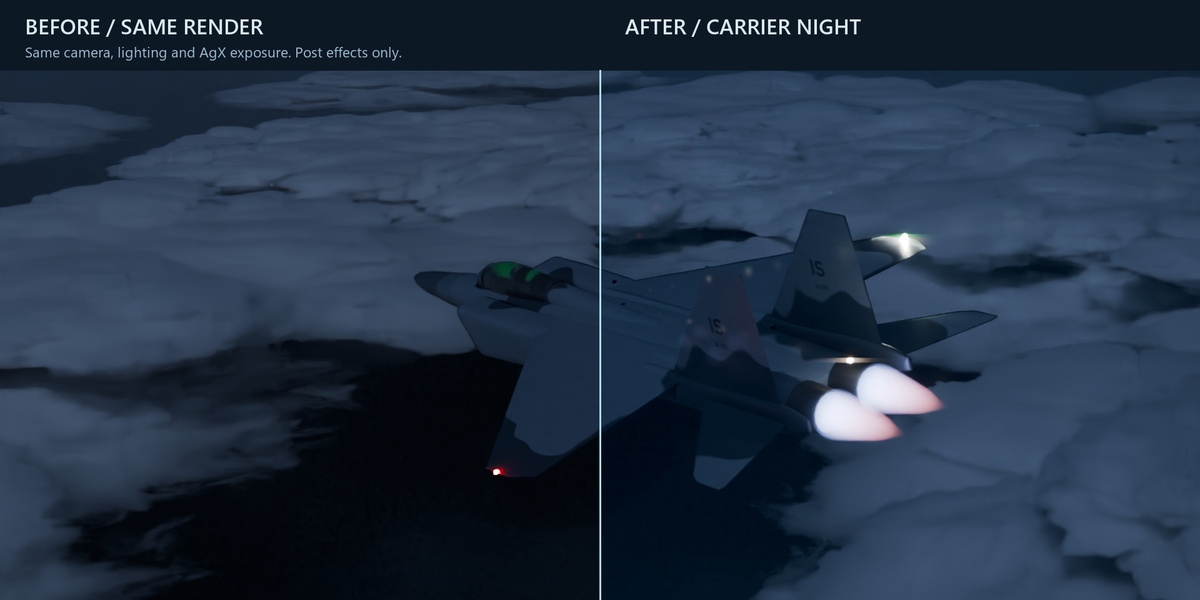
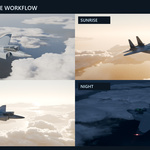
No. Render once with pre-grade EXR enabled, then Open EXR Grading Scene. The saved scene-linear EXR is processed without source geometry. PNG/JPEG are excluded from this raw workflow.
Is this a flight simulator or calibrated night vision?
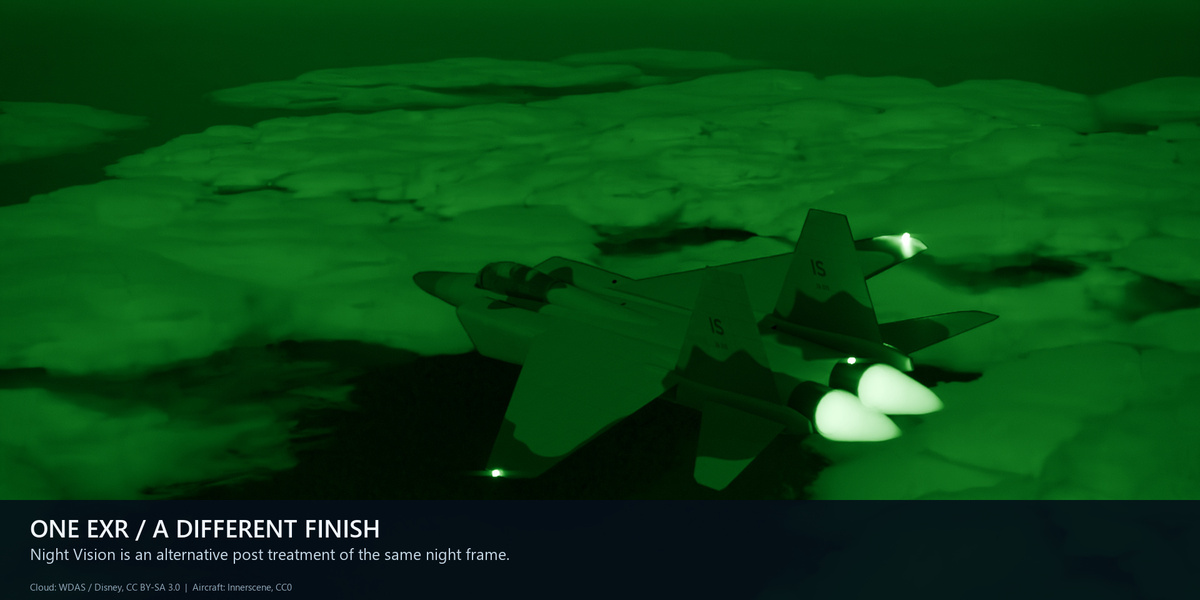
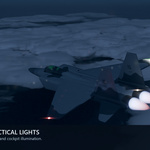
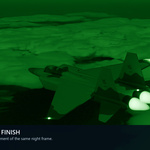
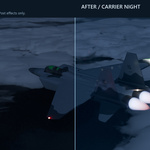
No. Flight clips bake cinematic editable keyframes. Carrier Night is art-directed; Night Vision is a stylized post treatment. Heat haze and local atmosphere are approximations.
How heavy are the example renders?
The 1440×810 examples use Cycles 128 samples and 16 volume bounces. Recorded stills took about 11–38 minutes on an RTX 4060 Ti. Use Draft and reduced budgets for iteration; hardware and settings change performance.
Can I use this commercially?
Commercial use is allowed under the respective component licenses. Code is GPL-3.0-or-later, the original Innerscene aircraft is CC0, and WDAS data/example scenes/renders are CC BY-SA 3.0. Attribution and share-alike obligations apply to those works. Read the included notices; the entire package is not CC0.
Have questions about this product?
Login to message
| Blender Extension Compatible | Yes |
| Published | about 8 hours ago |
| Blender Version | 5.2 |
| Extension Type | Add-on |
| Render Engine Used | Cycles, Eevee |
| License | GPL |