Documentation
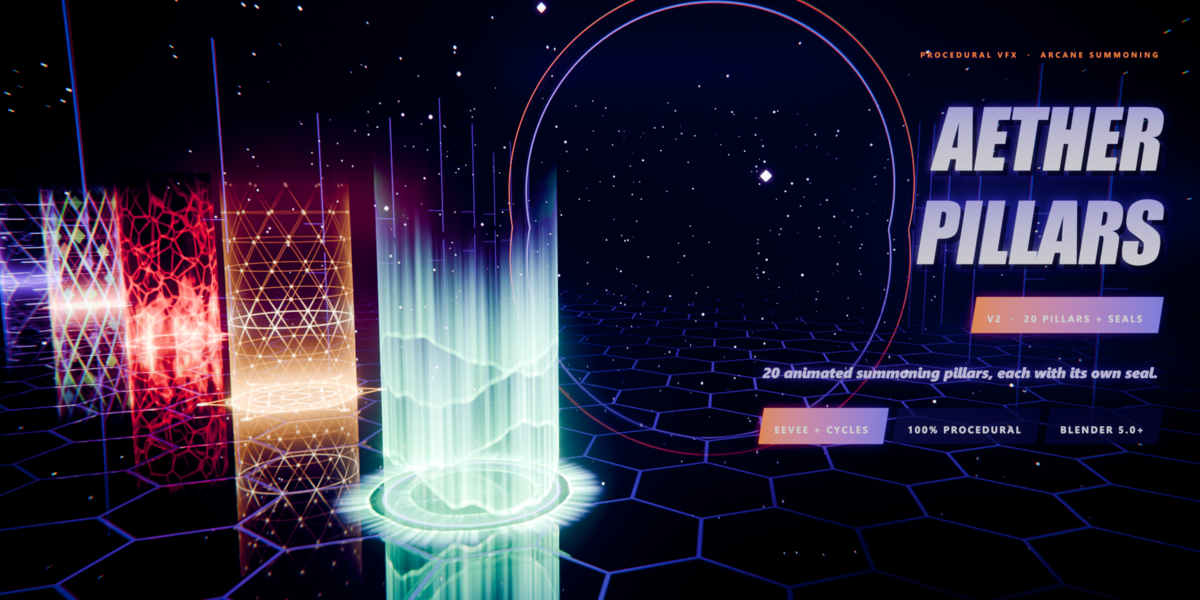
Aether Pillars V2
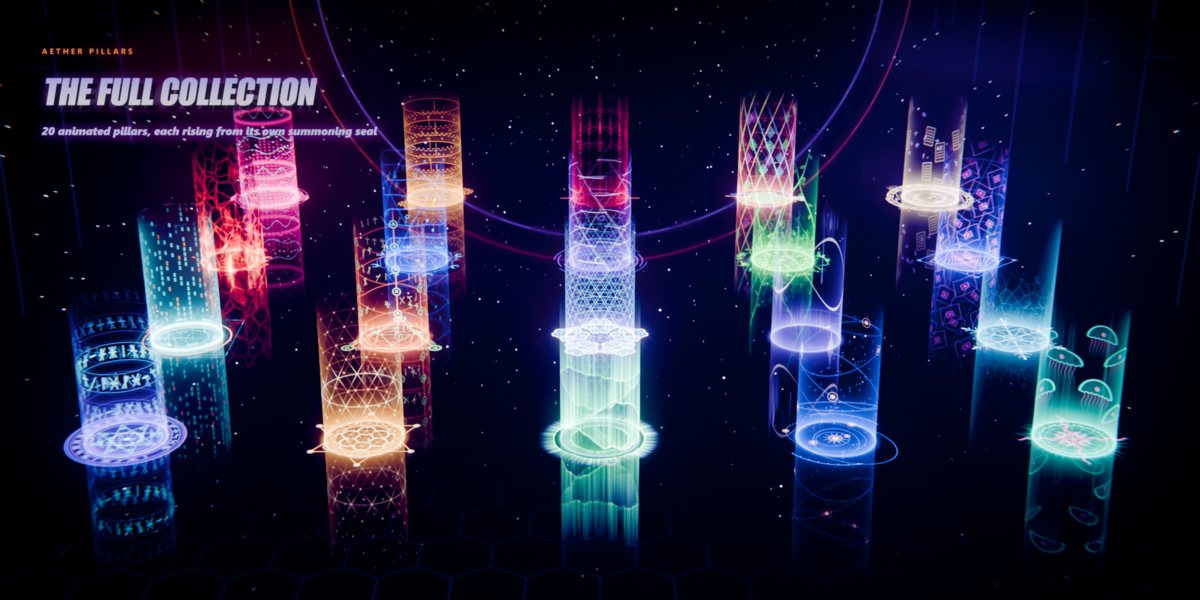
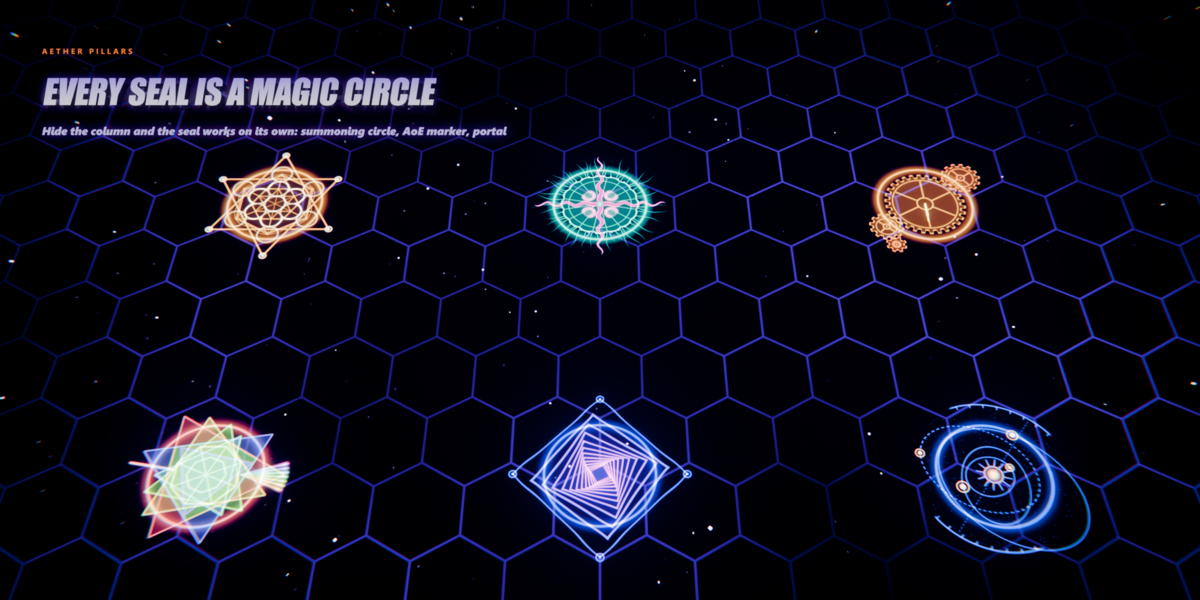
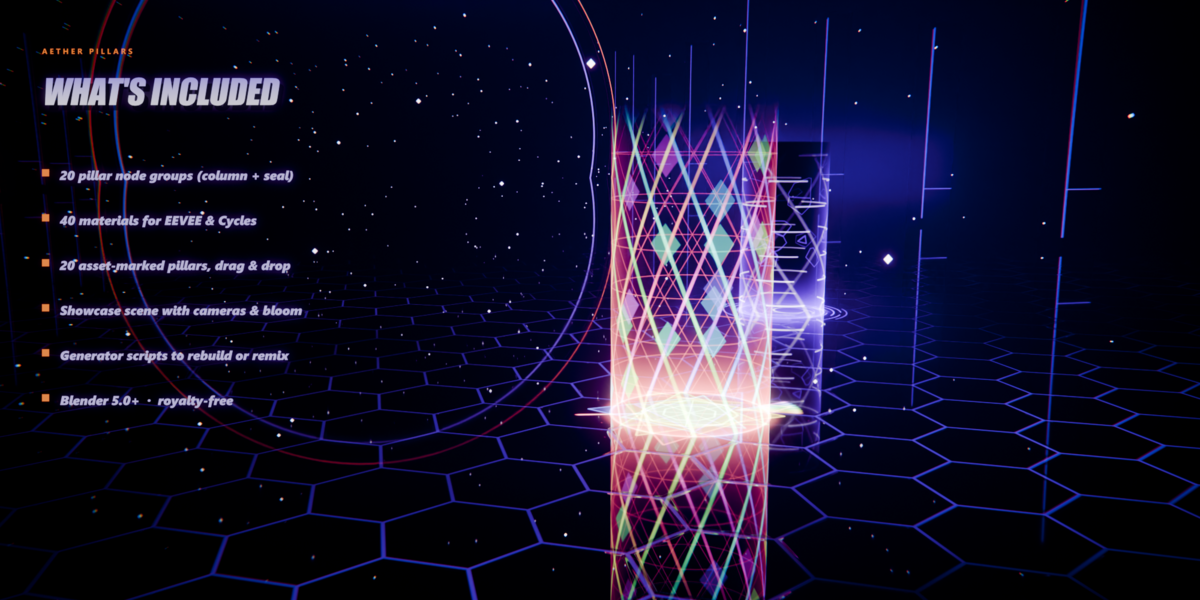
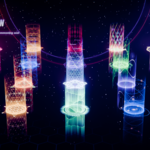
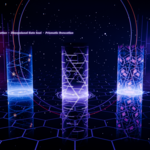
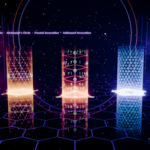
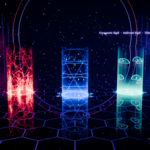
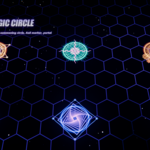
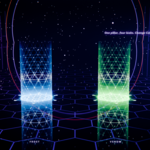
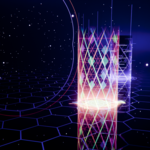
20 animated summoning pillars. Each one is 2 materials: a Column for an open tube and a Seal for a flat disc. Blender 5.0+, EEVEE & Cycles.
In the download
AetherPillarsV2.blend |
40 materials marked as assets, with thumbnails, plus a starter scene (tube + disc) |
blender_assets.cats.txt |
Asset catalogs: Aether Pillars V2 / Columns and / Seals
|
Material names: MAT_AP2_05_Abyssal_Bloom_Column (tube) and MAT_AP2_05_Abyssal_Bloom_Base (seal).
Quick start
| 1 |
Unzip the folder somewhere permanent. |
| 2 |
Edit > Preferences > File Paths > Asset Libraries, click + and pick that folder. Set Import Method to Append (Reuse Data). |
| 3 |
Open an Asset Browser, choose the library, then Aether Pillars V2. |
| 4 |
Drag a Column material onto a tube and its Seal onto a disc. Press play. |
No Asset Browser? File > Append > AetherPillarsV2.blend > Material, or copy the starter objects.
Meshes
Patterns use object coordinates, so no UVs. Easiest: use the included Pillar Column and Pillar Seal objects.
| Tube |
Cylinder with no caps, radius 1, origin at the bottom. Default height 4. |
| Disc |
Filled circle, radius 2, at the tube's foot (lift it 3 mm to avoid flicker). |
| Other height |
Set Column Height to the tube's height in object units. |
| Scale |
Scale the objects freely; the pattern scales with them. |
Controls
Every material has one node group. Its sliders also show in Material Properties.
| Animation |
Time (driven by frame / 24) · Speed
|
| Mapping |
Column Height · Seed (new random layout) |
| Color |
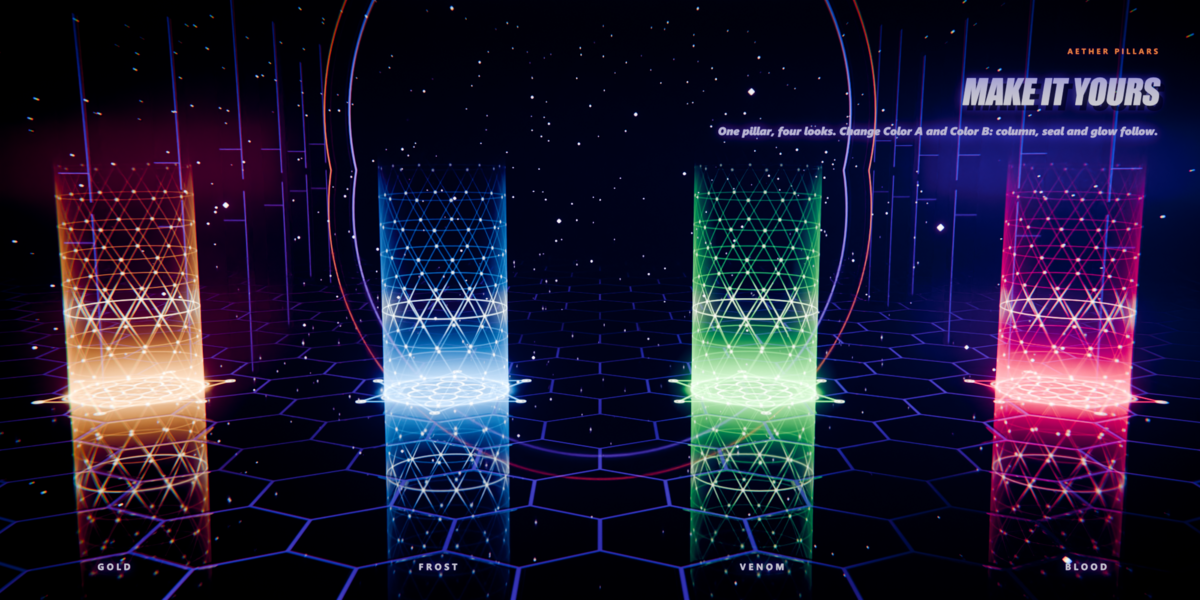
Color A · Color B · Core Color · Emission Strength · Core Boost · Light Scene (Cycles: beam lights the room) |
| Column Shape |
Pattern Gain · Edge Glow · Bottom Glow · Height Fade · Top Rim
|
| Effect panel |
Named after the pillar. Its own motion controls, plus Seal Size, Seal Spin and Footprint Ring. |
| Base Ring |
Ring Radius · Ring Width · Halo Size · Halo Glow · Inner Gain
|
Tip: set the same colours on the Column and the Seal so they match.
Rendering
| Glow |
Compositor: Render Layers > Glare (Bloom) > Composite. |
| EEVEE |
Works as is. Keep the world dark for the best look. |
| Cycles |
Transparent bounces 32+. Light Scene 0 = clean, 1 = lights the room. |
| Frame rate |
Built for 24 fps. At 30 fps set Speed to 0.8, or edit the Time driver to frame / 30. |
The 20 pillars
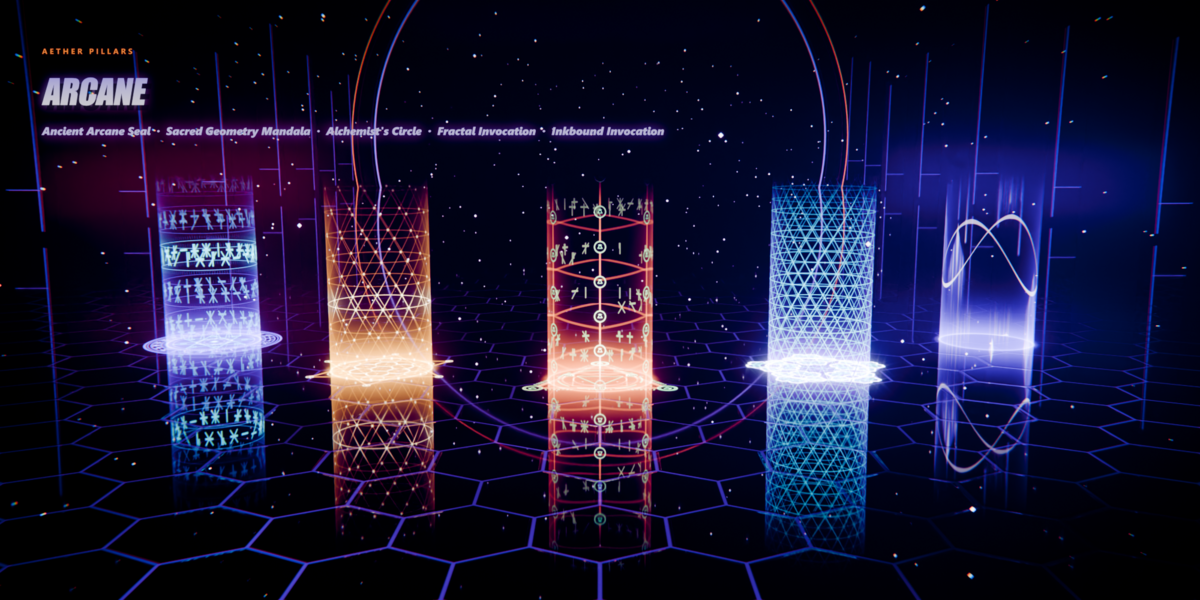
01 Ancient Arcane Seal
02 Sacred Geometry Mandala
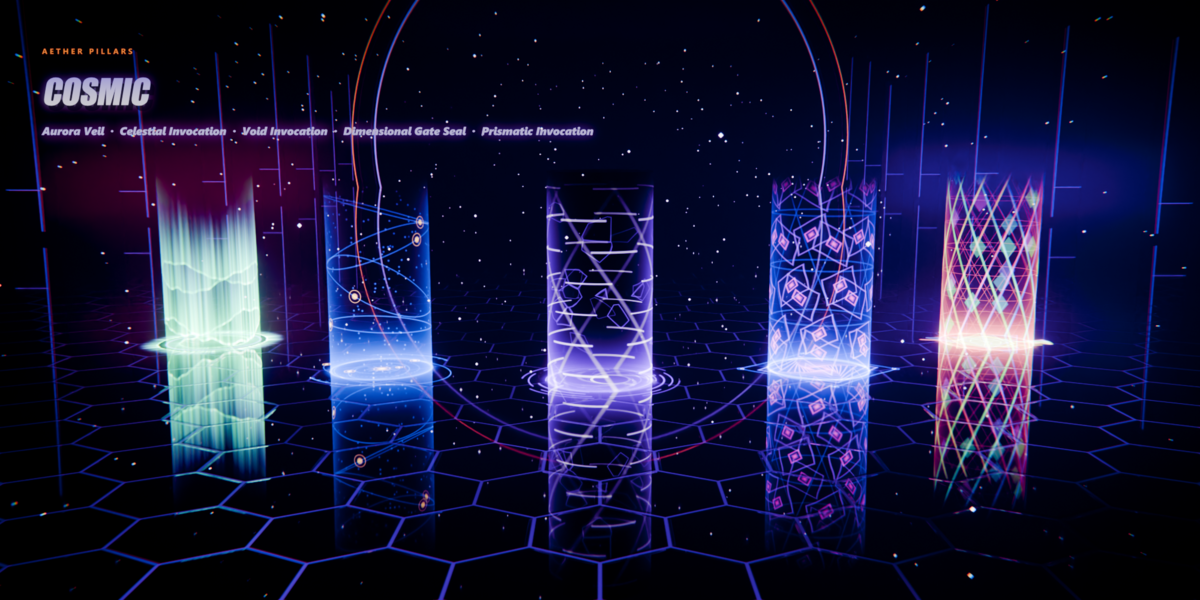
03 Aurora Veil
04 Celestial Invocation
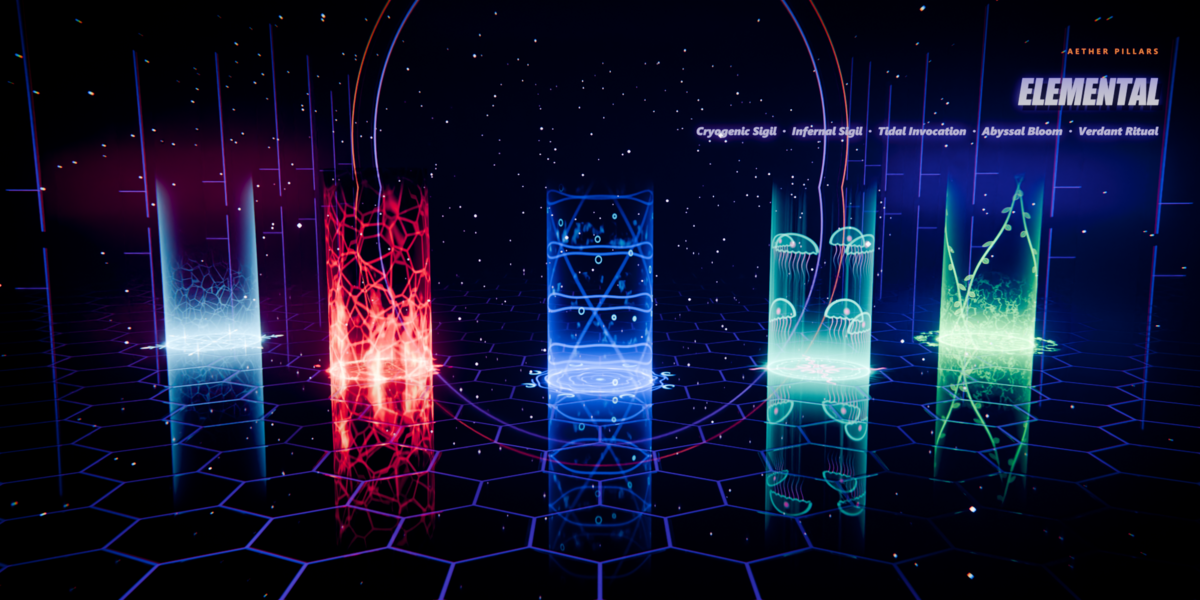
05 Abyssal Bloom
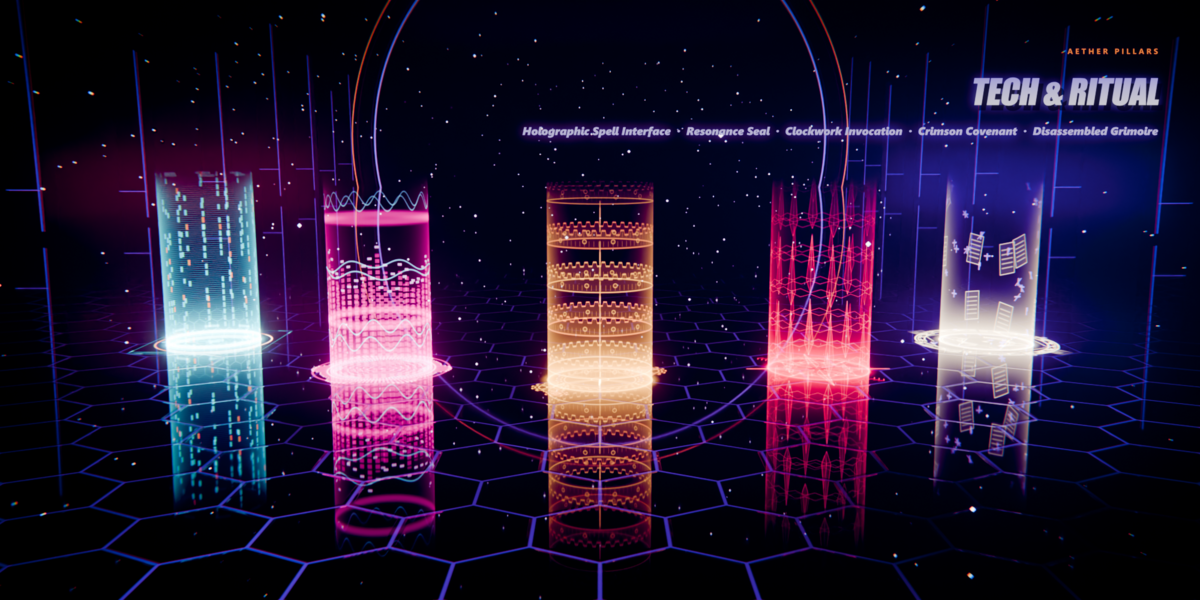
06 Holographic Spell Interface
07 Alchemist's Circle
08 Fractal Invocation
09 Inkbound Invocation
10 Cryogenic Sigil | 11 Infernal Sigil
12 Tidal Invocation
13 Void Invocation
14 Verdant Ritual
15 Dimensional Gate Seal
16 Resonance Seal
17 Clockwork Invocation
18 Crimson Covenant
19 Prismatic Invocation
20 Disassembled Grimoire |
 LarkLab