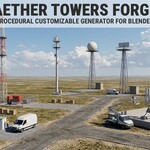
Aether Towers Forge - Procedural PBR Game Ready Towers Generator Addon
 Samuel Abyan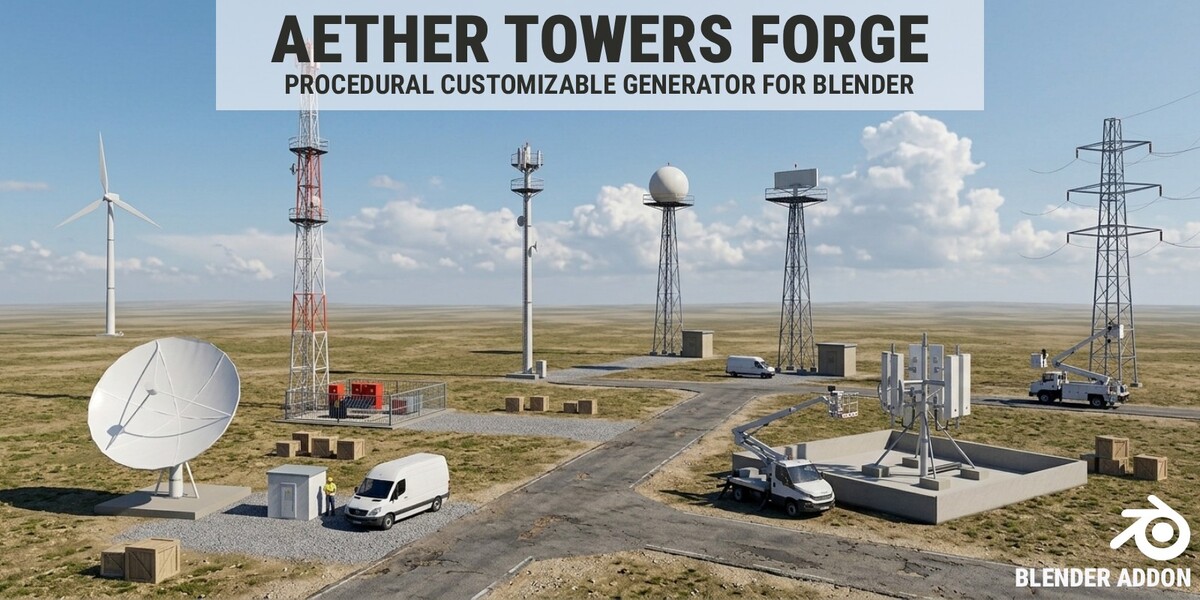
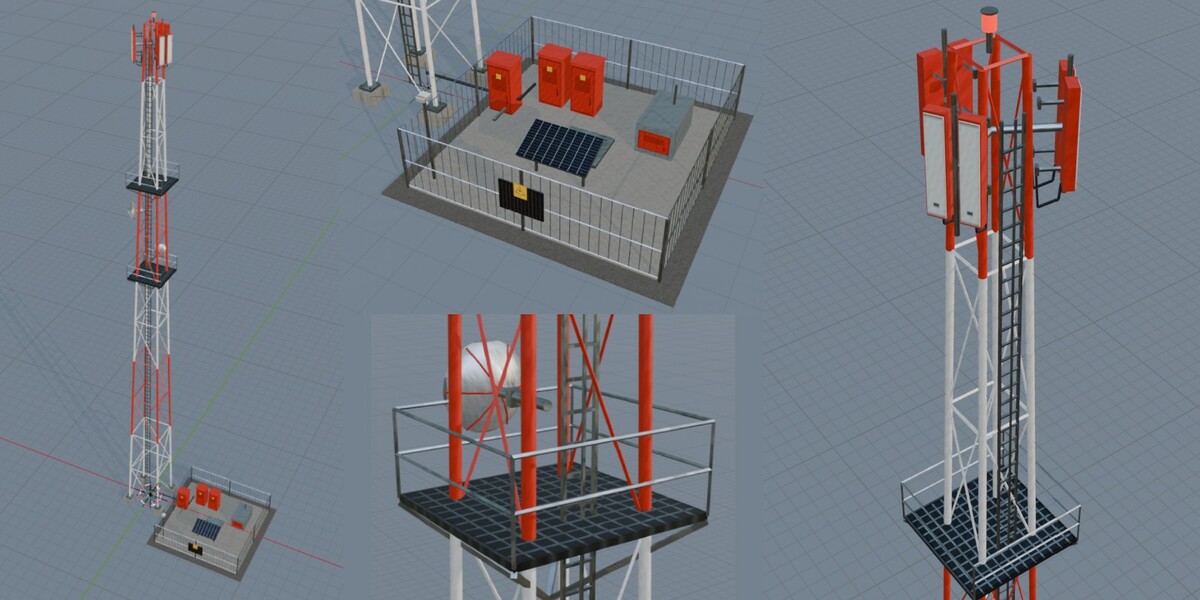
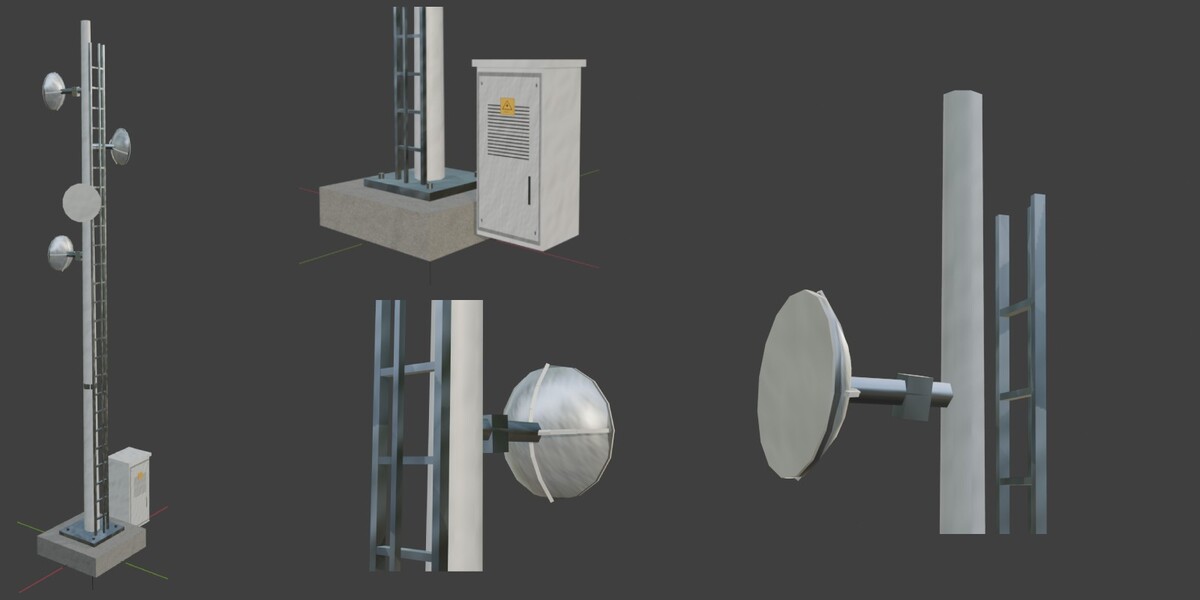
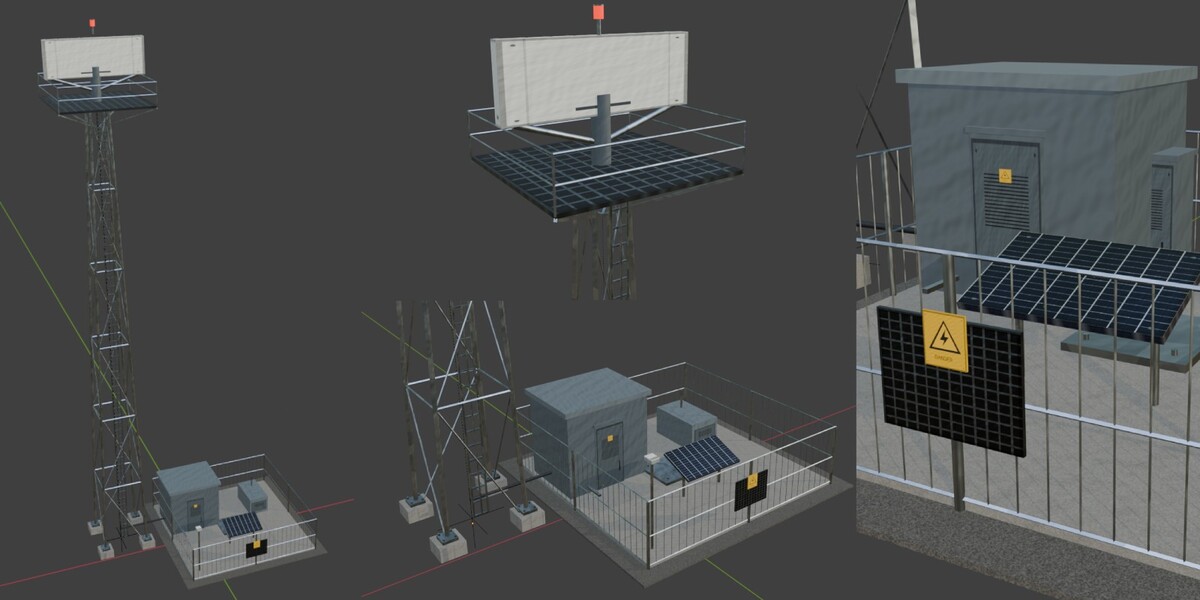
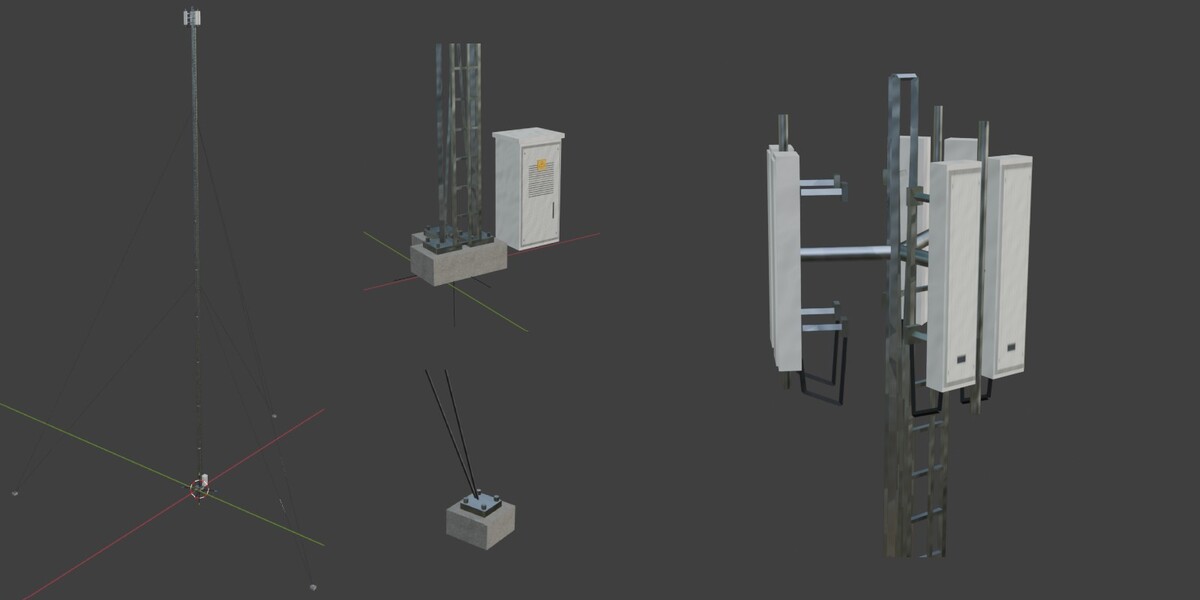
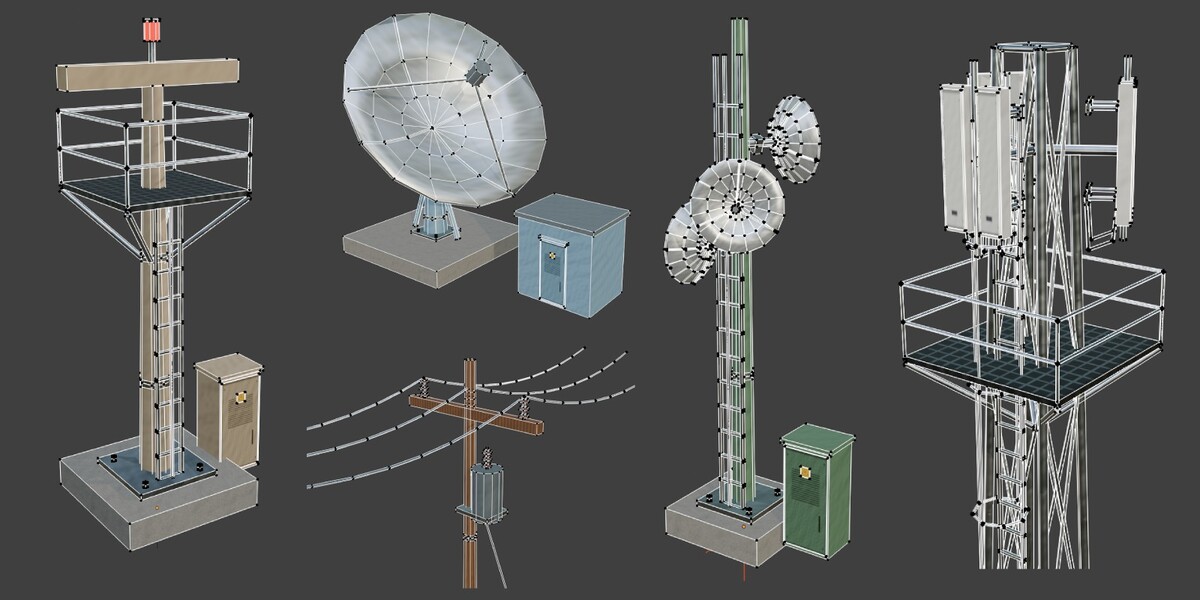
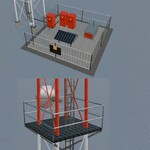
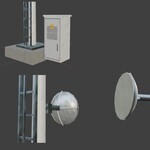
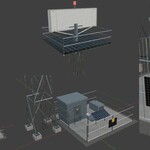
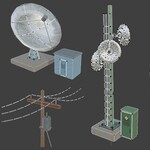
Install
- Blender 5.0+: Edit > Preferences > Get Extensions.
- Top-right menu > Install from Disk, choose
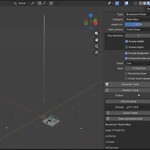
aether_towers-1.0.0.zip, and enable it. - In the 3D Viewport, press N and open Tower/Antenna Generator.
Work in Object Mode. The default Blender cube is left in place, so hide it if it hides a small tower. Switch to Material Preview or Rendered view to see the textures.
Generate in 30 seconds
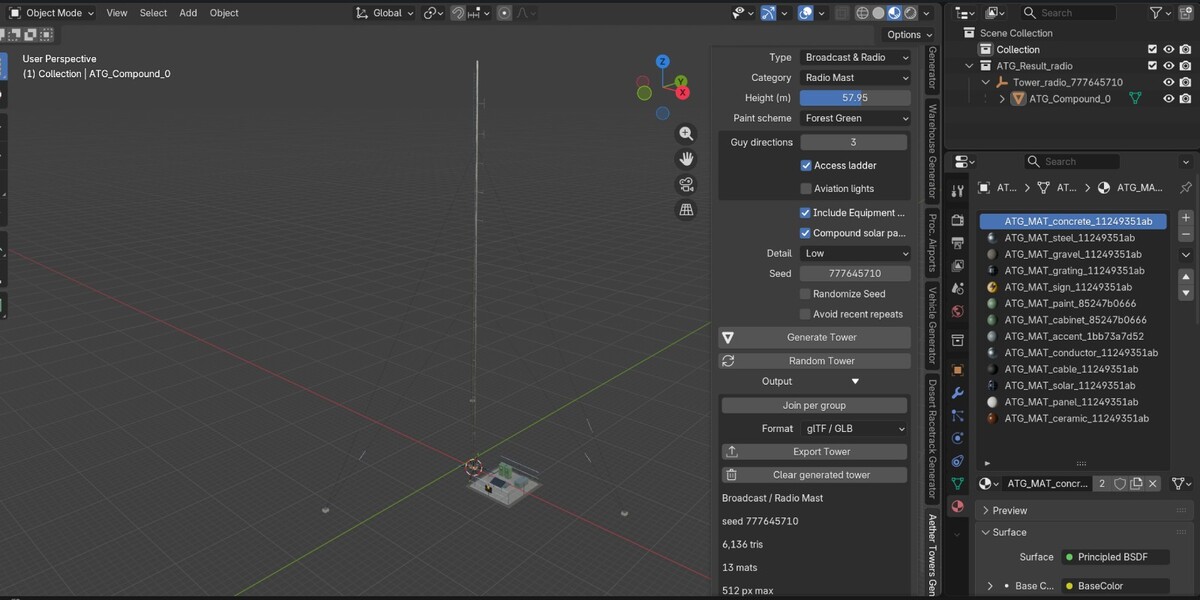
- Choose Type, then Category (for example Cellular > Cellular Lattice Tower).
- Pick a height or size, detail level, colors, and features.
- Click Generate Tower. Or click Random Tower to randomize everything.
Controls
| Control | What it does |
|---|---|
| Type | Cellular, Satellite & Microwave, Electrical, Broadcast & Radio, or Radar & Weather. Filters the category list. |
| Category | One of 19 categories, or Random within type. |
| Height / Size | A height slider for some categories, or Small / Medium / Large for compact ones. Only what applies is shown. |
| Detail | Low (about 8,000 tower triangles) or Medium (about 30,000). |
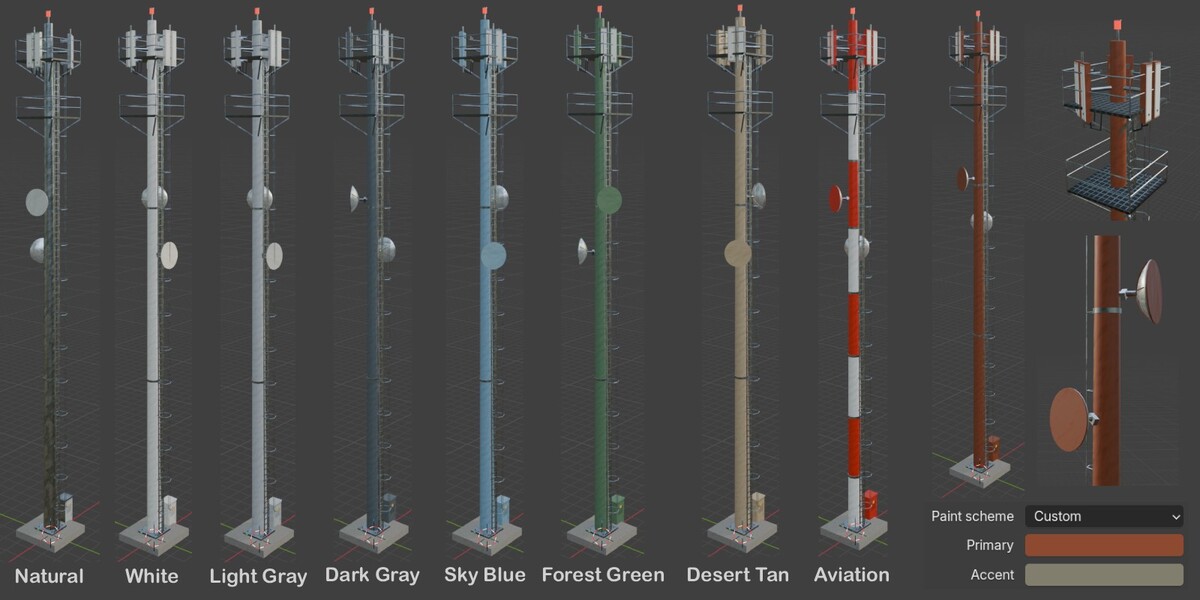
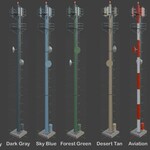
| Colors | Natural (galvanized), preset paint schemes, or Custom with Primary and Accent colors. Aviation Red & White appears only on tower categories that support it. |
| Features | Category-specific options such as platforms, ladders, cages, microwave dishes, conductors, and transformers. |
| Include Equipment Compound | Adds a fenced site with equipment, shown where it makes sense. |
| Seed / Randomize Seed | On: a new seed each Generate. Off: your seed is used as typed. |
| Avoid recent repeats | Moves a seed that matches a recent result to a different one. |
| Generate Tower | Builds with current settings and replaces the previous result. |
| Random Tower | Randomizes family, category, size, features, palette, compound, and seed, then generates. |
Categories and sizes
| Family | Category | Height / size |
|---|---|---|
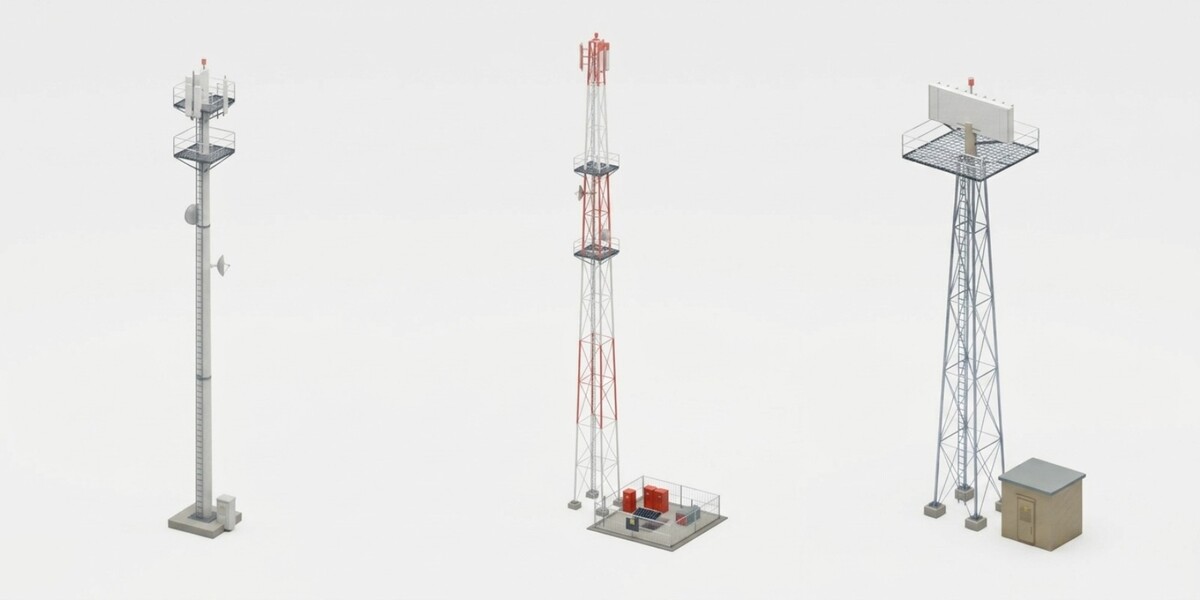
| Cellular | Monopole | 20 to 45 m |
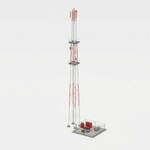
| Cellular | Lattice | 30 to 70 m |
| Cellular | Guyed mast | 30 to 90 m |
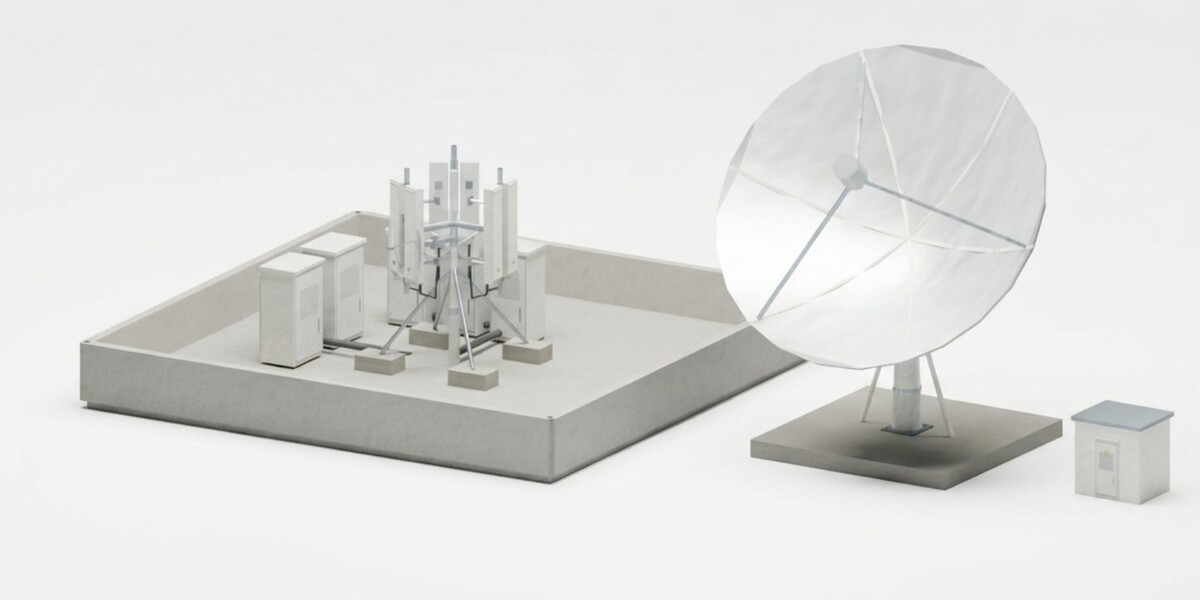
| Cellular | Rooftop site | 3 / 4 / 5 m |
| Cellular | Small cell | 6 / 9 / 12 m |
| Satellite | Home dish | 0.6 / 0.9 / 1.2 m dish |
| Satellite | Microwave link | 5 / 8 / 12 m pole, 0.6 to 3 m dish |
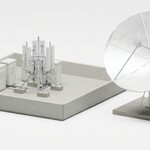
| Satellite | Earth station | 4.5 / 8 / 13 m dish |
| Electrical | Utility pole | 8 to 14 m |
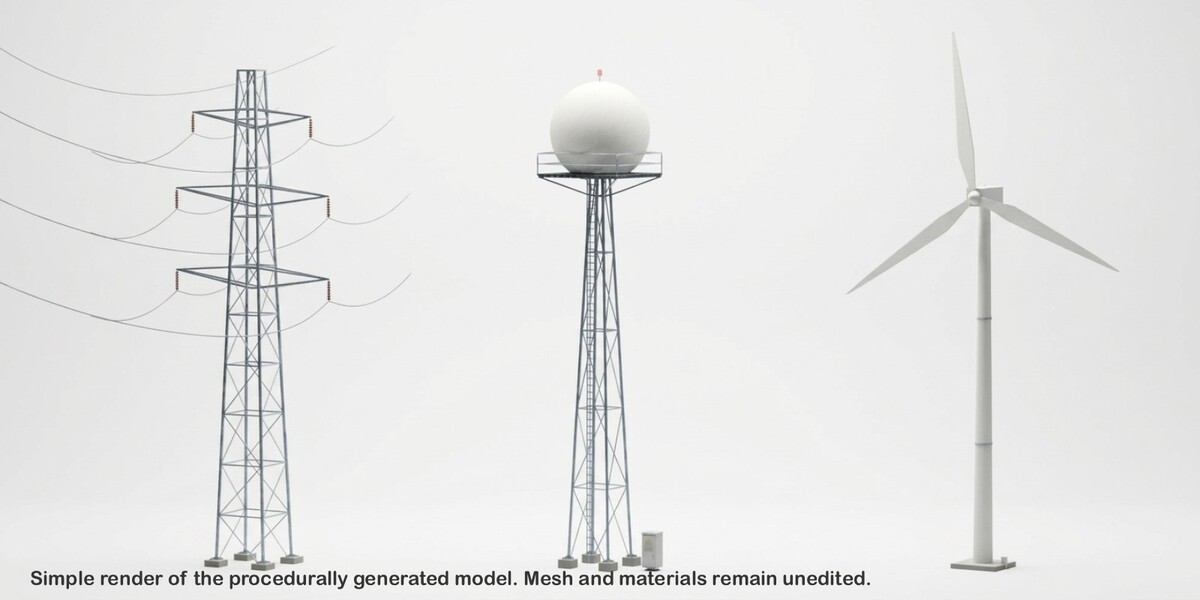
| Electrical | Transmission pylon | 25 to 60 m |
| Electrical | Wind turbine | 30 / 60 / 90 m hub height |
| Electrical | Substation gantry | 5 / 7 / 9 m |
| Broadcast | Lattice broadcast | 50 to 120 m |
| Broadcast | Radio mast | 30 to 80 m |
| Broadcast | Amateur beam | 10 to 30 m |
| Broadcast | TV antenna | 1.5 / 2.2 / 3 m mast |
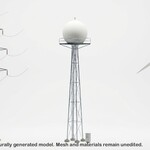
| Radar | Weather dome | 15 to 40 m |
| Radar | Airport radar | 12 / 18 / 24 m platform |
| Radar | Coastal scanner | 6 / 10 / 14 m |
Dimensions are in meters regardless of your display units.
Recreate a result
The Seed field shows the seed actually used. To replay: turn Randomize Seed off, turn Avoid recent repeats off, keep the same settings and add-on version, enter the seed, and click Generate.
Output structure
Each result is one parent Empty in its own collection, with logical mesh groups as children. Scale and rotation are already applied. Wind turbine rotors and nacelles and radar scanners are separate groups with useful pivots, so you can animate them yourself (no animation is supplied).
Generate replaces the last result in the current scene. If generation fails, your previous result stays. To keep several, duplicate a result and remove the atg_owned properties on the copies, or move a copy to another scene. Your own objects are never deleted.
Output section (collapsed)
- Join per group
- Export Tower (GLB or FBX)
- Clear
- Info line: last category, seed, triangle count, and material count
Preferences
Edit > Preferences > Add-ons > Aether Towers: export folder, group joining, history length, and placement at the 3D cursor.
Materials and textures
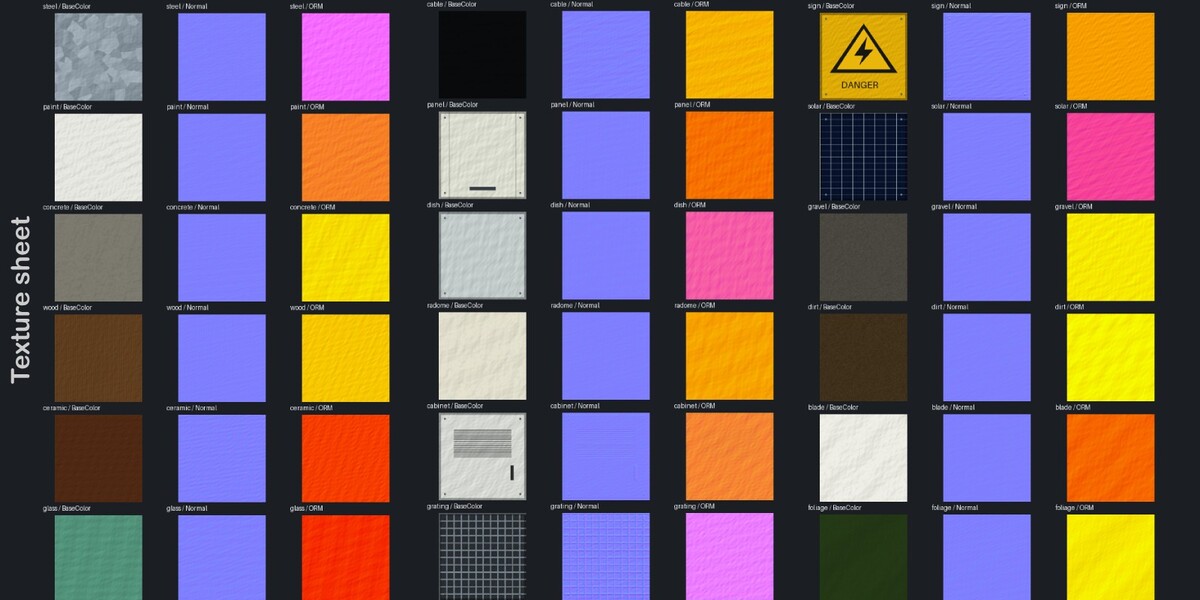
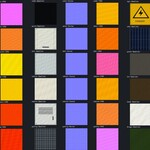
Every generated mesh already has UVs and materials with the bundled PBR textures (BaseColor, OpenGL Normal, and packed ORM: R = AO, G = roughness, B = metallic). There are 57 PNGs at 512 or 256 pixels. Nothing is generated or downloaded at runtime.
- Tintable parts take your color: painted poles, panel housings, dish mounts, equipment bodies and doors, shelters, radomes, turbine blades and nacelles. Custom Primary controls most of these. Accent controls generator bodies, equipment roofs, and feed housings.
- Fixed parts keep their own texture: galvanized steel, concrete, wood, insulators, antenna faces, dish reflectors, cables, fencing, grating, warning signs, solar cells, and ground.
- Aviation bands are fixed red and white.
- Tiled surfaces use 128 texels per meter, and UVs outside 0 to 1 are intentional repeats. Atlas parts reuse the same texture areas on purpose. There are no lightmap UVs.
Triangle budget
Low targets 8,000 tower triangles, Medium 30,000. Compounds are counted separately and are not pruned. Over budget, optional bolts, extra cable loops, and cages are removed first. Structural members are never removed, so a large, feature-heavy tower can exceed a target slightly and the result will warn you.
Export
- GLB (recommended): one file with geometry, materials, textures, ORM, and tint factors. Y up, meters.
- FBX: meter scale, -Z forward, Y up, with embedded images and diffuse tint. FBX doesn’t carry the packed ORM setup, so use GLB for full PBR, or rebuild the ORM channels from the included textures in your engine.
Export uses a temporary copy and restores your scene and selection. If no default folder is set, a file selector asks where to save.
Have questions about this product?
Login to message
| Blender Extension Compatible | Yes |
| Published | 3 days ago |
| Blender Version | 5.0 - 5.2 |
| Extension Type | Add-on |
| Render Engine Used | Cycles |
| License | GPL |