 Cgi Lab
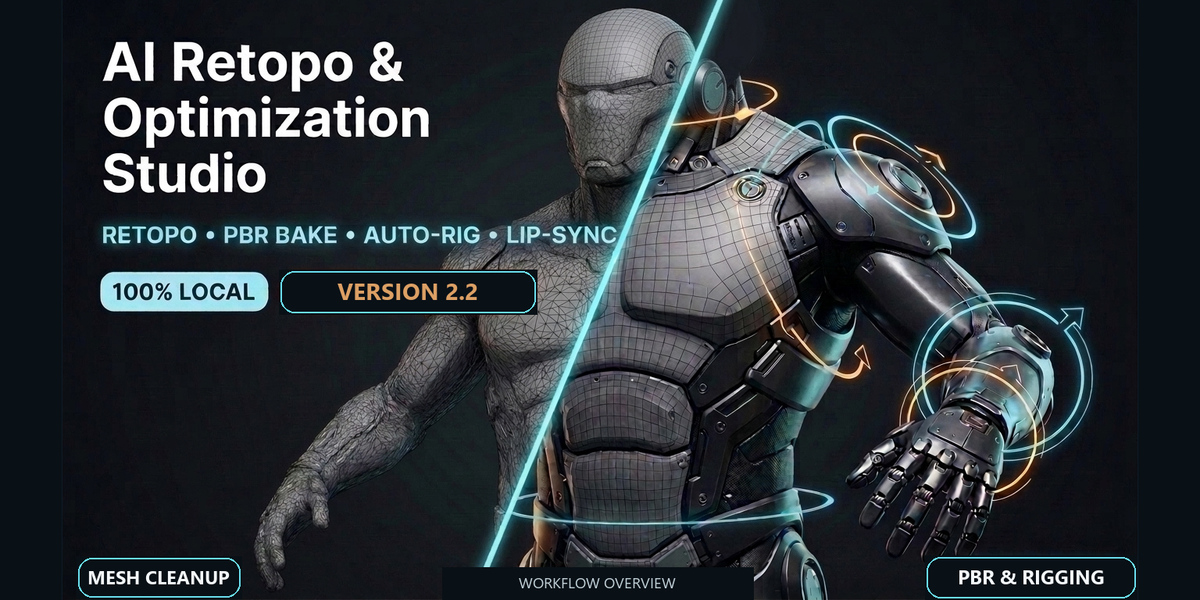
AI Retopo & Optimization Studio 2.2
Mesh cleanup, retopology, PBR baking, rigging and print preparation in one Blender workspace.
Take an imported AI-generated mesh or dense scan through geometry, UV, texture, animation and export tools organized into four panels. Includes an English and Spanish interface. Processing runs locally, with no cloud credits or API keys.
Workflow overview
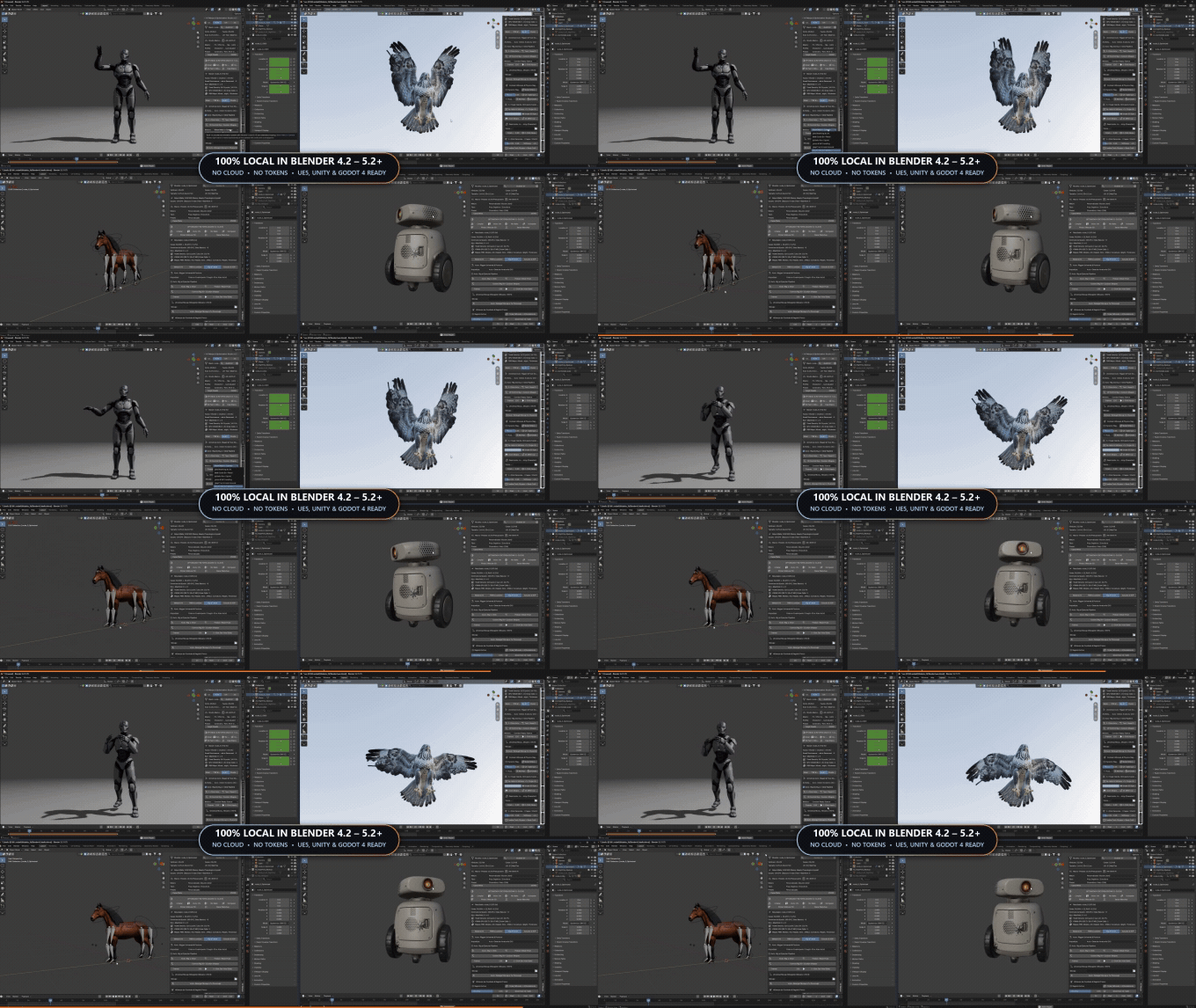
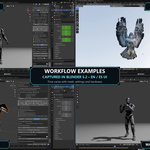
Recorded workflow overview. This release is validated in Blender 5.2 on Windows. Labels naming other Blender versions or game engines in this clip do not establish tested compatibility.
Prepare the mesh
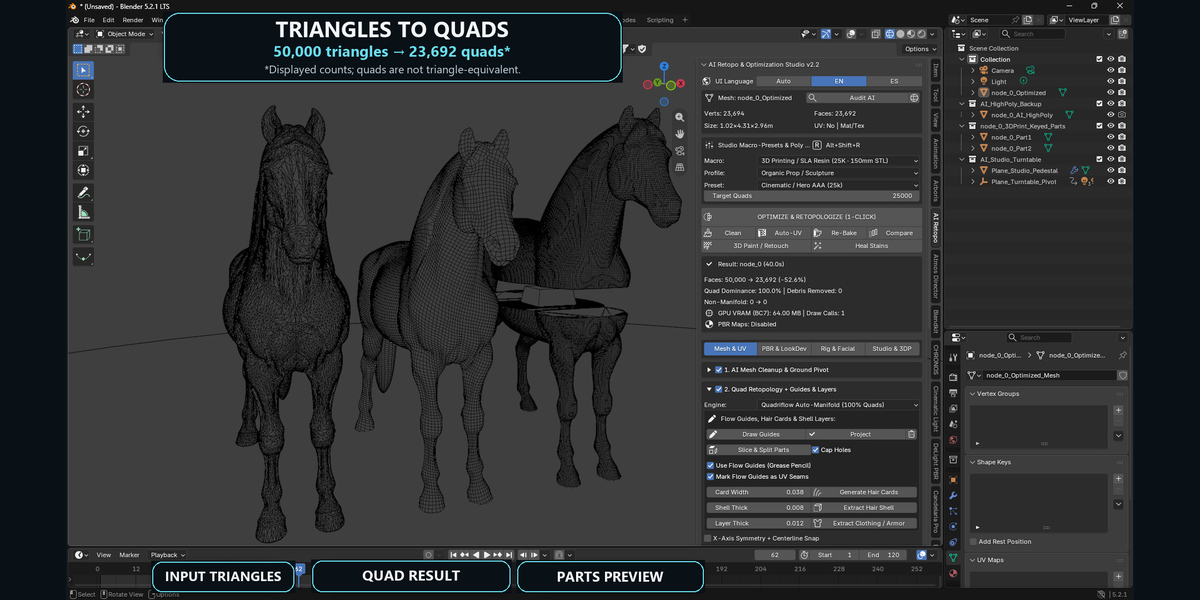
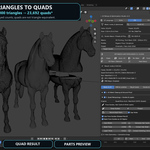
Analyze geometry, remove loose debris and prepare a lower-density mesh. Choose Quadriflow, planar hard-surface processing, voxel-based remeshing or adaptive decimation. UV tools include seam guides, packing, face-focused texel allocation and a two-tile UDIM option.
Transfer and refine the surface
Bake high-to-low base color, normals, roughness, metallic and ambient occlusion, and create packed ORM maps. Additional tools help reduce baked lighting, repair projection artifacts and retouch textures in the 3D viewport.
Build an animation starting point
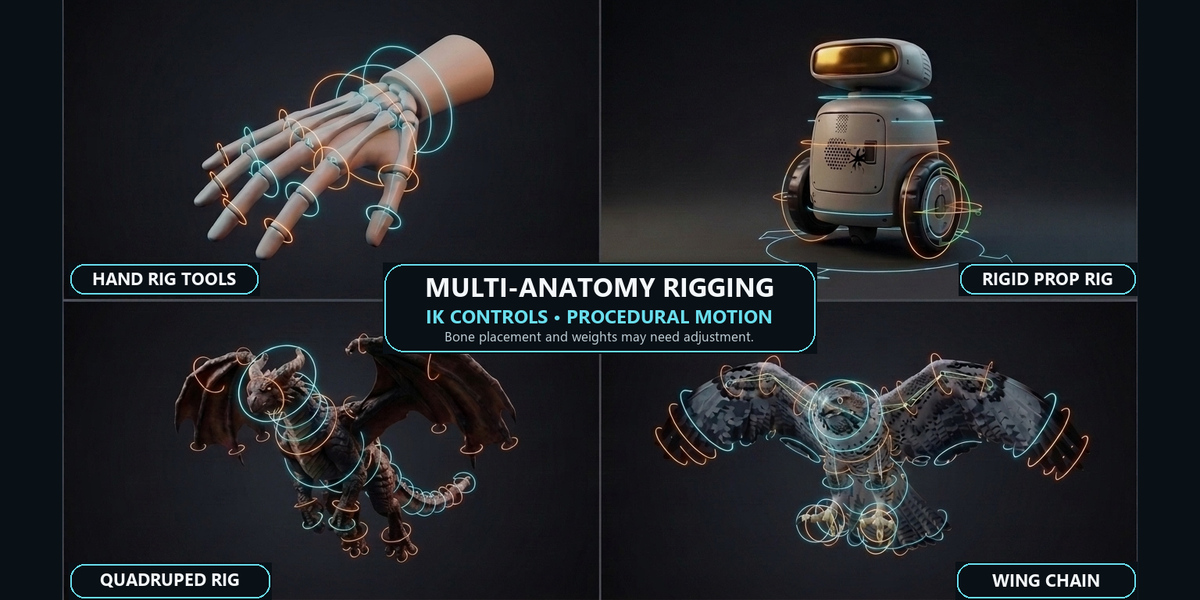
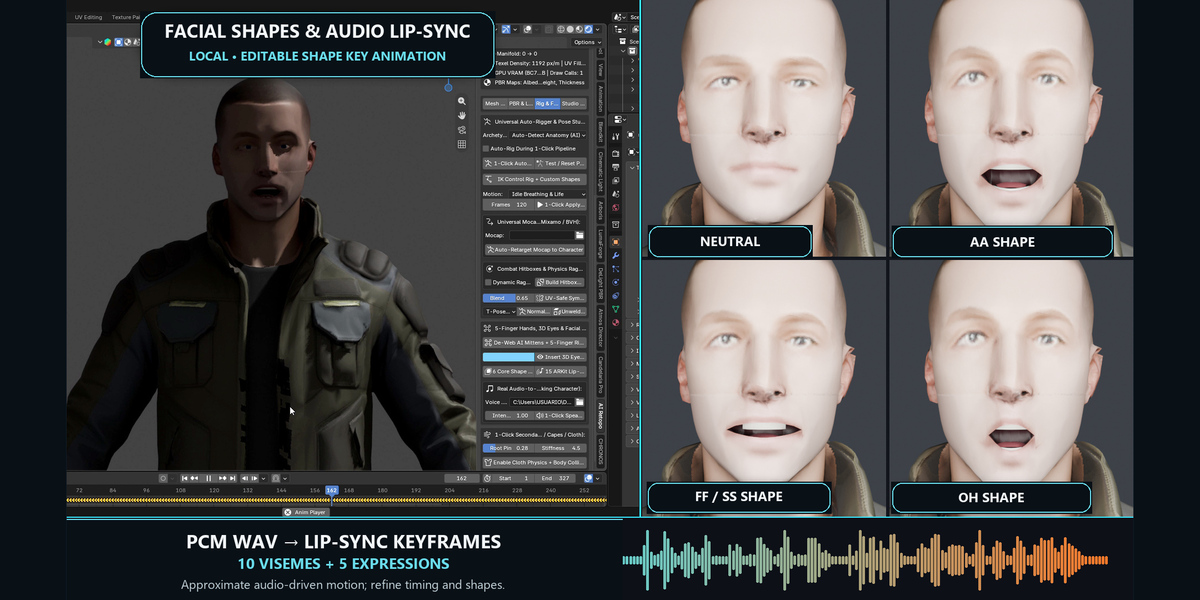
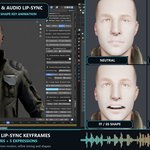
Generate rigs for humanoids, quadrupeds, mechanical characters and props. Add IK controls, procedural motion and retargeting tools. Facial tools include eye generation, mouth geometry, 10 viseme shapes and 5 expression shapes.
Humanoid motion
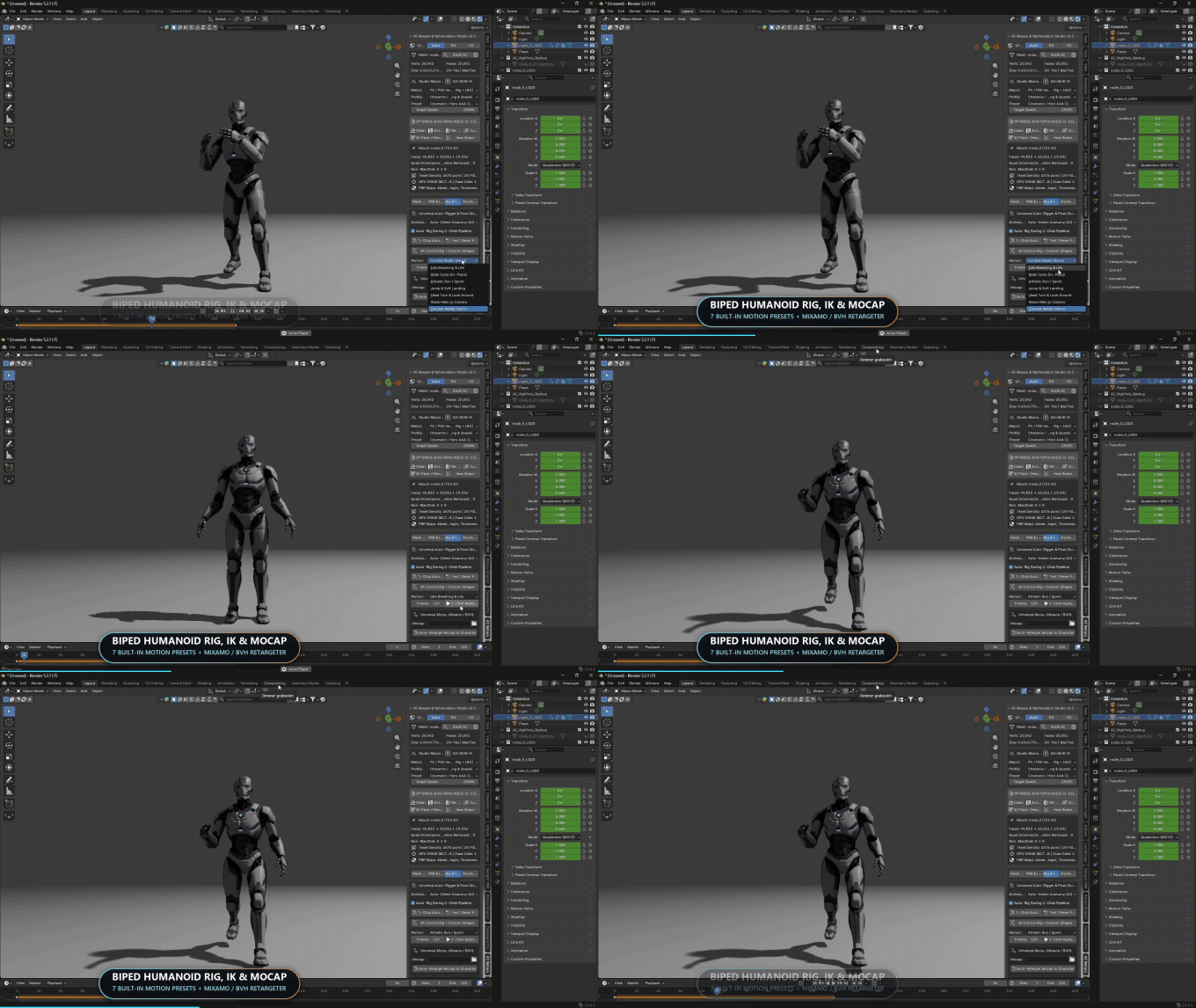
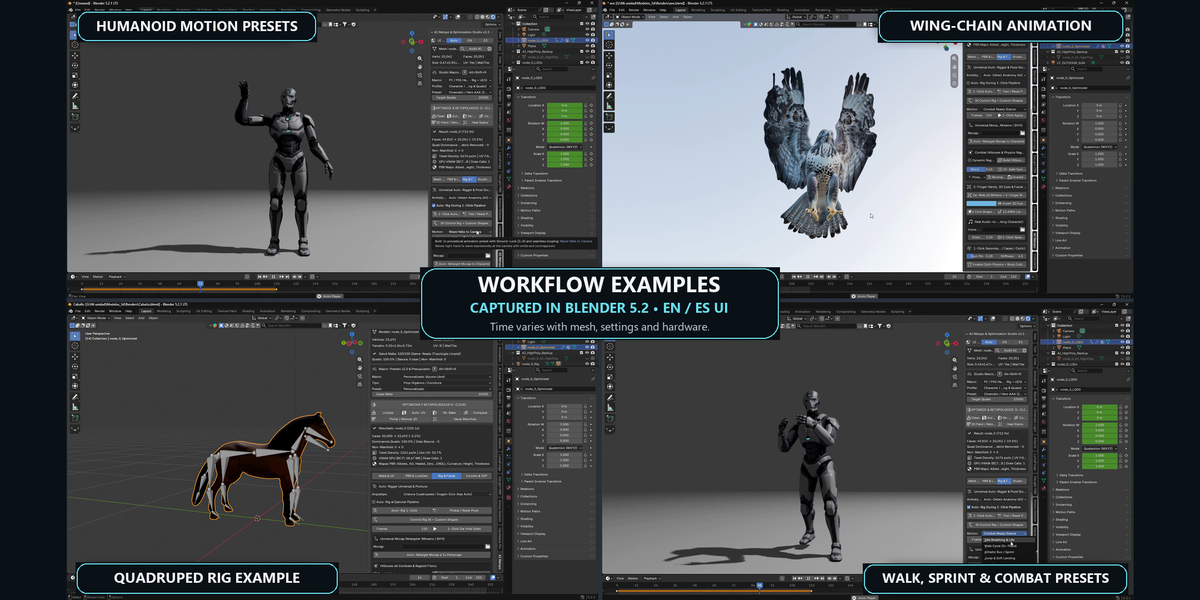
Humanoid procedural motion examples. Bone placement and weights may need adjustment.
Winged and quadruped rigs
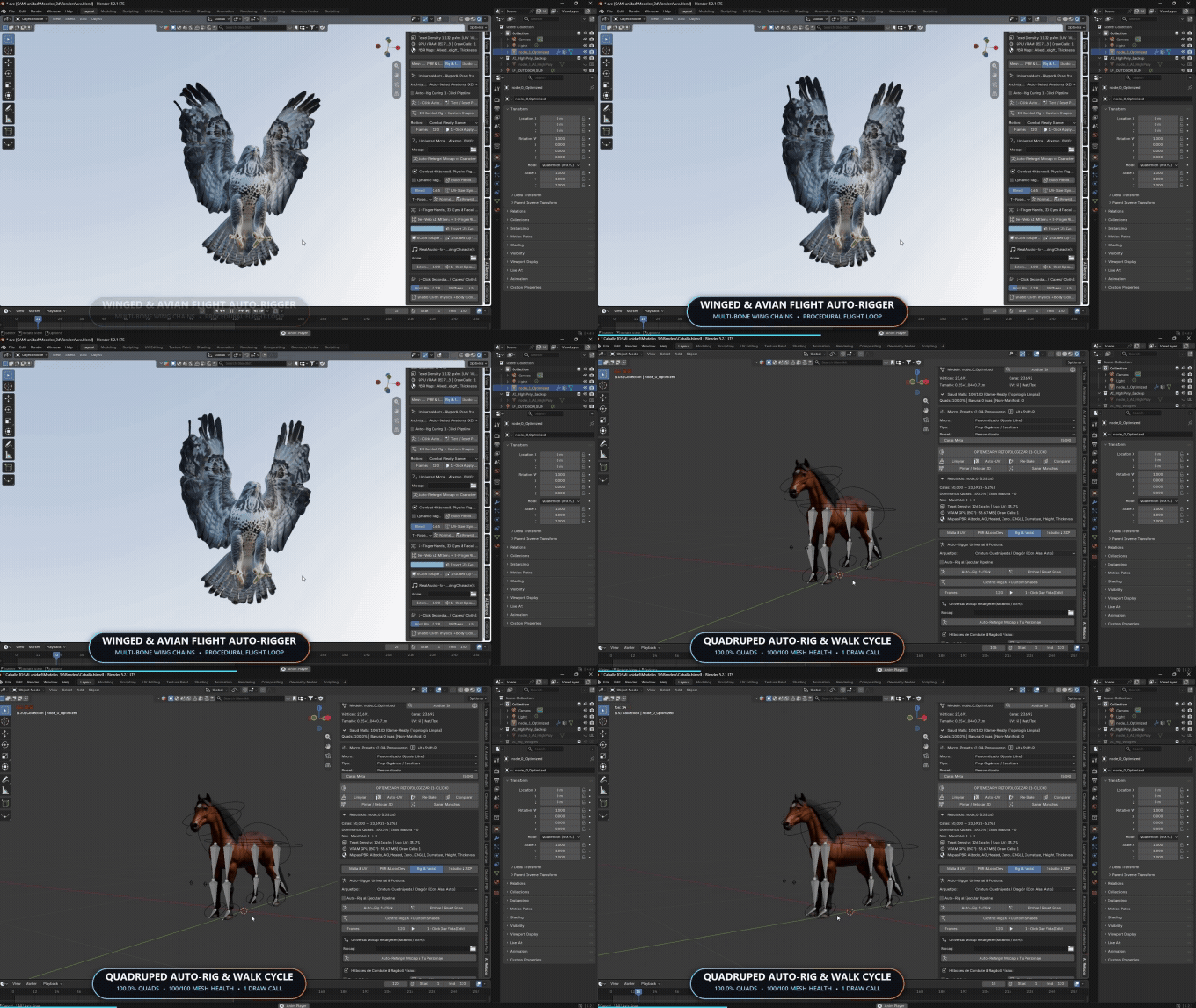
Winged and quadruped rig examples. Displayed mesh metrics apply to these examples only.
Mechanical character rig
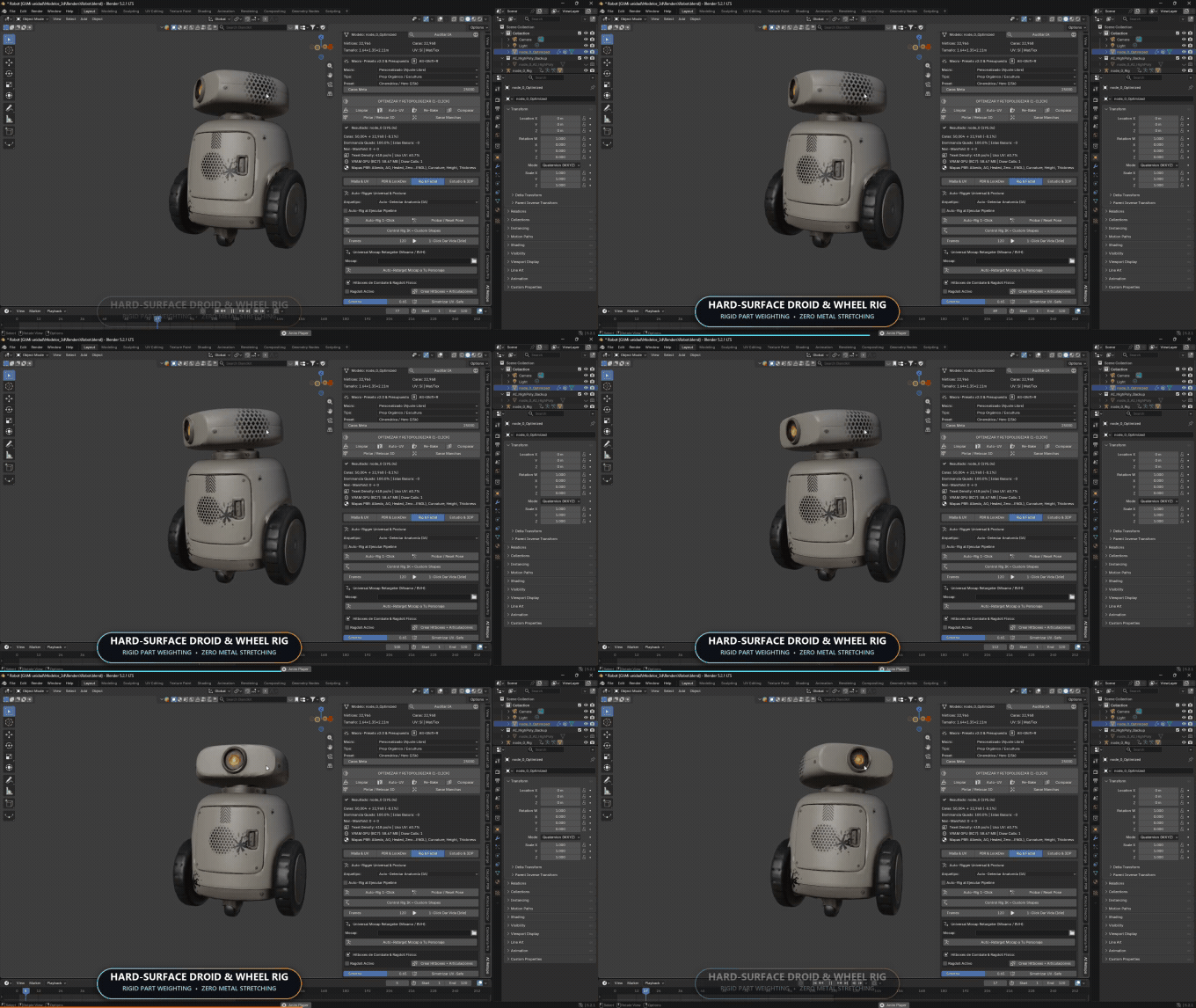
Rigid-part motion example. Inspect bone placement, part assignments and deformation for your own model.
Load a PCM WAV recording to create approximate audio-driven mouth animation with editable keyframes. Review and refine the timing and deformation for your character.
Audio-driven facial animation
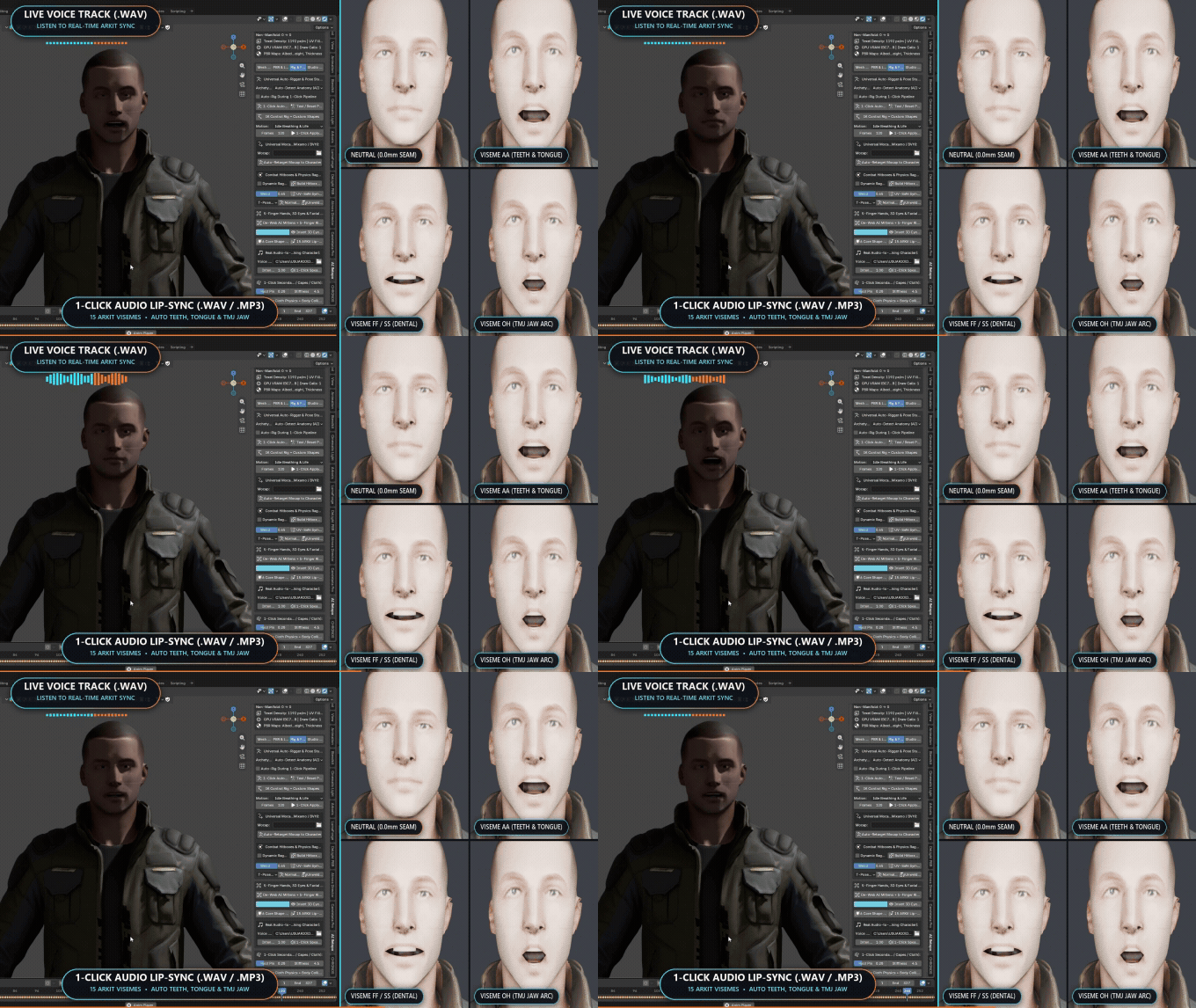
Silent preview. Current input is PCM WAV, with 10 visemes plus 5 expressions and approximate editable audio-driven animation. Embedded ARKit and MP3 labels are earlier promotional wording; they do not indicate MP3 support or a complete ARKit implementation.
Present and export
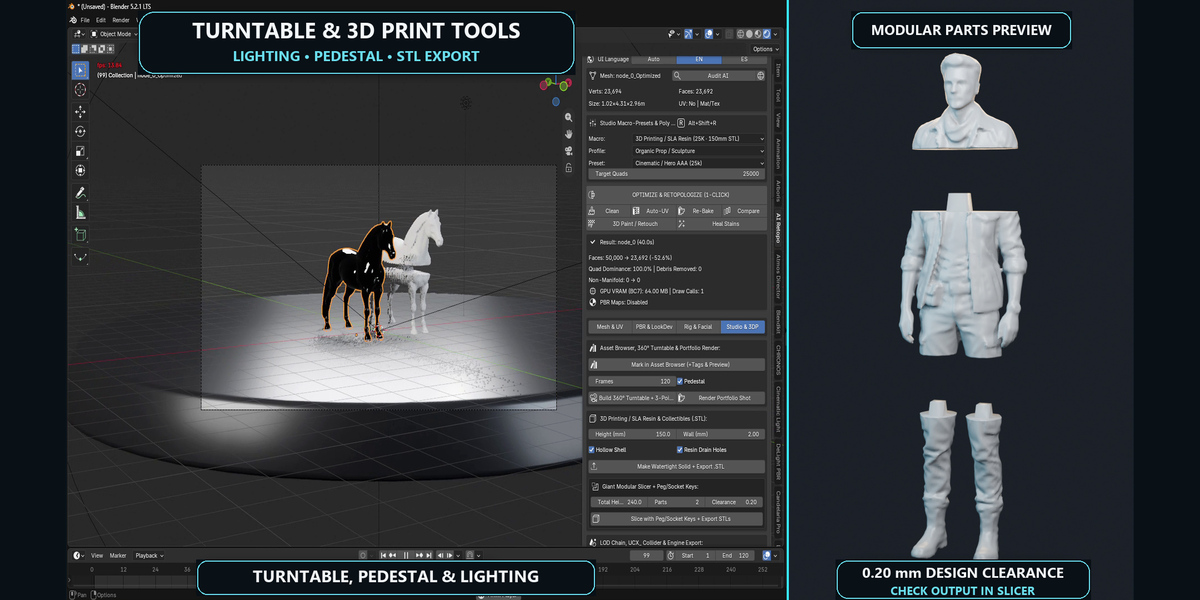
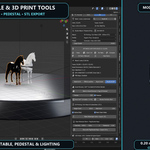
Create a lit turntable and pedestal, prepare LODs and colliders, or export FBX and GLB assets. Print preparation tools include target height in millimeters, hollowing and modular STL sections with peg-and-socket connections.
Turntable and modular print preparation
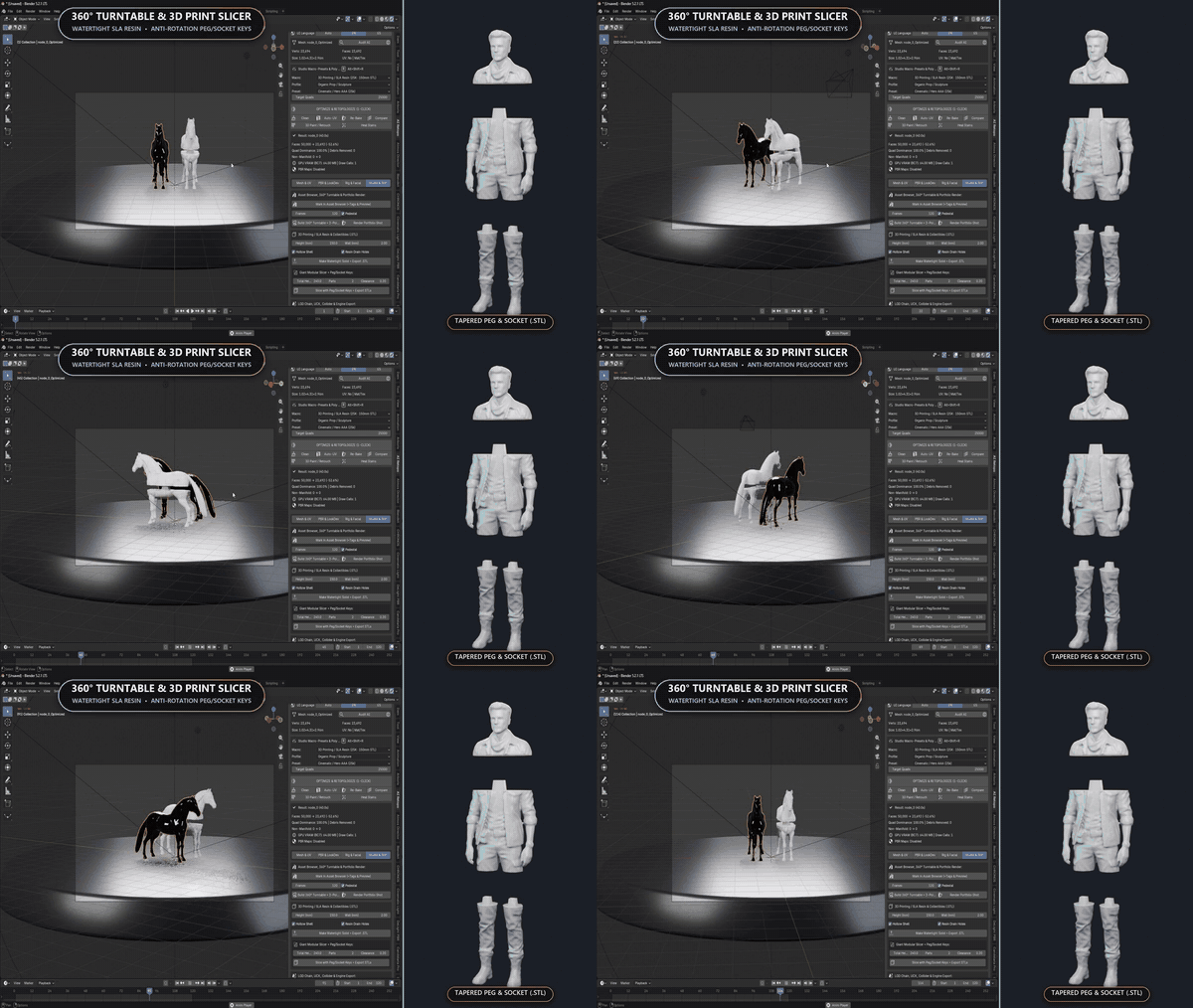
Turntable and modular-parts preview. Check the exported STL in your slicer and adjust clearances for your printer and material. Topology checks do not certify physical printability or connector fit.
Your workflow
- Import a mesh, save a backup and select the object.
- Choose a profile and retopology method; inspect the geometry and UVs.
- Bake and refine the surface.
- Add a rig, presentation setup or print preparation.
- Review the result in its destination application.
What to expect
This toolkit prepares existing meshes; it does not generate models from text prompts. Processing time and quality depend on the source mesh, settings and hardware. Difficult anatomy and damaged geometry may need manual cleanup. Automatic remeshing does not guarantee deformation-specific edge flow or an all-quad result; recovery can fall back to decimation.
Auto-rigs and facial shapes may need placement and weight adjustments. The facial set is not a complete Apple ARKit implementation. Check UVs, bakes, exported materials and scale. For printing, inspect mesh integrity, wall thickness, drainage and connector fit in your slicer; physical fit depends on the printer, material and process.
Included and supported
- Add-on installer and English/Spanish quick-start guide.
- Blender 5.2 on Windows; tested in Blender 5.2.1 LTS.
- GPL-3.0-or-later source code.
Showcase models are not included. Other Blender releases and operating systems have not been validated for this release.