 Cgi Lab
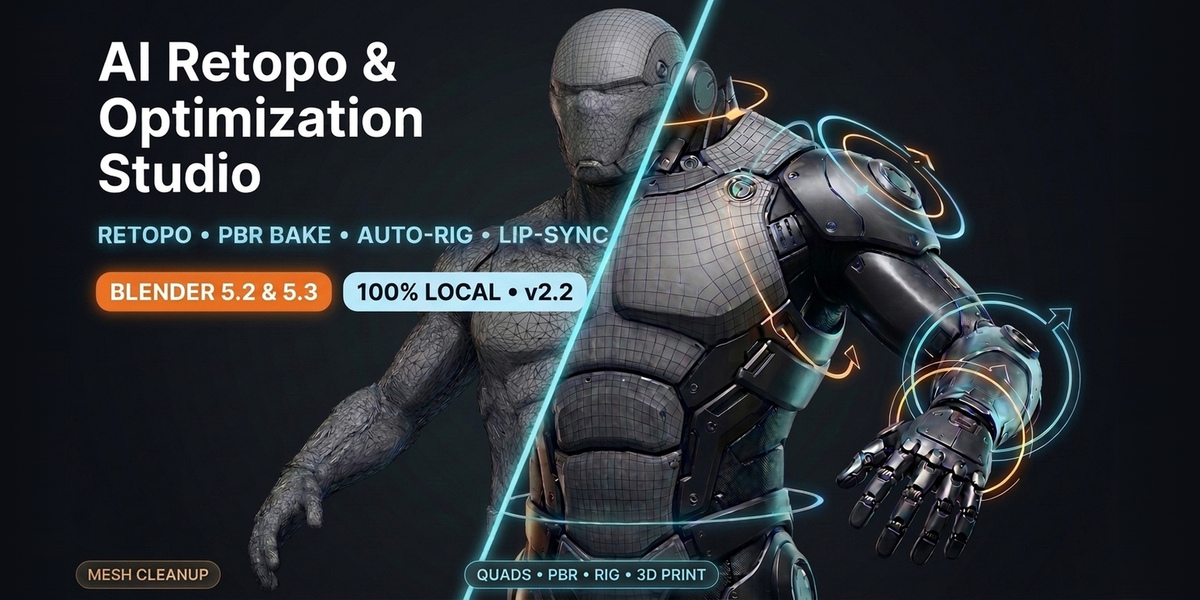

Turn Raw AI Meshes & Dense 3D Scans into Clean, Baked, Rigged or Print-Ready Assets Inside Blender.
Mesh cleanup, retopology, high-to-low PBR baking, multi-archetype rigging, Shape Key transfer and modular 3D print prep—all in one organized 4-panel Blender workspace.
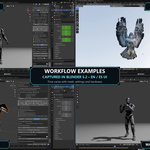
100% Local Processing (Zero Cloud Credits or API Keys) • Pure Native Blender Python (No External pip or .dll Binaries) • Validated in Blender 5.2.1 LTS & 5.3.0 on Windows (EN / ES UI)
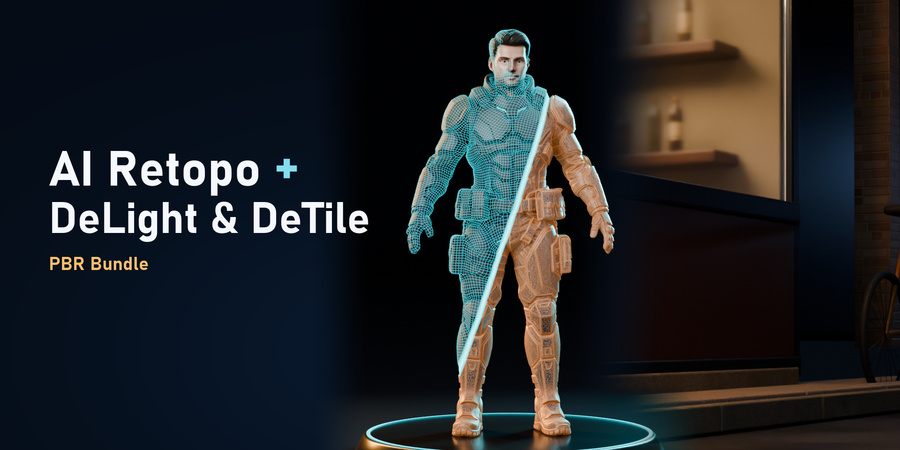
Also available in a bundle. Pair AI Retopo with DeLight & DeTile to build tileable PBR materials from photographed surfaces. View the AI Retopo + DeLight & DeTile PBR Bundle.
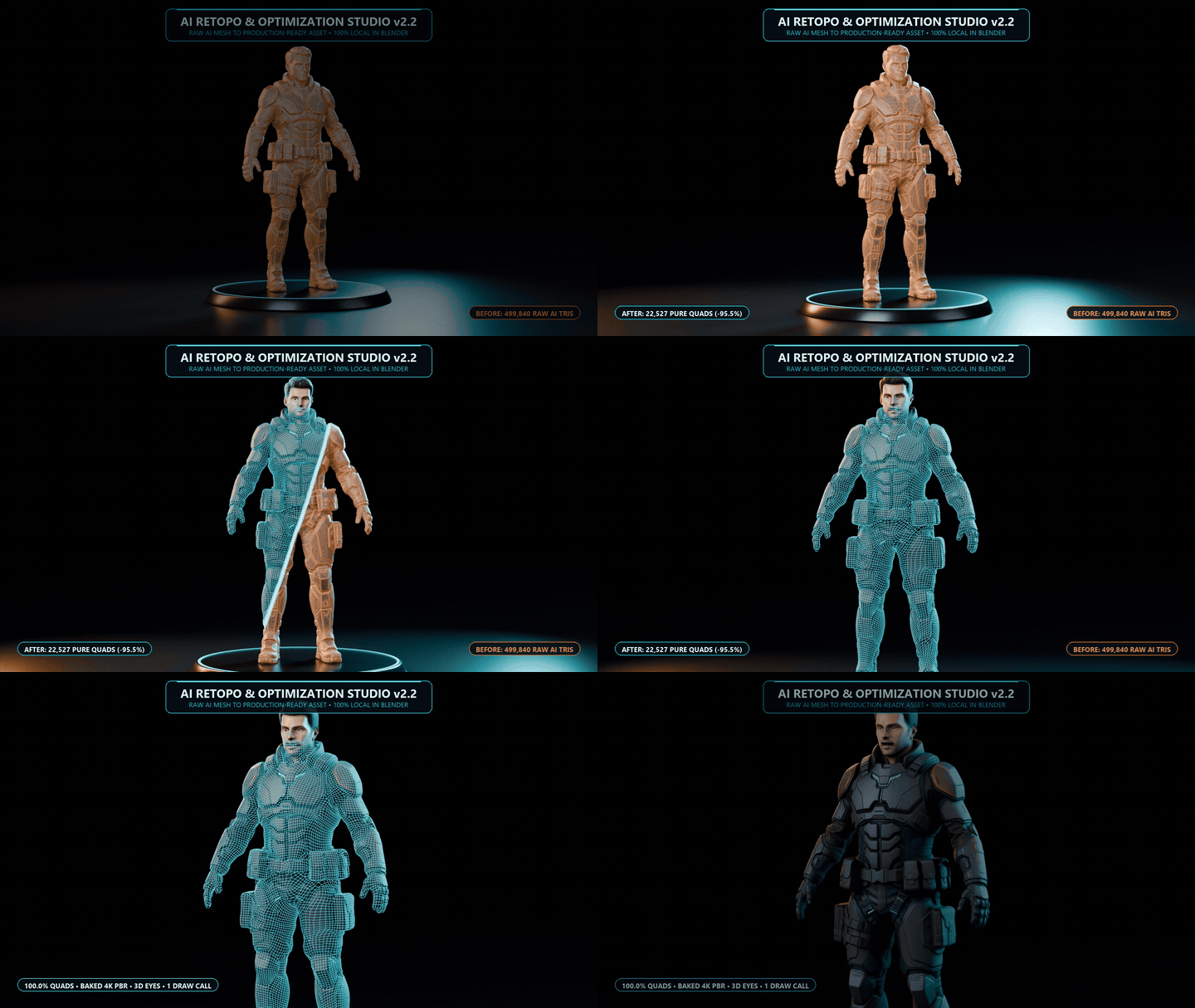
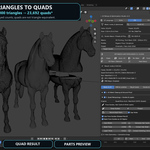
Vanguard example: 499,840 triangles in the source mesh and 22,527 quad faces after retopology.
One Unified Workspace Instead of Four Separate Add-ons
- Panel 1 — Geometry & UVs: Strip loose internal debris, choose between 4 remeshing/retopo modes, and unwrap with face-priority texel density or 2-tile UDIMs.
- Panel 2 — PBR Baking & Surface Repair: Bake full high-to-low PBR + packed ORM maps, reduce baked-in lighting, heal projection artifacts and retouch directly in 3D.
-
Panel 3 — Auto-Rigging, Motion & WAV Lip-Sync: Build starting rigs for humanoids, winged/quadrupeds, rigid mechs and props—plus Blend Shape preservation and PCM
.WAVmouth animation. -
Panel 4 — Turntable, Game LODs & Modular 3D Print: Generate studio turntables, LOD chains with Morph Targets, colliders, or hollowed and peg-and-socket keyed
.STLparts.
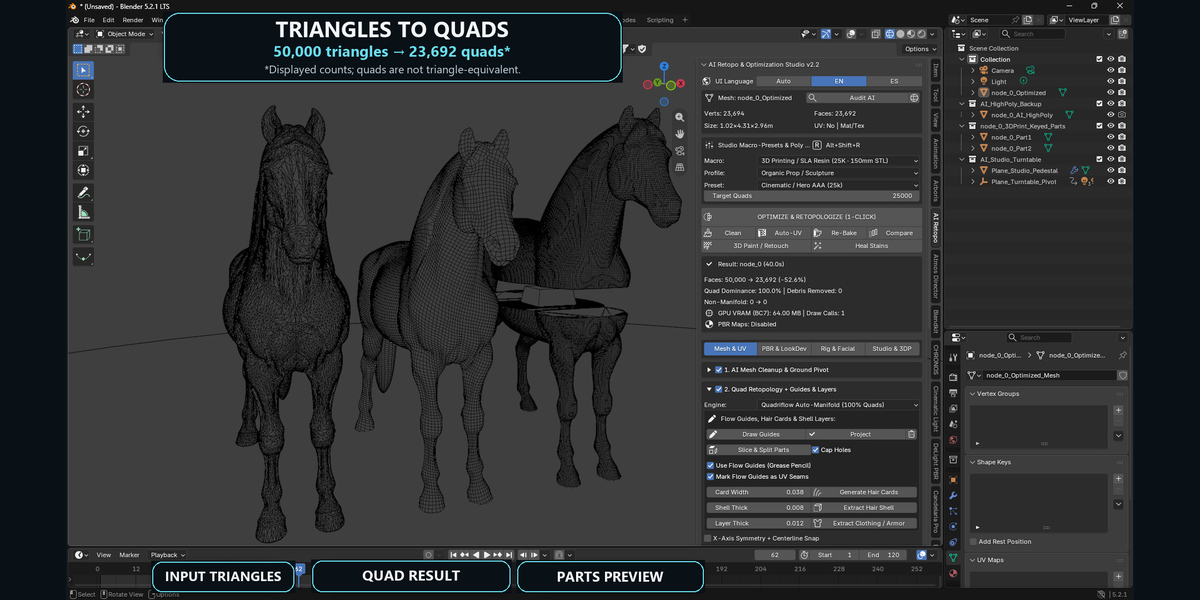
1. Clean Up Geometry, Retopologize & Unwrap Smart UVs
- Automated Mesh Diagnostics & Cleanup: Inspect imported AI meshes or dense photogrammetry scans, strip loose floating debris, and prepare a cleaner lower-density cage.
- 4 Retopology & Optimization Modes: Choose Quadriflow, Planar Hard-Surface processing, Voxel-based remeshing, or Adaptive Decimation based on your asset type.
- Production UV Tools: Includes custom seam guides, automated island packing, face-focused texel allocation (sharper facial detail), and an optional two-tile UDIM layout.
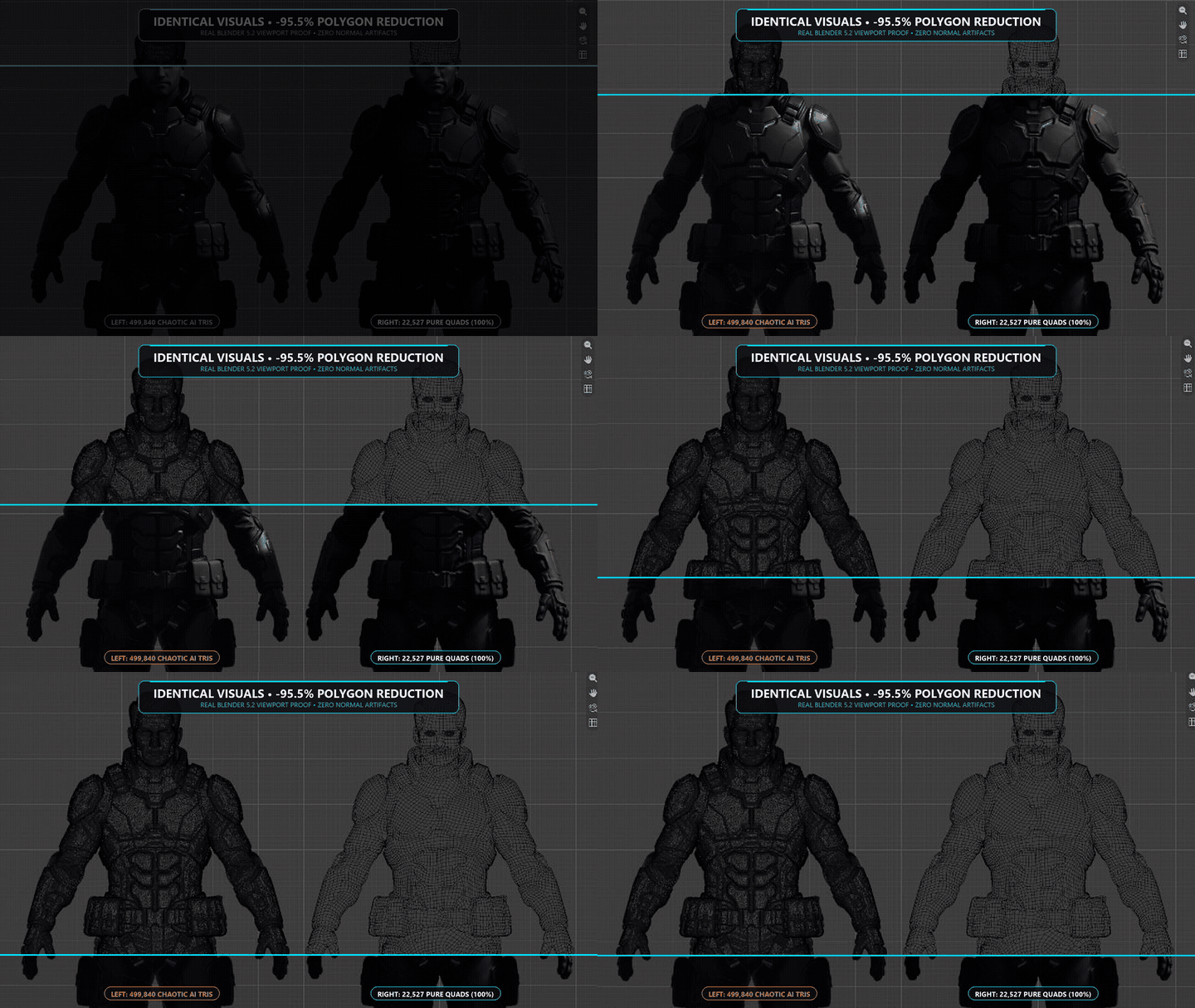
Blender 5.2 viewport comparison. The appearance and mesh counts shown are specific to this Vanguard example.
2. Bake High-to-Low PBR Maps & Refine Textures in 3D
- Complete High-to-Low Baker: Transfer Base Color, Normals, Roughness, Metallic and Ambient Occlusion, plus channel-packed ORM maps.
- Baked-Lighting Reduction: Dedicated surface tools help neutralize harsh lighting baked into raw AI or scanned textures.
- 3D Viewport Artifact Repair: Fix raycast projection blemishes and retouch textures directly on your model inside the 3D viewport.
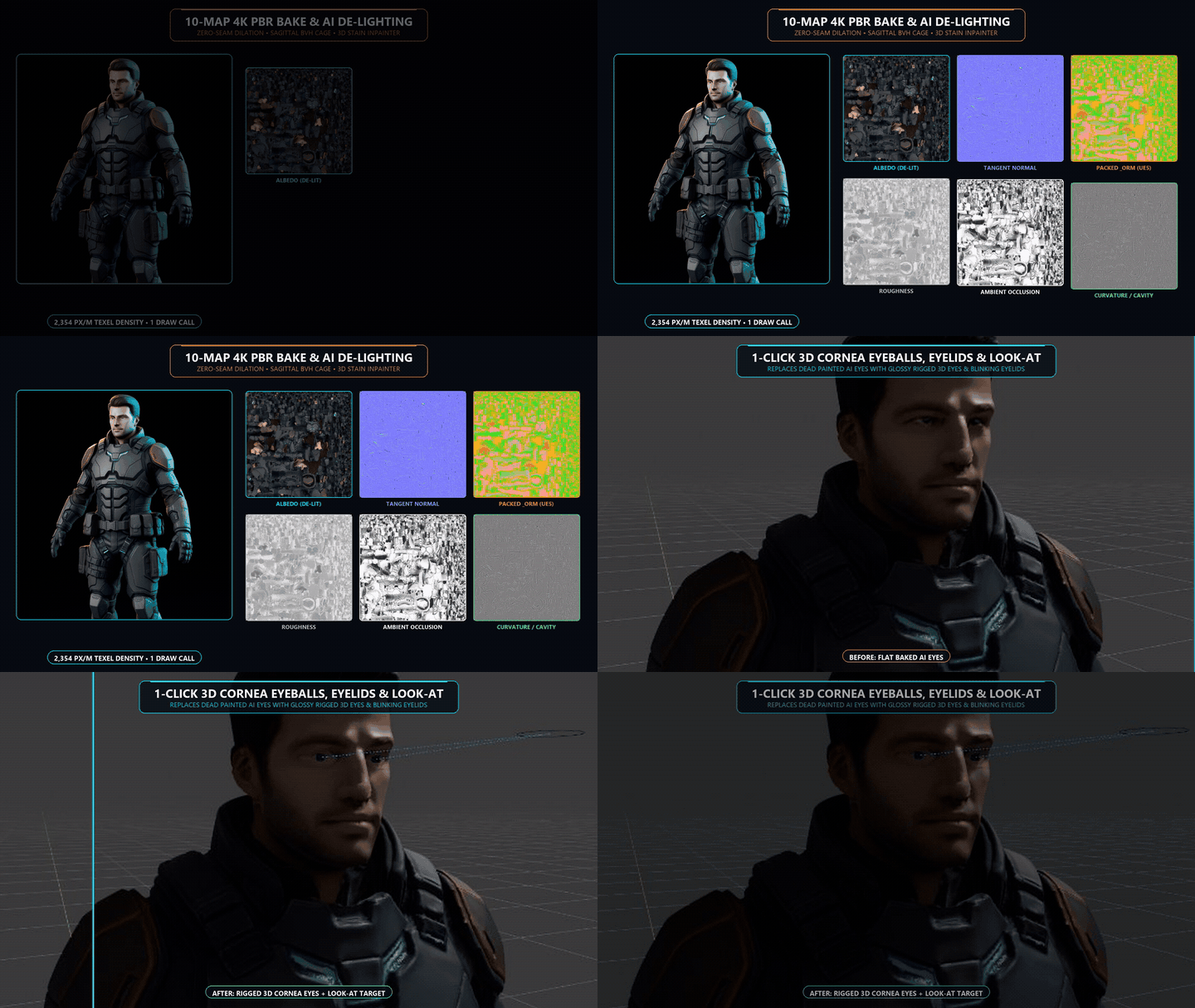
Vanguard showcase with 4K PBR maps and generated 3D eyes.
3. Rig Characters, Creatures, Rigid Mechs & Props
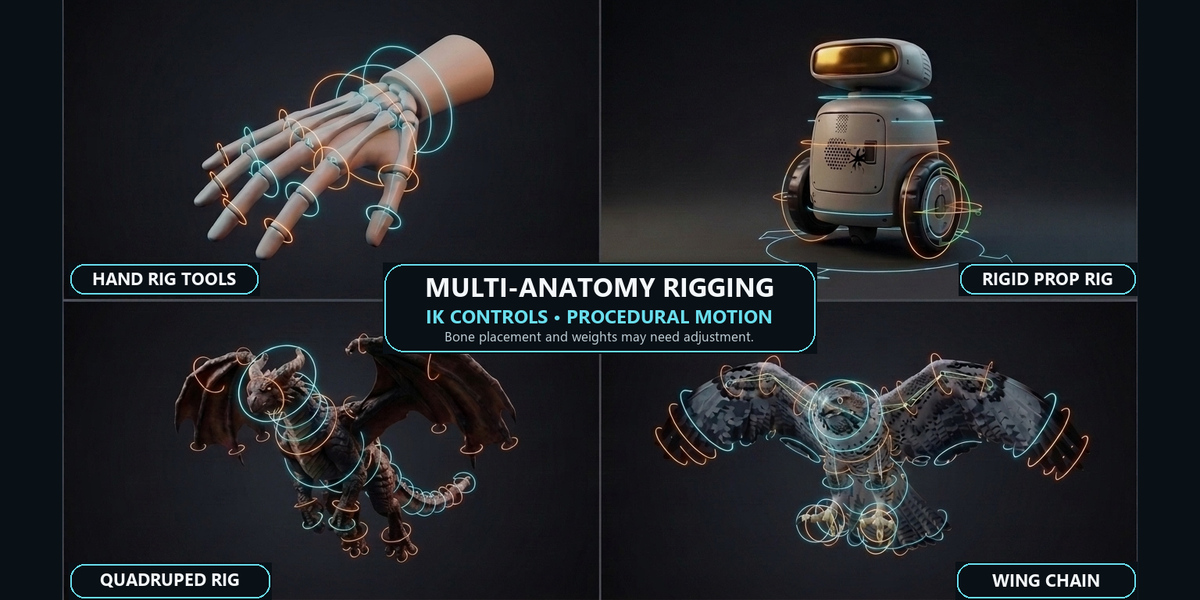
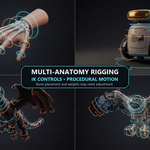
- 4 Rigging Archetypes: Quickly generate animation starting rigs for Humanoids, Quadrupeds & Winged Creatures, Rigid Mechanical Characters, and Props.
- Controls & Motion Tools: Add IK controls, apply built-in procedural motion presets, or use retargeting utilities for external motion clips.
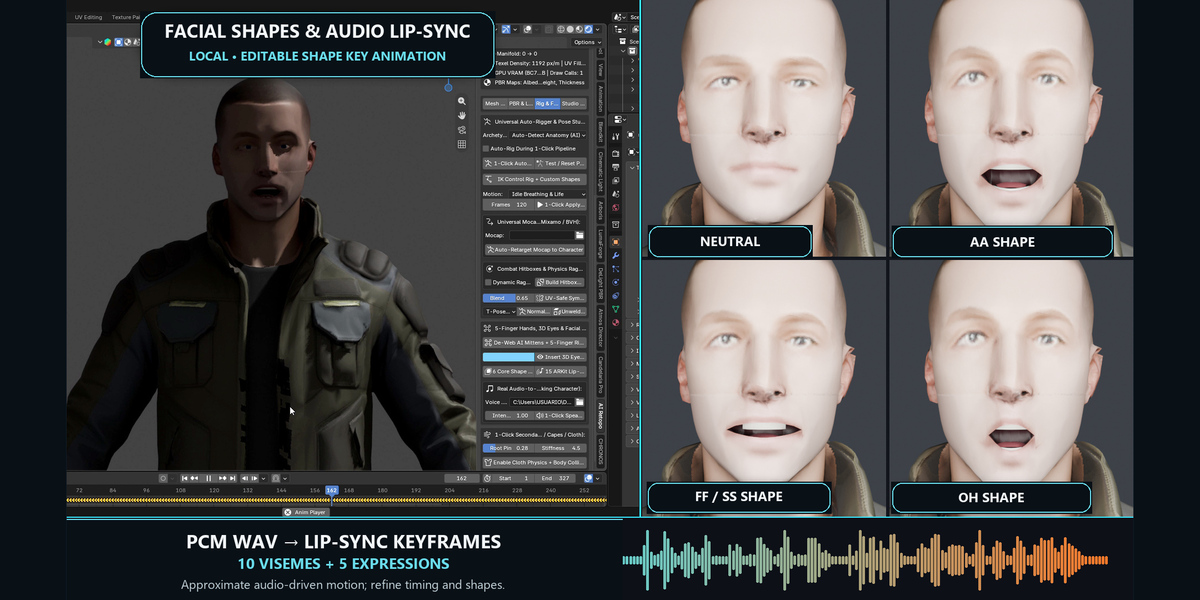
- Facial Setup Included: Generate 3D eyes, interior mouth geometry, 10 viseme shapes and 5 expression shapes.
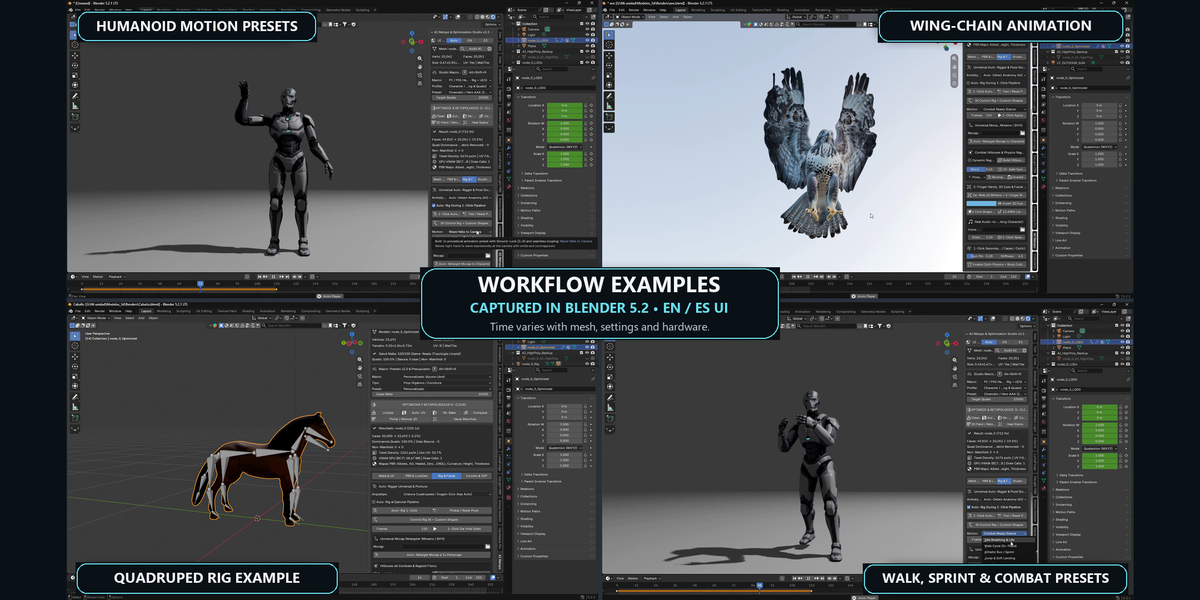
Humanoid Procedural Motion
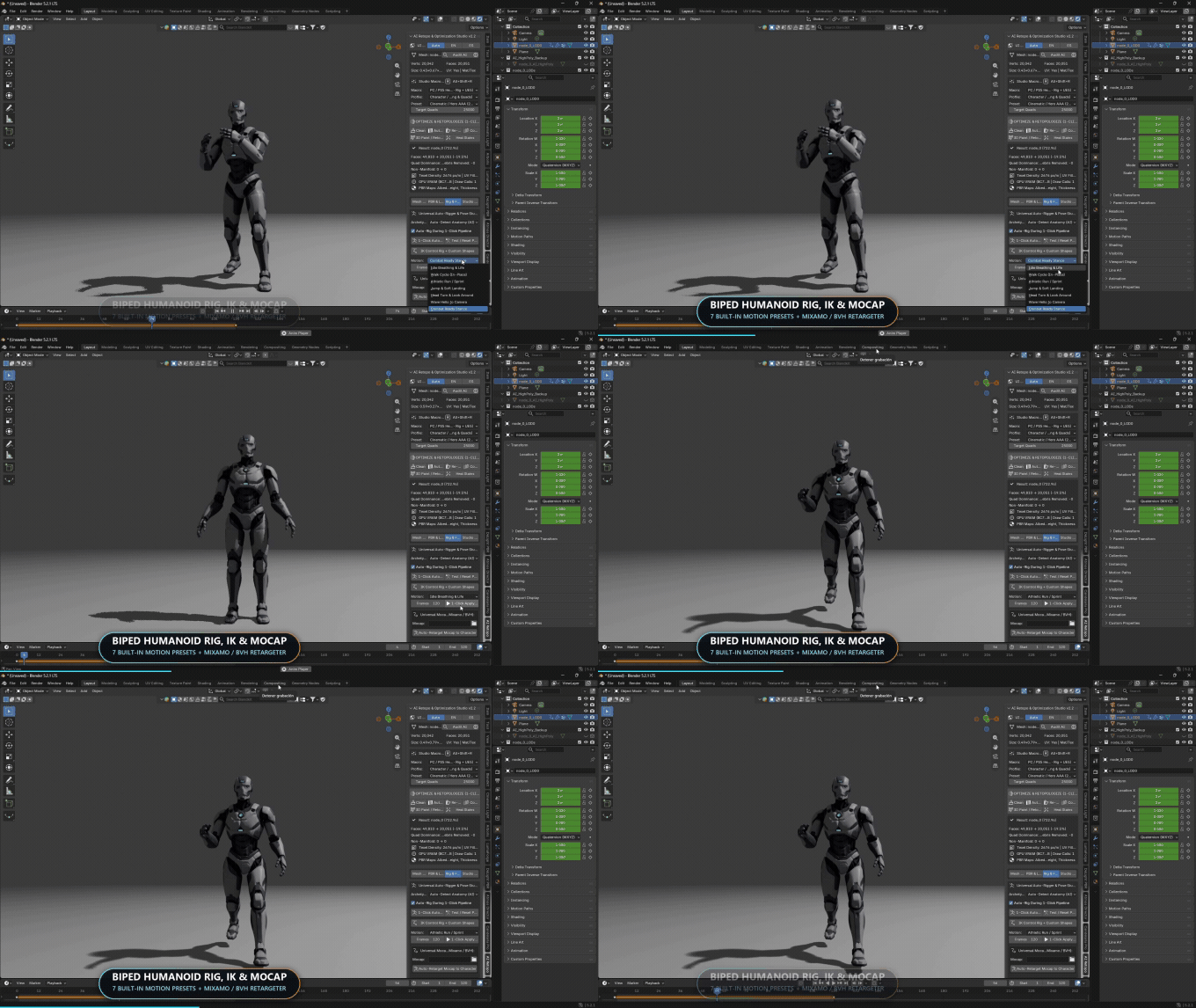
Humanoid procedural motion examples. Bone placement and weights may need adjustment.
Winged & Quadruped Rigs
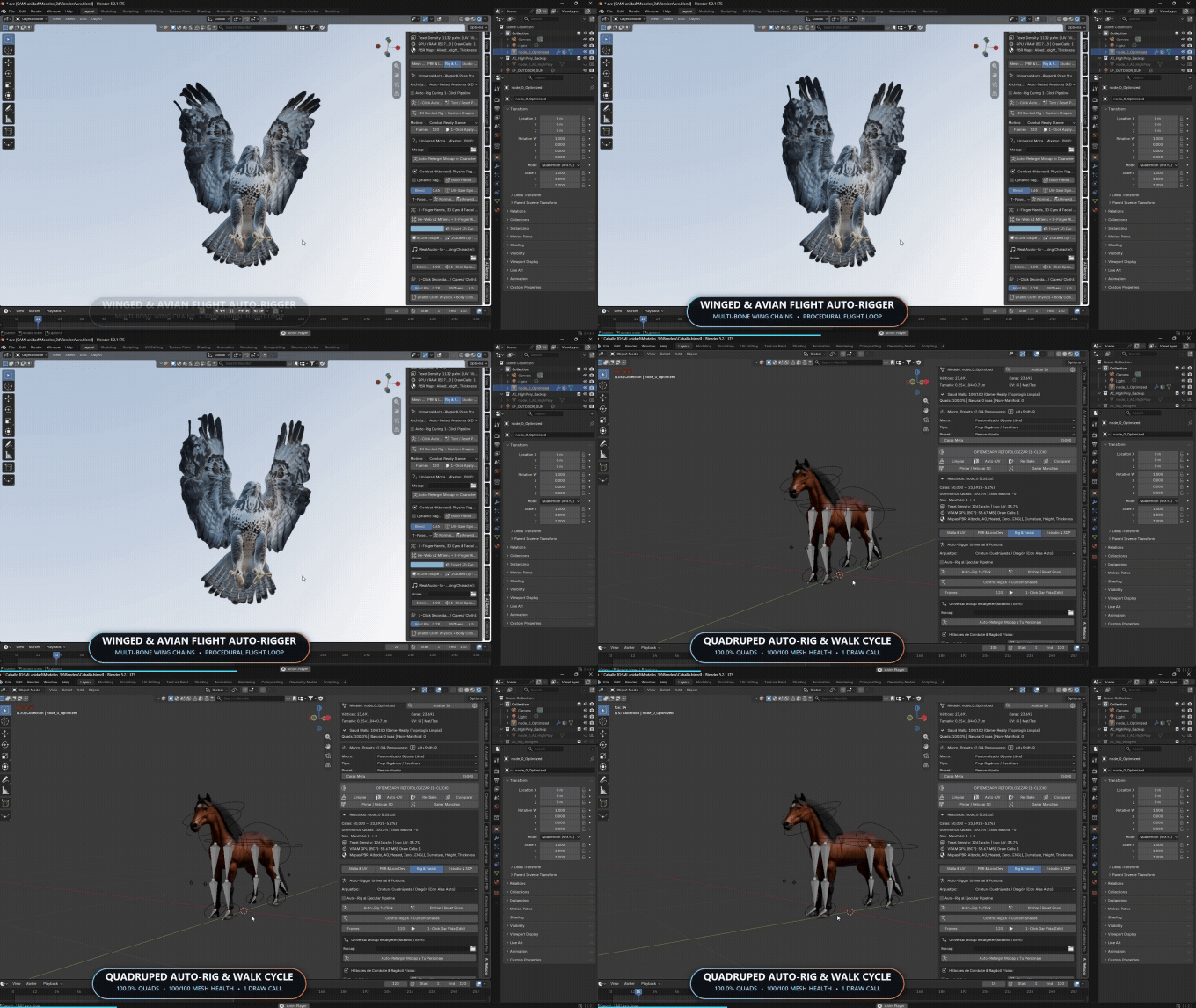
Winged and quadruped rig examples. Displayed mesh metrics apply to these examples only.
Rigid Mechanical Character Rig
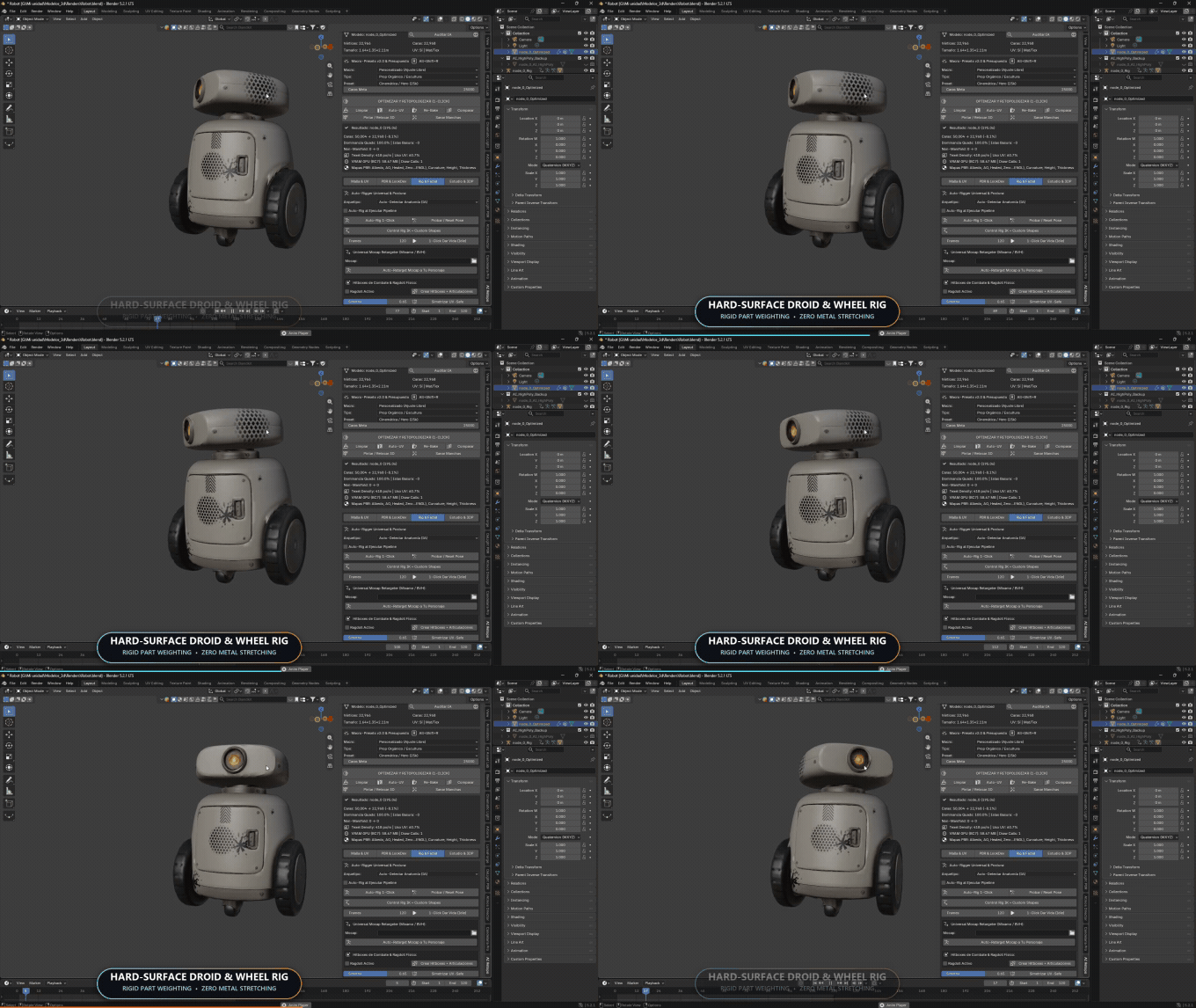
Rigid-part motion example. Inspect bone placement, part assignments and deformation for your own model.
4. Offline PCM WAV Audio-Driven Facial Animation
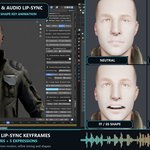
Load any local PCM WAV voice recording to generate approximate audio-driven mouth animation with editable timeline keyframes—ready for you to review and fine-tune timing and deformation per character.
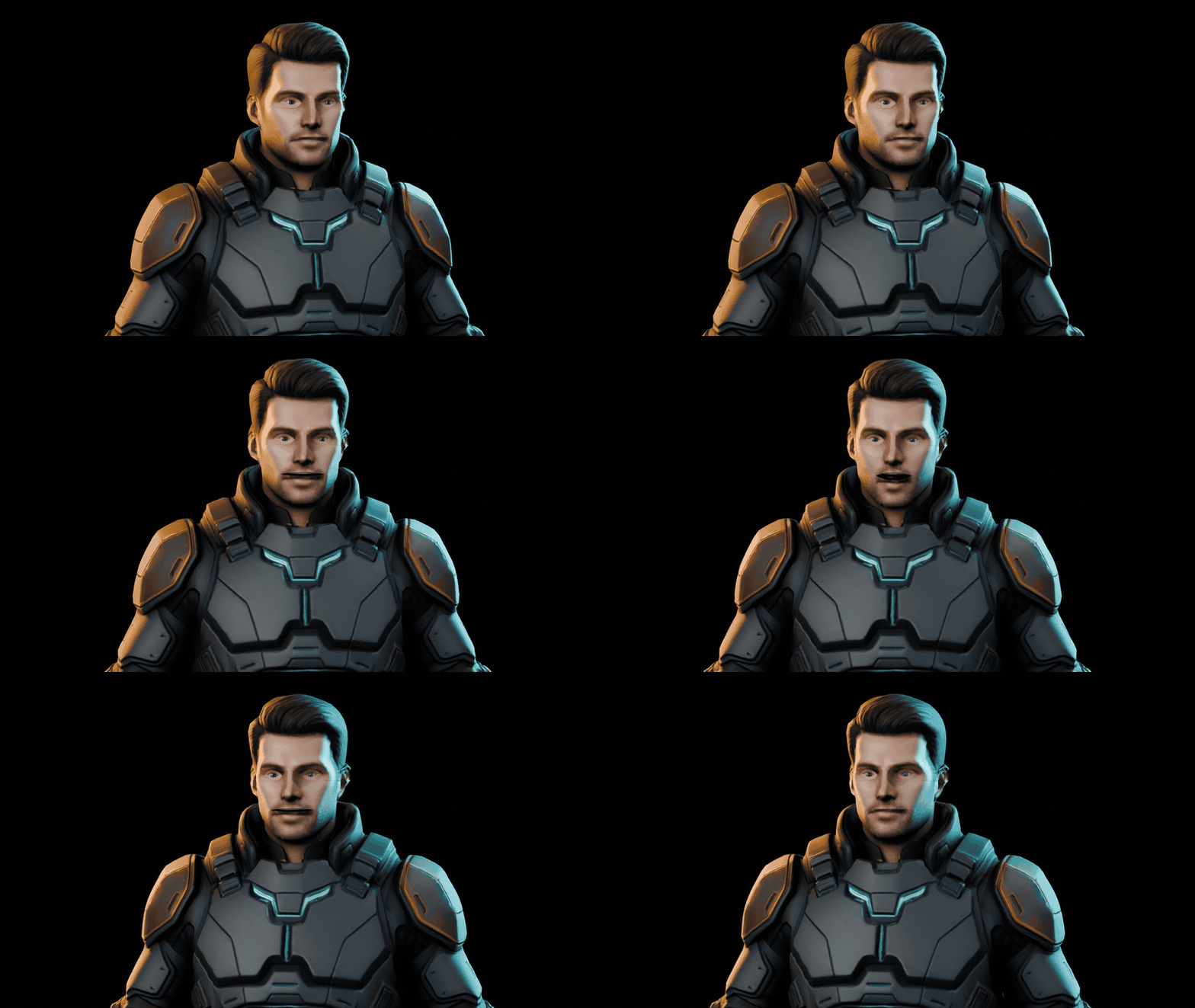
Silent preview of editable lip-sync keyframes generated from a local PCM WAV recording. The facial setup includes 10 visemes and 5 expression shapes.
5. Preserve & Cascade Blend Shapes (Shape Keys) Across LODs
Retopologize without losing existing facial or body morphs—or generate fresh shapes from a static mesh:
- Automatic 3D BVHTree Shape Key Transfer: When an imported mesh already has Shape Keys / Blend Shapes, the pipeline snapshots them in world space (temporarily zeroing active sliders so the neutral Basis pose stays intact during remeshing) and projects them onto the optimized mesh via clamped 3D BVHTree barycentric interpolation—preserving shape key names, slider ranges and values.
- Automatic LOD1–LOD3 Morph Cascade & Export: Pre-existing or generated Shape Keys cascade onto generated LOD1, LOD2 and LOD3 meshes, exporting cleanly as Morph Targets alongside Armature skinning in GLB and FBX formats.
6. Studio Turntable, Game Exports & Modular 3D Print Prep
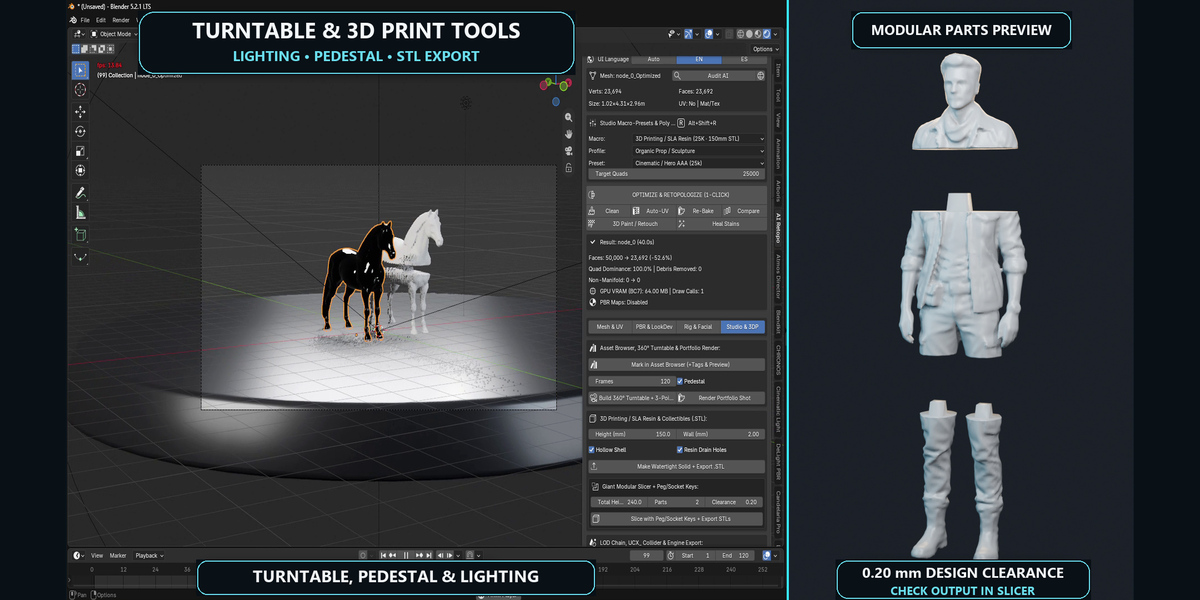
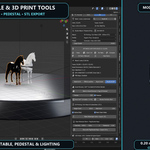
- 1-Click Presentation Rig: Build a lit 360° studio turntable with an exhibition pedestal in seconds.
- Real-Time Asset Export: Generate LOD chains and collision meshes, and export FBX and GLB packages.
-
Millimeter & Modular
.STLPrint Tools: Set exact target height in millimeters, hollow interiors, and split tall models into modular.STLsections with peg-and-socket connections.
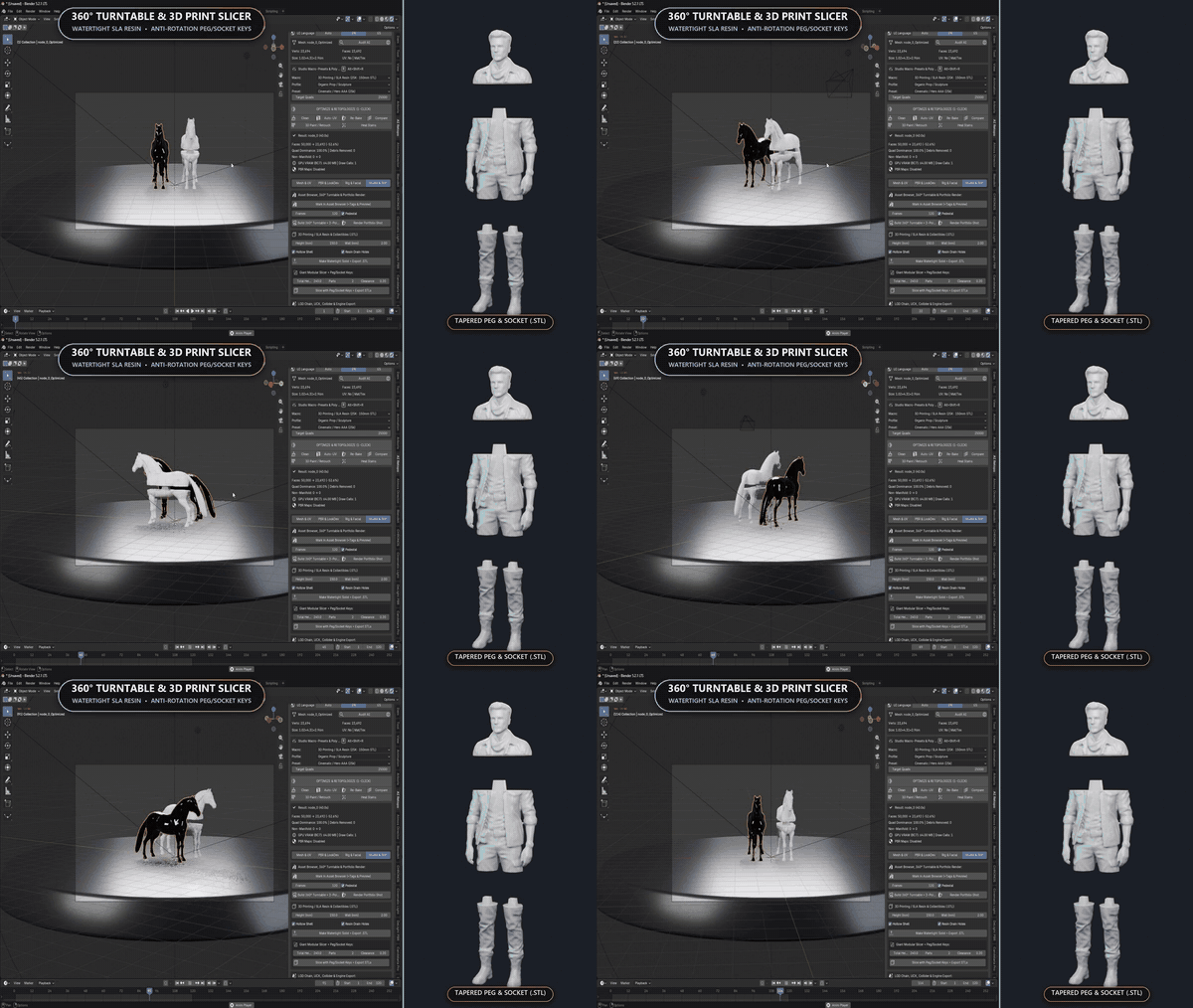
Turntable and modular-parts preview. Check the exported STL in your slicer and adjust clearances for your printer and material. Topology checks do not certify physical printability or connector fit.
Your 5-Step Workflow
- Import & Backup: Import your mesh, save a scene backup and select the target object.
- Clean & Retopologize: Pick a profile and remeshing method, then inspect the resulting geometry and UVs.
- Bake & Heal: Bake high-to-low PBR maps, reduce baked lighting and touch up any projection spots.
- Rig, Stage or Slice: Add a character/prop rig, studio turntable, LOD set or modular 3D print setup.
- Verify & Deliver: Inspect the exported asset in your target engine, renderer or 3D print slicer.
What to Expect (Scope & Best Practices)
- Optimization Toolkit (Not Text-to-3D): This add-on processes existing imported meshes; it does not generate 3D models from text or image prompts.
- Geometry & Edge Flow: Processing speed and results depend on source mesh quality, settings and hardware. Heavily damaged geometry or complex fused anatomy may require manual cleanup. Automatic remeshing does not guarantee deformation-specific animation edge loops or a 100% all-quad result, and recovery paths can fall back to decimation.
- Rigging, Weights & Morphs: Generated rigs and facial shapes are fast starting points and may require bone placement or weight painting adjustments. The facial set is not a full Apple ARKit implementation, and barycentrically transferred blend shapes may soften fine micro-expressions on lower-density or LOD cages depending on vertex count. Always verify UVs, bakes, materials, morph targets and scale in your destination software.
- 3D Printing Validation: Always inspect watertightness, wall thickness, resin drainage and connector tolerances inside your slicer before printing; physical fit varies by printer calibration, resin/filament shrinkage and process.
Included & Validated Compatibility
-
Included Files: Blender add-on installer (
.zip) + bilingual English/Spanish quick-start guide. (Showcase 3D models shown in previews are not included.) -
100% Pure Native Python Architecture: Built strictly on Blender's internal APIs (
bpy,bmesh,mathutils,numpy) with zero OS-locked.dll/.exebinaries and zero externalpipinstalls—plus full readable GPL-3.0-or-later source code. - Bilingual UI: Switch between English and Spanish directly inside the panel.
- Validated Environment: Tested and validated in Blender 5.2 and 5.3 on Windows (specifically Blender 5.2.1 LTS and Blender 5.3.0). While the pure-Python codebase contains no platform-locked binaries, Linux, macOS and other Blender versions have not been formally QA-validated for this release.
Save on both geometry & texture cleanup with the AI Retopo + DeLight & DeTile PBR Bundle!