Aibump
 Firesprite LLC
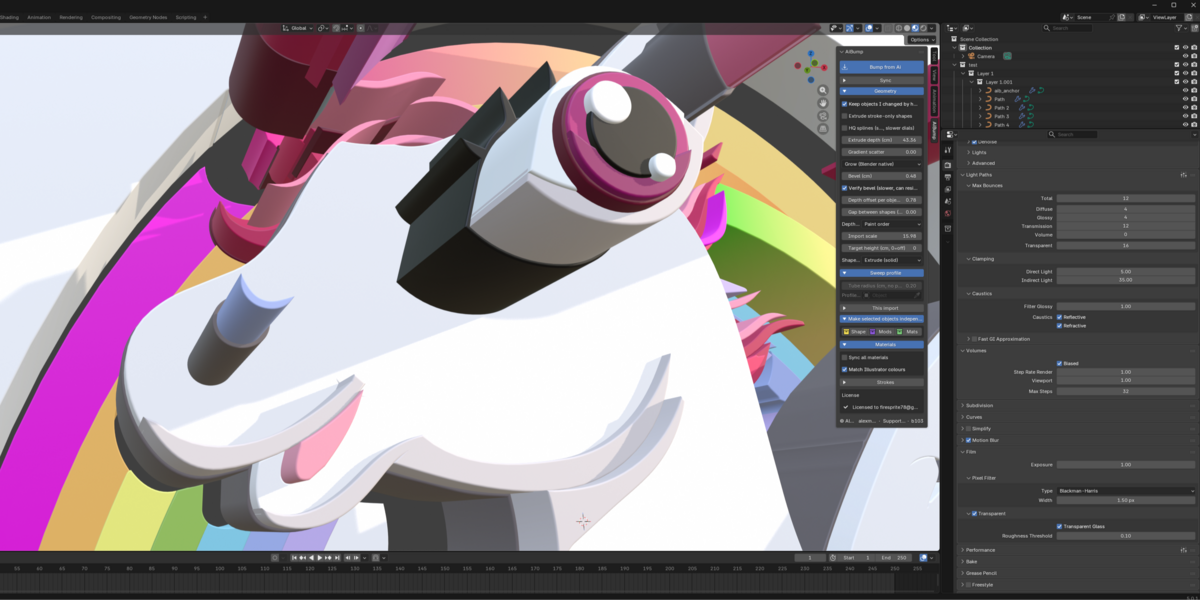
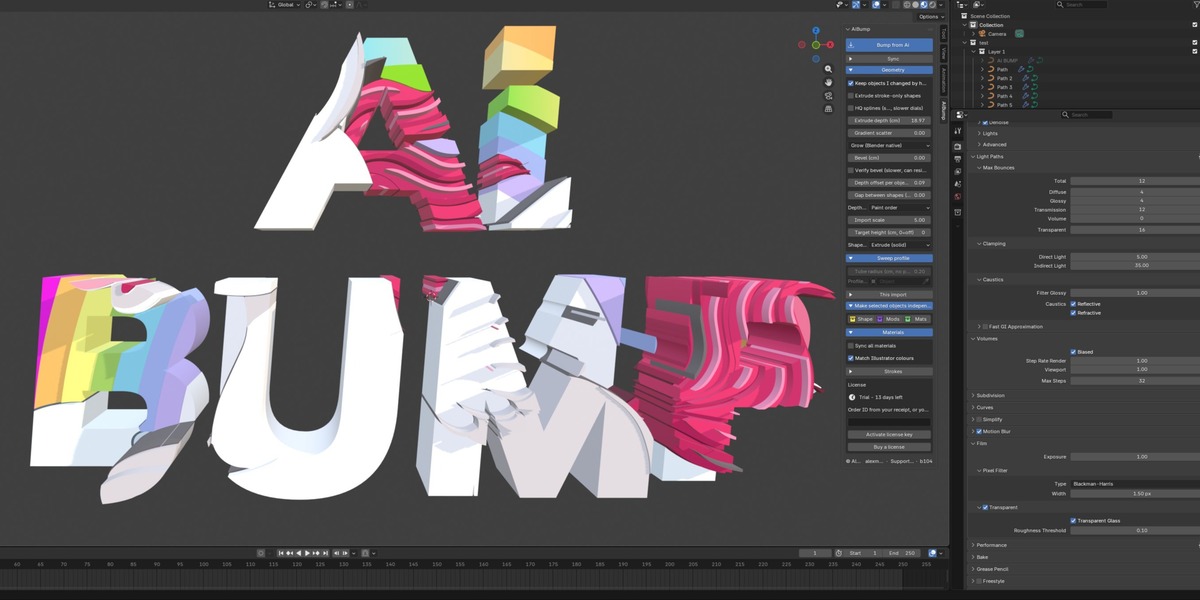
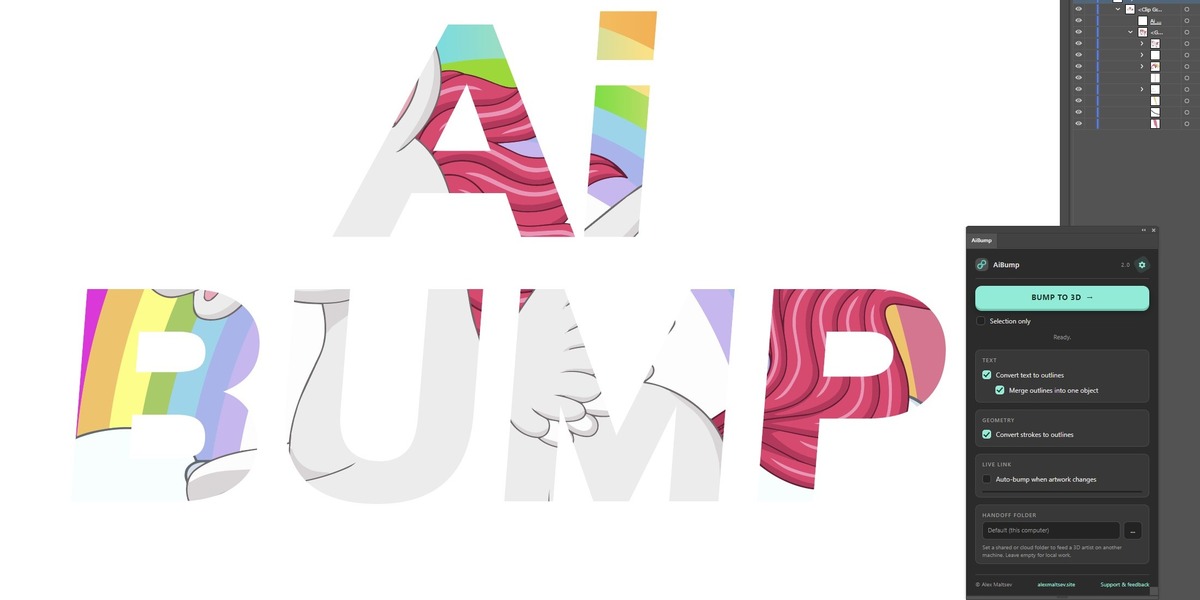
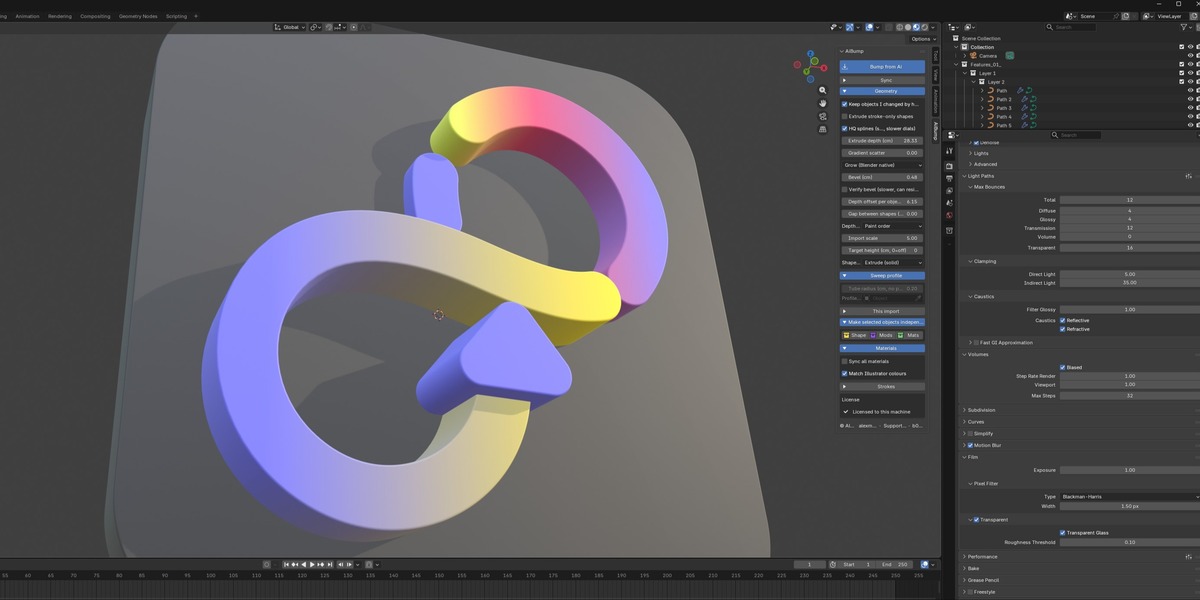
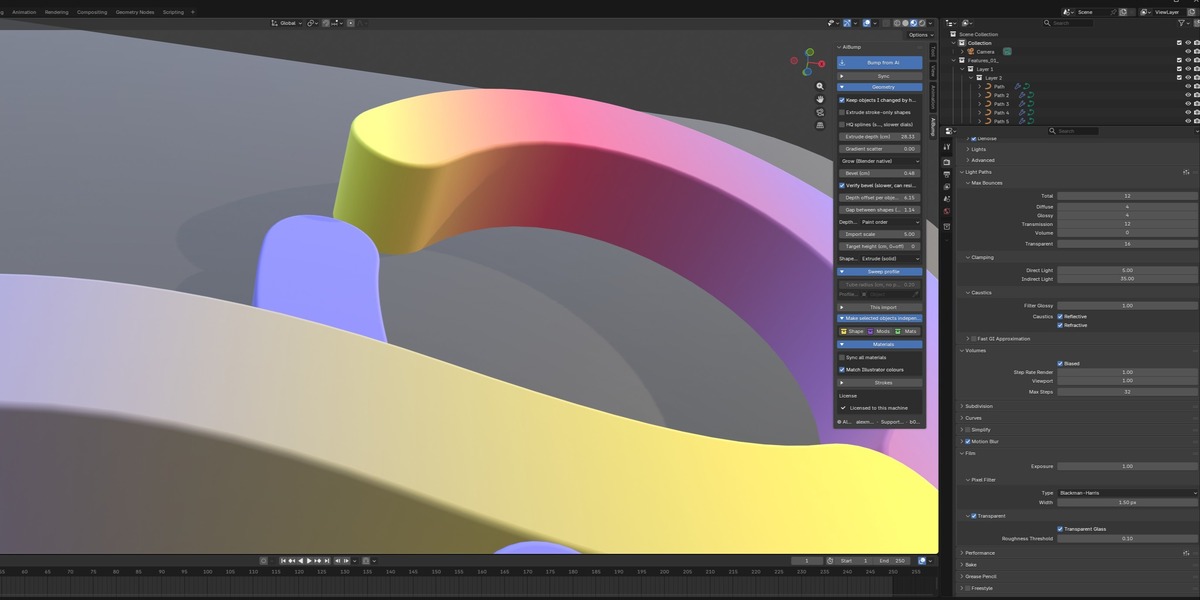
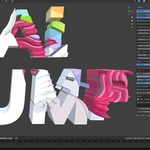
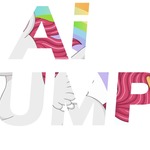
Draw it flat in Illustrator. Press one button. It's 3D in Blender.
AiBump moves artwork from Adobe Illustrator into Blender as real, editable geometry - not an SVG import you spend an hour cleaning up. Requires Adobe Illustrator CC 2020 or newer and Blender 4.2+.
LIVE MODE
Turn on "Watch the folder" and Blender follows Illustrator: press Bump in the Illustrator panel, and the scene rebuilds itself - no export dialogs, no re-import, no browsing for files. Tweak a curve, see it in 3D seconds later.
Bump a selection and only those shapes update - the rest of the scene is not touched.
The handoff is plain files in a folder. No cloud, no accounts, no HTTP servers - nothing ever leaves your machine. Point both apps at a shared network folder and it becomes a two-person pipeline: the designer saves in Illustrator, the 3D artist's scene updates at their desk.
WHAT COMES ACROSS
- Live text stays live: text frames arrive as editable text objects, same font. Retype in Blender and it re-extrudes.
- Compound paths keep their holes: counters, rings and stencils stay correct through extrude, bevel and gap.
- Clipping masks resolve before export, so cropped artwork ships exactly as it looks in Illustrator.
- Raster images import as textured planes, sized and placed.
- Layers rebuild as collections with the same names and nesting.
- Paint order preserved: what's on top stays on top.
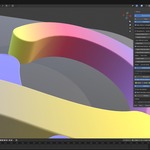
- Gradients, linear and radial, as live editable color ramps with any number of stops.
- Strokes become round tubes at their real width, with smoothness and end-cap control.
- Live effects (Pathfinder, Round Corners...) baked to what you see.
- Colour matched exactly, not "close" - the view transform is set for you so what you drew is what you see.
SHAPE MODES
- Extrude (solid): every shape becomes a slab. The default.
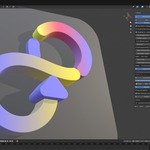
- Sweep along a profile: each outline rides a profile curve you pick, so artwork becomes mouldings, pipes, neon or rope instead of slabs. Leave the profile empty for a round tube at any radius.
- Curves only: hand over the bare curves and build it your own way.
THE DIALS (all real-time, in the N-panel)
- Extrude depth: thickness in centimetres.
- Bevel: live, two styles - keep the silhouette exactly where you drew it, or let it grow Blender-native.
- Gap between shapes: shrink every shape in place so pieces separate. Exploded-view looks in one slider.
- Depth offset: spread shapes in Z, by paint order or from the centre outward.
- Gradient scatter: nudge each gradient off its drawn position so flat vector reads as hand-painted.
- Target height: size the whole import to an exact height.
YOUR EDITS SURVIVE
Change the artwork, press Bump again. The scene updates in place - your cameras, lights and materials are kept, and objects you moved by hand stay where you put them. Mark any object independent (shape, modifiers or materials) and re-syncs never touch that part of it again.
Finished with a version? Detach the import and the bridge lets go of it for good - keep it in the scene, archive it, build on it, and start the next one clean.
One-off purchase and free updates. No activation, no key, and no network requests of any kind: no licence check, no update check, no install counter. This is the GPL edition, the source is yours, and it keeps working whatever happens to me or my server.
The handoff from Illustrator is plain files in a folder, so your artwork never leaves your machine either.
Have questions about this product?
Login to message
| Published | 23 days ago |
| Blender Version | 4.2 - 5.1 |
| Extension Type | N/A |
| Render Engine Used | Cycles, Eevee |
| License | GPL |
Discover more products like this
import typography illustrator 2d to 3d logo extrude motion graphics SVG vector Graphic design