Aibump
 Firesprite LLC
Can two people work at the same time?
Yes. The handoff is plain files in a folder, with no servers involved and nothing leaving your machine. Point Illustrator and Blender at a shared network folder and the designer can keep saving while the 3D artist's scene updates at their desk.
How large can the artwork be?
It handles several hundred shapes. Very dense artwork is slower to dial, so the sliders preview while you drag and the heavier checks run once you let go.
The Illustrator panel does not appear under Window > Extensions.
The docked panel is not code-signed yet, so Illustrator only loads it with CEP debug mode enabled. Use File > Scripts > Other Script and pick Scripts/BumpTo3D.jsx from the Illustrator package instead. It is exactly the same tool. To keep it in the menu, copy the contents of the Scripts folder into your Illustrator installation's Presets/en_US/Scripts folder and restart.
My artwork imported very small or very large. What should I change?
Use Import scale in the sidebar, or set Target height to size the whole import to an exact height in centimetres. Both are stored per blend file, so a new file starts from the defaults rather than from the settings you used last time.
What comes across from Illustrator?
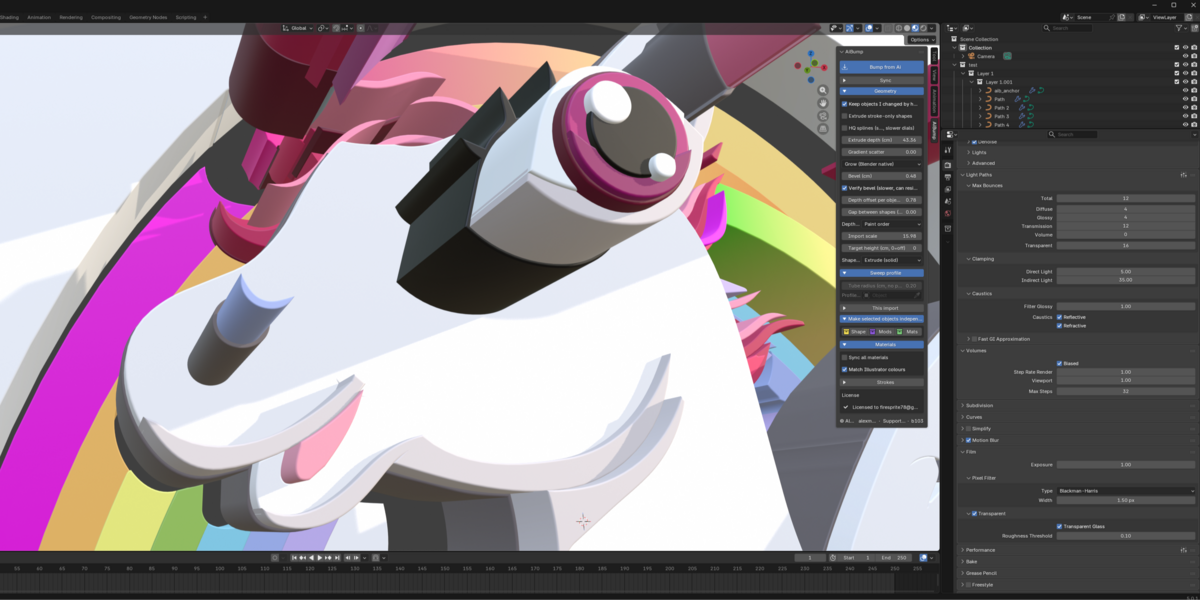
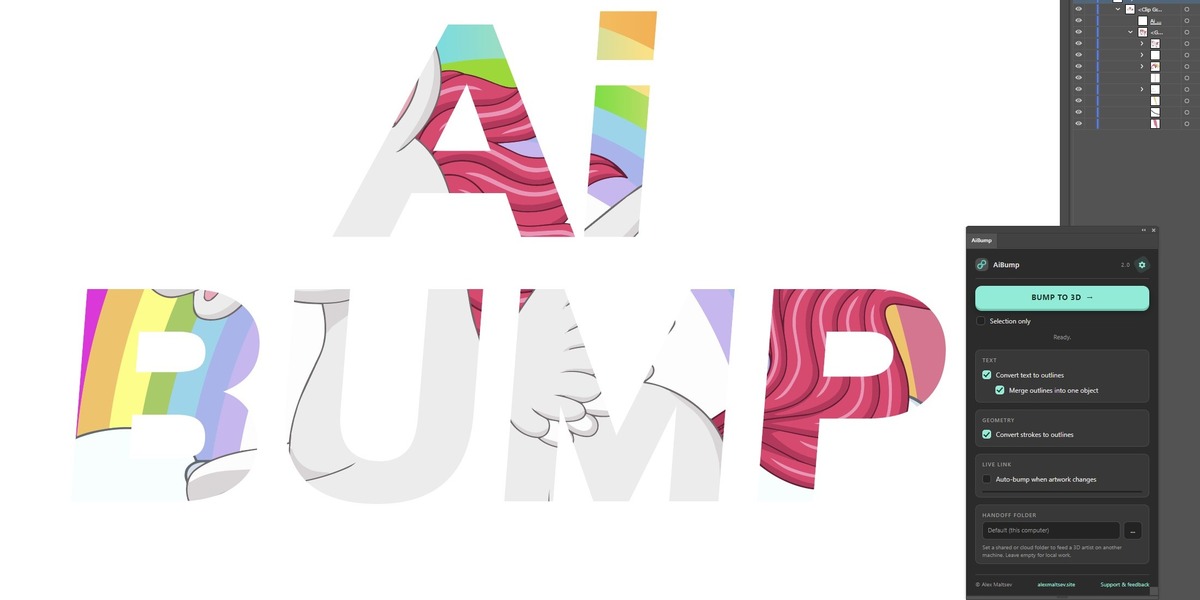
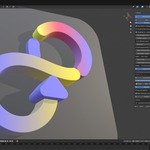
Layers as collections with their names and nesting, exact colours, linear and radial gradients as live colour ramps, compound paths with their holes intact, clipping masks resolved, raster images as textured planes, strokes as round tubes at their real width, live effects such as Pathfinder baked to what you see, and live text as editable text objects.
Will re-importing destroy the work I have done in Blender?
No. A re-sync updates the scene in place. Your cameras, lights and materials are kept, and objects you moved by hand stay where you put them. You can also mark any object independent so that syncs never touch its shape, its modifiers or its materials again, or detach the whole import once a version is finished.
How is this different from just importing an SVG?
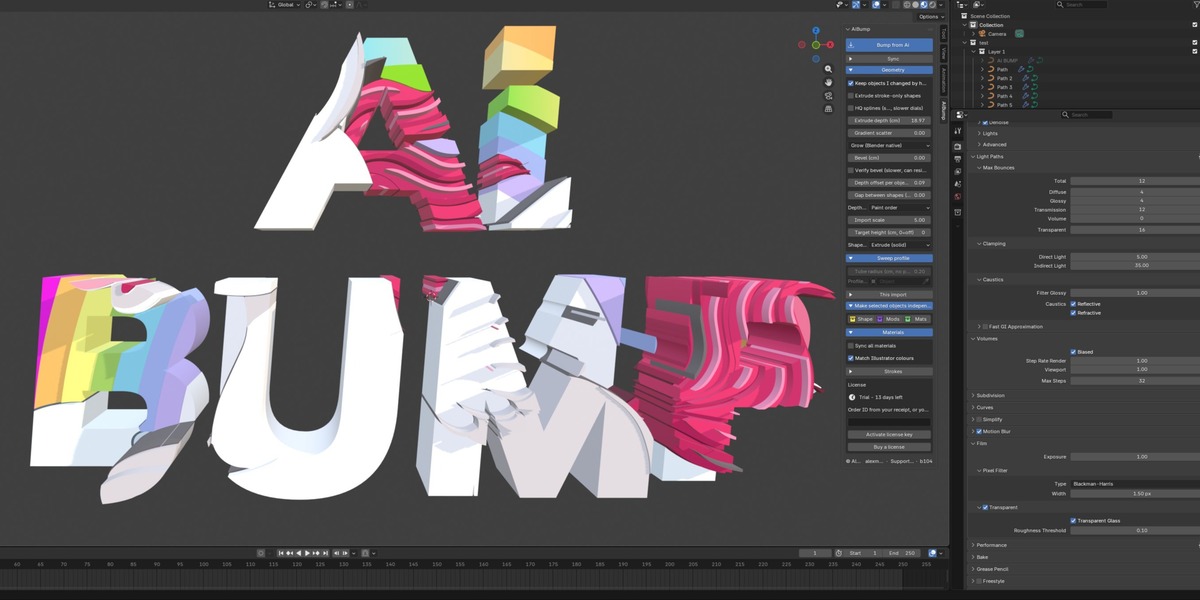
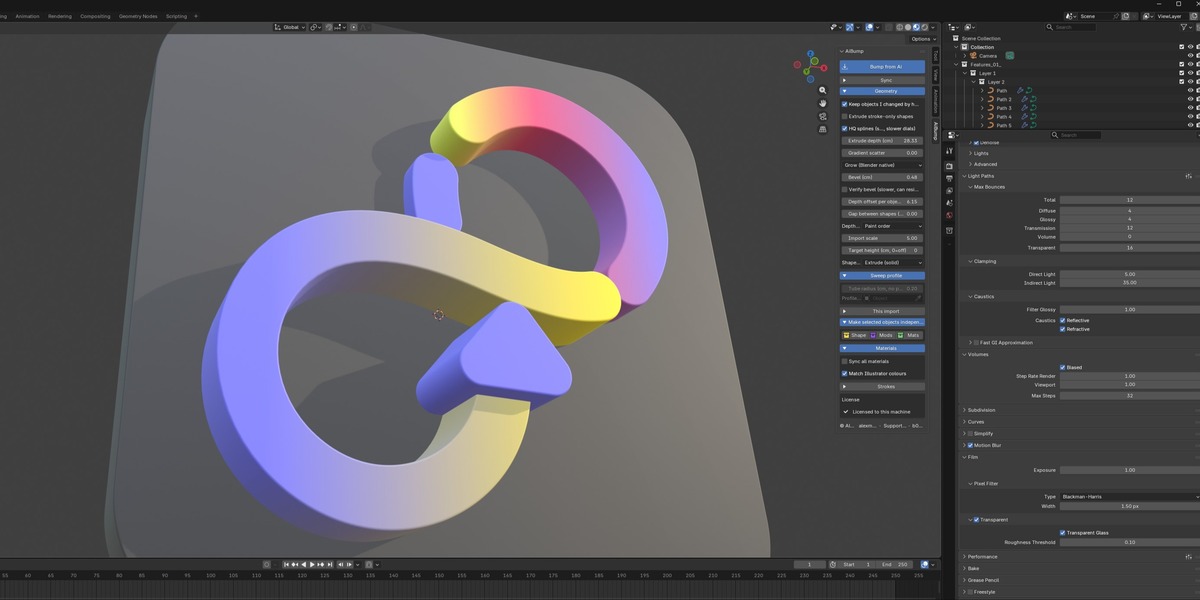
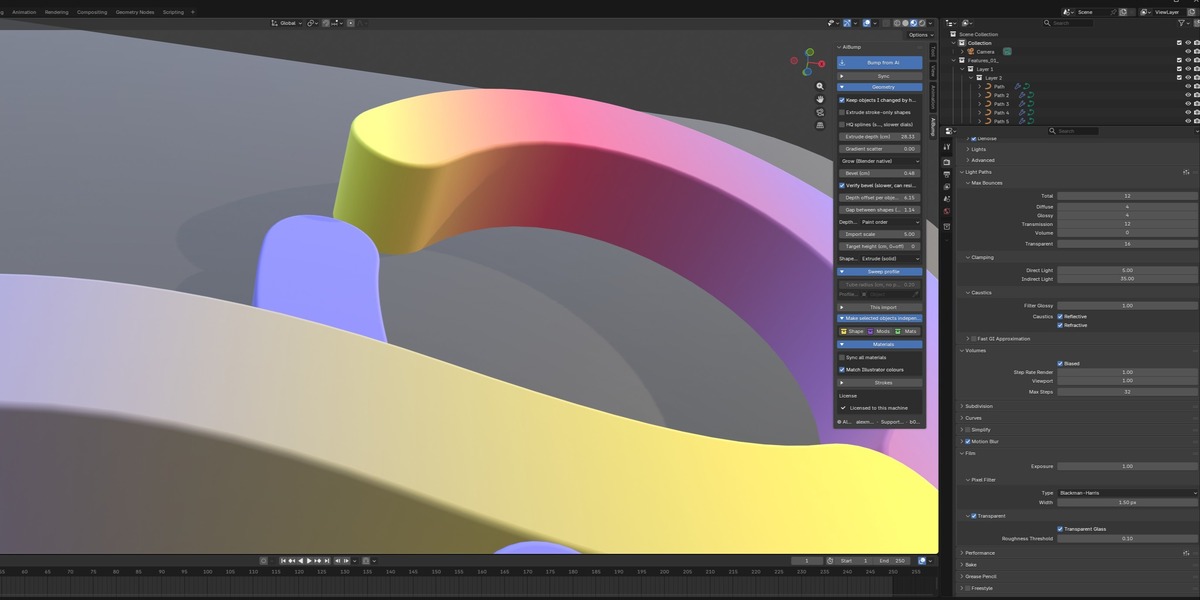
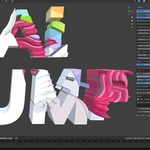
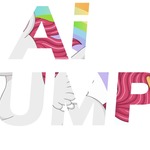
An SVG import gives you flat curves and loses your structure. AiBump rebuilds the artwork as solid, editable geometry: your layers become collections with their original names, colours match exactly, gradients arrive as live editable colour ramps, compound paths keep their holes, and text is still editable text. Extrude depth, bevel and the gap between shapes are then live sliders instead of manual modelling. Best of all you can keep editing in Illustrator: press Bump again and the scene updates in place without losing your cameras, lights, materials or hand edits.
Is there a licence key or activation?
No. This edition has no licence check, no key and nothing phoning home. It is GPL software, the readable source is in the download, and it keeps working regardless of what happens to my server.
Do I need Adobe Illustrator?
Yes. AiBump exports from Illustrator, so you need Illustrator CC 2020 or newer alongside Blender. The Illustrator side is included in your download at no extra cost.
Which versions of Blender does it work with?
Blender 4.2 and newer. It is tested on 5.0 and 5.1, on Windows, macOS and Linux.
$49
Have questions about this product?
Login to message
| Published | 25 days ago |
| Blender Version | 4.2 - 5.1 |
| Extension Type | N/A |
| Render Engine Used | Cycles, Eevee |
| License | GPL |
Discover more products like this
motion graphics typography logo extrude illustrator Graphic design import SVG vector 2d to 3d