 ZEG
See all my Blender addons on Superhive >
Build an airplane hangar around the aircraft you want to park. Start from one of nine pictured presets, from a corrugated Quonset hut to a long-span airliner hangar, then set the width, depth, height and door opening to match your scene. Generate anything from a quiet flying club to a fully equipped corporate maintenance bay.
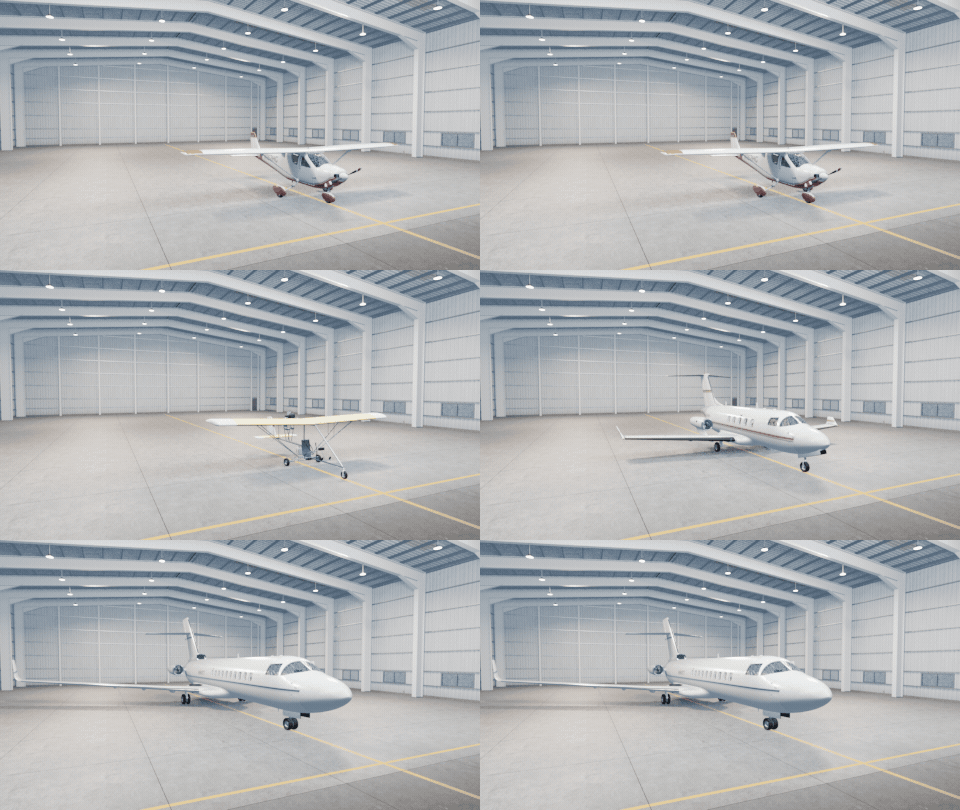
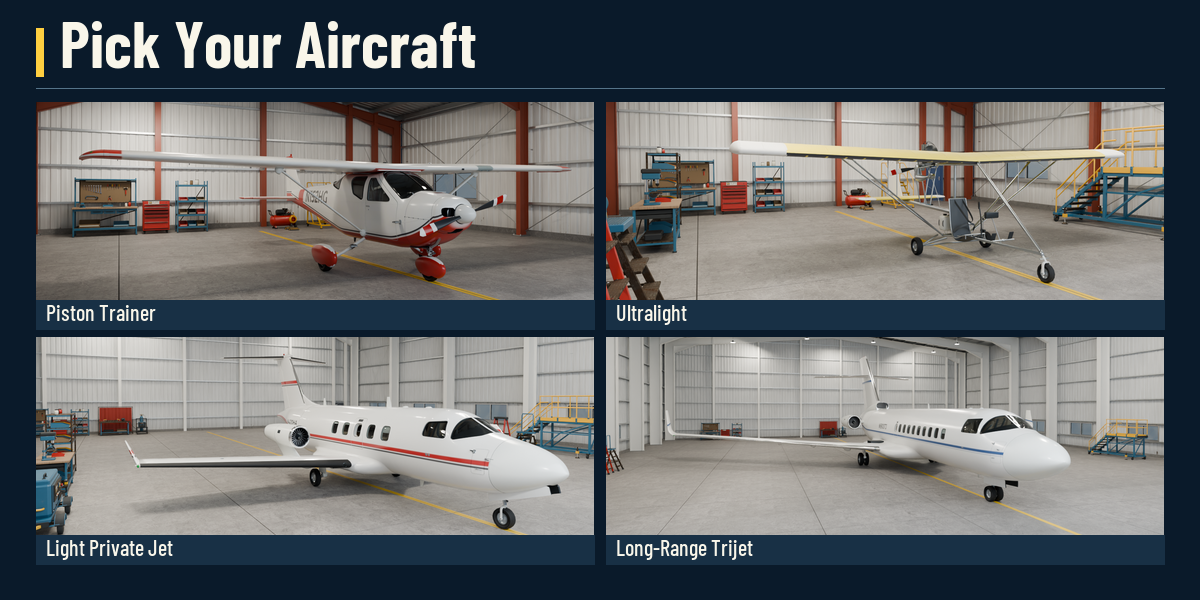
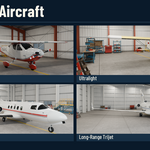
Four parked aircraft
Switch between the piston trainer, ultralight, private jet and long-range trijet.
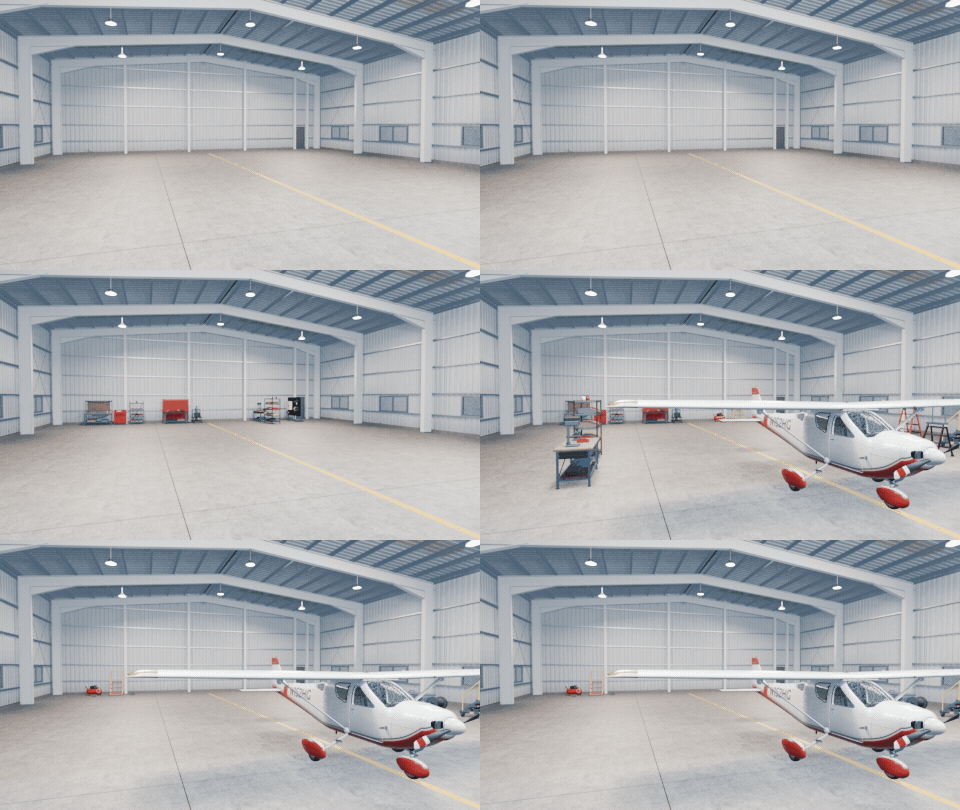
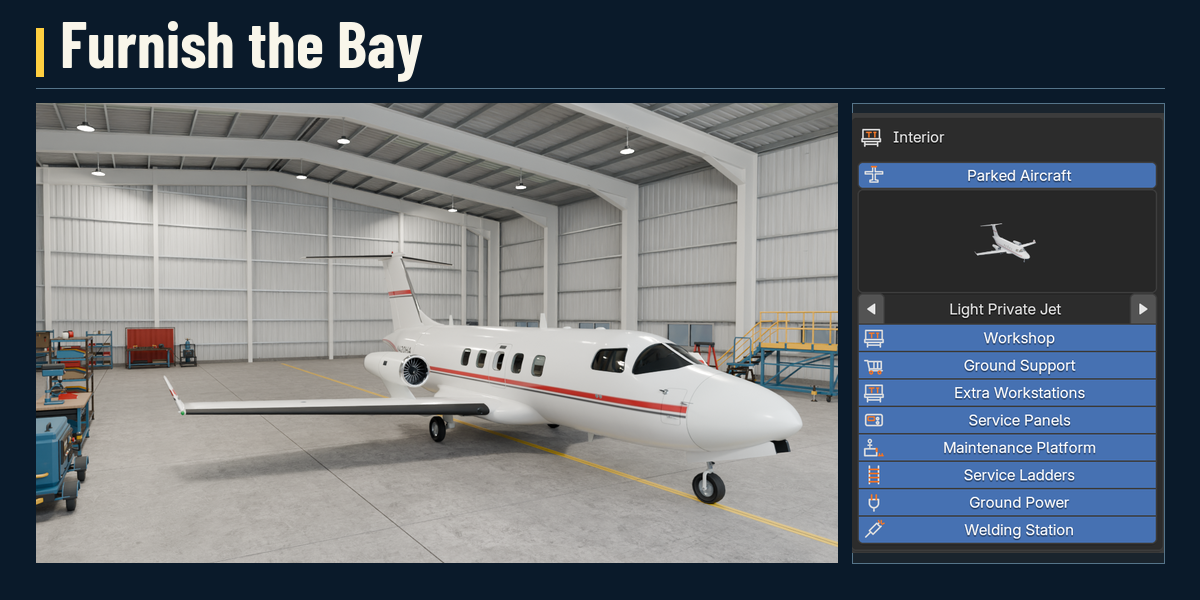
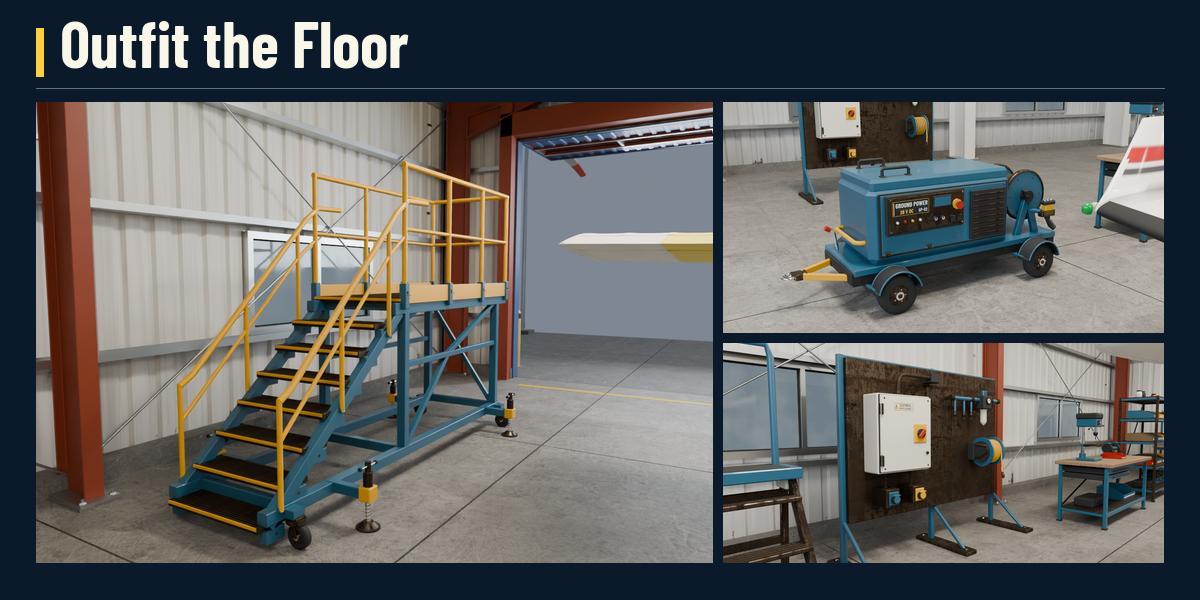
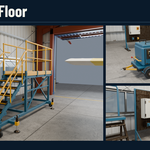
Fit out the bay
Take a bare hangar to a working maintenance bay with benches, access equipment and ground support.
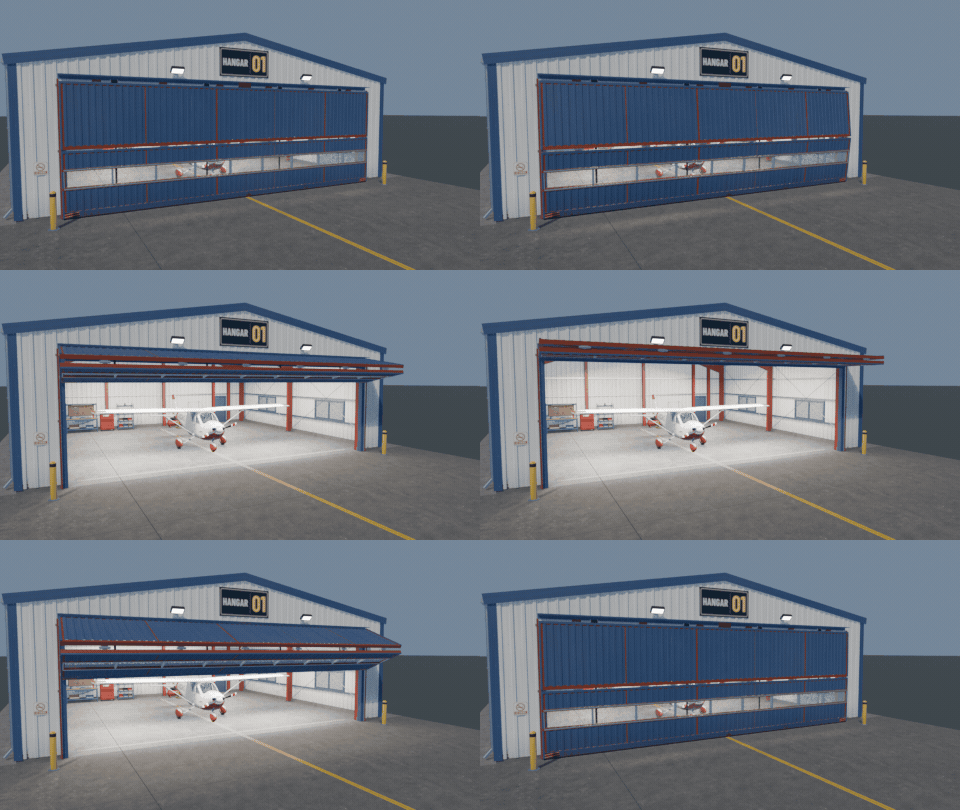
Open the bifold door
Use the Door Open slider to reveal the parked aircraft and the fitted interior.
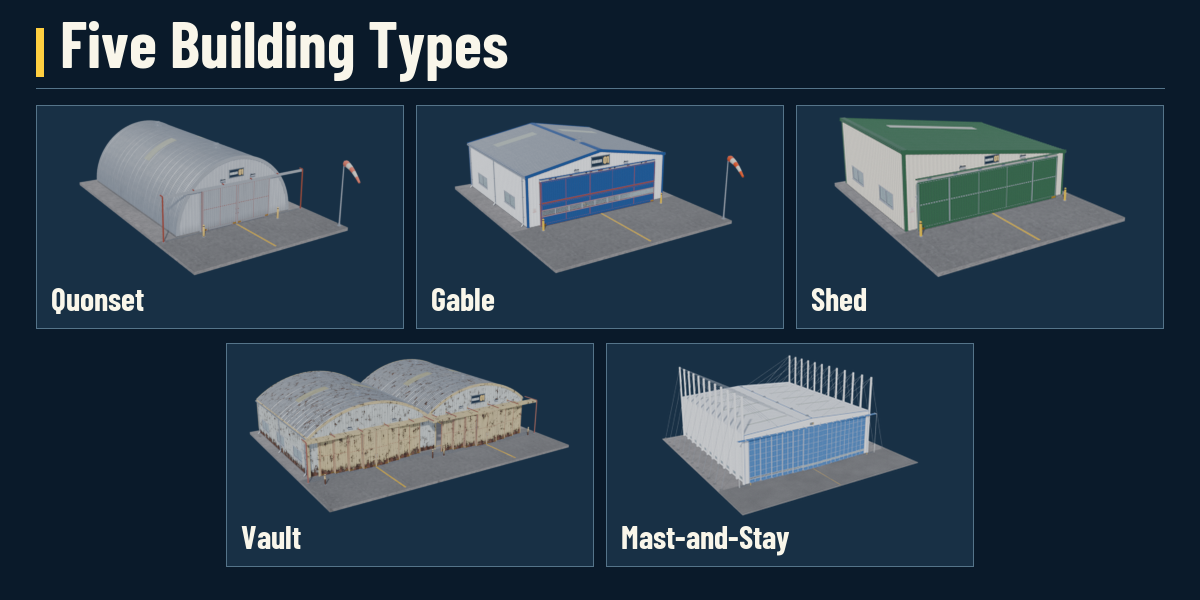
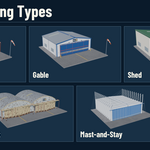
Hangar structures
- Five structure types cover Quonset arches, steel gables, single-slope sheds, barrel vaults and mast-and-stay roofs.
- Gable and vault hangars support up to four bays. Change the main dimensions, aperture and apron depth in meters.
- Choose a bottom-rolling sliding door, a strap-lift bifold door, a hydraulic canopy or an open front. Set the door pose from closed to fully open with a slider.
Aircraft and workshop equipment
- Choose from four parked aircraft included in the extension. The picture picker shows the piston trainer, ultralight, light private jet and long-range trijet.
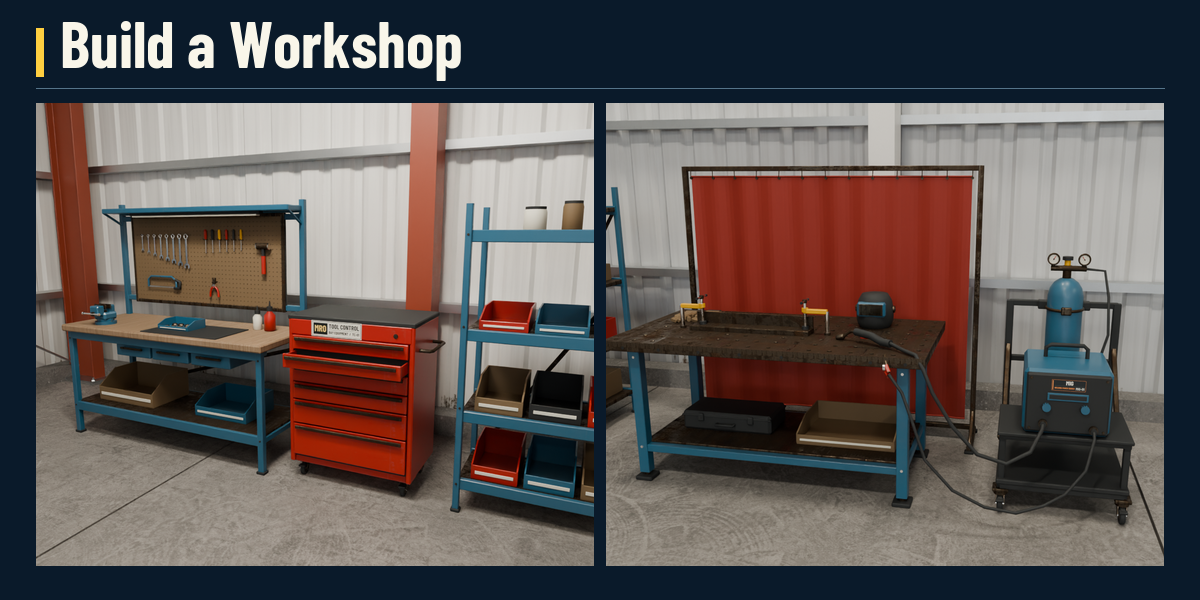
- Nine independent interior switches add aircraft, workbenches, extra workstations, ground support, service panels, a rolling maintenance platform, portable ladders, a 28 V DC ground power cart or a MIG welding station.
- A furnished shop can include tool storage, a compressor, towbar, chocks, a drill press, an electrical and air service station, a steel welding fixture table, protective gear and a welding curtain.
- Placement checks the bay and door clearances against the selected aircraft and equipment. For the light private jet and every furnishing, start with the Corporate Jet preset. Use the Large size preset for the long-range trijet.
Finish and export
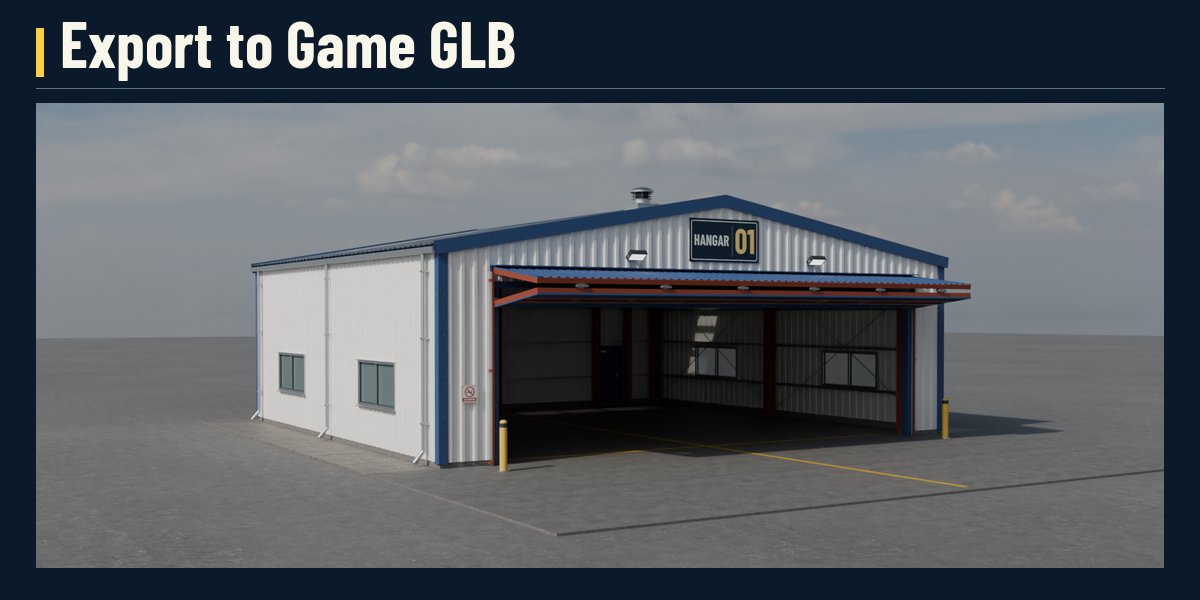
- Choose New, Used or Old. Scanned PBR materials, dents, stains and replaced cladding panels give the same structure a different history.
- Configure wall, door, frame and roof colours. Toggle skylights, side windows, gutters, roof vents, lights, signs, apron markings, bollards and a windsock.
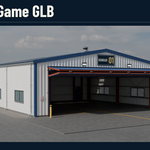
- Use Surprise to generate a fresh design. Use Game GLB to export the current geometry and door pose with UVs, tangents and embedded PBR textures.
Requires Blender 4.2 or newer. Tested on Blender 4.2, 4.5 and 5.2 LTS. Works in Cycles and EEVEE.
