 ZEG
Installation
In Blender, open Edit, Preferences, Get Extensions. Choose Install from Disk and select the downloaded ZIP.
Build a hangar
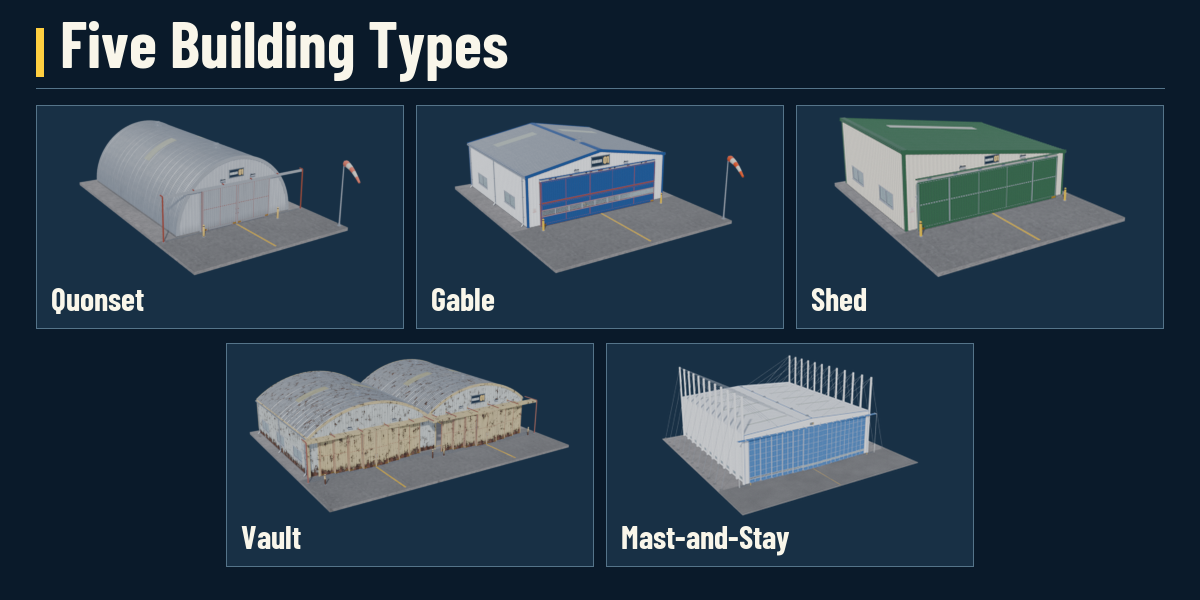
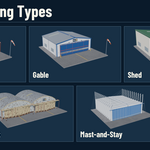
- Open the 3D View sidebar with N and choose the Hangar tab. With nothing selected, click the preset picture to browse the nine designs.
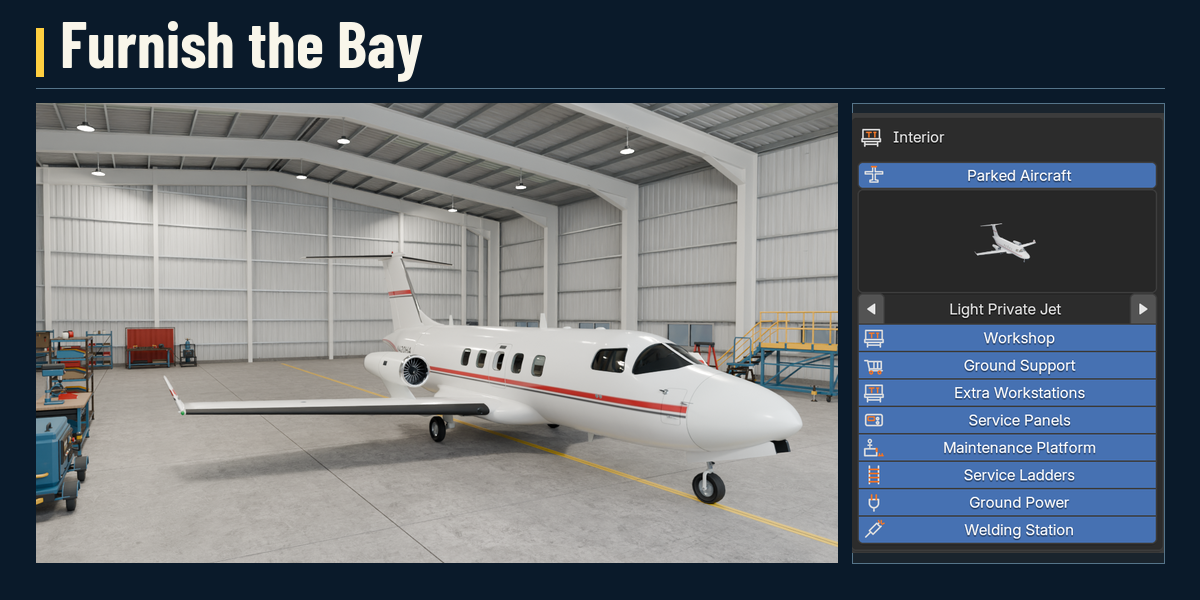
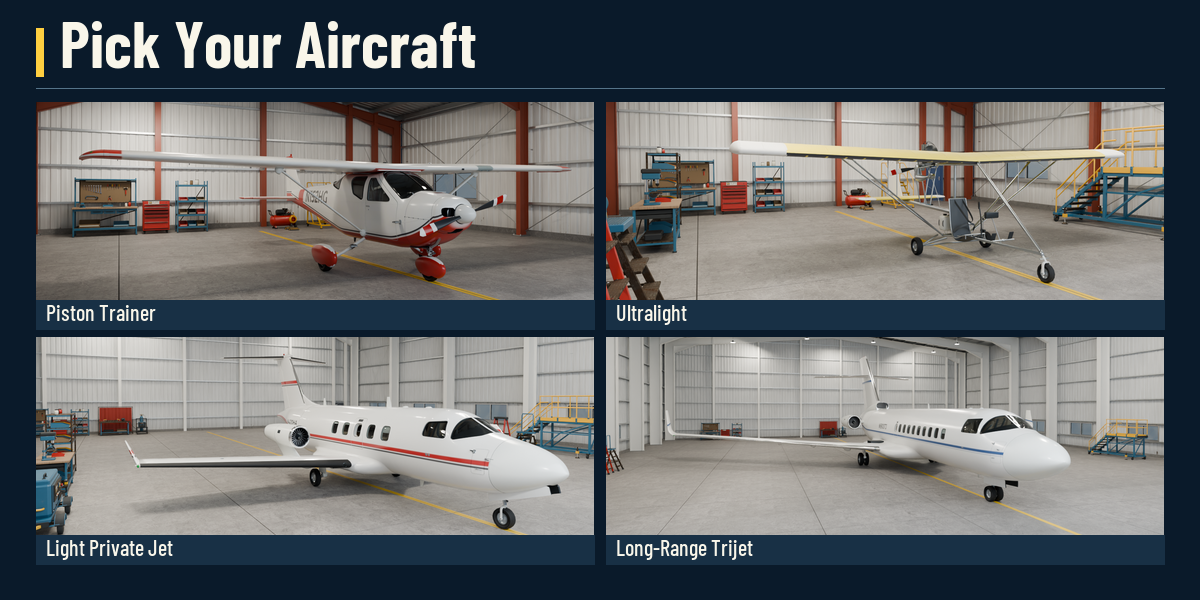
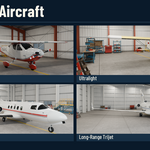
- Choose a condition and any Interior options. Switch on Parked Aircraft to choose an aircraft by picture. Press Add Hangar to place the design at the 3D cursor.
- Select the hangar. Use Type, Size and Door to adjust the building and set the opening. Set the door pose with Door Open and change the finishes in Colours and Condition.
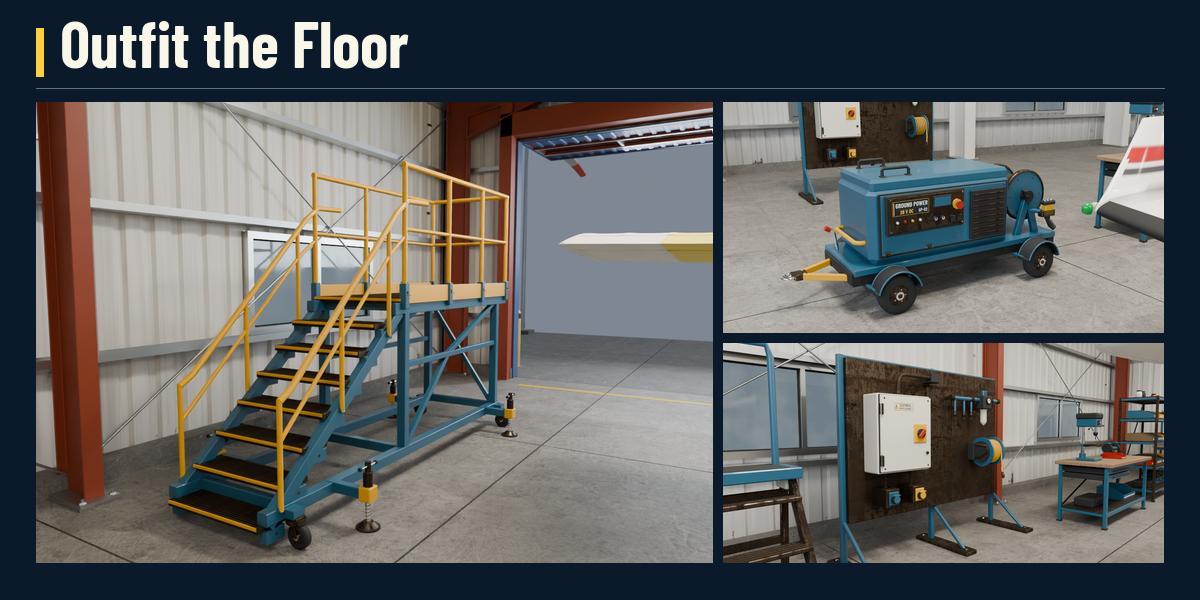
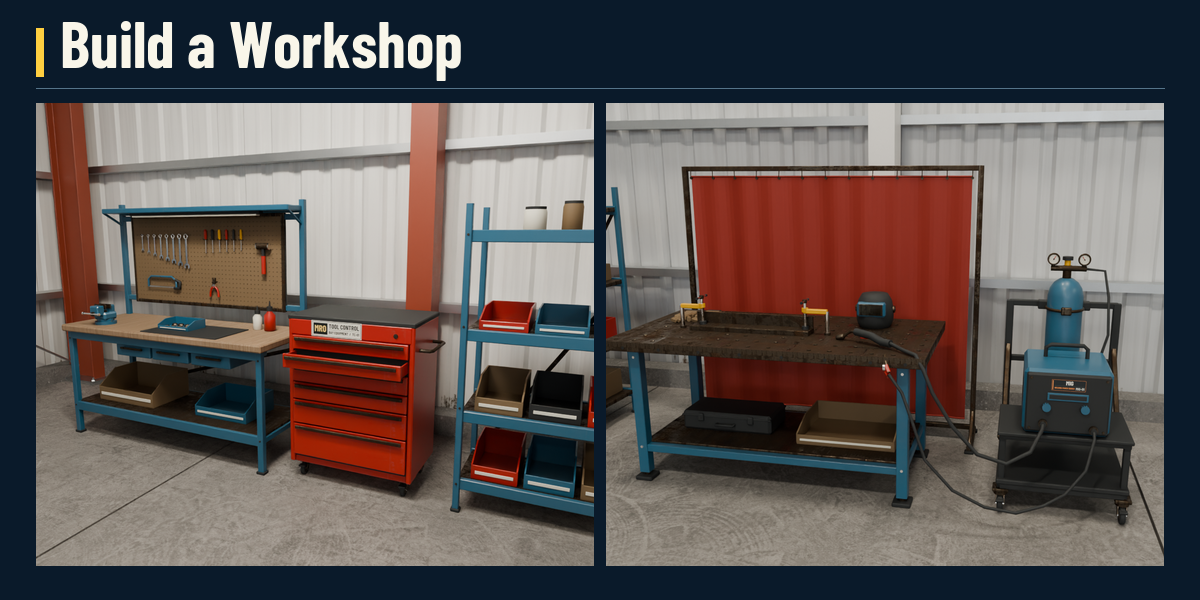
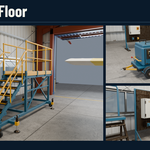
- Use Interior to fit out the bay. If an option needs more clearance, increase the bay or door dimensions where appropriate. Corporate Jet fits the light private jet with all nine interior options enabled. Start with Large for the trijet.
- Open Details for lights, glazing, signage and other building options. Use Apron and Variation to resize the apron or vary the seeded details.
Export to a game engine
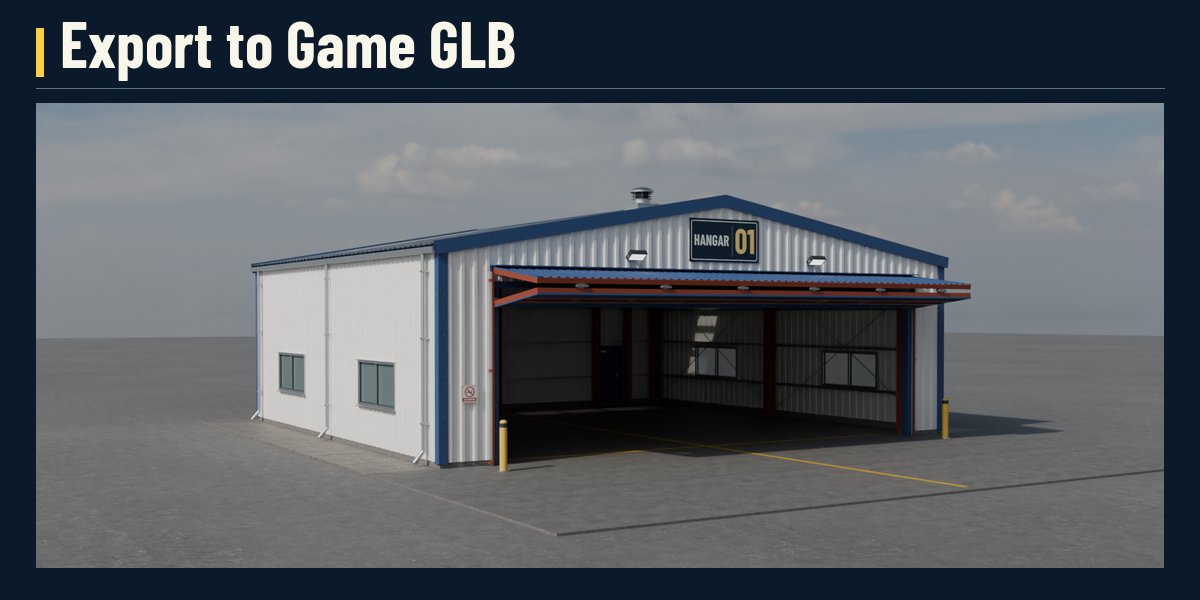
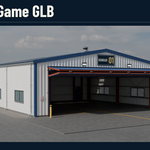
With the hangar selected, choose Game GLB. The export bundles the current mesh, door pose, and PBR maps in one file.
Have questions about this product?
Login to message
| Blender Extension Compatible | Yes |
| Published | 4 days ago |
| Blender Version | 4.2 - 5.2 |
| Extension Type | Add-on |
| Render Engine Used | Cycles, Eevee |
| License | GPL |

Discover more products like this
industrial aviation environment aircraft hangar Generator airplane procedural airport architecture workshop ground-support