 ZEG
ZEG
Installation
In Blender open Edit, Preferences, Get Extensions, then use Install from Disk and pick the airport_terminal_generator zip.
Usage
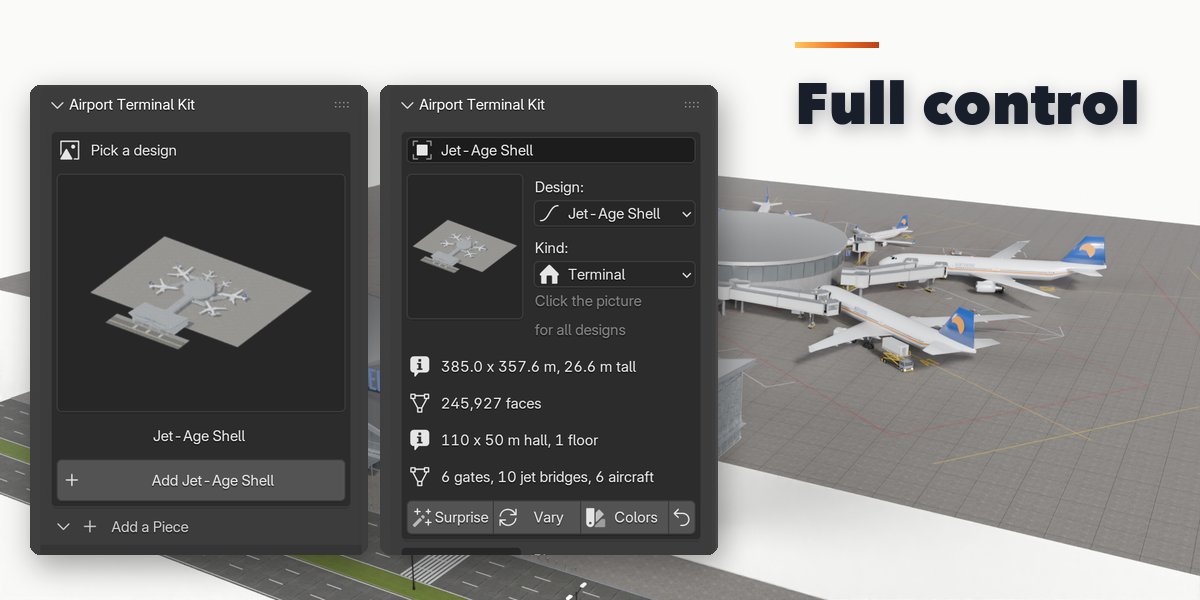
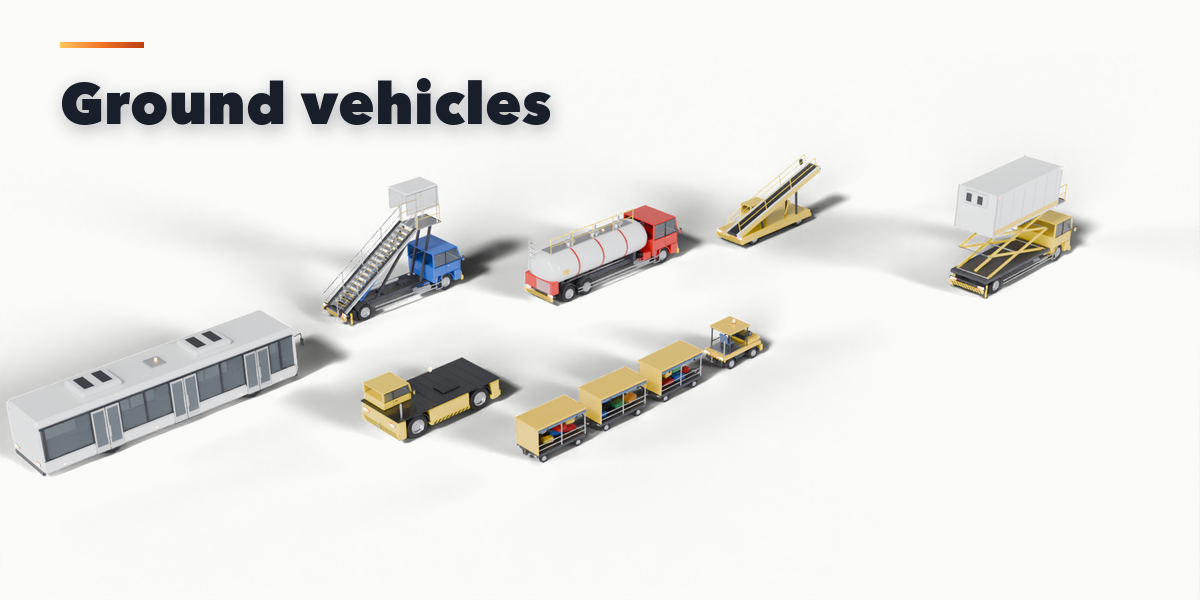
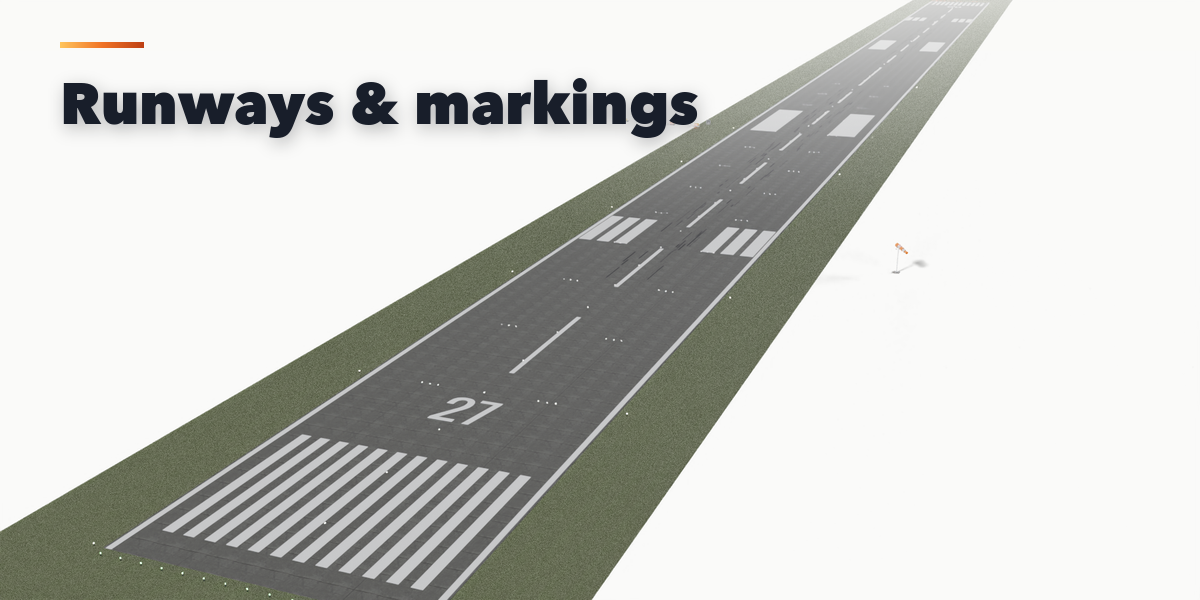
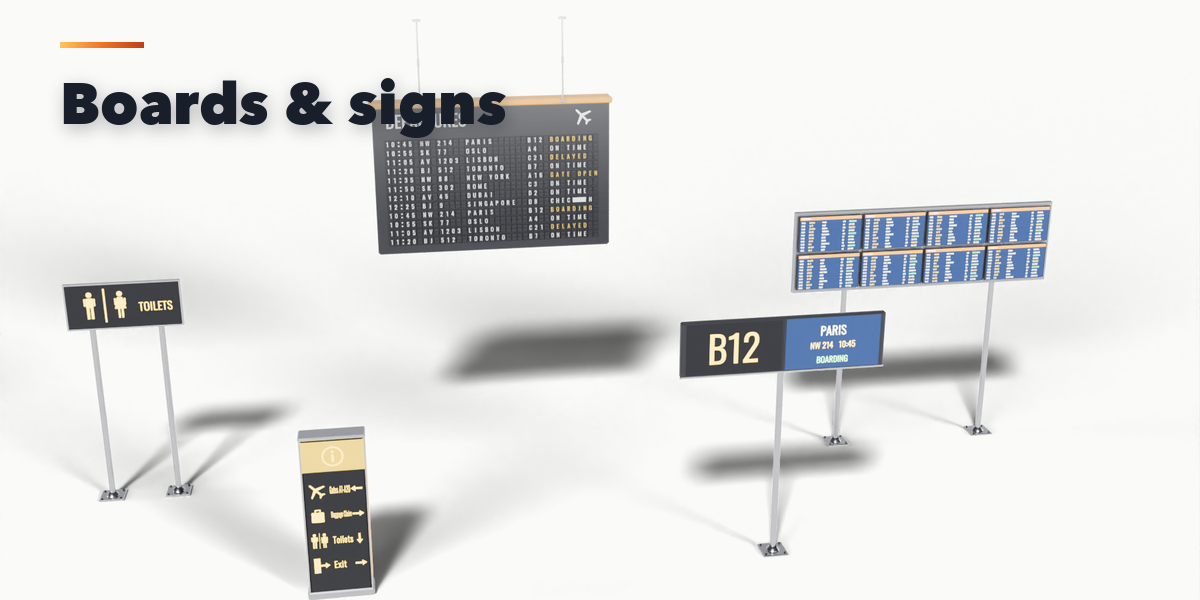
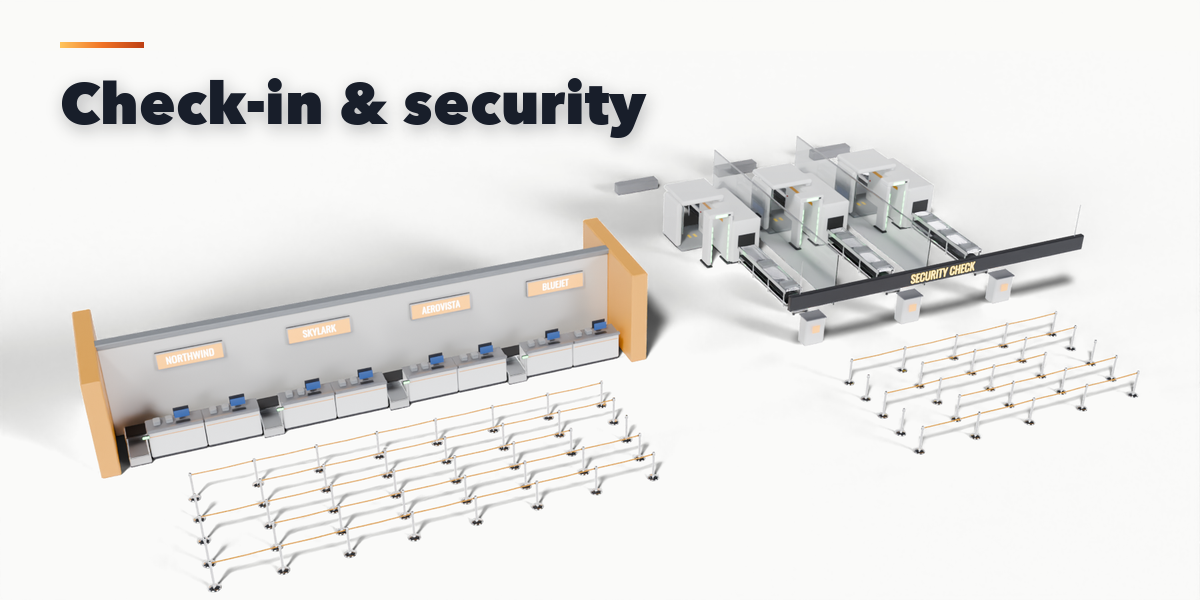
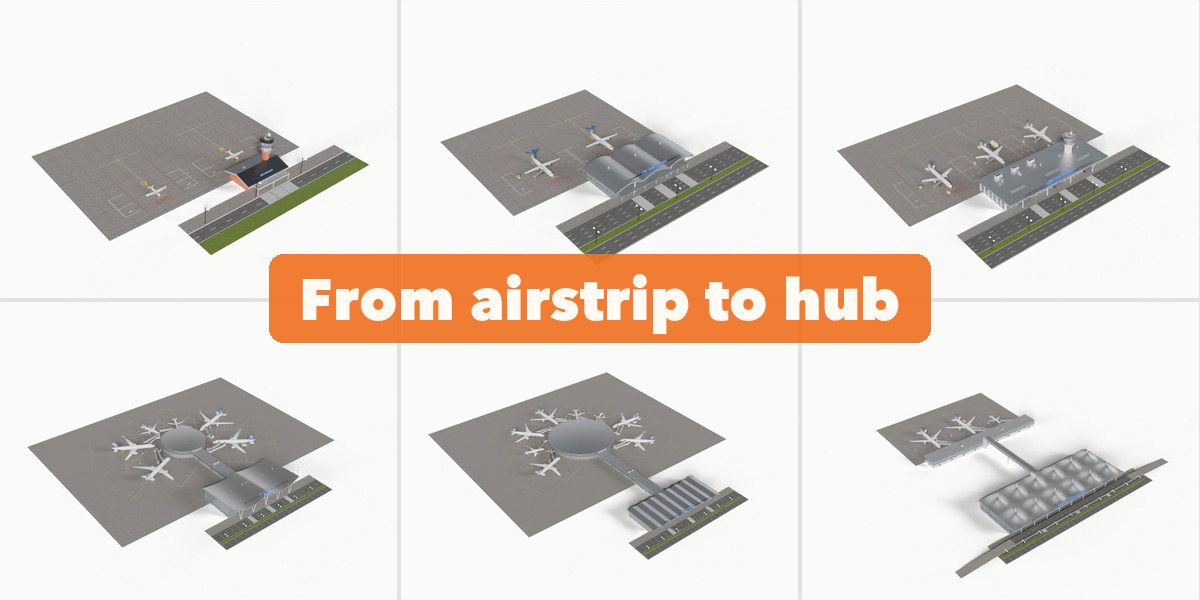
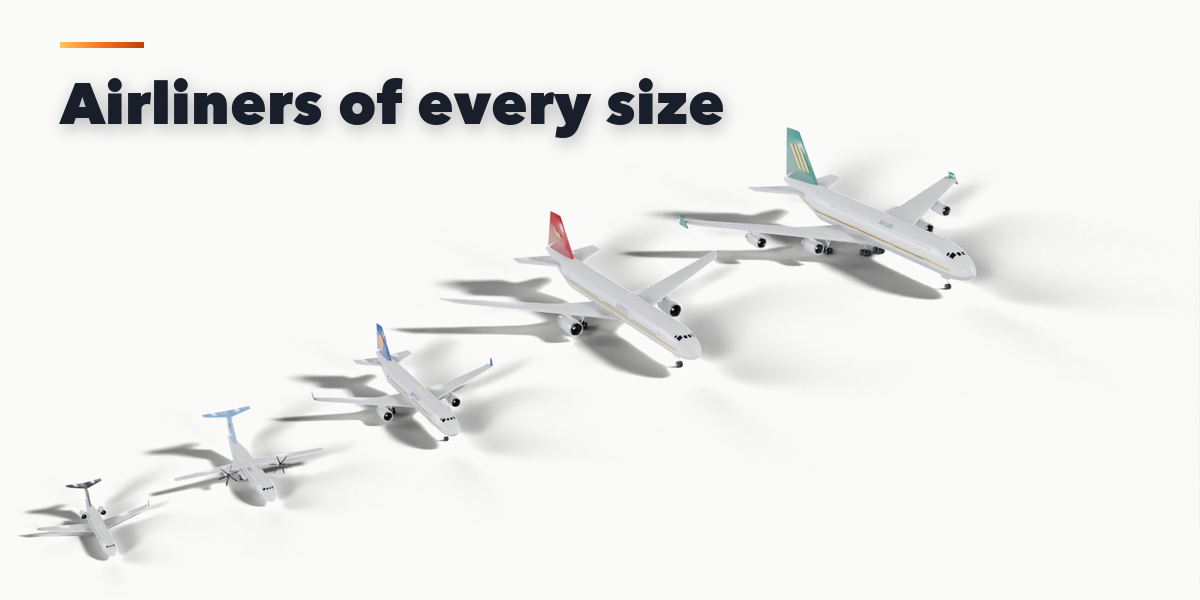
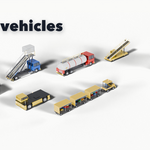
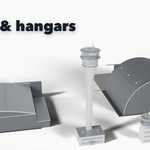
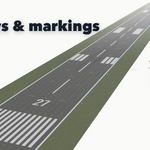
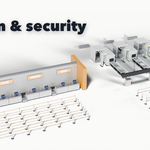
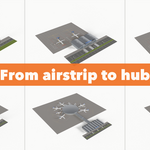
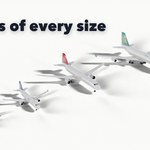
- Open the Airport tab in the 3D viewport sidebar (N). Pick a group (Terminals, Jet Bridges, Aircraft, Interior, Ground Vehicles, Airfield), click a design picture and press Add to place it at the 3D cursor. You can also use Shift+A, Mesh, Airport.
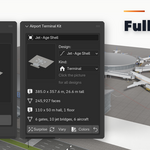
- With an item selected, the top of the panel shows its design, size and face count. Surprise makes a new random design of the same kind, Vary changes the current one a little and Colors paints a new fictional livery and sign colors.
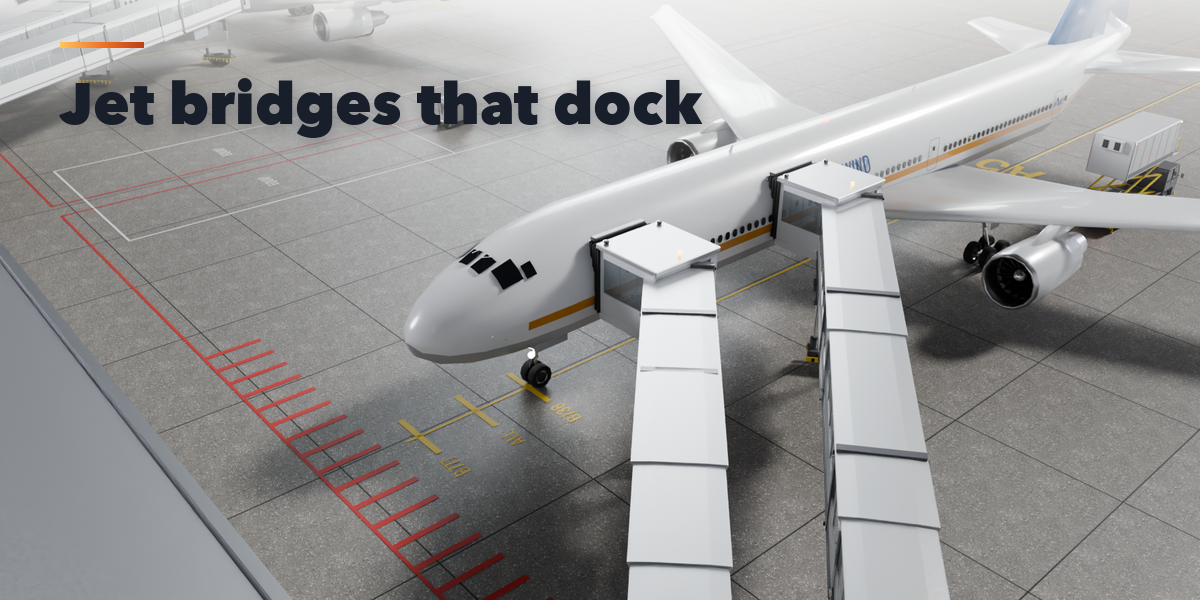
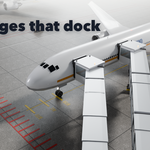
- The sections below hold every setting of the item. For a terminal: Size, Look, Gates & Piers, Site and Jet Bridges. A jet bridge has Extension, Swing, Cab Height and Cab Angle sliders and an Animate Docking button that bakes a docking animation.
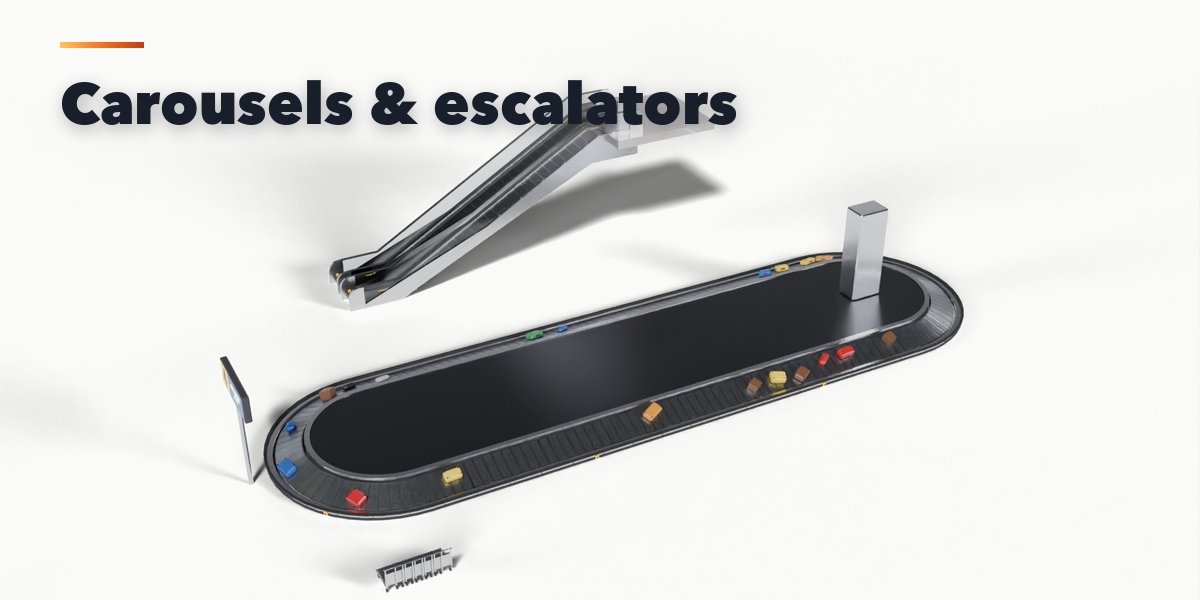
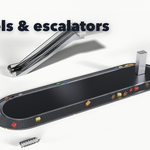
- Carousels, moving walkways and escalators move by themselves when you play the timeline; set the speed in m/s.
- Parts lists every object of the item with a visibility toggle. Convert to Mesh keeps the item as plain objects; Delete removes it with all its parts.
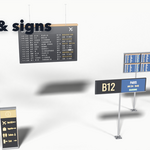
All sizes are in meters. A terminal's road side is -Y and its airside +Y. Airline and airport names are fictional; type your own.
Have questions about this product?
Login to message
| Blender Extension Compatible | Yes |
| Published | 4 days ago |
| Blender Version | 4.2 - 5.2 |
| Extension Type | Add-on |
| Render Engine Used | Cycles, Eevee |
| License | GPL |

Discover more products like this
airliner hangar Generator control-tower environment aircraft architecture airport procedural jet-bridge runway terminal