 Nilson Borges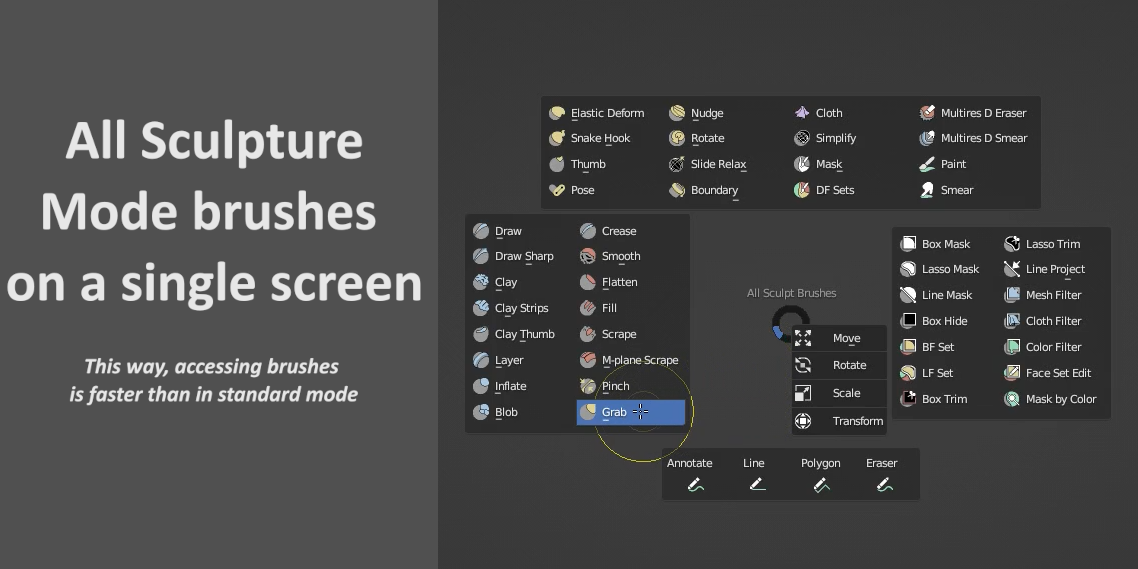
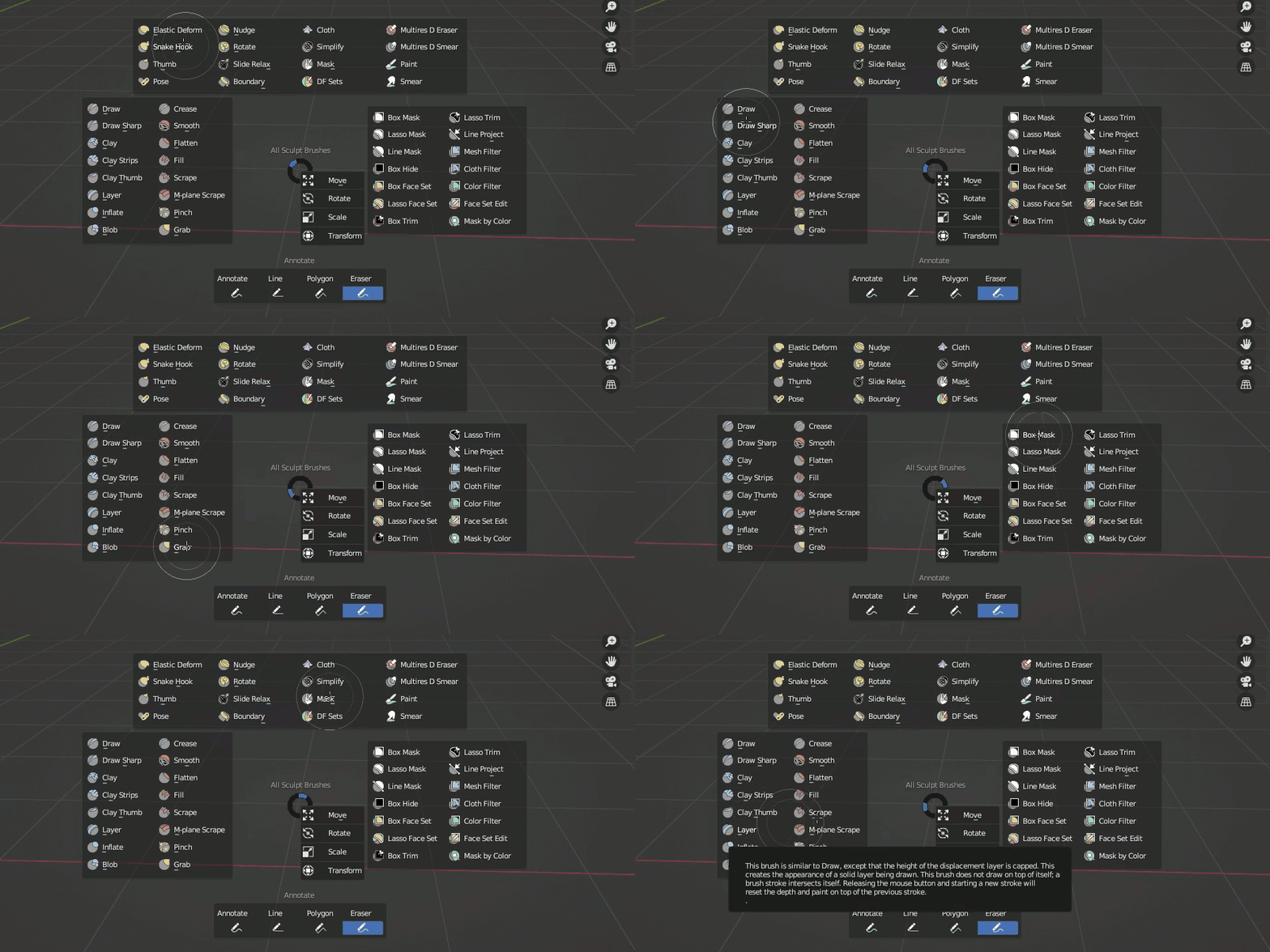
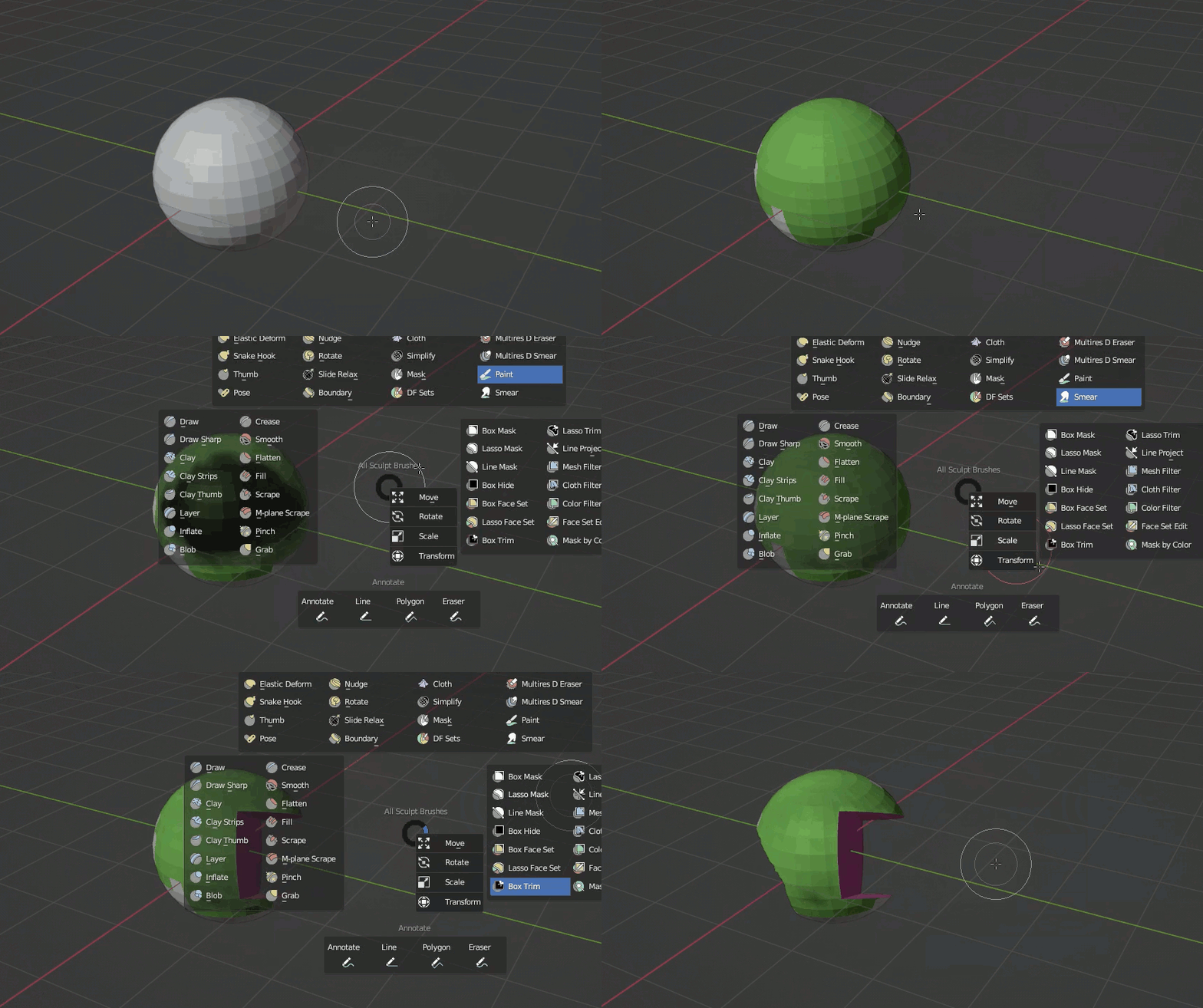
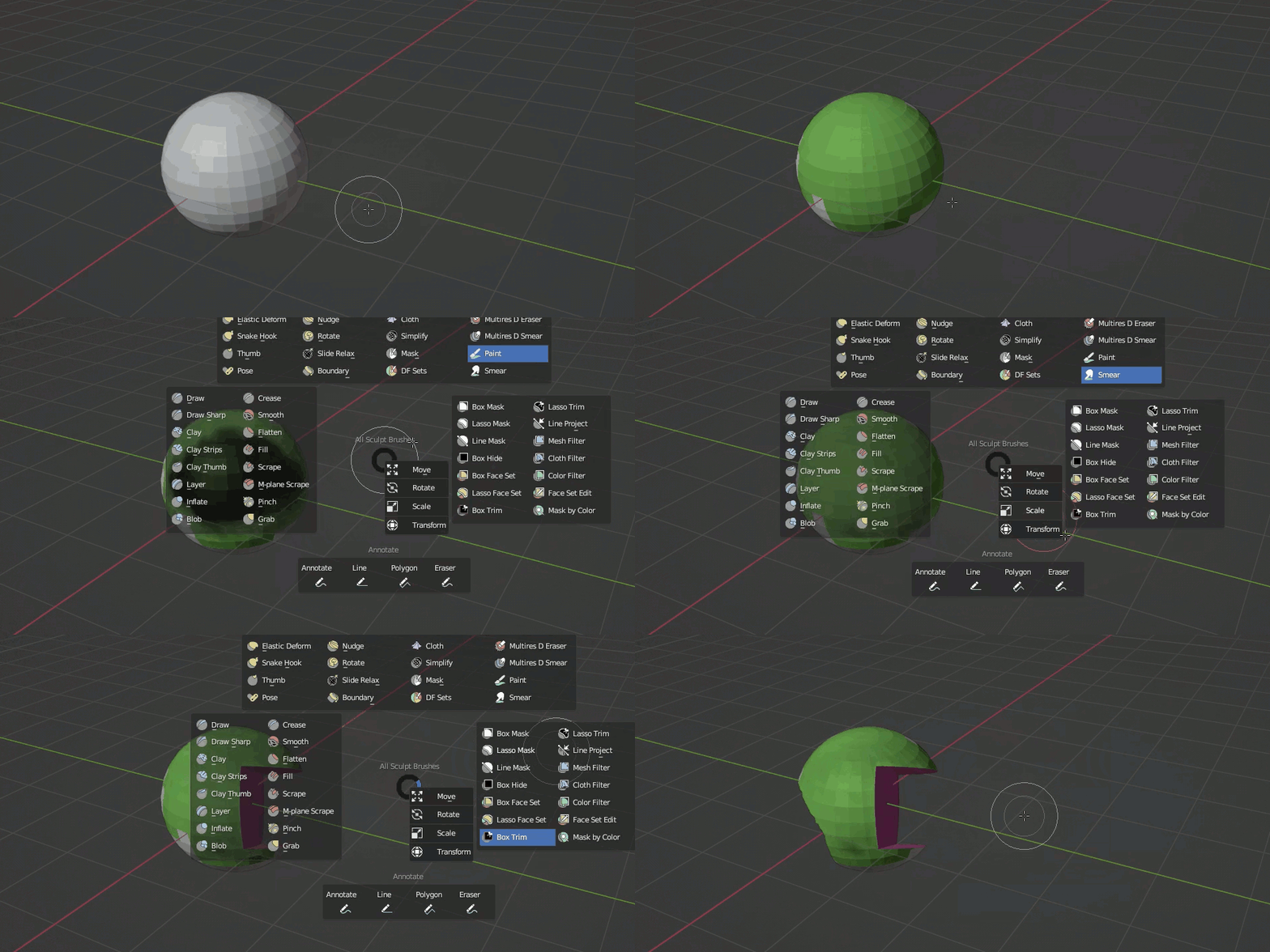
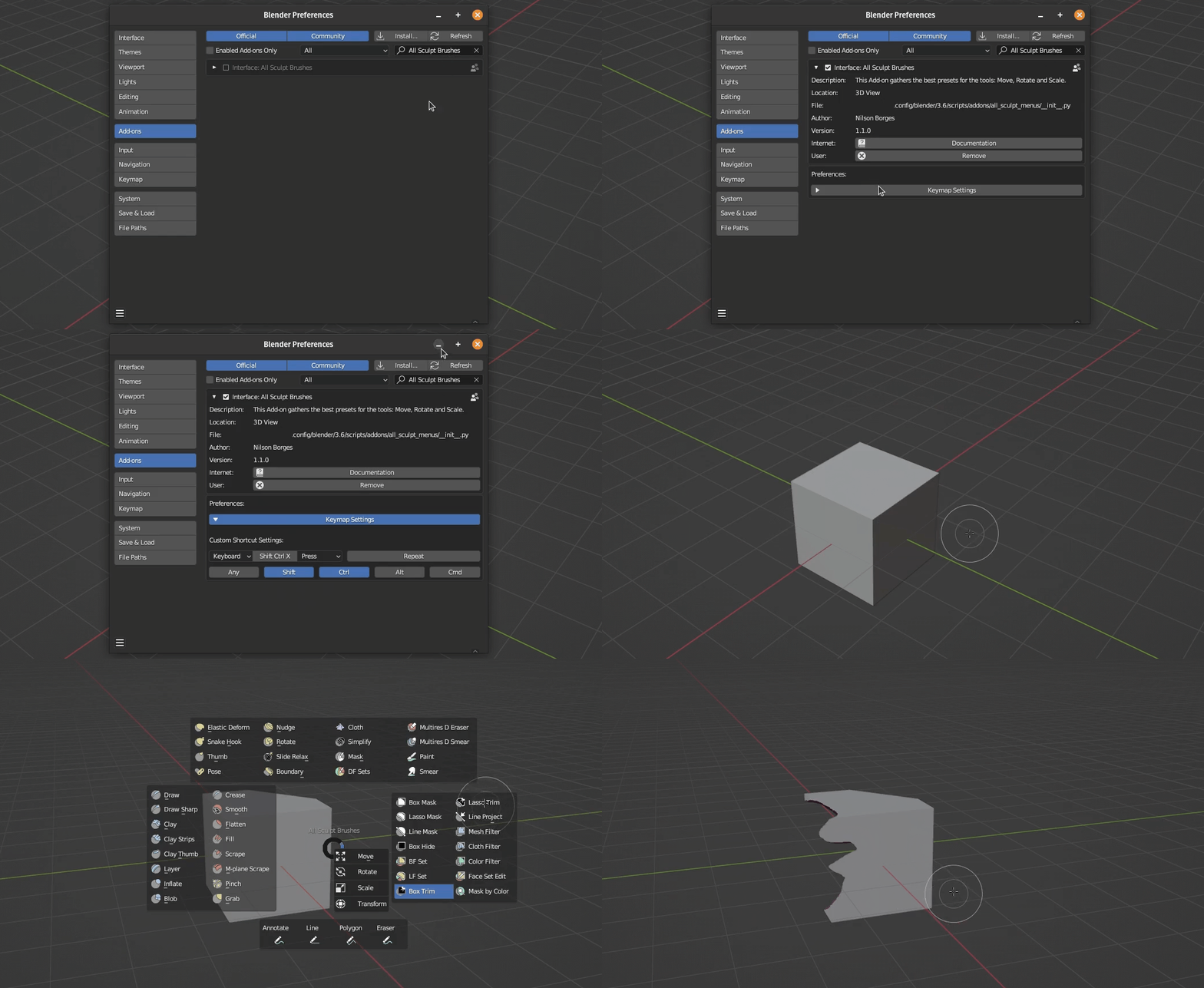
This add-on shows all sculpt mode brushes with their names in a compact pie menu without any advanced configuration. In fact, they are like panels on a pie menu. It is a faster and simpler way than the “Shift + Space bar” shortcut.
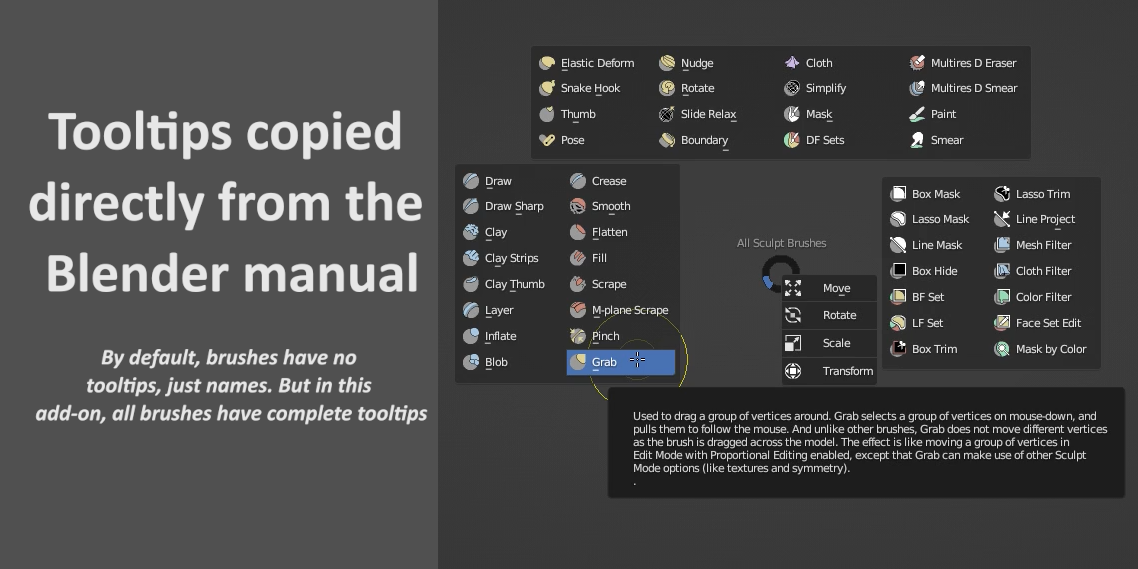
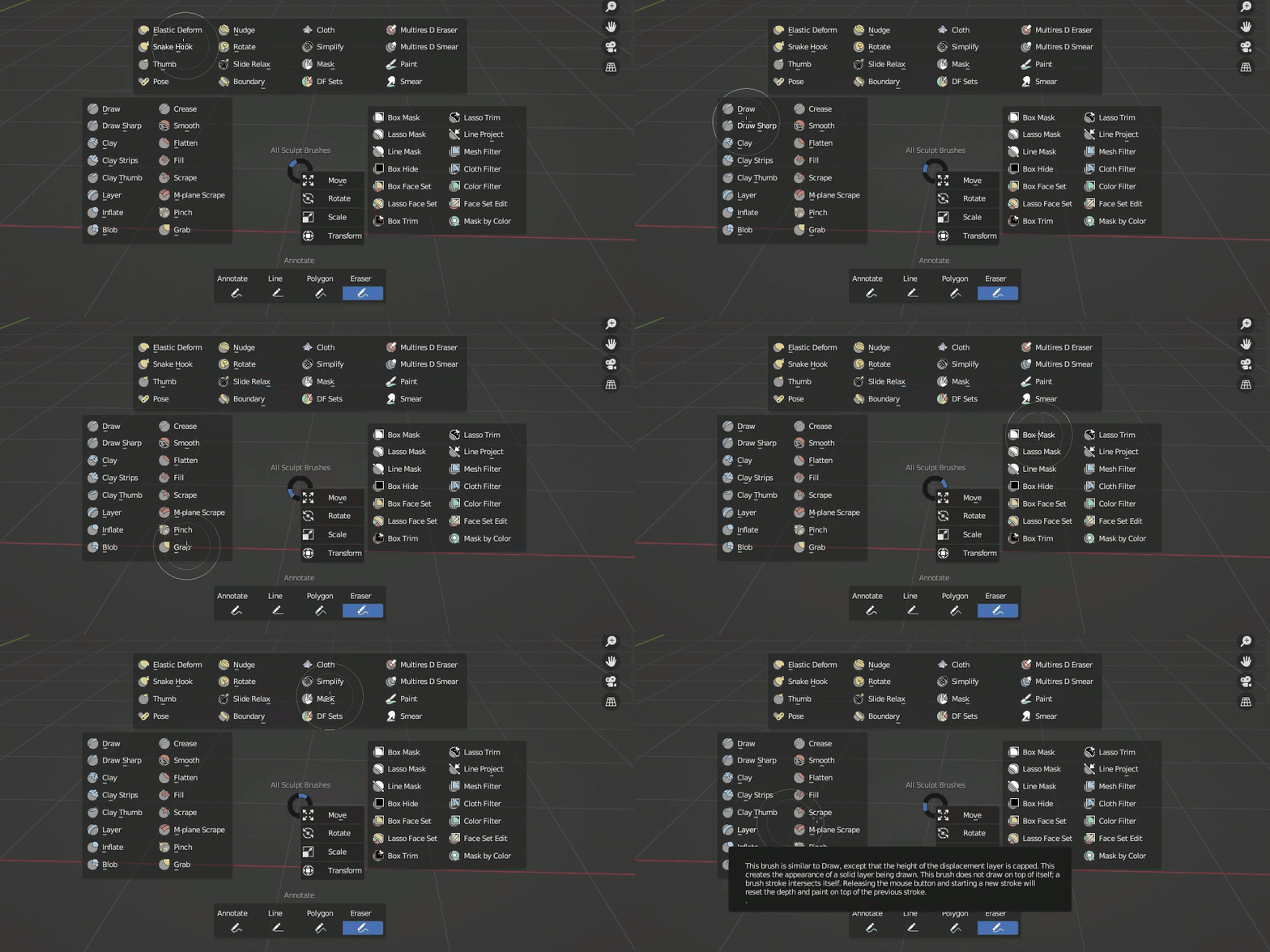
It displays all the brushes that are hidden in the active tools, and also tool tips that I copied directly from the Blender online manual for all the brushes, which by default, do not come with tool tips.
Installation:
Install the addon normally like any other. Then go to the addon preferences and assign a shortcut of your choice. By default, the shortcut is "Shift+Ctrl+X". Make sure to choose a shortcut that is not already being used by Blender.
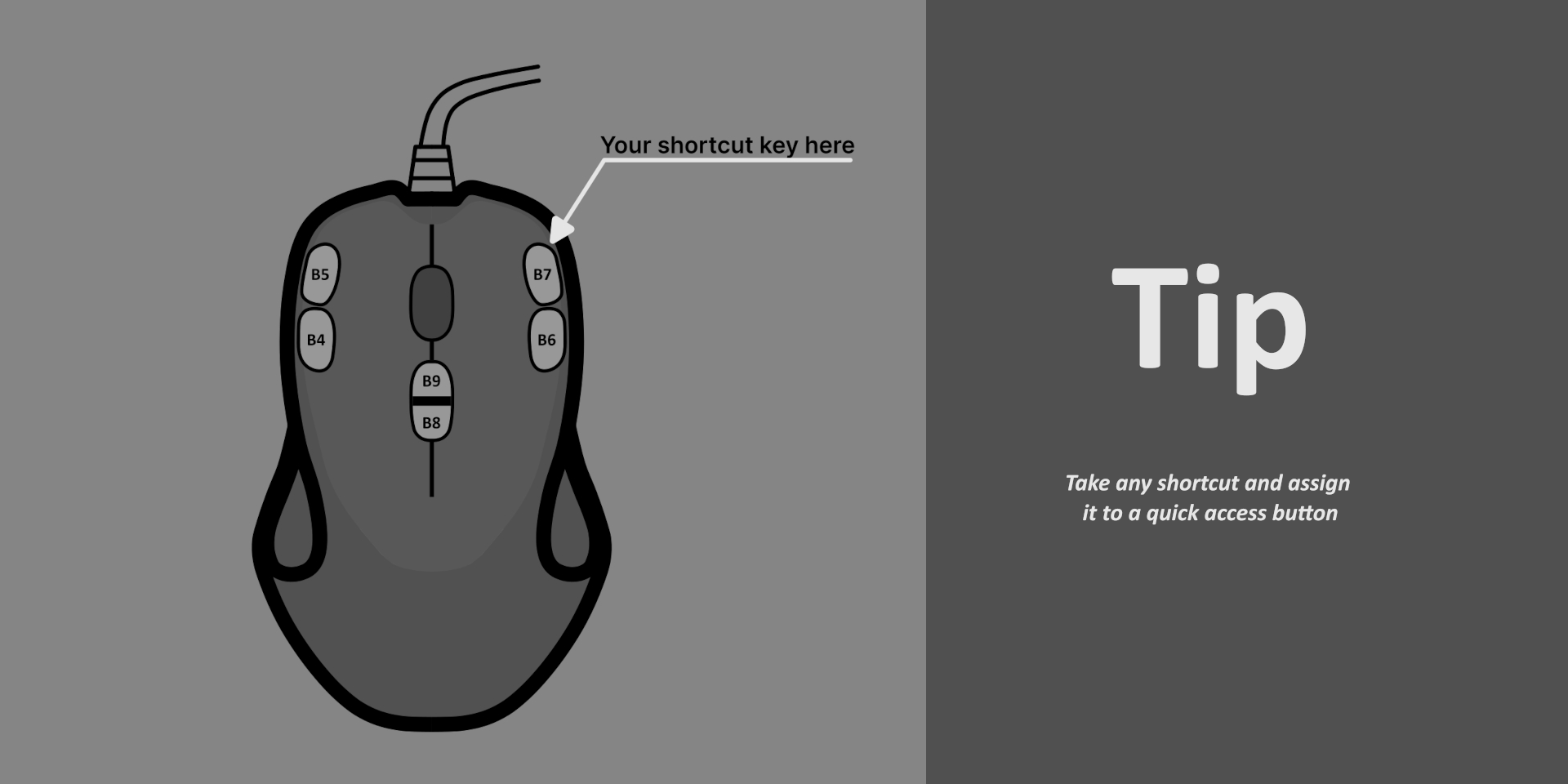
Tip
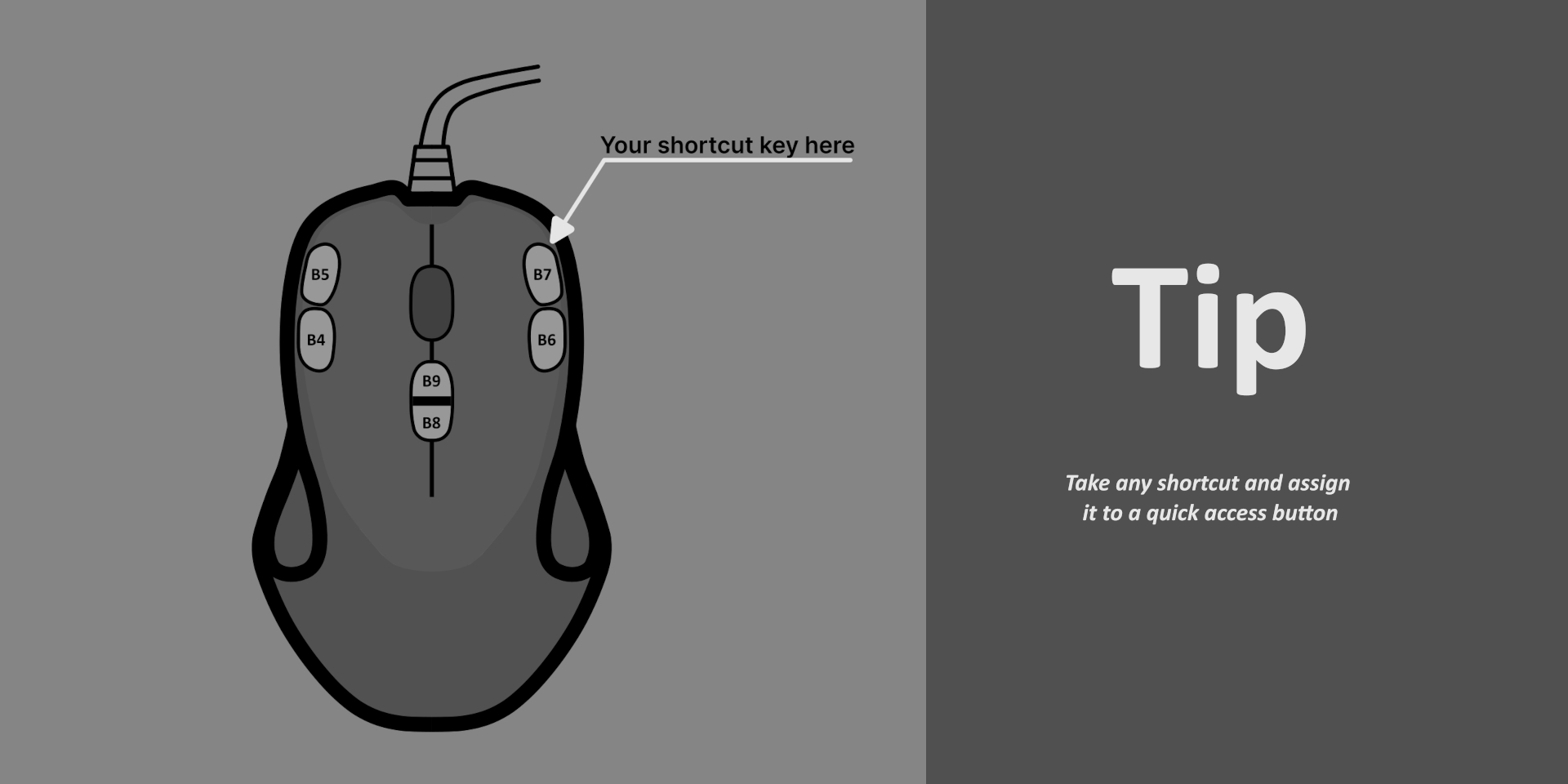
If you use a mouse with more buttons than the conventional one, assign the shortcut to one of those buttons. It's as practical as clicking the right mouse button.
Update history:
Version 1.1.0
You can now assign a shortcut directly in the add-on preferences.