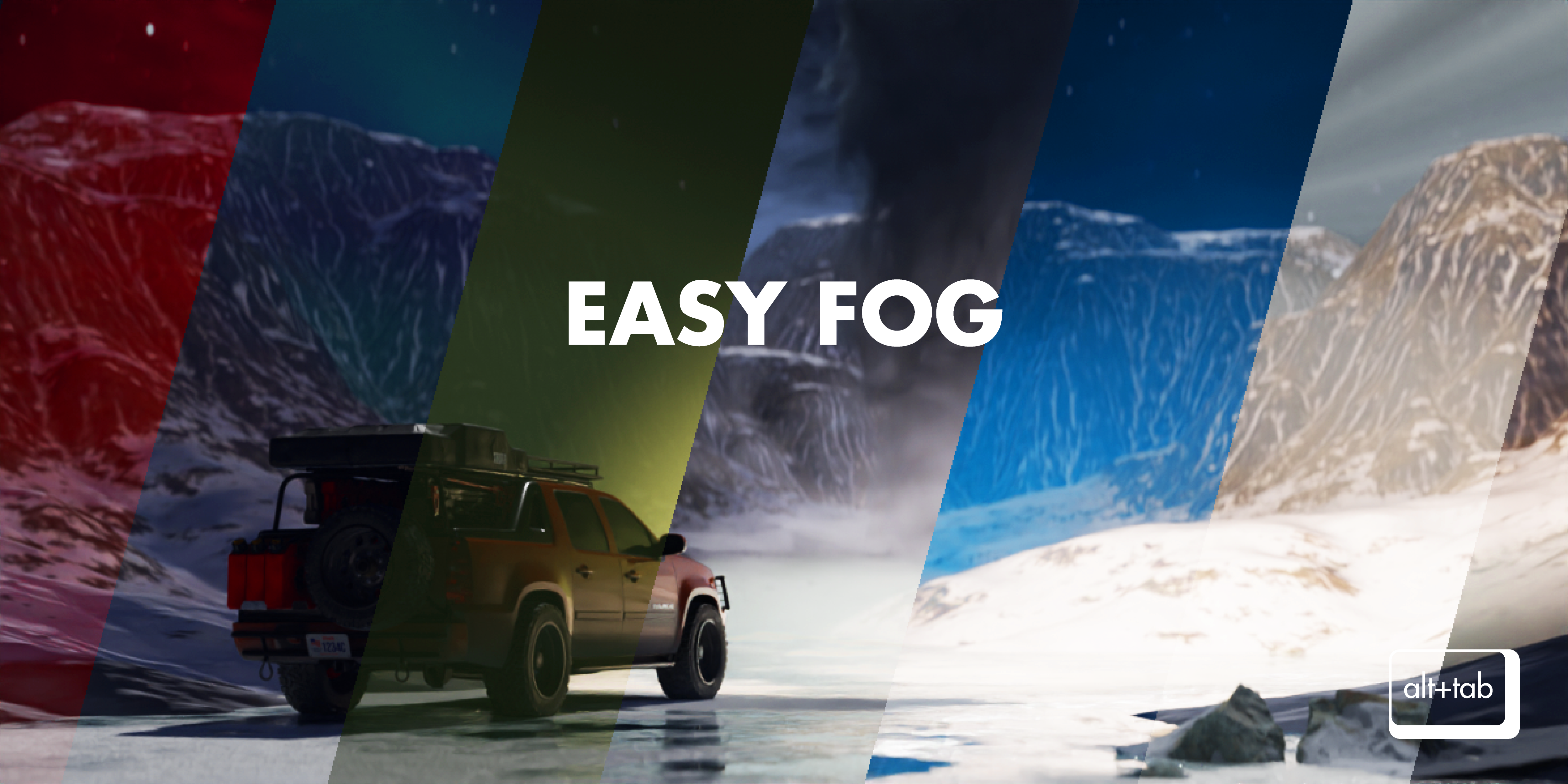
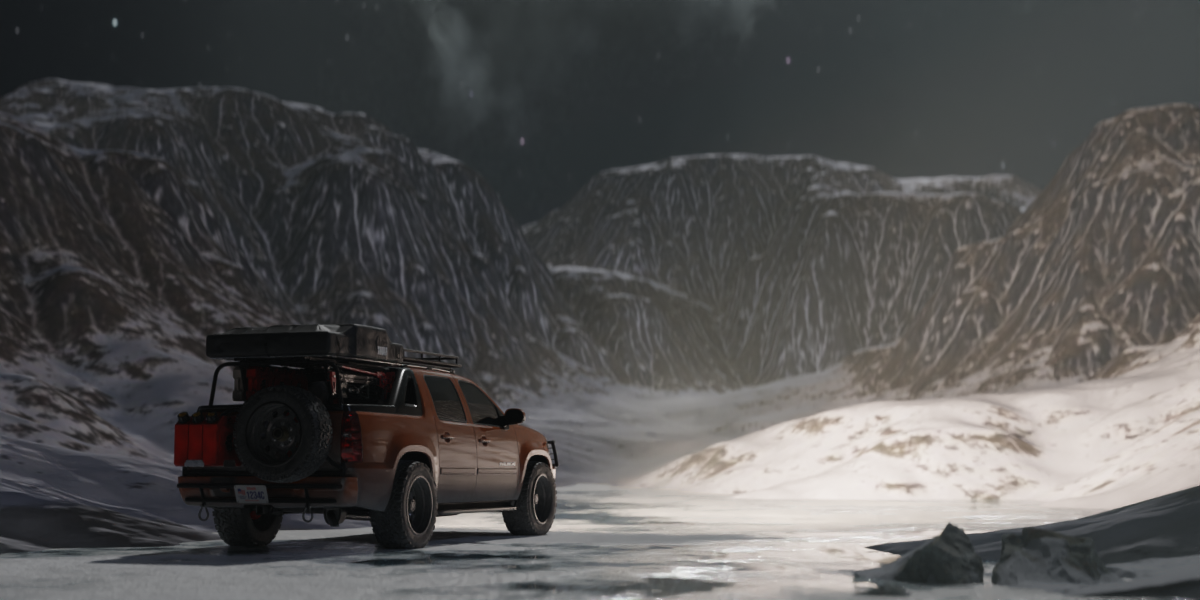
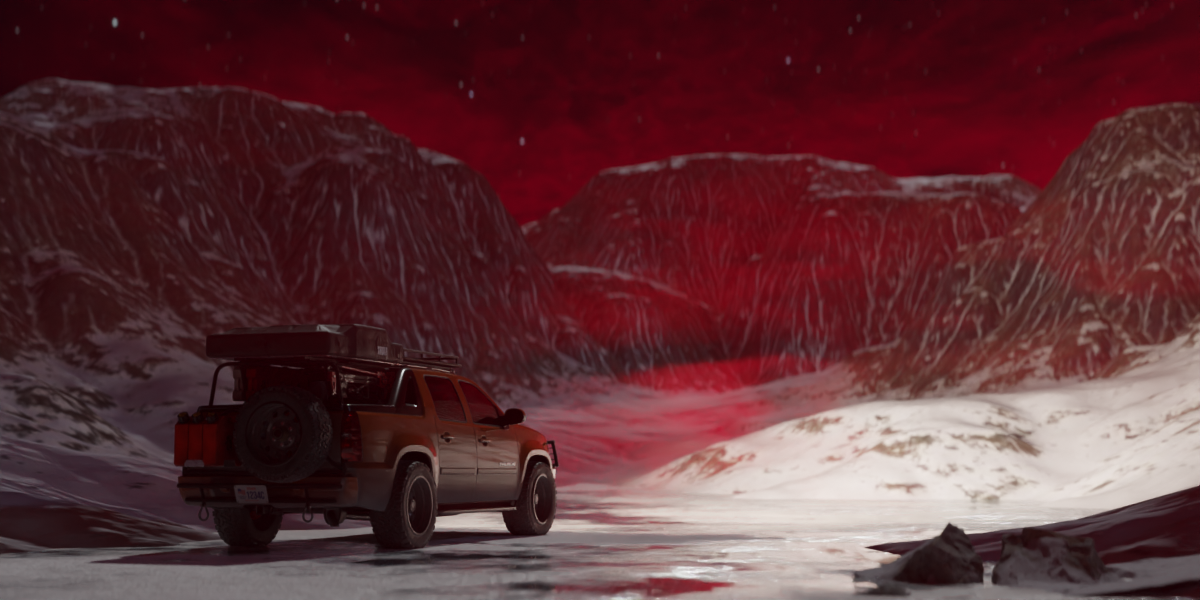
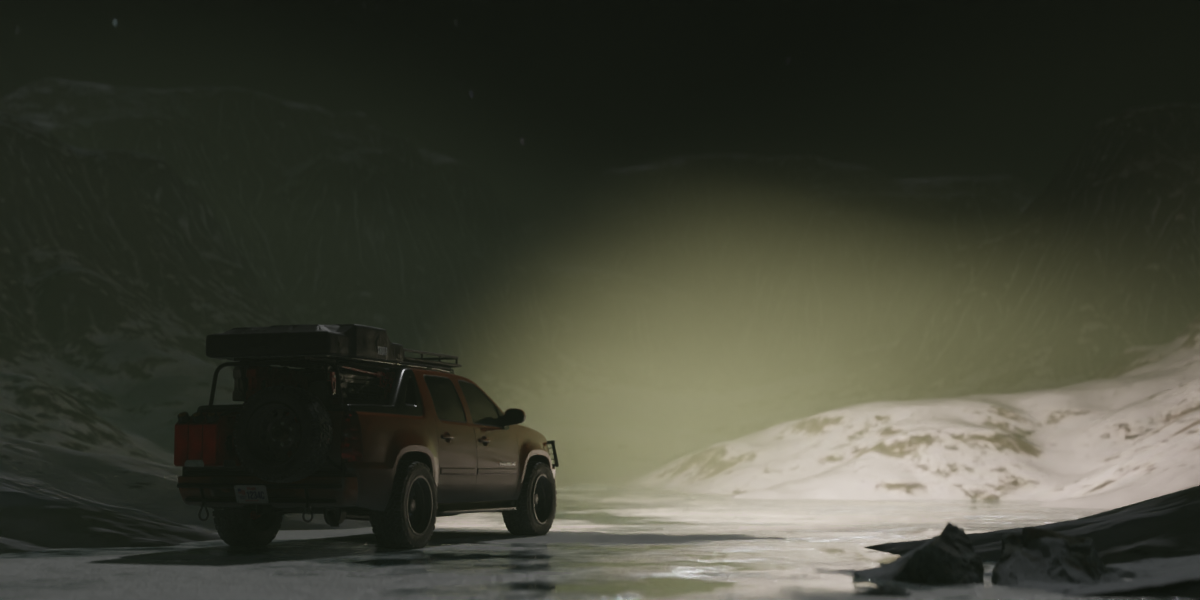

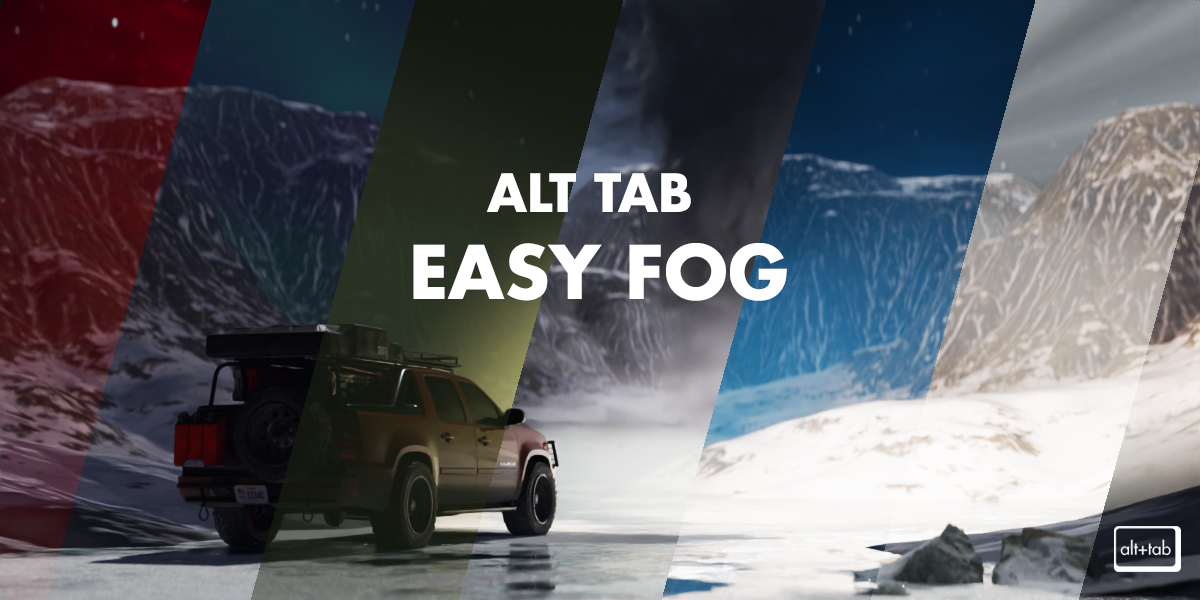

Alt Tab Easy Fog

Alt Tab in Rendering


Item Rating

This item has an average rating of 4 from 38 ratings by the community.

66%
3%
11%
8%
14%

Purchase this item to leave a review!

  • FW
    almost 3 years ago

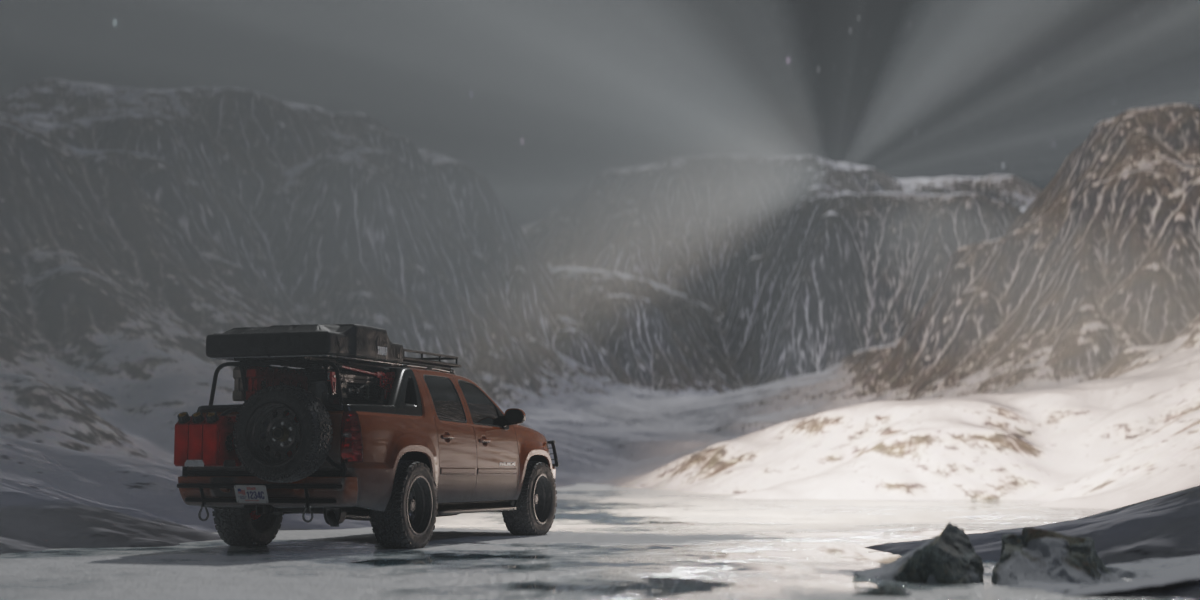
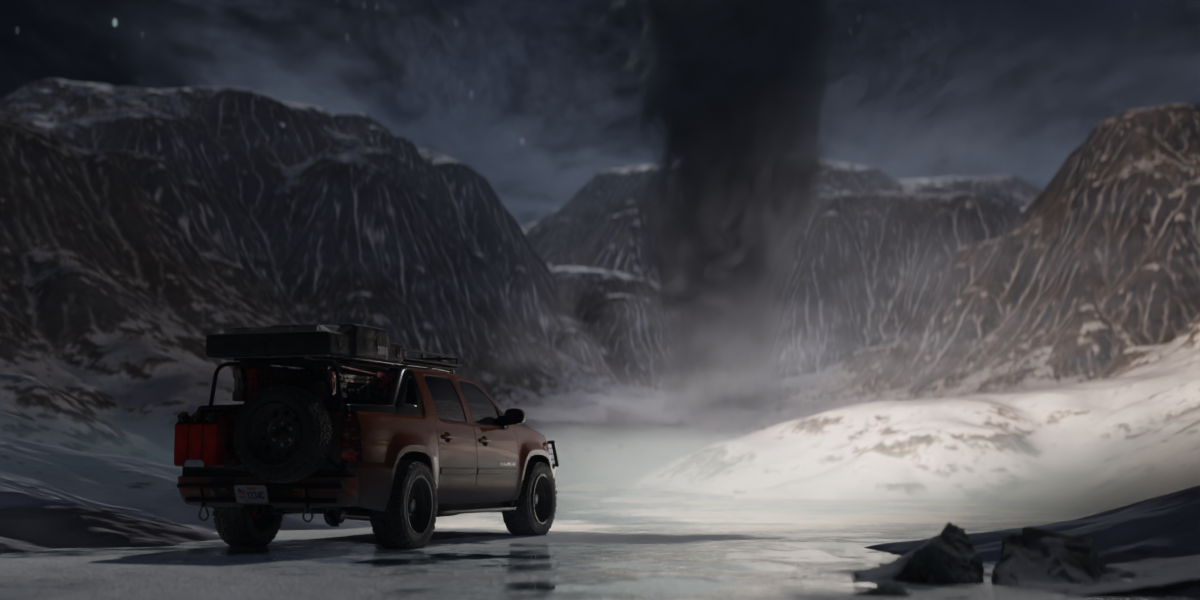
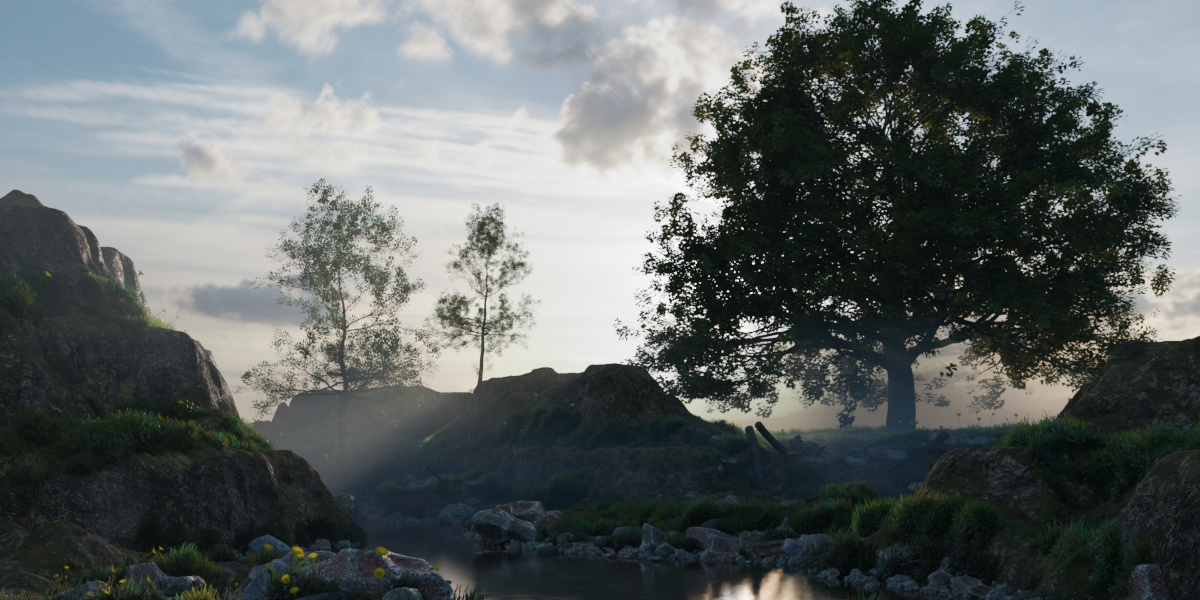
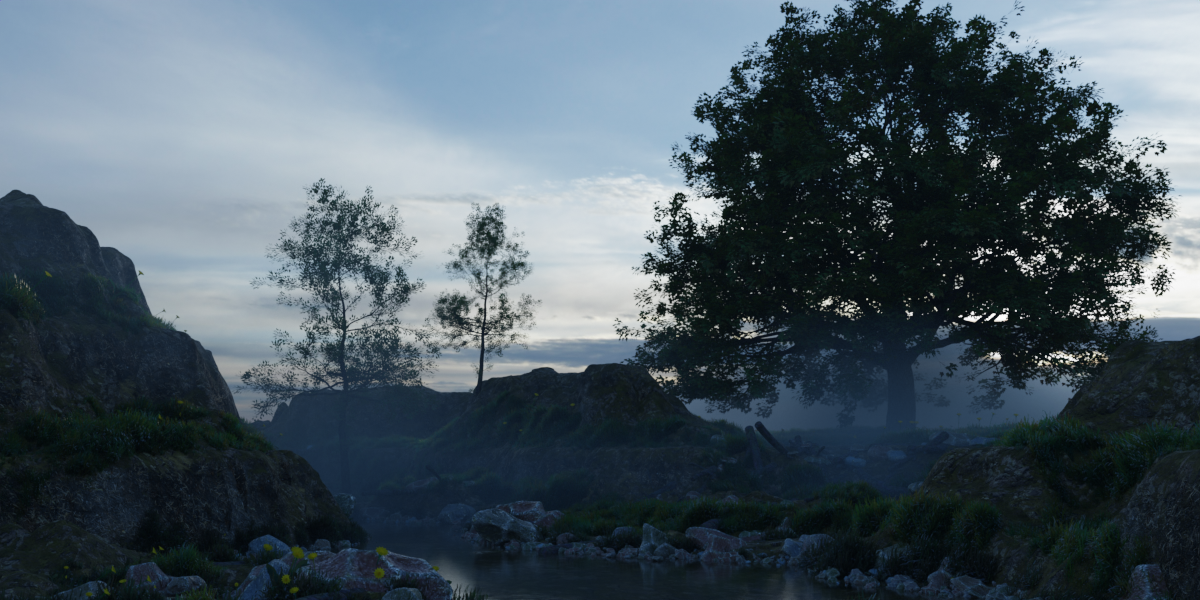
    I really really want to love this addon because it would just be incredibly useful, if only it were easy to lower the density of the fogs! You really have to dig around in the shader editor to make that most important adjustment. Here's hoping this happens in a next iteration of this addon. Just a simple density slider, that's all we need here!

    • Alt Tab

      over 2 years ago

      Hey,
      sorry for the long wait...new version is out now! It comes as a seperate product since we had to rework everything. We listened to all the ratings and implemented the requested features as well as greatlly expanded the library of volumes and also included VDB's. Since you already bought this one you can use code: easyfogupgrade for a 50% OFF on the version 2.
      Alt Tab Easy Fog 2: https://blendermarket.com/products/alt-tab-easy-fog2

      This one comes with an in-depth overview on our youtube channel, but we doubt you'll need that since we revamped the UI to make adjusting density and other settings as easy as it gets.
      Tutorial link: https://youtu.be/RrV74kTIaUQ

      Thank you for your patience and hope you have a nice day <3

  • Jim Hart
    about 3 years ago

    I'm actually surprised at the # of 5-star ratings this product has. I think it suffers from a number of issues, and probably won't use it until some of them have been resolved as I can create my own faster than the time it takes to find the right preset/parameter tweaks. (I saw in the response to one review that an update is being worked. Good! And I'll change my rating if these problems are addressed.)

    1) The interface needs a lot of work. Period. The thumbnails are named with numbers and letters (e.g., "Fog 2 #b"), which provides no information. So if you're looking for a specific effect, you have to try them all until you get what you're looking for.

    2) Settings: Each preset comes with a different set of material settings, though it is not clear why this is. Some have one fog setting group ("Fog 1") and others have 2 ("Fog 1" and "Fog 2") that are mixed together. For those with 2 fog settings, there is no way to know which one creates what portion of the fog. (A workaround is to change the colors of each setting (e.g., red and blue) and then adjust them separately to get what you are looking for.) It would be helpful instead to have a way to toggle on and off each fog setting, so it isn't so complicated to tweak the parameters.

    3) Once a fog is applied to the selected objects (it's easy to forget to select the objects you want to fog to surround!), you have to delete the fog to try a different preset. It would be so much easy to select a fog (cube), and then change the material settings by applying a new preset. That would make it faster and easier to find the preset you're looking for.

    4) Lacks clarity: Some of the material settings just don't make a lot of sense to me. And since there is ZERO documentation, I am left to tweak the settings and hope I'll land on the right group to give me what I want. Examples:
    >> Roughness? Not sure how this applies to fog volume, though it does seem to change it up some.
    >> From/To - Min/Max: I have yet to figure out how these 4 settings work. I *WILL* say that they are related in some way. Example, if the "From Max" value exceeds "From Min" value, it causes the fog to completely fill the box. Why? I don't know. No documentation, so I can't read up on this.

    5) Density: I would think that there is a material setting that would control the density of the fog, but that doesn't seem to be the case. (I think the "To Min/Max" parameters do affect density, but no idea how this works, and haven't spent the time digging into the nodes to understand this.) Looking at the node groups, "Density" is generally set with a value that cannot be reached from the material settings. As such, there's no way to lighten or thicken the fog without going into the nodes. Some presets have a "Density" parameter, but it is not attached to the volume scatter density setting. Again, not clear what this parameter is for since there is no documentation.

    6) No documentation; no tutorial videos. Given the obtuse way the parameters work, this is unforgiving. Seriously, do a 10 minute tutorial and describe how the parameters work.

    What I like about it:
    1) Plenty of presets! (This also works against using the product as it takes longer to find the right preset that I'm looking for.)
    2) Easy access to the parameters.
    3) Render speed is reasonable.
    4) Price is more than reasonable if I could get it to work.
    5) The parameters that are clear make it easy to manipulate the fog.

    Key suggestions:
    1) Make fog assets available that can be dragged and dropped into the scene, then tweaked.
    2) Make it possible to replace existing fog objects (cubes) by selecting and clicking on a different preset.
    3) Revamp the parameters (material settings) to be more consistent across the presets.
    4) Categorize (group) the presets and name them so its clearer what it does.

  • Nathan
    about 3 years ago

    Nice idea but completely useless interface. A bunch of tiny thumbnails that show you absolutely nothing, with names like "Fog 32 #4."

    • Alt Tab

      about 3 years ago

      Hey Nathan, we agree that the interface needs improvement! Working on an update right now with better previews, category names for fogs (ground fog, haze, flowing fog etc.) and a much more friendly user interface.
      We’re also going to include options for people to modify the panel inside the preferences.
      Sorry that the addon isn’t up to standards yet…uni is taking alot of my time recently.

  • Neil Wood
    almost 2 years ago

    I bought the commercial version of this product. This product has now been left behind by the developers with no updates for Blender 4.x leaving it as useless and a waste of my money! And version 2 is now being pushed which really should have been offed to version 1 users as it was only an upgrade IMO (beware version 3 may be on the way). I feel absolutely used and conned by this. The developer didn't even offer a discount coupon for version 1 users to move over to version 2 like some good developers do. As things stand I'll avoid this developer in future!

    • Alt Tab

      almost 2 years ago

      We offered a 50% off discount code to upgrade to version 2 of easy fog for ALL version 1 owners.

      There is no version 3 on the way and all future updates of easy fog 2 are and will be free!

      The reasoning why we did a paid update and why we had to make that decision was plastered all over our discord and email and social platforms.

      We had to 100% rewrite the whole tool and make completelly new procedural volumes, added VDBs which were not present in v1 and are actively updating the tool now.

      (version 1 was structured poorly -hence the update to a full v2 version that we are capable of updating for all future blender versions)

      Please don't post uneducated ratings and comments. We stated why the switch was made & stand behind it.

      On top of this rating you didn't reach out via the messages on blendermarket or on our discord server!

      I just hope you don't post many ratings to other developers.

  • Mustave
    over 2 years ago

    I understand the need to compensate for additional features, but the practice of initially deceiving customers regarding the price of V1, only to introduce a V2 as a separate product less than a year later, is truly objectionable. Are we to expect a V3 in the coming months? Buying add-ons already carries inherent risks, with no guarantee of ongoing support. I'm not sure we need false advertising and paid upgrades -which is exactly the case here- on top of this risk.

  • JeongHeon
    over 2 years ago

    I don't think it's a good business model to force existing users to buy again, no matter how many new versions are released. Even apart from the discount, this policy is a huge disappointment for those who have supported and looked forward to the future. I love the creator's vision and the potential for progress, but this policy is a huge disappointment.

  • Denis Roy
    over 2 years ago

    I fell for a false pre-launch promotion in April 2023, when the v1 of this product was released. I paid 9$, which was supposed to be 50% of the launch price of 18$. Shortly after launch, the price was lowered to less than what I had paid during pre-launch.

    I shrugged it off, thinking I'd at least get the free updates. There never was a single update to v1 and now that a v2 version is released as a different product, I am offered a 50% coupon.

    Thanks but I'll pass. On this and on all other Alt Tab products.

    It takes a lot of effort to build trust and very little to break it.

  • canvasbushi
    over 3 years ago

    I only downloaded this to say addons that separate commercial and non-commercial license addons deserve no purchases whatsoever. this level of greed is shameful.

  • Includes all presets and free future updates.

    $8
  • 100% of the addon. Includes commercial license. (If you use this product on projects where you make money.)

    $16
$8

Have questions about this product?
Login to message

Details
Sales 5800+
Downloads 17600+
Rating
38 ratings
Dev Fund Contributor
Published over 3 years ago
Blender Version 4.0 - 4.5
License GPL