Leonid Altman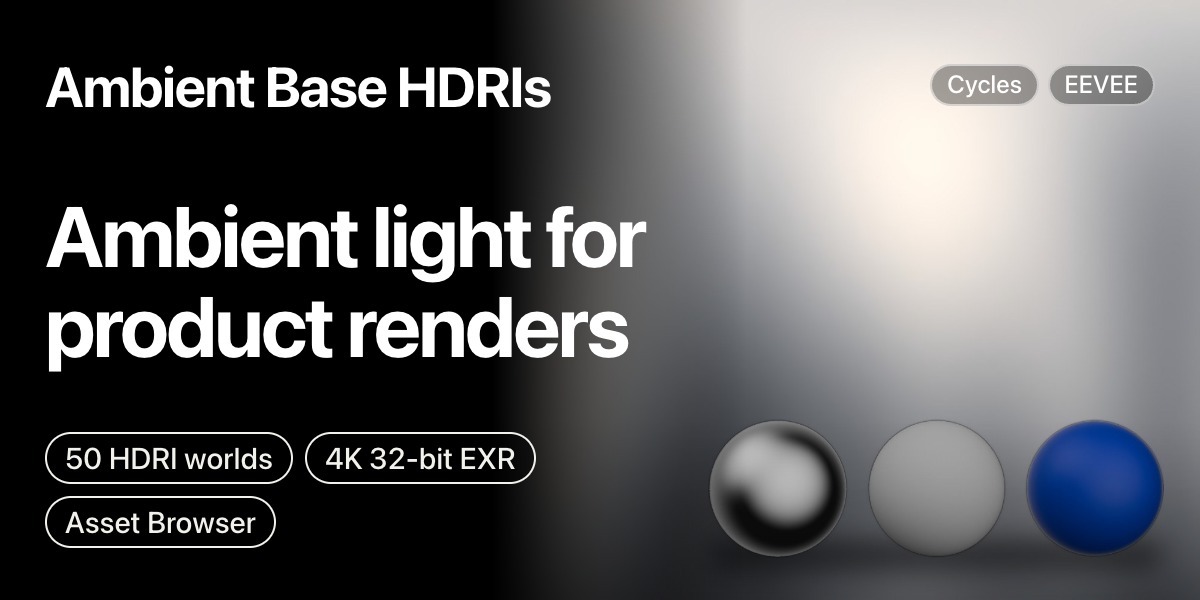



Hi, I'm Leonid
I make lighting tools and assets for Blender.
Ambient light for product renders
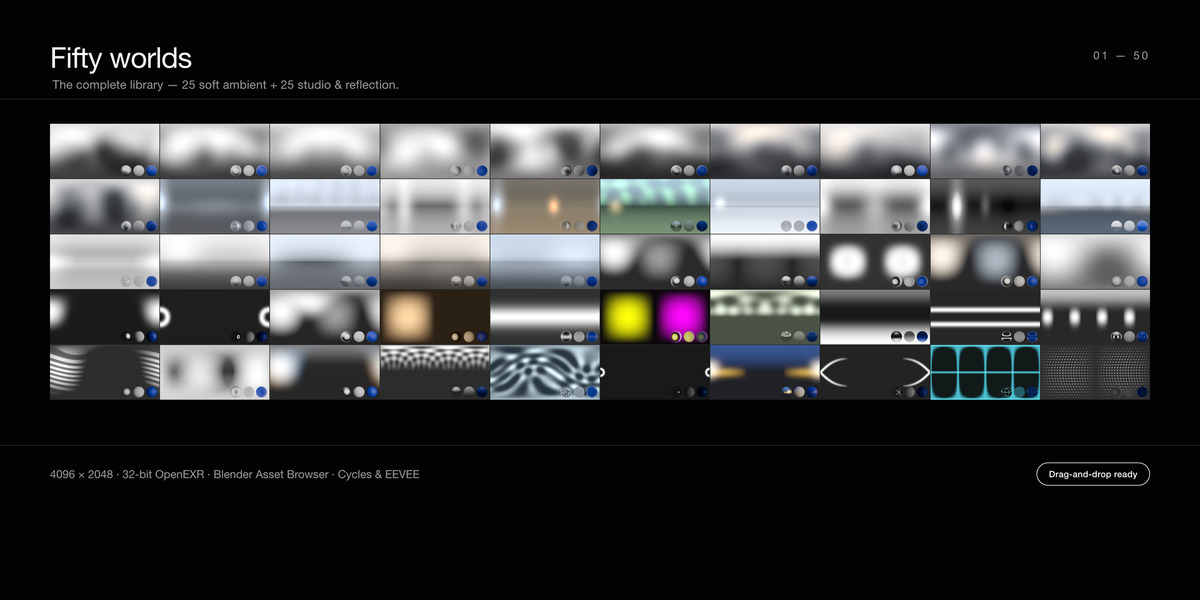
50 HDRI worlds for product shots.
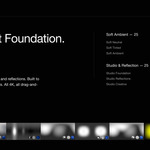
Soft Ambient, 25 worlds
Soft wrap-around light in neutral, warm and cool tones.

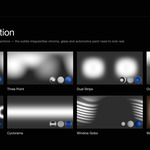
Studio and Reflection, 25 worlds
Structured bounce for chrome, glass and car paint.

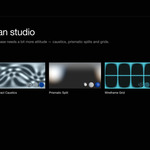
A creative tier too
Caustics, prisms, neon and grids.

How they work
Drop inDrag a world onto the scene.
Light on topThe world fills in under your own lights.
PreviewsChrome, matte and glossy spheres in every preview.
In the pack
Worlds50: 25 soft, 25 studio and reflection
Format4096 × 2048, 32-bit float OpenEXR, equirectangular
DeliveryBlender Asset Browser library
EnginesCycles and EEVEE. No add-on needed.
SizeAbout 1.7 GB
LicenceRoyalty-free in your renders. The files can't be resold.
Set up in 30 seconds
1Unzip the pack where you keep your assets.
2In Blender: Edit → Preferences → File Paths → Asset Libraries, press + and pick the pack folder.
3Open the Asset Browser, choose the library and drag a world onto your scene.
Questions
Are these photographed HDRIs?
No. There's no scenery or sun to fight your lights.
Do I need an add-on?
No. They use Blender's own Asset Browser.
Can I rotate, tint and adjust them?
Yes, like any HDRI.
Pairs well with Ambient Base HDRIs