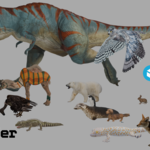
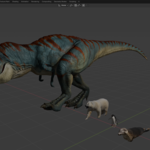
Animated Animals for Blender Add-On
 Animated Background People


Installation:
Open up the preferences menu and select the add-on tab. Click the downwards arrow in the upper right corner and choose 'Install from disk''. Select the zip file and click 'Install from disk'.
Enter your Sketchfab API key (can be found on Sketchfab, under Settings > Password & API) and pick a path for the Cache directory. Save your preferences using the menu in the bottom left. The add-on can be found in the N-panel as 'Animals'.
Usage:
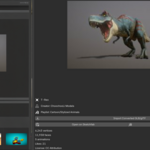
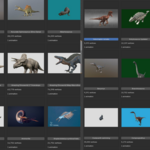
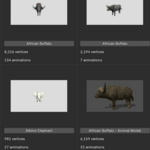
Select the 'Animals' tab from the N-panel and pick a category. The available models will then load into your scene. Click on the name of a model to automatically switch to the details page and then click on 'Import Converted GLB/glTF'. The selected model will then load into your scene at the place of the 3D cursor. Each loaded model will load into a new collection with it's name and the name of the creator. For some models you might need to delete the icosphere.
Have questions about this product?
Login to message
| Blender Extension Compatible | Yes |
| Dev Fund Contributor | |
| Published | 4 months ago |
| Blender Version | 4.2 - 5.0 |
| Extension Type | Add-on |
| Render Engine Used | Cycles, Eevee |
| License | GPL |