Animated Bowling Scene | Blender 3D
 SaadRazaq


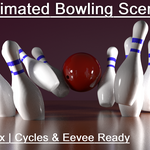
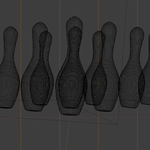
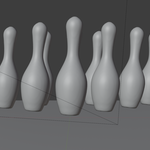
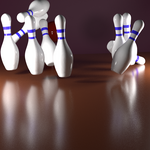
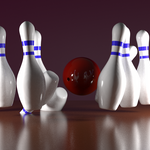
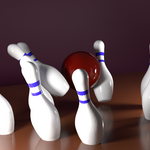
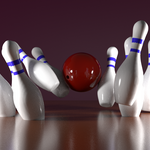
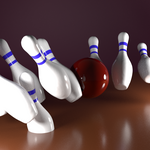
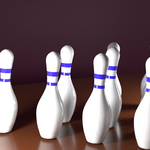
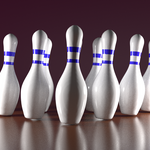
Included Files:
-
Animated_Bowling_Scene.blend— The main Blender file with animation and materials set up.
How to Use:
-
Open the
.blendfile in Blender 3.x or later. -
The animation is already set up on the timeline (keyframed).
-
Render with Cycles or Eevee engines.
-
You can easily tweak materials or lighting if needed.
-
To adjust animation speed, simply scale the keyframes in the timeline.
Dependencies:
-
No external plugins/addons required.
-
100% Blender native materials.
Have questions about this product?
Login to message
| Published | over 1 year ago |
| Blender Version | 4.2 |
| Render Engine Used | Cycles, Eevee |
| Misc Data | Uvs-Unwrapped, Animated |
| License | Royalty Free |

Discover more products like this
sports animation 3d PROPS bowling scene blender 3d sports 3d model 3d animation bowling strike animated scene blender bowling sports props cycles render blender file bowling animation 3d bowling Blender asset eevee-render bowling Game asset animated bowling bowling pins