Procedural Raw Flesh Material - Animated!
 Tomás Correa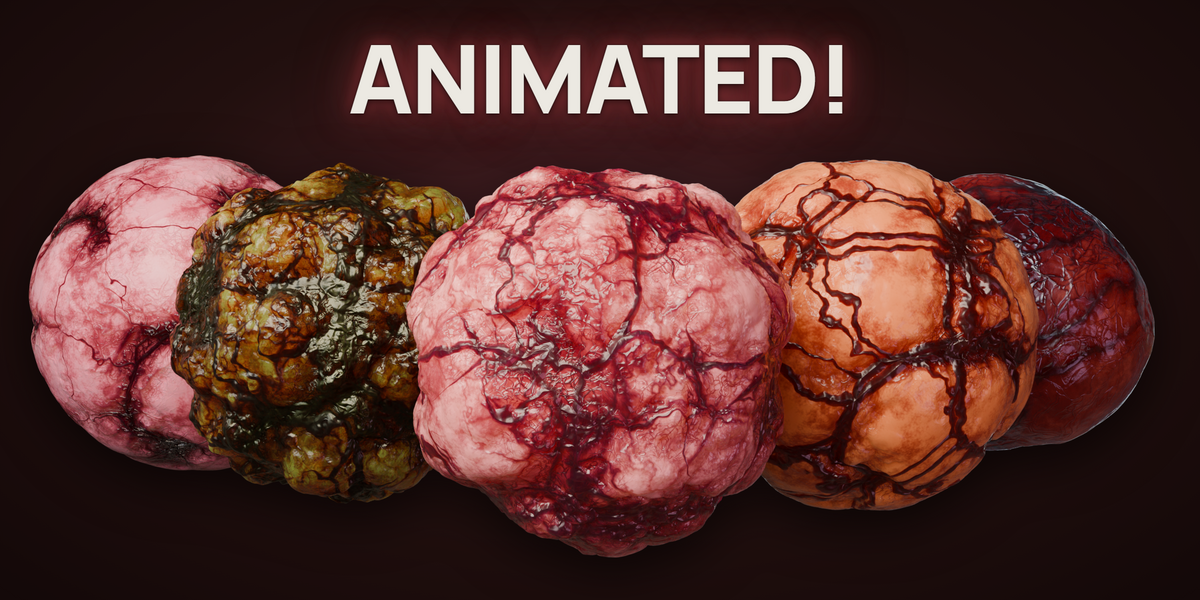
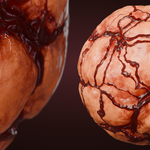
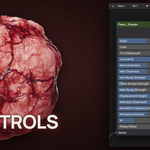
Importing the Flesh material
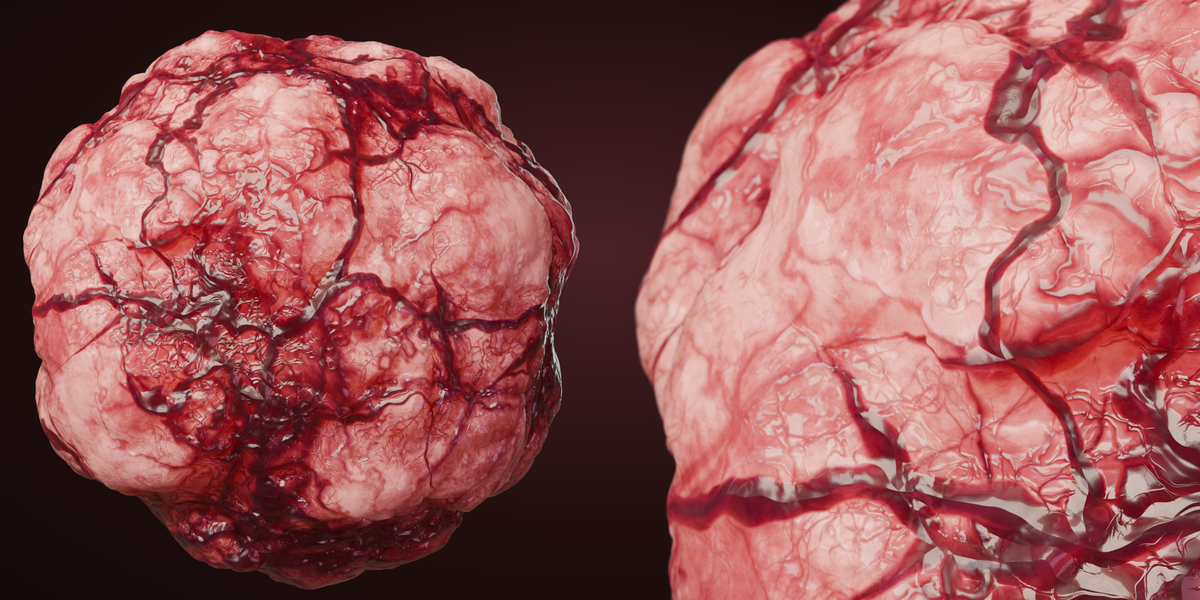
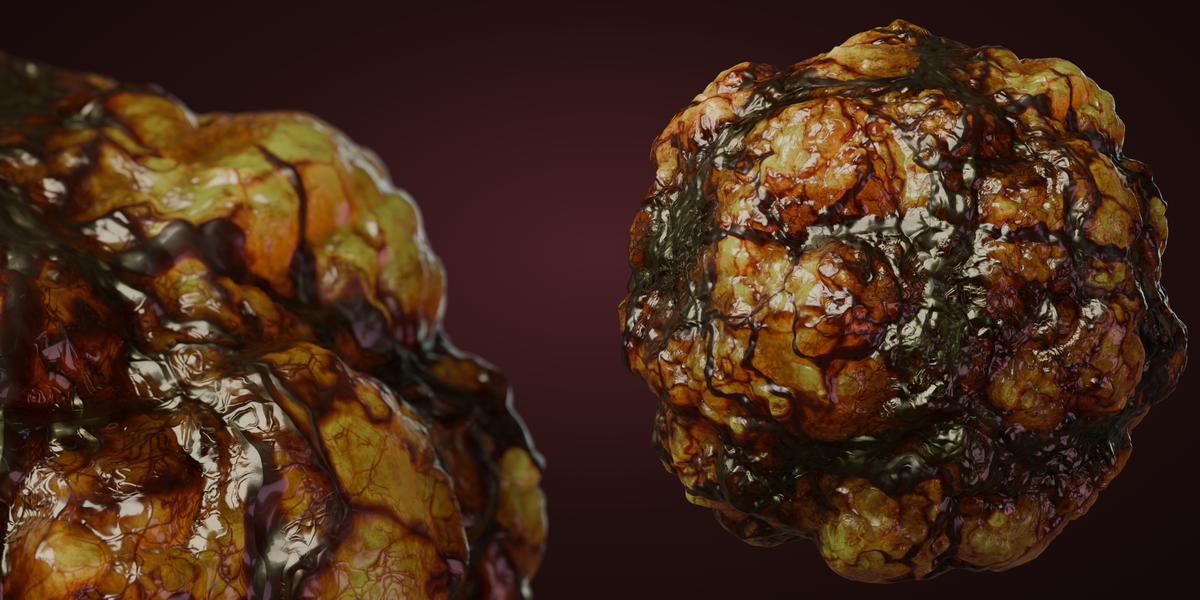
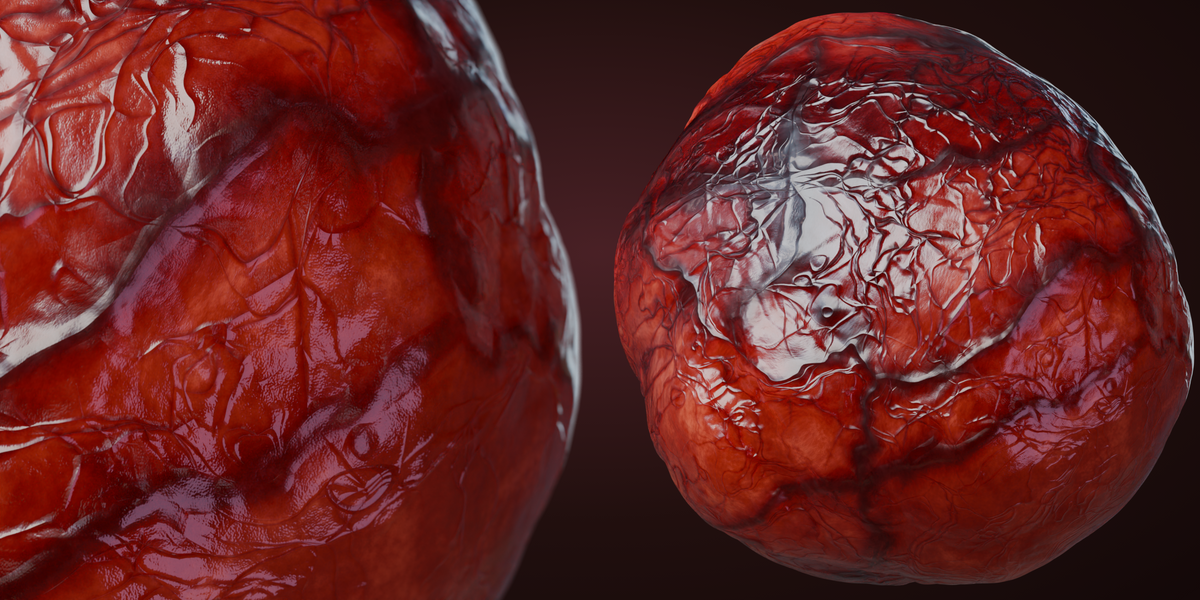
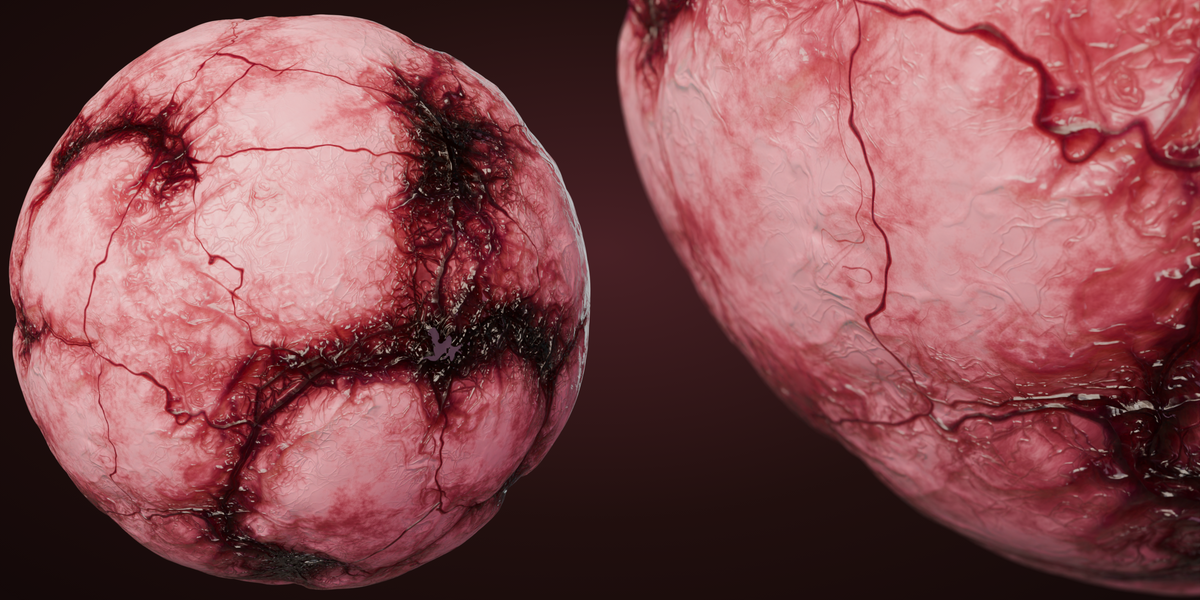
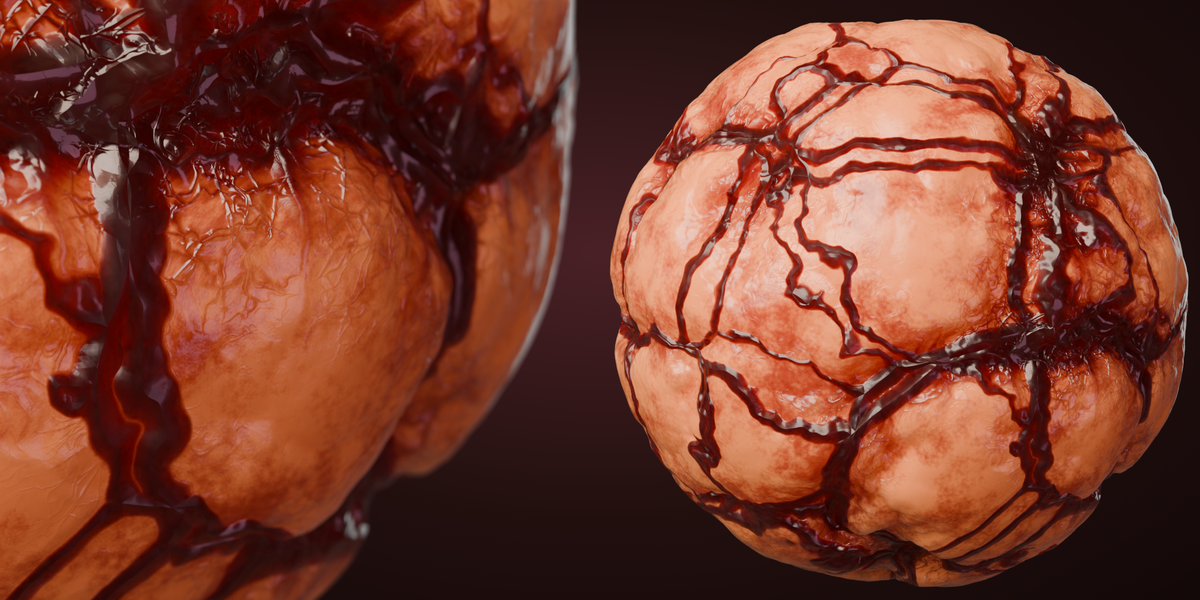
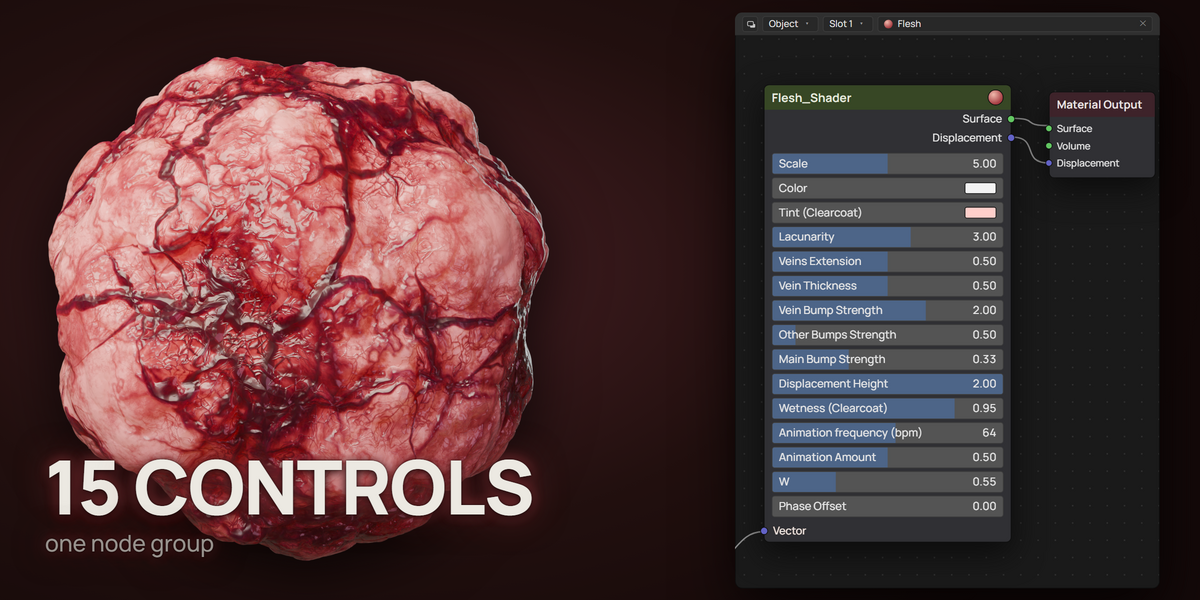
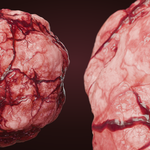
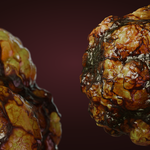
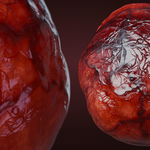
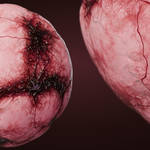
The file contains the hero material Flesh_Mat_5.0, four preset materials (Flesh_Mat_5.0 (Var 1) to (Var 4)) that share the same node group NG_Flesh_5.0, and the demo scene they are shown on.
To import into another project:
- Go to File → Append (or Link).
- Select the .blend file downloaded with this purchase (FLESH_MAT_ANIMATED_5.2.blend for Blender 5.x, FLESH_MAT_ANIMATED_4.x.blend for Blender 4.1 to 4.5).
- Enter the Materials folder.
- Select the material you want: Flesh_Mat_5.0 is the default look.
The node group, the animation driver and every setting come with the material automatically.
Changing heartrate during a shot
Keyframe `Phase Offset` (1 unit = 1 beat) instead of the bpm input; a steady slope raises or lowers the tempo smoothly, while keyframing bpm directly makes the pattern jump.
If you have any issues, feel free to message me!
 Included
Includes 12 months of
- Support from Tomás Correa
- Product updates
Extend this product’s Support Period +12 months: 25% of product price
Have questions before purchasing?
Login to message
| Dev Fund Contributor | |
| Published | 7 days ago |
| Blender Version | 4.1 - 5.2 |
| Render Engine Used | Cycles, Eevee |
| Misc Data | Animated |
| License | Royalty Free |