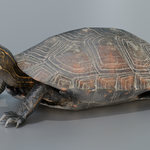
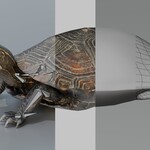
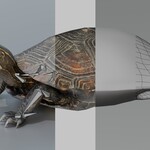
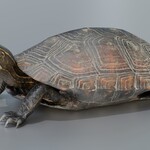
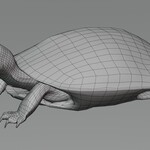
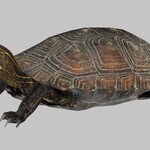
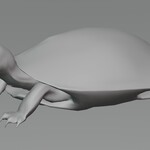
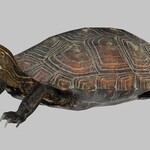
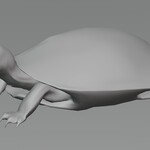
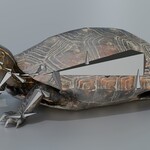
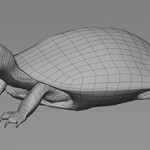
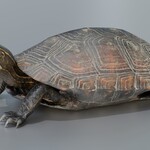
Animated Turtle
 Zacxophone


How to change animations of a model in Blender
1. Select the Armature
2. Go to the "action editor" menu under the "Dope Sheet" tab

3. Then you can choose the animation to play with the middle dropdown

$69.99
Have questions about this product?
Login to message
| Published | 3 months ago |
| Blender Version | 5.2 |
| Render Engine Used | Cycles, Eevee |
| Misc Data | Uvs-Unwrapped, Rigged, Animated, Normal-Mapped, Textured |
| License | Royalty Free |