 Besa_Art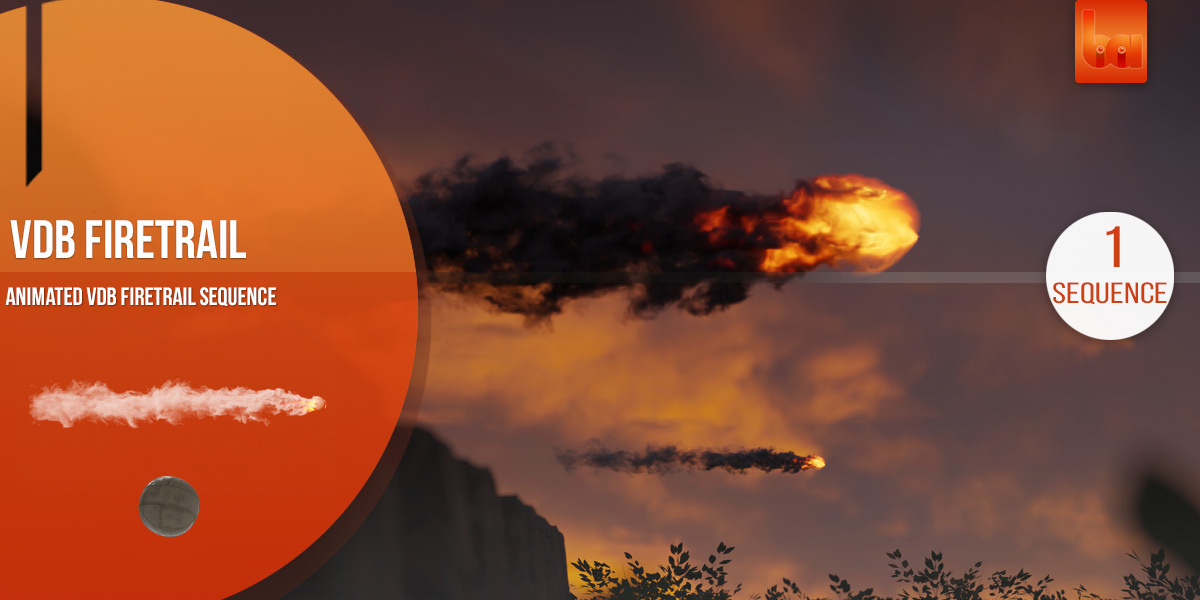
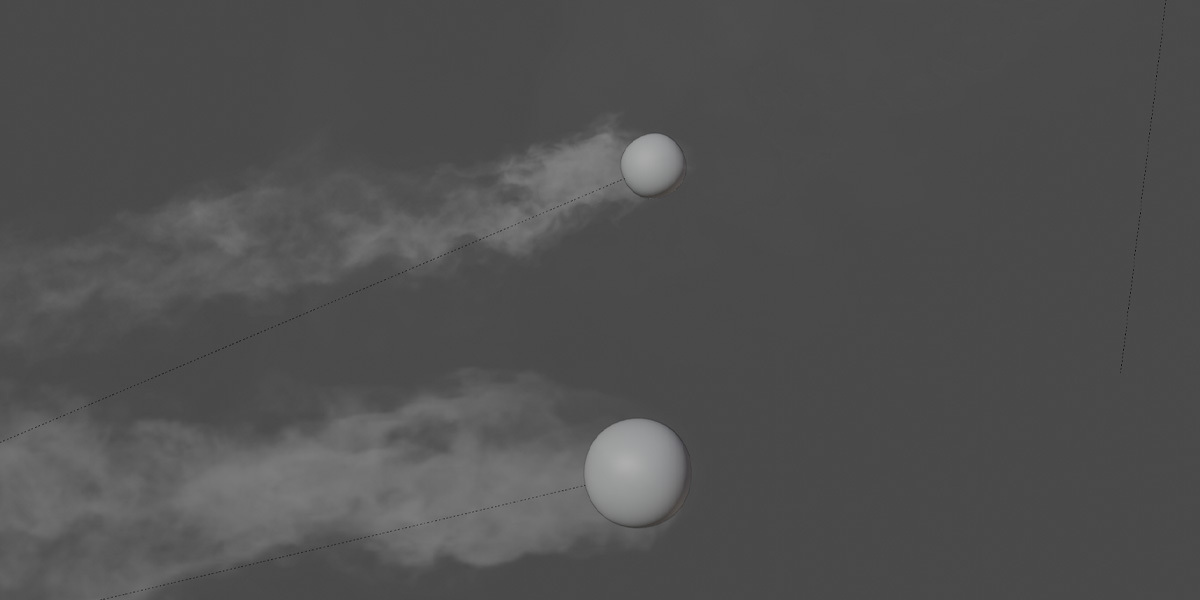
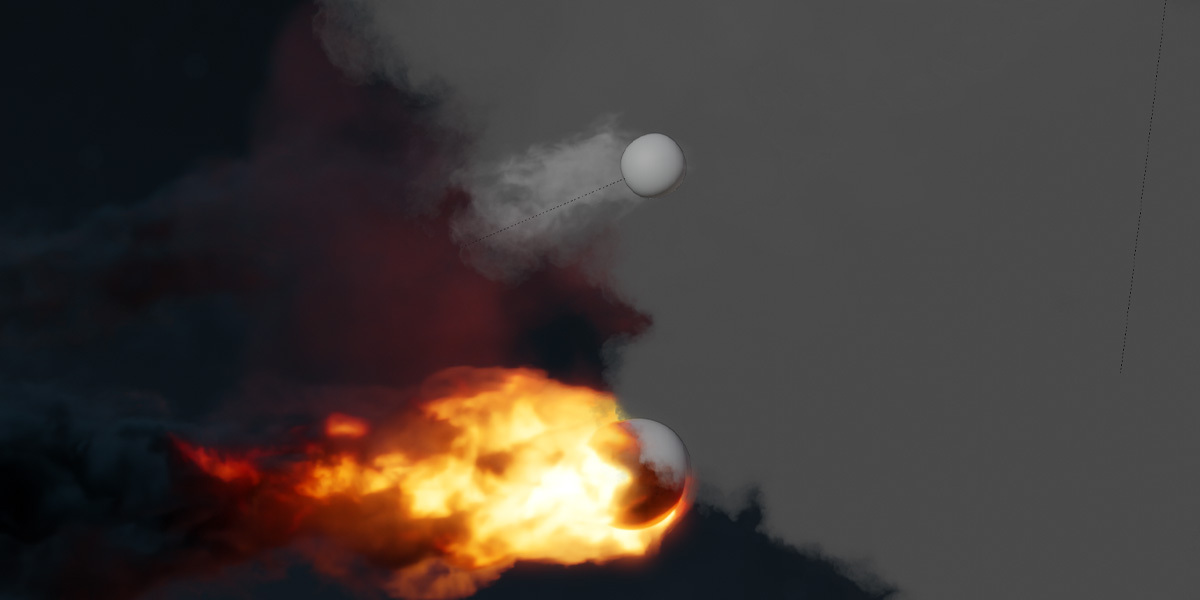

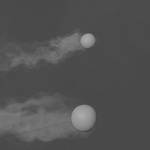
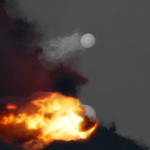
Import the vdb's
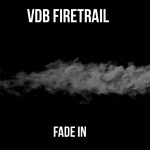
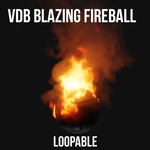
You can import the vdb's through the volume menu. Shift + A and go to the Volume submenu. Mark all files at the vdb folder with A and import them

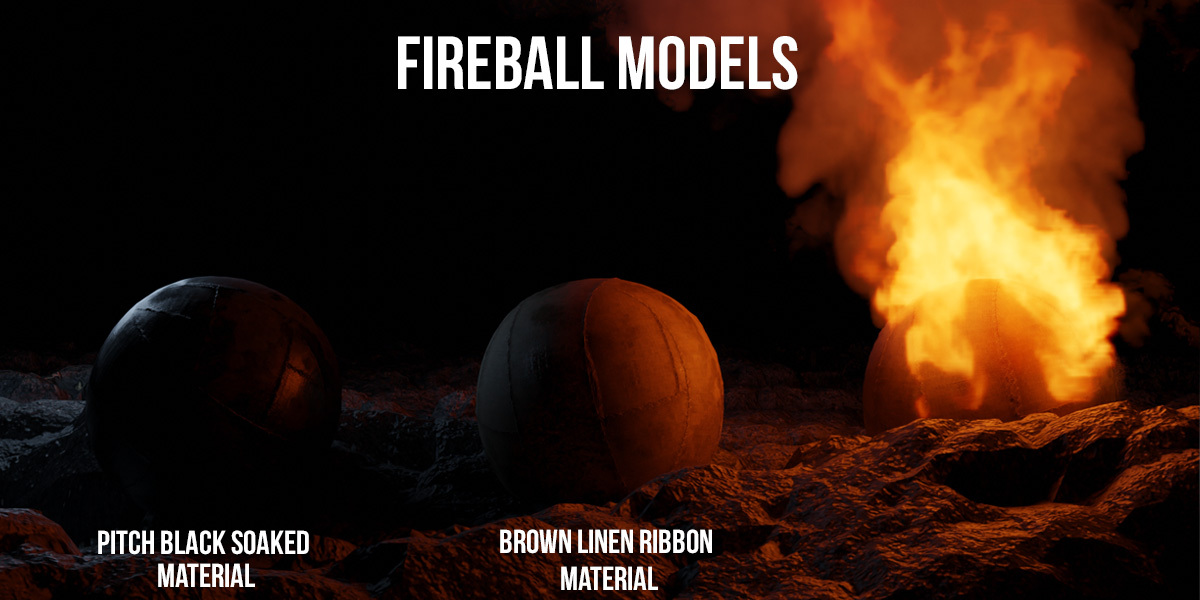
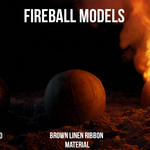
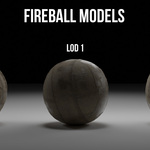
Import the Fireball asset
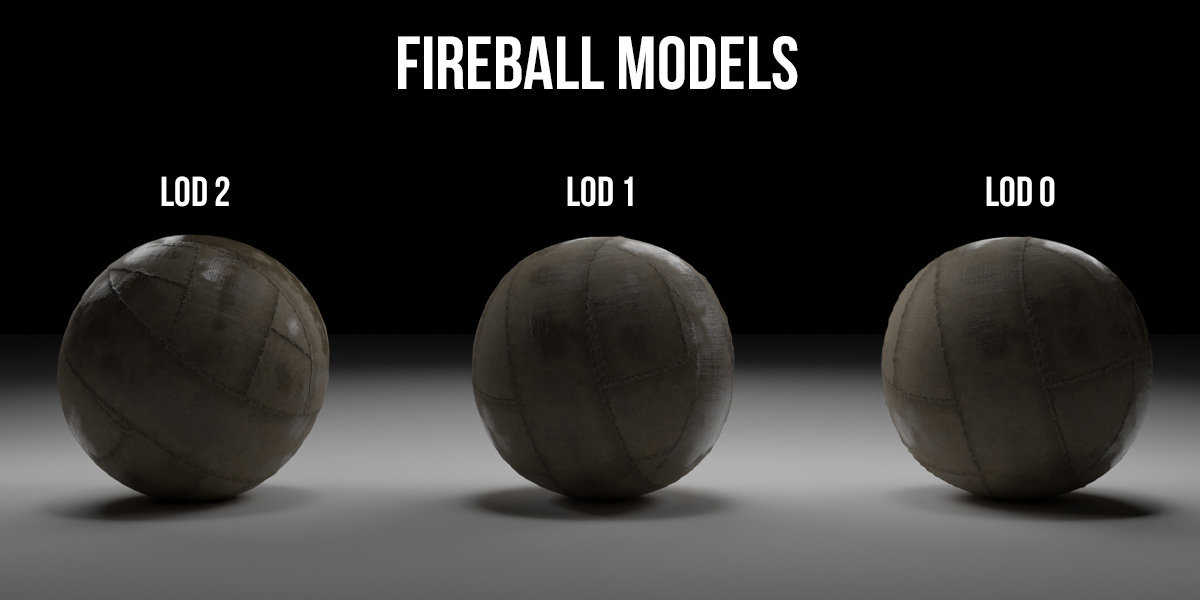
You can import the fireball through the main menu: Click at 'File' and then 'Append' and go to the downloaded folder of fireballs. Mark all fireball models with A and import them
How to Connect the Fireball with the VDB sequence and create motion to the ball
How to Install the AddonAfter downloading the zip-file, open blender and go to Edit>Preferences>Add-ons. Click Install in the top bar, search for the downloaded zip-file and click Install add-on. Type VDB Loops in the search bar. Enable the addon and click Save preferences.

After downloading the Zip-File of the pack, Select the folder where you have placed and unzipped the pack folder. (Please make sure that the Pack folder is free from other files)

How to work with the Addon
How to add A VDB Sequence into your scene
Select your desired VDB sequence and click on Add Loop:
How to add more loops
First set the marker on the timeline at frame 1 (otherwise the loop will starts at another frame) and then just click on Loop. Before you add further loops make sure you have completed your transformation settings (Scale, Position), so they are applied to the new looping.

How to delete unnecessary loops
Sometimes you have unnecessarily added too many loops. Just click delete, and the last added loop will be deleted:
-
$23
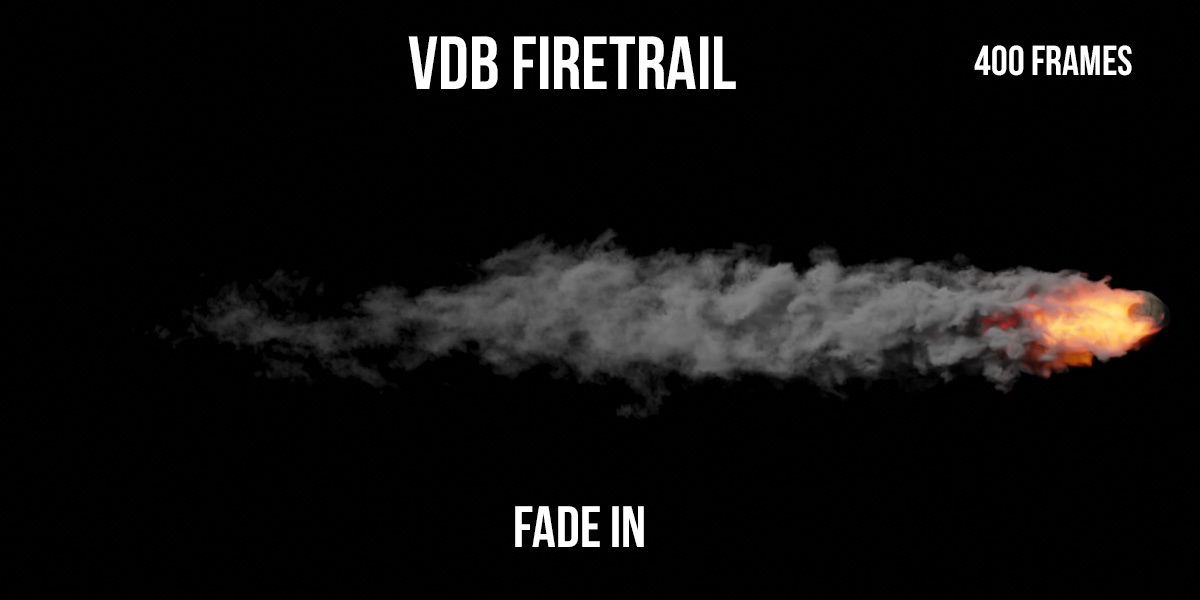
400 frames-long fire trail sequence + Fireball Asset - Low Poly & High Poly
-
$23
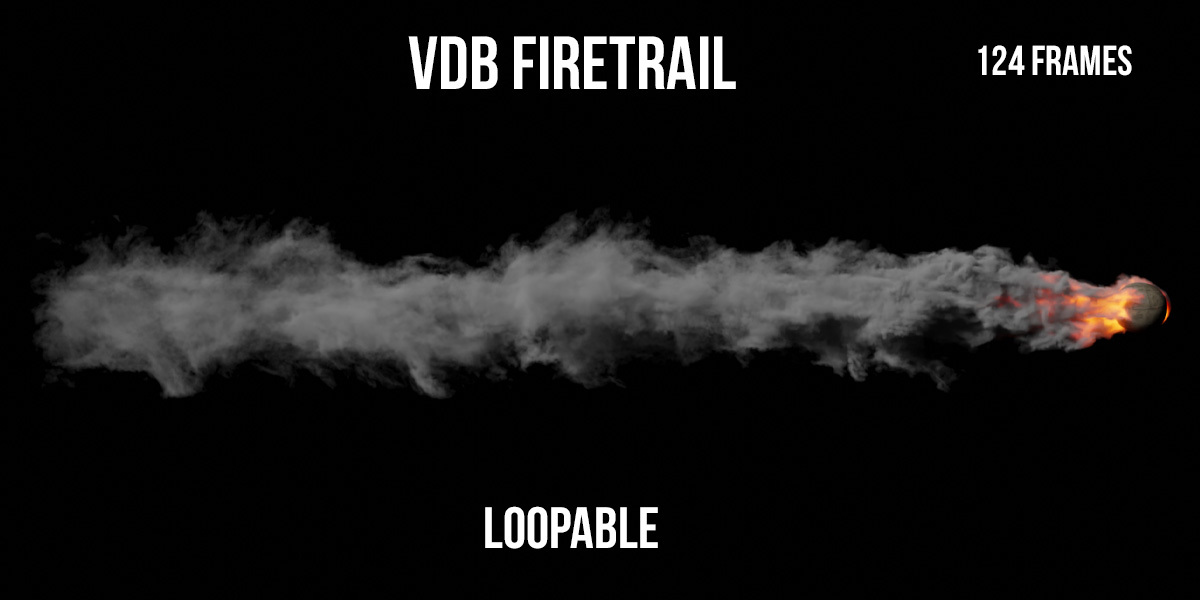
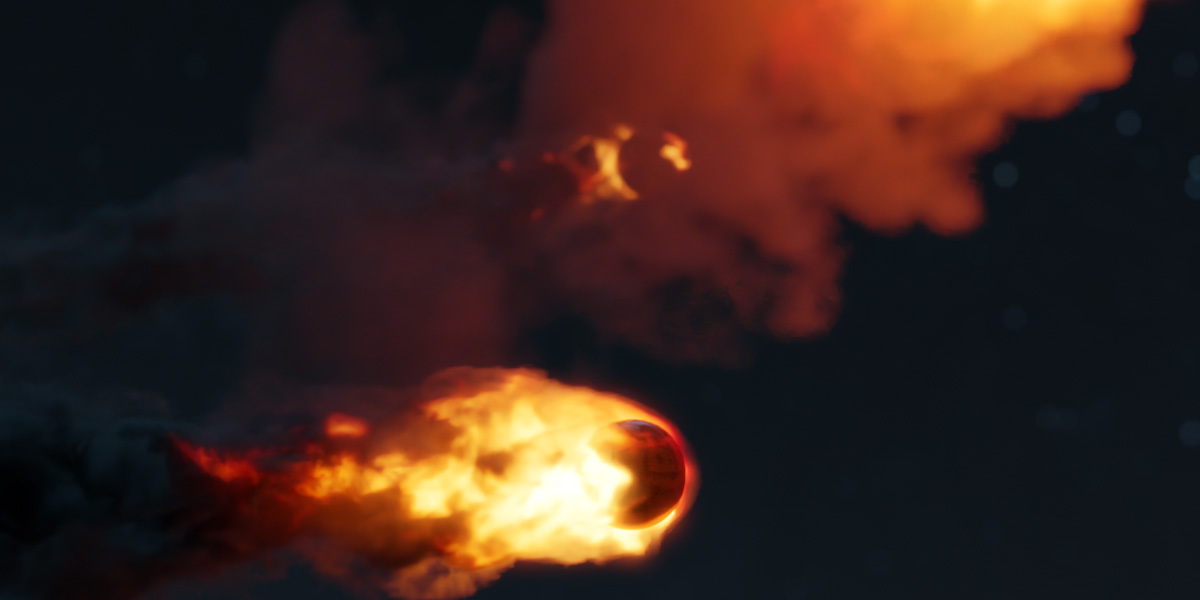
The 124 frames-long fire trail sequence + Fireball Asset - Low Poly & High Poly
-
$23
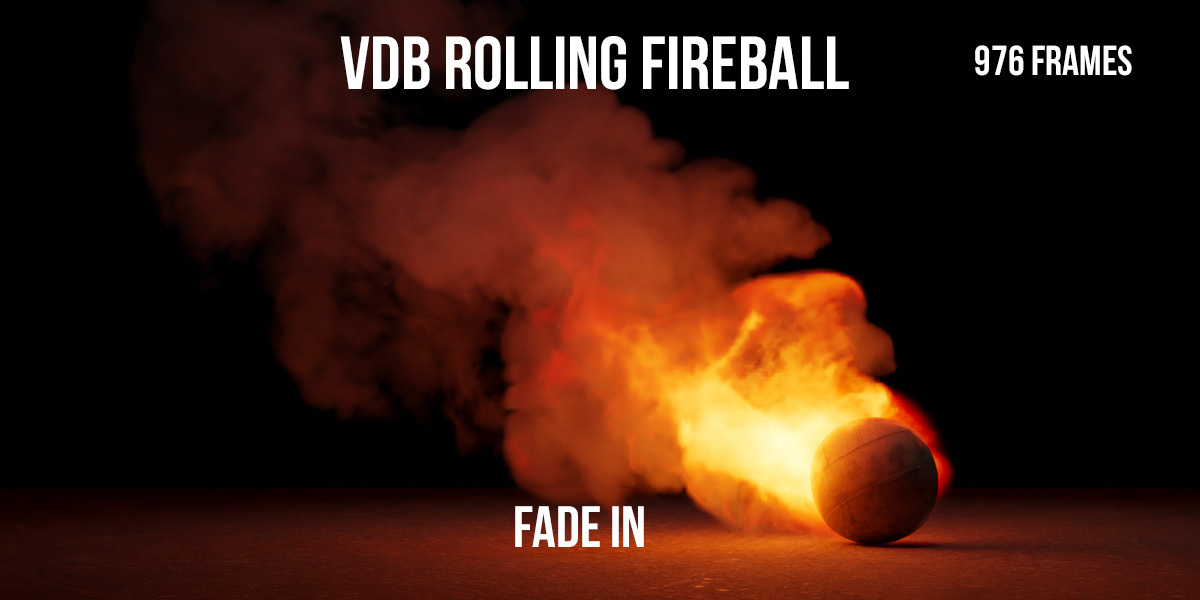
The 976 frames-long fireball sequence + Fireball Asset - Low Poly & High Poly
-
$23
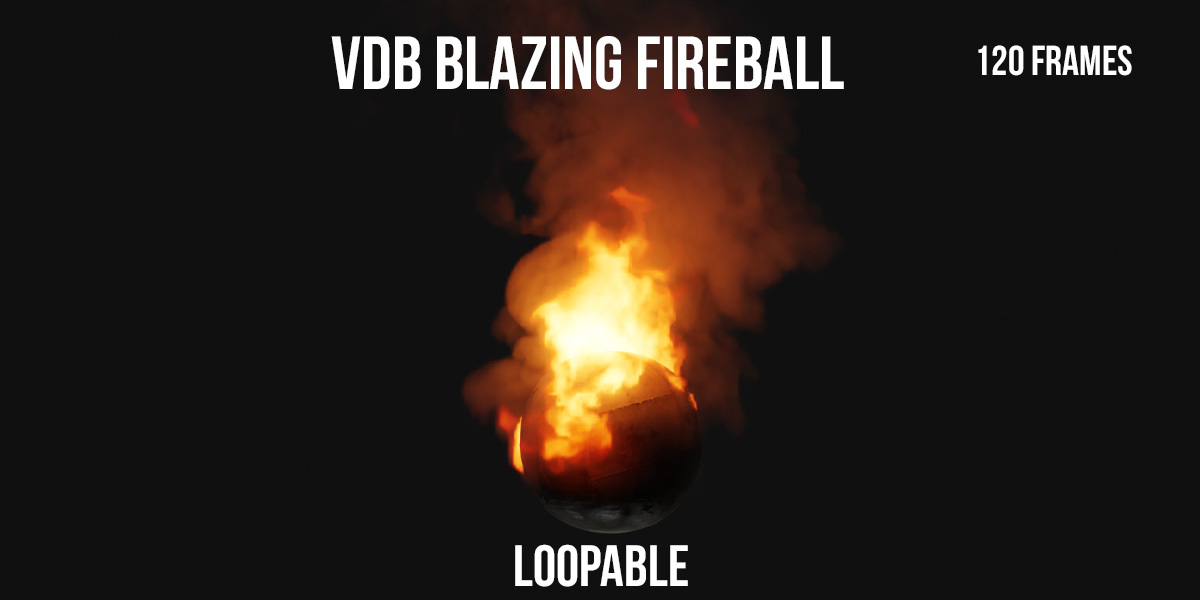
The 120 frames-long fireball sequence + Fireball Asset - Low Poly & High Poly
-
$43
VDB Loops Addon + The 124 frames-long fire trail sequence + Fireball Asset - Low Poly & High Poly
Have questions about this product?
Login to message
| Dev Fund Contributor | |
| Published | over 1 year ago |
| Blender Version | 4.4, 4.3, 4.2, 4.1, 4.0, 3.6, 3.5, 3.4, 3.3, 3.2, 3.1, 3.0, 2.93, 2.92, 2.91, 2.9, 2.83, 2.82 |
| Render Engine Used | Cycles, Eevee |
| Misc Data | Animated, Textured |
| License | Royalty Free |