Animation Preview
 MESC
MESC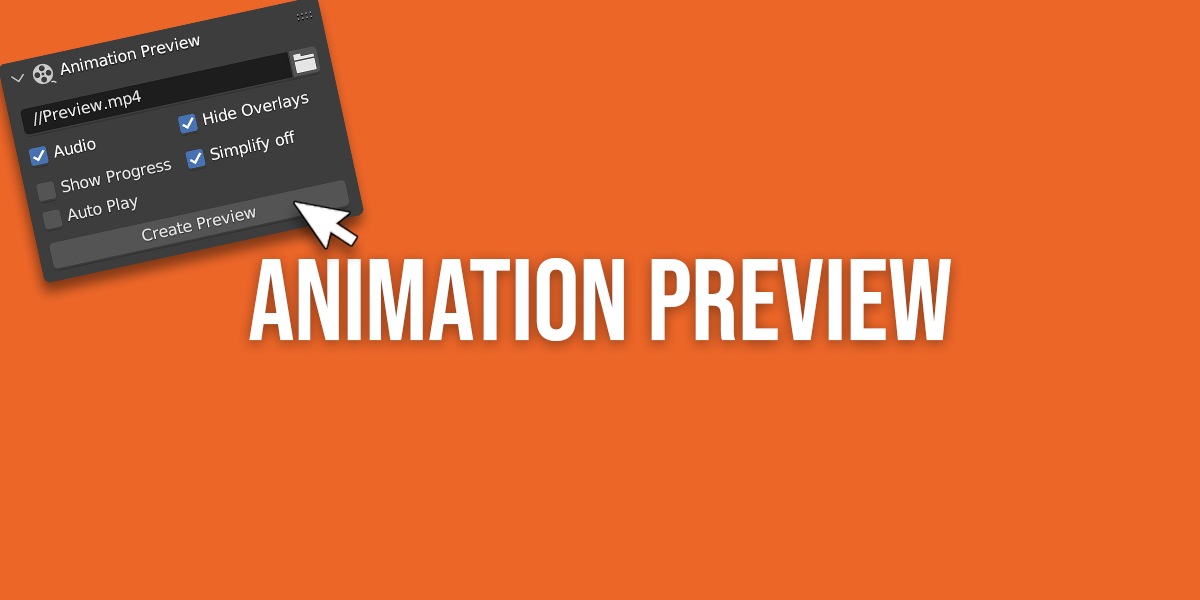

Panel
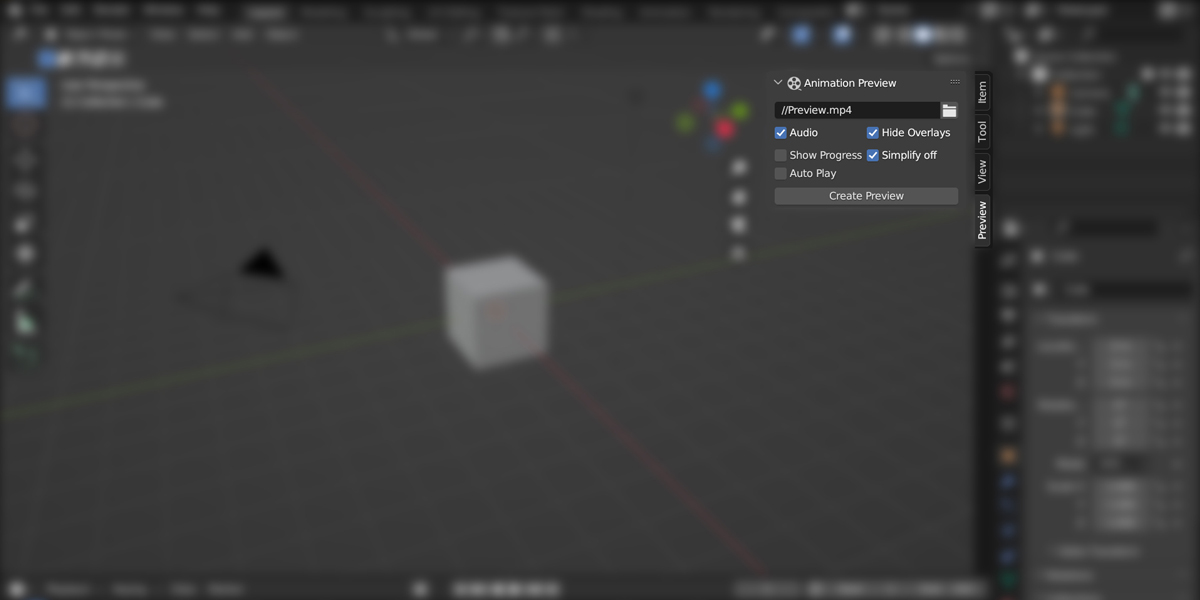
- Output path: Choose your destination path and define the name you want for the preview
- Audio: Allows you to include audio in your animation previews.
- Hide Overlays: Hide overlays like gizmos and outlines in the preview.
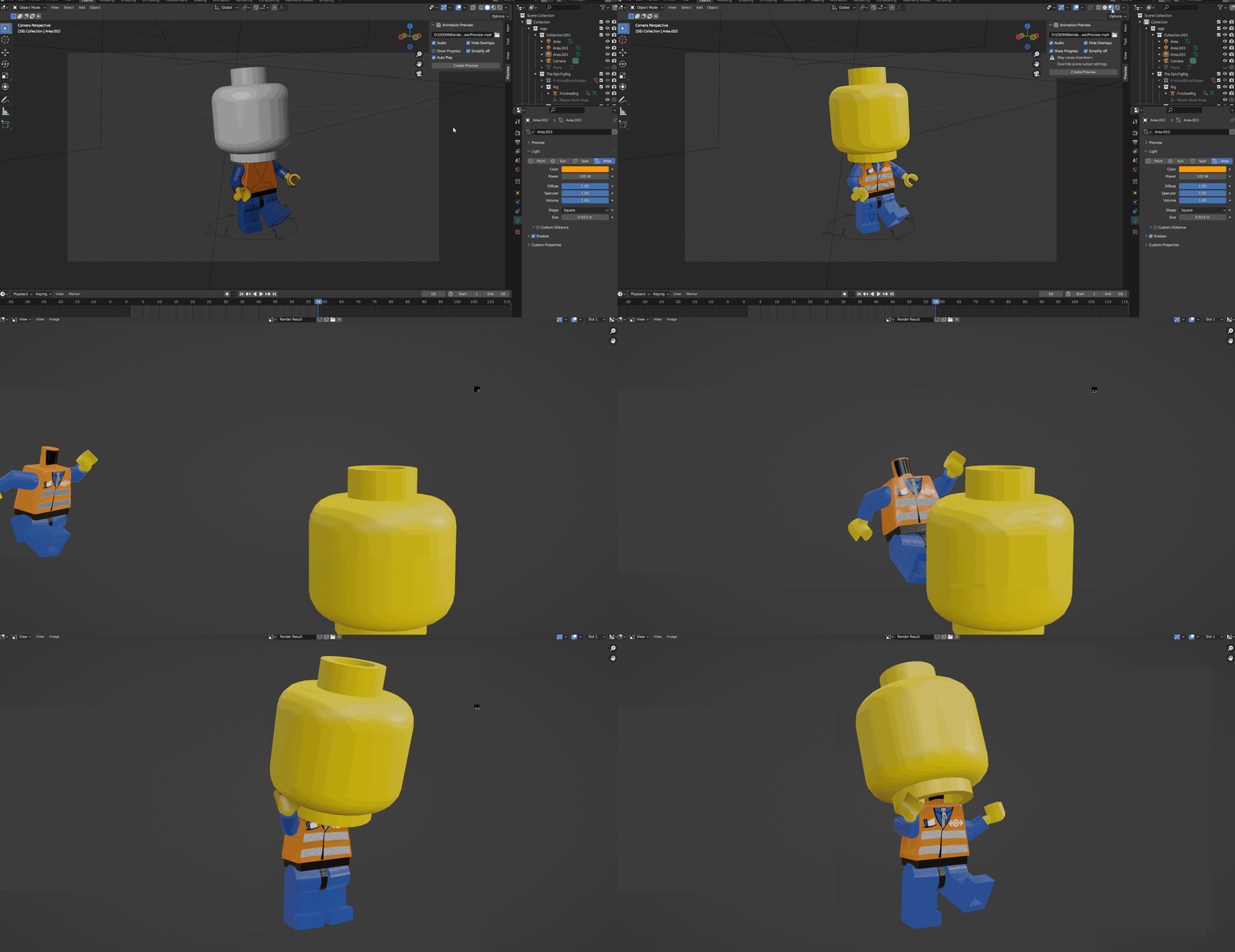
- Show Progress: Shows the progress of the preview and allows you to cancel it anytime. (Note: This option may cause slowdown and override scene's output settings.)
- Simplify off: Allows you to disable the Simplify option for the preview.
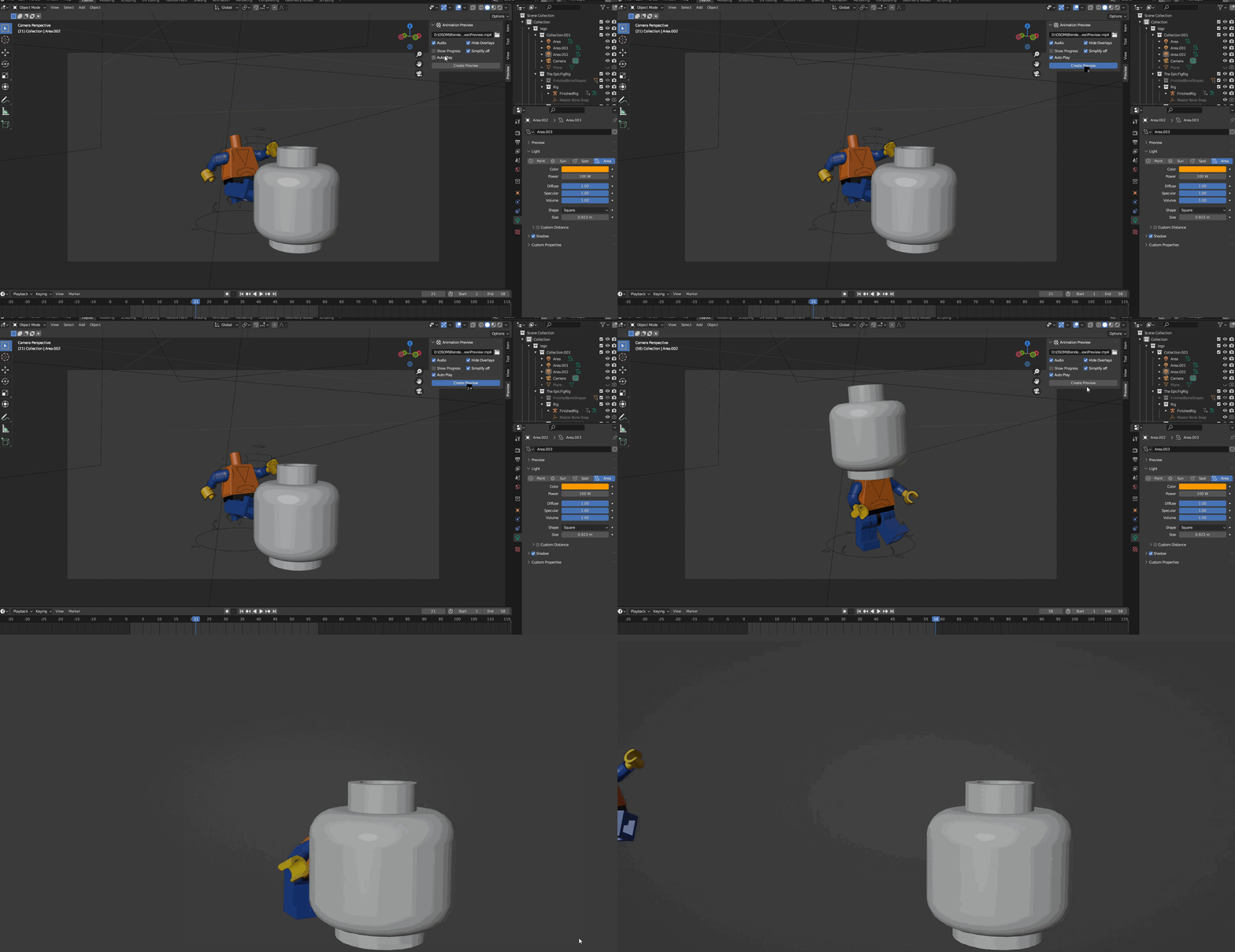
- Auto Play: Automatically play the preview once it's done.
Known Issues
- You can't cancel the preview while is rendering except if you enable the "Show Progress". It would be good to save before preview!
- For large scenes blender may not be responding while is rendering. Wait until the preview finished.
- Enabling the "show progress" feature will override the output settings of the scene and prevent the automatic playback of the preview upon completion.
Have questions about this product?
Login to message
Discover more products like this
flipbook render viewport viewport-preview playblast previews osom animation Render preview