 CGJackB
Three lightweight tools. One smoother animation workflow.
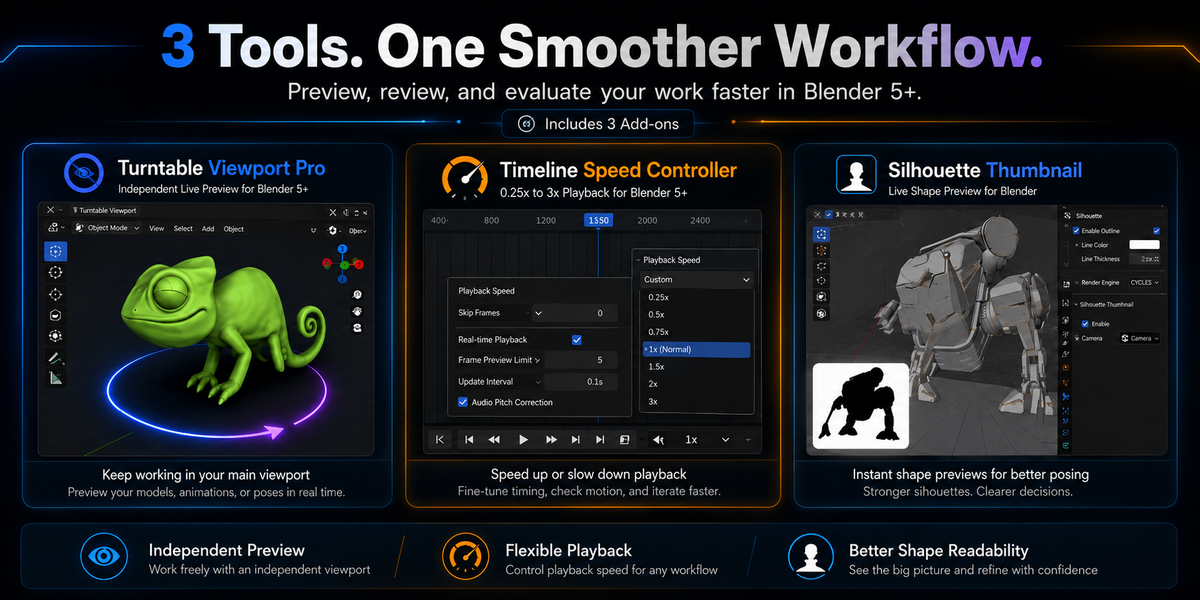
The Animator Workflow Bundle brings together three focused add-ons designed to make previewing, evaluating, and presenting your work faster and easier.
Control your animation playback speed, monitor your model from an independent rotating view, and keep a live silhouette reference visible while you work—all without building complicated scene setups.
Included Add-ons
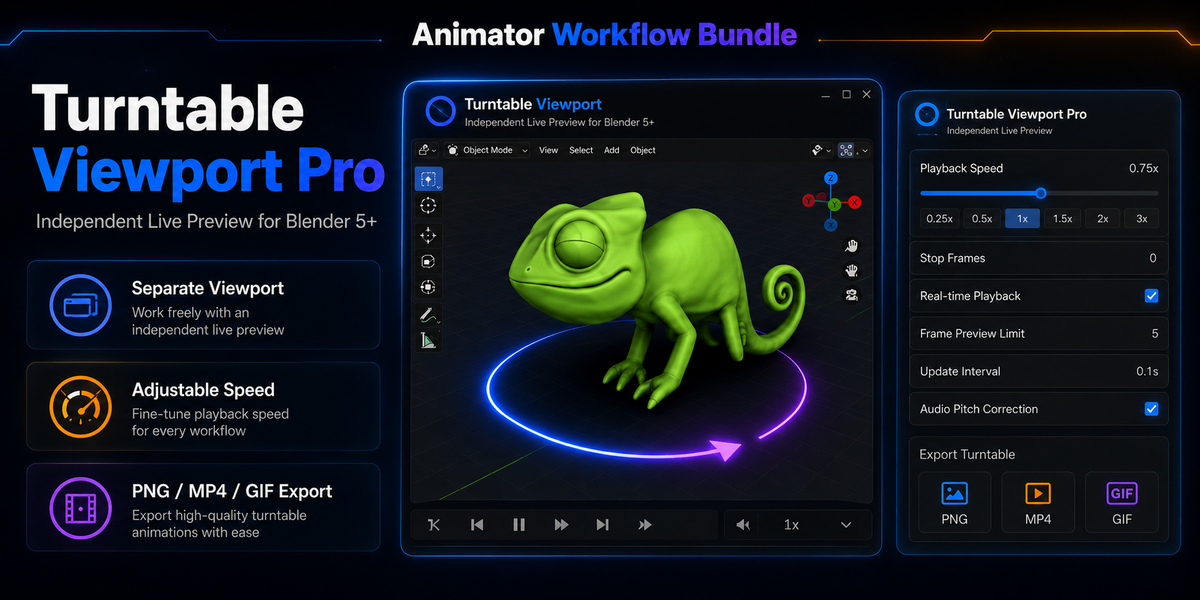
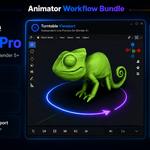
Turntable Viewport Pro
Create a live, independent turntable preview in a separate 3D viewport while continuing to work normally in your main viewport.
- Independent rotating viewport preview
- Adjustable rotation speed and direction
- Pause and resume controls
- Pivot and centering options
- Axis and rotation-space controls
- Still-image and animation export tools
- PNG, MP4, and GIF output options
- Non-destructive workflow—the object and scene remain untouched
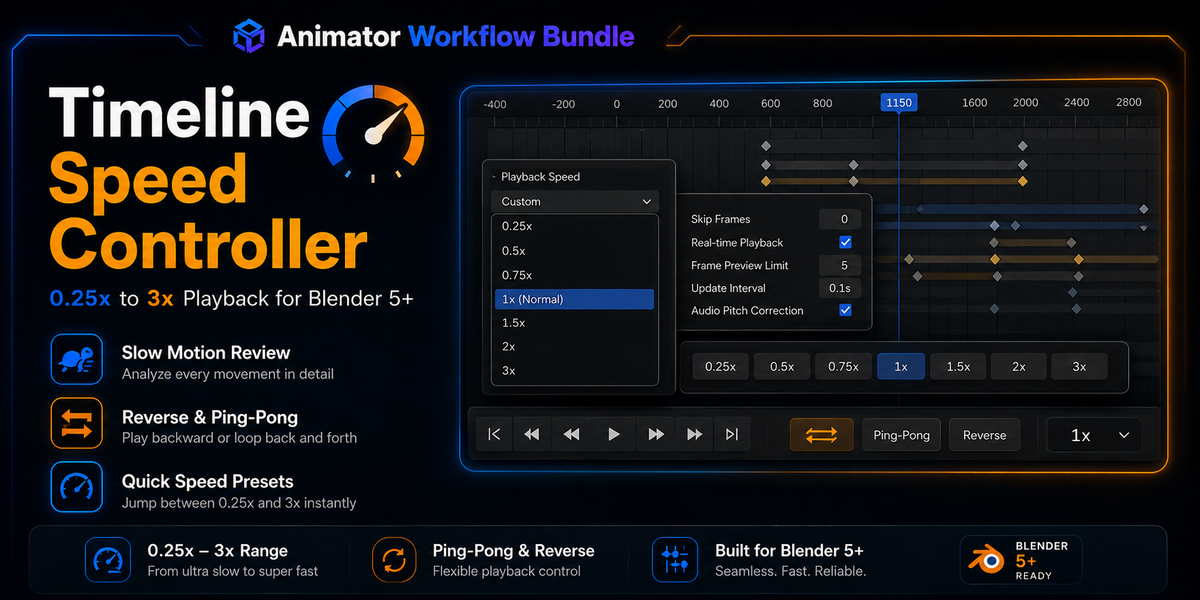
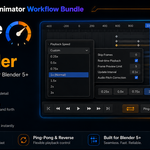
Timeline Speed Controller
Preview animation at the speed that works best for your current task.
- Playback speeds from 0.25× to 3×
- Quick-access speed presets
- Slow-motion animation review
- Faster playback for long sequences
- Reverse playback
- Ping-pong playback
- Compact Timeline and N-panel controls
- No need to change scene FPS or animation timing
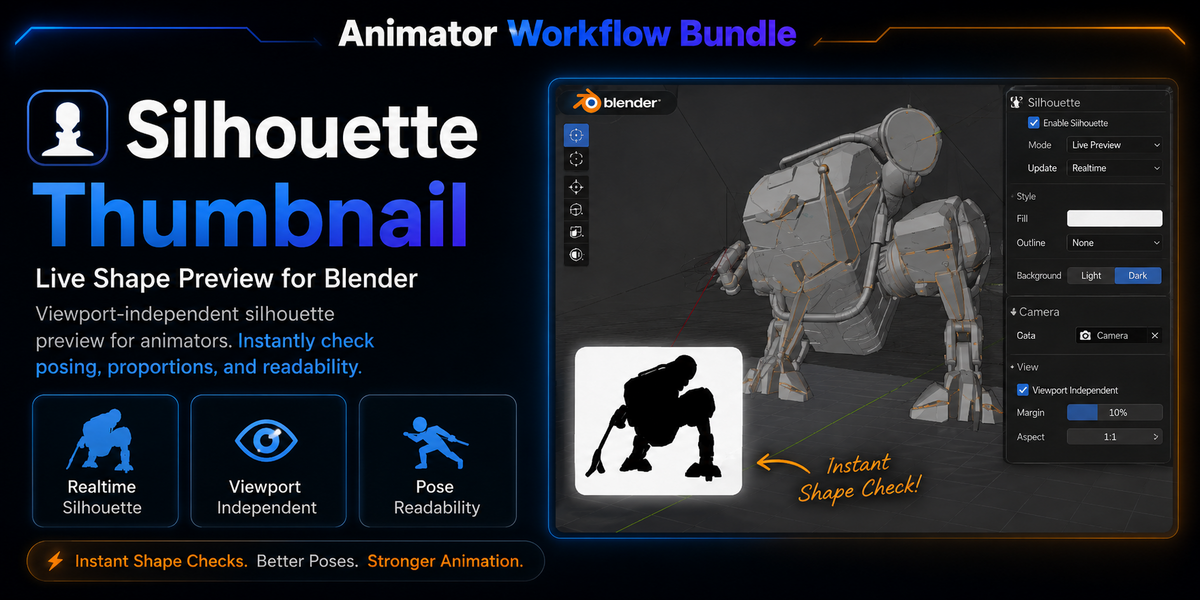
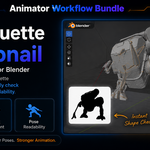
Silhouette Thumbnail
Keep a live silhouette reference visible while modeling, posing, rigging, or animating.
- Real-time silhouette preview
- Independent of the active viewport
- Responds to model rotation, position, and zoom
- Works with individual assets and character rigs
- Adjustable preview appearance
- Useful for checking poses, proportions, readability, and overall shape
Why Use the Bundle?
Each tool handles a different part of the visual-review process:
Turntable Viewport Pro helps you observe the asset from another angle.
Timeline Speed Controller gives you greater control over how animation is previewed.
Silhouette Thumbnail helps you judge shape and pose readability at a glance.
Together, they create a lightweight animation and presentation toolkit without adding unnecessary complexity to your scene.
Compatibility
- Blender 5.0 or newer
- Windows, macOS, and Linux
- No external online services required
- Turntable video export may require FFmpeg, depending on the chosen format
Installation
Each add-on is provided as an individual installable ZIP.
- Open Blender.
- Go to Edit → Preferences → Extensions.
- Open the dropdown menu and select Install from Disk.
- Select one of the included add-on ZIP files.
- Repeat for the remaining add-ons.
- Enable each add-on after installation.
Do not extract the individual installation ZIP files before installing them.
What You Receive
- Turntable Viewport Pro
- Timeline Speed Controller
- Silhouette Thumbnail
- Installation instructions
- Product documentation
- Future compatible updates released through this bundle listing
