 eihort
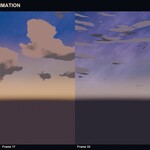
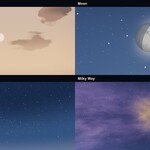
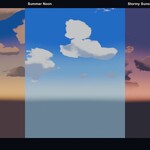
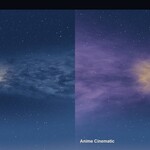
Anime Sky Toolkit
Procedural Anime Skies and Cinematic Atmospheres
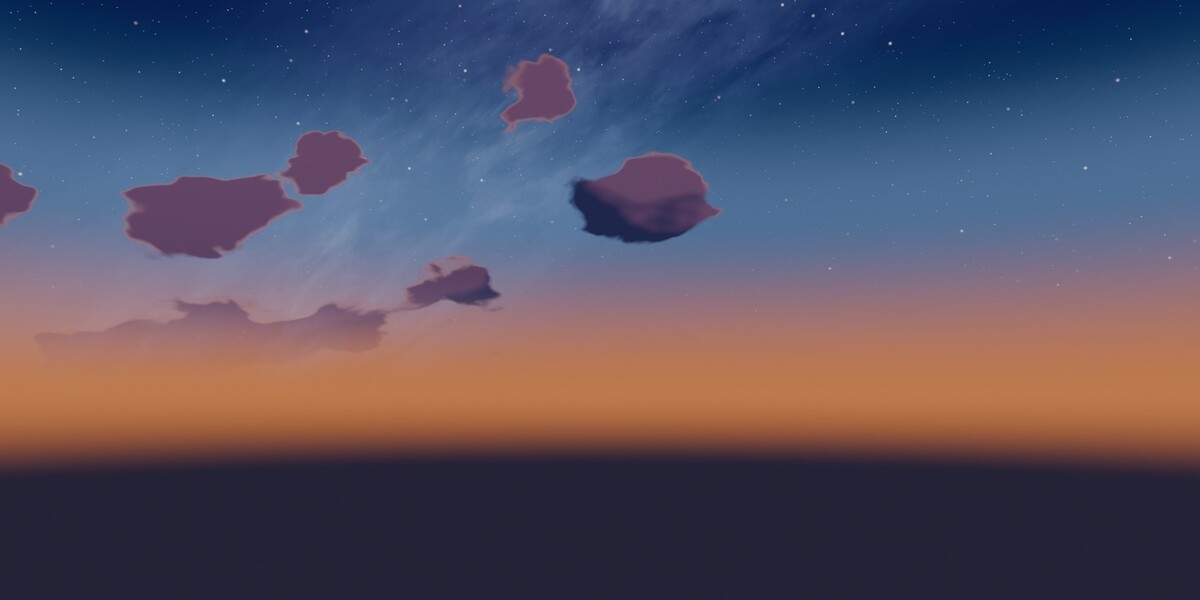
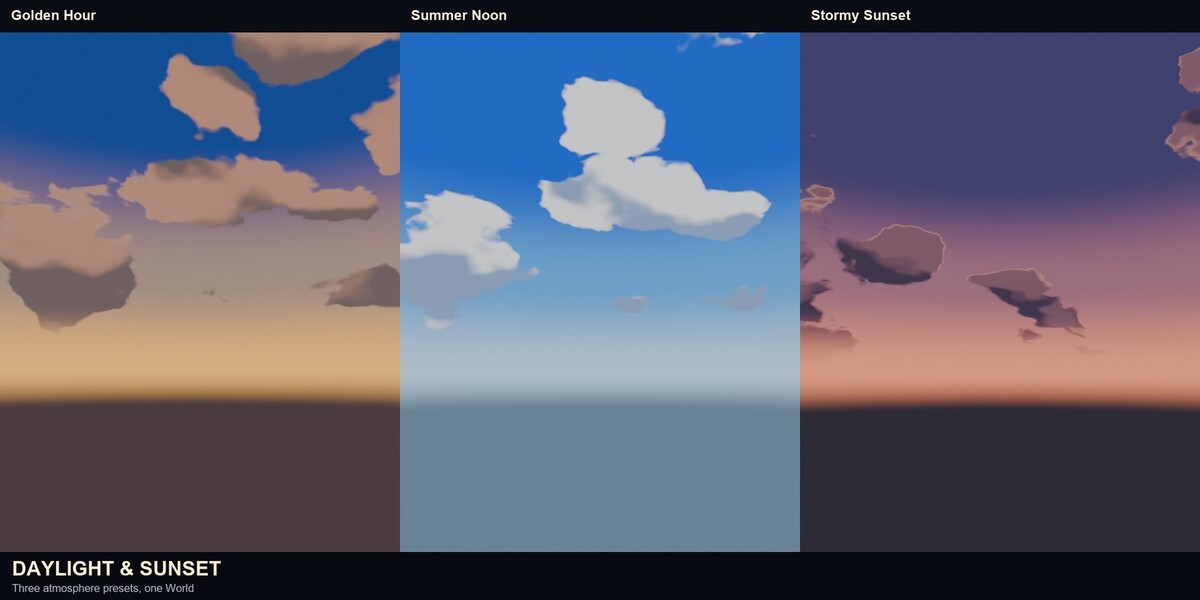
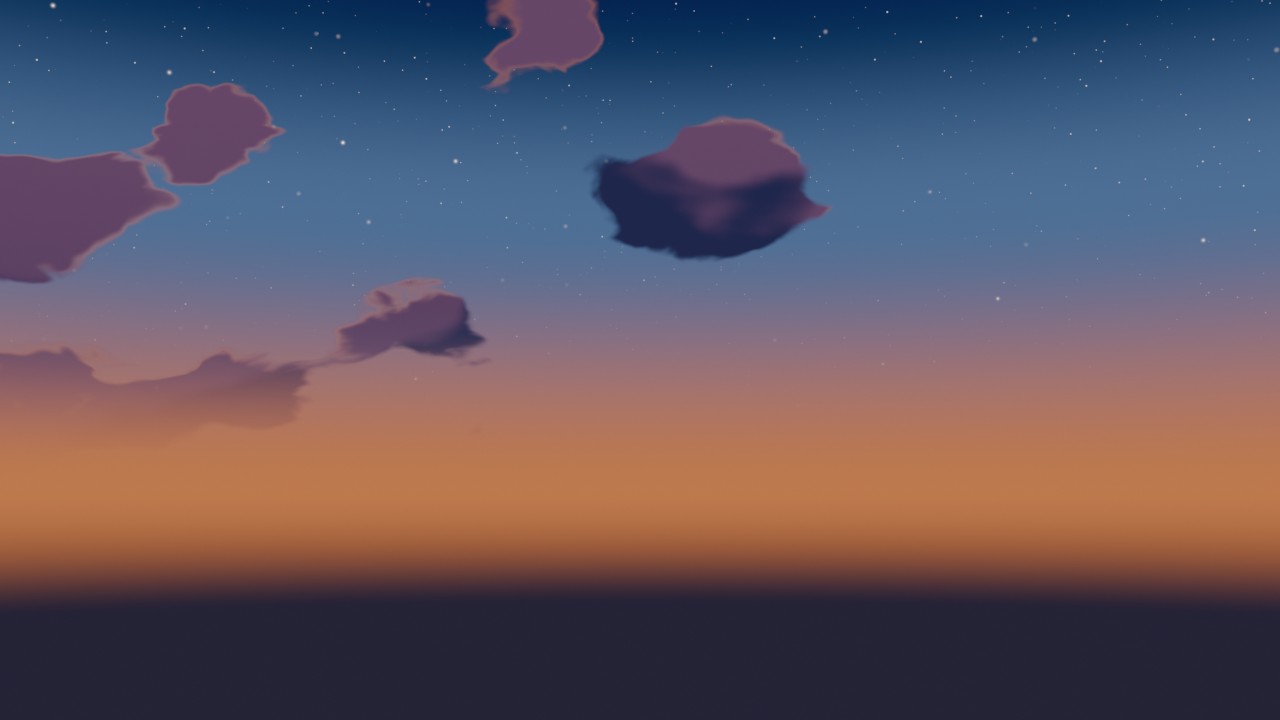
Build a complete sky inside Blender, from a clear summer noon to a star-filled night, with one unified World shader. Twelve presets, three cloud families, Sun, Moon, stars, shooting stars, Milky Way, transitions and a frame-driven timelapse. The sky uses no dome, cloud geometry, HDRI or image textures.
Blender 5.1.2 or newer · GPL-3.0-or-later · Windows 11 tested
Product overview
The sky lives in the World
Anime Sky Toolkit builds the sky in a procedural World shader. The gradient, clouds, Sun disk, Moon, stars, shooting stars and Milky Way are part of the World, so there is no dome to scale, no cloud geometry to hide and no HDRI to match. The add-on also drives the physical Sun light.
Choose a preset, press Apply Palette, and the sky, the Sun and the atmosphere are ready for the shot. Then shape the result with dedicated controls for the four sky zones, the celestial bodies and the clouds. The same World works in EEVEE and Cycles.
Scene changes and restoration: Applying a palette replaces the scene's visible World background, including an existing HDRI background, with the procedural sky and updates the Sun. The compositor is optional and is never enabled automatically; enabling it replaces the scene's active compositor assignment. A snapshot is saved before the first changes. Use Advanced Settings > Remove ALD from Scene to restore the captured World, Sun, material, render-pass and compositor state. Restoration depends on a valid original snapshot; older files without one have limited restoration, and shared World or Sun data is left alone where restoring it would affect another scene.
The sky uses no dome, cloud geometry, HDRI or image textures. You art-direct it through the World controls.
|
12 atmospheric presets |
3 World cloud families |
4 celestial systems |
1 World shader |
Atmosphere & World Gradient
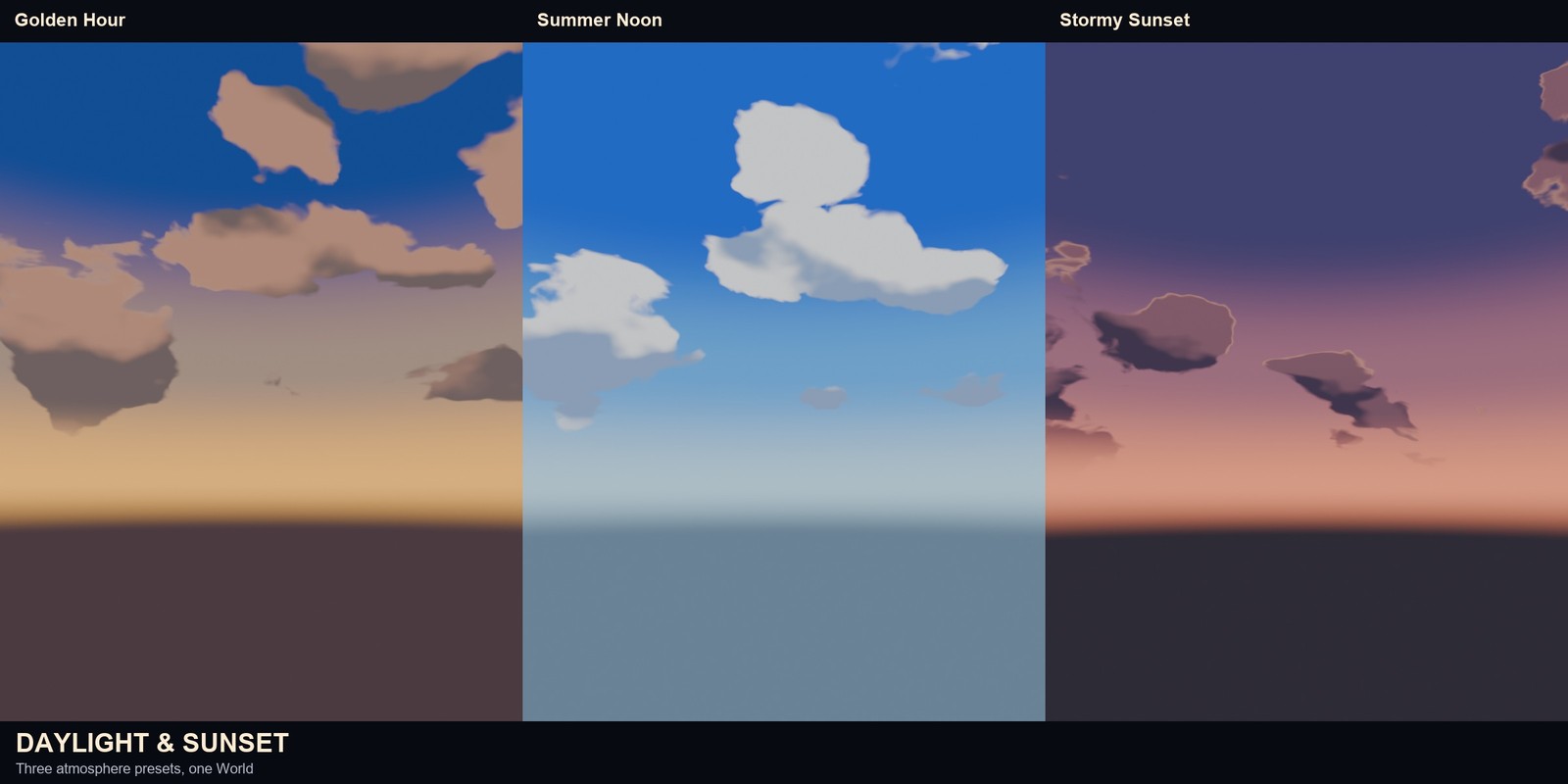
The sky is a four-zone gradient: Ground, Horizon, Mid Sky and Zenith. Every zone has its own color, so the horizon can glow while the zenith stays deep blue. Horizon Offset moves the whole sky for a lower or higher camera; Horizon Softness controls the blend; Sky Accent adds a broad band of color.
- Four independent sky zones and custom colors
- Horizon offset, horizon softness and a broad sky accent
- Optional Atmospheric Modifier with six camera-ray grades
- World Horizon Haze that follows the horizon color and offset
Sun & Moon
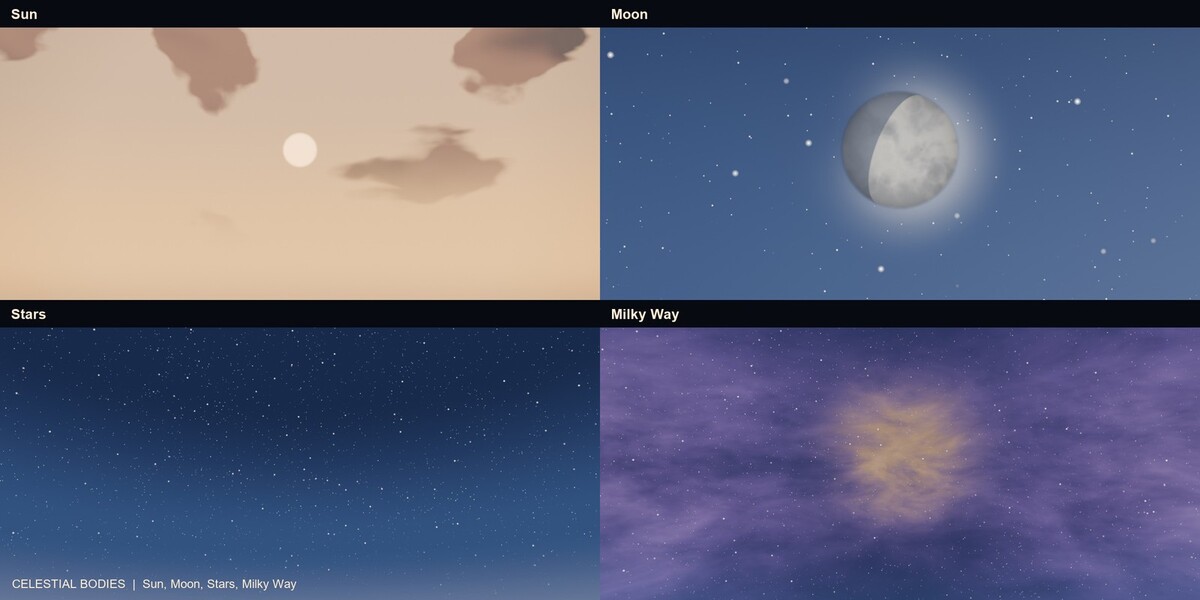
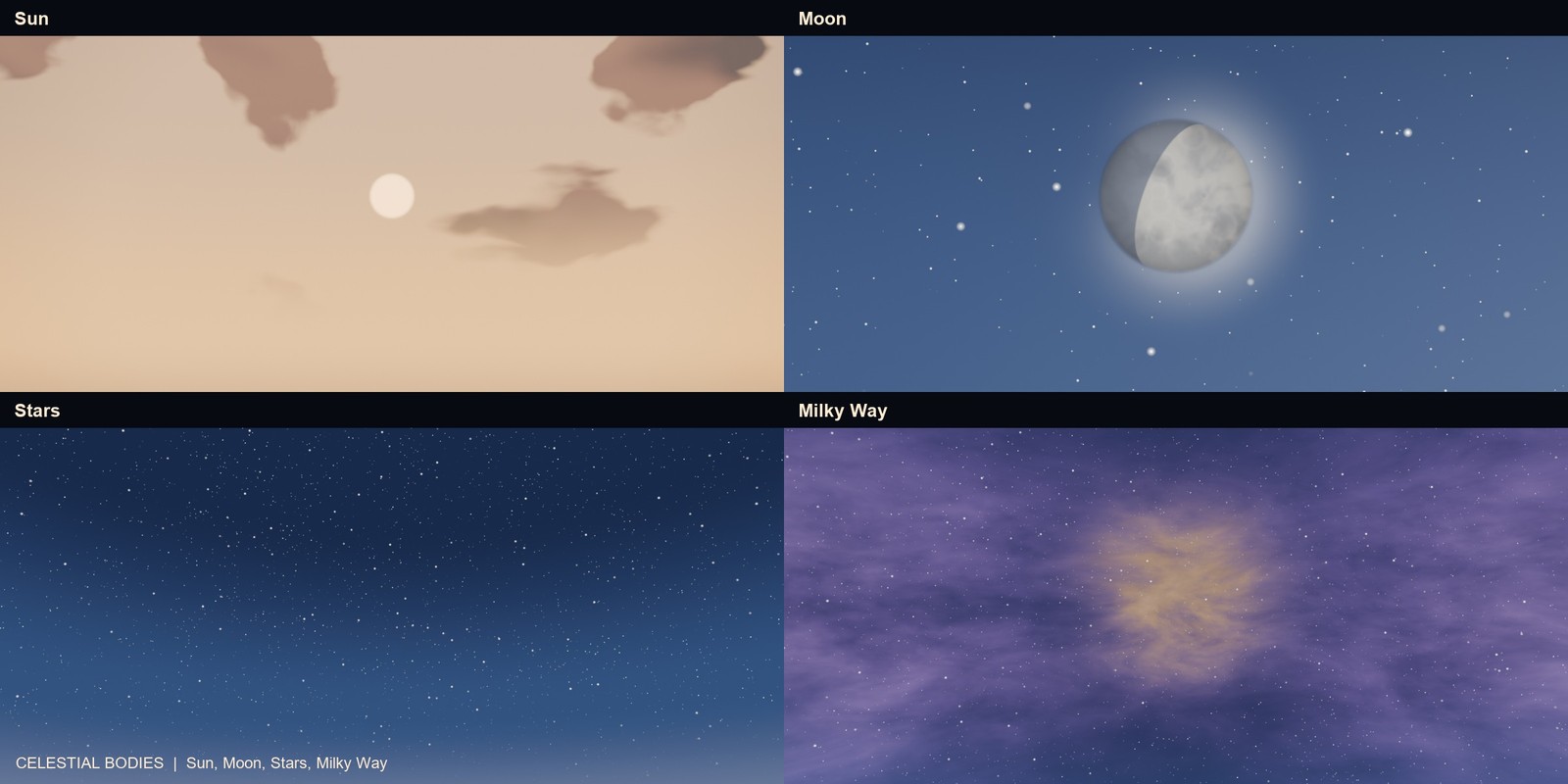
Place the Sun from -30 to 85 degrees, rotate it around the scene, and control the visible disk, disk size, glow and backlight staging. Below the horizon the disk disappears and the glow fades out. The Moon has its own position, size, phase, lit-side rotation, earthshine, glow and procedural surface.
- Sun elevation, azimuth, disk, glow and backlight
- Moon phase, earthshine, halo, surface seed and size
- The Sun drives the physical light; the Moon is a World-shader disk
- Preset transitions interpolate angles along the shortest path
Stars & Shooting Stars
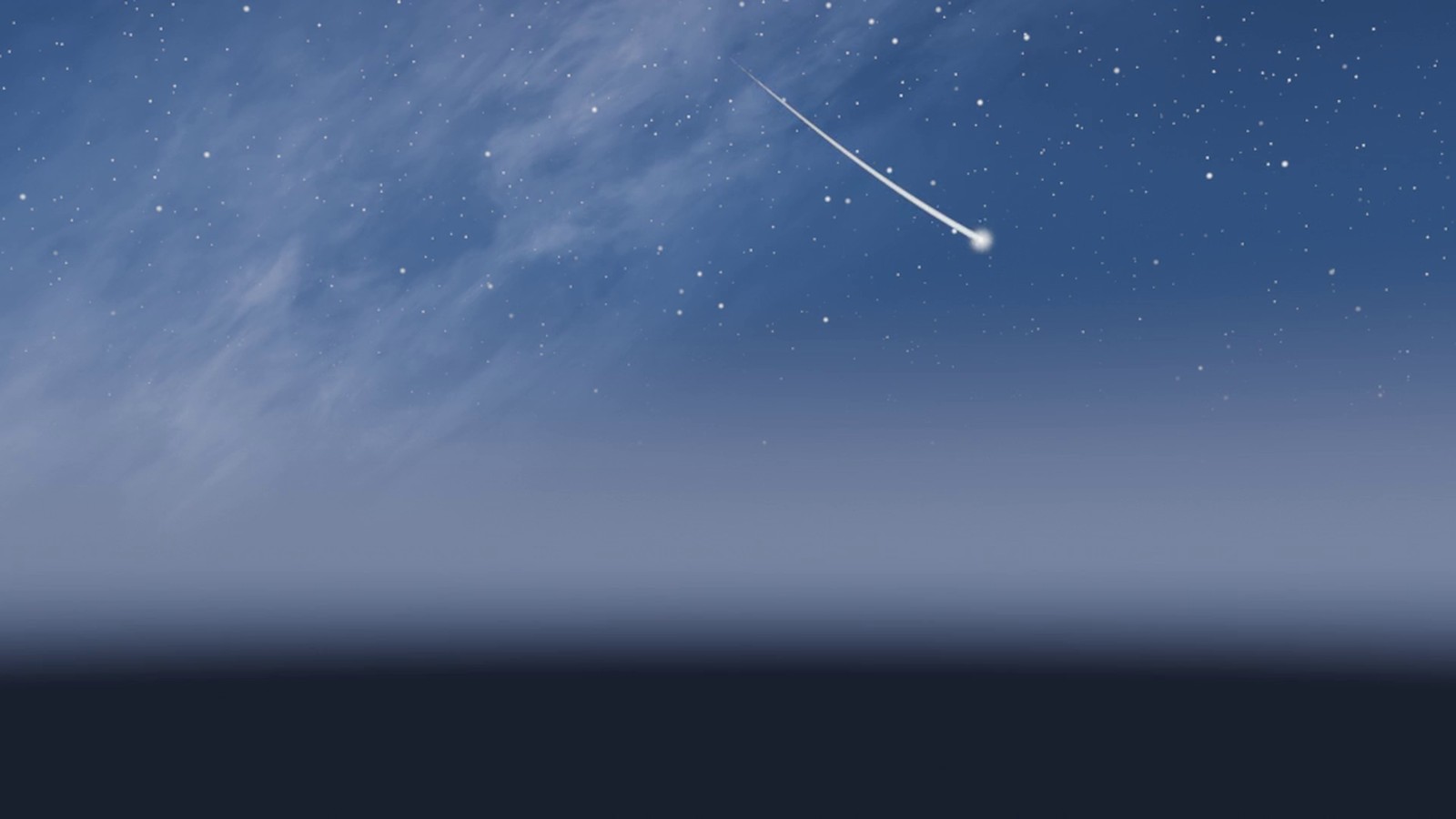
The star field has amount, density, size, concentration and a deterministic twinkle with a per-scene clock. Up to four shooting stars live in the World, each with its own start frame, duration, position, direction, length, curvature, trail, thickness, brightness, glow and color.
- Deterministic star field with rotation and twinkle
- Per-scene star clock, so 24 and 30 FPS resolve independently
- Four controlled shooting-star events, with no particles or objects
- Add uses the current camera direction; Preview frames the event
Milky Way
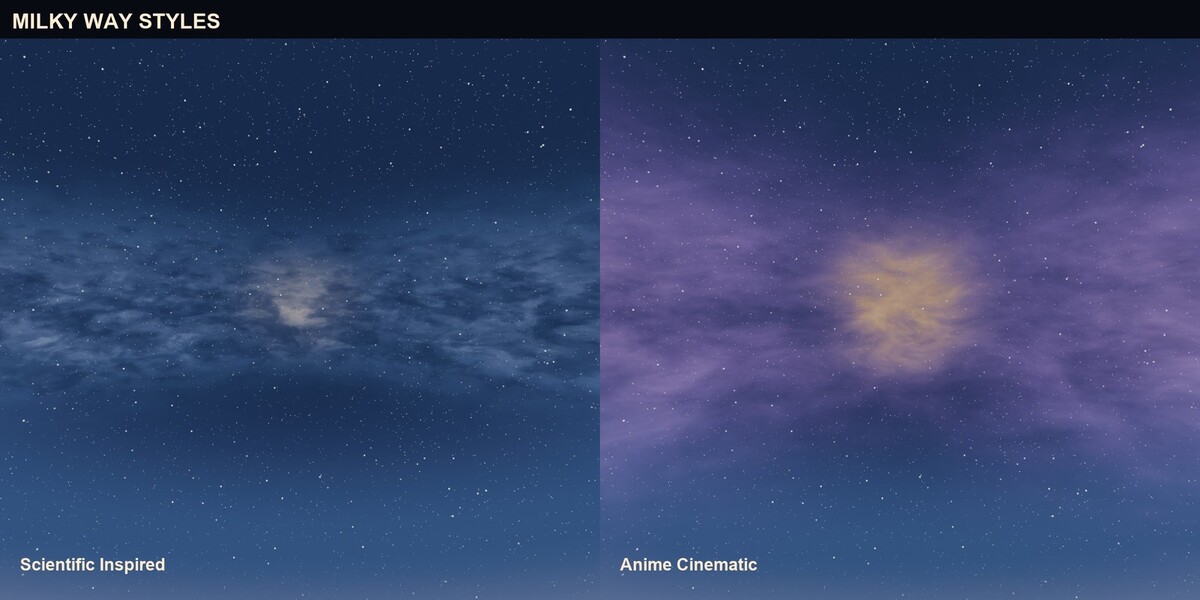
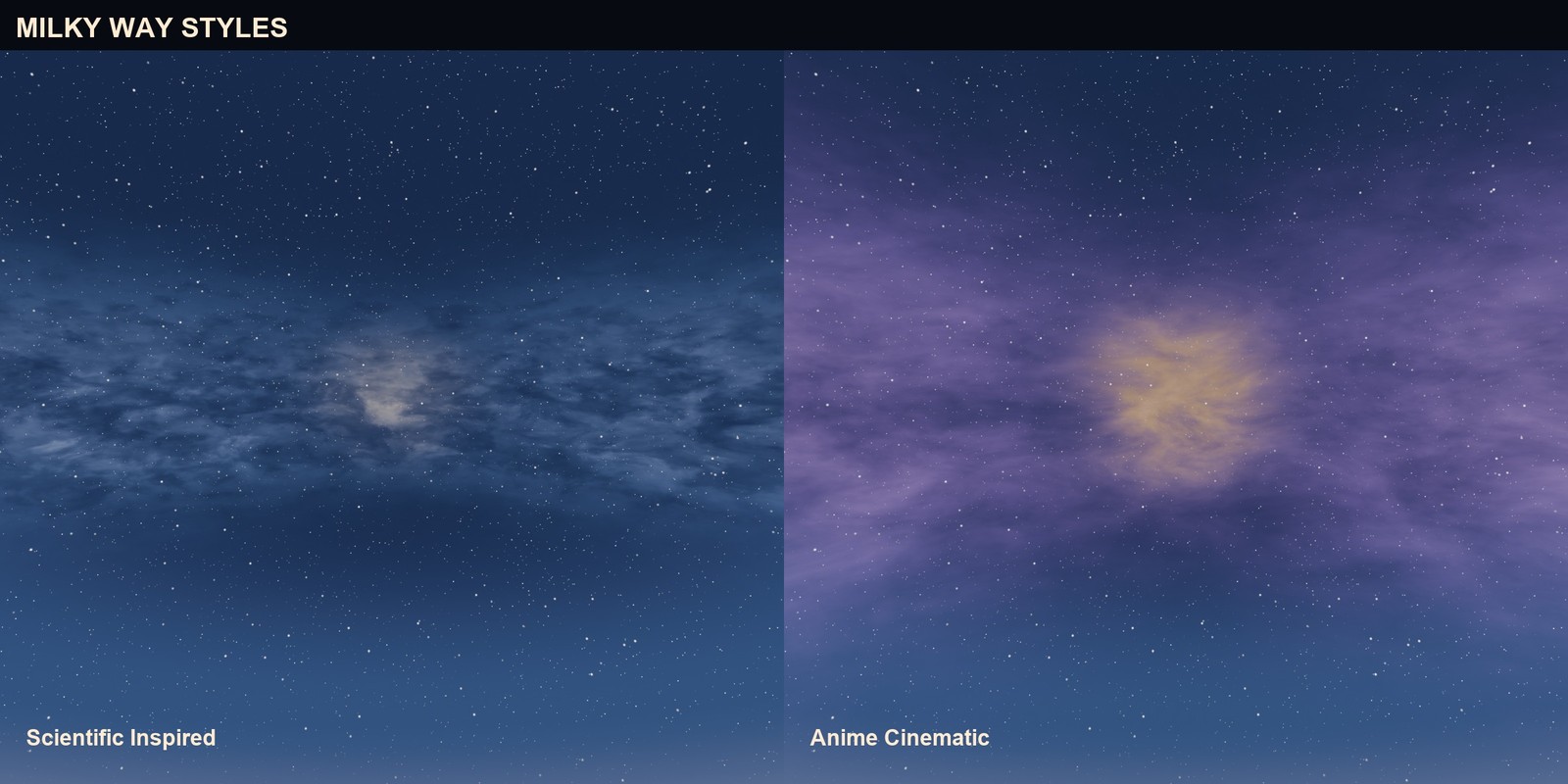
Two distinct identities: Scientific Inspired is a narrow, fine-clumped band with a compact cream bulge; Anime Cinematic is a wider, warm/violet band with a bolder rift and larger luminous masses. Rotation, elevation, core position, core width, intensity and dust let you place the band for the shot.
- Two Milky Way styles with different structure
- Rotation, elevation, core position and core width
- Dust, intensity and custom core/outer/dust colors
- Stars remain a separate system, so the band and the field are independent
 05 / Clouds
World Clouds
The three cloud families are Cumulus, Stratocumulus and Cirrus. Each has coverage, scale, vertical organization, flatness, breakup, detail, seed, sun lighting, sun scatter, wind, contrails, rim boost and custom colors. Cumulus has a pronounced vertical build; Cirrus is stretched along the horizon.
- Three families with distinct silhouettes
- Coverage, scale, vertical, flatness, breakup and detail
- Sun lighting, Sun Scatter silver lining and rim boost
- Wind, contrails and custom cloud colors
Preset Browser
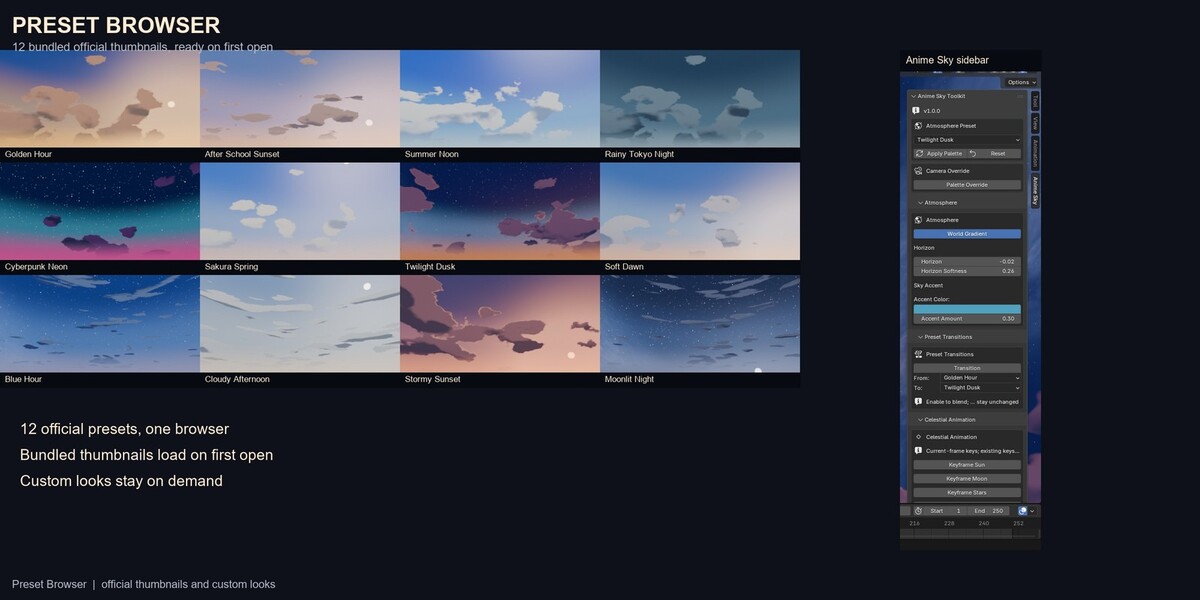
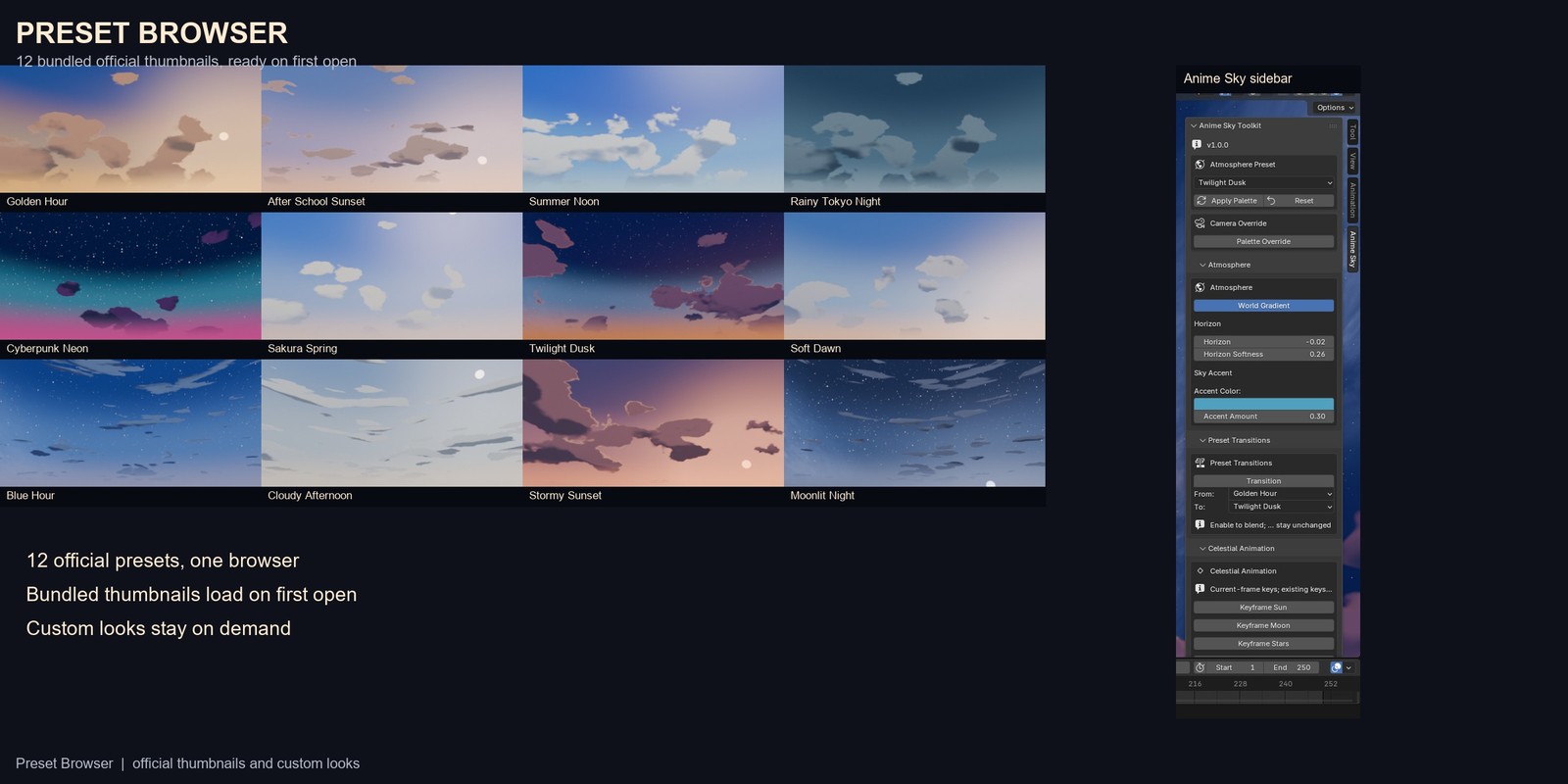
The twelve official thumbnails are bundled with the add-on and load when the browser opens, so it does not render a preview. Custom thumbnails render on demand with Generate or Generate Missing and are cached per scene. Opening the browser does not modify the scene.
- Twelve bundled official thumbnails
- On-demand custom previews in a per-scene cache
- Generate, Refresh, Generate Missing and Clean Cache
- Category filter and the existing Apply/Restore actions
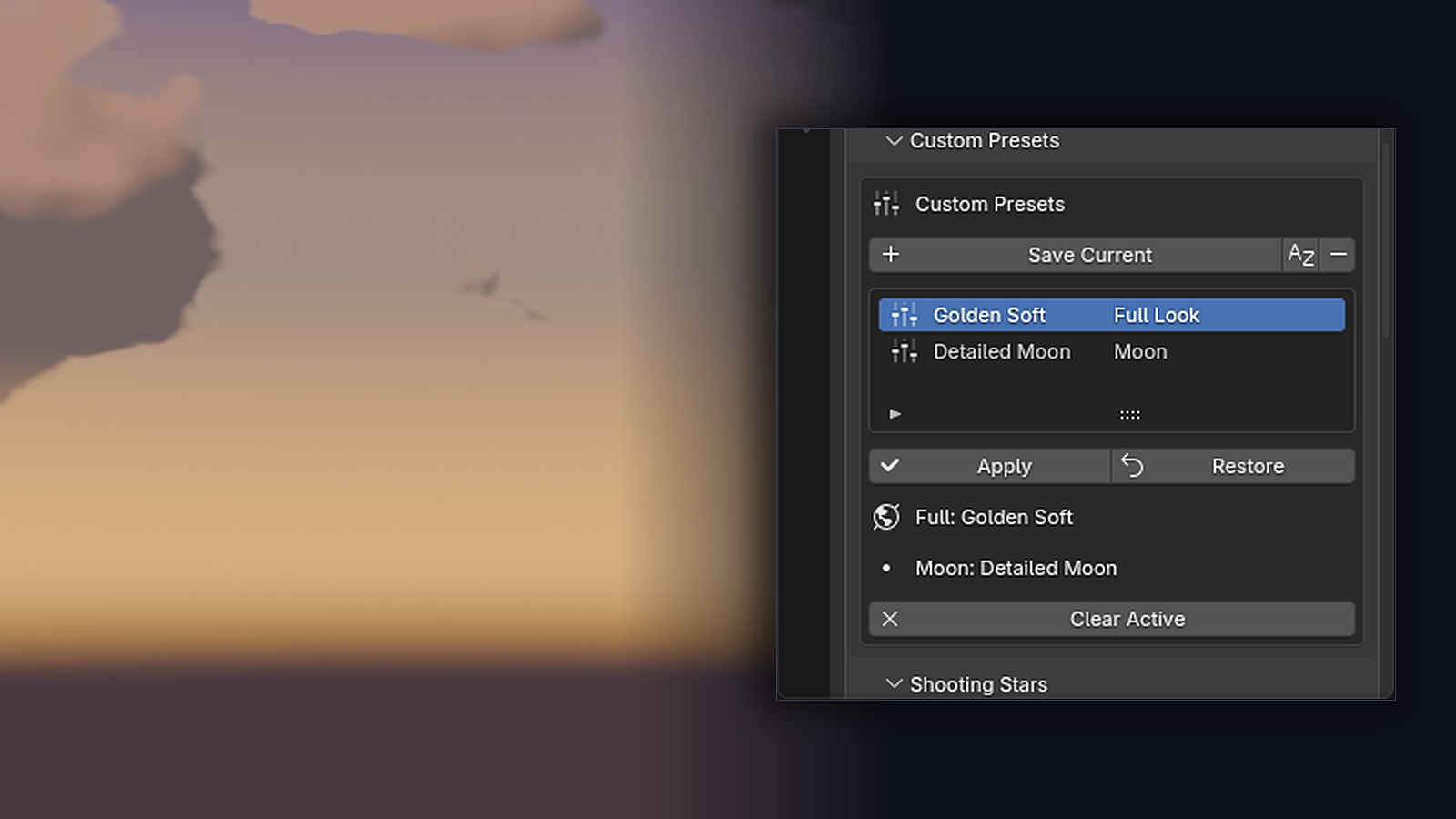
Custom Presets
Save a complete look or one celestial component: Sun, Moon, Stars or Milky Way. Custom presets are versioned and stored separately from the official twelve. Manual edits never write back into a saved preset, and applying a custom preset does not change the official preset.
- Full looks and per-component presets
- Versioned payloads, separate from the official library
- Rename, delete and restore actions
- Camera overrides and markers keep their precedence
Transitions & Timelapse
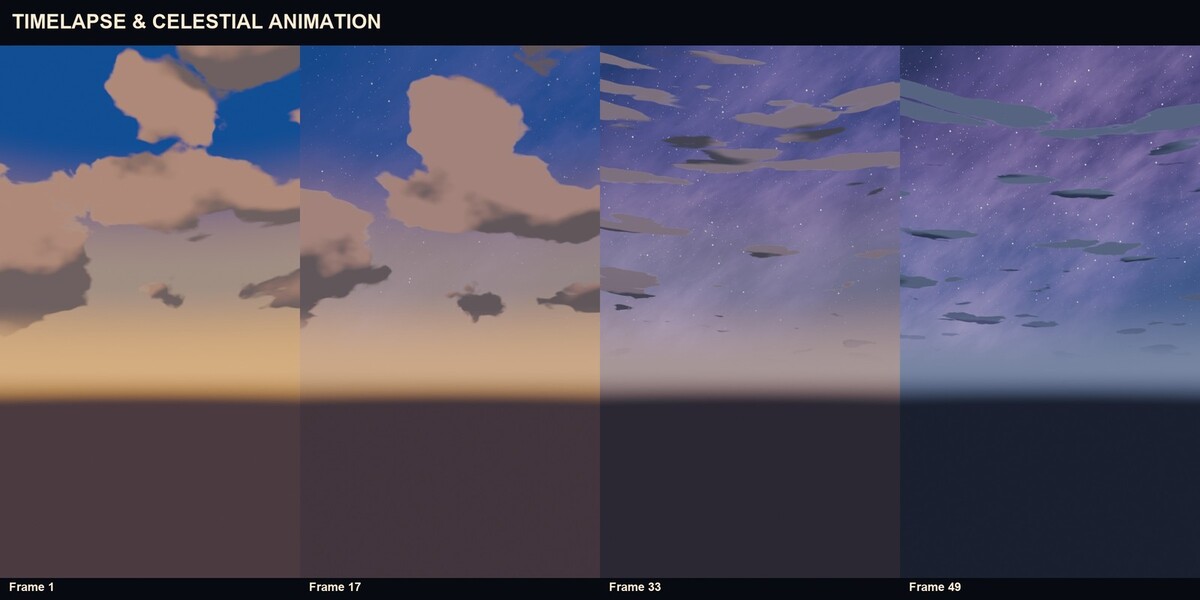
Blend two official presets or two saved Full Custom looks with a 0..1 factor. Colors, angles and numbers interpolate; Sun and Moon azimuths take the shortest path; seeds and enums switch discretely. Timelapse Workflow turns a transition into a frame-driven sequence with four easings, and it creates or deletes no keyframes, Actions or markers.
- From/To sources are read-only
- Blend 0.0 and 1.0 are pixel-identical to the endpoints
- Four easings: Linear, Ease In, Ease Out, Ease In-Out
- Remove restores the transition state that was active before
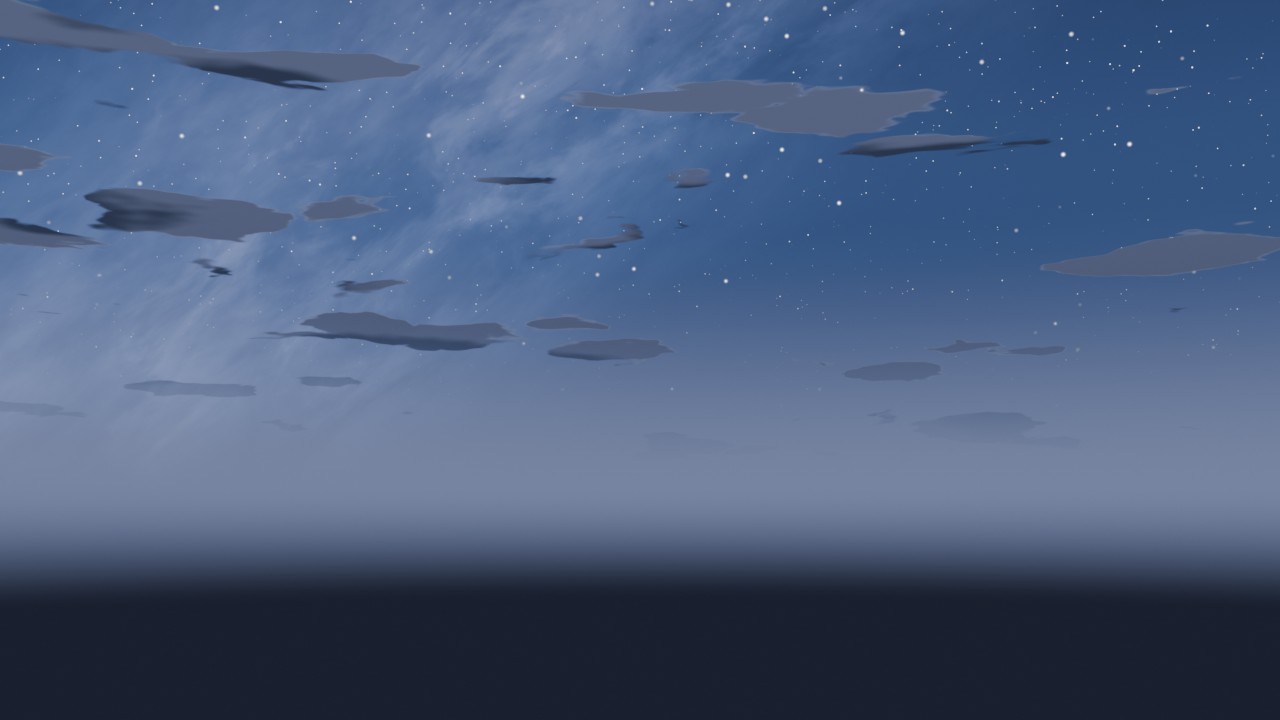
Materials & Compositor
Optional Shadow Tint, Cel and Rim shading for stylized objects, with Skin, Hair, Fabric, Metal and Emission presets. A separate, optional compositor stack adds halation, painterly, light wrap, dispersion, sun beams, ink and aerial haze. Neither is required by the World, and the compositor is never enabled automatically.
- Shadow Tint, Cel Shading and Rim Light material controls
- Material presets for common stylized surfaces
- Optional compositor with general art effects
- A user compositor group is never modified or presented as ALD
Twelve presets, one World shader
Each preset is a starting point. Every color and control remains editable, and Save Current copies the current look into your own library without changing the official preset.
 Golden Hour
|
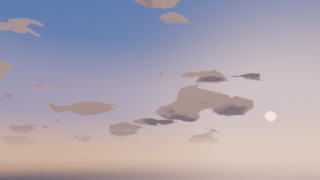 After School Sunset
|
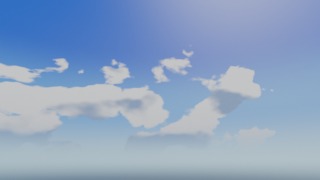 Summer Noon
|
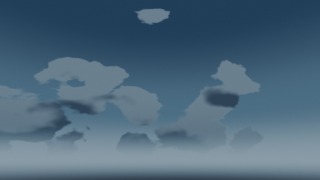 Rainy Tokyo Night
|
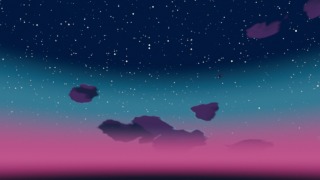 Cyberpunk Neon
|
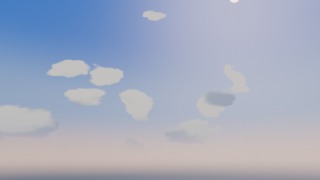 Sakura Spring
|
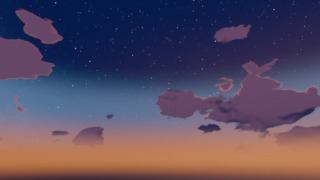 Twilight Dusk
|
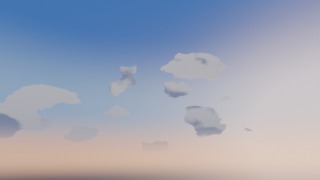 Soft Dawn
|
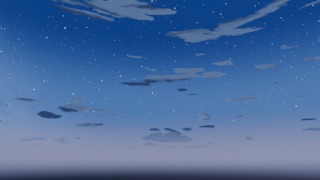 Blue Hour
|
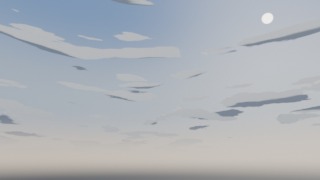 Cloudy Afternoon
|
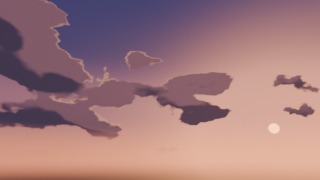 Stormy Sunset
|
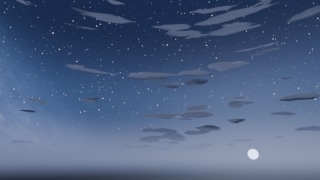 Moonlit Night
|
From empty World to final render
- Select a preset. Pick one of the twelve atmospheres in the Atmosphere Preset field.
- Apply Palette. The World and the Sun update immediately; no Build Stack or compositor step is required.
- Customize. Shape the four sky zones, place the Sun and Moon, tune the stars, the Milky Way and the World clouds.
- Animate. Blend two looks, keyframe the celestial bodies, or run a frame-driven timelapse.
- Render. Use EEVEE or Cycles. The sky is a World shader, so there is no bake step.
Requirements and installation
| Blender | 5.1.2 or newer (tested on 5.1.2) |
| Render engines | EEVEE and Cycles, tested on 5.1.2 |
| Operating systems | Windows 11 tested; macOS and Linux were not tested for this release |
| Internet | Not required at runtime; the add-on has no network permission |
| License | GPL-3.0-or-later; source included |
| Package | anime_sky_toolkit-1.0.0.zip |
| ZIP contents | add-on source, LICENSE, customer README and CHANGELOG, twelve official thumbnails and the extension icon |
| User guide | 30-page PDF, attached to the download |
Installation
- Keep the ZIP zipped.
- In Blender, open Edit > Preferences > Extensions.
- Open the top-right menu and choose Install from Disk.
- Select the ZIP and confirm.
- Enable Anime Sky Toolkit if it is not already enabled.
- Disable any previous Anime Look Director installation; both register the same operator IDs.
The add-on is pure Python and uses Blender's bundled Python. It does not download presets, thumbnails, fonts or updates at runtime.
How to use Anime Sky Toolkit
First look
Open Scene Properties > Anime Sky Toolkit, or press N in the 3D Viewport and open the Anime Sky tab. Choose a preset in Atmosphere Preset, press Apply Palette, then adjust Atmosphere, Celestial Bodies and World Clouds. Save the file; the look, seeds, custom presets and animation are stored in the scene.
Presets and custom presets
The twelve official presets are read-only starting points. Save Current copies the current look into your own library without changing the official preset. Custom Presets stores full looks and single components (Sun, Moon, Stars, Milky Way), separately from the official twelve. The Preset Browser shows the bundled official thumbnails; custom thumbnails render on demand and are cached per scene.
Atmosphere and celestial bodies
The Atmosphere section controls the four sky zones, Horizon Offset, Horizon Softness, Sky Accent and custom colors. Celestial Bodies contains Sun, Moon, Stars and Milky Way. Sun Elevation runs from -30 to 85 degrees; the disk is hidden below the horizon and the glow fades by about -7 degrees. The Moon has position, size, phase, lit-side rotation, earthshine, glow and a procedural surface. Stars have amount, density, size, rotation and deterministic twinkle. The Milky Way has two styles plus rotation, elevation, core position, core width, dust and intensity.
World clouds
The three cloud families are Cumulus, Stratocumulus and Cirrus. Distribution controls coverage, scale, seed, wind and contrails. Shape controls vertical, flatness, breakup and detail. Lighting controls sun lighting, Sun Scatter, rim boost and cloud colors. Cloud Breakup erodes density before the threshold; Cloud Detail scales the border and body noise; Cloud Vertical lowers the effective flatness.
Transitions and timelapse
Preset Transitions blends two official presets or two saved Full Custom looks with a 0..1 factor. At 0.0 the result is exactly From; at 1.0 it is exactly To. Sun and Moon azimuths take the shortest path; seeds, cloud family, style and enums switch discretely. Timelapse Workflow sets From, To, Start Frame, End Frame and an easing, then Apply Timelapse. It creates no keyframes, Actions or markers. Remove Timelapse restores the transition state that was active before.
Seeds, materials and compositor
Seed Management covers Clouds, Stars, Moon Surface and Milky Way: Randomize changes one generator, Lock excludes it from Randomize All, Reset returns to the effective preset value. Materials & Shadows adds optional Shadow Tint, Cel and Rim shading. The Compositor is inactive by default, is never enabled automatically and is not required to apply a palette; only an ALD stack exposes the full controls.
Legacy ALD data
Old collections are never removed automatically. The Legacy ALD Data panel can Disable tagged collections reversibly, Restore the saved visibility, or Remove Permanently after showing the list. Shared collections and user children are skipped.
Troubleshooting
If the sky does not change, press Apply Palette. If the Sun is invisible, raise Sun Elevation. If clouds look flat, raise Cloud Vertical or Coverage, or change family. If the Moon phase reads CUSTOM, a Preset Transition is active. If custom thumbnails are missing, use Generate or Generate Missing in the Preset Browser.
FAQ
Does it add geometry? No. The sky is a World shader; there is no sky dome or cloud mesh.
Does it need the compositor? No. Applying a palette works without it, and the compositor is never enabled automatically.
EEVEE and Cycles? Yes, both were tested on Blender 5.1.2.
Blender 4.x? No. This release targets Blender 5.1.2 and newer.
Internet or account? No. There is no activation, license server or network access.
Several scenes in one file? Yes. Each scene has its own identity, seeds, World and star clock; a duplicated scene gets its own World instead of sharing one.
Can I use the result commercially? Yes. The artwork you render is yours. The GPL covers the add-on code, not your renders.
Was AI used in development? AI tools assisted development and iterative testing, including testing through an MCP server connected to Blender.
Support, updates and license
Support is provided through Superhive messages. Include the Blender version, the steps that reproduce the problem and a screenshot of the panel or render. No response time is promised.
Updates are delivered through Superhive when they are released. No fixed update schedule is promised.
License: GPL-3.0-or-later. The complete source and the LICENSE file are included in the download. You may use the add-on for any purpose, study and modify the source, and redistribute it under the GPL. The artwork and scenes you create are your own work.
Anime Sky Toolkit 1.0.0 · Procedural Anime Skies and Cinematic Atmospheres · Blender 5.1.2