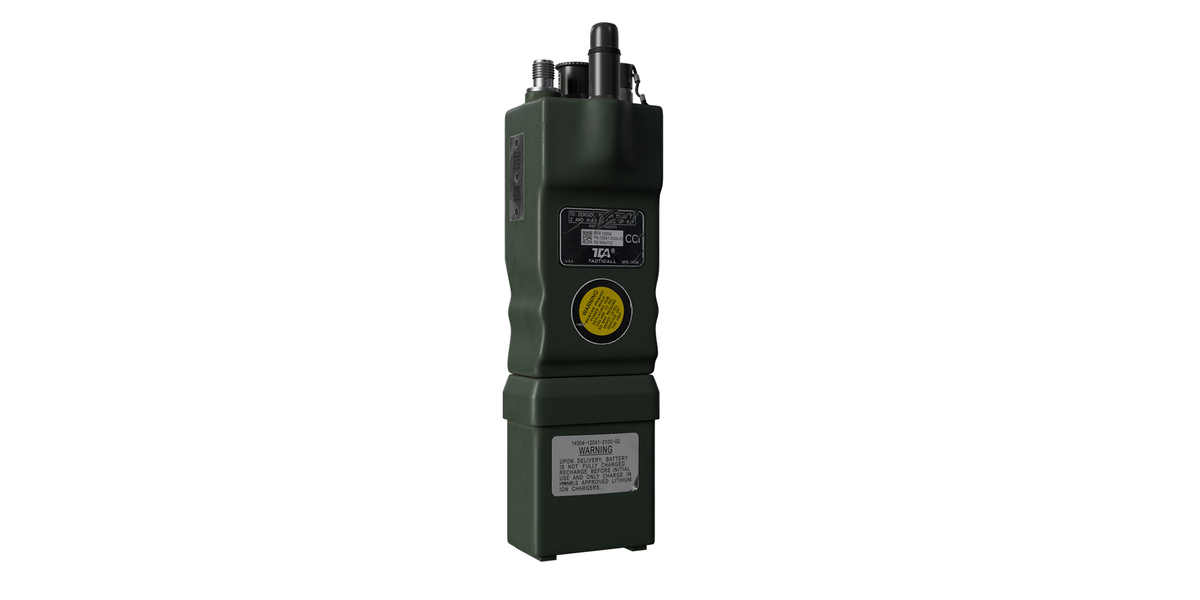
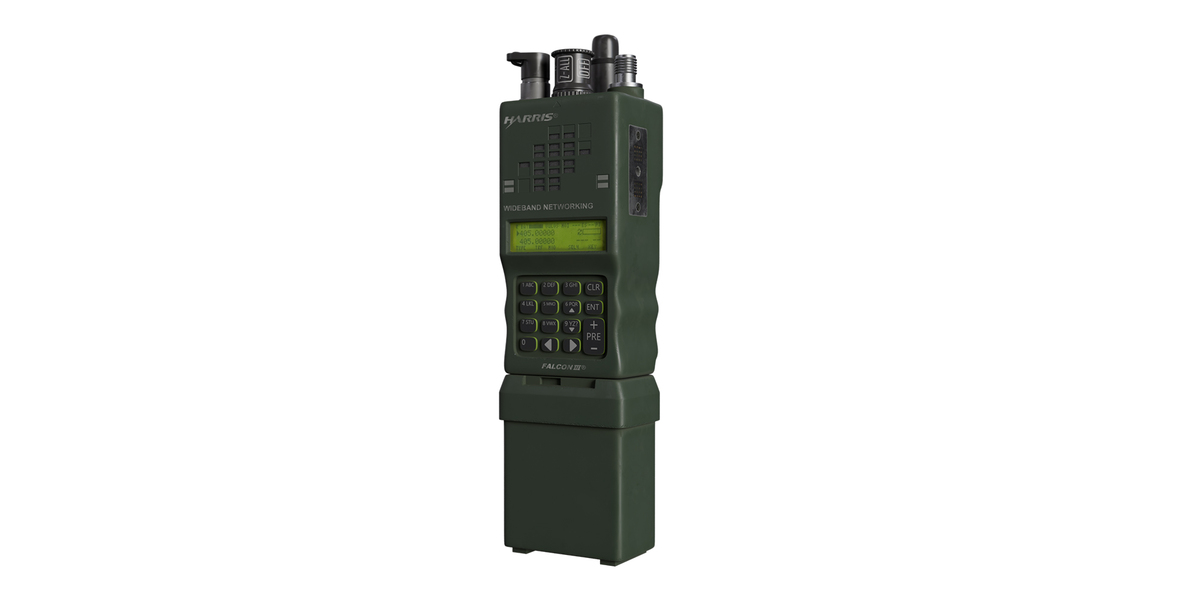
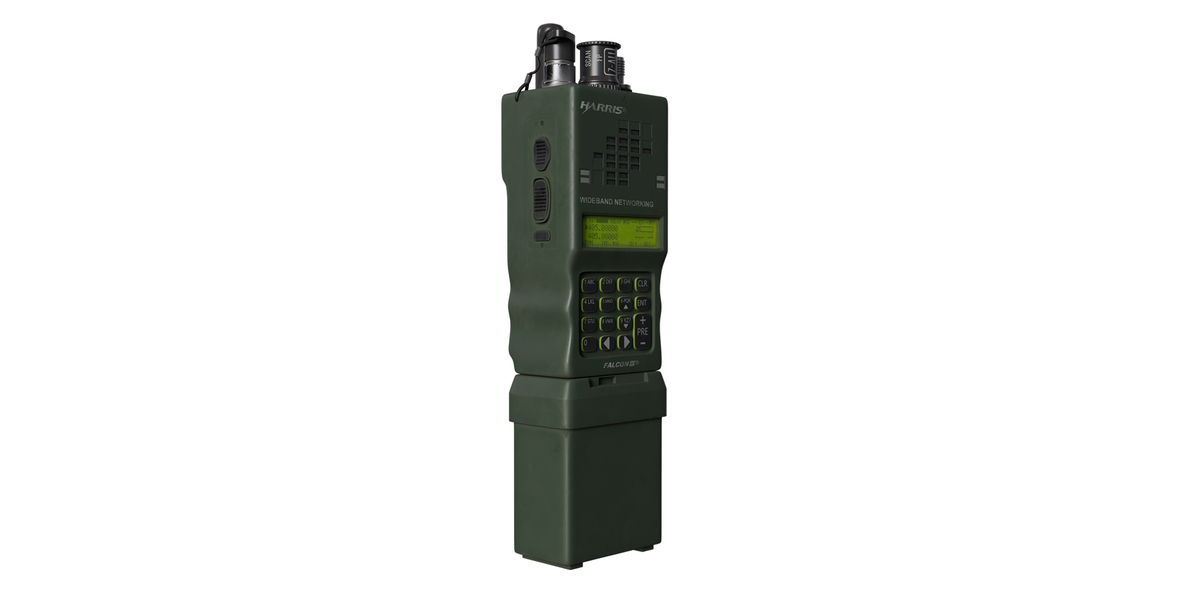
Falcon 3 Military Radio
 Alex Mikulka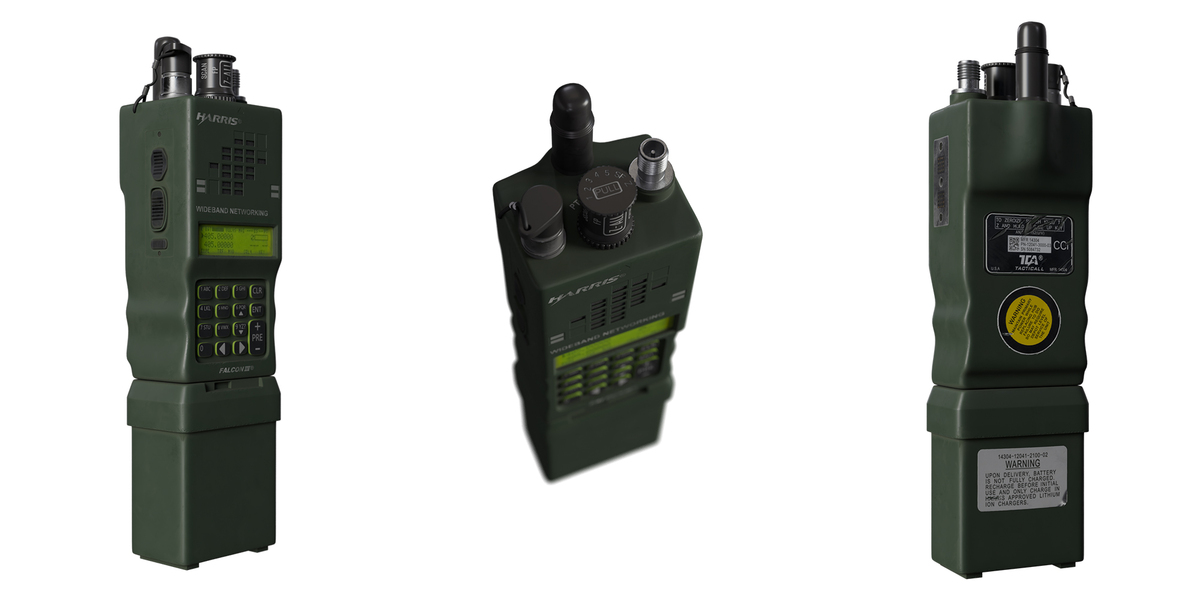
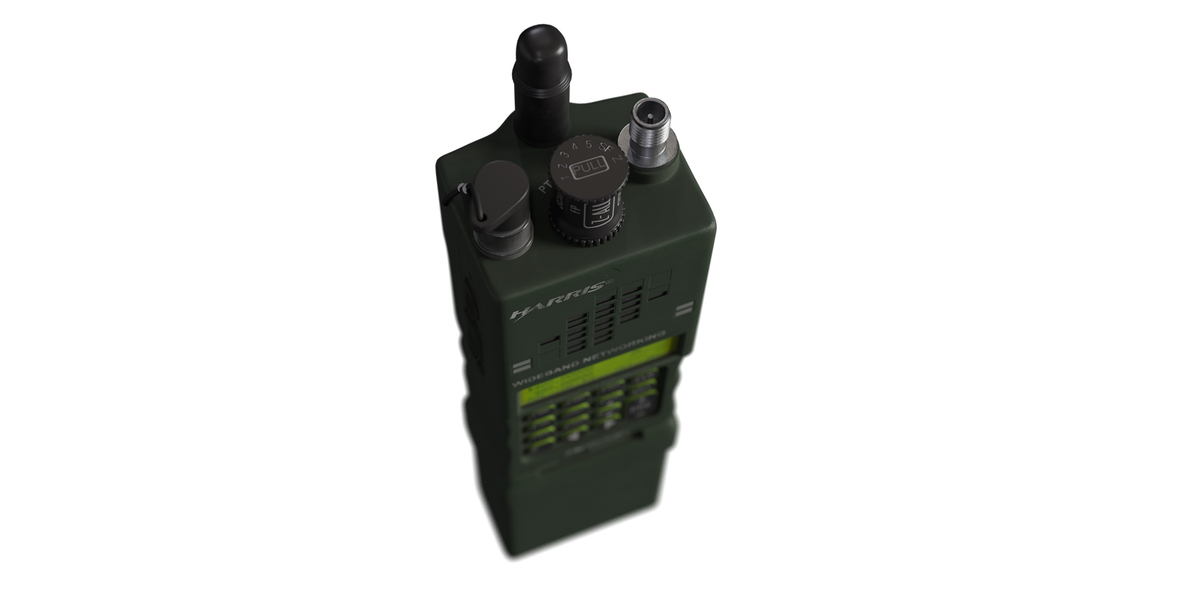
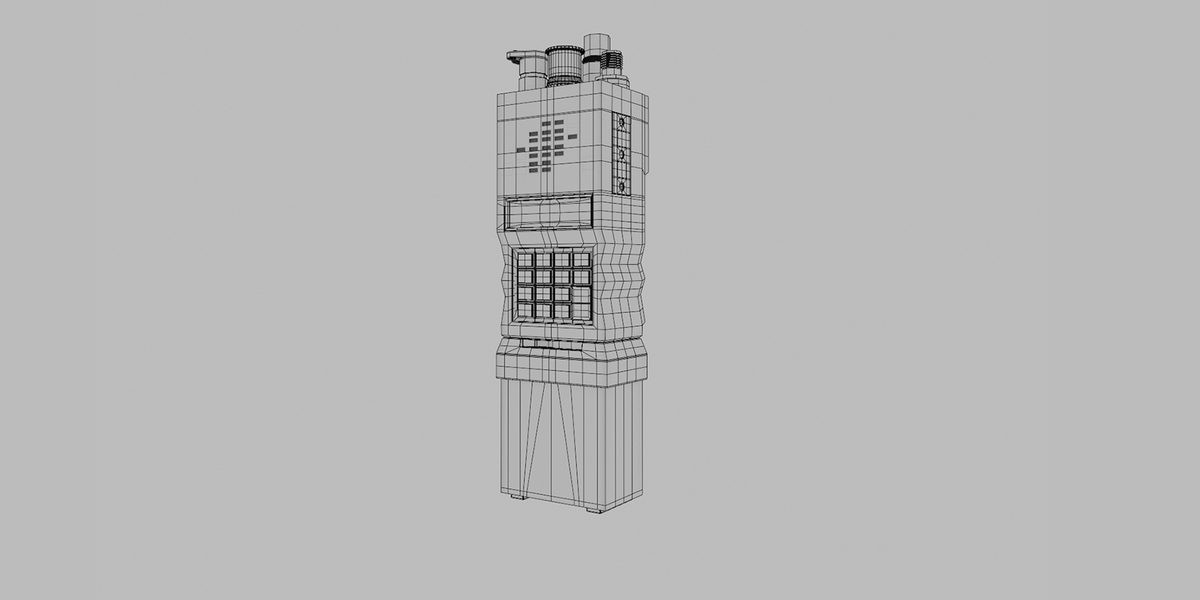
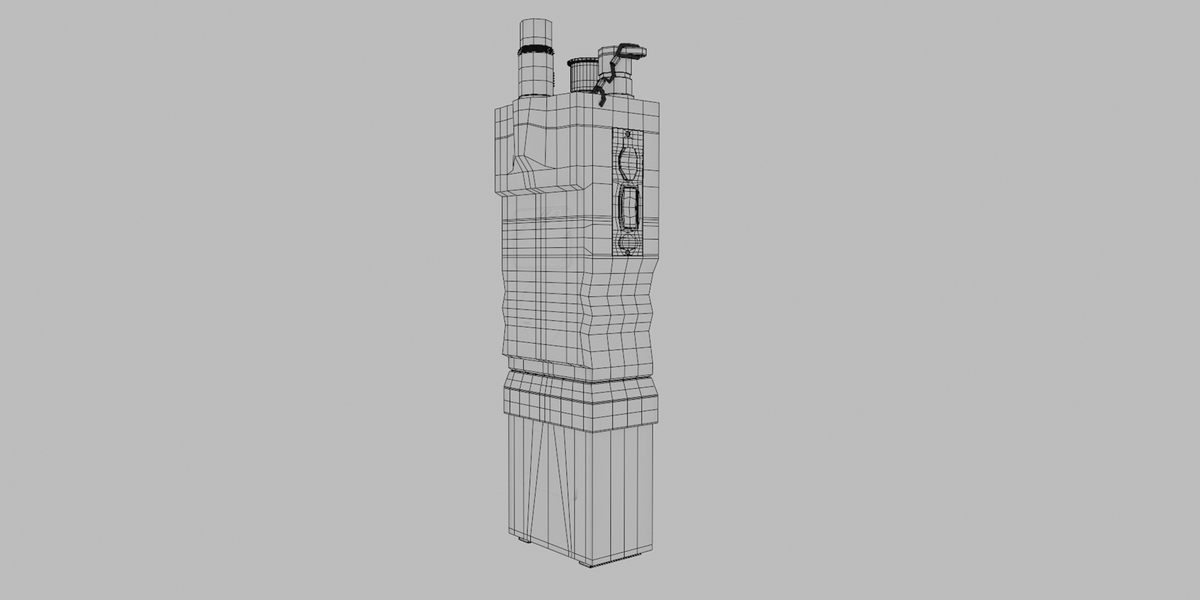
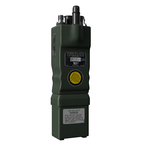
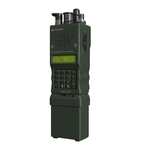
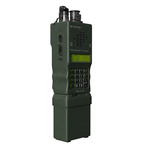
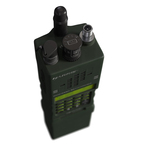
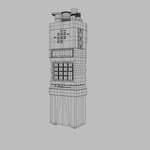
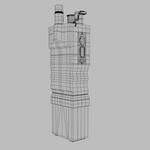
How to use the Falcon III Tactical Radio 3D Model:For Blender users (.blend file):
- Open your project in Blender.
- Go to File -> Append, locate the provided
.blendfile, open the Object folder, and select the radio object.- The model is built using Sub-D topology (clean quads) with support loops. You can easily add a Subdivision Surface modifier if you need a smoother mesh for close-up renders.
- All PBR materials and textures are fully configured for Cycles and Eevee.
For other 3D software (.fbx files):
- Import the
.fbxfile into your software (3ds Max, Maya, Unreal Engine, Cinema 4D, etc.).- The base mesh is optimized, but you can apply Turbosmooth / OpenSubdiv inside your software to get a perfectly smooth high-poly look.
- Create a standard PBR material and plug the included 4K/ texture maps into their respective slots (Color, Roughness, Normal).
$5
Have questions about this product?
Login to message
| Published | 11 days ago |
| Blender Version | 5.0 |
| Render Engine Used | Cycles, Eevee |
| Misc Data | Uvs-Unwrapped, Normal-Mapped, Textured |
| License | Royalty Free |

Discover more products like this
falcon iii prc 152 comms game ready walkie-talkie soldier gear asset battlefield mid poly military harris tactical radio