 DreamSfx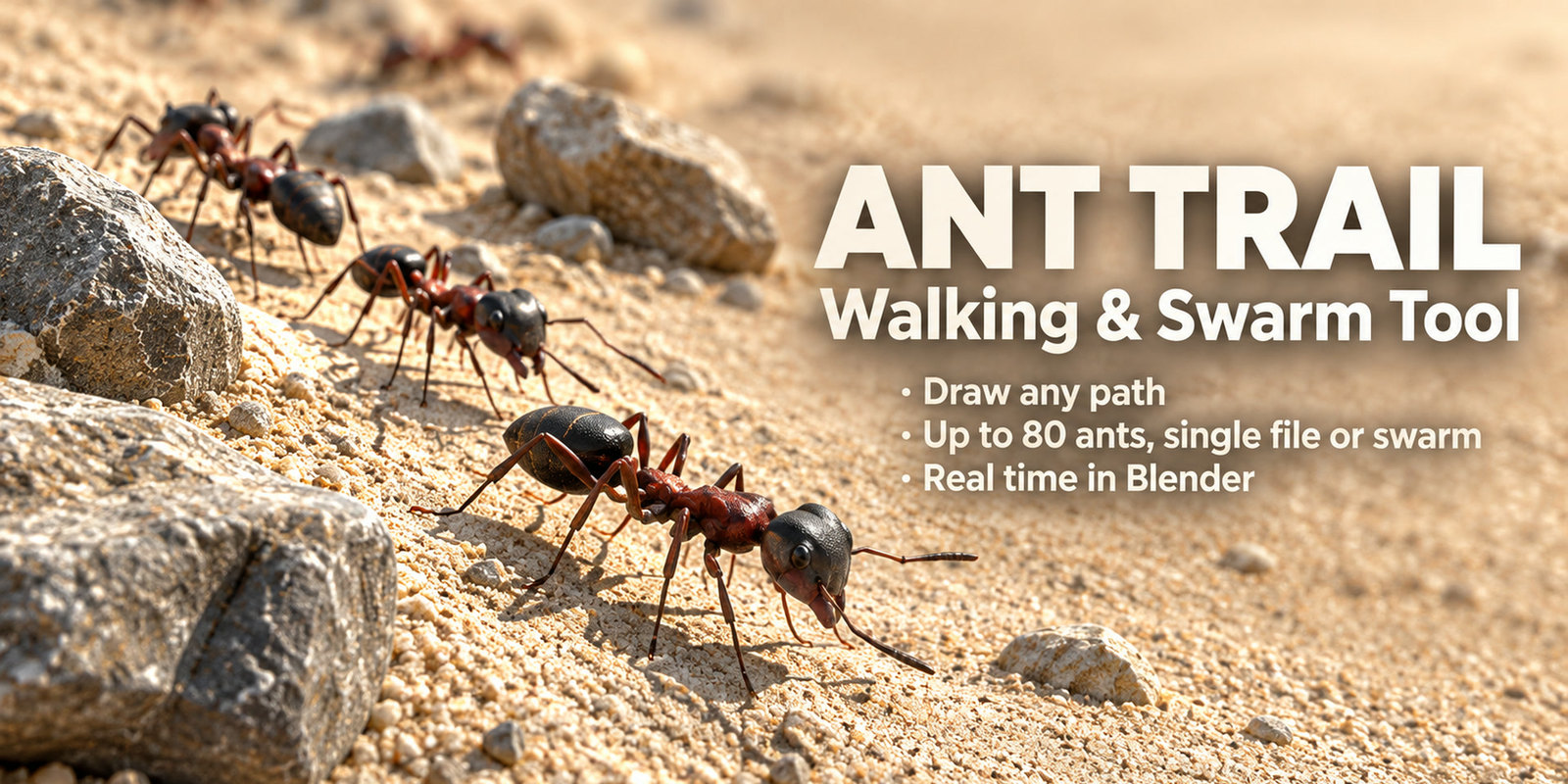
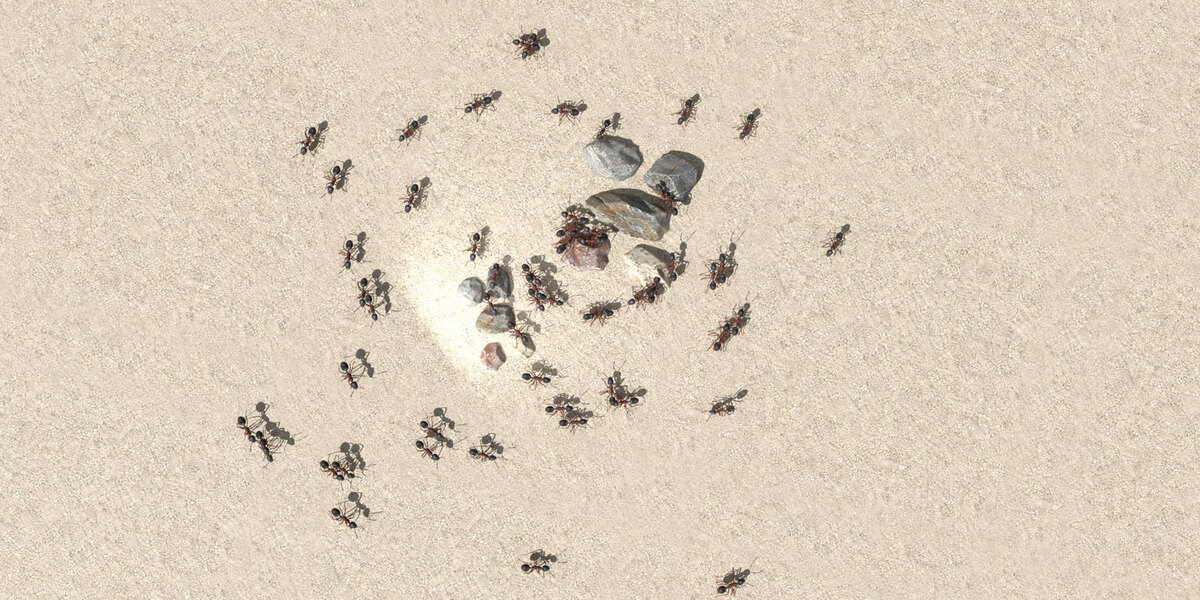
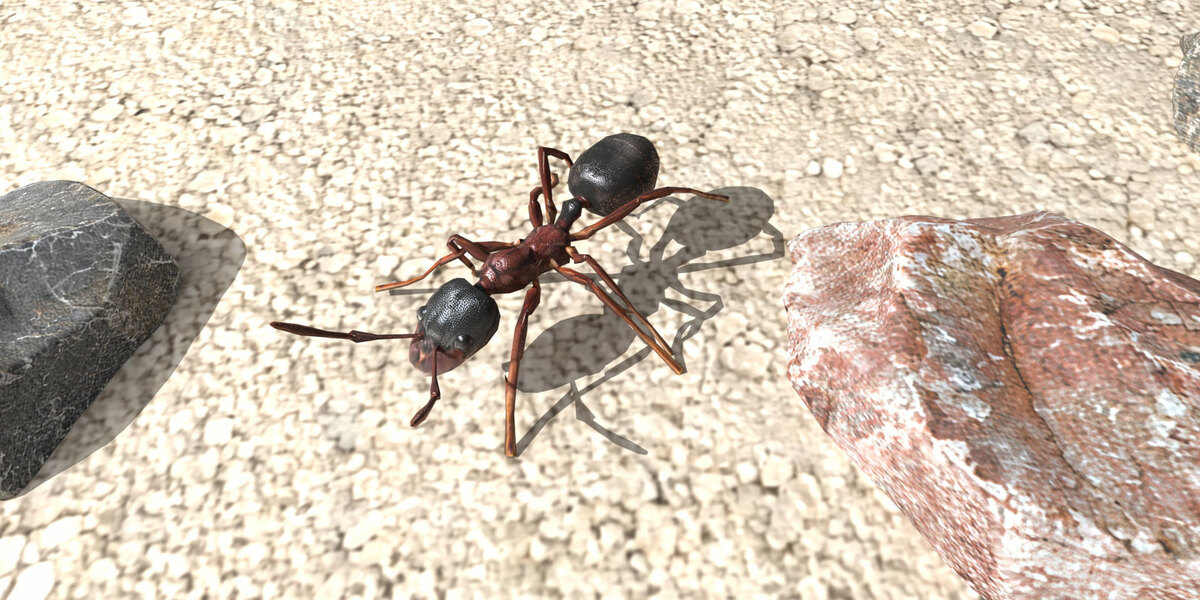
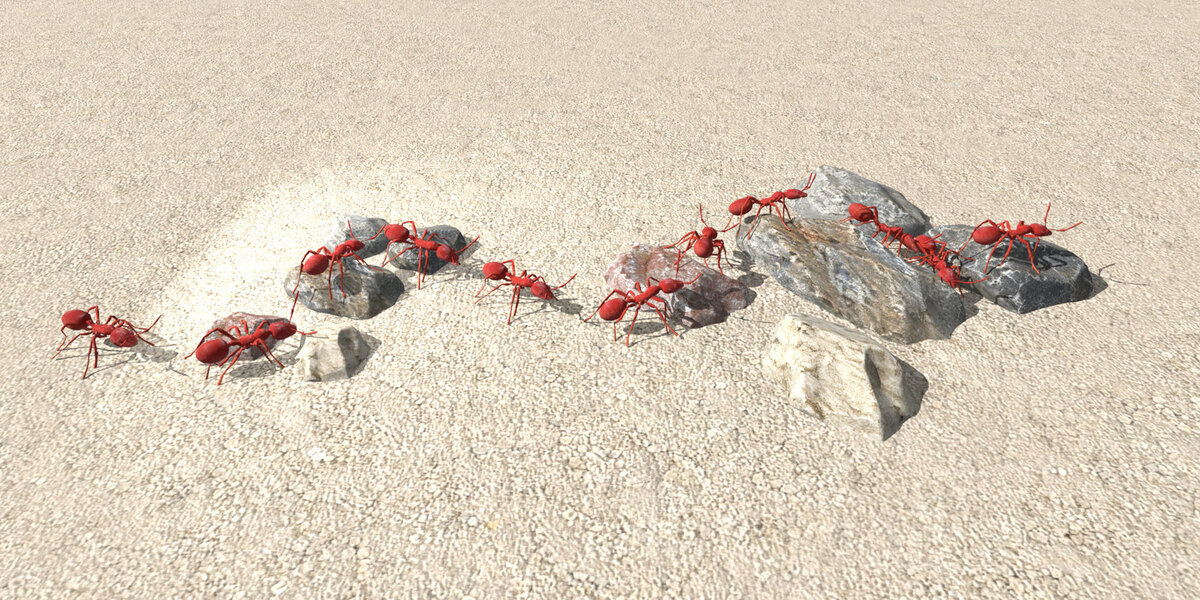
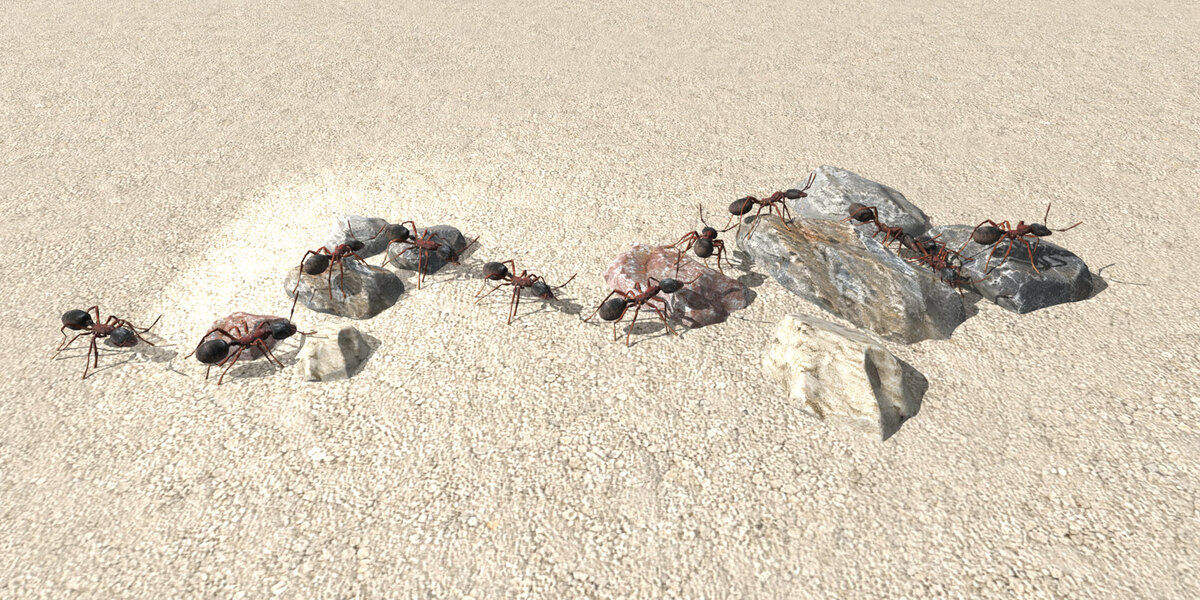

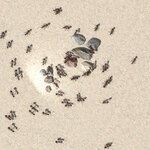
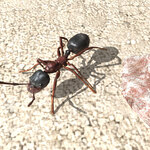

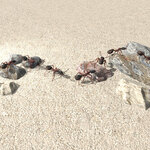

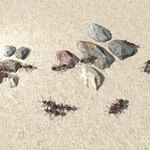
Ant Trail — Walking & Swarm Tool
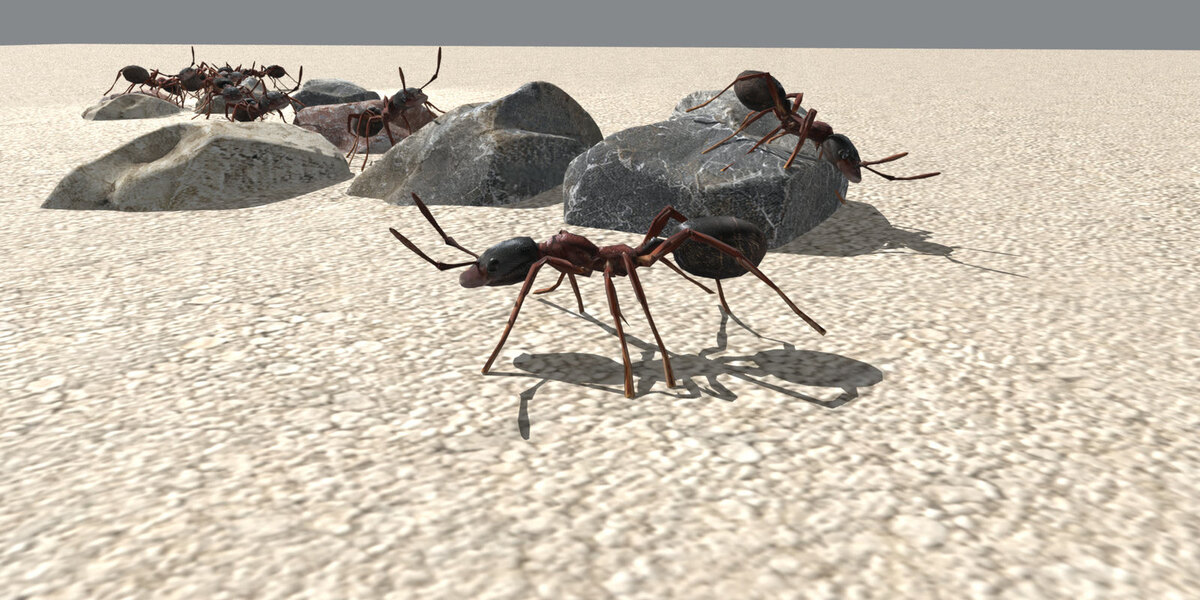
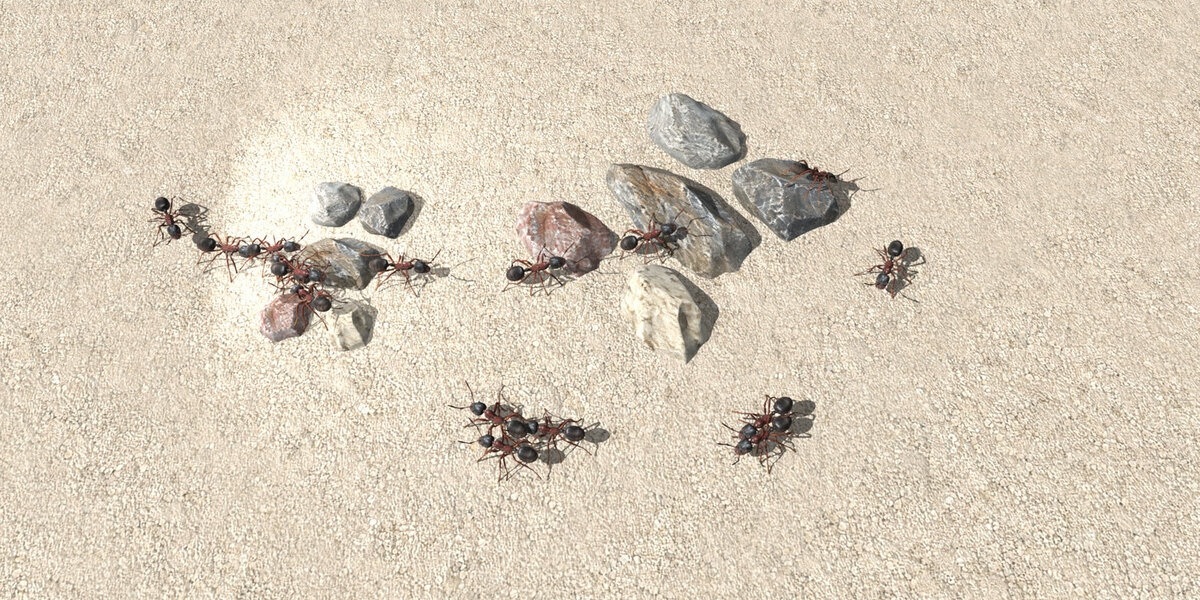
Ants that walk a path you draw. Real time, on any surface, alone or in a swarm.
Installation
- Unzip
ant_trail_blender.zipinto a folder you like. Inside you findAntTrail/(the add-on),AntTrail_Demo.blend(the demo scene) andREADME.md. - In Blender: Edit → Preferences → Add-ons.
- Click the arrow in the top-right → Install from Disk… and choose the zip (do not unzip it first: Blender takes the add-on out of it).
- Enable Ant Trail - Walking & Swarm Tool.
- In the 3D viewport press N — the Ant Trail tab is on the right.
- Open the demo: File → Open and choose
AntTrail_Demo.blend.
Quick start (2 minutes)
- Open
AntTrail_Demo.blend. - Press N → Ant Trail.
- Press Play. The ants are already walking.
- Want your own route? Path → Draw by hand, click your points, right-click to confirm, then Follow.
- Want more ants? Group of ants → How many. They appear instantly.
Building a route
- Draw by hand — click points in the viewport, right-click to finish
- Fit to surface — lifts the path onto the ground and over the obstacles
- Auto-fit when obstacles change — same thing, automatic
- Smooth — removes the jagged look a path gets along obstacle edges
- Close the path — joins end to start so the group loops without popping
- Follow / Stop — attach / detach the ants from the path
The group
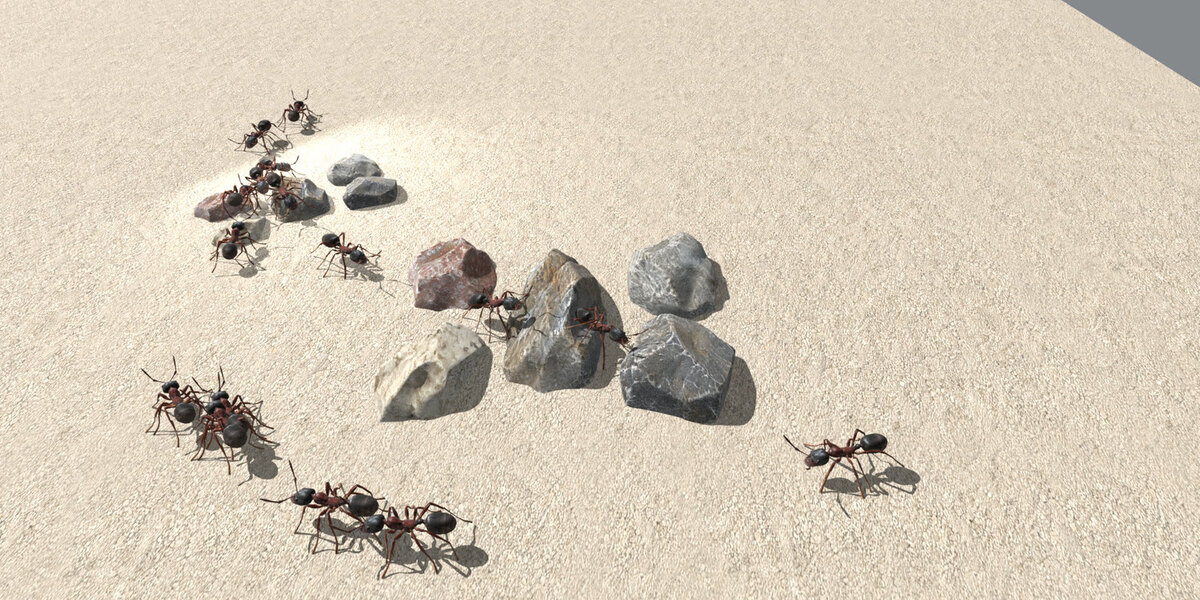
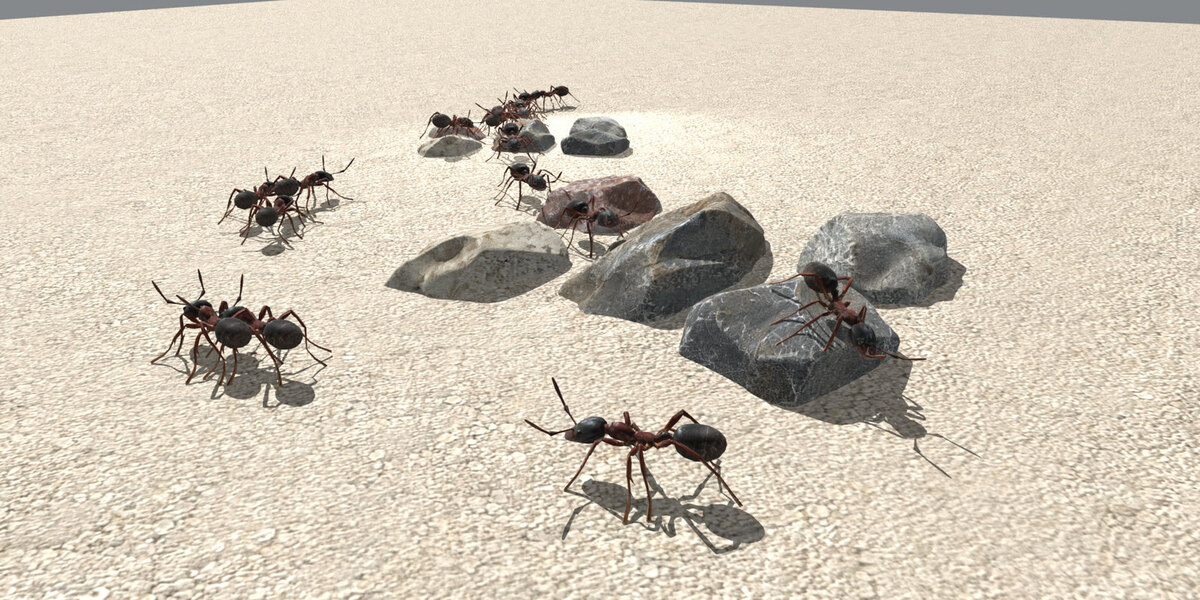
- Formation — Single file (one behind the other) or Swarm (a cloud)
- How many — 1 to 80 ants
- Spacing — the gap between ants, or how wide the cloud is
- Variation and Random seed — how different the ants look from each other
- Ant colour + Blend (Replace / Tint / Overlay) + Opacity — applied to the whole group at once
Export to other software (FBX)
Ant Trail animates everything in real time, so there are no keyframes until you ask for them:
- Bake the walk — writes the walk into keyframes (lead ant + all bones, whole frame range)
-
Bake + Export FBX — does the bake and writes an
.fbxnext to your project, animation and textures inside
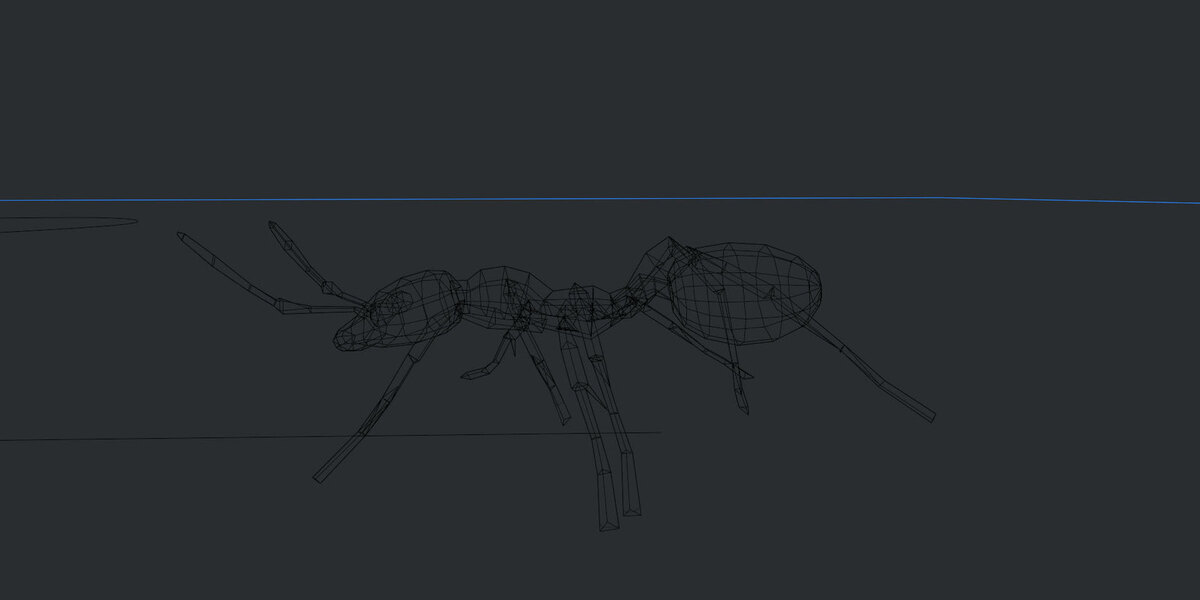
The FBX always contains one ant (the lead): one skeleton = one animation, so every viewer shows the walk with the legs moving. The colour you picked is baked into a texture (ant_trail_colour.png) because the FBX format cannot carry the tint node — Cinema 4D, Unreal, Unity and Maya read it as-is. Verified: the ant with its full walk over 254 frames is about 13 MB, and imports into Cinema 4D as 1 rig, 42 joints and 297 animation tracks.
Render a video
Press Video output (1080p MP4) in the Export box: one click sets 1920×1080, MPEG-4 / H.264, high quality, no audio. Then Render → Render Animation (Ctrl+F12).
Two things worth knowing:
- Motion blur is switched off on purpose: with un-baked procedural motion Blender can crash. Bake the walk first, then enable motion blur.
-
Output name: leave the extension out of the Output field (or type
.mp4), otherwise Blender keeps an old image extension as part of the name.
Performance
The ants are posed procedurally every frame, so cost grows with the group: about 4 ms per frame with 5 ants, 30 ms with 38, 60 ms with 80. Keep Live update off while navigating and use Solid shading while you work.
Package contents
-
AntTrail/— the add-on (install the zip, not the folder) -
AntTrail_Demo.blend— demo scene: ant, ground, rocks, a path, a ready group -
README.md— full documentation
Have questions about this product?
Login to message
| Published | 4 days ago |
| Blender Version | 4.0 - 5.2 |
| Extension Type | N/A |
| Render Engine Used | Cycles |
| License | GPL |
Discover more products like this
blender addon ants VFX walking creature insects swarm animation Path Animation procedural