Anti Tile 2
 kartikay A Mathur
KM Anti-Tile NG - Documentation
Overview
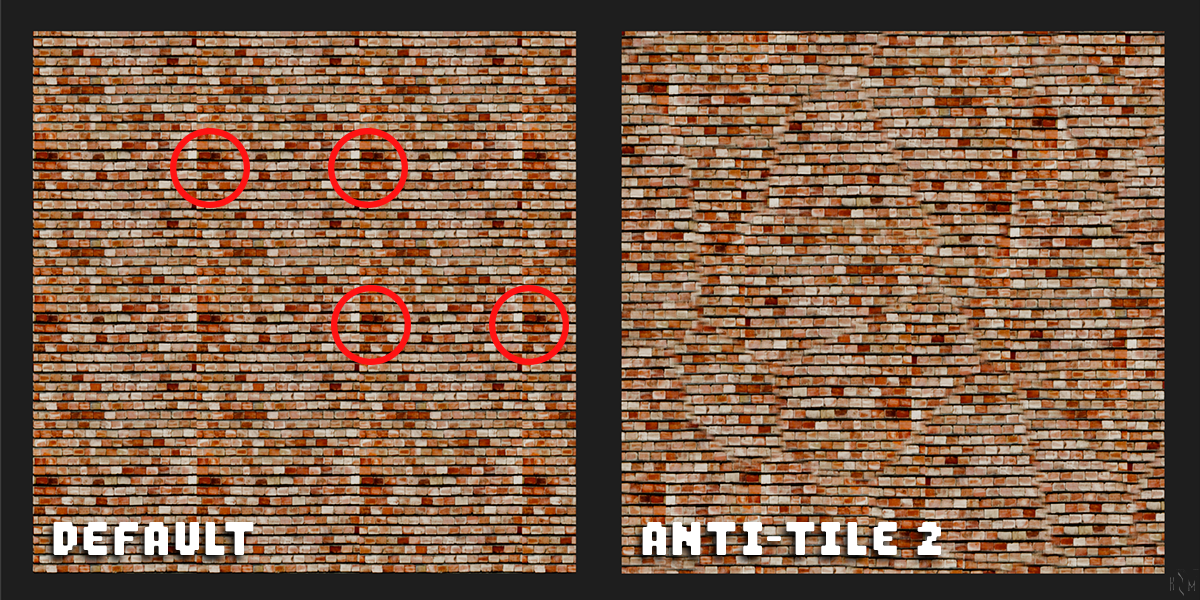
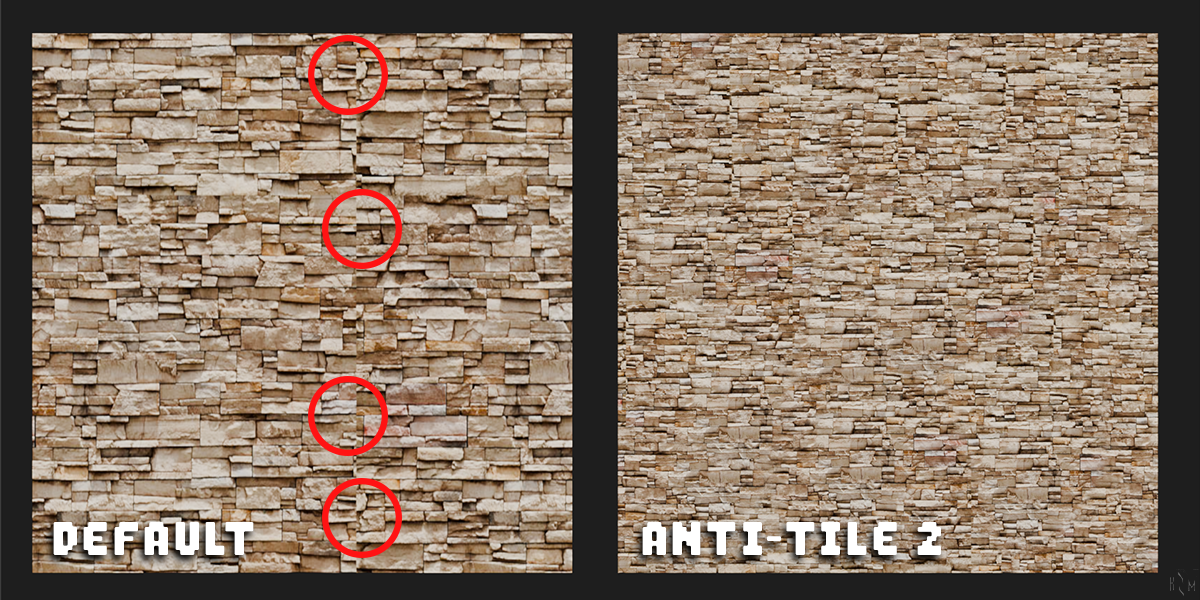
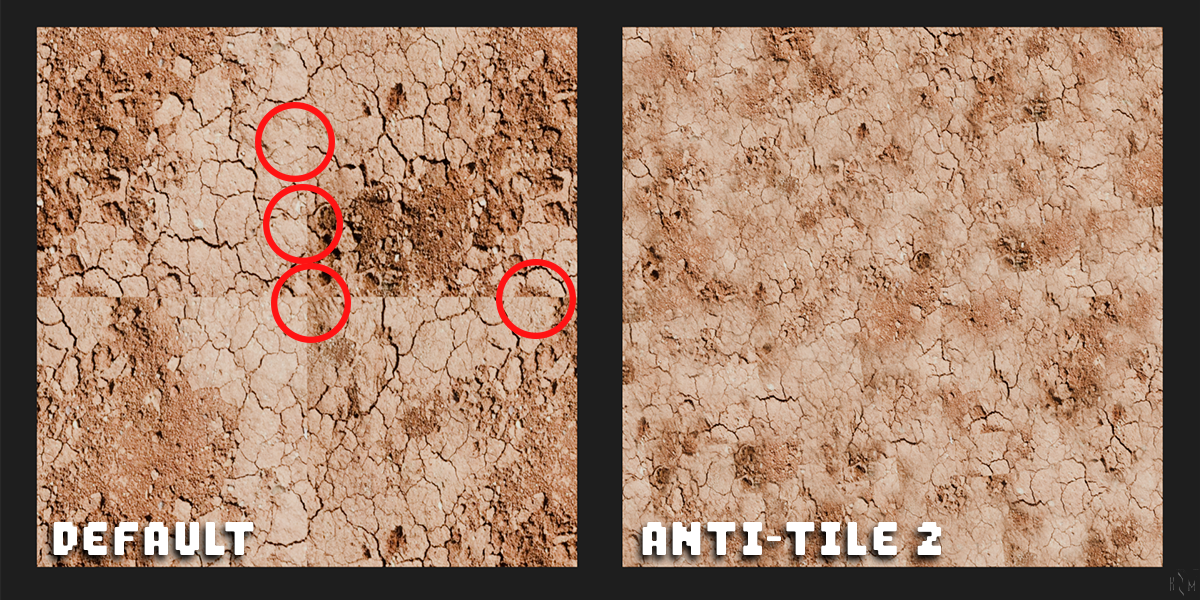
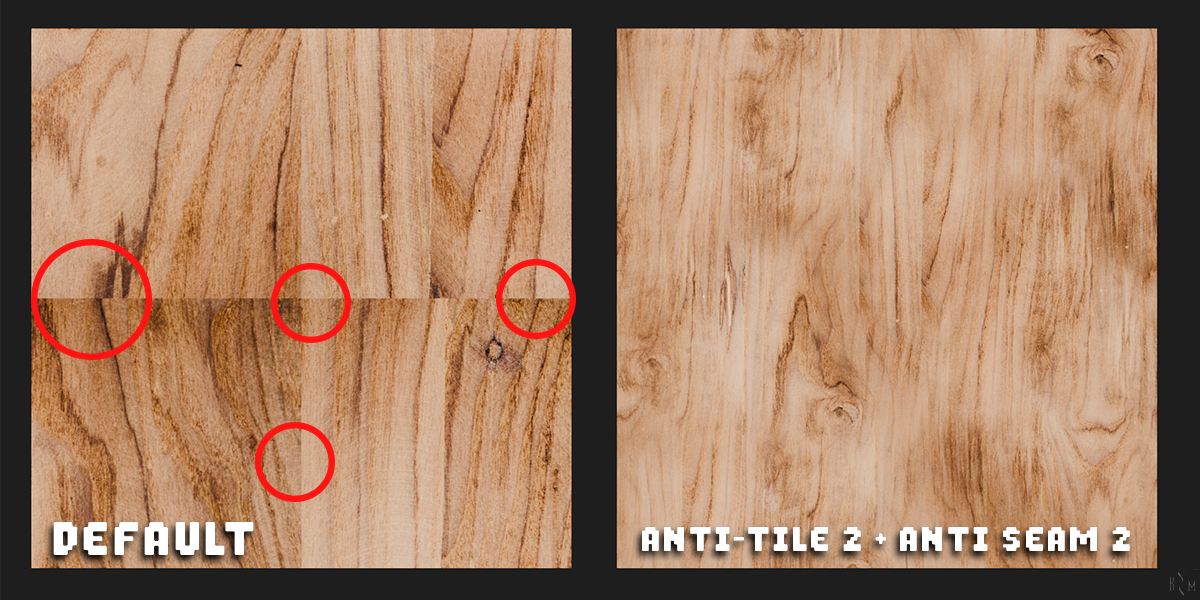
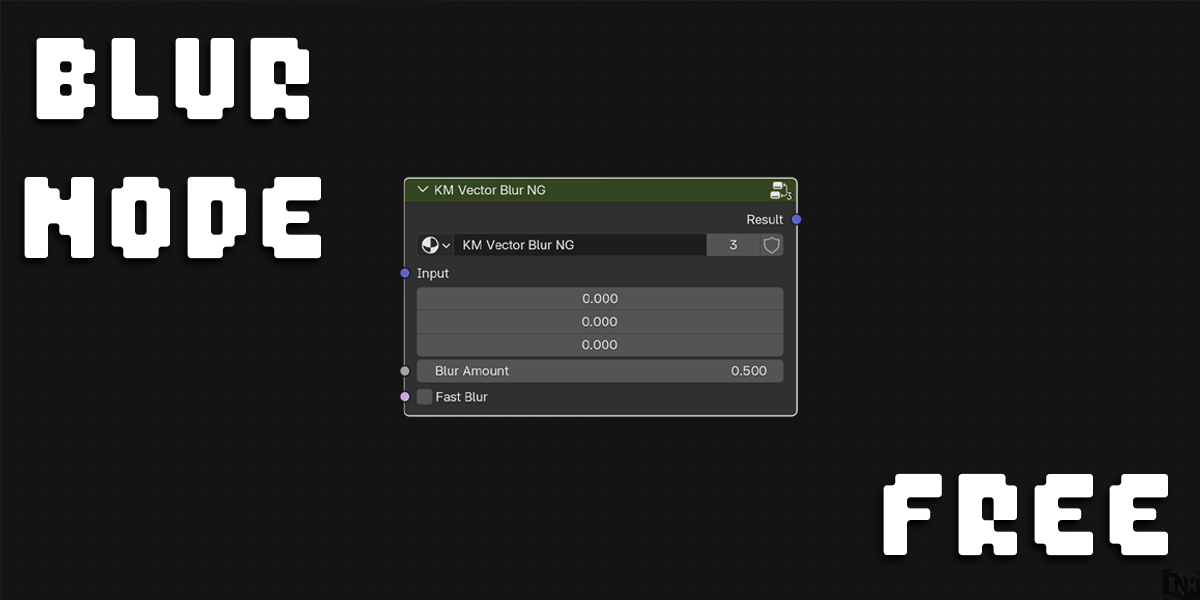
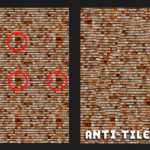
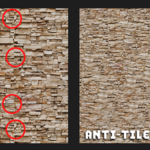
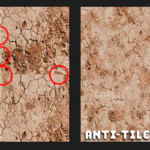
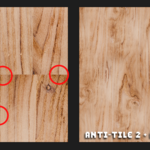
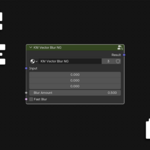
KM Anti-Tile NG is a custom Blender node group designed to eliminate visible tiling artifacts in textures by applying advanced blending, blurring, and scaling techniques. This node is optimized for procedural and image-based textures and supports both Cycles and Eevee rendering engines. Plus a Free Custom Vector Blur Node setup
By integrating this node into your material setup, you can achieve seamless, non-repetitive textures, making it ideal for game assets, architectural renders, and VFX production.
Node Inputs & Outputs
Inputs:
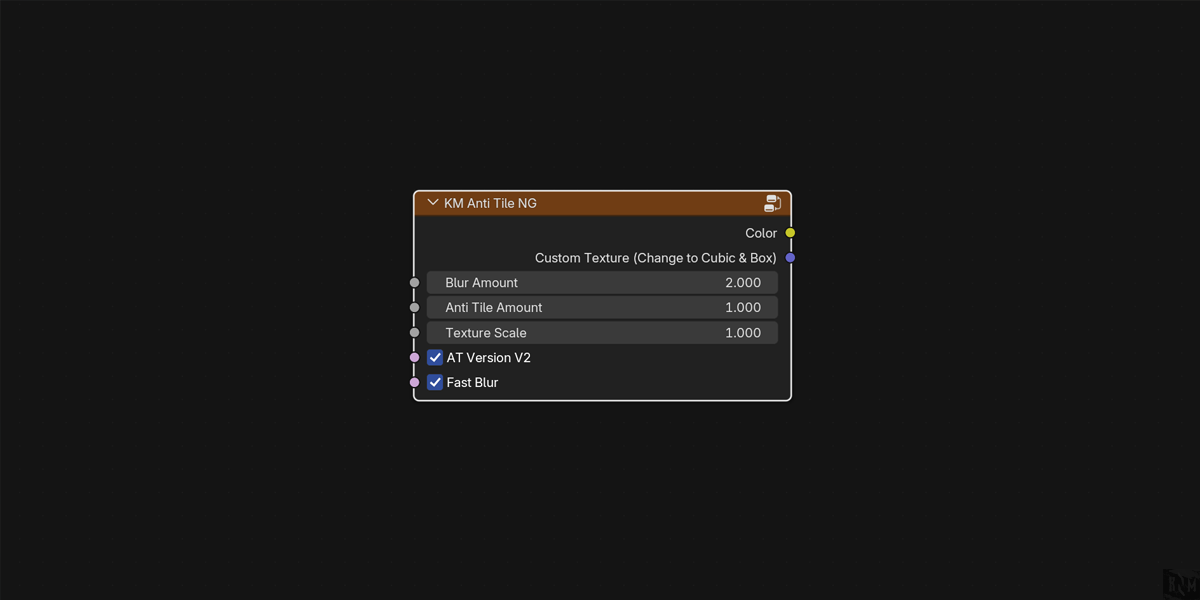
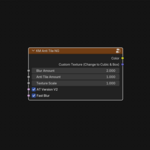
- Custom Texture Input (Change to Cubic & Box) – The primary texture input. This should be connected to a texture source, such as an image texture or procedural texture.
- Blur Amount (Float: Default 2.000) – Controls the strength of the blur effect to help break up repeating patterns. Higher values result in a softer blend.
- Anti-Tile Amount (Float: Default 1.000) – Adjusts the intensity of the anti-tiling effect, determining how much variation is applied to reduce noticeable repetition.
- Texture Scale (Float: Default 1.000) – Controls the overall scale of the texture, allowing for adjustments to its size and pattern distribution.
Checkbox Options:
- AT Version V2 (Boolean: Default ON) – Enables the enhanced second version of the anti-tiling algorithm, providing improved texture blending and variation.
- Fast Blur (Boolean: Default ON) – Activates an optimized blur method for real-time performance improvements, especially useful for large scenes and high-resolution textures.
Outputs:
- Demo Color Output (Color Data) – The processed, anti-tiled texture that can be connected to material output to see the effects.
How to Use KM Anti-Tile NG
1. Connecting the Node
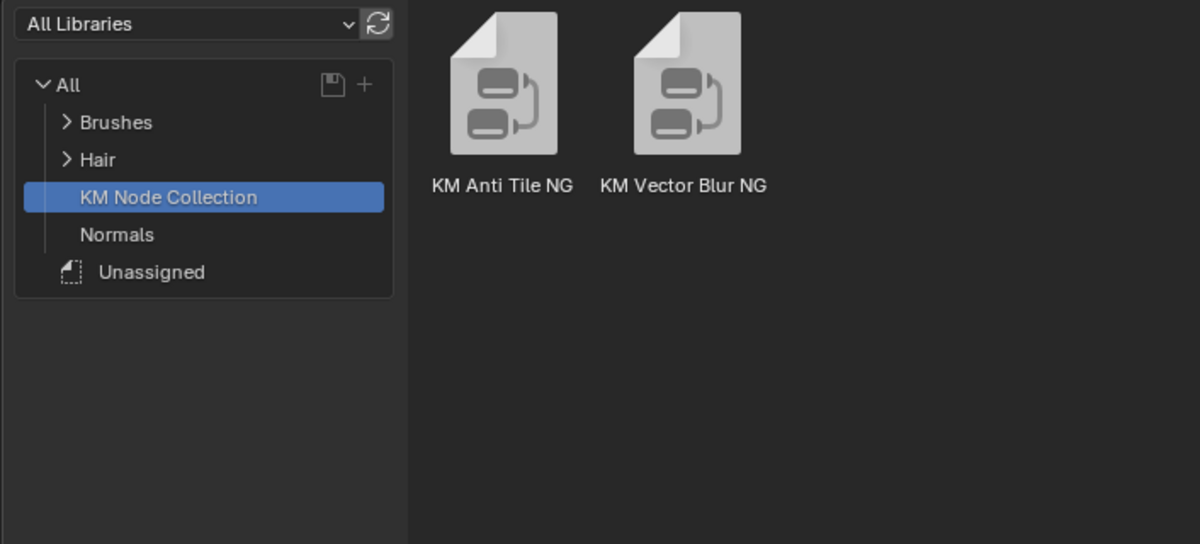
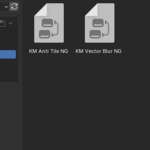
- Add the KM Anti-Tile NG node to your material setup (Shift + A → Group → KM Anti-Tile NG Or Shift + A search anti ).
- Connect the Custom Texture Input to your desired image texture or procedural texture.
- Attach the Color Output to the Base Color of a Principled BSDF Shader or any other shader input.
2. Adjusting Anti-Tiling Effect
- Increase the Anti-Tile Amount to further break up repetitive patterns.
- Adjust Blur Amount to fine-tune texture blending.
- Modify Texture Scale to control the size of the texture.
3. Performance Optimization
- Enable Fast Blur for real-time optimization.
- Use AT Version V2 for more advanced anti-tiling effects.
Best Use Cases
✔ Game Assets – Ensures textures remain seamless across large surfaces.
✔ Architectural Visualization – Prevents visible repetition in walls, floors, and props.
✔ VFX & Cinematic Renders – Achieves photorealistic textures without visible tiling.
✔ Procedural Material Creation – Works seamlessly with procedural textures for added flexibility.
Final Thoughts
KM Anti-Tile NG is a powerful, easy-to-use solution for eliminating texture tiling artifacts while maintaining high visual quality and efficiency. Whether you're a game developer, 3D artist, or architect, this node will significantly enhance your texturing workflow.
🔹 Part of the KM Node Collection – Enhance Your Blender Workflow Today!
Have questions about this product?
Login to message
| Sales | 10+ |
| Published | over 1 year ago |
| Blender Version | 3.0 - 5.0 |
| Render Engine Used | Cycles, Eevee |
| License | GPL |
Discover more products like this
procedural texture generator next-gen texturing professional game texturing Node-Based Workflow pbr-workflow UV-free texturing photorealistic textures texture repetition fix non-repetitive textures realistic surface materials seamless material workflow texture enhancement tile-free textures physically based materials seamless texture mapping smart shader nodes shader nodes seamless UV mapping Texture Mapping texture tiling professional shading texture blur Photorealistic rendering tile-free shader procedural material Realistic materials Node procedural textures render-optimization tiling artifact removal seamless procedural mapping node group texture randomization material blending procedural node setup UV mapping alternative texture fix tile removal seamless textures Texture Blending non-repetitive material nodes smart texture blending smart texture nodes shading toolkit real-time rendering optimization non-repeating textures Texture Painting VFX texturing industry-standard texturing Shader Optimization