 Anvil Interactive Solutions
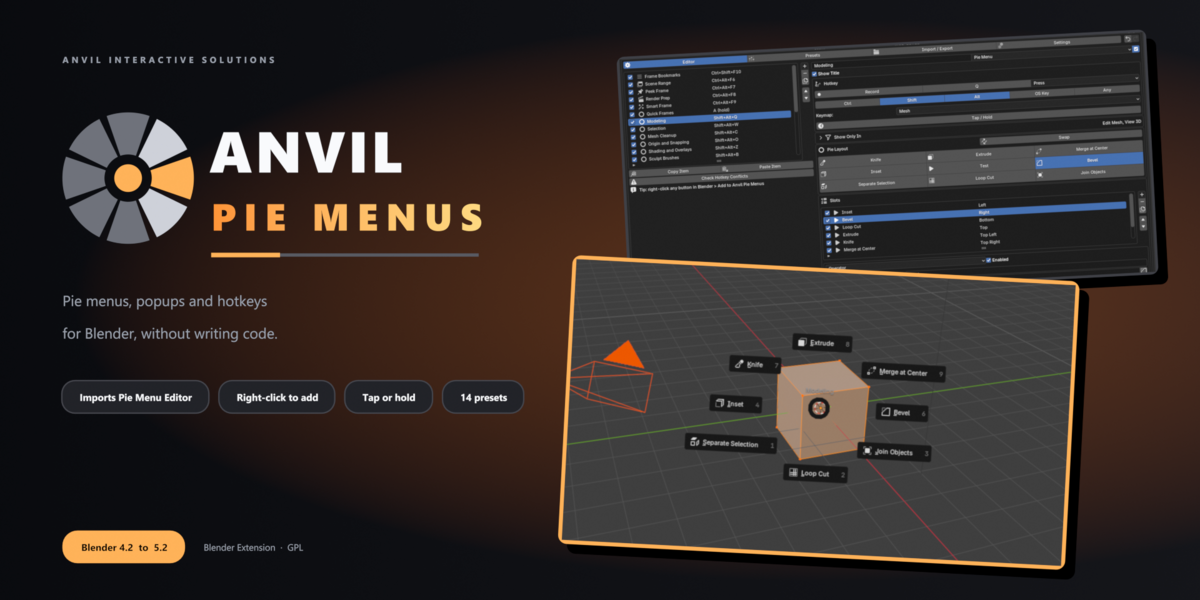
ANVIL PIE MENUS
Your own pie menus, popups and hotkeys.
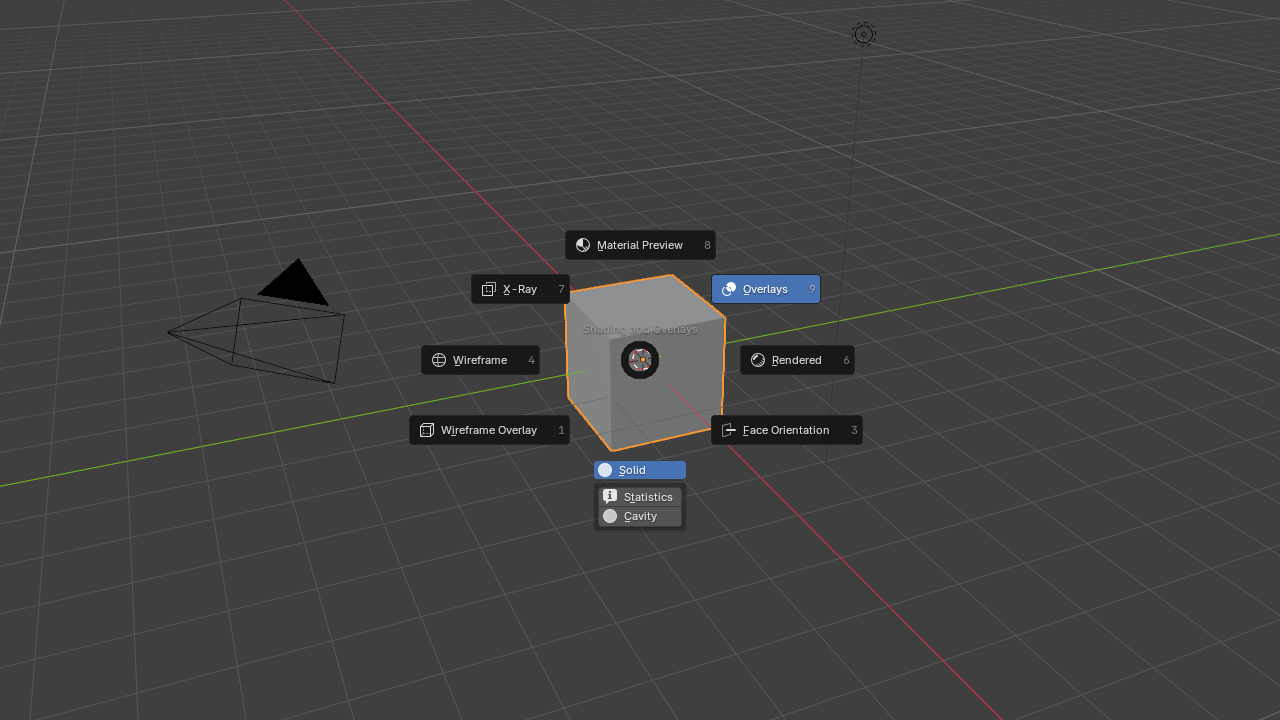
No code. Built for Blender 5.
Build pie menus, regular menus, popup dialogs, sticky keys and macros from a visual editor. Right-click any button in Blender to add it to a pie. Coming from Pie Menu Editor? Import your setup in one click.
PME stopped working at Blender 5.0.
Your menus don't have to.
Anvil Pie Menus finds your Pie Menu Editor backups and converts them: pies, menus, dialogs, sticky keys, macros, hotkeys and poll conditions. An import report lists exactly what mapped, what was approximated and what was skipped. Anything that can't be converted is kept as a disabled slot with its original text, so nothing is lost.
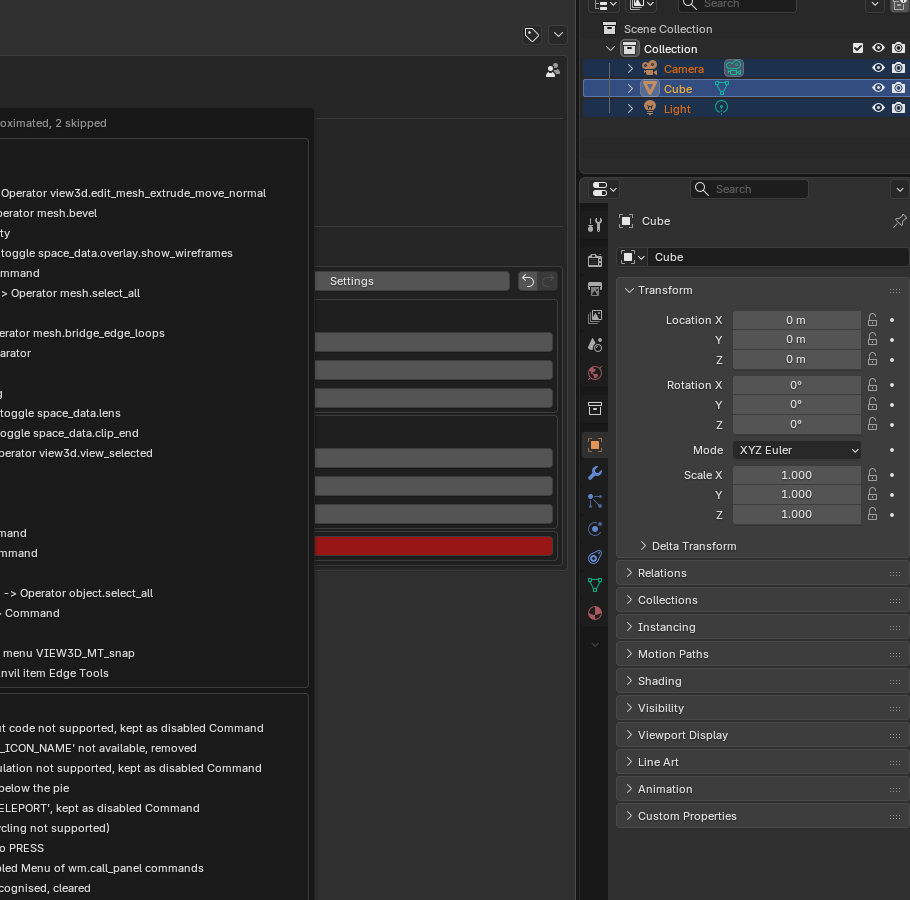
| BEFORE A Pie Menu Editor export | AFTER Working Anvil items with hotkeys, plus a full report |
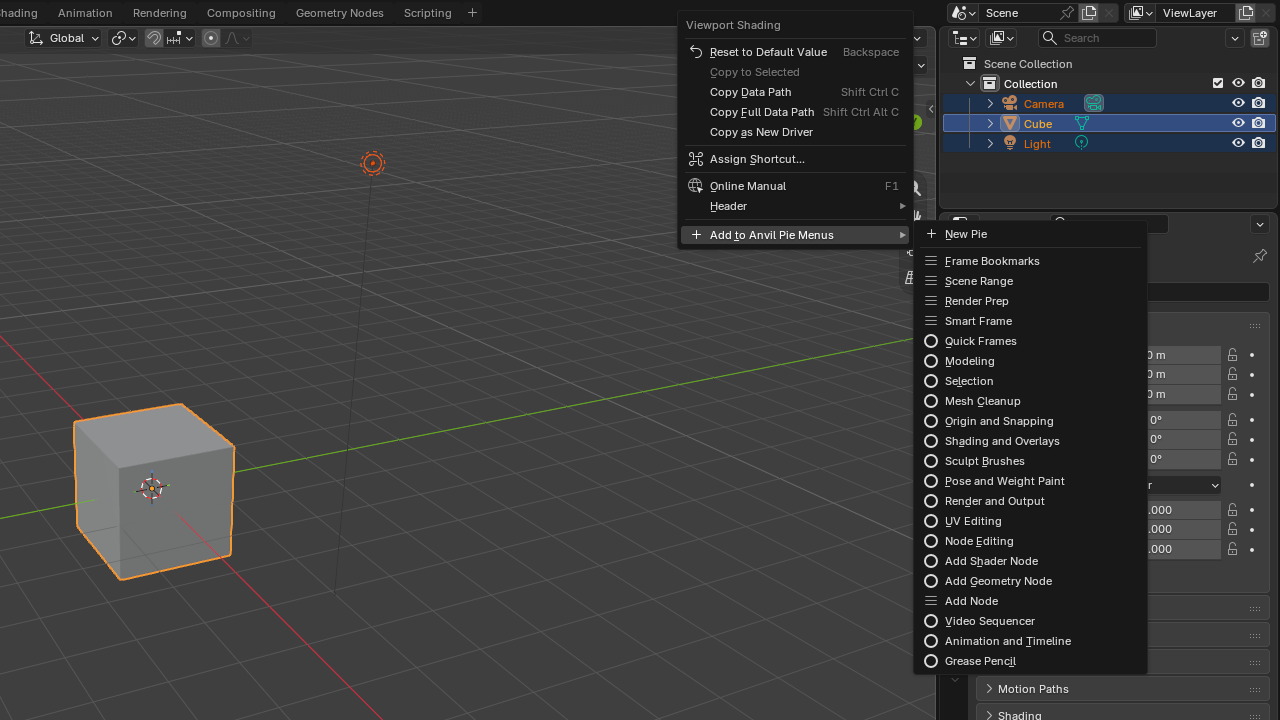
See a button you use all the time?
Put it in a pie.
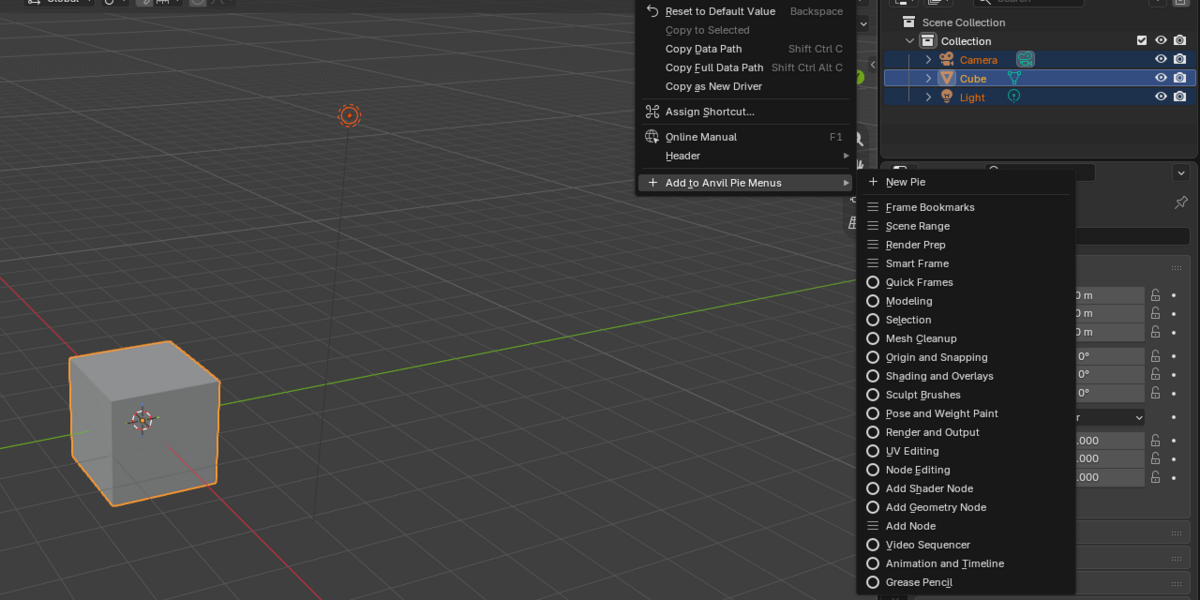
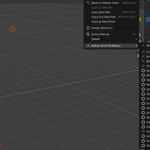
Right-click any button, menu entry or property in Blender and choose Add to Anvil Pie Menus. Operator settings and property paths are captured for you, so you never need to look up an operator name.
One editor for every kind of shortcut.
| 01 Pie Menu8 DIRECTIONS · EXTRAS BELOW Blender's own pie layout, with extra rows, separators and labels underneath. | 02 MenuLISTS · SUBMENUS Classic drop-down menus with submenus, separators and labels. | 03 Popup DialogLIVE SETTINGS Your favourite settings as live widgets in rows and columns, with an optional OK button. |
| 04 Sticky KeyPRESS · RELEASE One action while the key is held down, another when you let go. | 05 MacroSTEPS IN ORDER Chain operators, Python and property changes on a single key. | 06 Context SwitchONE KEY · EVERY MODE The same key opens a different pie in Edit Mode, Sculpt Mode or the Shader Editor. |
Lay out a pie the way it will look.
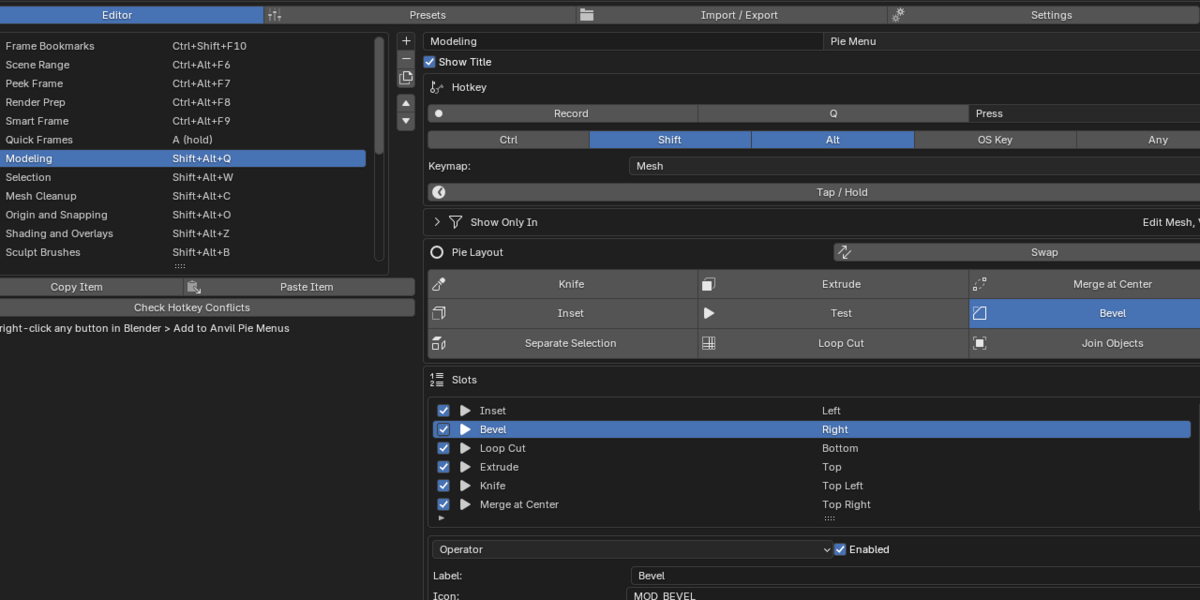
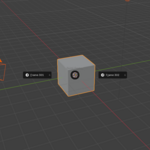
The Pie Layout grid shows all eight directions. Click an empty direction to add a slot, click two to swap them, and press Test to open the real pie straight from the editor.
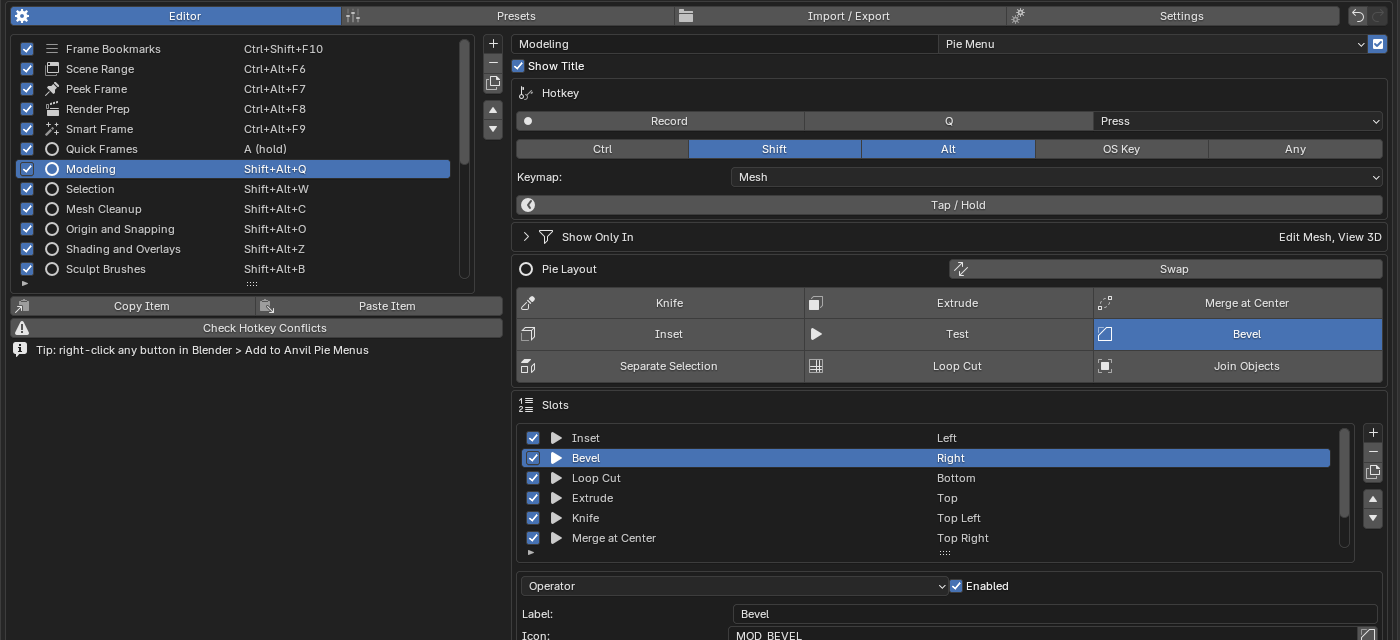
| Every slot, your way Operators with searchable names and editable settings, Python commands, submenus, and properties you can toggle, cycle or set. Each slot can have its own icon, label and Show If condition. | NO CODE NEEDED |
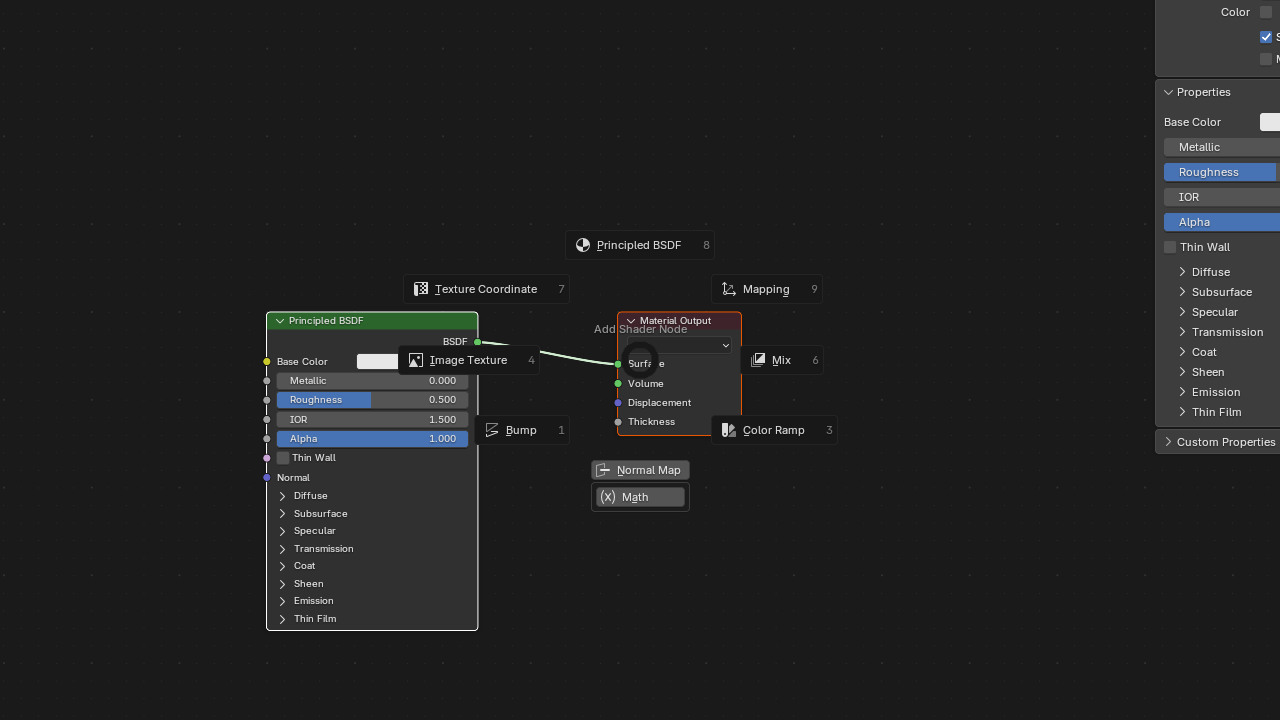
| Context Switch: one key, the right pie Shift+Alt+A opens a shader-node pie in the Shader Editor and a geometry-node pie in Geometry Nodes. Build the same thing for any modes or editors. MODES · EDITORS · PYTHON CONDITIONS |
| HOTKEYS DONE RIGHT Press the keys you want. See every clash before it bites.Hotkeys work on 18 named keymaps, or any keymap you type in. |
Record Press the key combination once and it's set, modifiers included.
Conflict check Clashes with Blender's own keys show in red. Disable the other binding with one click.
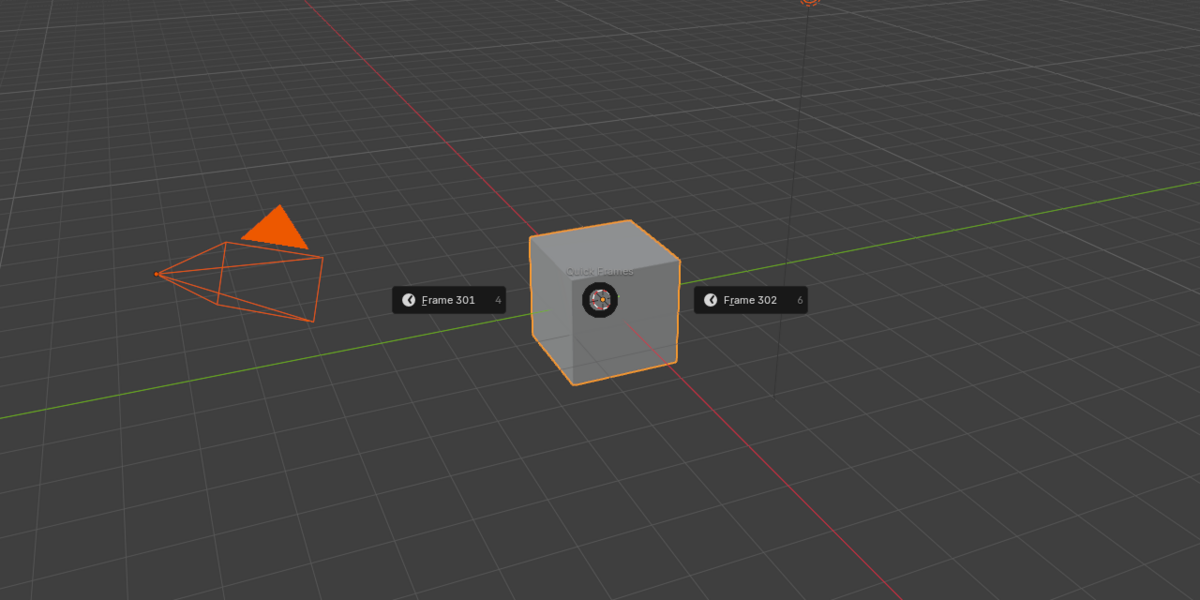
Tap or Hold Tap a key for Blender's normal action, hold it for your pie. Your muscle memory keeps working.
Show Only In Limit any item to certain modes or editors. Everywhere else, the key does what Blender normally does.
|
DON'T WANT TO BUILD FROM SCRATCH? PICK A WORKFLOW.
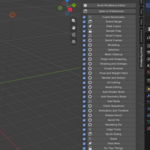
Choose Modeling, Sculpting, Animation, Nodes or Video and the matching pies switch on. Change or remove any of them later.
| Modeling | Modeling, Selection, Mesh Cleanup, Origin and Snapping, UV Editing |
| Sculpting | Sculpt Brushes, Shading and Overlays |
| Animation | Pose and Weight Paint, Animation and Timeline, Render and Output |
| Nodes | Node Editing, Add Node for shader and geometry nodes |
| Video and 2D | Video Sequencer, Grease Pencil |
14 ready-made presets included.
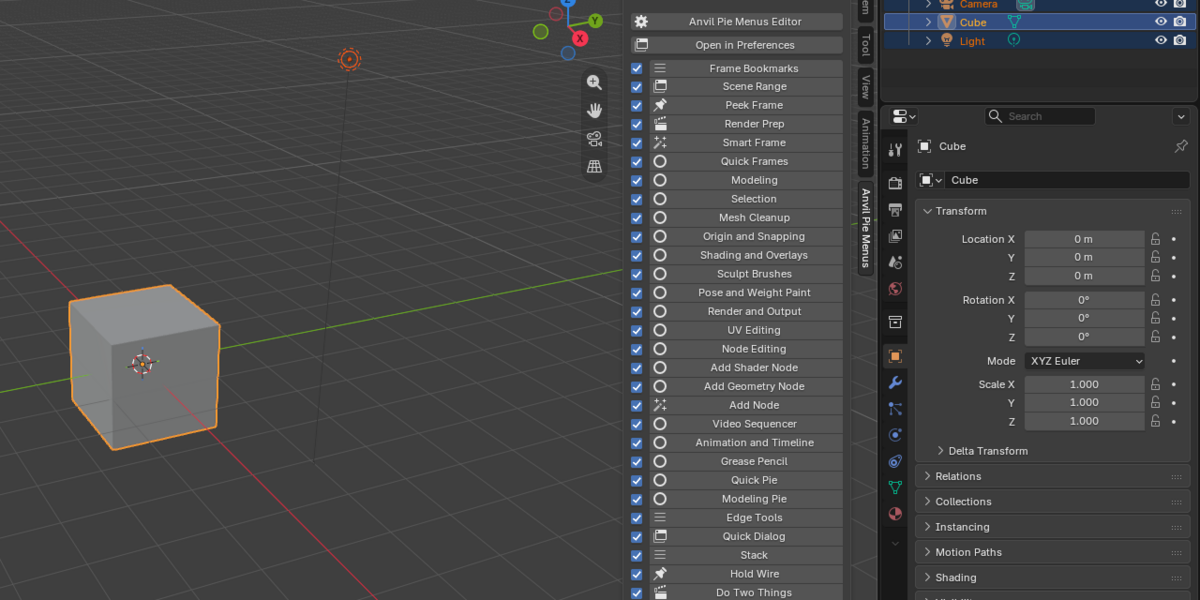
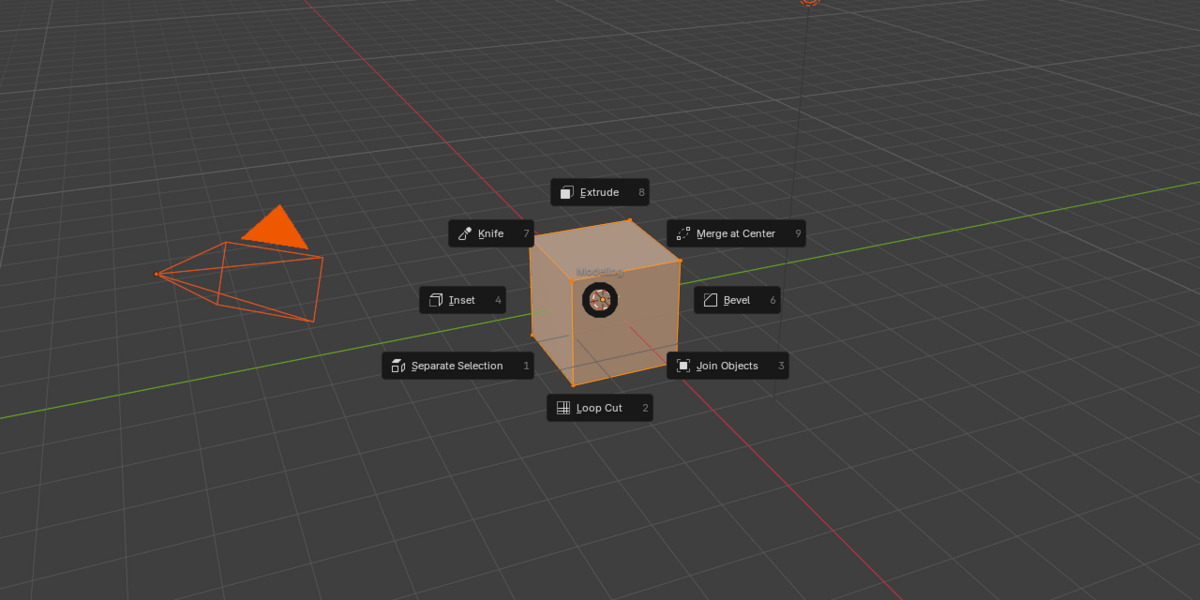
Fast to reach. Out of the way when you don't need it.
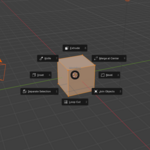
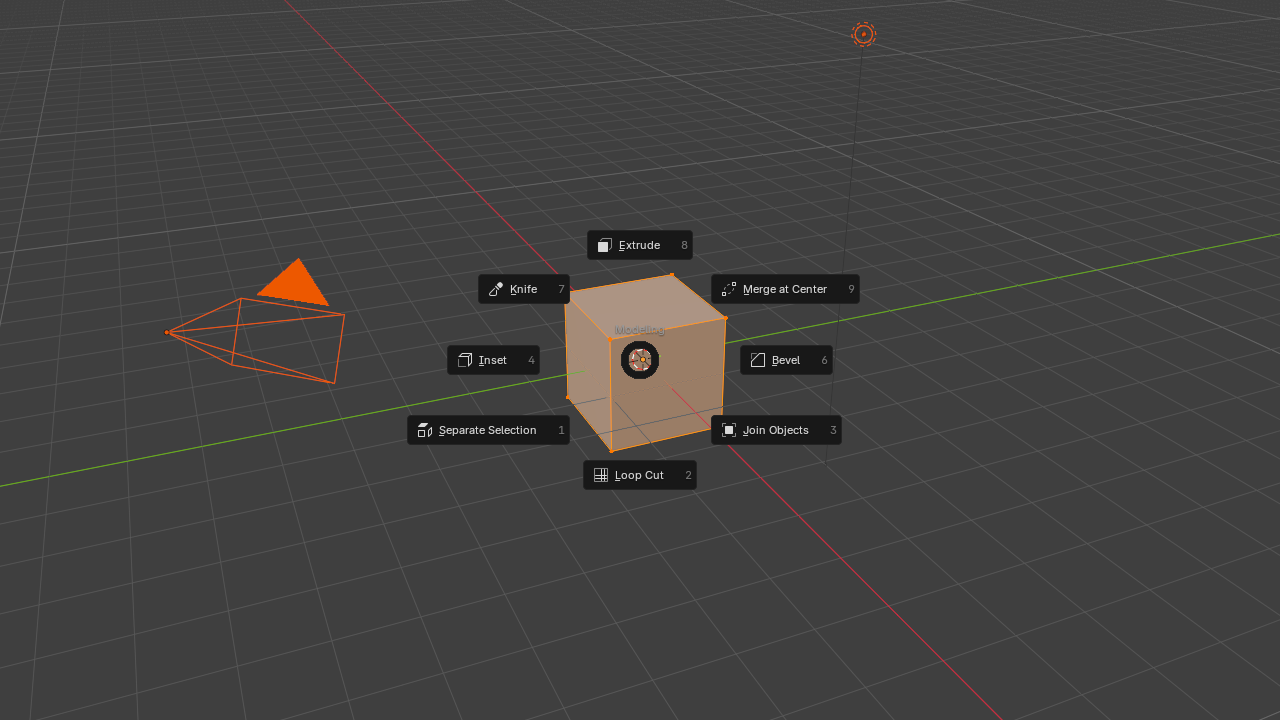 Modeling pie in Edit Mode | 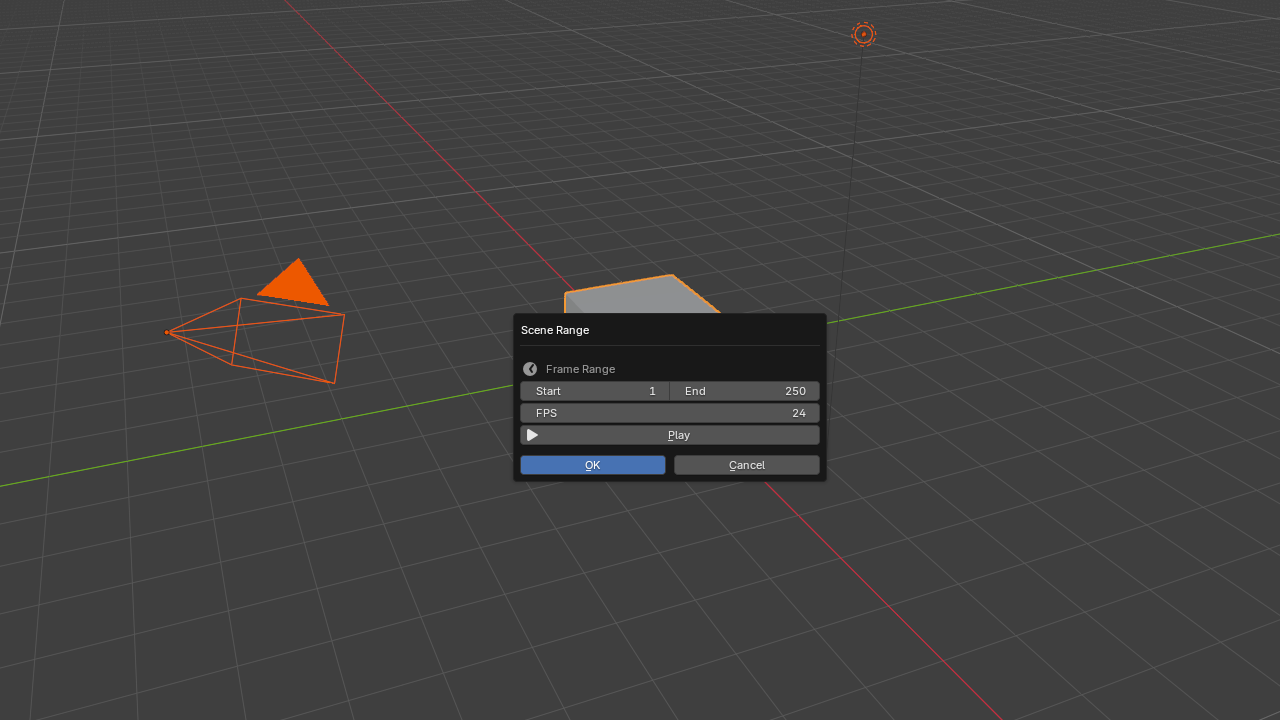 Popup dialog with live scene settings |
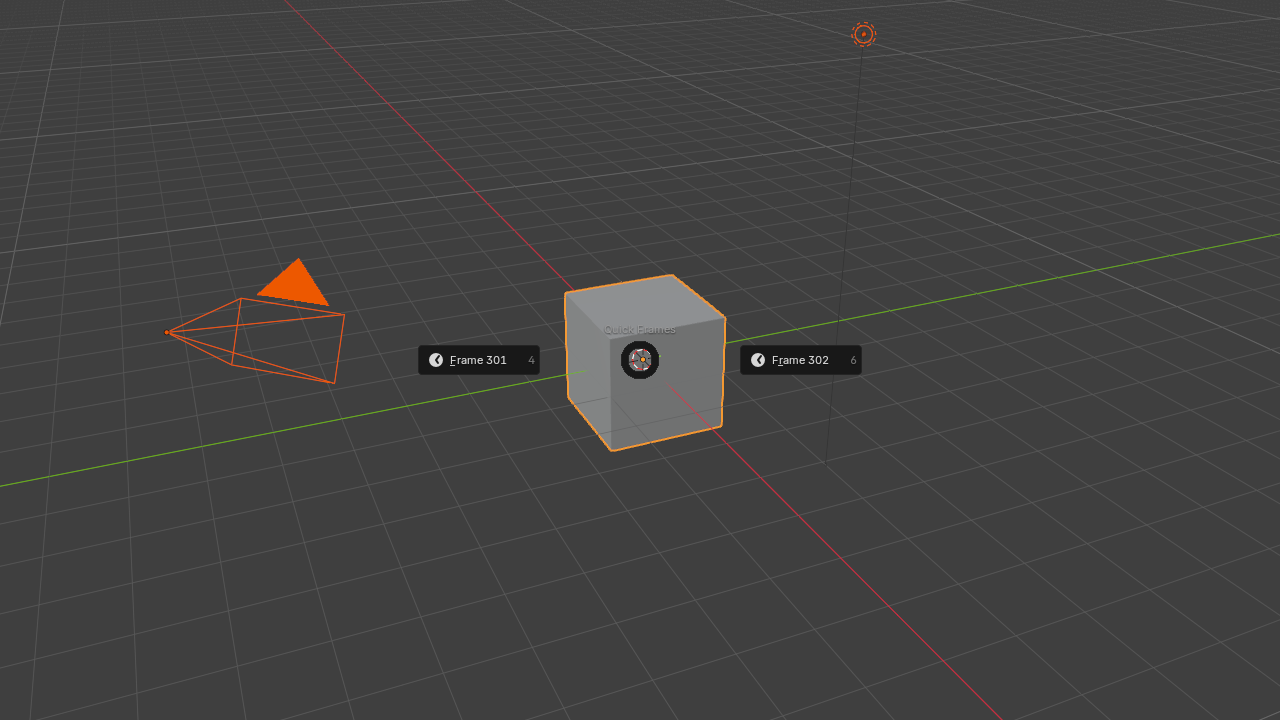 Hold A for a pie, tap A to select all | 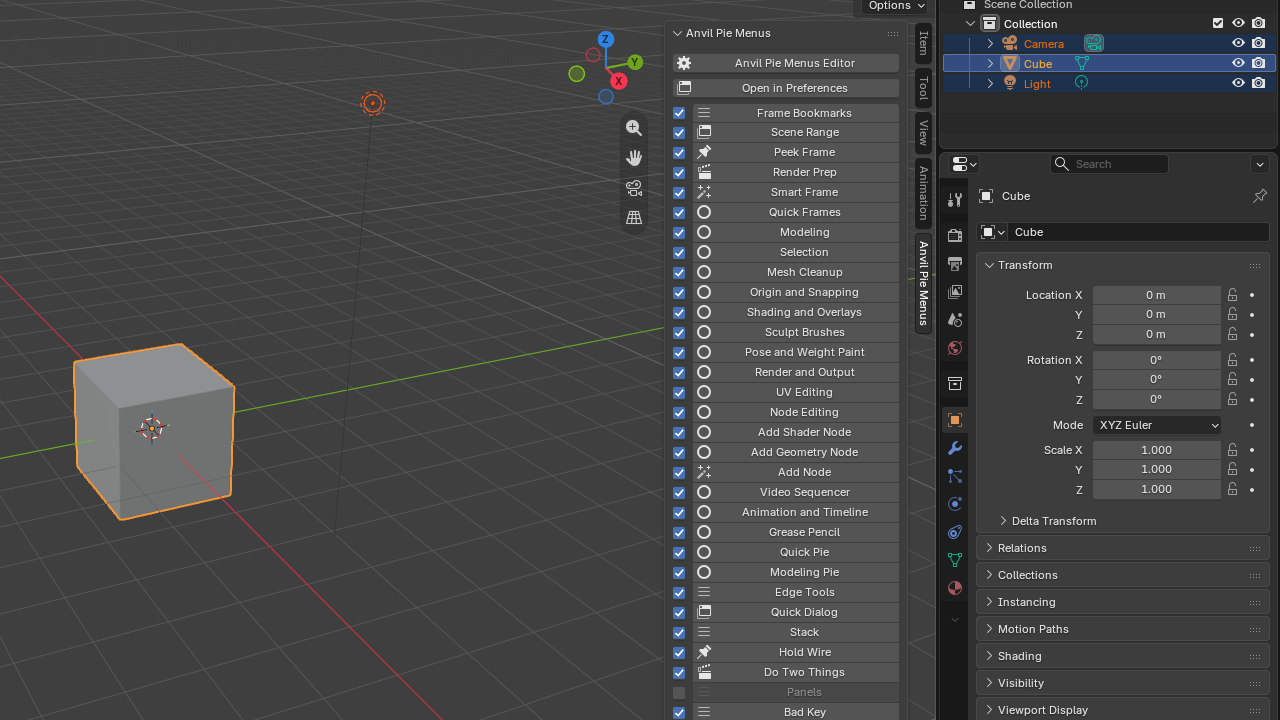 Sidebar tab to launch any item |
Change anything. Undo anything.
| 01 Undo and Redo Up to 100 steps for every editor change. | 02 Automatic Backups The last 20 versions are kept, plus full backup and restore whenever you want. | 03 Share as Text Copy a pie as one line of text and paste it in chat. Export and import JSON files too. |
Pure Blender interface. Nothing custom-drawn.
Every pie, menu and panel is built with Blender's own interface code, so it follows your theme and keeps working on the Vulkan backend. Uninstalling removes every menu and hotkey it created, and your setup survives restarts and updates.
What the PME import can and can't bring across.
Pies, menus, dialogs, sticky keys, macros, hotkeys and conditions are converted. Stack keys become menus, and panel groups become menus of panel shortcuts.
PME custom layout code, hotkey emulation and PME property definitions have no direct equivalent. They are kept as disabled entries with their original text, and the import report lists each one.
Panel group editing, hiding built-in panels and custom-drawn pie visuals are not part of this version.
System Requirements
| Blender | 4.2 LTS to 5.2 LTS |
| Install as | Blender Extension or legacy add-on |
| Operating system | Windows, macOS, Linux (pure Python) |
| Internet | Not required |
| Pie Menu Editor | Not required. Its JSON exports can be imported |
Anvil Pie Menus 1.1 is tested on Blender 4.2, 4.3, 4.4, 4.5, 5.0 and 5.2 under Windows 64-bit, both in automated tests and with live interaction.
Every tool you use, one flick away.
Pies. Menus. Popups. Sticky keys. Macros.
Right-click to add, press your hotkey, keep working.
