 Blenderujemy




AO Connector
Automated Ambient Occlusion for Blender
Transform your material workflow with AO automation that actually understands your materials.

What This Addon Does
AO Connector automates the entire ambient occlusion setup process in Blender. Instead of manually creating AO nodes, color ramps, and mix nodes for every material, this addon handles everything automatically - while being smart enough to work with your existing textures and setups.
Enhanced Hybrid Solution
AO Connector goes beyond basic automation by combining baked AO textures with Blender's AO node. Get detailed shadows from your texture maps enhanced with real-time AO adjustments - perfect for fine-tuning lighting without needing to re-bake textures.
PRODUCT OVERVIEW
Clear Features. Complete Automation.
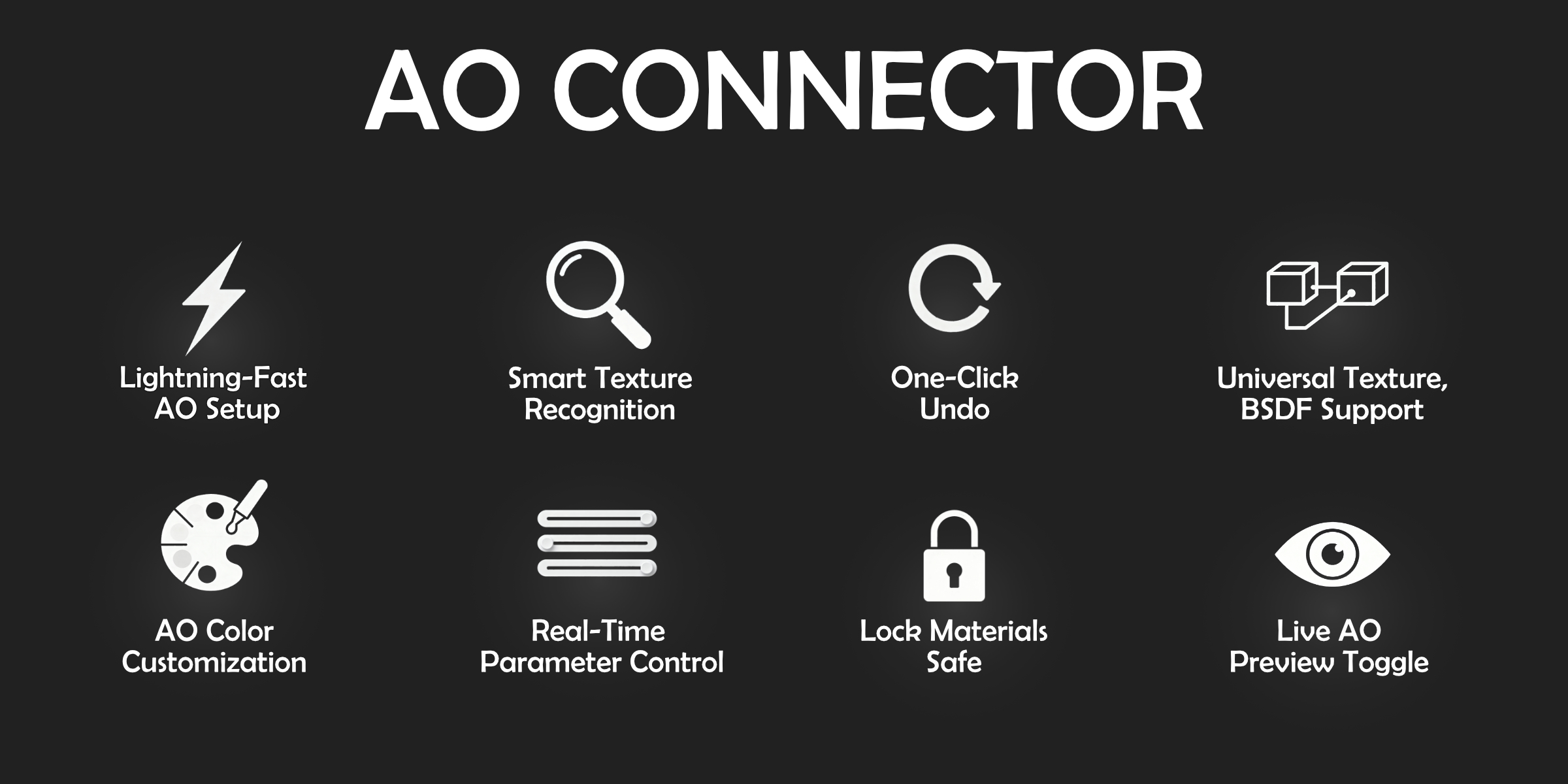
Smart Material Recognition
- Automatically detects your existing setup
- Works with any naming convention (basecolor, diffuse, albedo)
- Supports nodes between Base Color and Principled BSDF, plus ORM textures
- Handles procedural and texture-based setups seamlessly
One-Click AO Setup
- Creates complete node trees instantly
- Connects everything properly to Principled BSDF
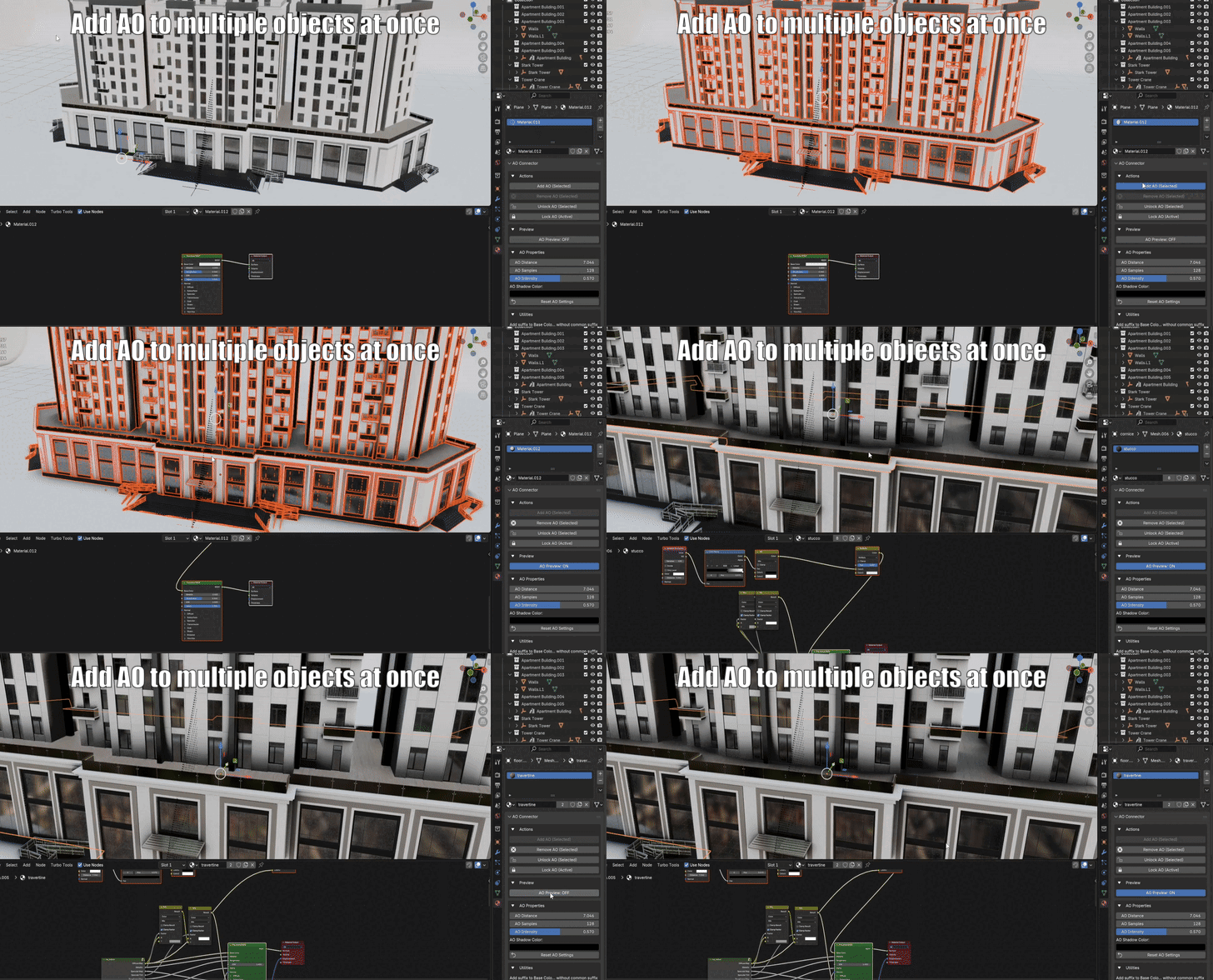
- Works on multiple selected objects simultaneously
- Preserves your original material connections
Real-Time Control Panel
Distance & Samples: Fine-tune AO quality
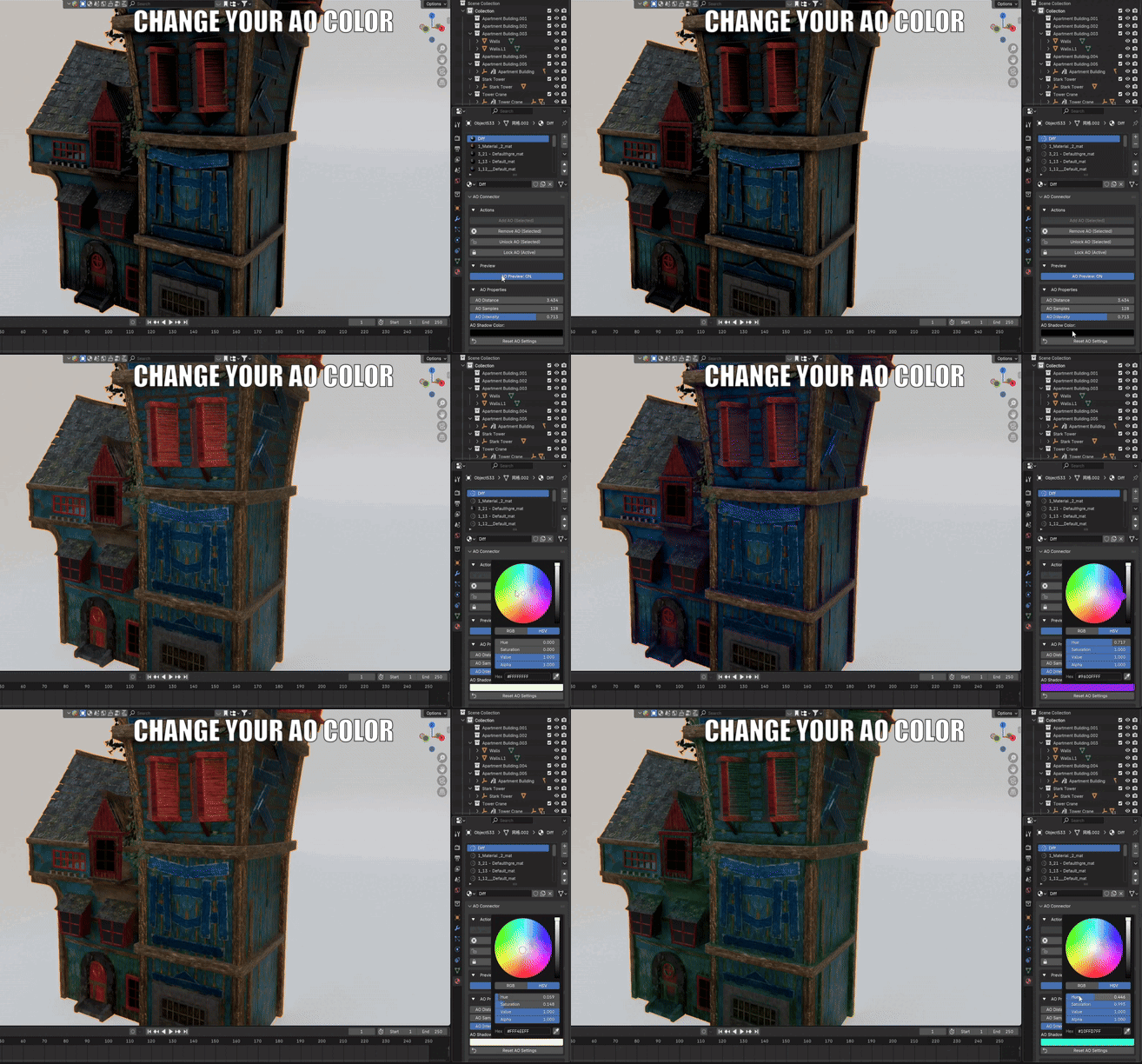
Intensity: Control strength with live preview
Inside/Only Local: Advanced AO behavior options
Shadow Color: Tint your ambient occlusion shadows
Professional Workflow Tools
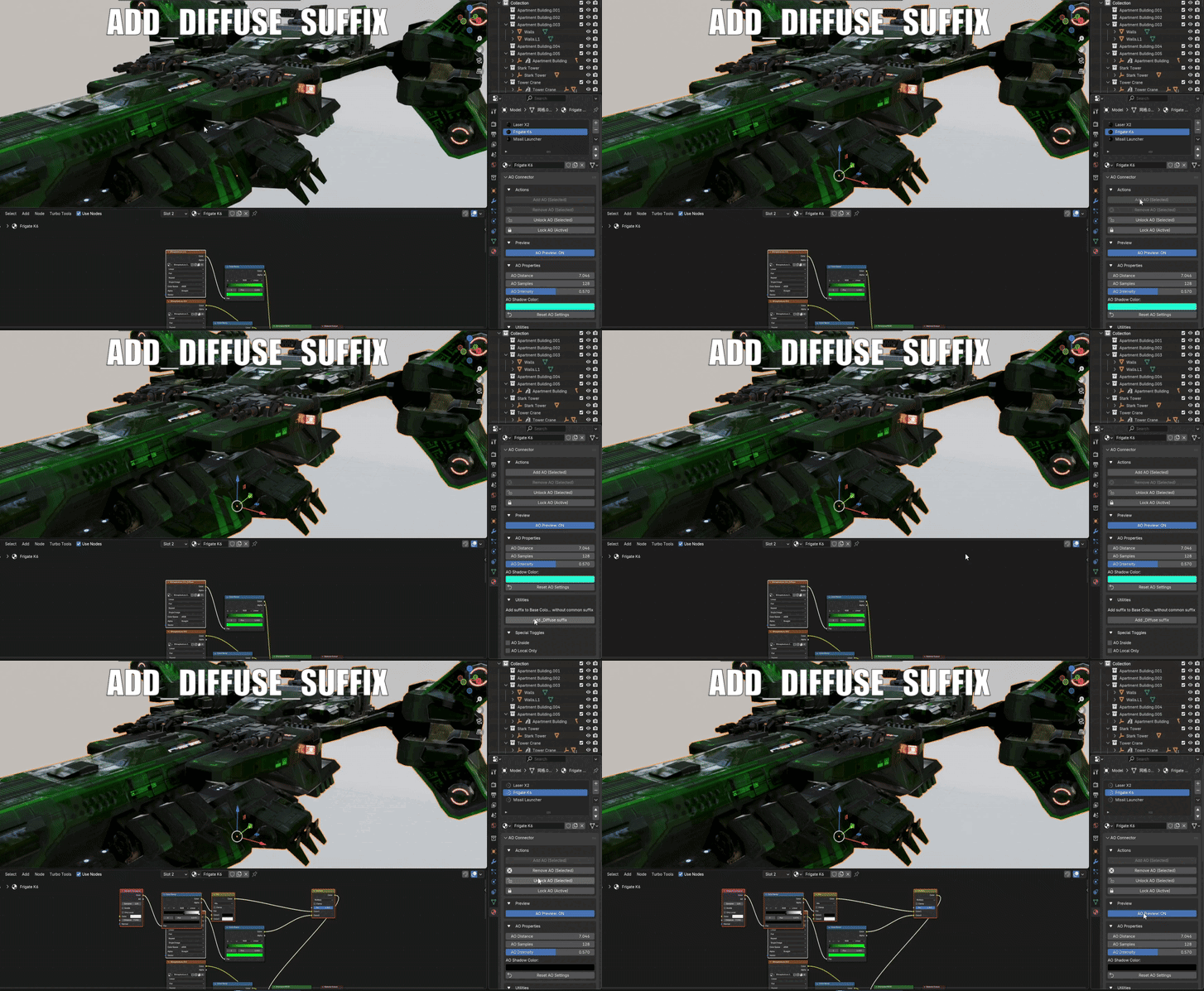
Texture Suffix Manager
Instantly add the "_Diffuse" suffix to your Base Color textures. This ensures your entire material library is properly organized and ready for automated AO processing, regardless of how the textures were originally named.
Batch Operations & Safe Disconnection
Update AO settings across all selected objects simultaneously. Need to remove it? Use the Safe Disconnection feature to remove AO while preserving all your original material connections.
Why This Saves You Time
THE OLD WAY
Manual AO setup takes 1-3 minutes per material. For a scene with 20 materials, that's a huge chunk of time lost to tedious node wrangling.
WITH AO CONNECTOR
Select all objects, click "Connect AO" - done in 3 seconds. The addon handles creating, positioning, and connecting nodes flawlessly.
Perfect For
- ArchViz: Quickly add subtle shadows to interiors
- Product Rendering: Enhance form with contact shadows
- Character Work: Add depth to organic surfaces
- Any workflow requiring consistent AO across materials
Installation & Use
- Install like any standard Blender addon
- Find the panel in Properties → Material
- Select your objects and click "Connect AO"
- Adjust settings with live preview
- Done - focus on art, not nodes.
⚠️ Important Technical Information
- Cycles and Eevee: Primarily designed for Cycles. Works with Eevee based on tests, but primarily optimized for Cycles.
- AO Preview quirks (2.8 to 4.5): Preview works only in the rendered shading mode using sliders. Final renders are completely unaffected.
- Viewport preview: Direct material viewport preview is fully supported from Blender 4.2 onwards.
- Compatibility: Exclusive to Blender. Exporting setups to other engines (e.g. Unreal) is not supported.
- AO Connector is continuously updated to recognize new and complex node combinations.
This addon does one thing exceptionally well.
Making ambient occlusion setup effortless.
Perfect for artists who value efficient workflows and professional results. Whether you're working on a single model or managing dozens of materials, AO Connector eliminates the tedium and ensures consistent, high-quality AO across your entire project.