AoD Decal Engine
 Anatomy-of-decay

Installation
Open Blender and go to Edit → Preferences → Add-ons.
Click the option to install or upload a local file.
Select the AoD Decal Engine
.pyfile.Enable the addon if it isn't enabled automatically.
Placing Decals
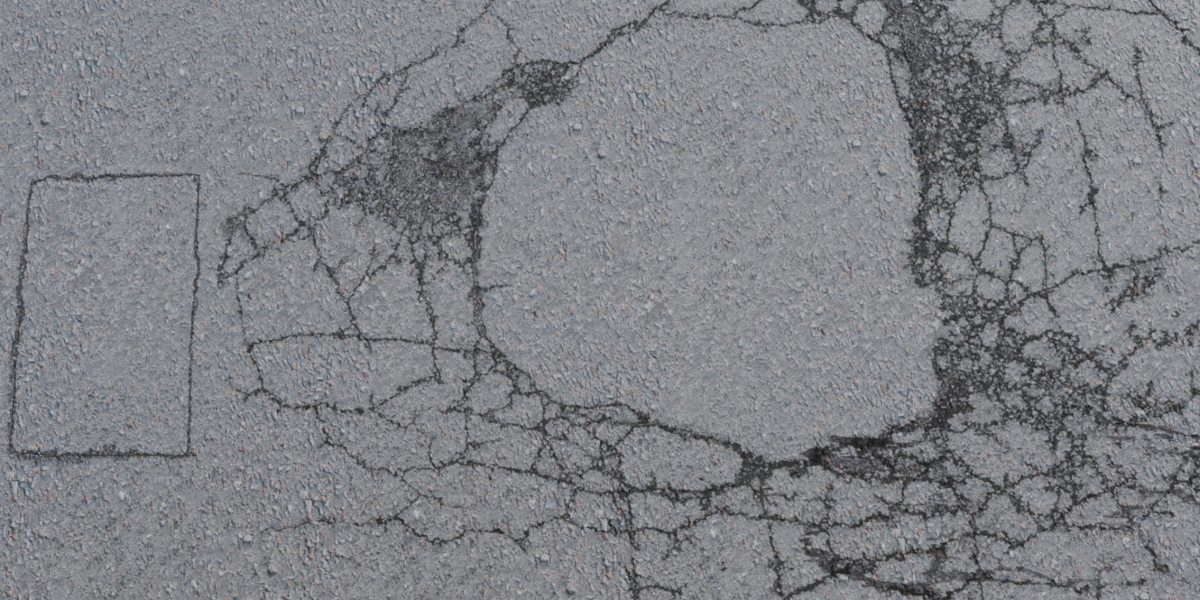
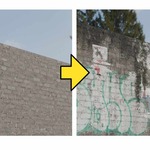
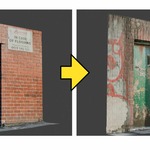
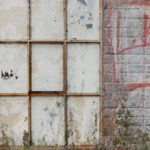
Spawn a decal by clicking "Spawn Decal". Choose an image with transparency.
Position, rotate, and scale it on your target surface.
Adjust its appearance using the available controls.
No manual UV unwrapping is required.
Troubleshooting
Decal missing on some surfaces: Click Force Refresh Materials.
Decal looks wrong: Check its placement, scale, blend mode, opacity, and roughness.
Addon not appearing: Confirm that it's installed and enabled.
Support
When reporting an issue, include your Blender version, a description of the problem, and screenshots if possible.
Have questions about this product?
Login to message
| Published | about 7 hours ago |
| Blender Version | 5.2 |
| Extension Type | N/A |
| Render Engine Used | Cycles, Eevee |
| License | GPL |

Discover more products like this
3d-decal blender decal game environment decals add decal easily 2d-decal-wrapping 3D Industrial Decals Architectural_Decals 3D Environment Decals One Click Addon