 Anatomy-of-decay
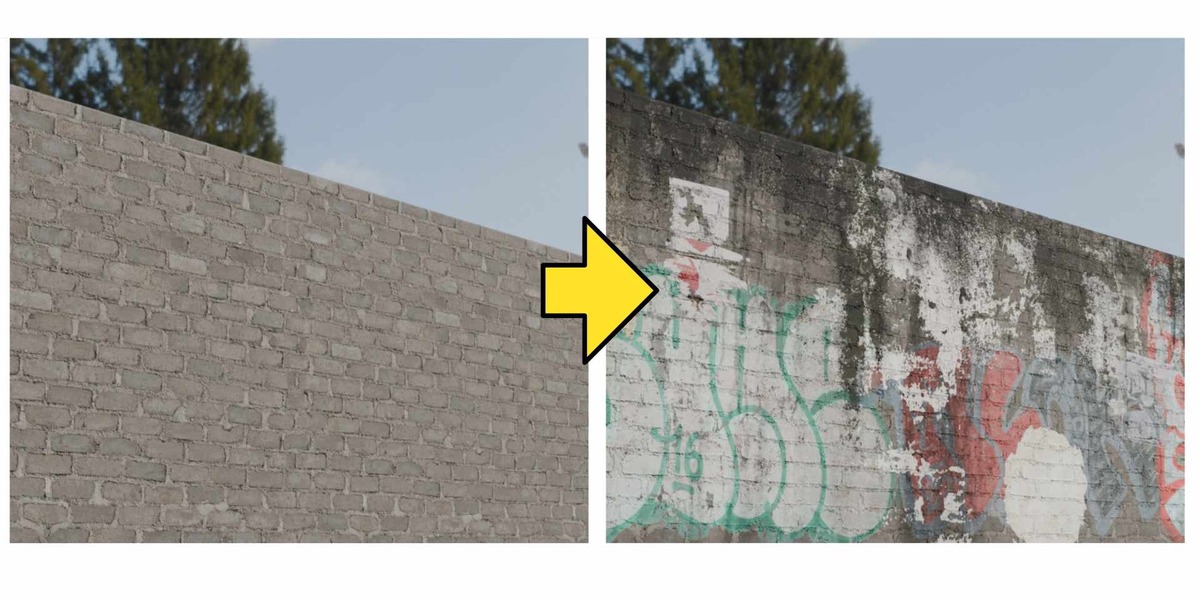
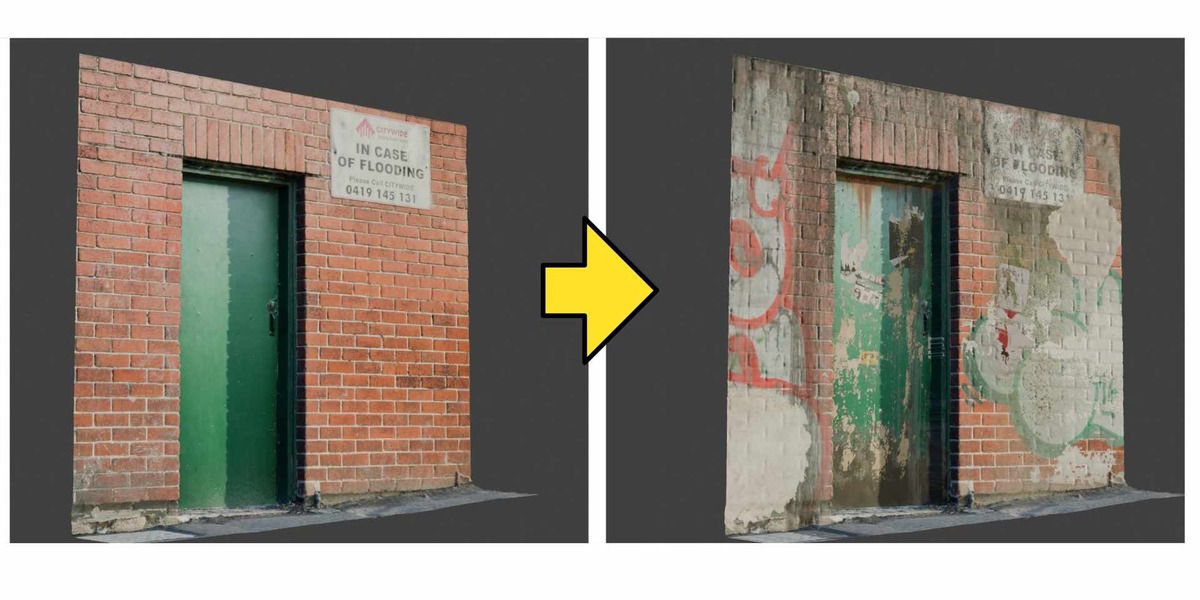
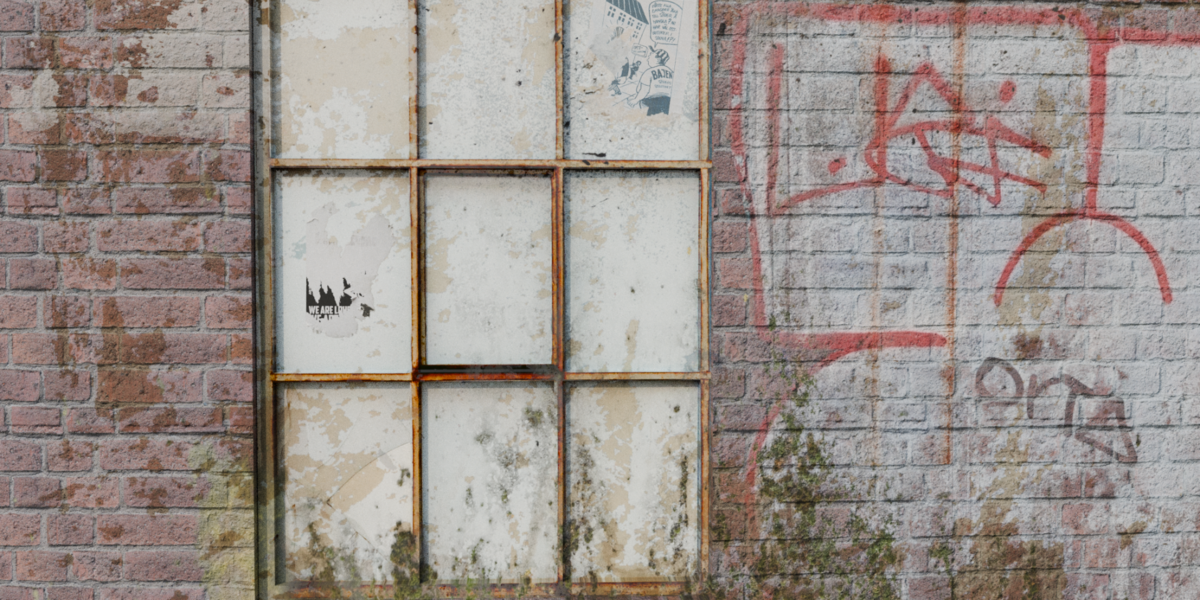
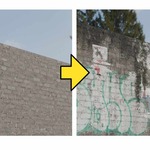
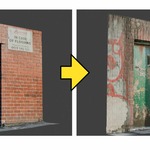
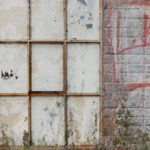
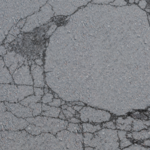
Add dirt, damage, warning signs, graffiti, and other surface details to your environments without fighting Blender's usual decal workflow.
AoD Decal Engine brings an Unreal-inspired decal workflow to Blender 5.2. Spawn decals with a click, position them directly in the viewport, and let the addon handle the material blending. No manual UV unwrapping or complicated shader setups required.
Features
One-Click Import: Spawn a decal with a single click.
Automatic Material Blending: Decals blend with the underlying surface instead of looking like flat images pasted on top.
Easy Viewport Placement: Position and adjust decals directly in your scene.
No UV Unwrapping Required: Add decals to complex models and photogrammetry without preparing UVs.
Multiple Decals per Object: Layer as many decals as you need on a single object.
Multiple Material Slot Support: Place decals across objects with multiple material slots.
Layer System: Organize decal layers and move them between decals.
Flexible Blending Controls: Customize blend modes, opacity, and roughness.
One-Click Baking: Bake your decal setup with a single click.
Cycles and Eevee Support: Use the addon with both Blender render engines.
Decal Library Included: Get started with a collection of ready-to-use decals.
Requirements
Blender 5.2
Supports Cycles and Eevee
Spend less time fighting decals and more time building your environments.
