 KewlSheet




Blender 5.0+ • Native Rust core • Win / macOS / Linux

Grab a mesh. Drag it onto another.
Watch them merge into one clean surface.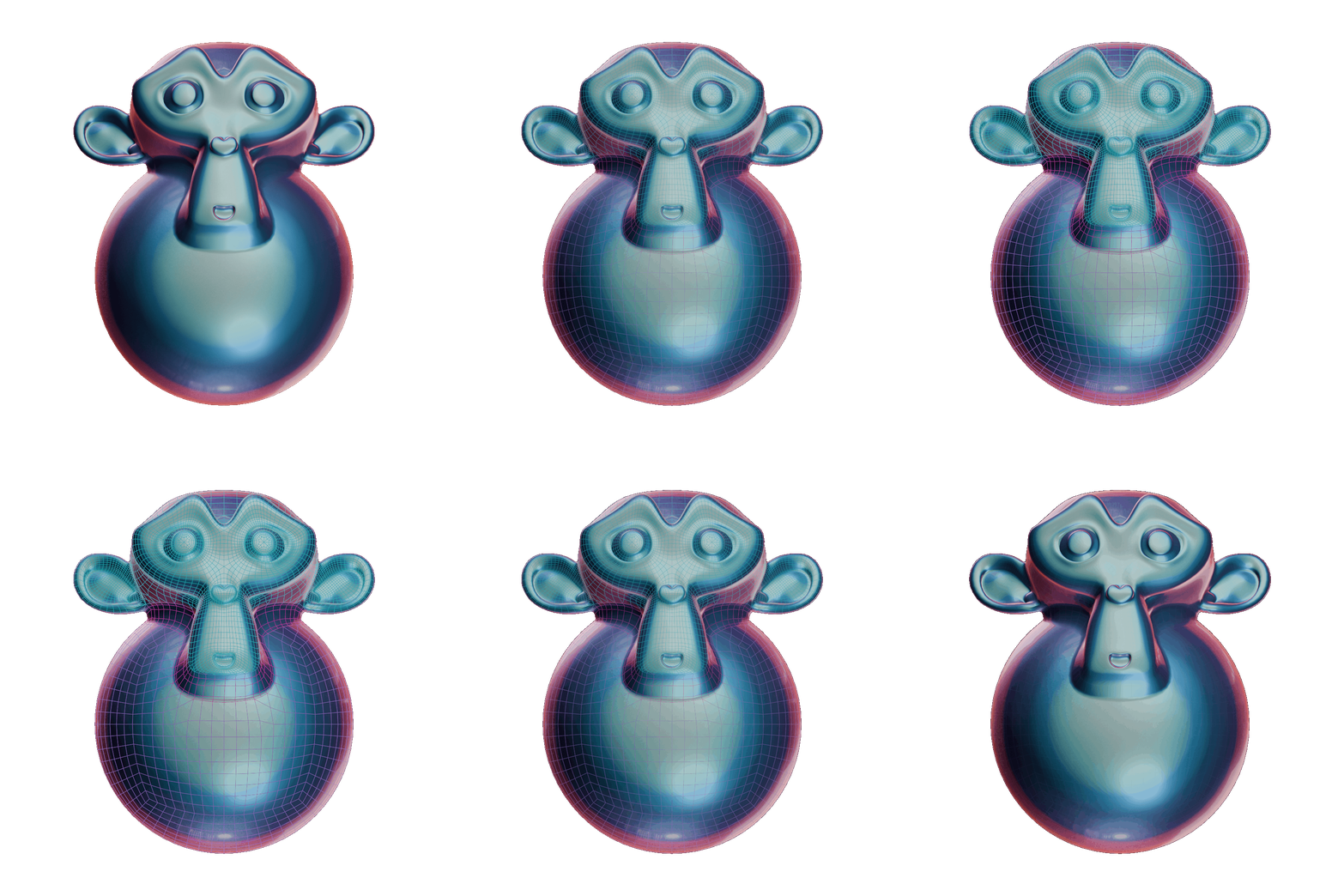
Model shapes, don't repair them
A boolean gives you an intersection. What you actually wanted was a joint — a fillet that flows, a band of quads that holds its shading, a surface you can still subdivide afterwards.
Apex Mesh builds that joint for you, and keeps rebuilding it. Every source object stays live and editable. Move it, rotate it, tweak its profile — the fusion re-solves under your hands.
Nothing is destructive until you say Apply.
What's inside
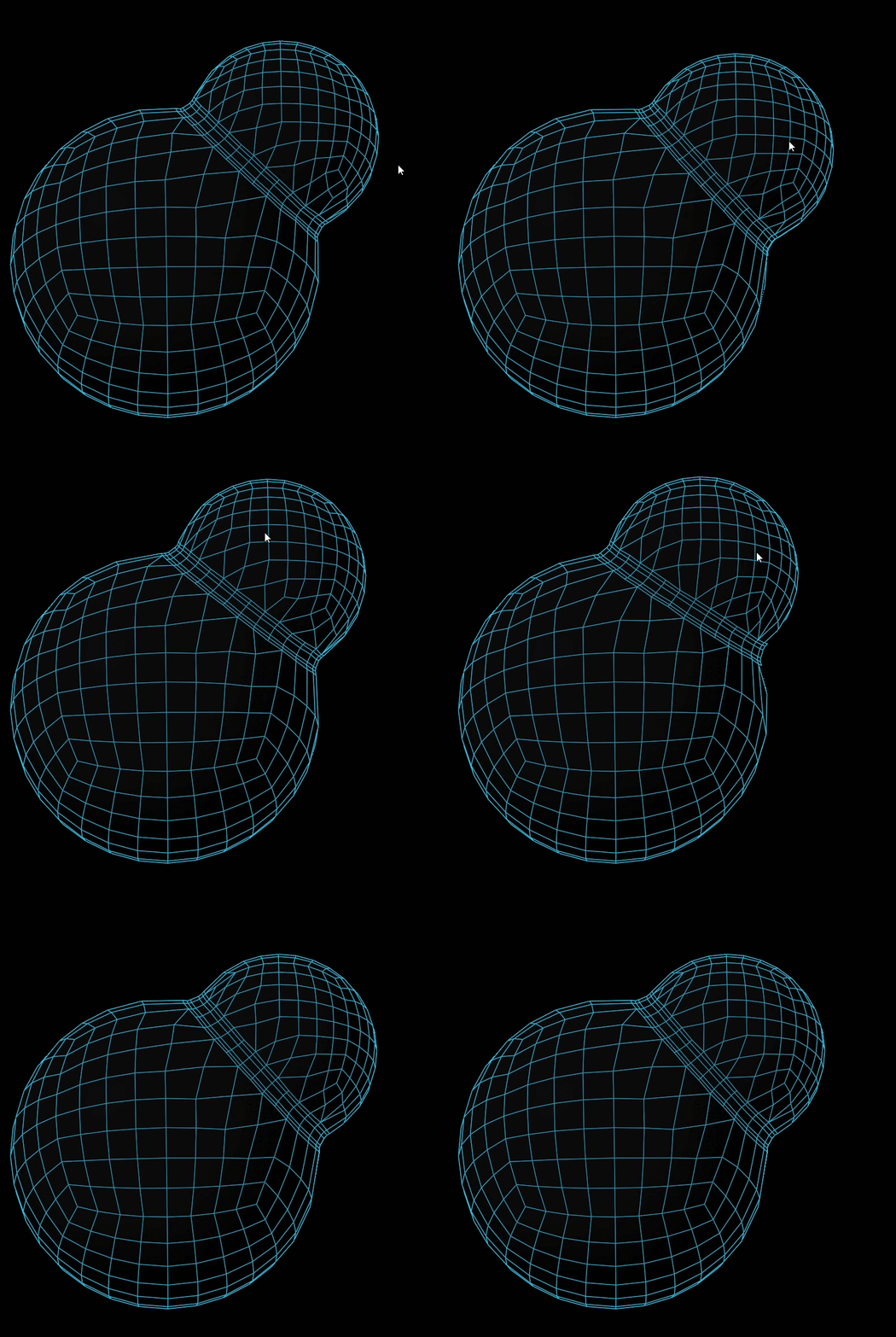
Grab & fuse, modallyOne shortcut puts you in the tool. Left-drag moves an island, |
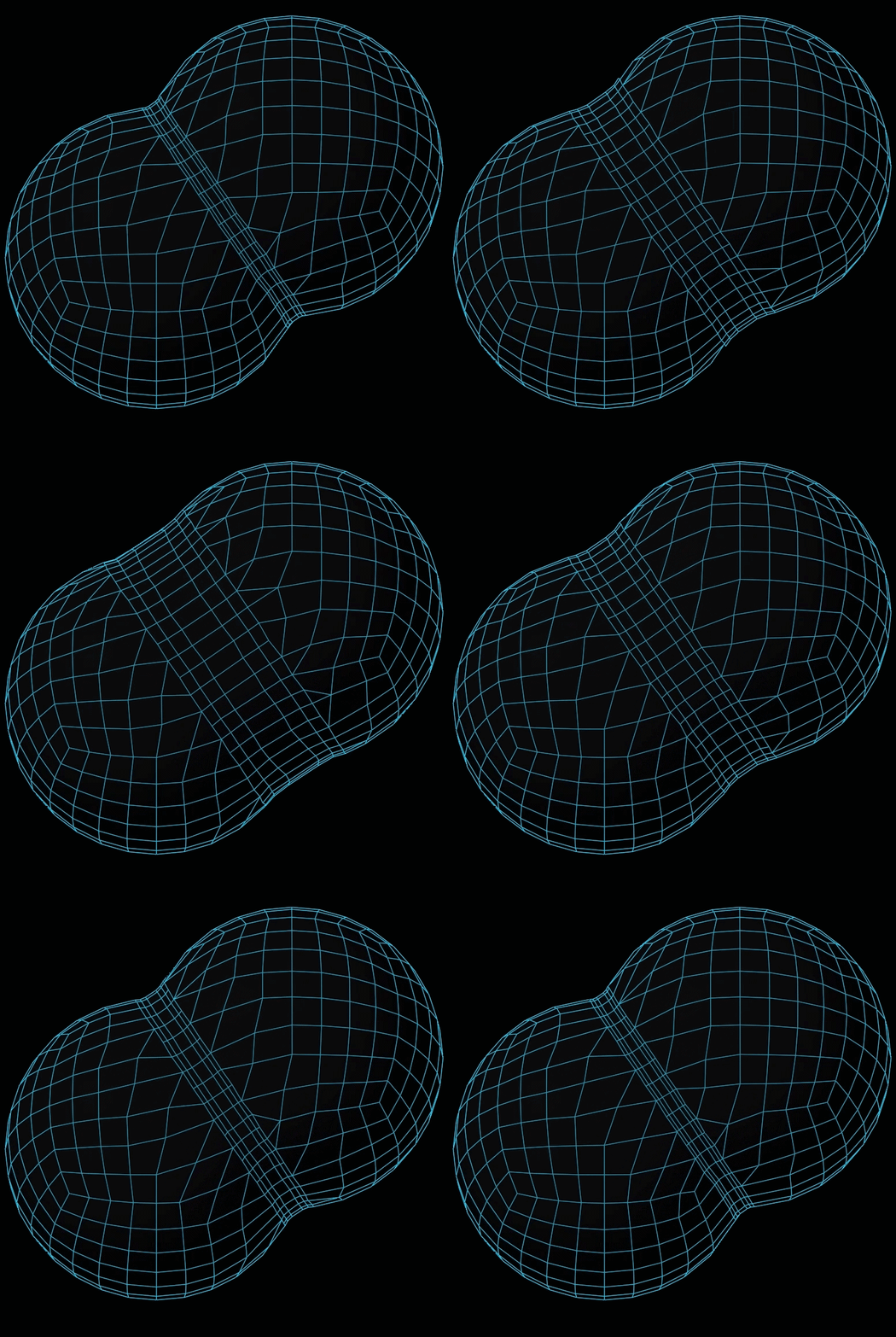
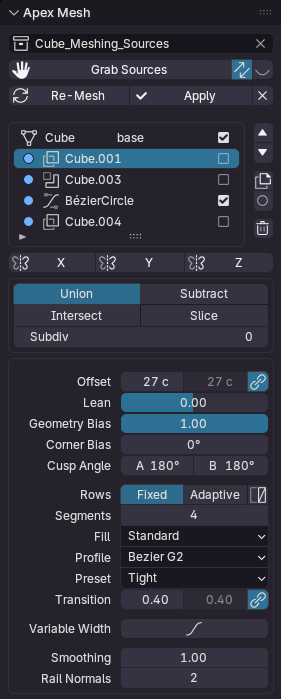
Offset FilletBoth surfaces are cut back from the contact line and bridged with a real, controlled fillet. Hard-surface topology: quads all the way across, ready for Subdivision. |
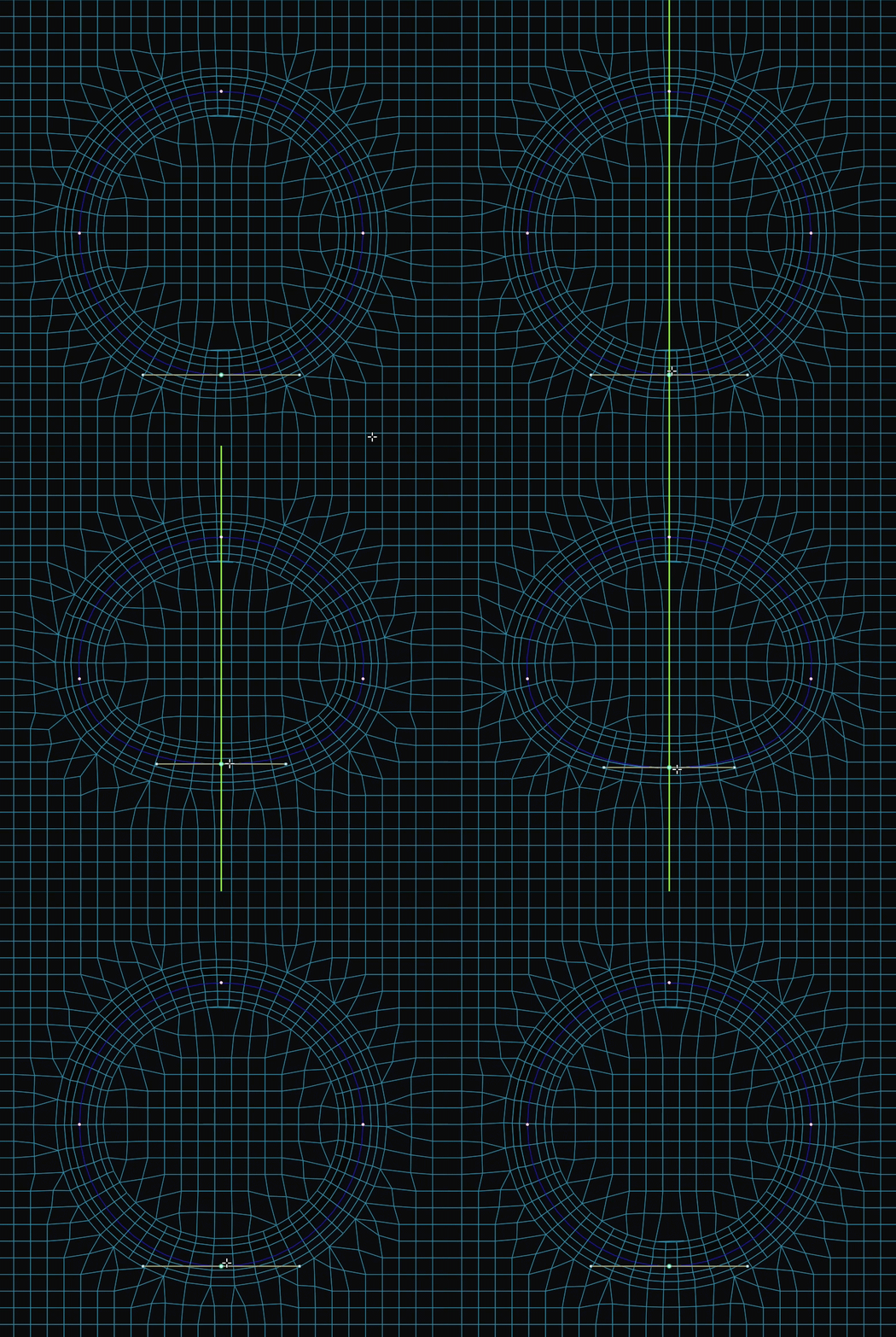
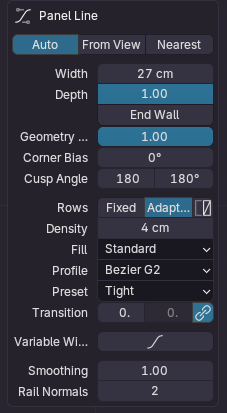
Panel Lines from curvesDraw a curve, project it onto the shape, and groove it with the same cut-and-bridge engine. Offset is the half-width, Profile is the section. Panel lines that follow the form. |
A stack you can re-orderEvery fusion is a layer: rename, reorder, duplicate, mirror, solo, disable. Union, difference or intersect per layer. The model stays a recipe, not a result. |
Native Rust coreThe heavy geometry runs in a compiled, multi-threaded core. |
|
 |
 |
 |
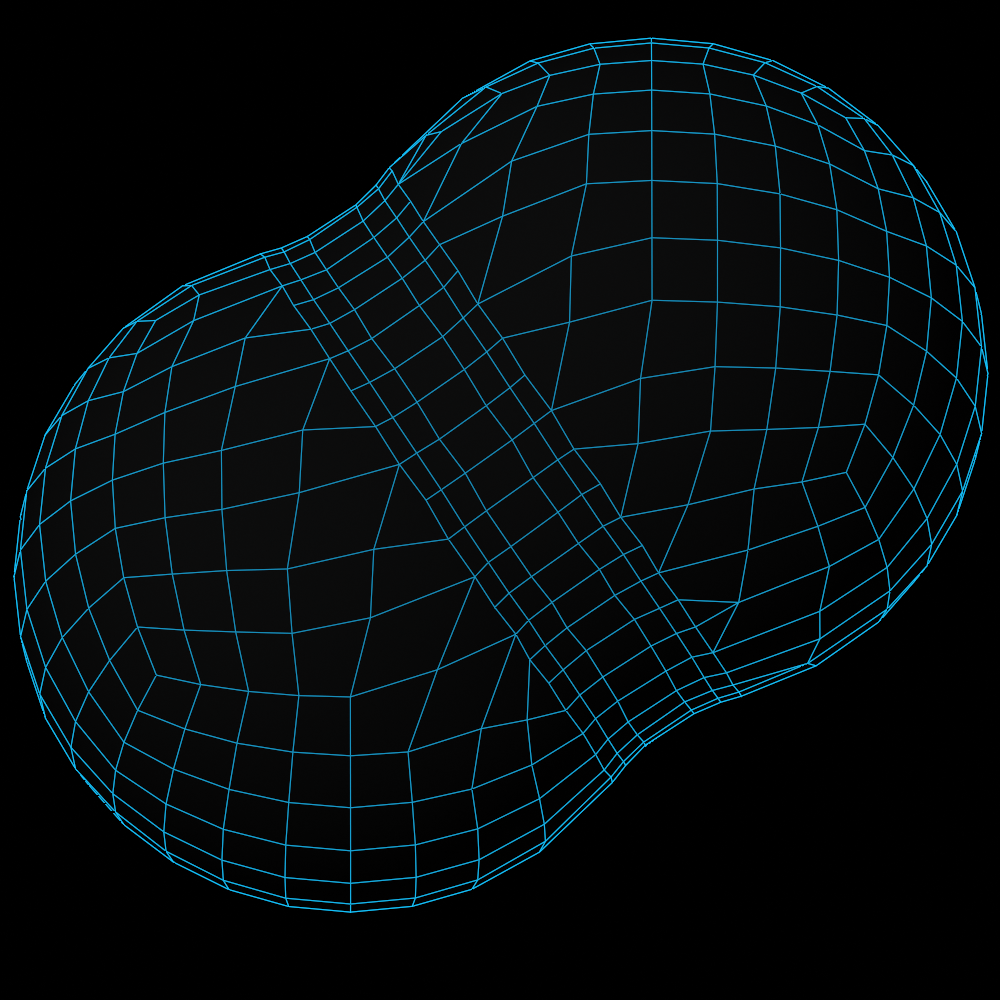
The difference, in topology
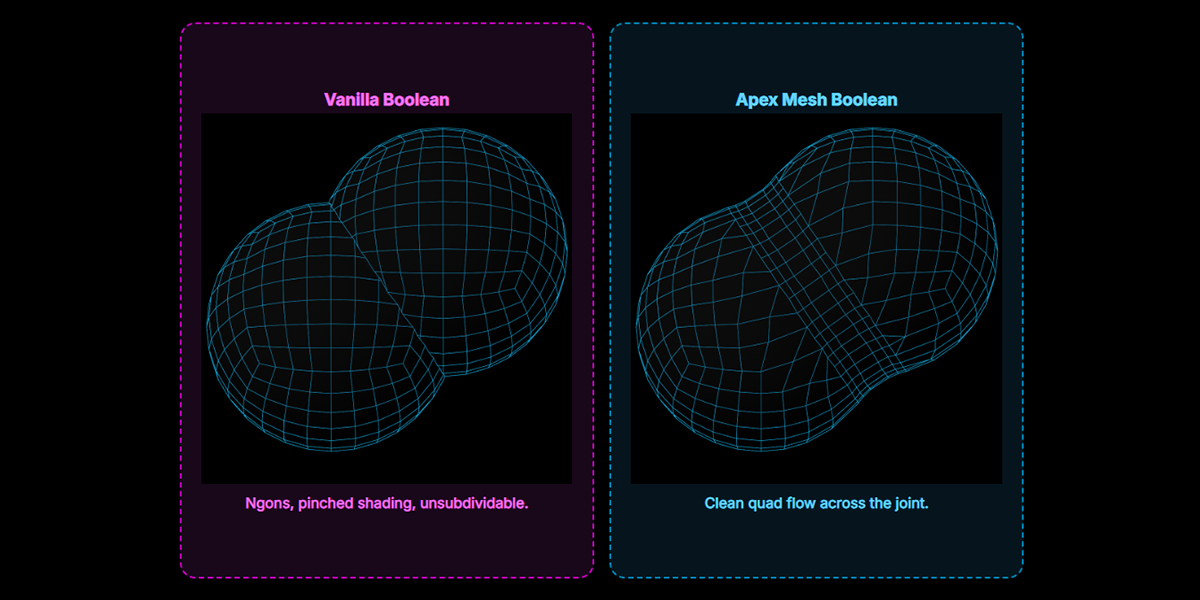
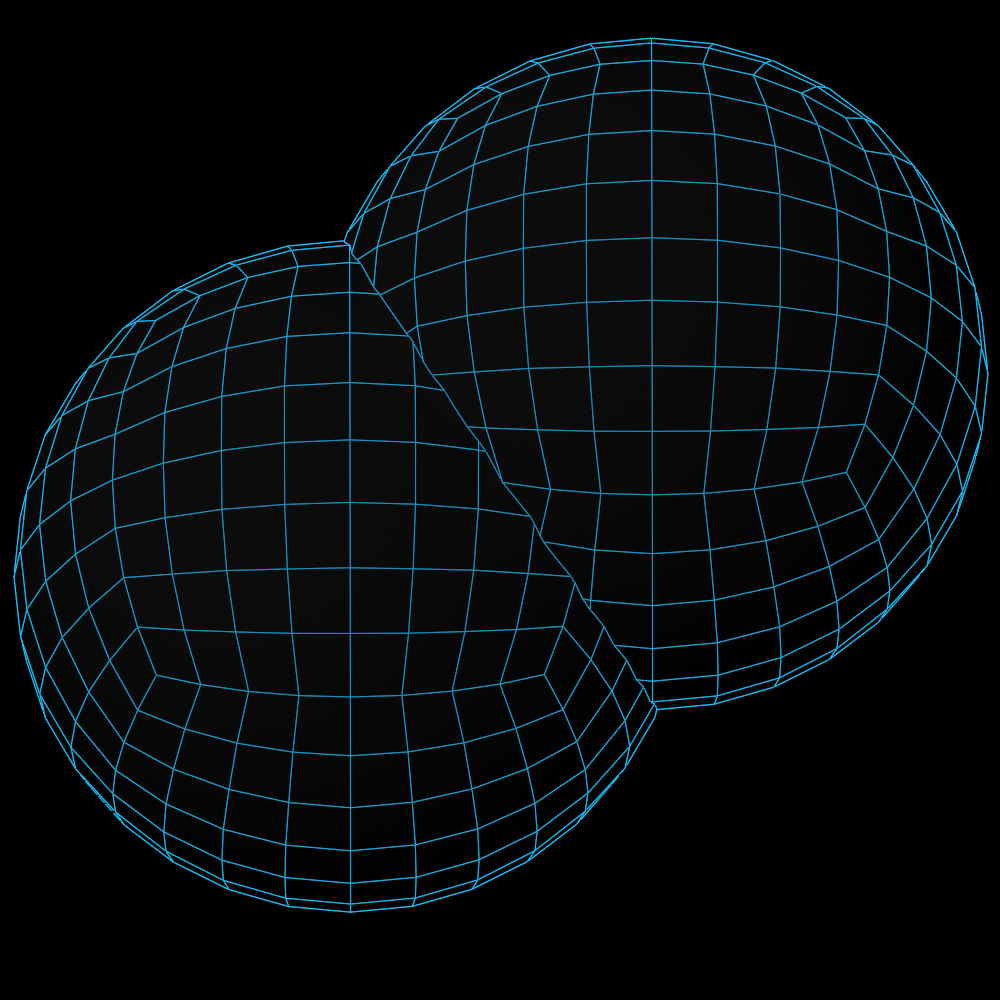
Same two objects. Left: what a boolean leaves you. Right: what Apex Mesh builds.
|
Vanilla Boolean Ngons, pinched shading, unsubdividable. |
Apex Mesh Boolean Clean quad flow across the joint. |
Every joint, dialled in
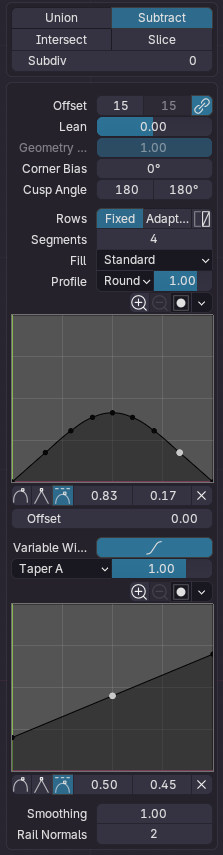
Per layer, live, with the viewport updating as you drag the slider.
| Offset A / B | How far the cut eats into each side — linked, or independent for asymmetric joints. |
| Lean | Tip the whole cut onto one side without touching the width. |
| Section & Shape | Superellipse profile — straight chamfer, true circular arc, or anything past it. |
| Transition | G1 to G2 continuity, per rail. Tangent joins that catch light the way they should. |
| Variable width | Draw the width along the line with a curve ramp. Fillets that breathe. |
| Segments / Density | Fixed rows, or adaptive by target edge length. Match the rim density on demand. |
| Flow | Redistribute the zone's quads along a cross field |
| Subdivision | Per-layer Catmull-Clark: work light, bake heavy. |
|
|
|
 |
Three steps. That's the whole tool.
|
STEP 01 Select & meshPick your objects, hit Meshing Selected. They become a live stack, sources untouched. |
STEP 02 Drag & dialMove the island where the shape wants it. Tune the fillet, or draw a panel line. |
STEP 03 Apply — or don'tBake at final quality when you're ready. Or ship the file live and keep editing forever. |
Specs
| Blender | 5.0 and up — installs as a Blender Extension (drag the .zip in) |
| Platforms | Windows x64 & ARM64 · macOS Apple Silicon & Intel · Linux x64 & ARM64 |
| Core | Compiled Rust extension, multi-threaded. Nothing to install on the side. |
| Output | All-quad joints, Subdivision-ready. Non-destructive until you Apply. |
| Licence | GPL-3.0-or-later |
Questions you're about to ask
Is it destructive?
No. Sources stay as they are, in their own collection.
Unmesh drops the setup and leaves them exactly where you left them.
Can I subdivide the result?
That's the point. The joint is built as quads with controlled flow, so Catmull-Clark behaves.
Does it slow down on heavy meshes?
The solver is native and threaded, and each layer carries its own subdivision, so you can work light and bake heavy. Live can be switched off for a manual rebuild on huge scenes.
Which platforms actually ship?
All six. One native binary per platform sits inside the same .zip — Blender picks the right one on install.
Stop repairing seams.
Blender 5.0+
