 Paco Barruguer


Append Materials and Imported Objects
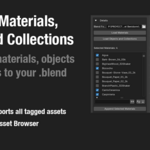
Quickly load and append materials, objects, and collections from your .blend asset library — with suffix filtering, asset tagging, and smart search tools.
Append multiple materials and assets from .blend files with full control. Ideal for artists working with structured libraries and external asset folders.
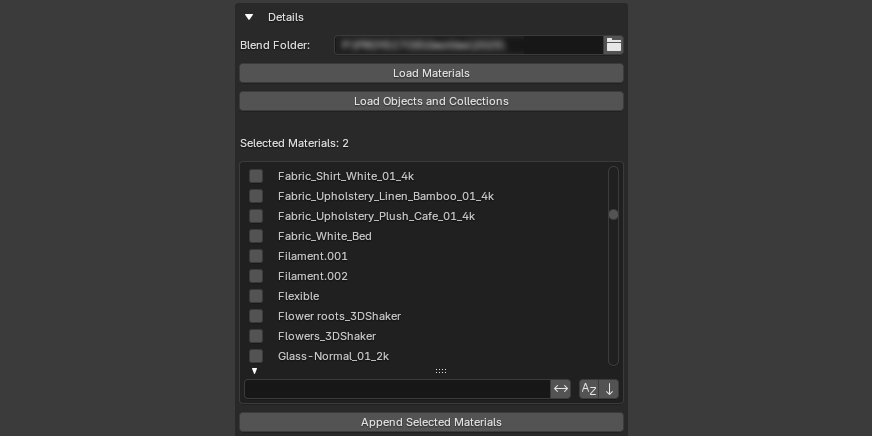
- 📂 Scan an entire folder (including subdirectories) of .blend files
- 🧱 Filter by
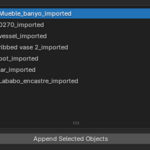
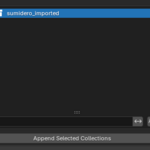
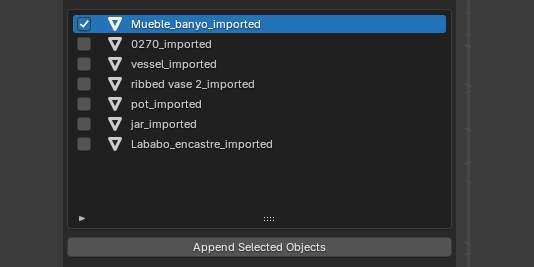
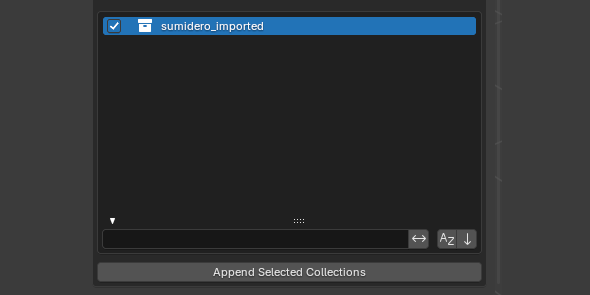
_importedsuffix to cleanly extract assets - 🎨 Append individual materials, objects, or collections on demand
- 🔍 Built-in search makes it easy to find assets, especially materials
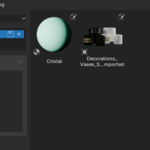
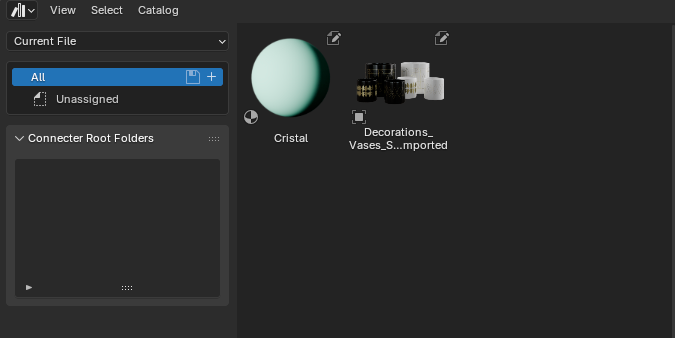
- 🏷️ Automatically tags all appended assets for immediate use in the Asset Browser
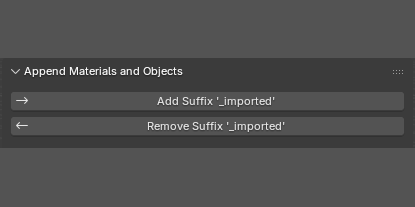
- ↔ Add or remove the
_importedsuffix from local objects and collections - 🧪 Minimal UI, fully integrated into the 3D Viewport sidebar
- 🧹 Cleans up orphan data after importing
Designed for external asset workflows
This addon is ideal for artists and studios who separate their project folders from their asset libraries.
Typical workflow:
- 🎨 While working on a project, you create or collect reusable materials, models, or collections.
- 🏷️ You tag those items with the suffix
_imported— either manually or with the addon. (Not required for materials) - 📁 Later, from within a central asset file or library, you run the addon and import selected assets automatically.
✅ The addon supports recursive subdirectories, so you can organize your libraries freely.
📌 All appended items are automatically marked as assets — ready to use in the Asset Browser immediately after import. No manual tagging required.
Screenshots
Technical Info
Author: Paco Barruguer
Blender Compatibility: 4.2+
Category: Material and Objects
Version: 1.0.0
Buy Now